Have a product website or checkout in mind?
I can design the pages in Figma, make the graphics, and build the website in Elementor.
Discuss your project RELIX
Website Design & Development
Marketing tools for small businesses, from the homepage to checkout.
I designed four pages in Figma and built them in WordPress with Elementor. I made the graphics for the pages I worked on and designed the three-step checkout.
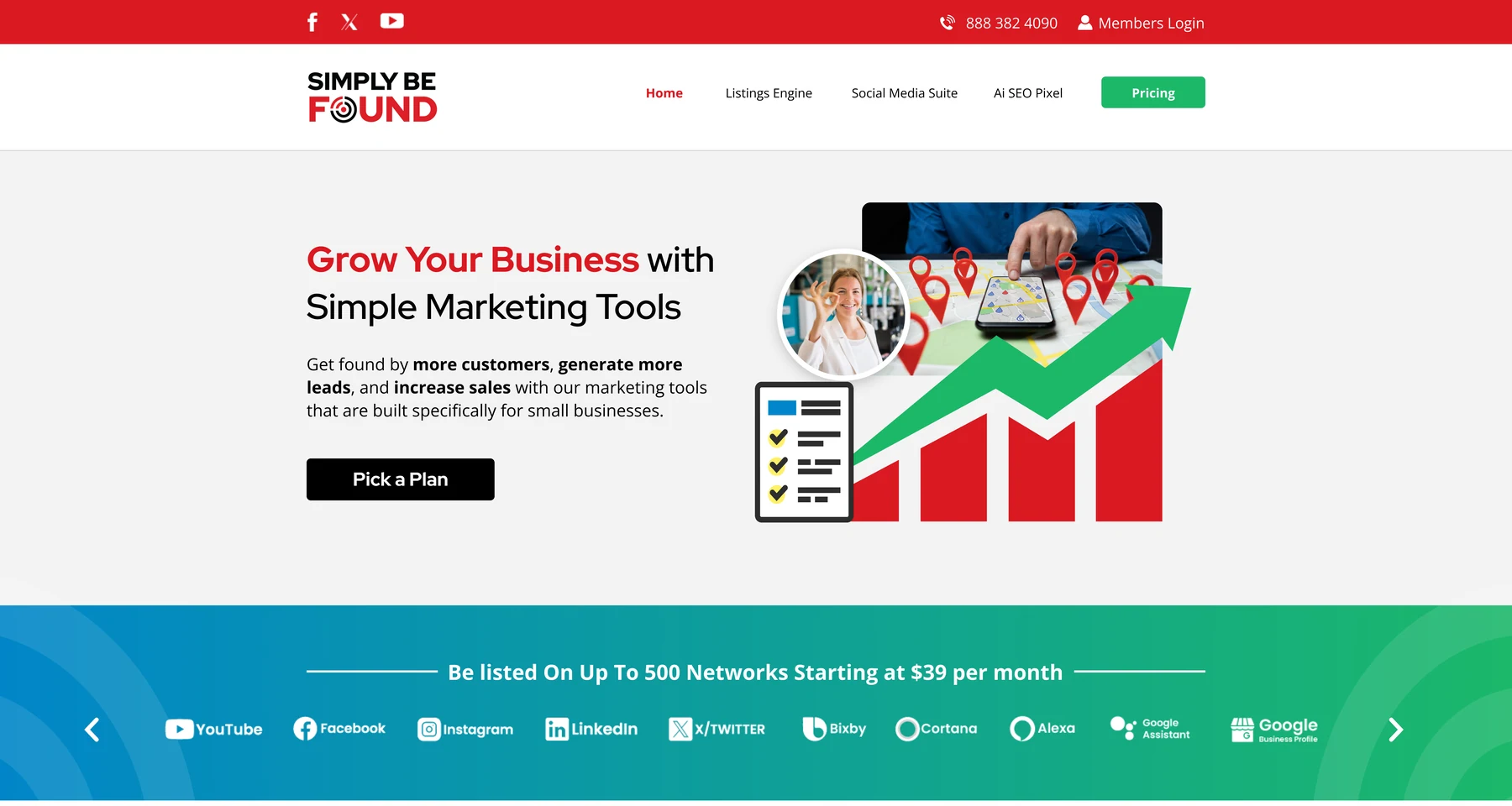
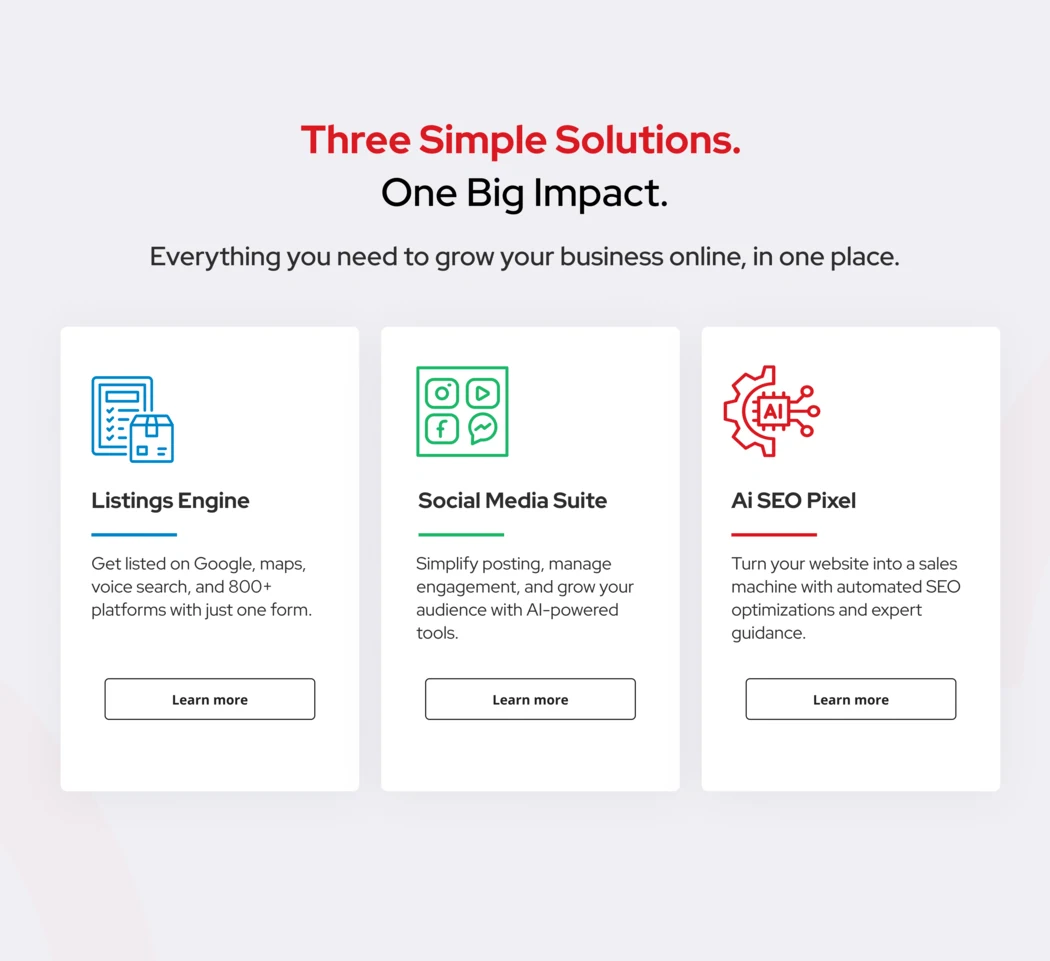
Simply Be Found helps small businesses get listed online, manage social media, and improve their search visibility. I used the homepage to introduce its three main tools side by side. Each had its own icon, a short explanation, and a link to learn more.
This was my favorite part. I made the hero graphics, feature icons, and product visuals in Figma and Illustrator. For the homepage, I put a chart, map pins, and a checklist together to show what getting found online could look like.
I started with what each section needed to explain. On the Social Media Suite page, I used calendar screens to show scheduling and charts to show analytics. For Member Benefits, I used a lightbulb, magnifier, and upward arrow to illustrate marketing coaching.
Scroll inside each browser frame to see the full design, or select an image to open it in a larger view.
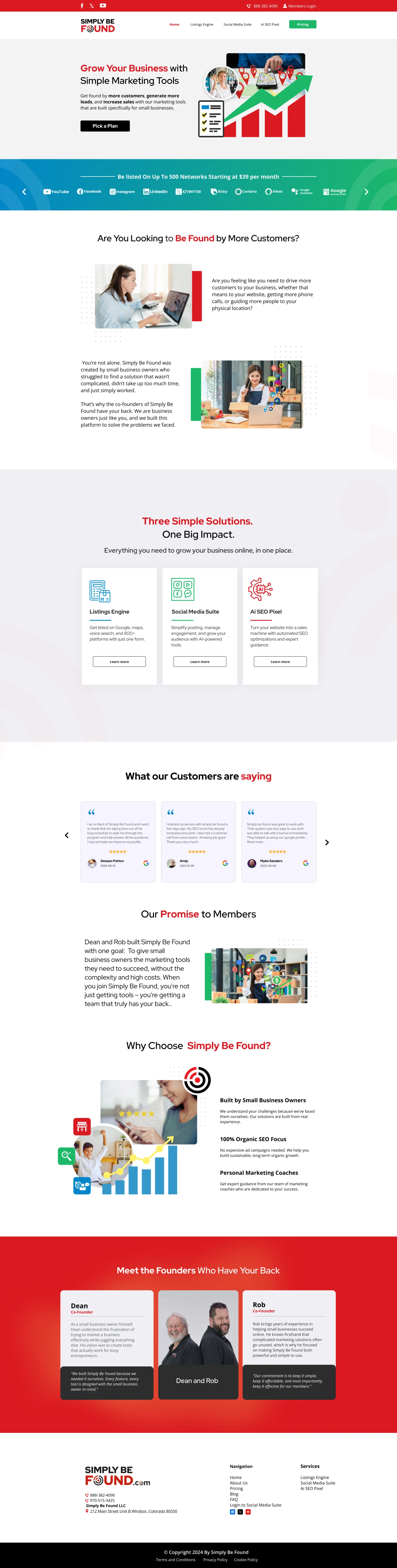
The homepage introduces the three marketing tools and the people behind Simply Be Found.

I used a directory graphic and product screens to show where business listings appear.
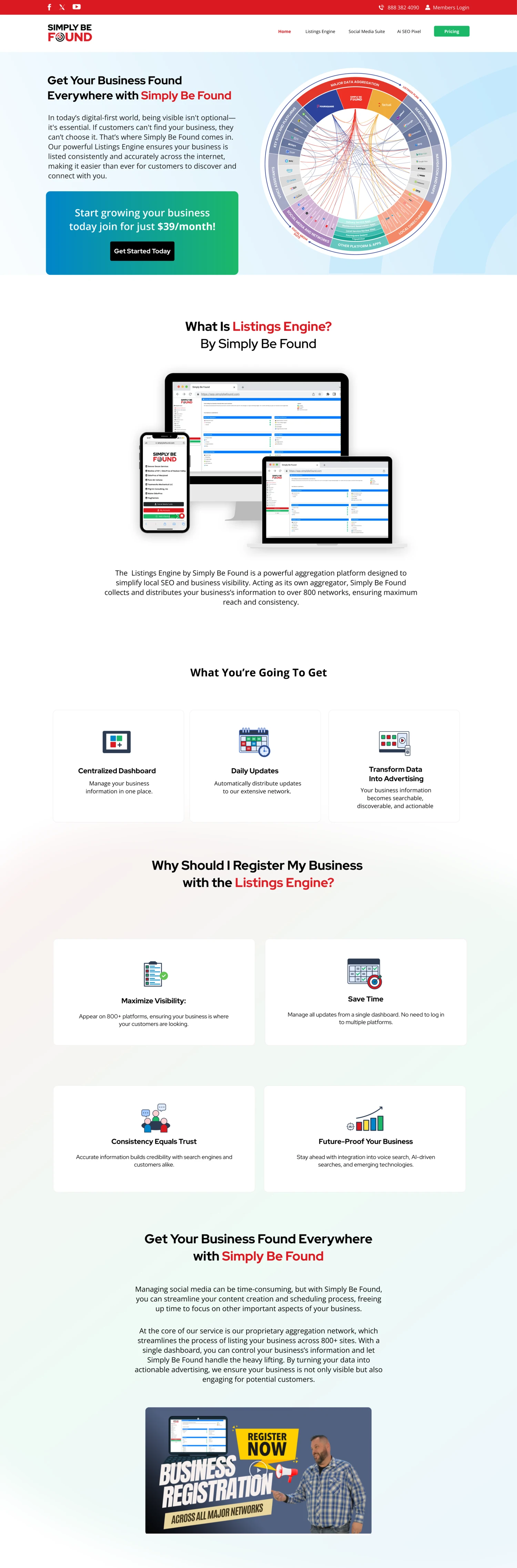
A closer look at the directory graphic, the layouts on three devices, and the feature icons.

I used calendars, post previews, and charts to show how each feature works.

This page shows what members can ask a coach and what each plan includes.
I designed a three-step checkout for a Listing Engine subscription. The same progress indicator appears on each screen and marks the steps the customer has finished.
I kept sign-in and account creation together and gave billing its own screen. On the final step, I put the payment options beside the order summary so customers could review the amount due today and the recurring charge before placing the order.
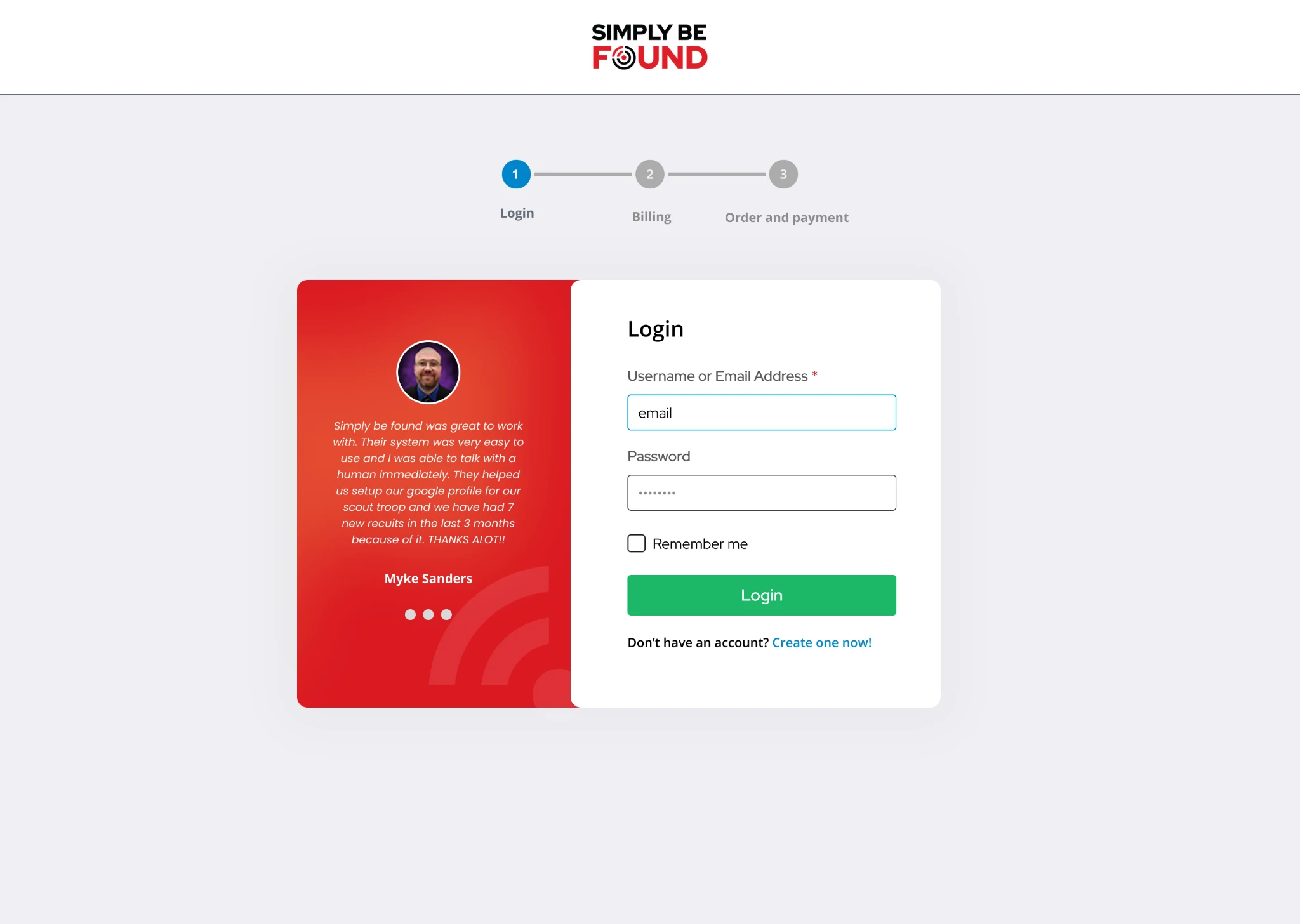
I kept the sign-in form and create-account link together.
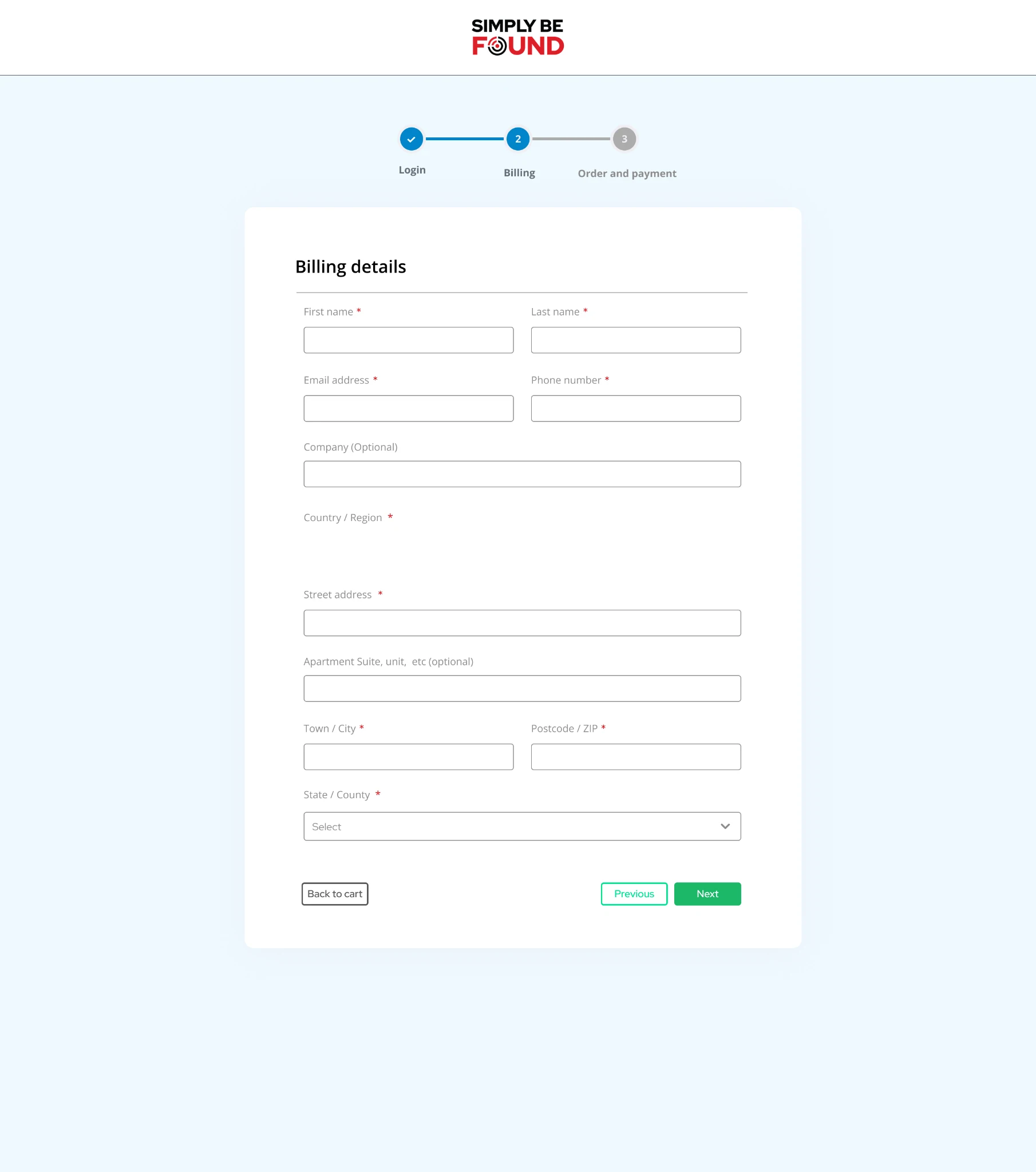
I grouped contact and address fields on one screen.
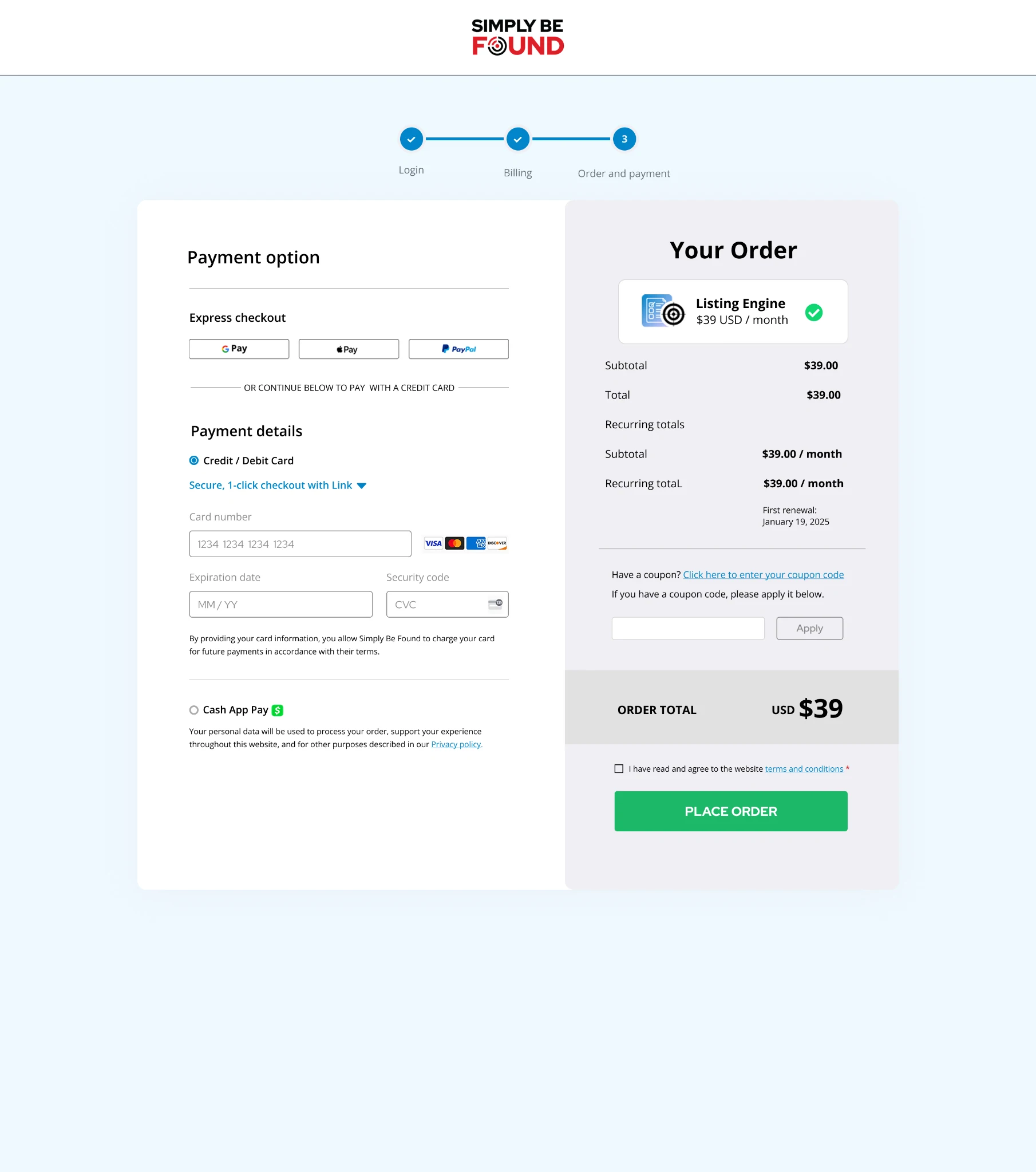
I placed the payment options beside the order summary.
I used my Figma layouts to build the homepage, Listings Engine, Social Media Suite, and Member Benefits pages in Elementor. I carried over the custom artwork and reused a simple layout across the pages. A short explanation sits beside the product visual, with smaller cards below it when there’s more to cover.
I can design the pages in Figma, make the graphics, and build the website in Elementor.
Discuss your project