Have a program or course to sell?
I can help you build a sales page that explains what people get and gives them a clear path from reading about the offer to enrolling.
Discuss your project RELIX
Sales Page Design & WordPress Development
A sales page for a 12-month, one-on-one mentorship program for aspiring storyboard artists.
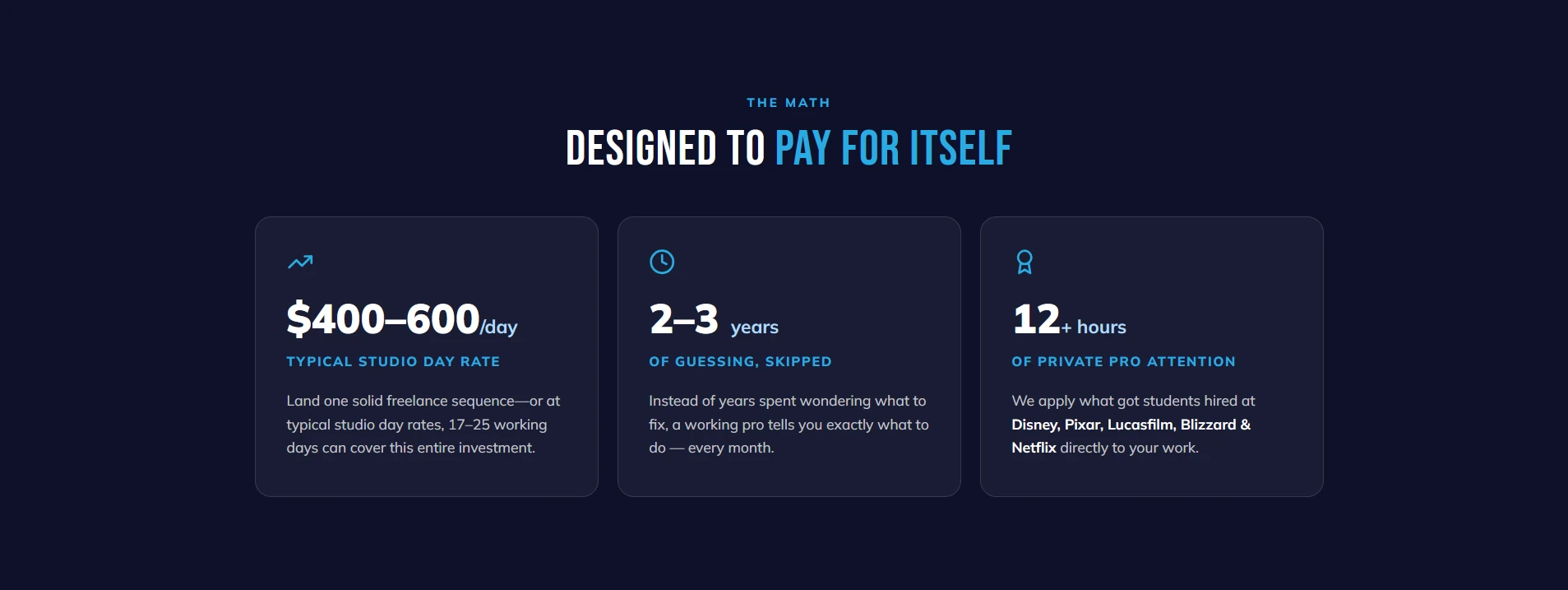
I built this page for StoryboardArt to explain what students get with the VIP plan, how they’ll work with a mentor, and what happens after they enroll. The offer included Mentorship Pro, 12 monthly coaching calls, and a hiring pipeline kit. I wanted people to understand how those pieces fit together before asking them to make a $9,995 decision.
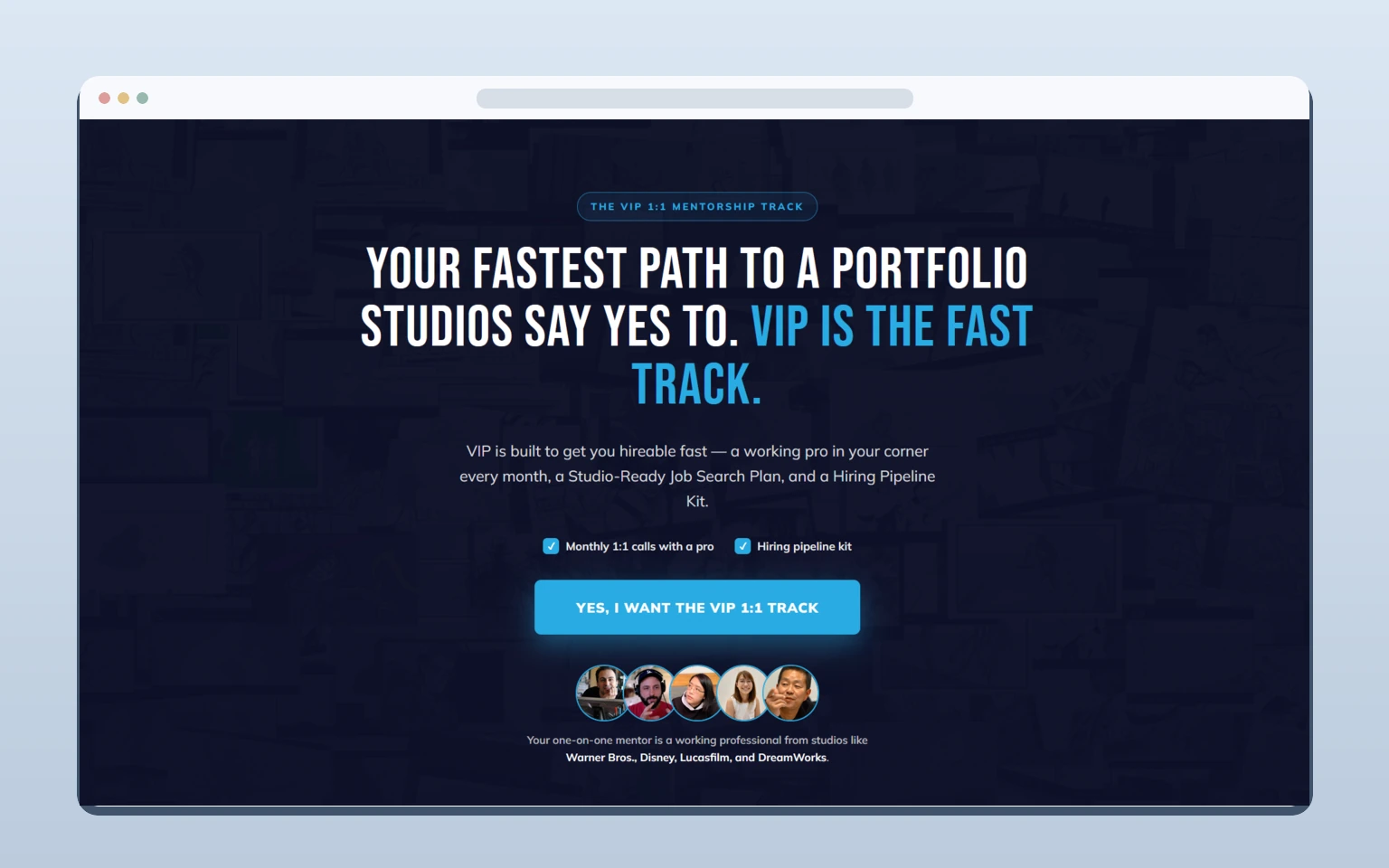

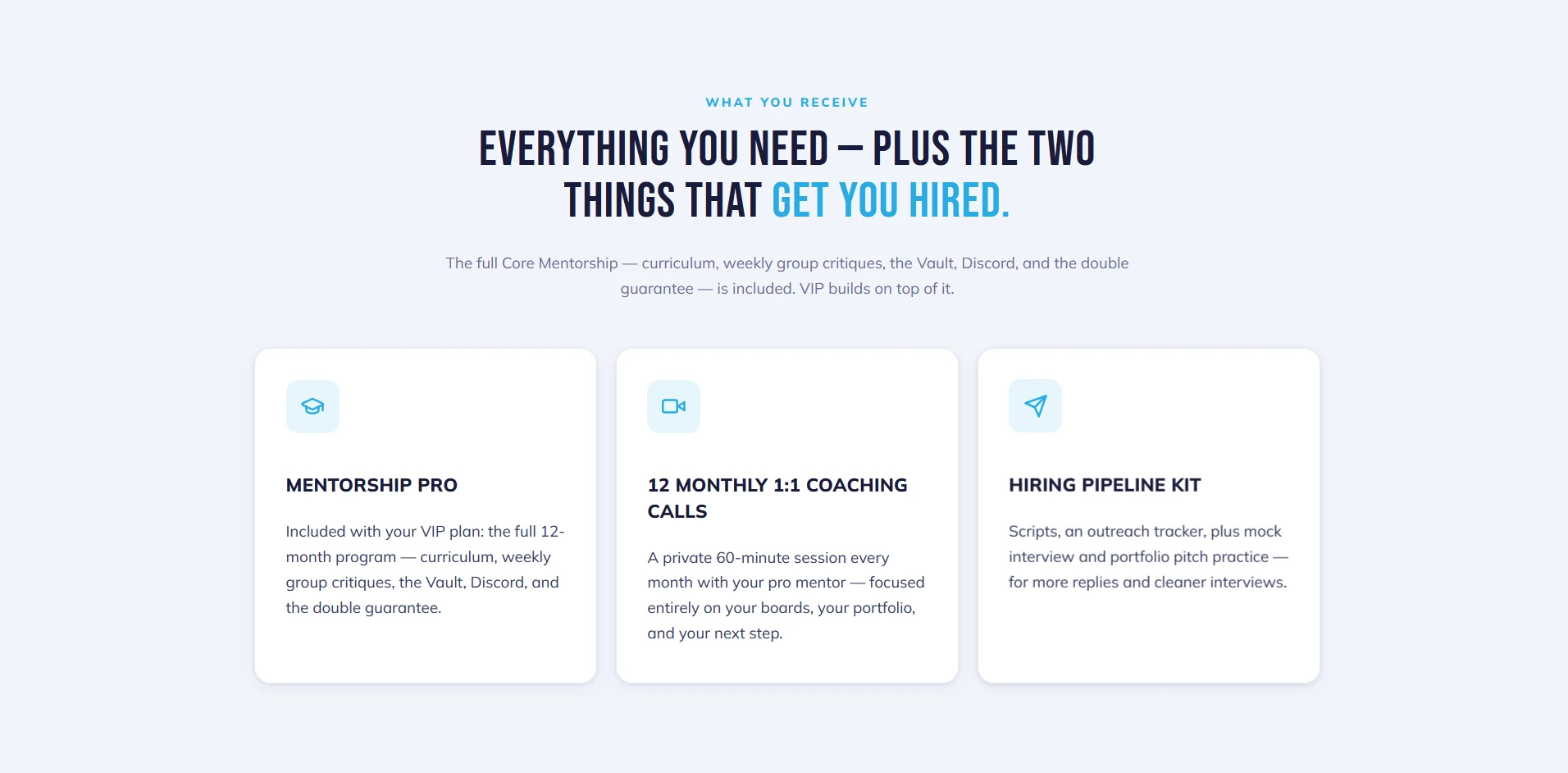
The page opens with what aspiring storyboard artists are working toward: a portfolio they can send to studios with confidence. From there, I gave each part of the offer its own card. That made it easier to see what came with the program and how the monthly coaching fit into the year.
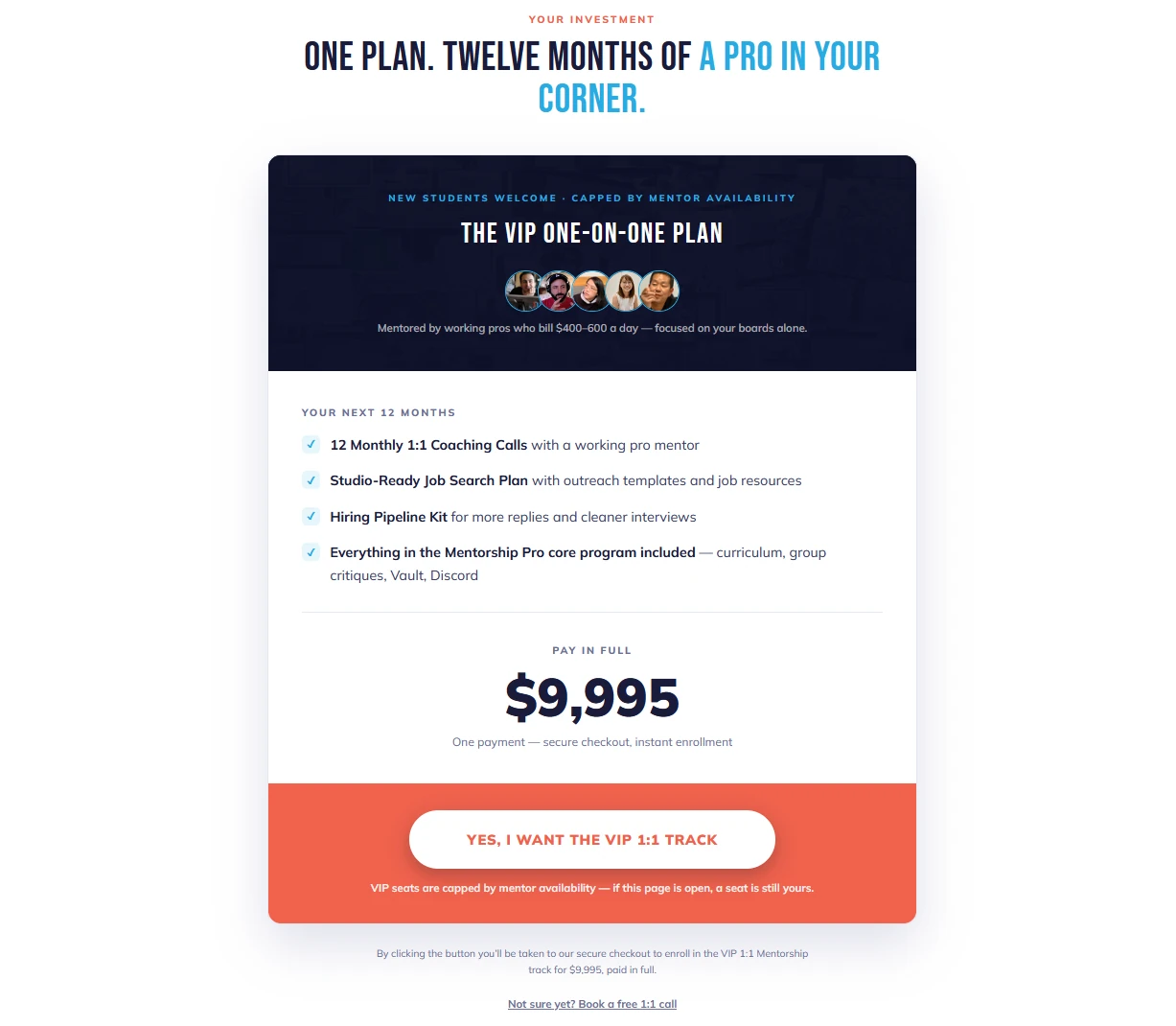
Farther down, I brought the full offer together in one pricing card. The included items, price, and enrollment button all sit in the same place, so someone can review the plan without jumping back up the page.
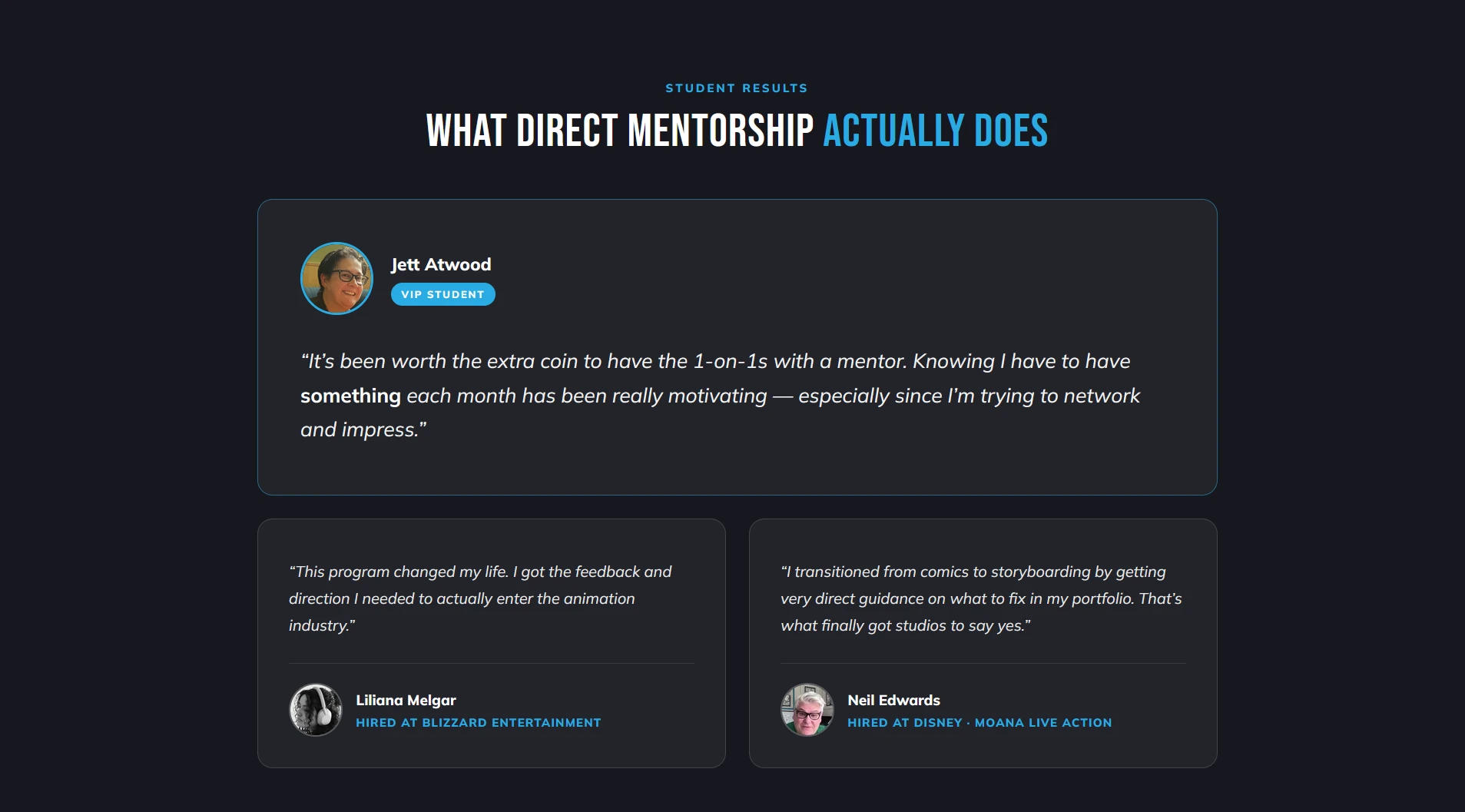
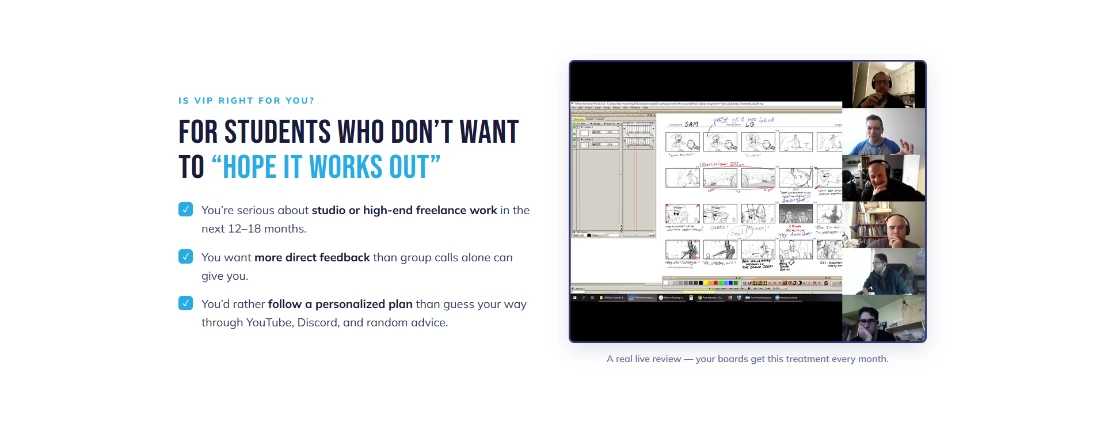
I included student testimonials and a screenshot from a real mentoring session. The screenshot shows an instructor reviewing storyboard panels on a group call. It gives prospective students a look at the kind of feedback StoryboardArt offers and what a review session can look like.
I added a section that walks students through the next steps, from booking their kickoff call to being matched with a mentor and starting their monthly sessions. The FAQ sits near the bottom, where readers can check any remaining questions before they decide.
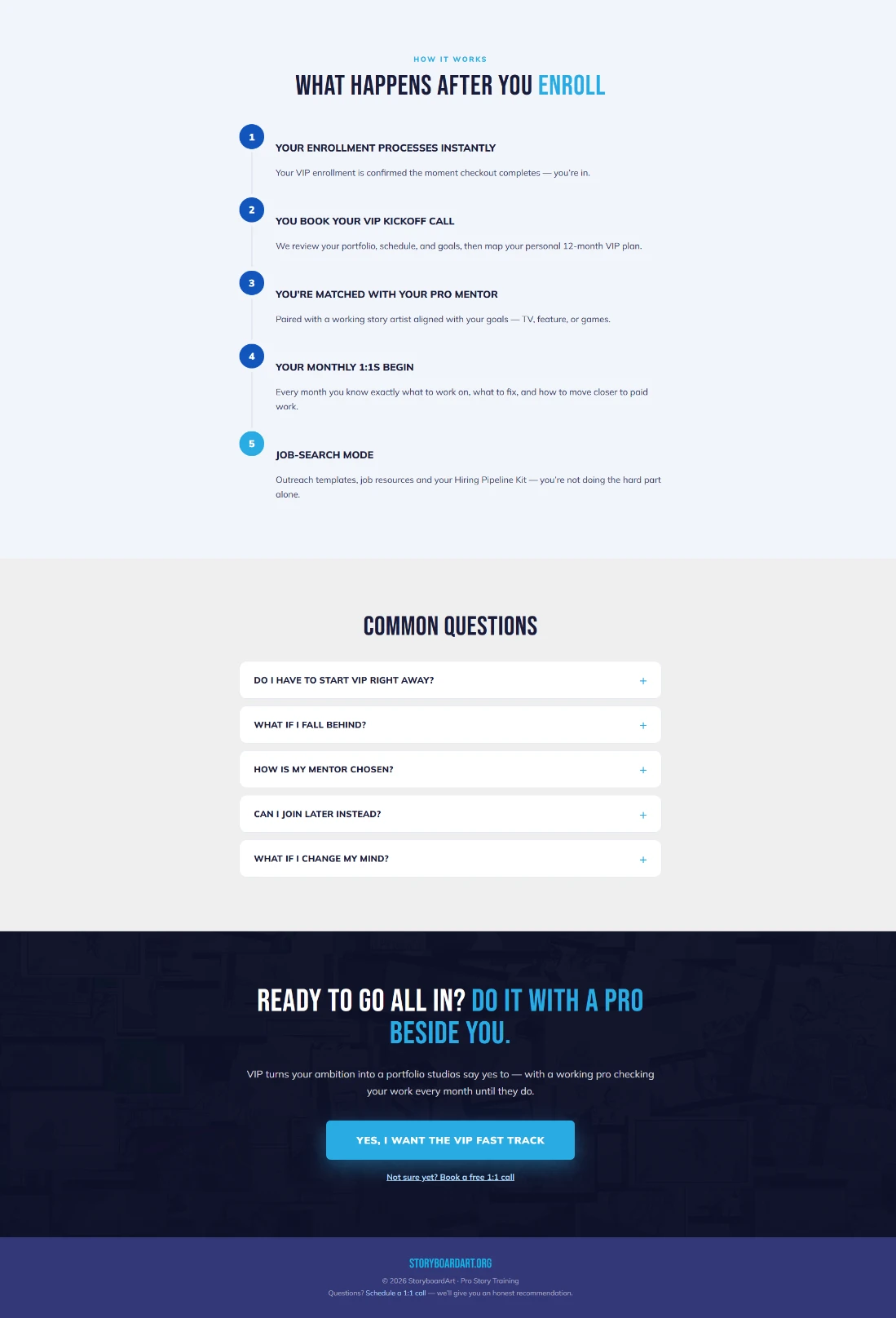
I built the sales page in WordPress with Thrive Architect and used ThriveCart for checkout. On the page, I alternated dark and light sections to break up the longer content. I used blue to highlight key phrases and gave the pricing card a coral footer so the main enrollment button stood out.
The page gives people who are ready to enroll a button near the top. It also gives people who need more time a chance to read through the offer, see what mentoring looks like, and find another enrollment button at the bottom.
I can help you build a sales page that explains what people get and gives them a clear path from reading about the offer to enrolling.
Discuss your project