Try the workspace
Explore the client and admin journeys using fictional sample data and simulated services.
Explore the prototype RELIX
Product Design · UX/UI · Interactive Prototype
A client portal for managing website design and development requests on a subscription.
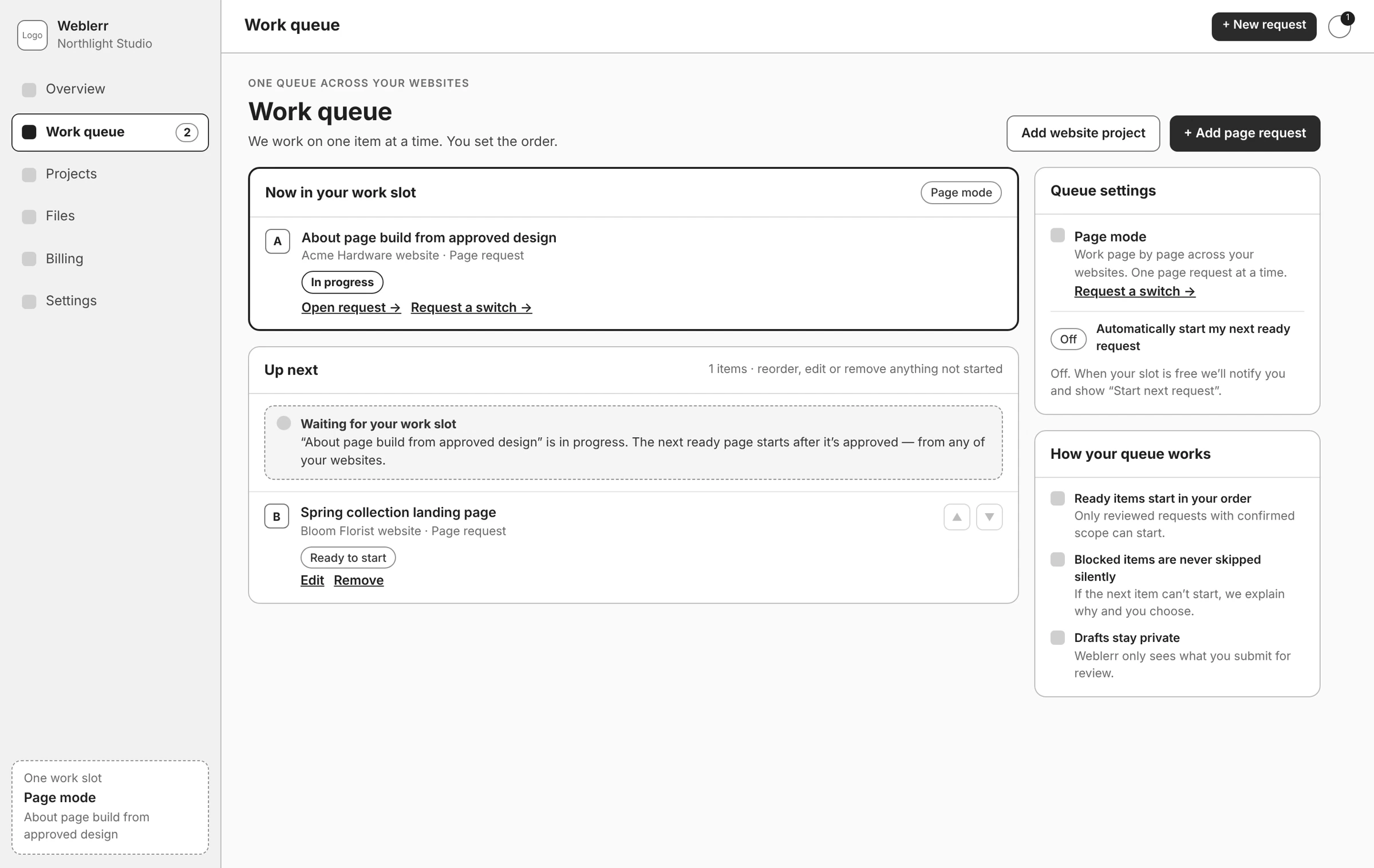
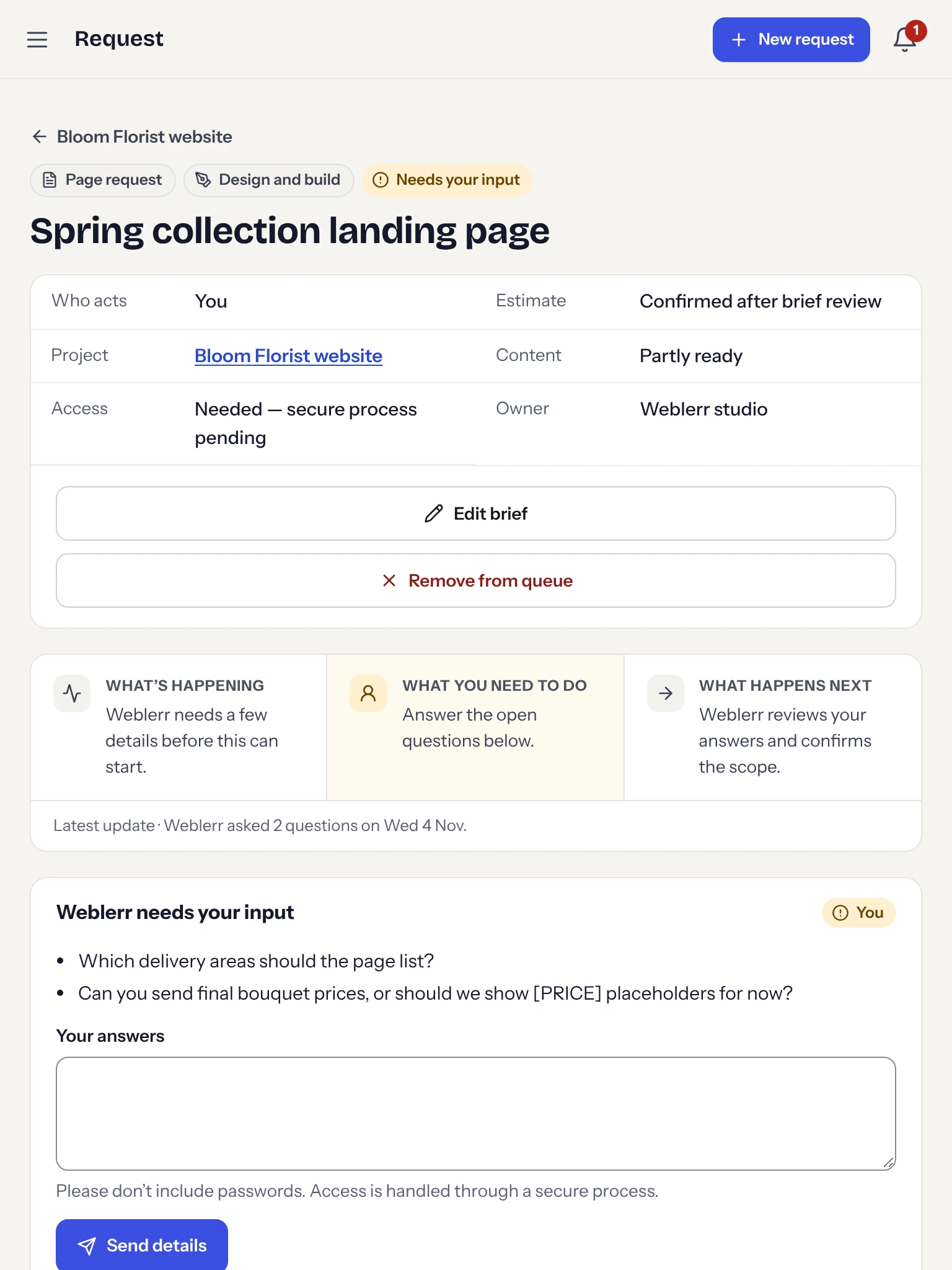
I designed Weblerr Workspace around three questions I’d want answered as a client: What are you working on? Do you need anything from me? What happens next? The prototype brings briefs, requests, files, and delivery reviews into one place. It also includes an admin view, so I could show what happens on both sides when a brief needs more information, a delivery is ready, or a client wants to change priorities.
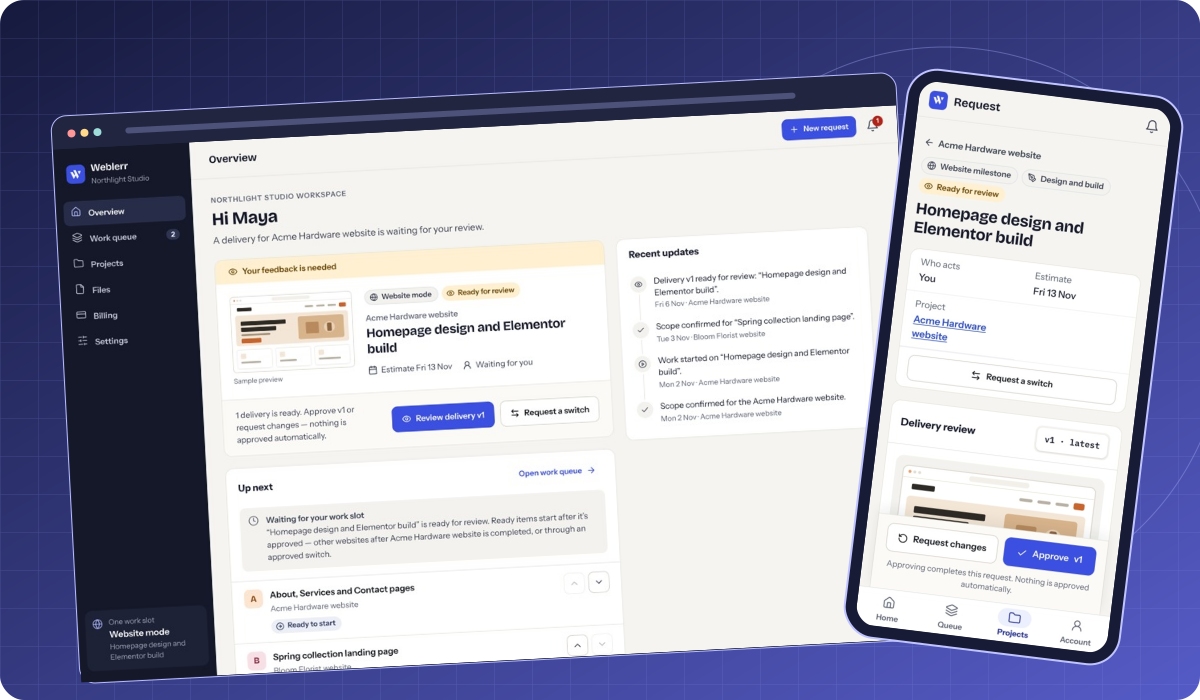
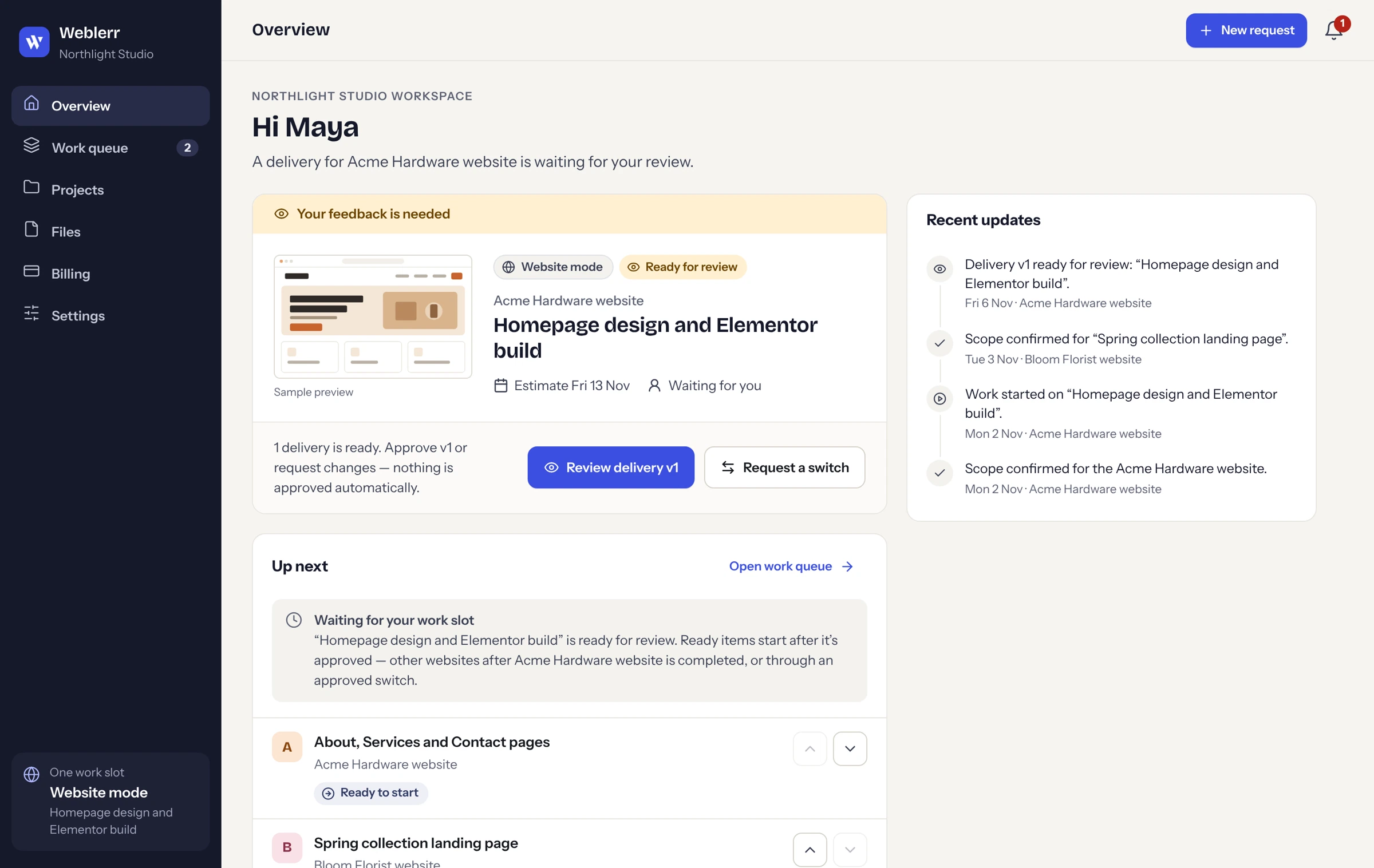

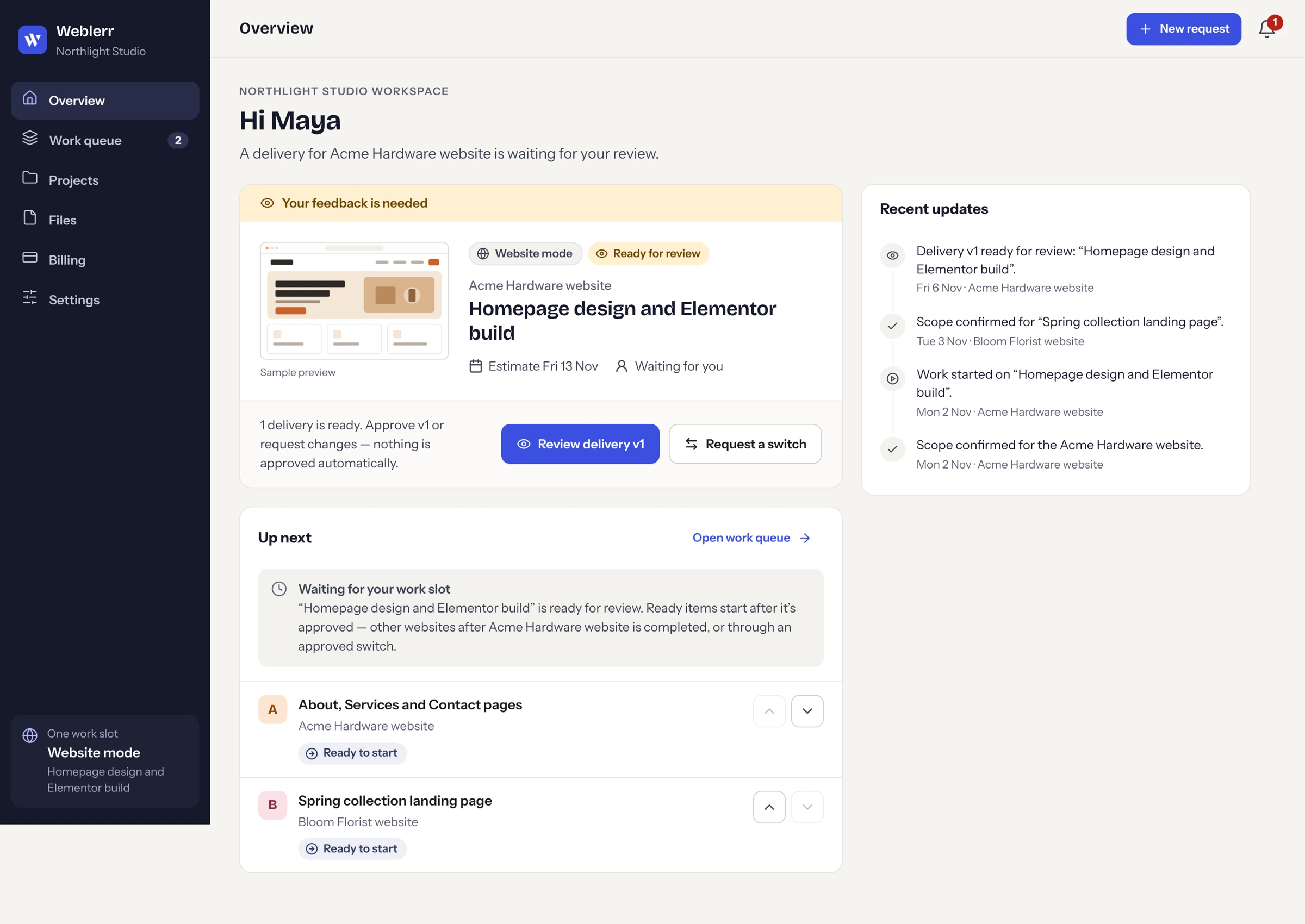
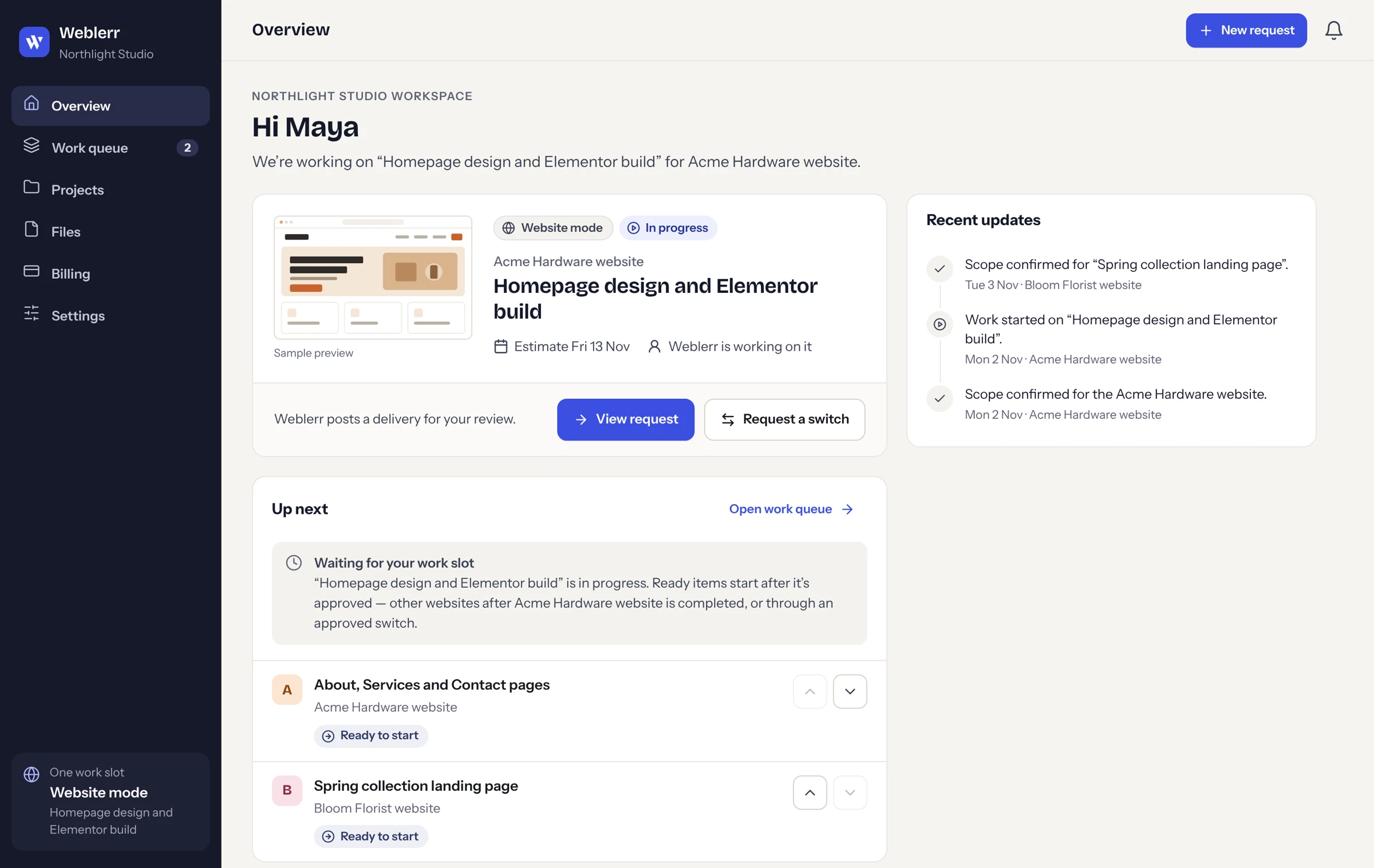
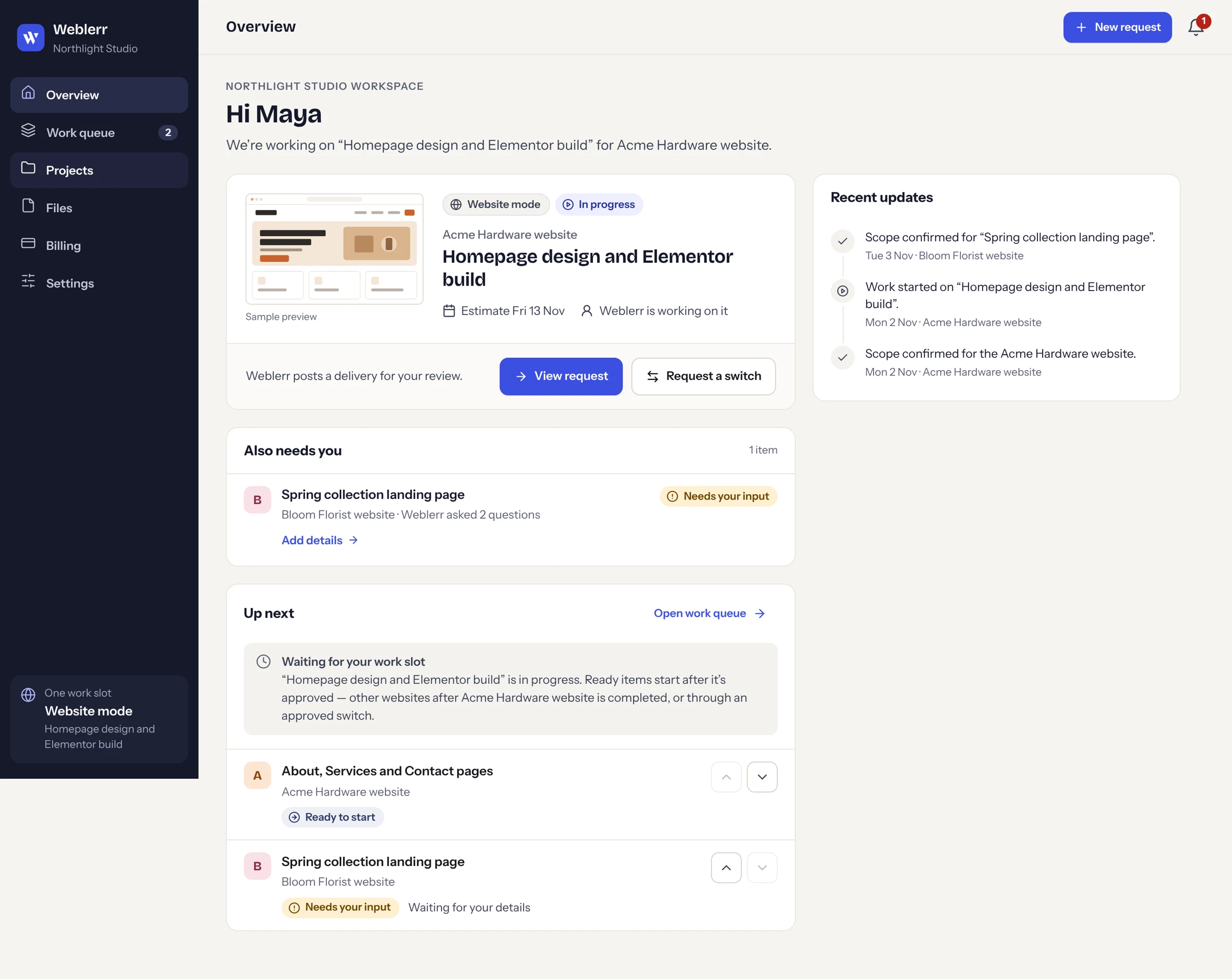
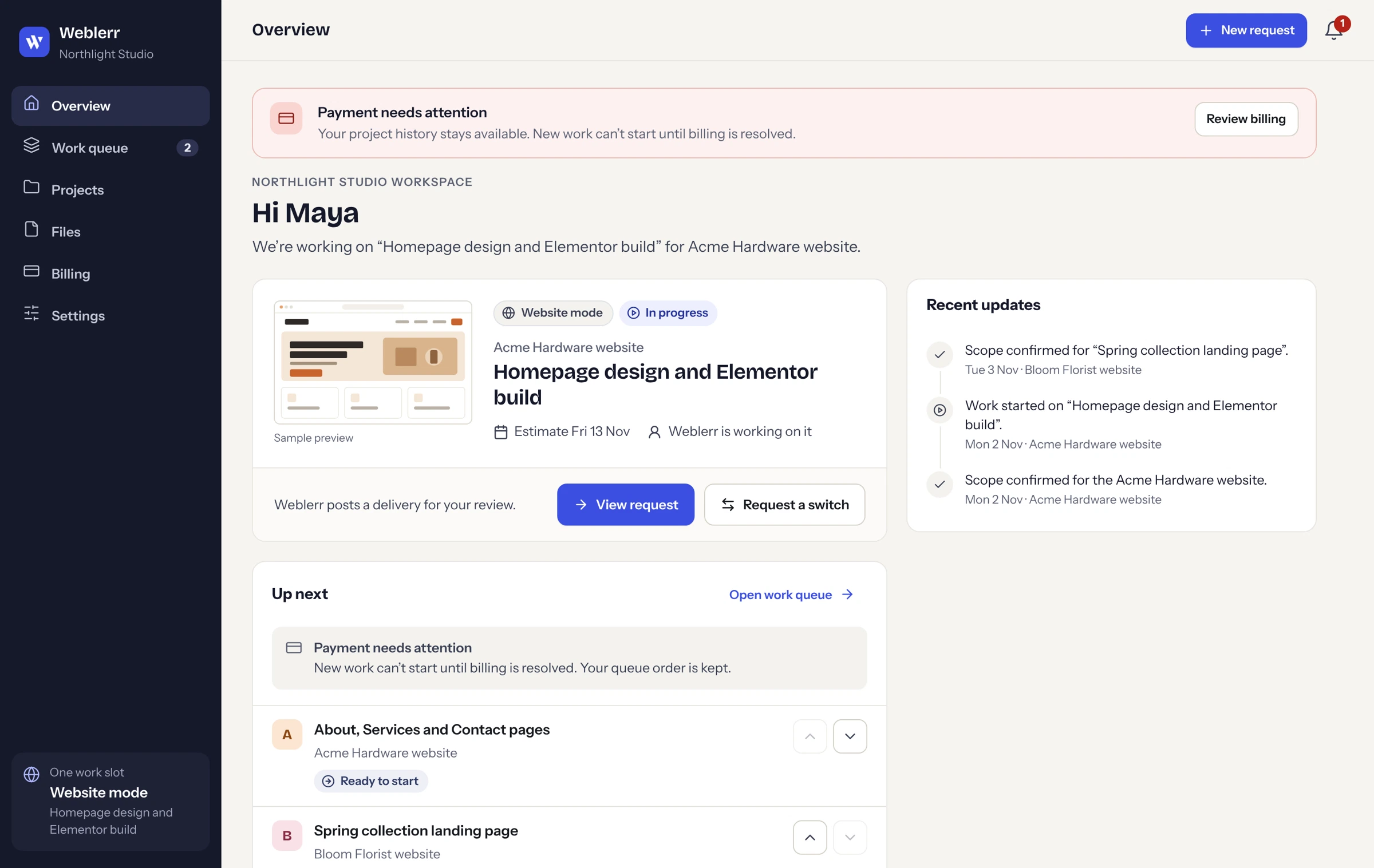
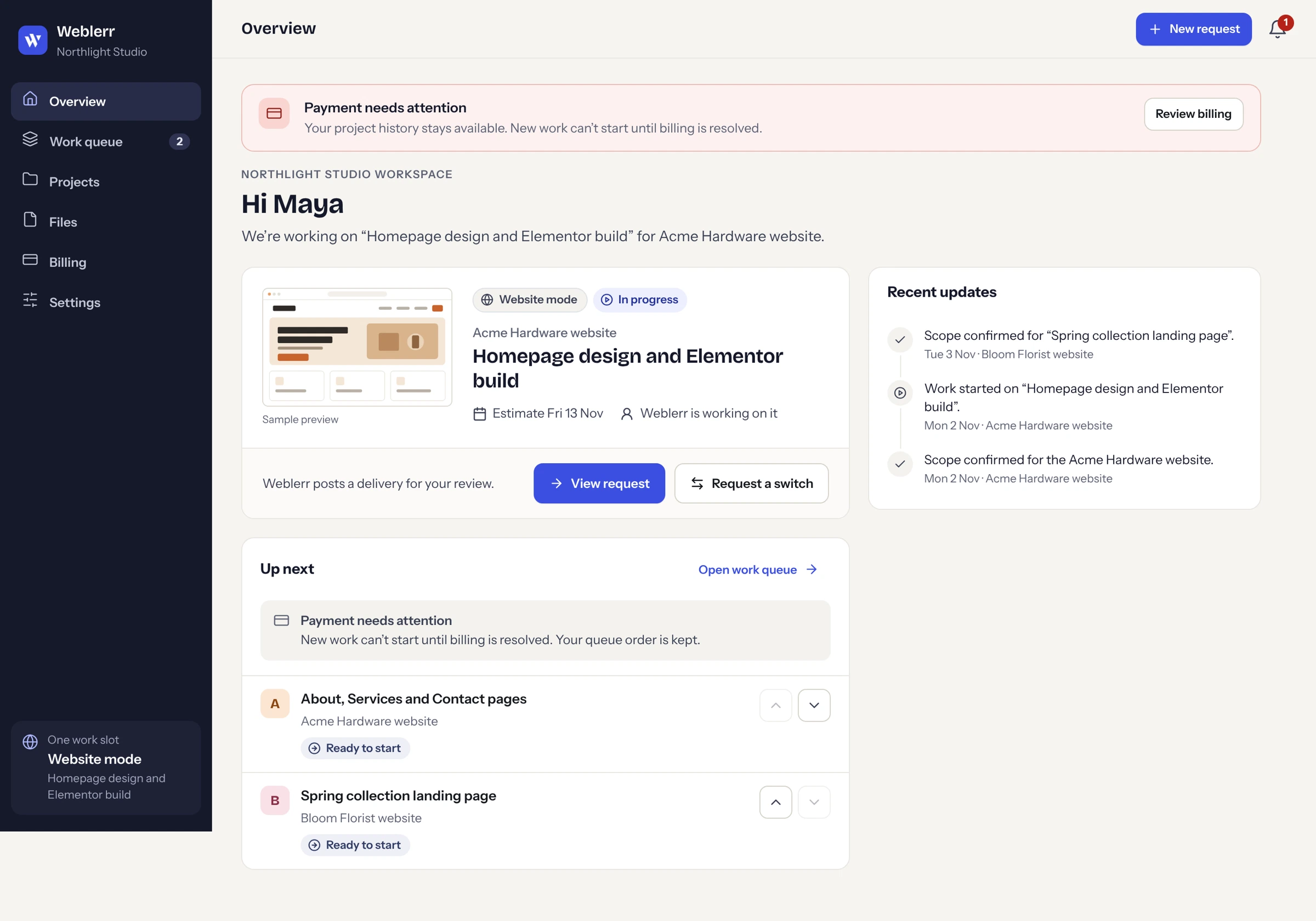
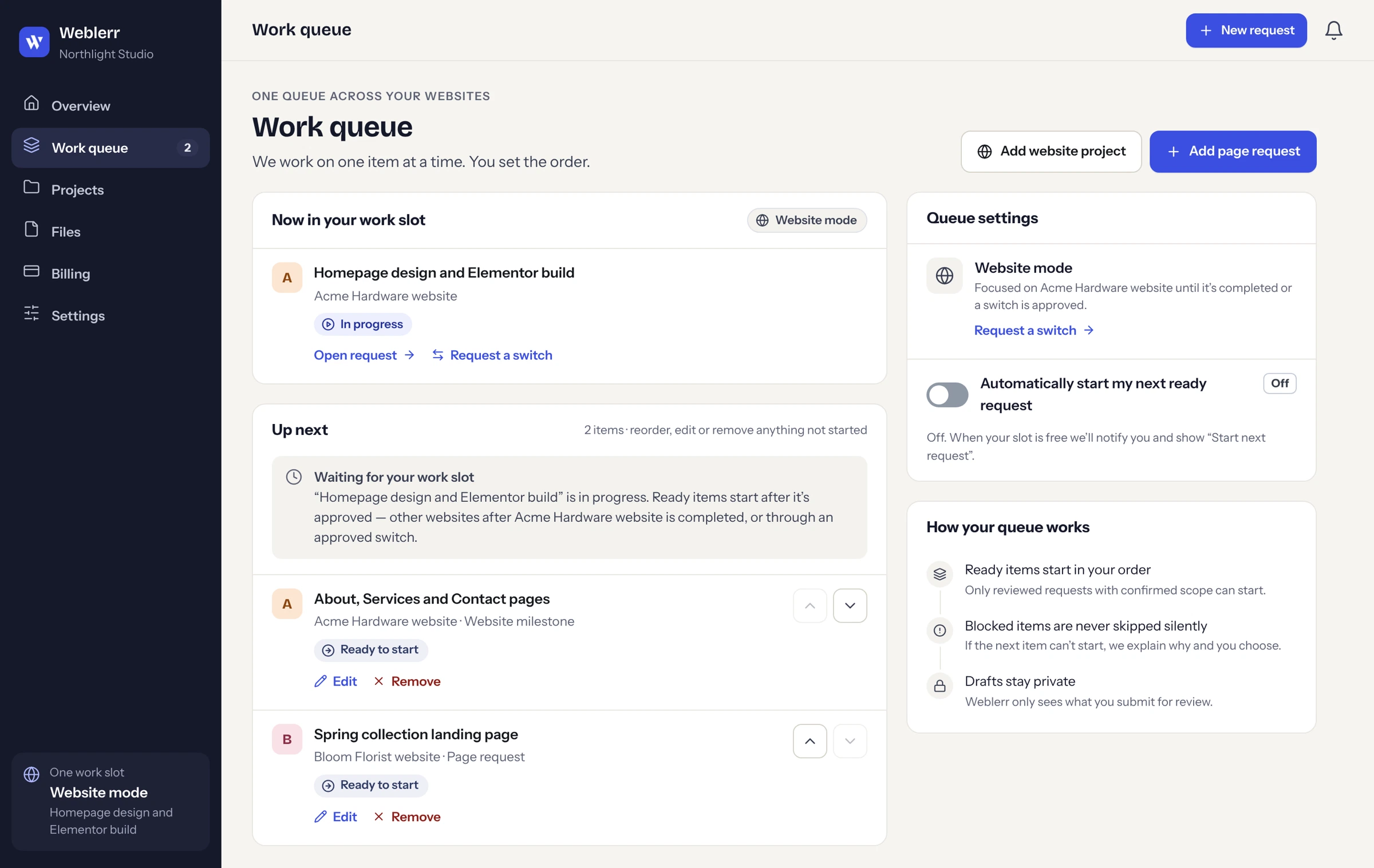
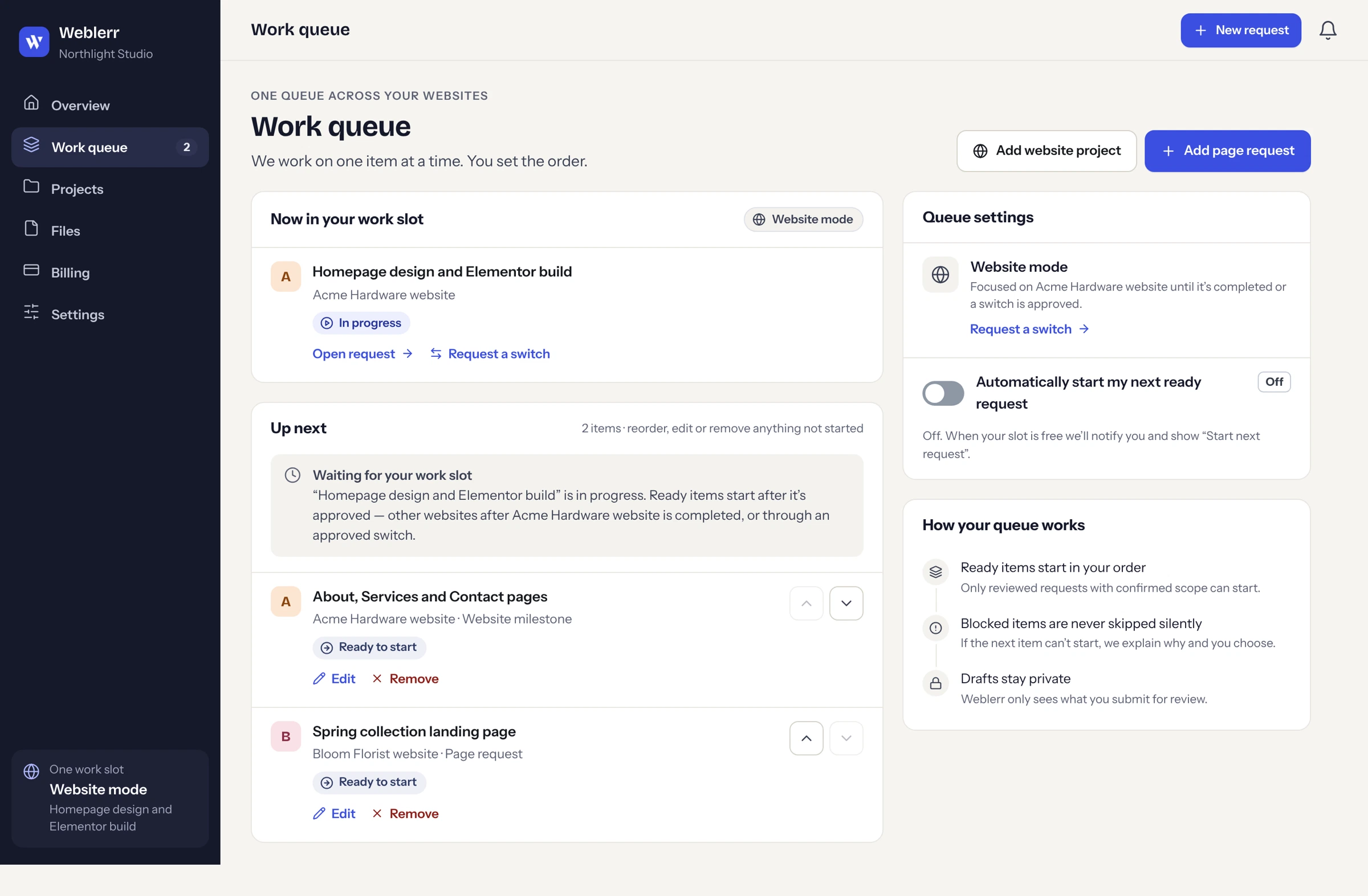
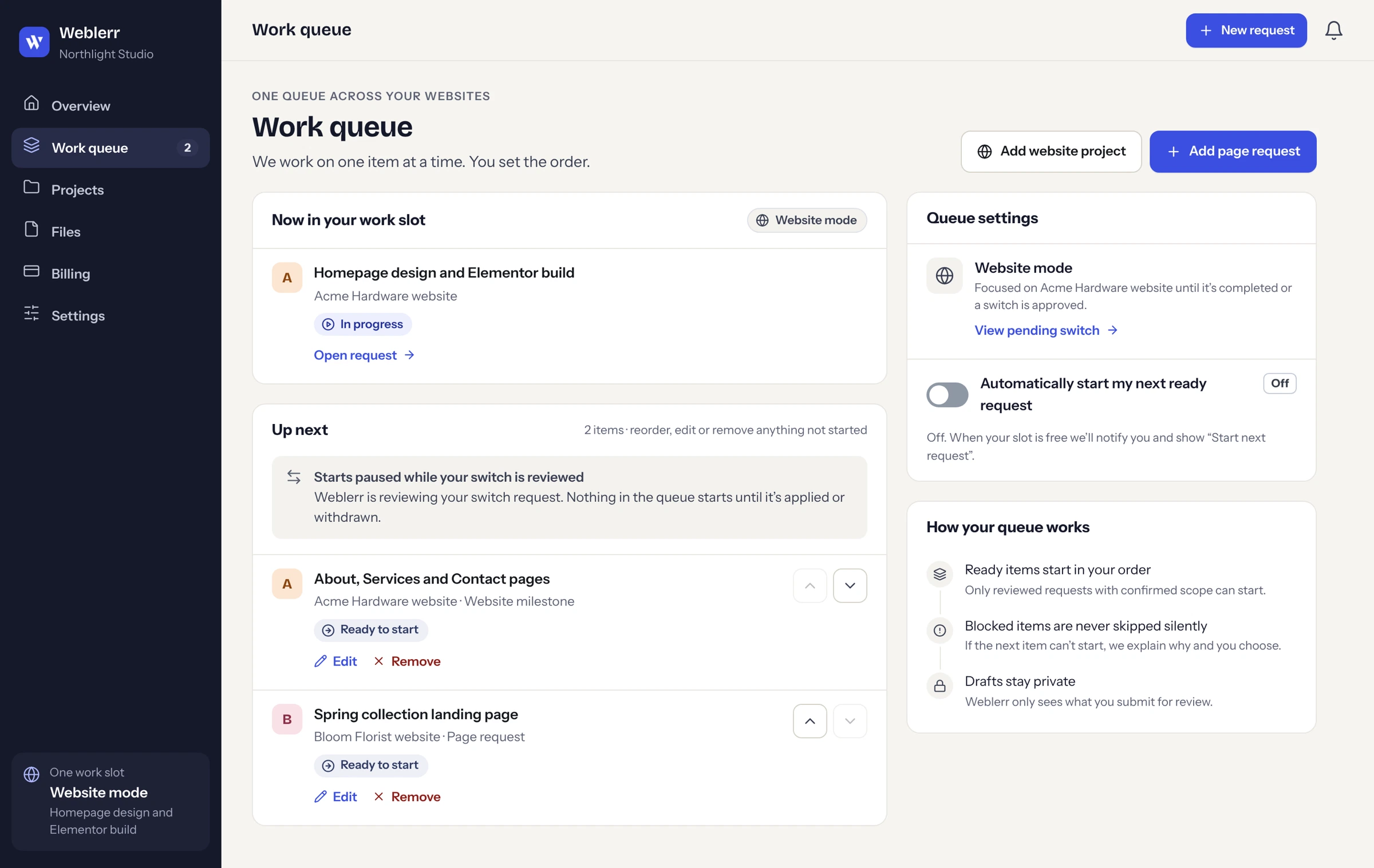
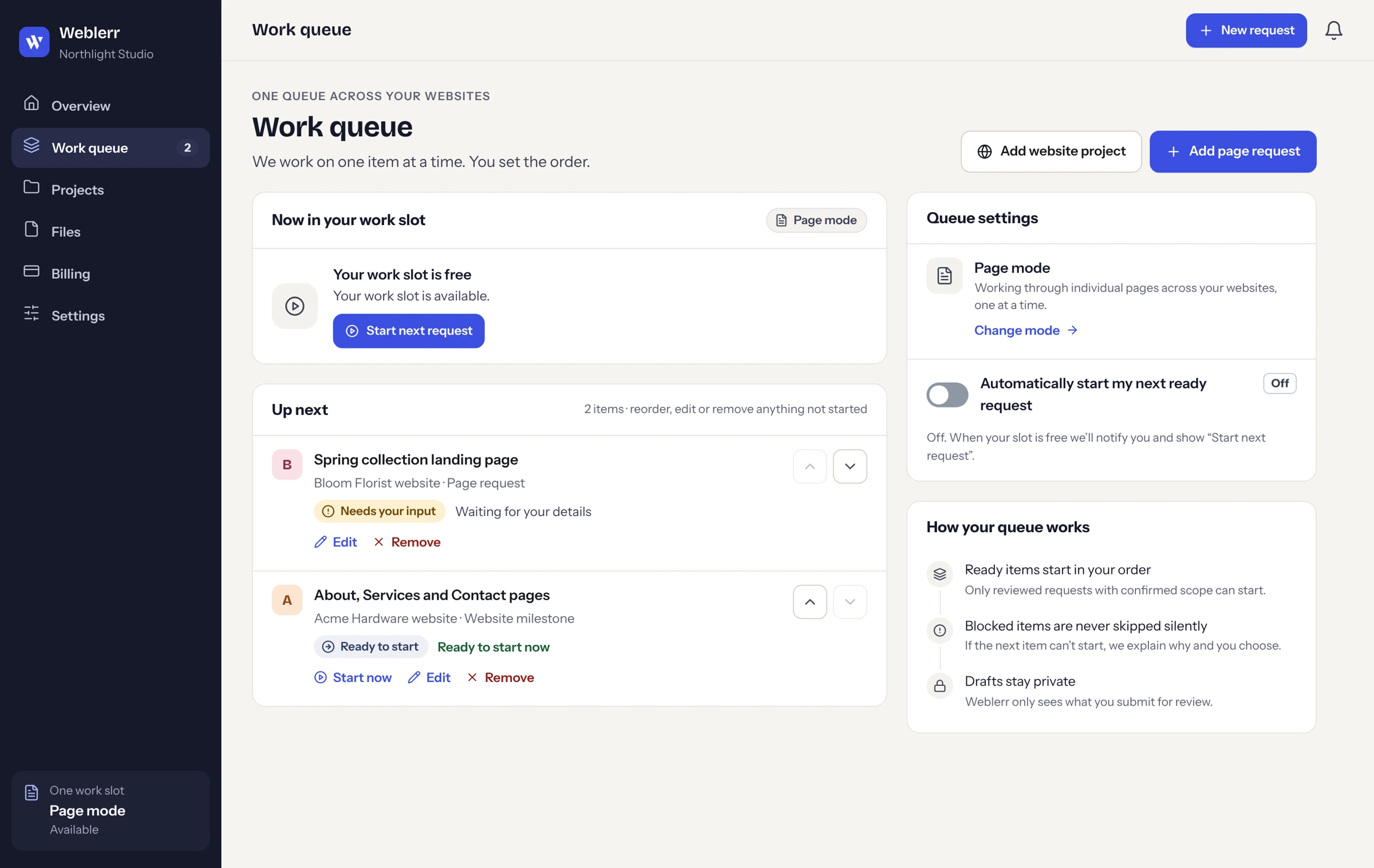
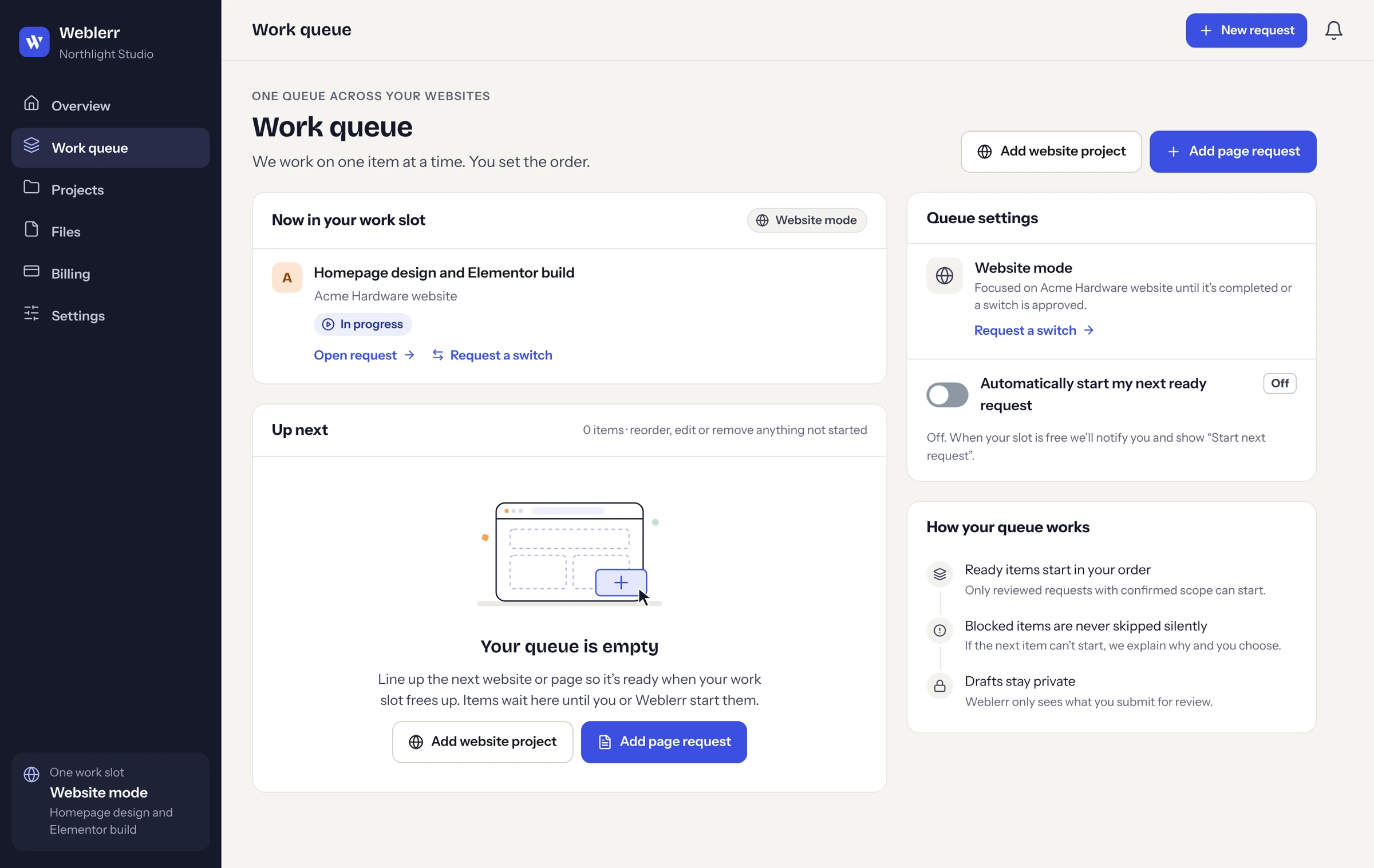
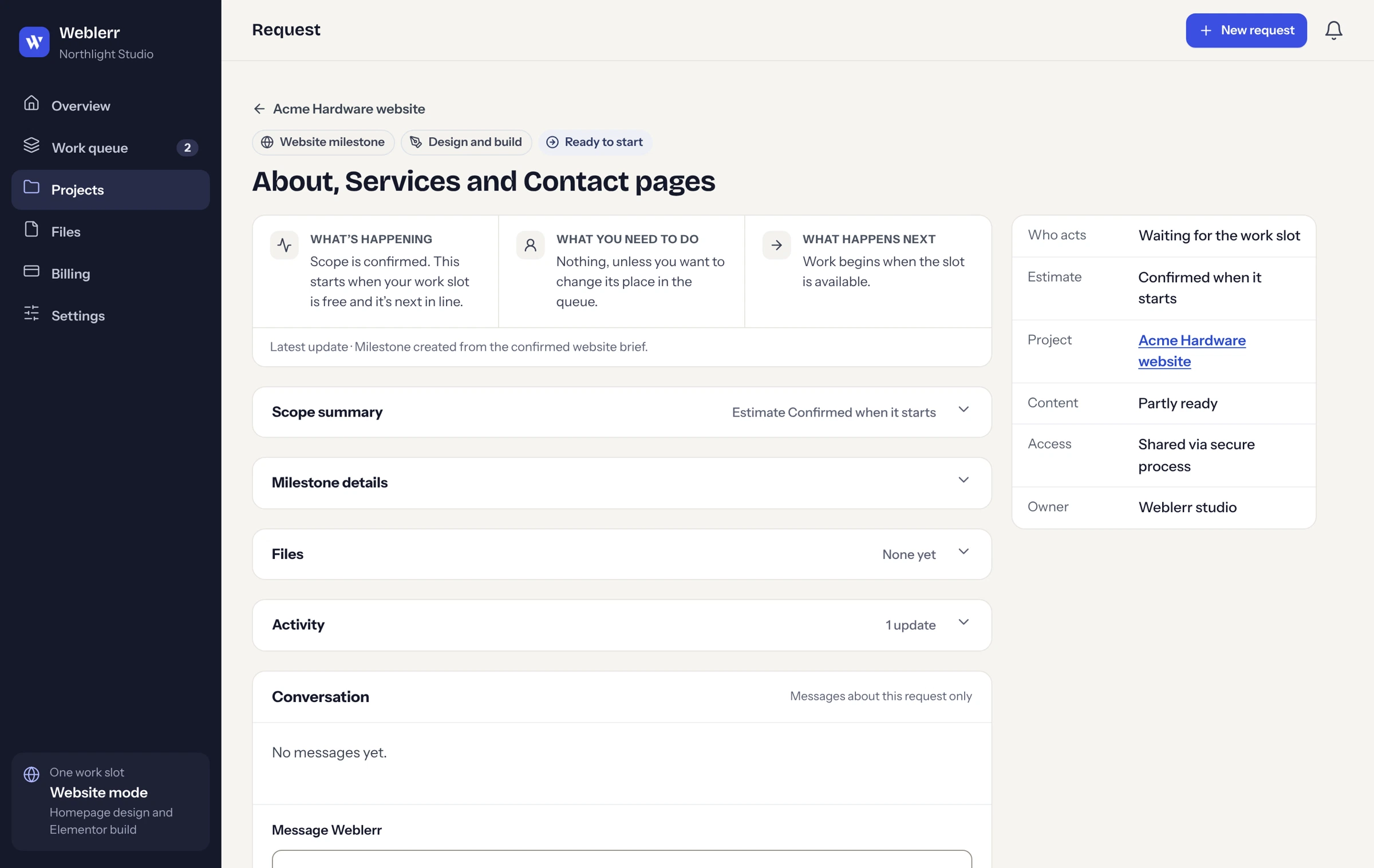
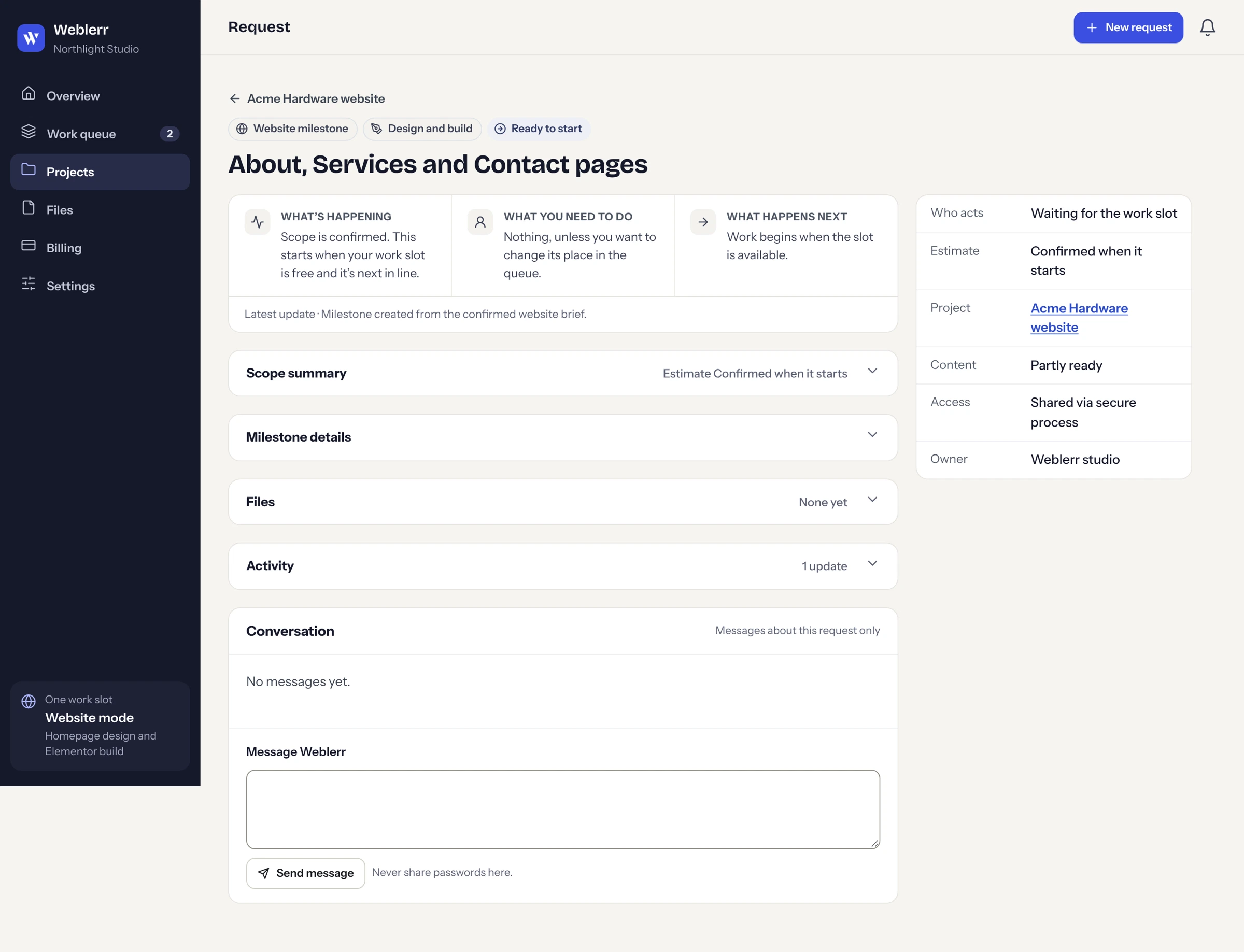
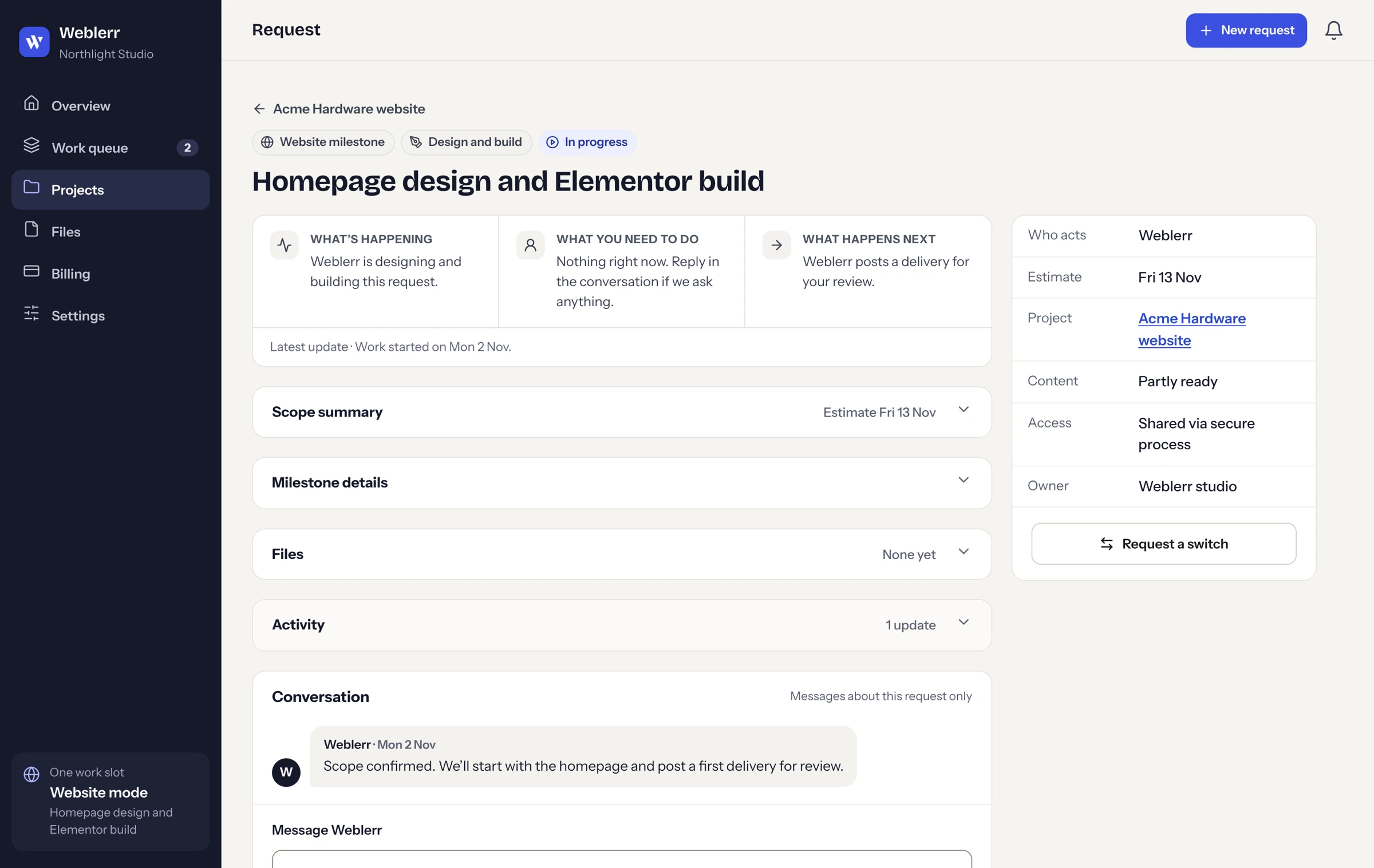
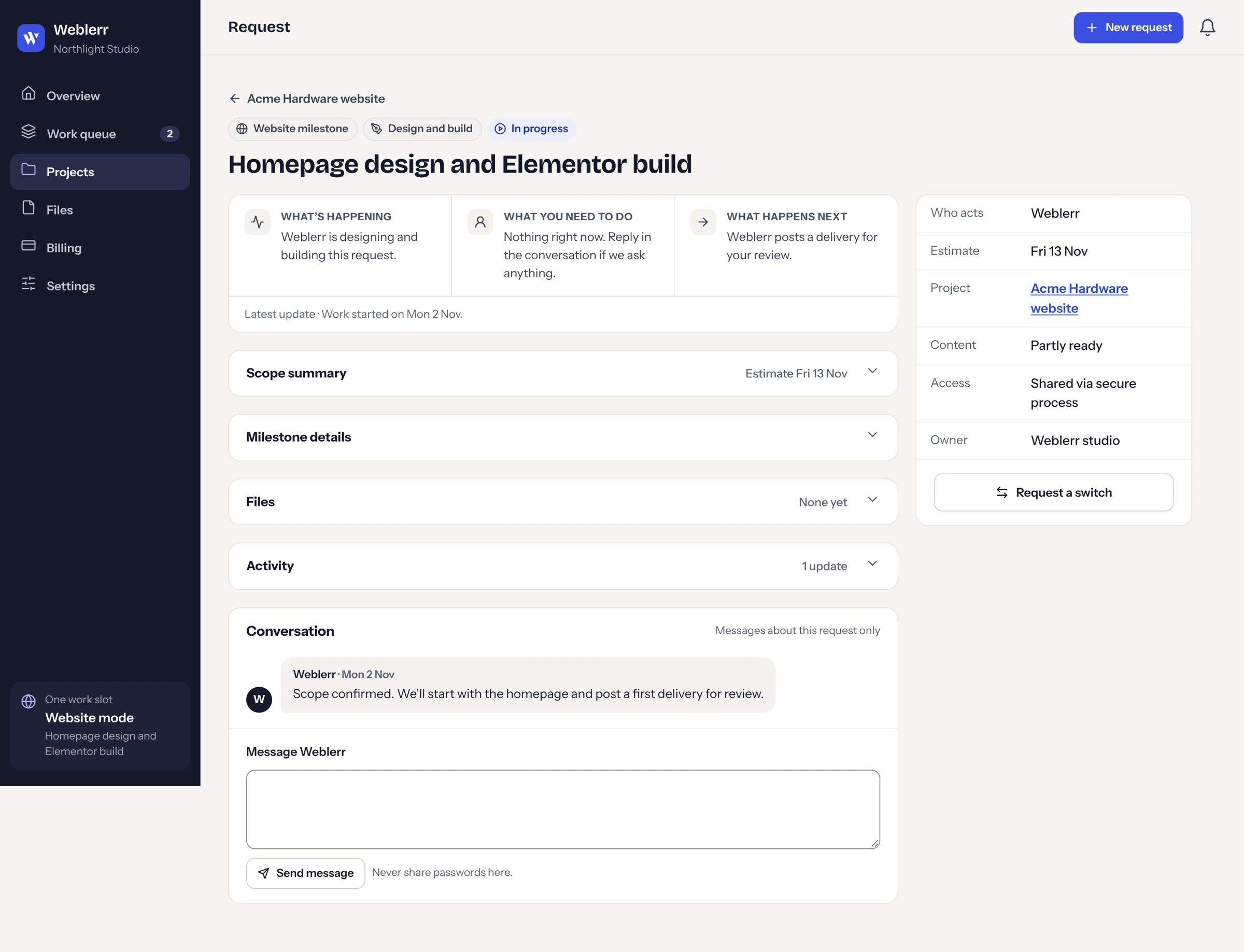
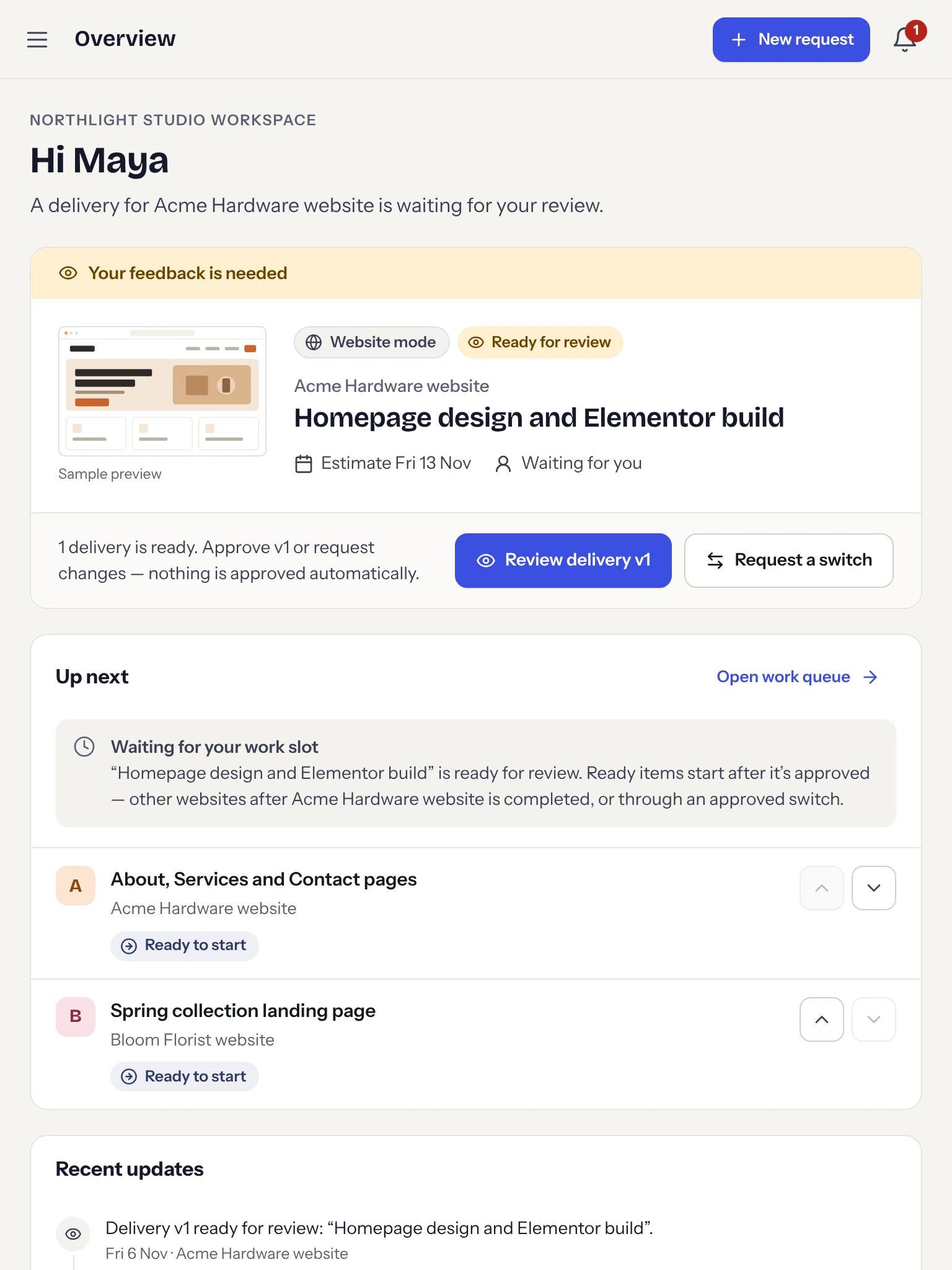
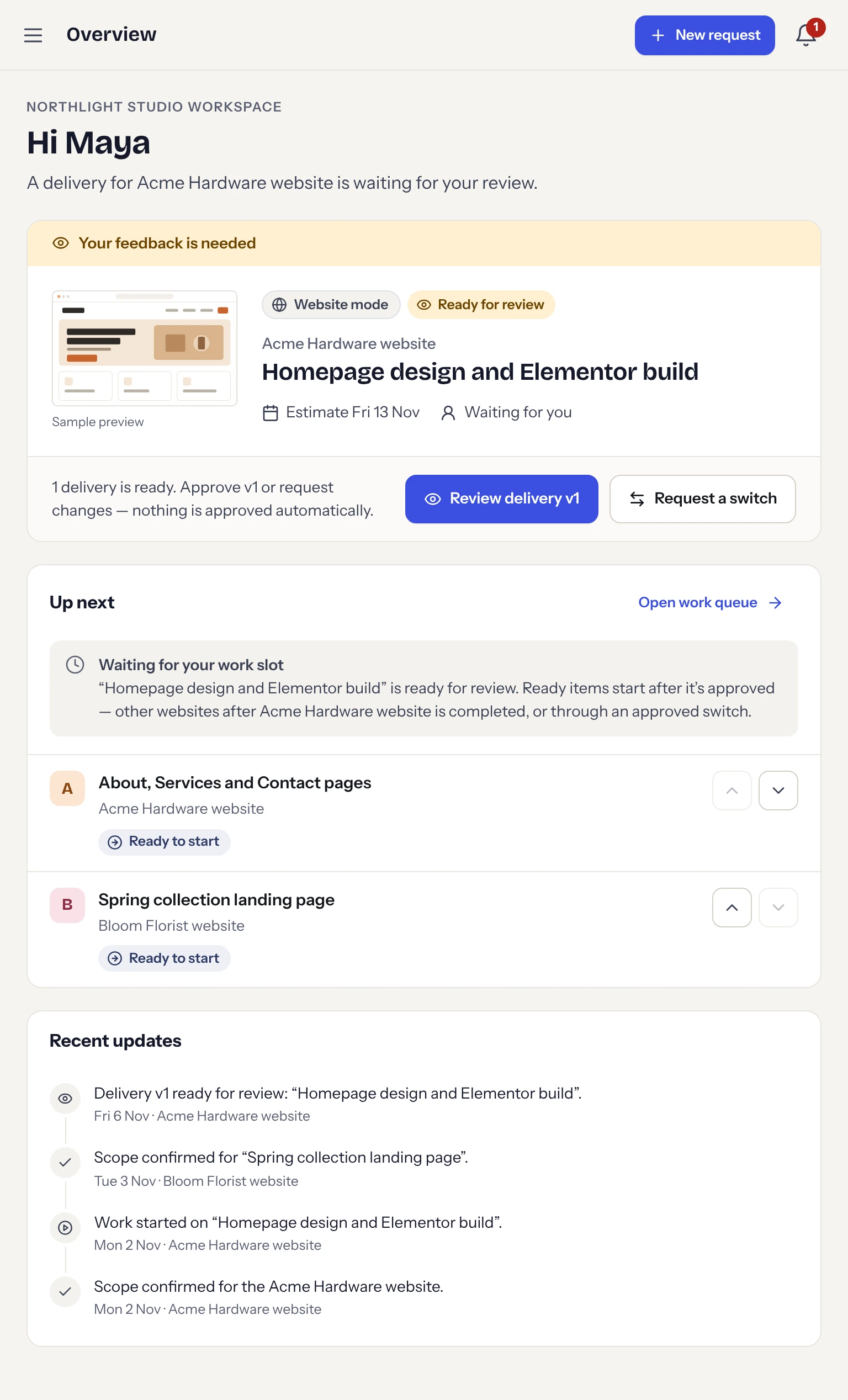
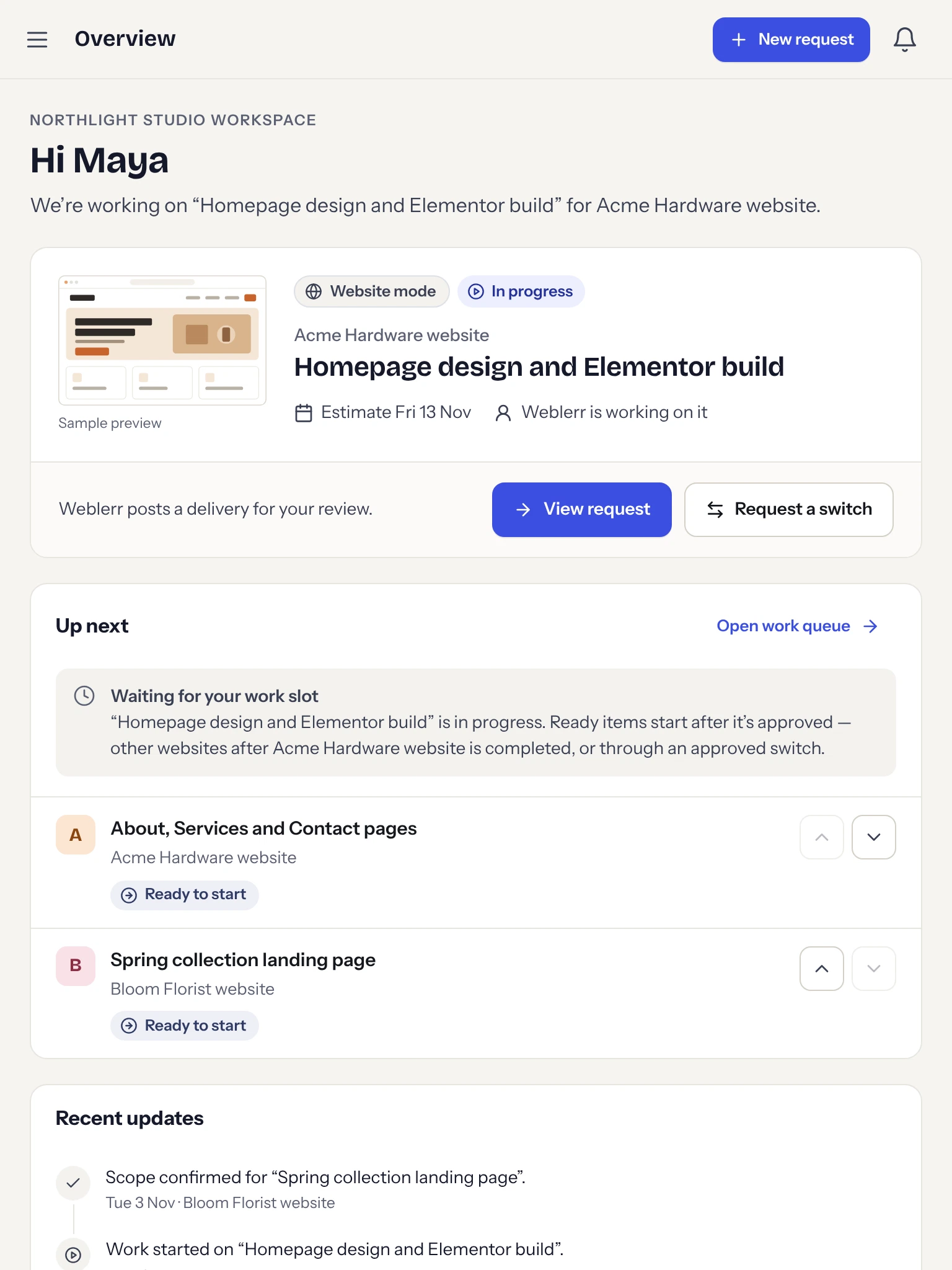
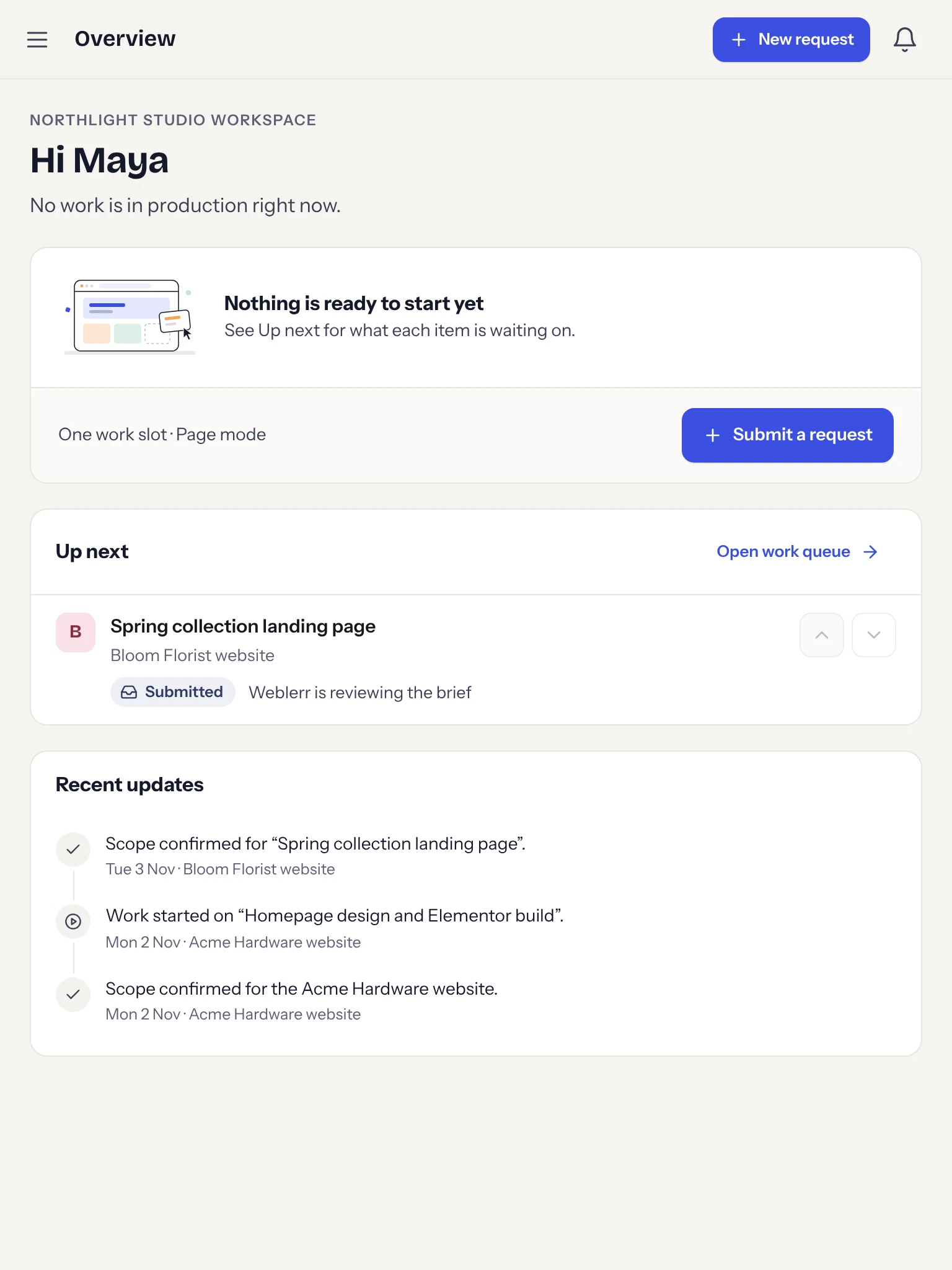
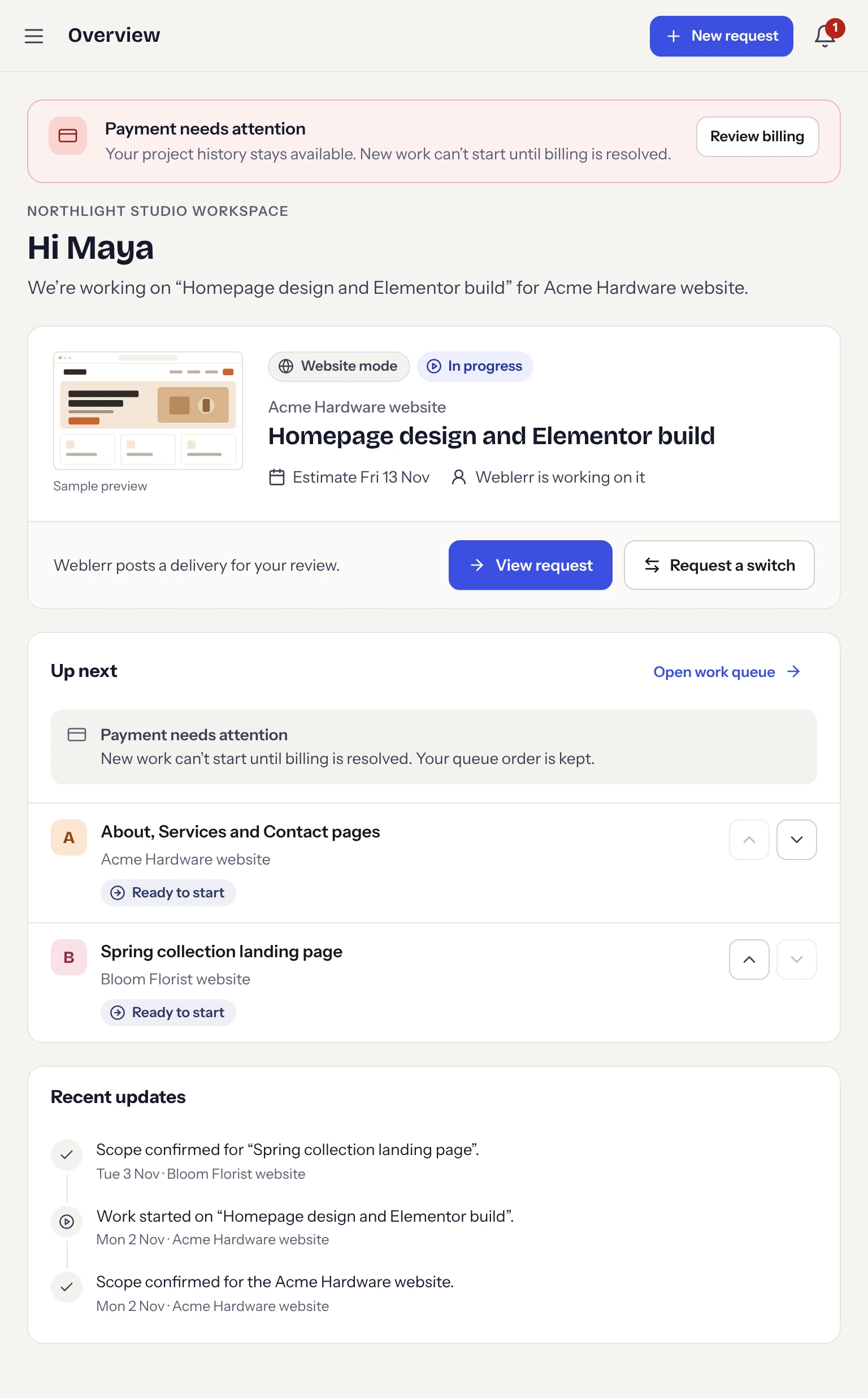
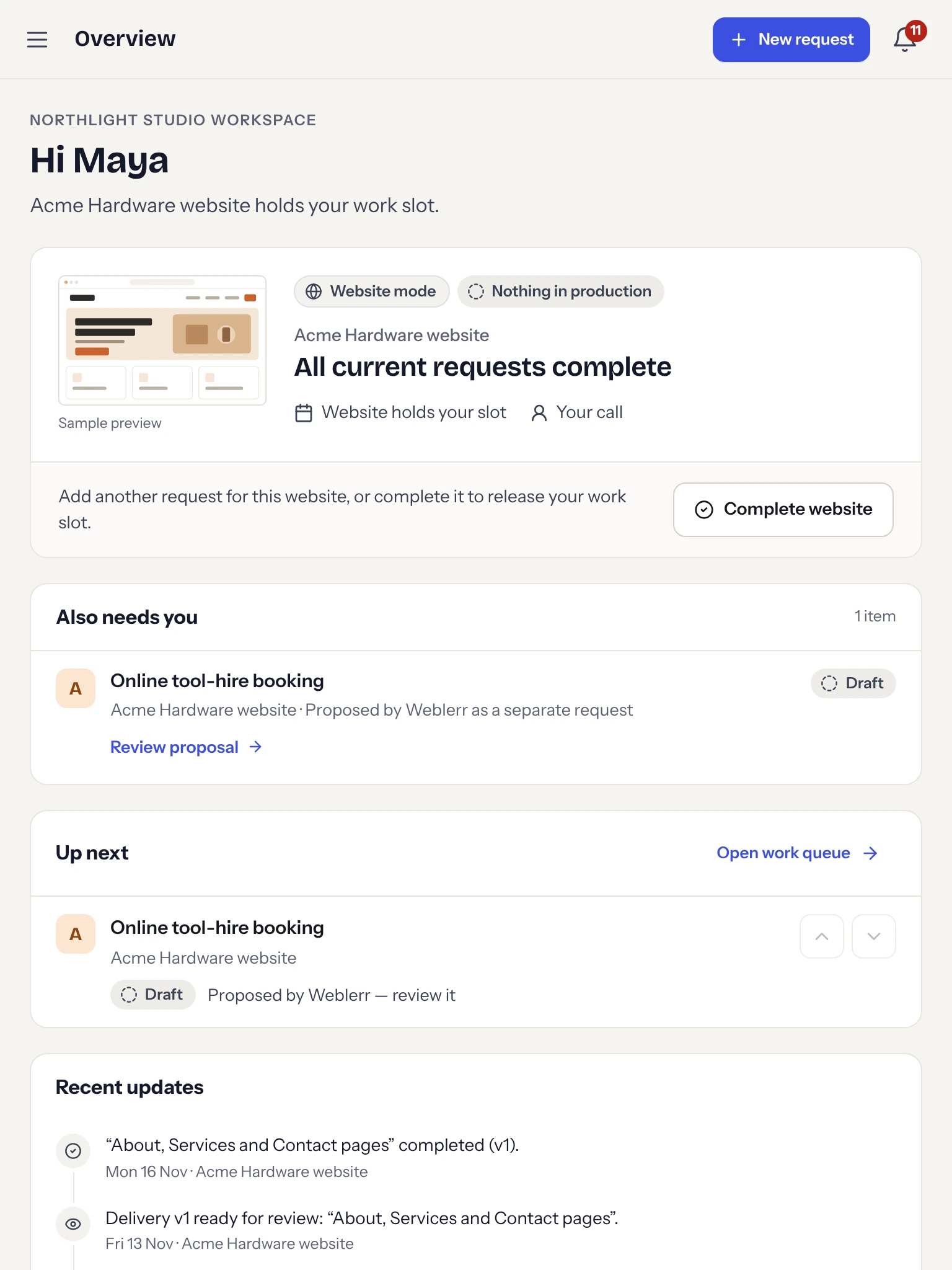
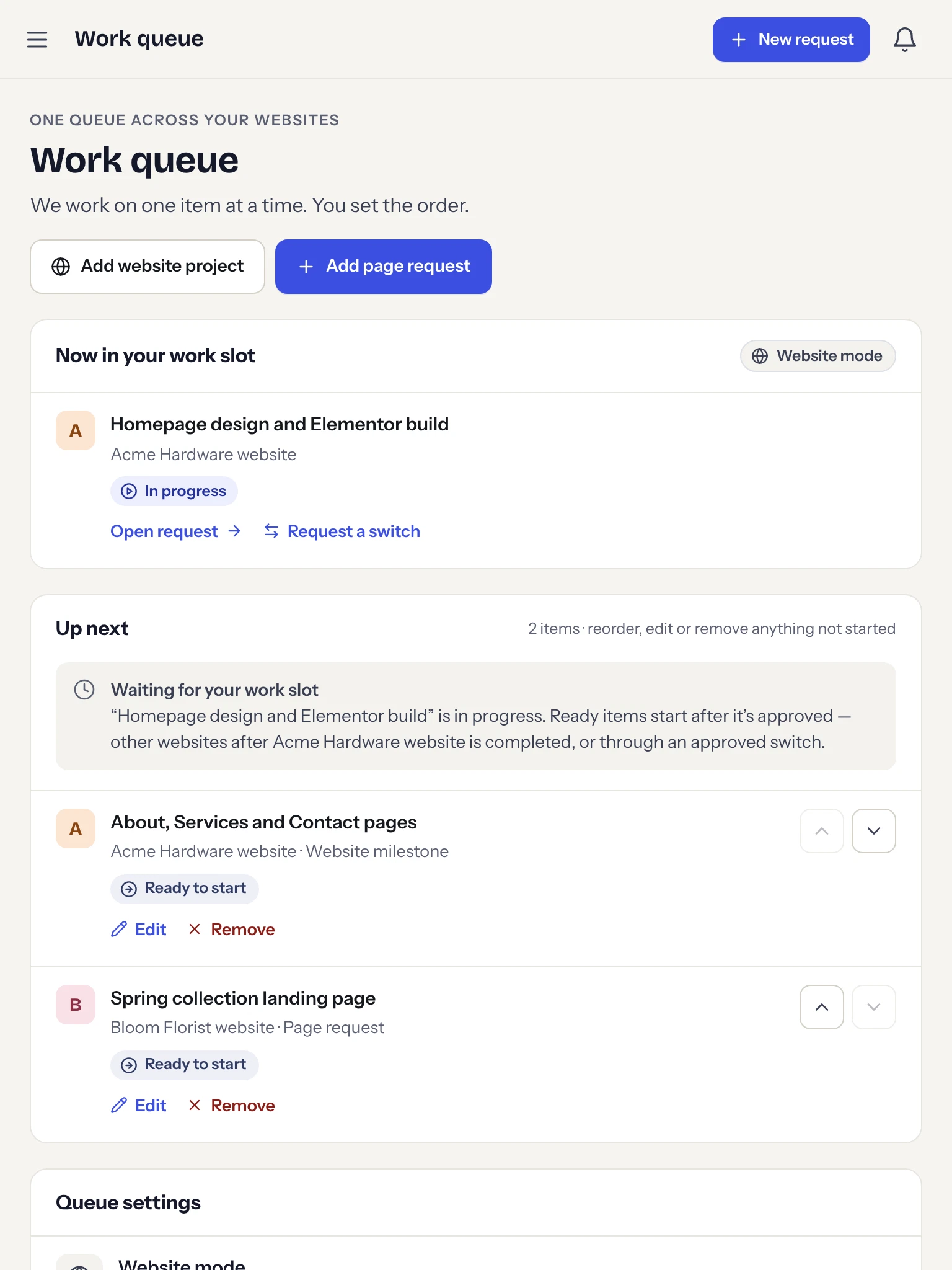
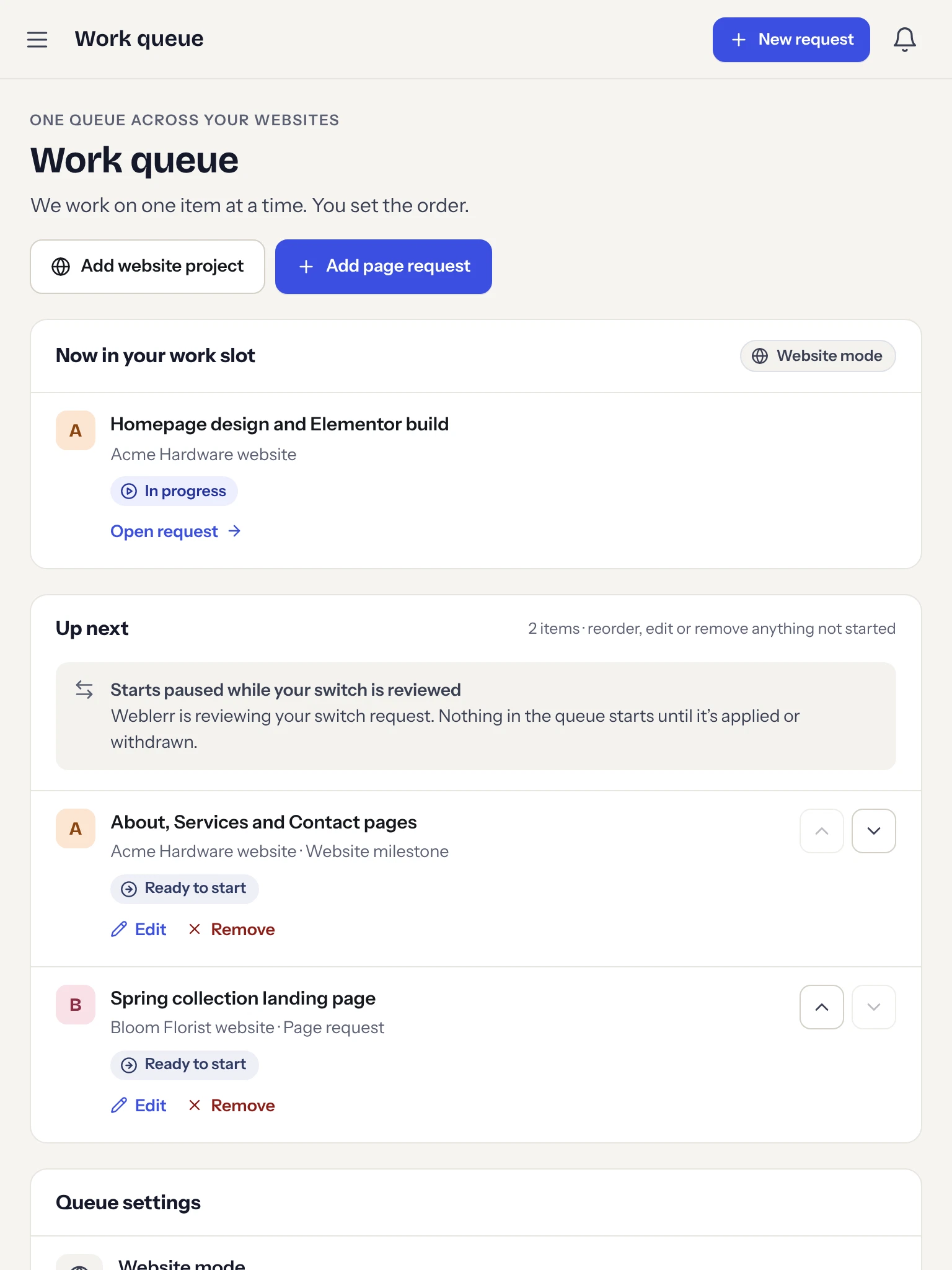
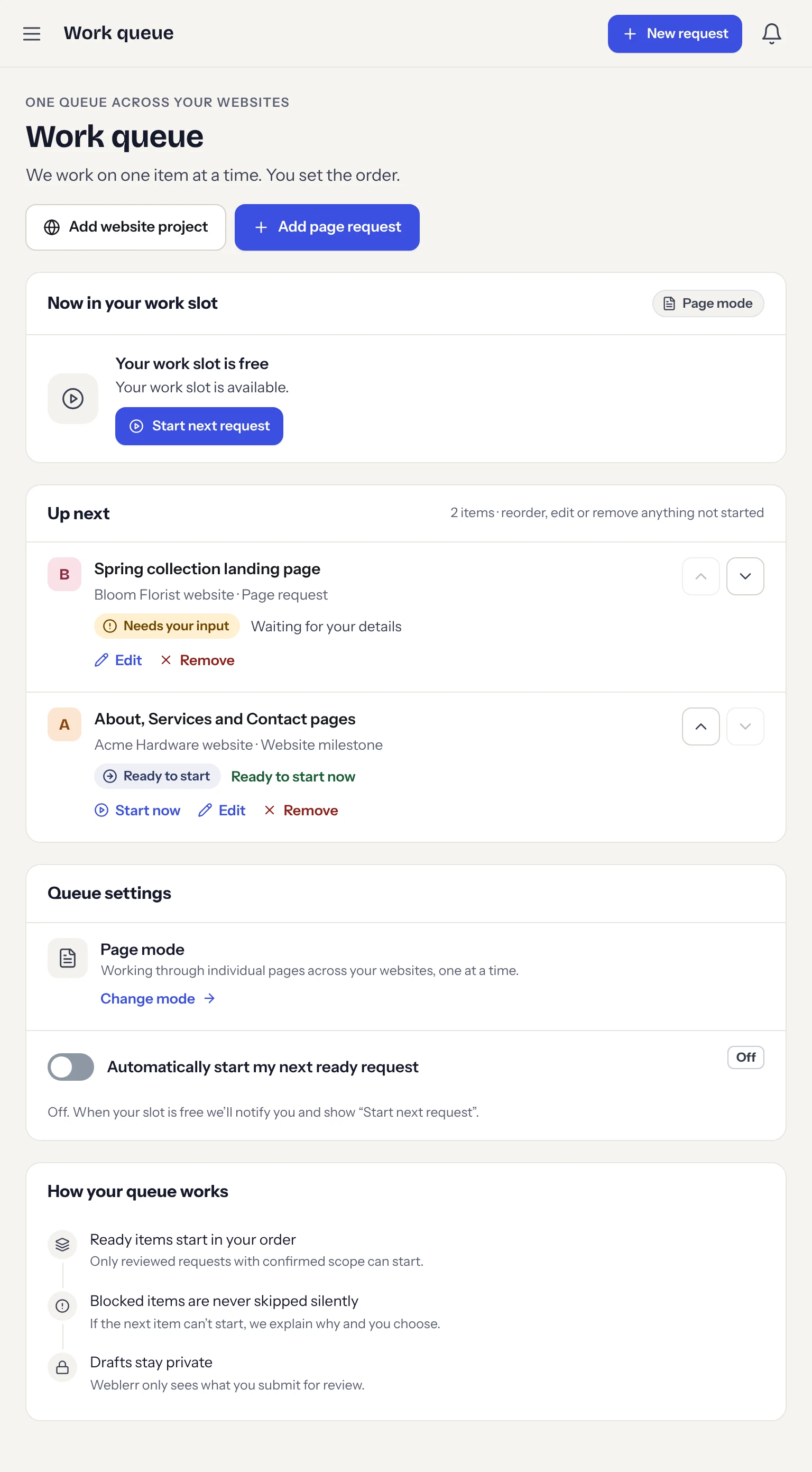
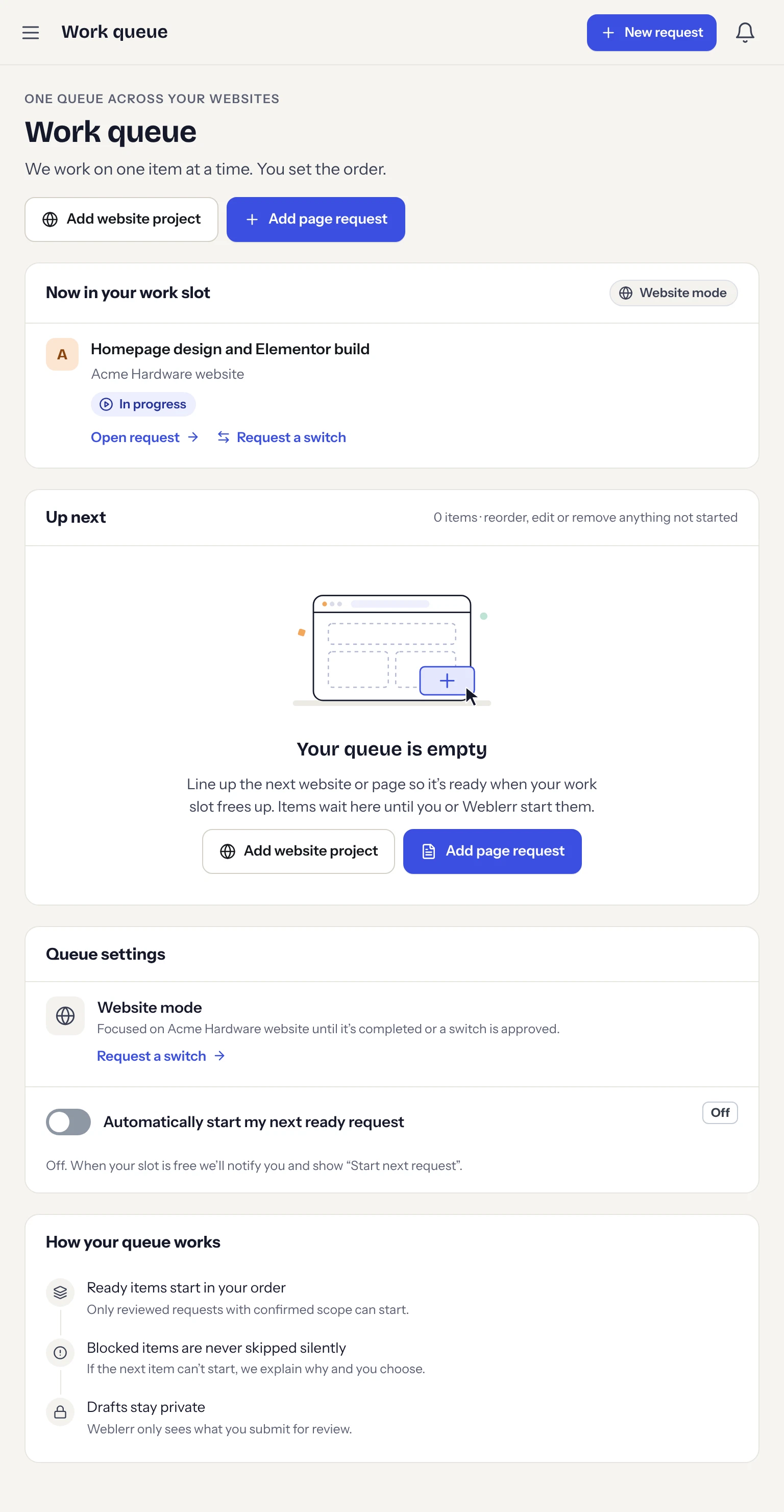
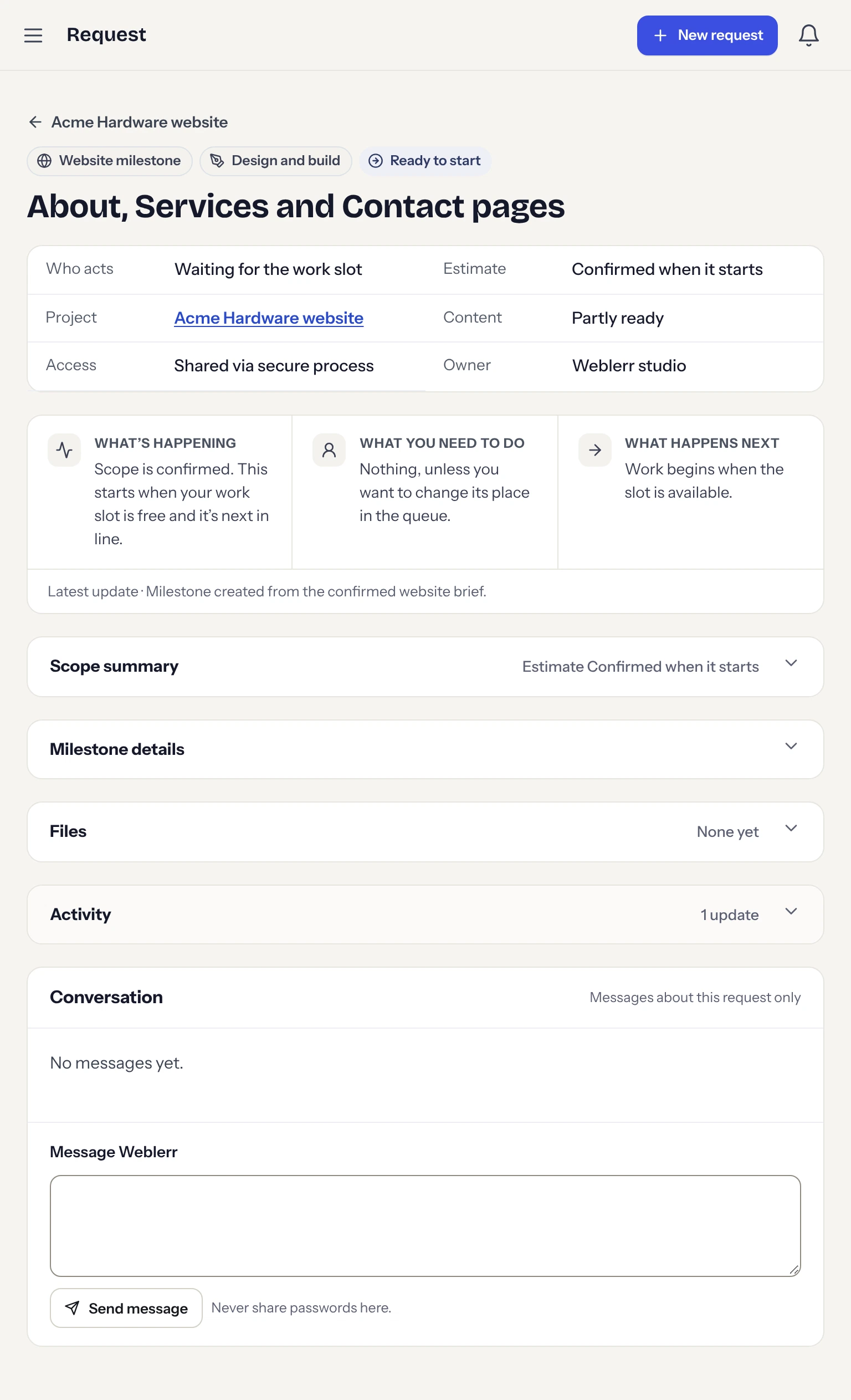
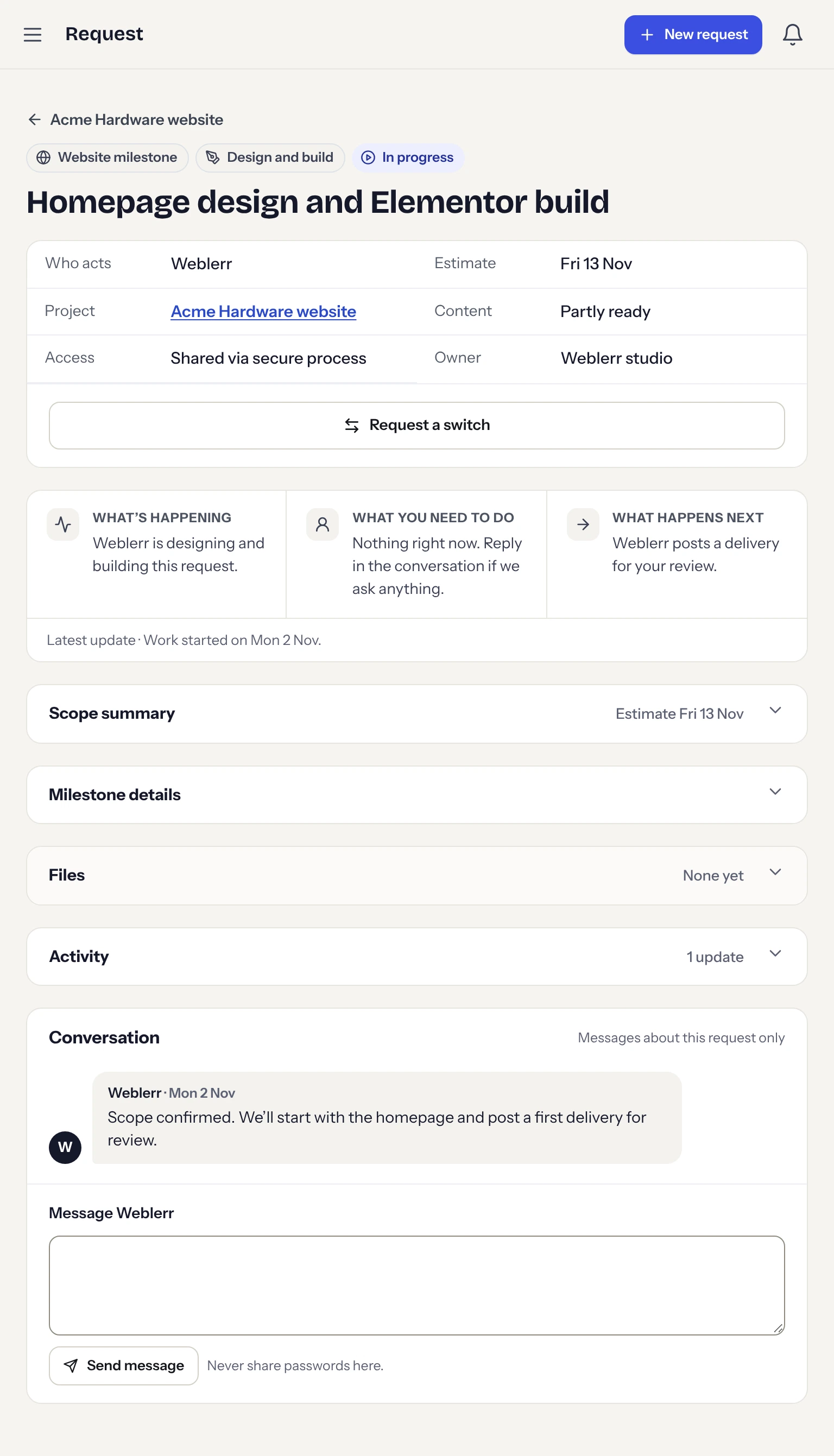
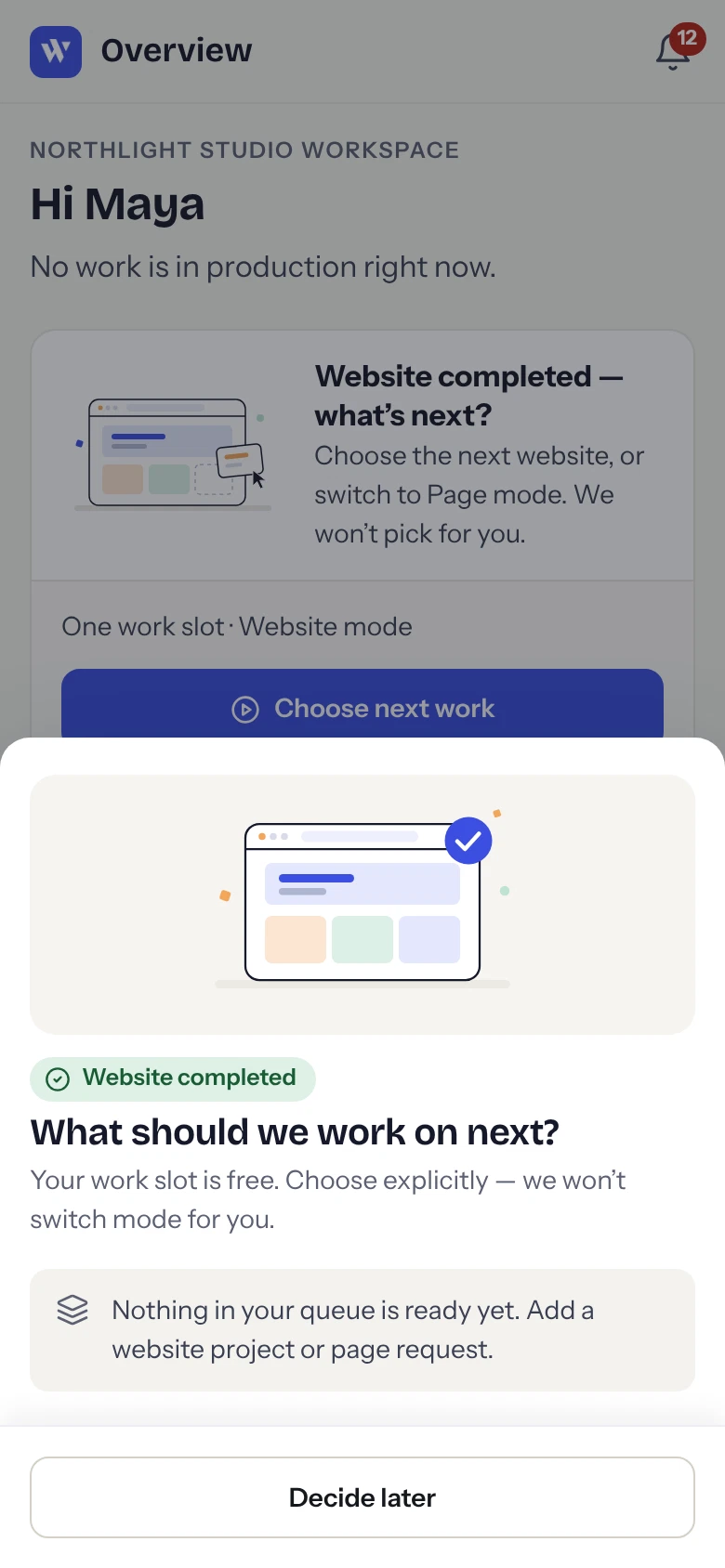
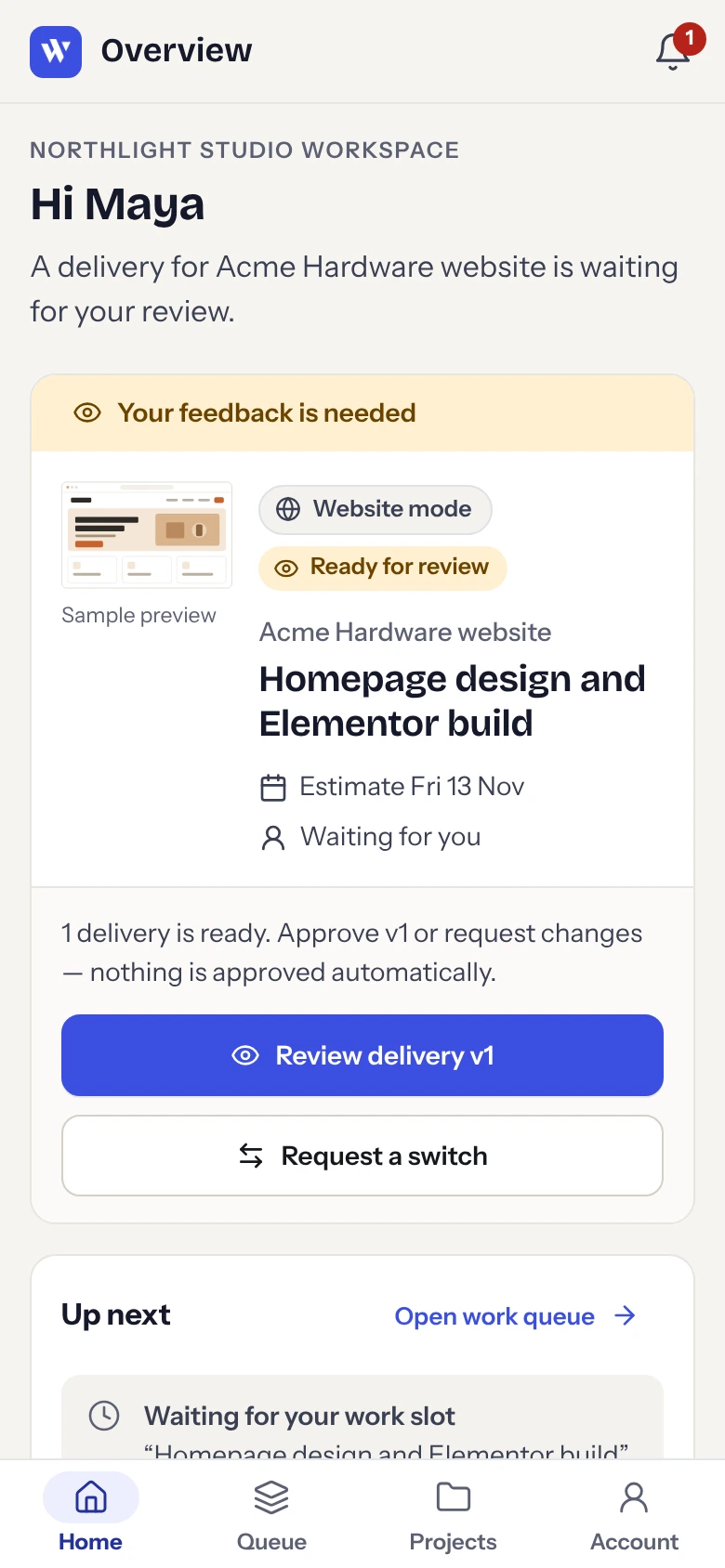
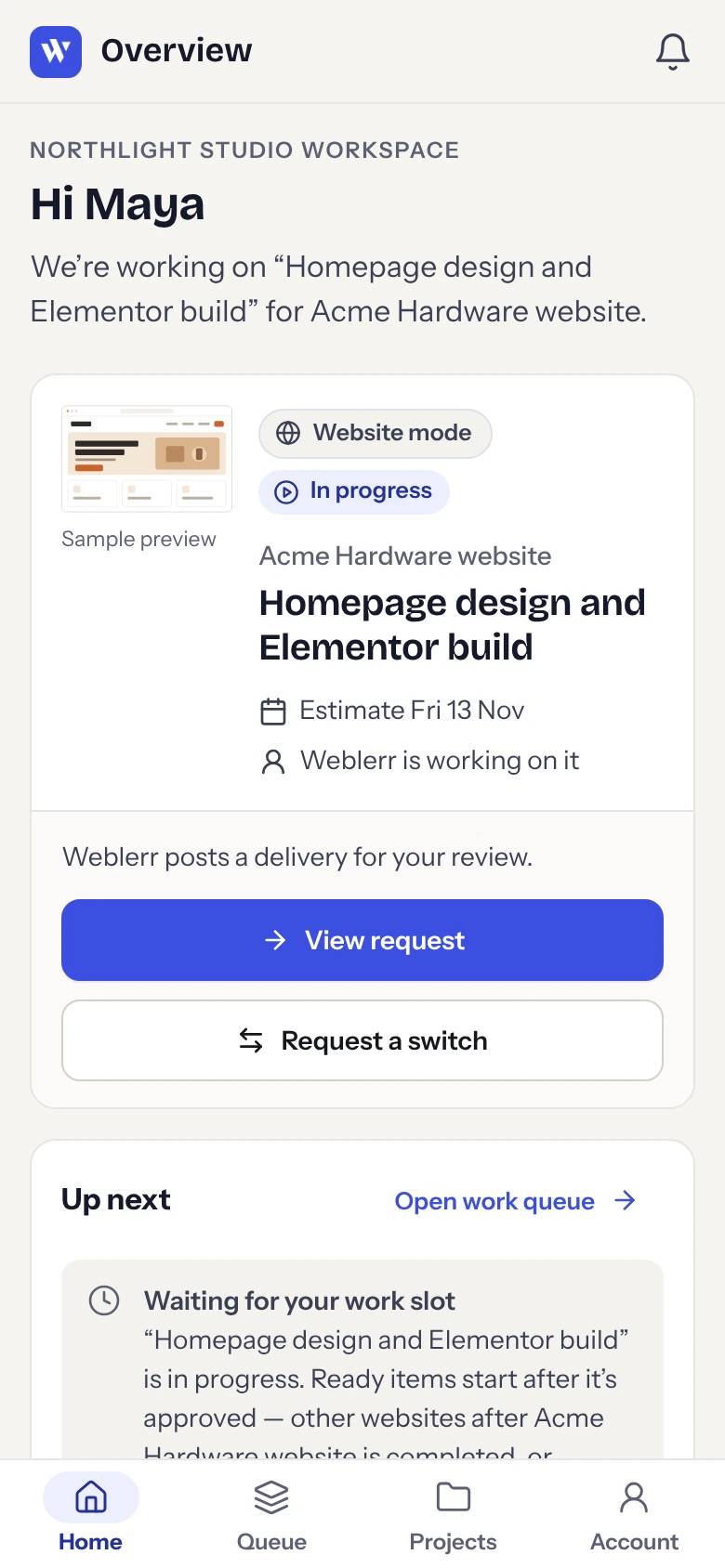
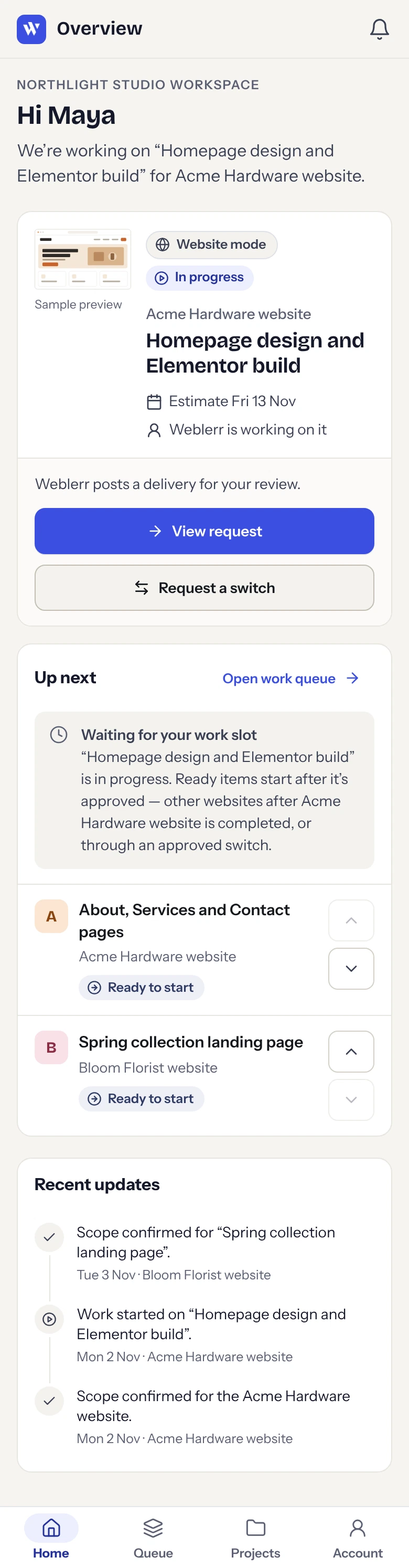
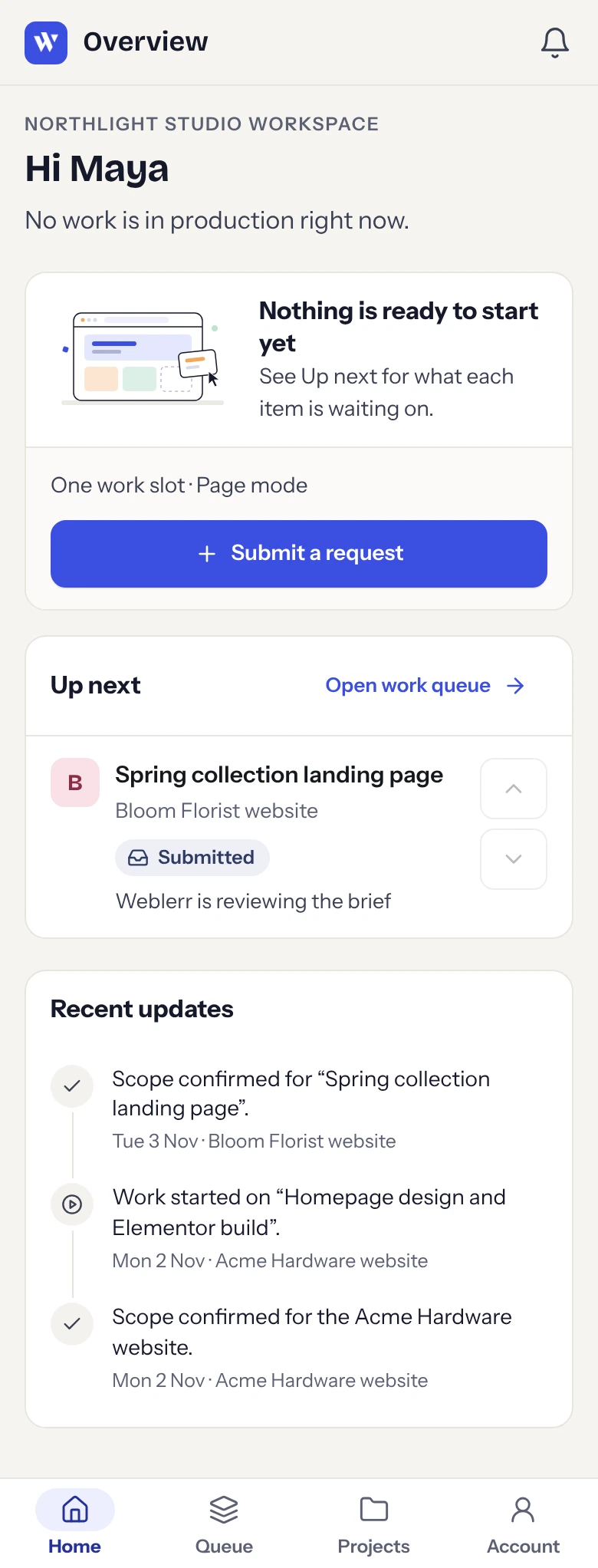
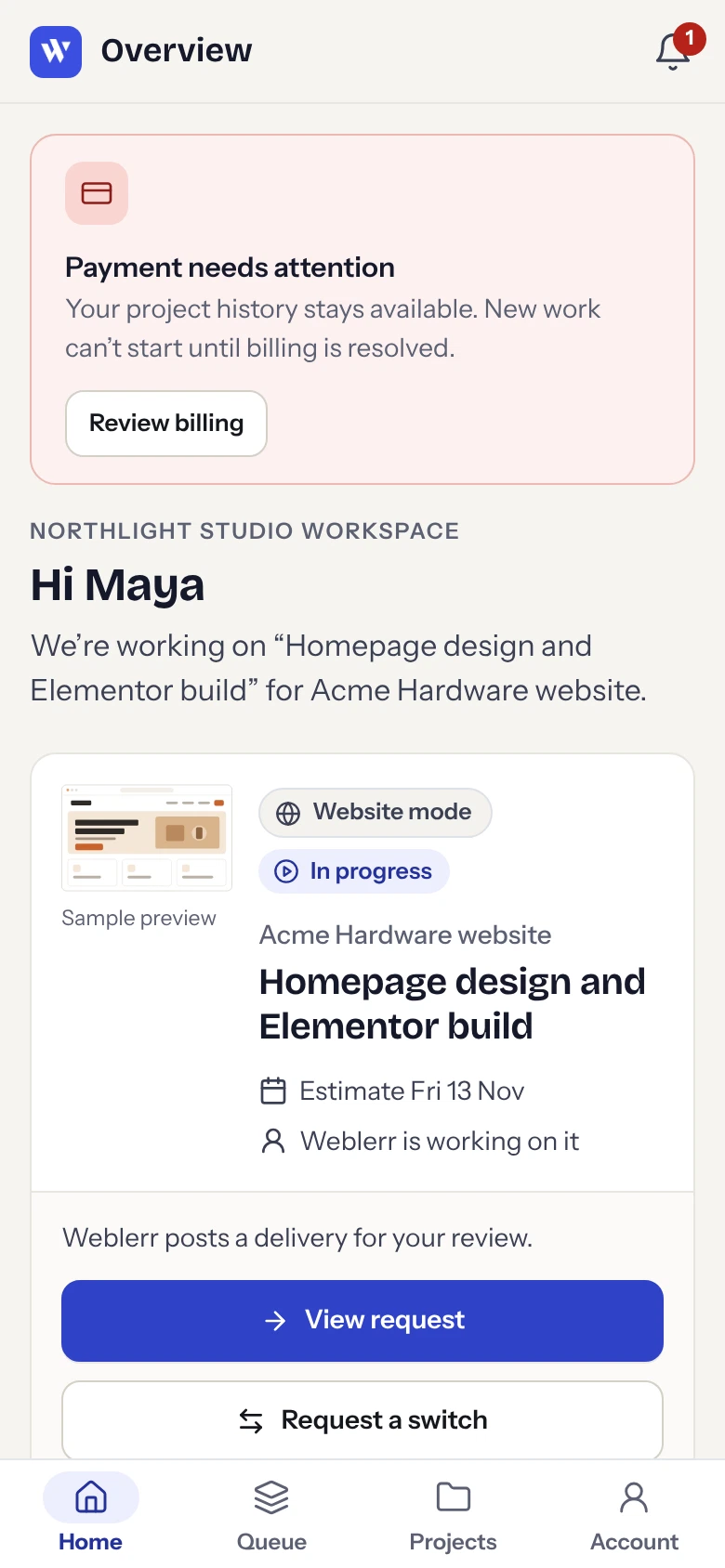
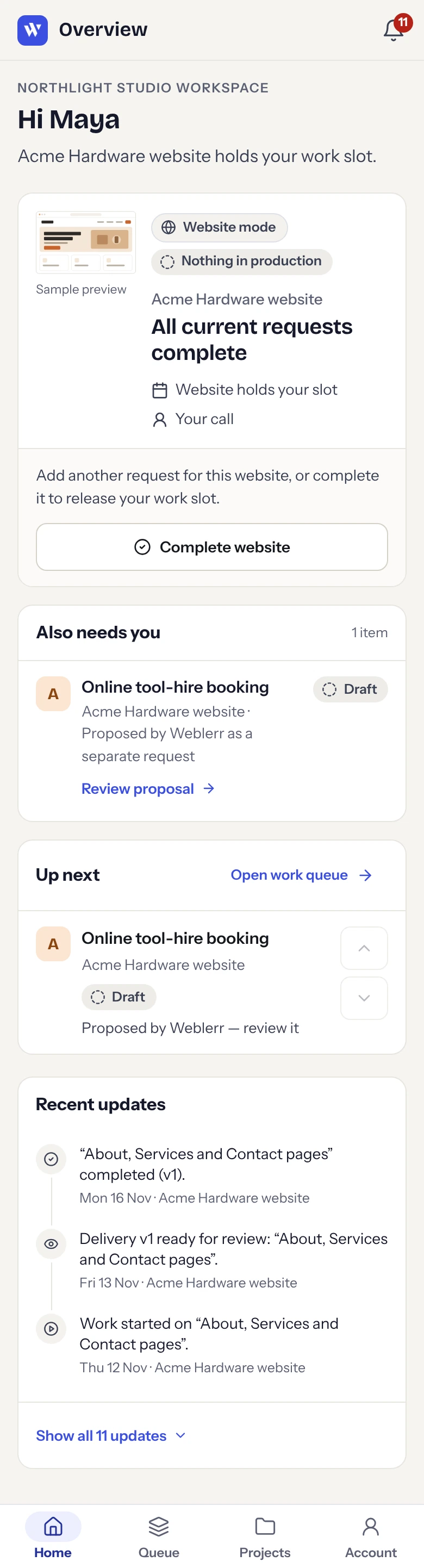
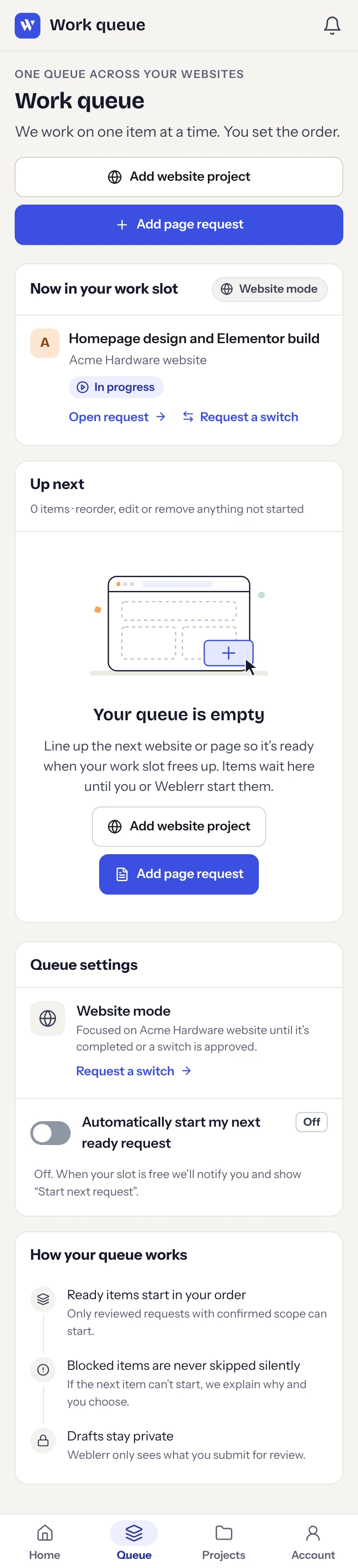
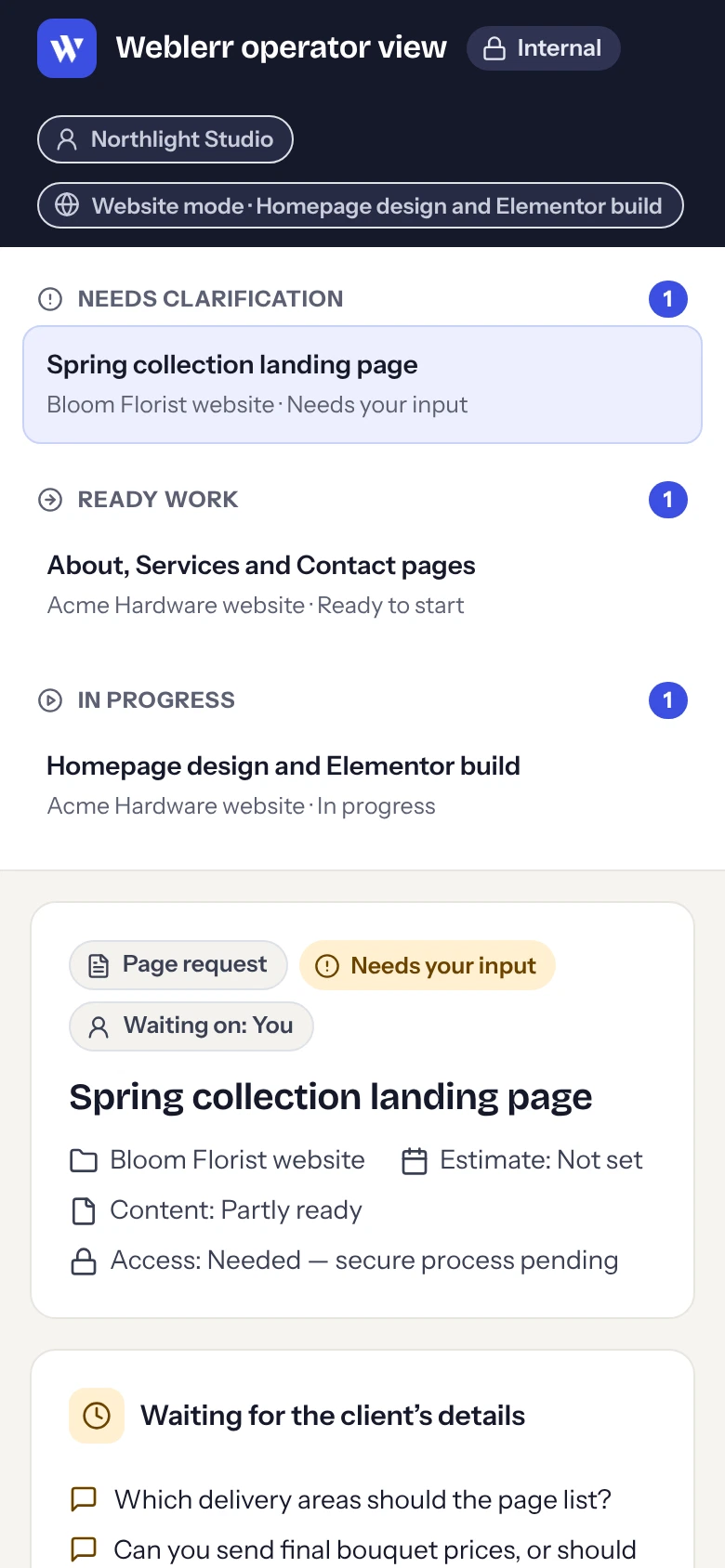
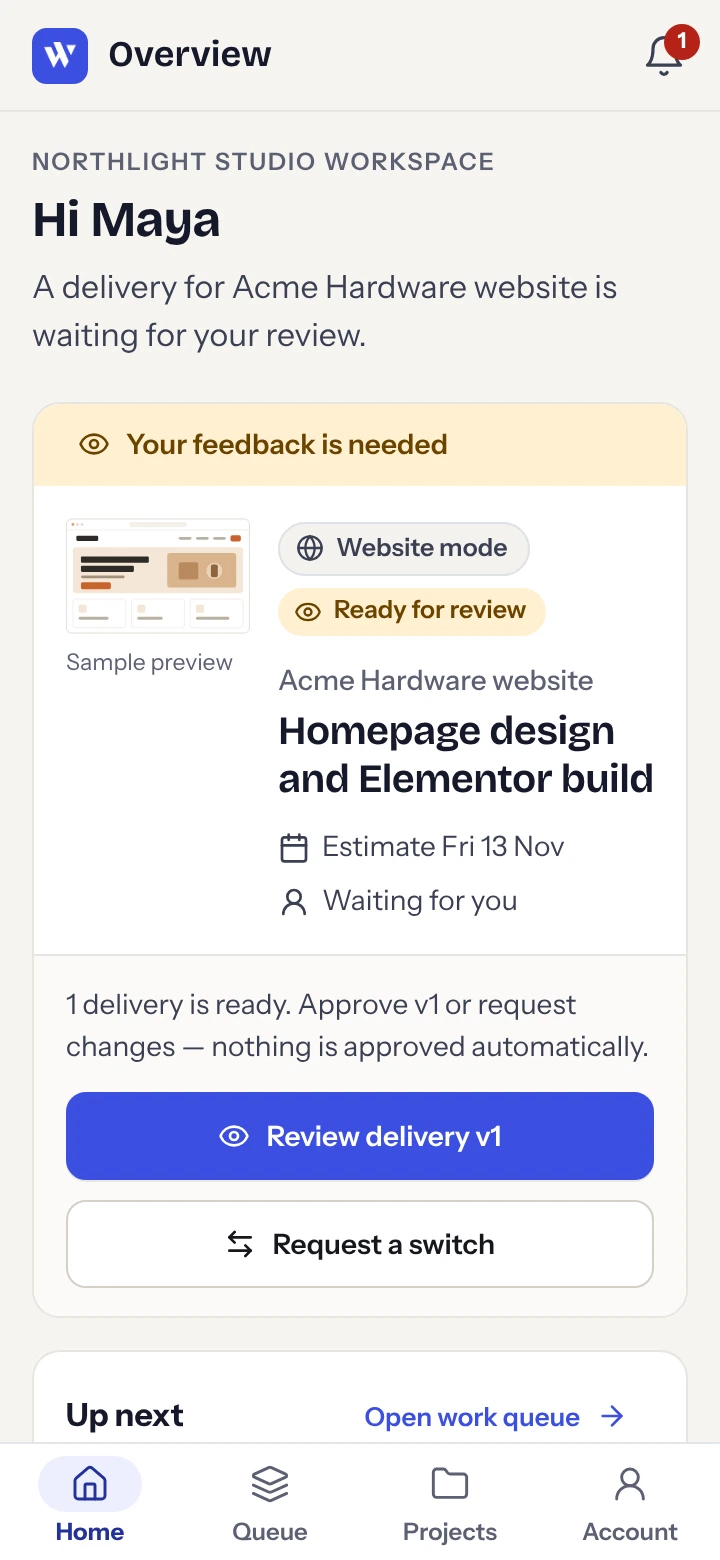
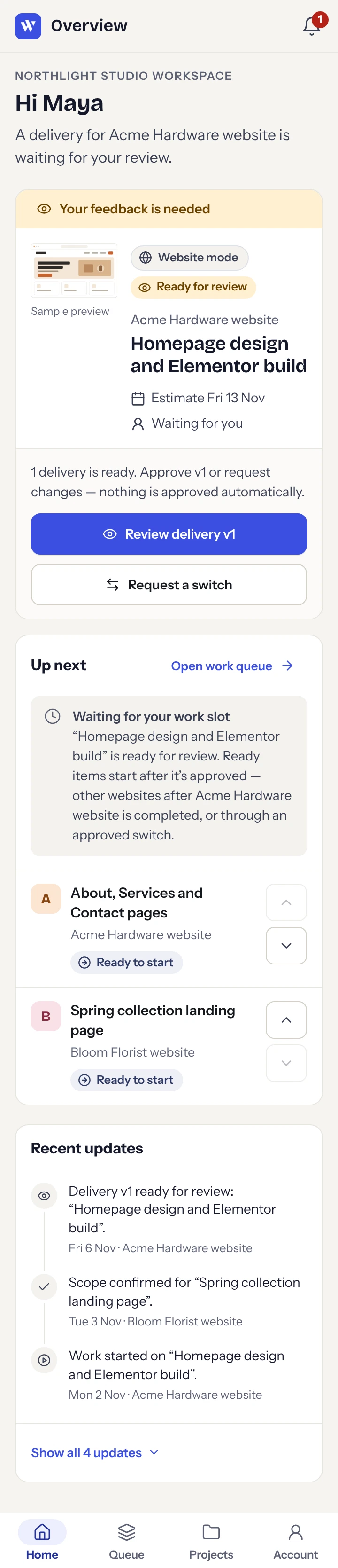
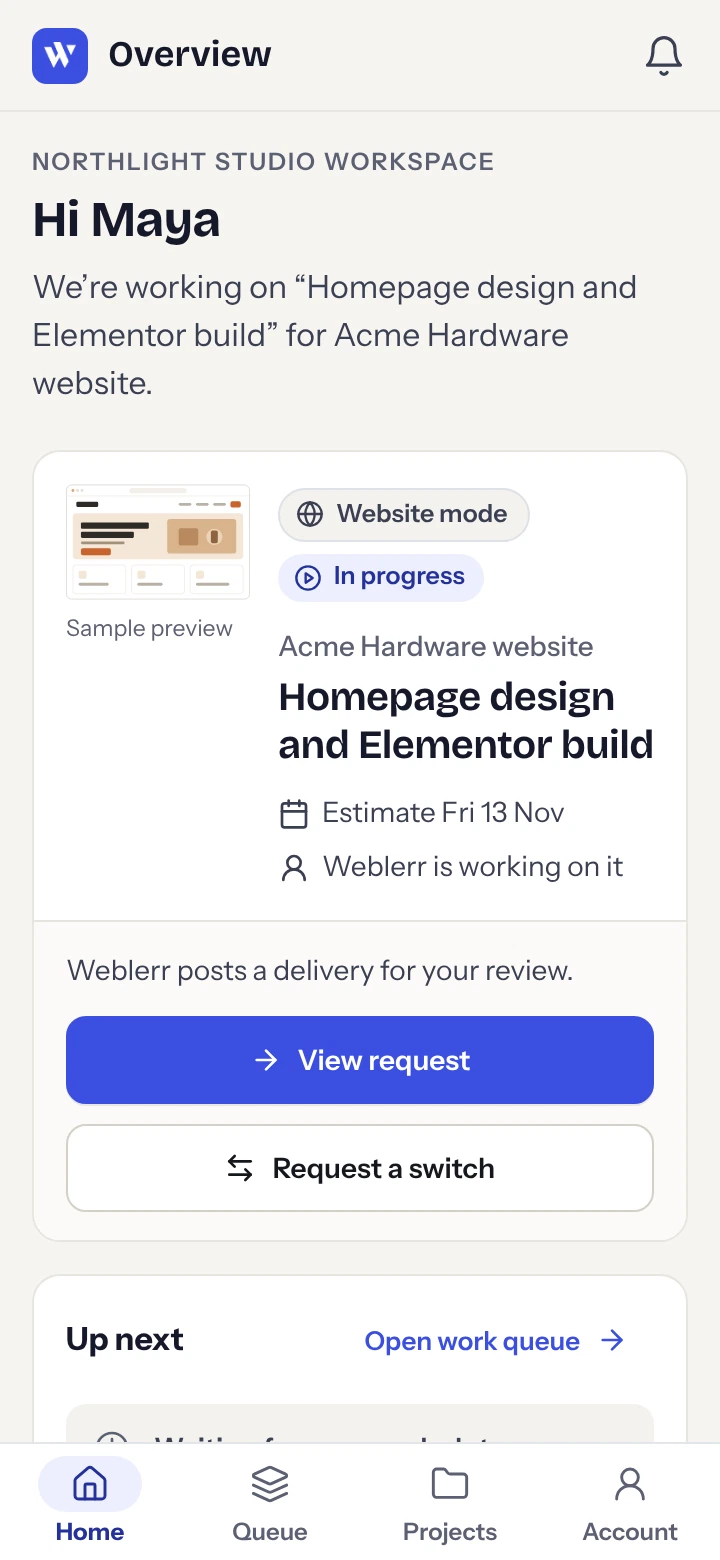
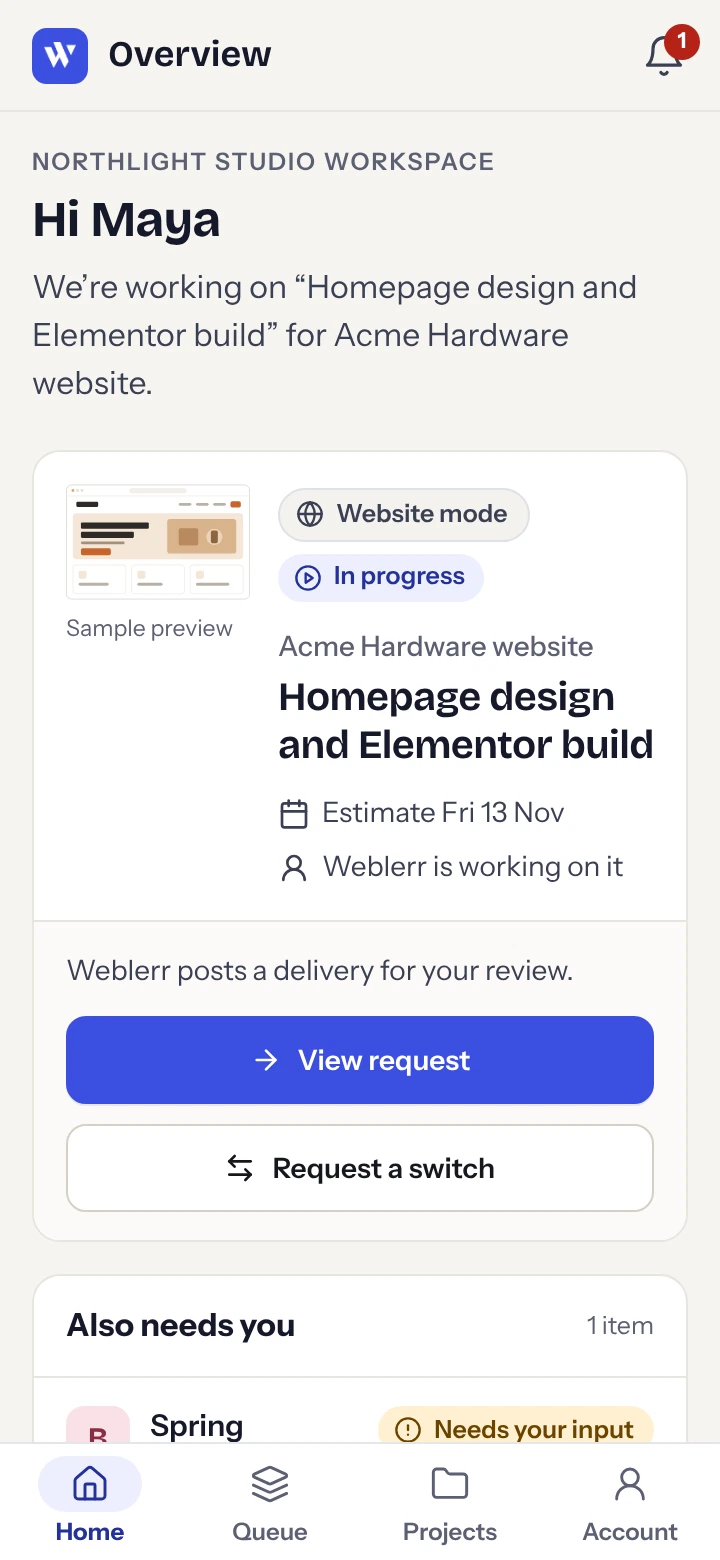
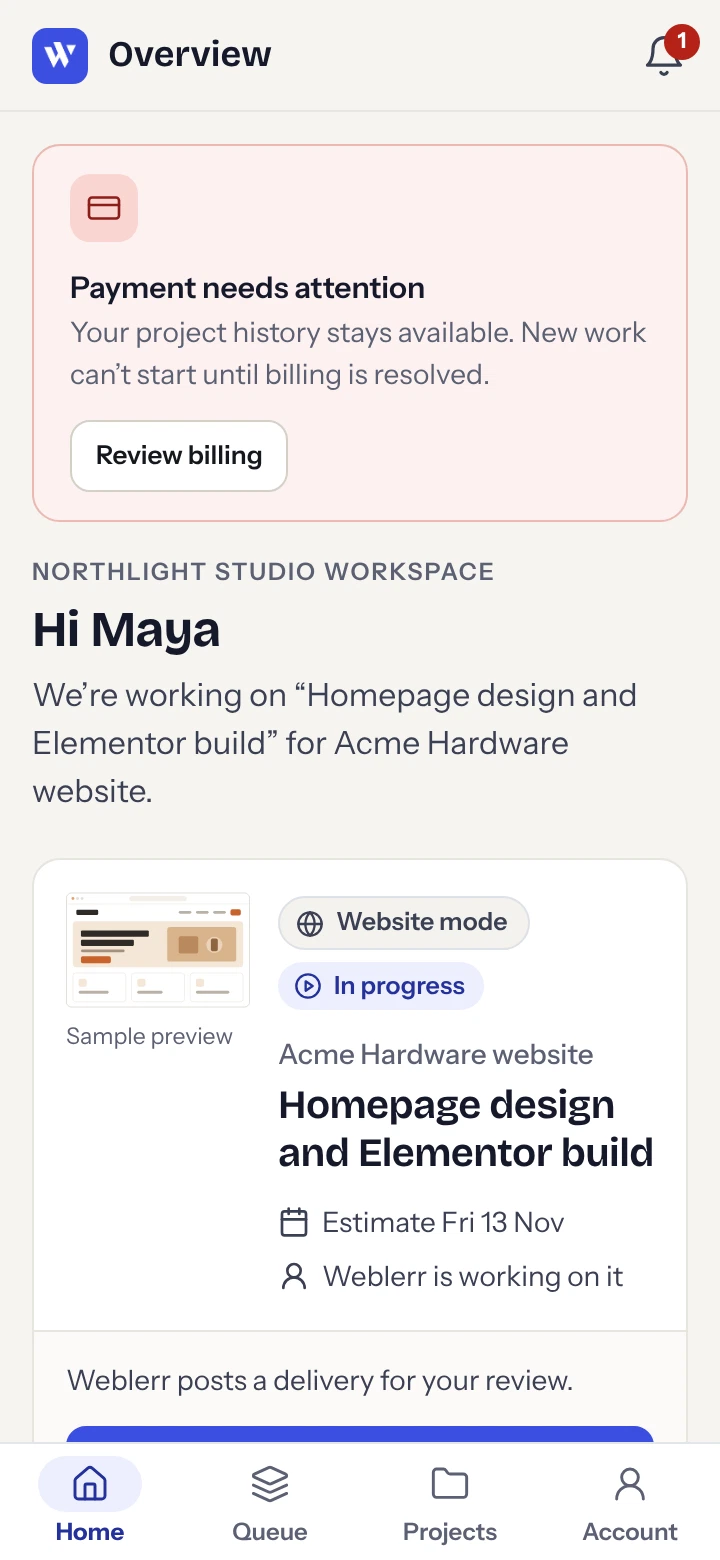
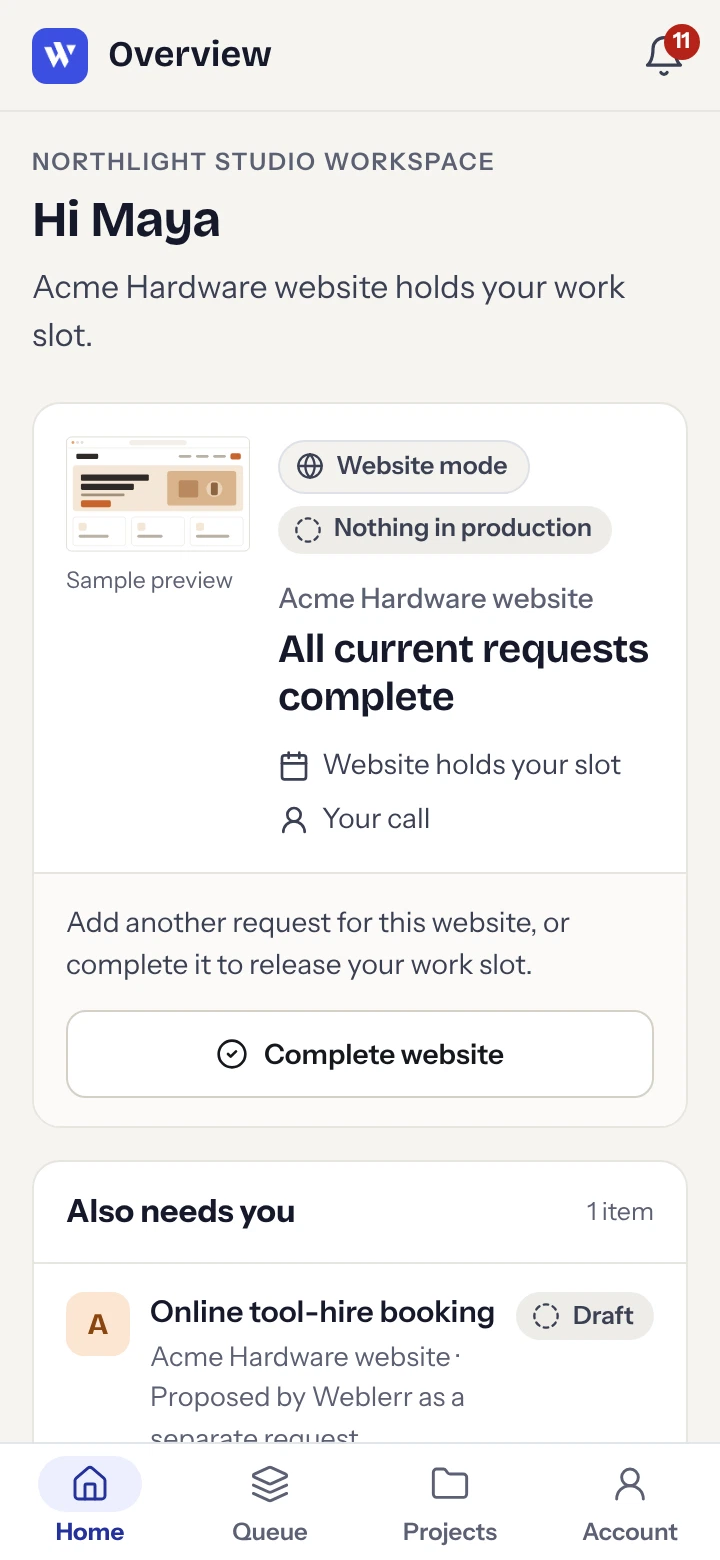
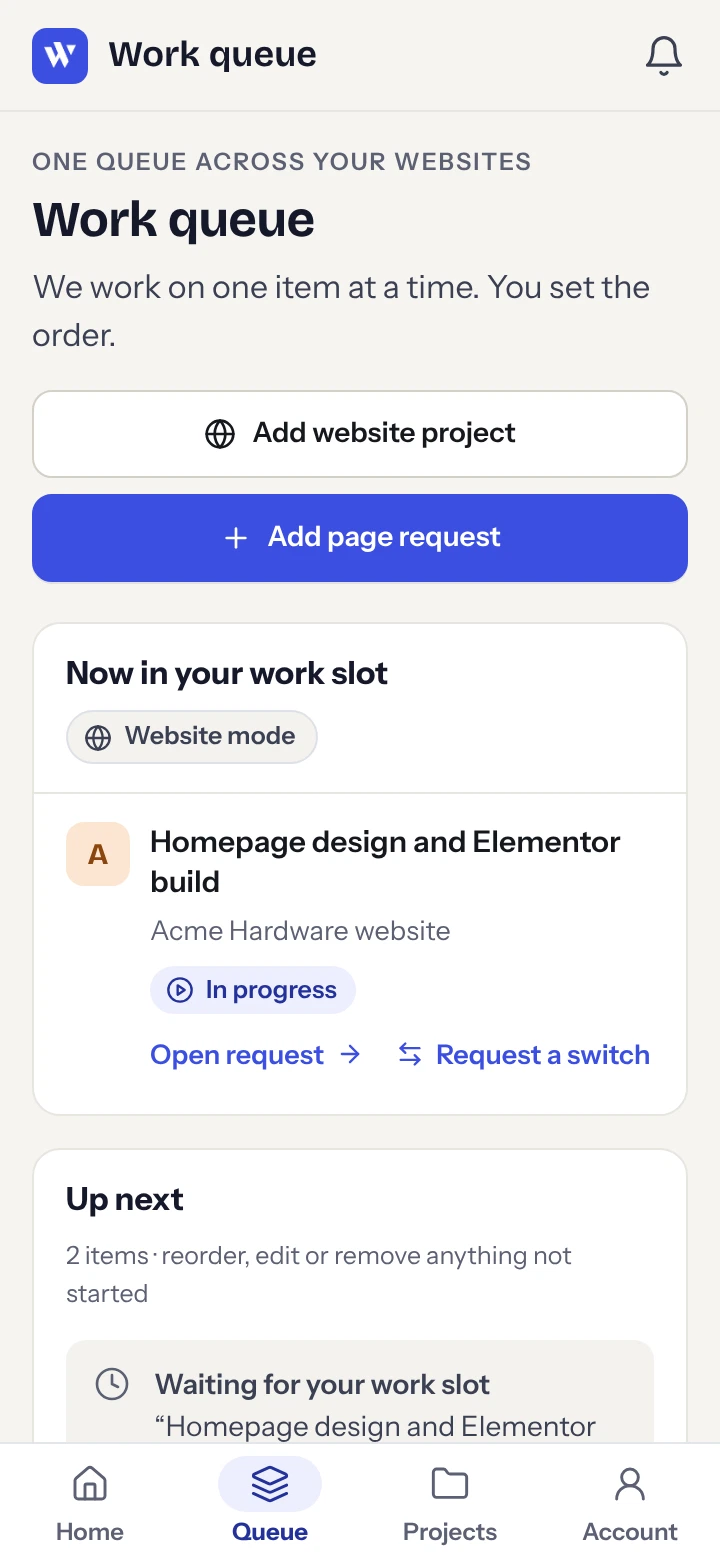
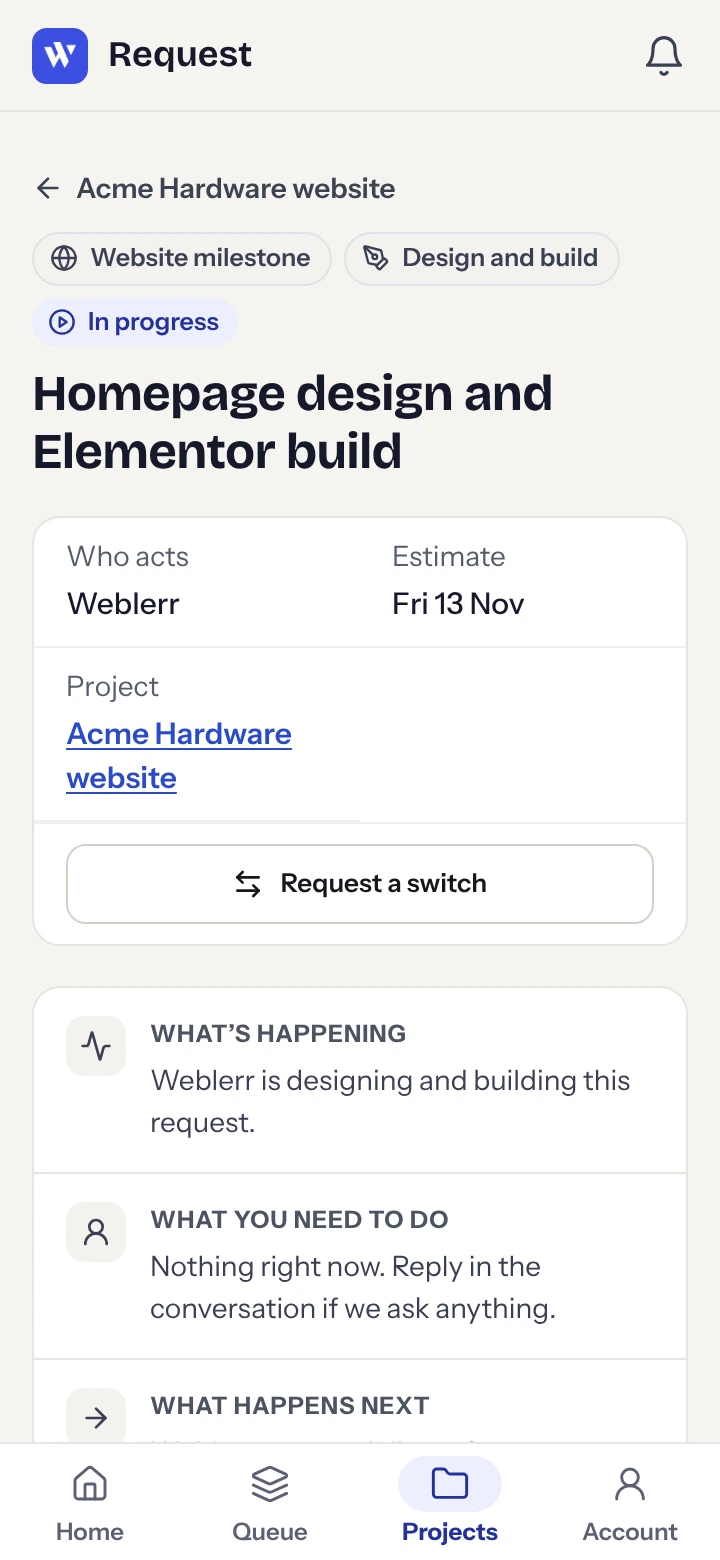
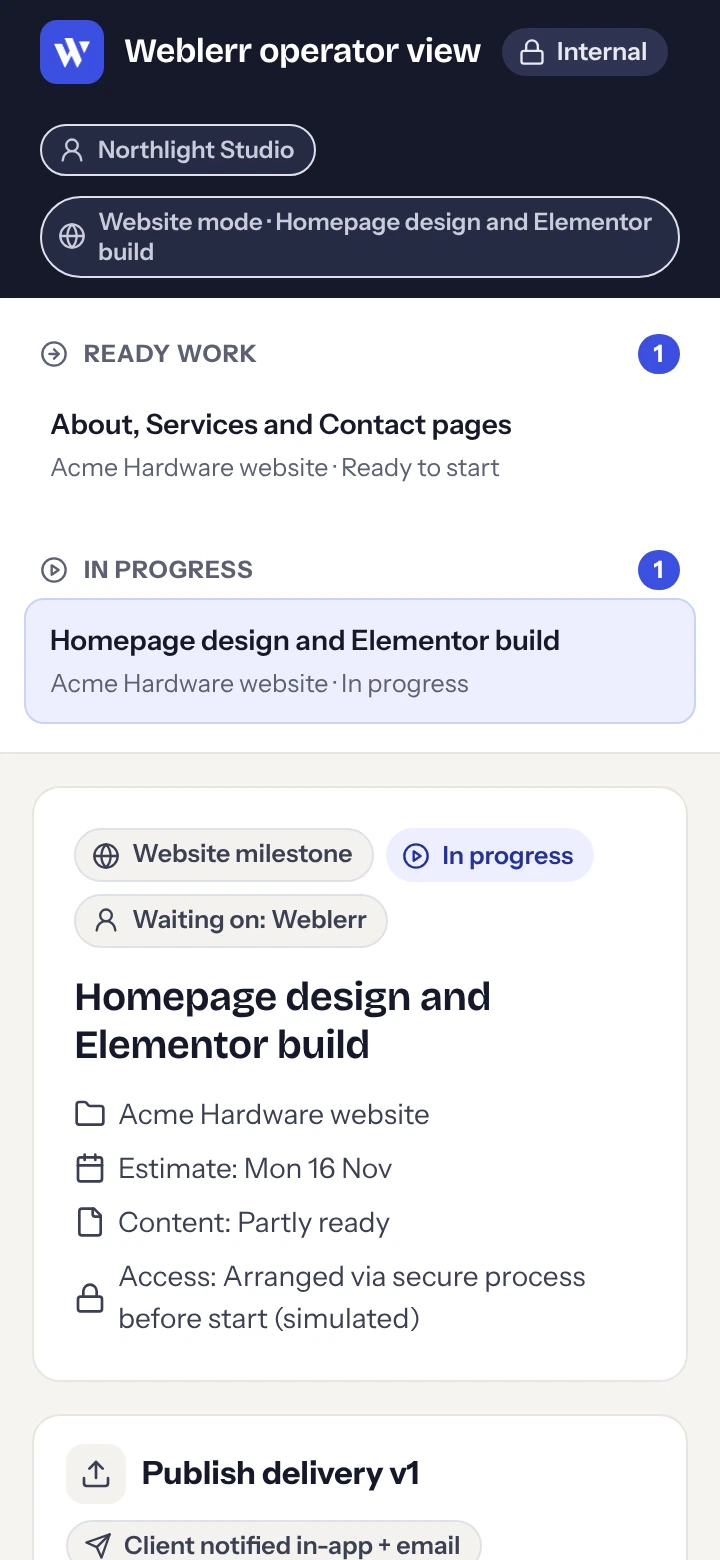
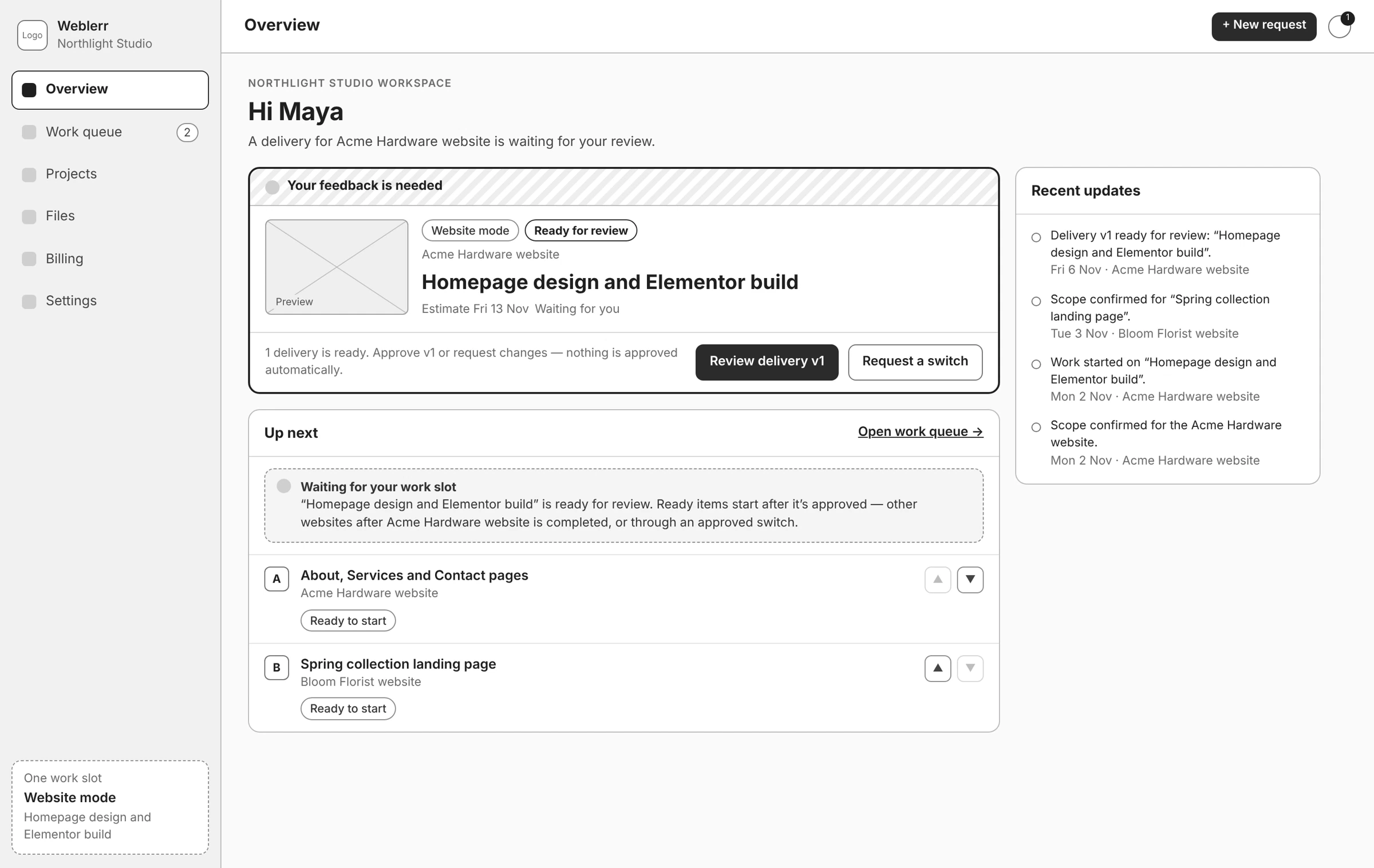
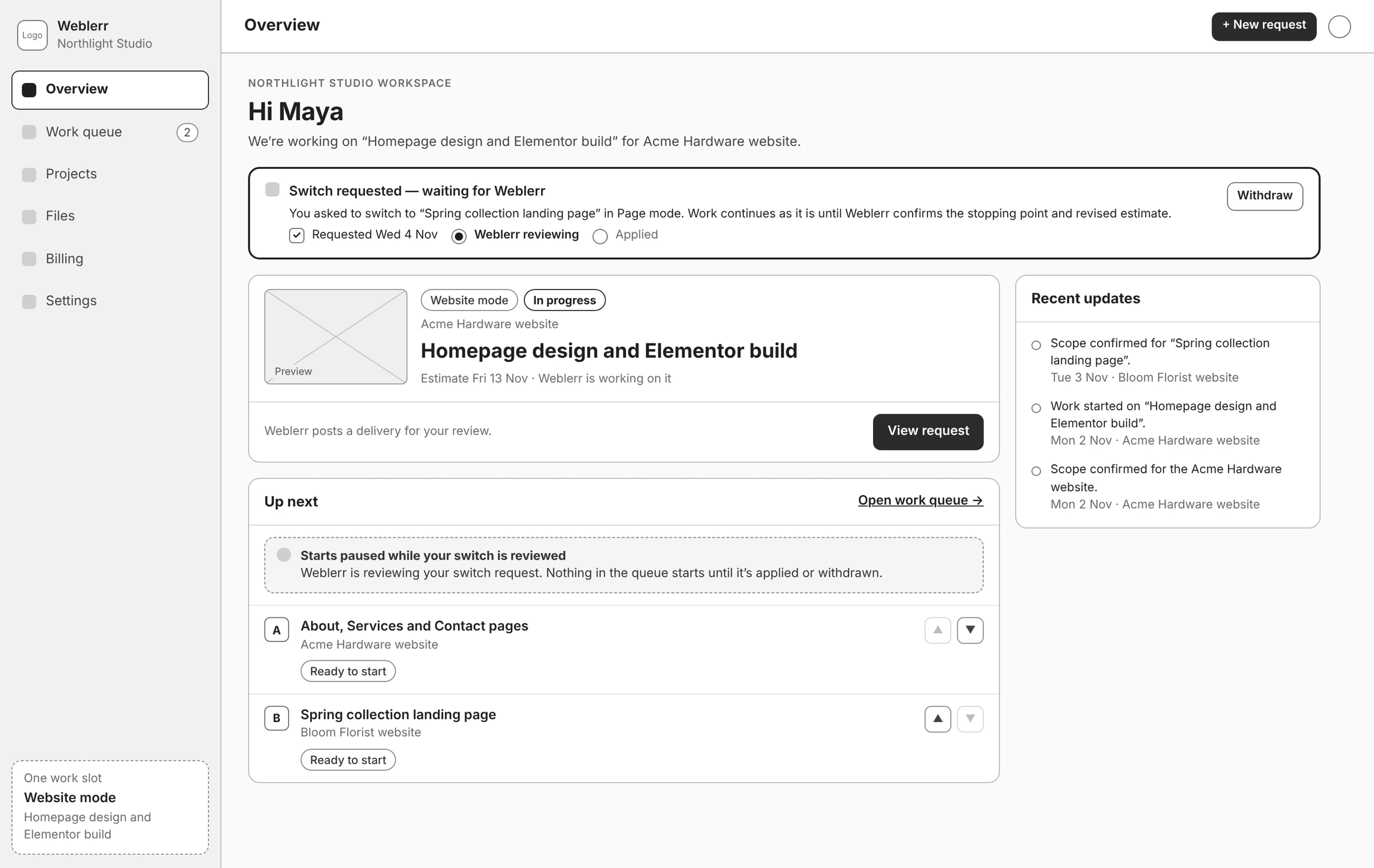
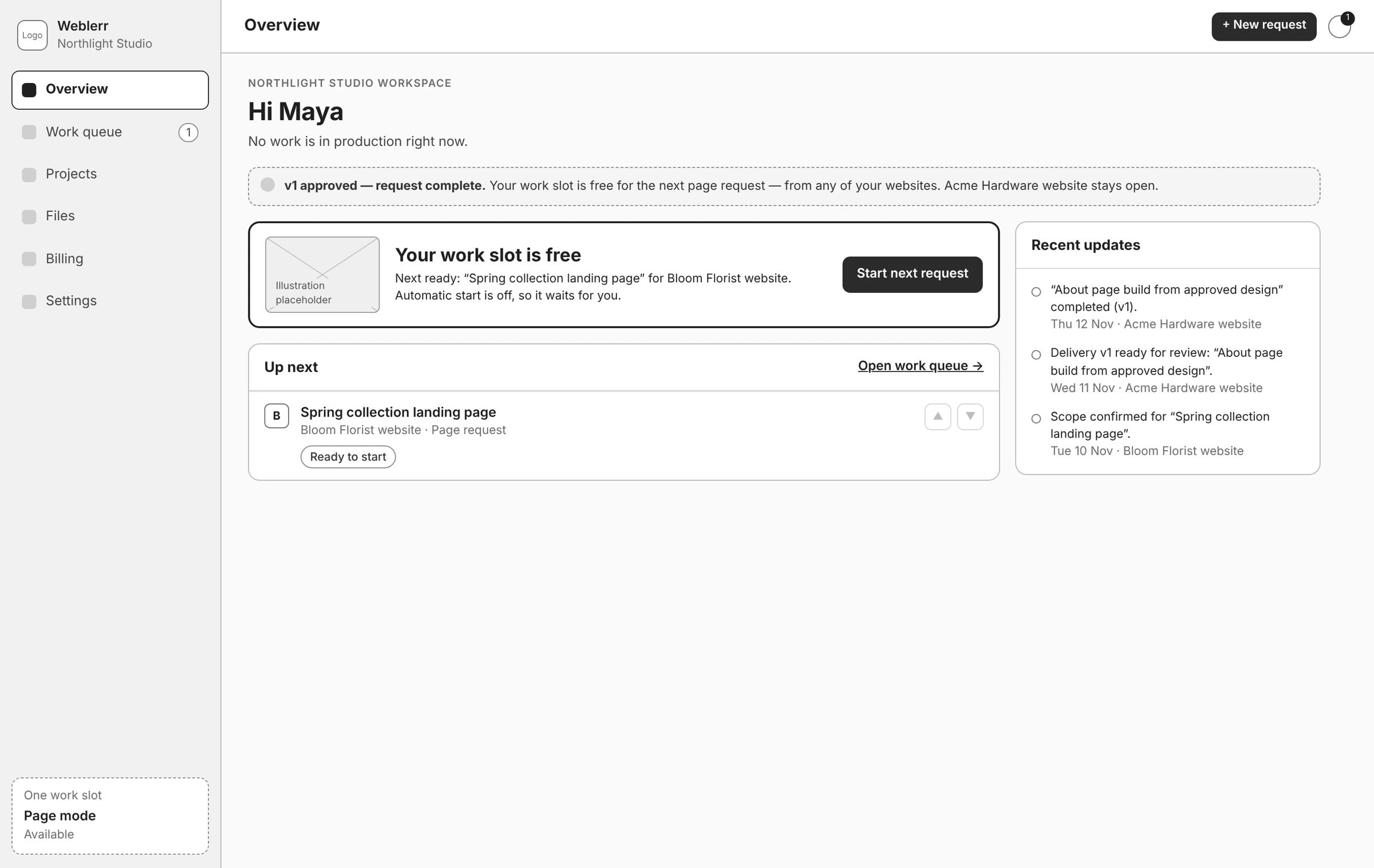
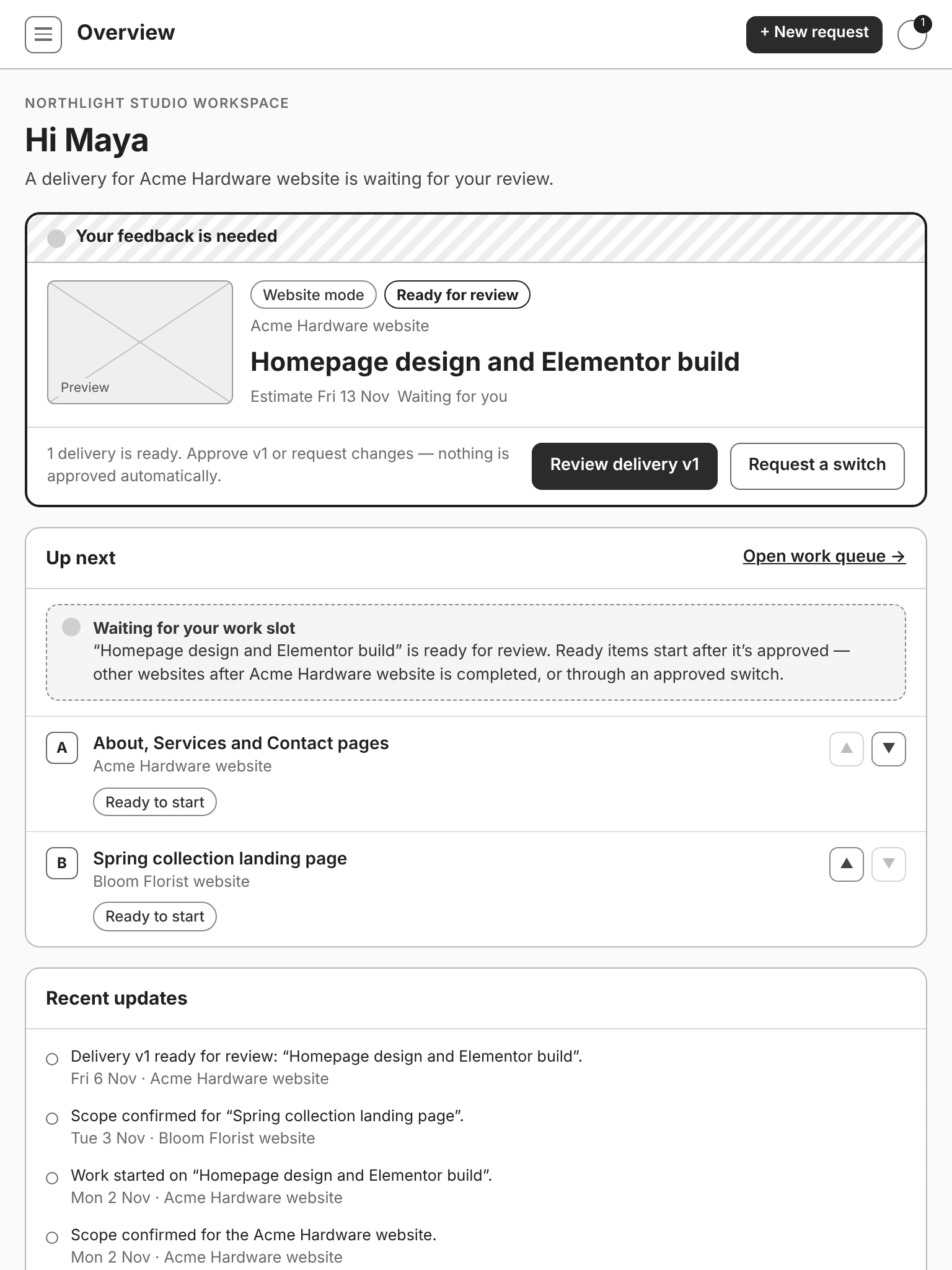
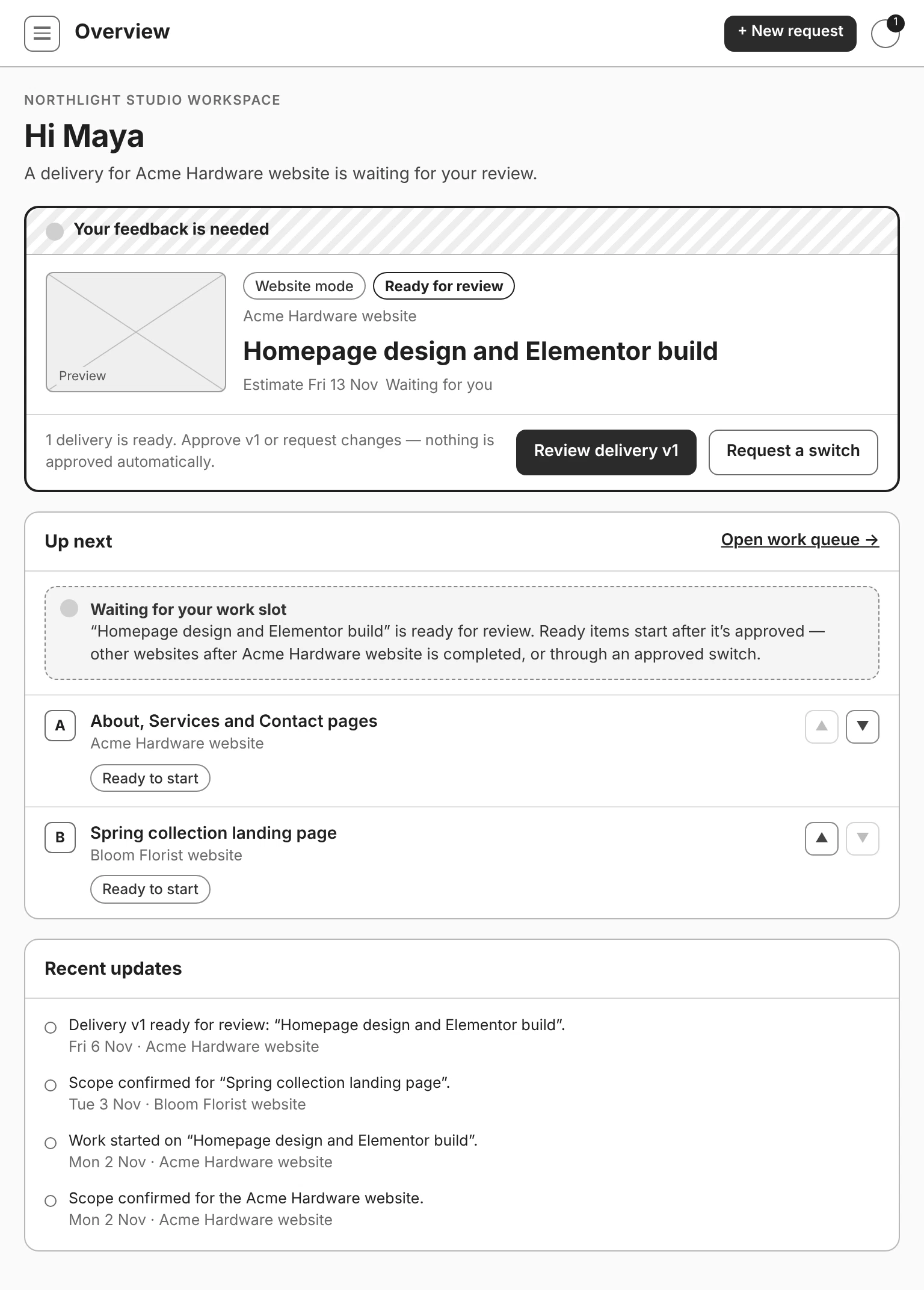
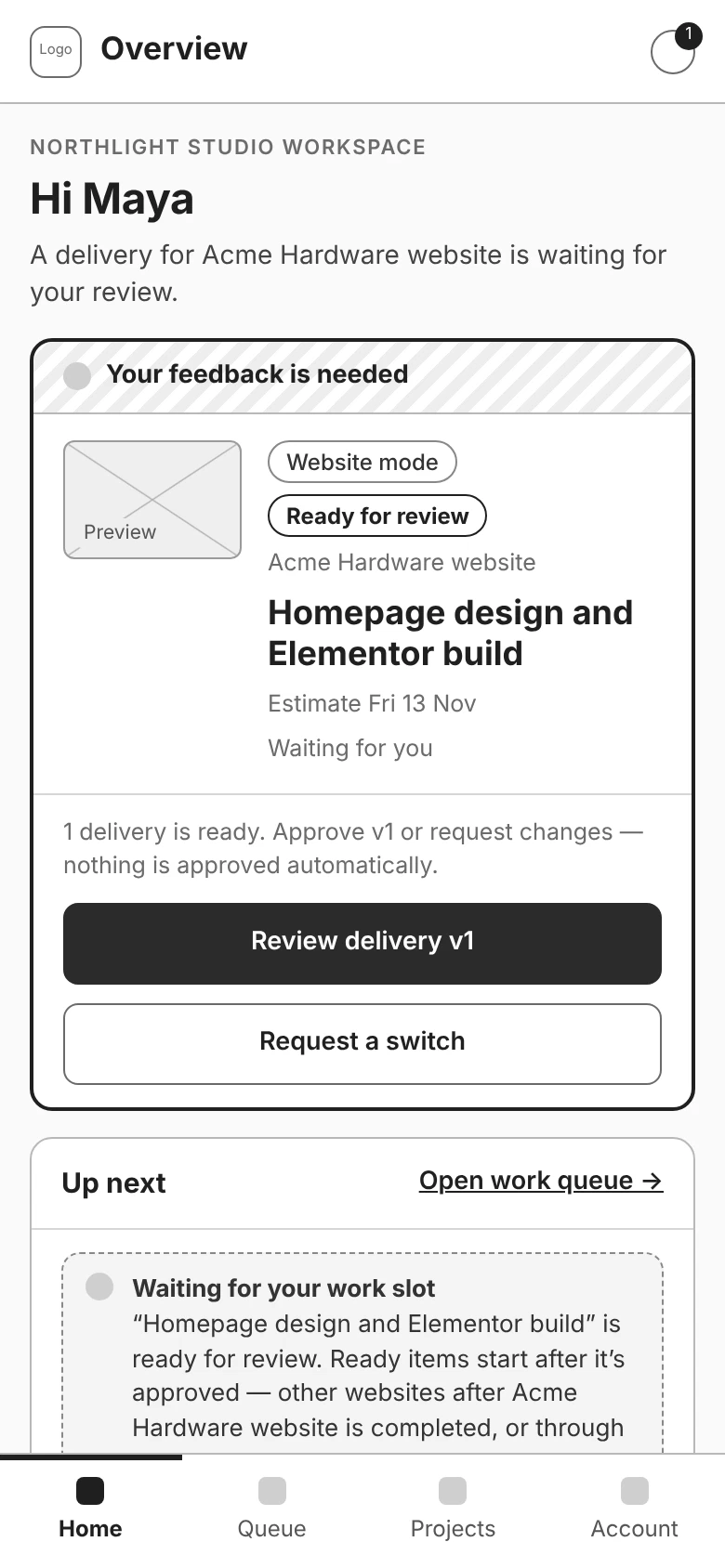
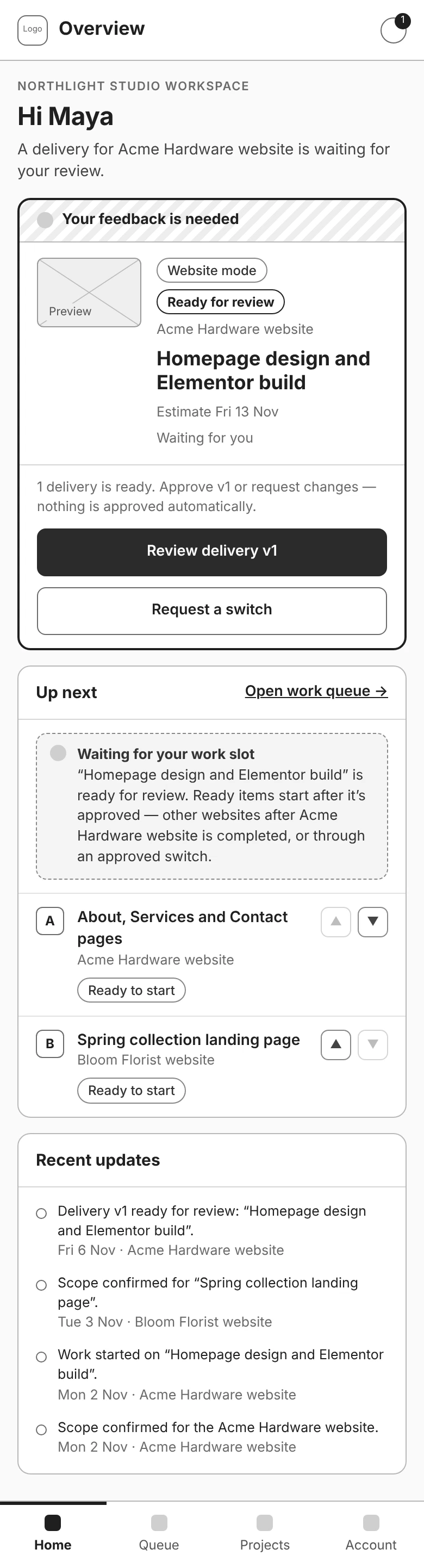
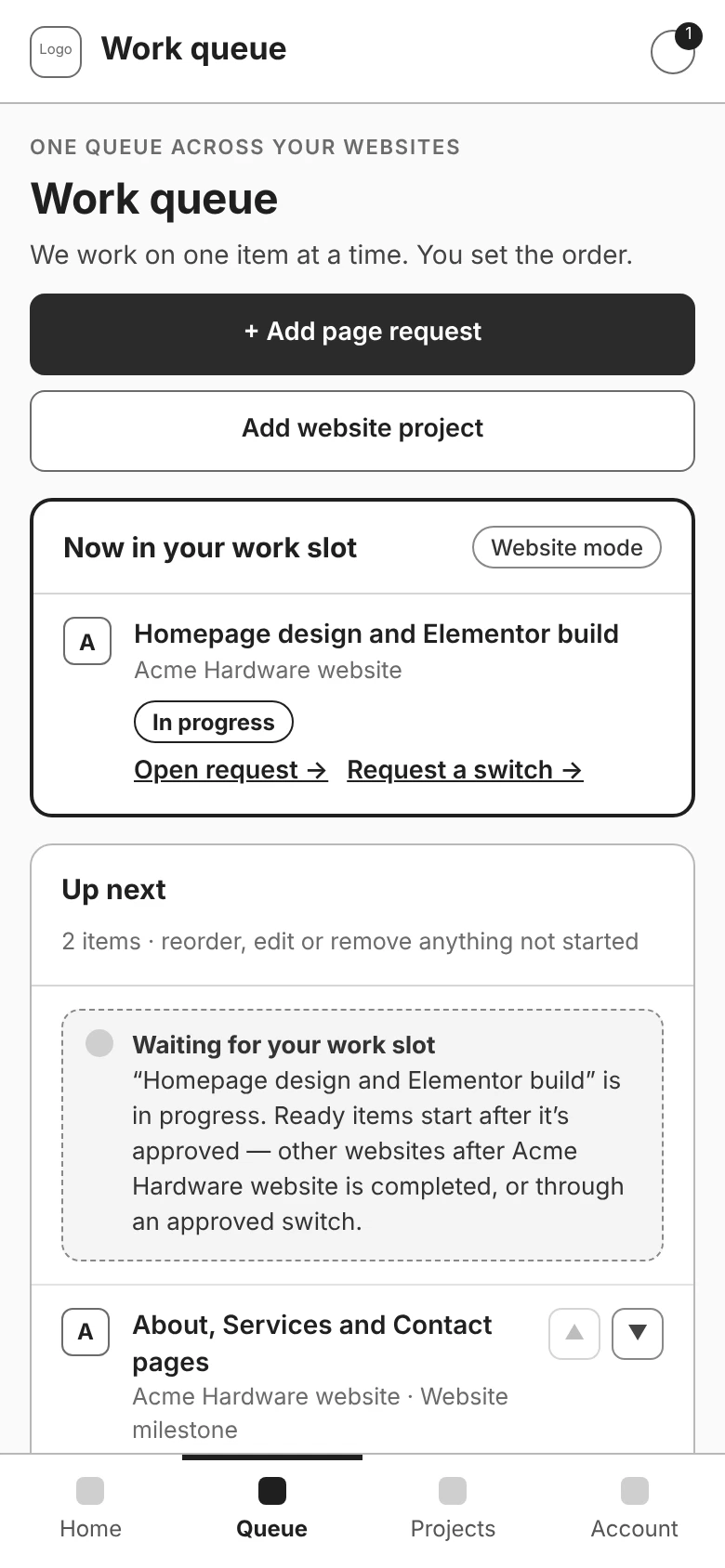
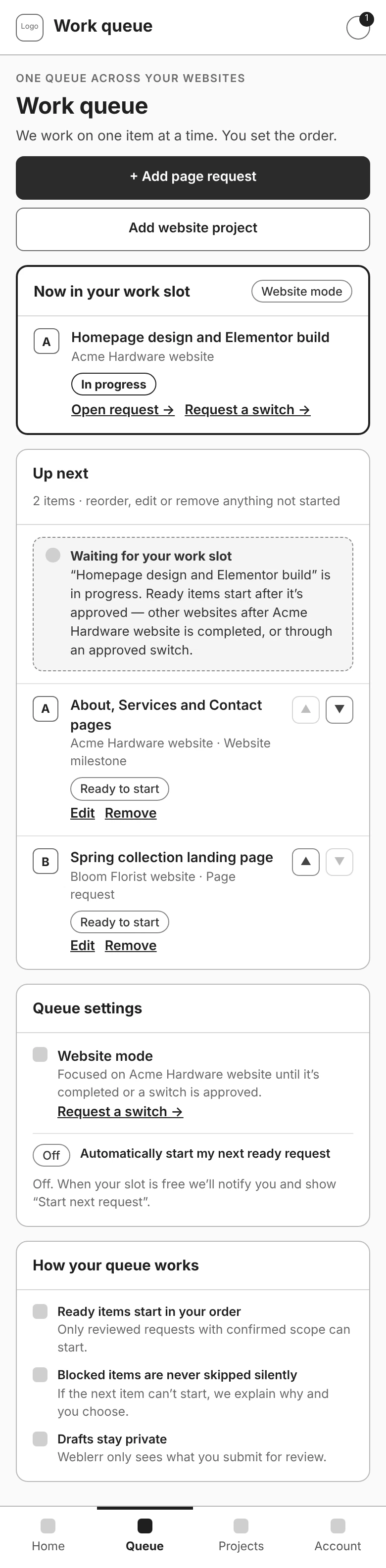
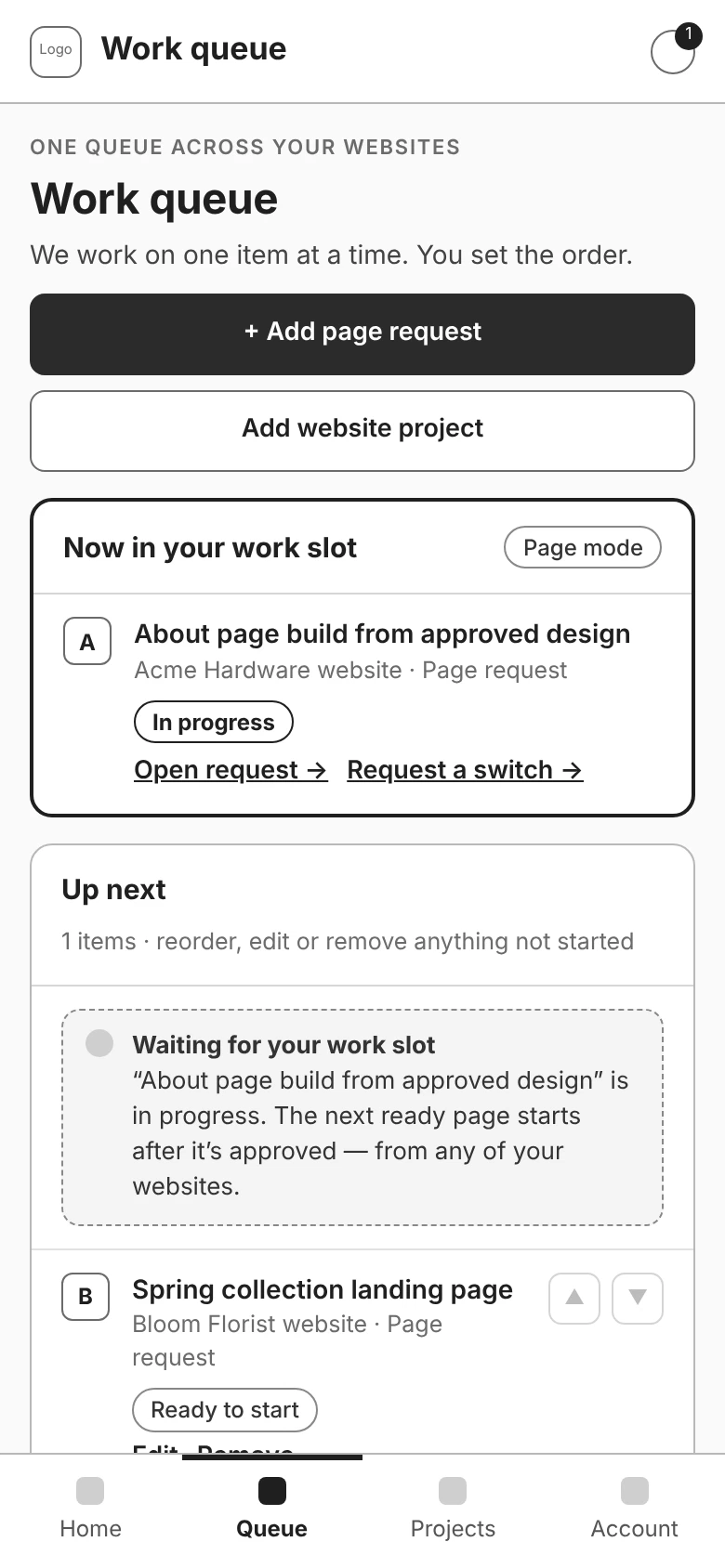
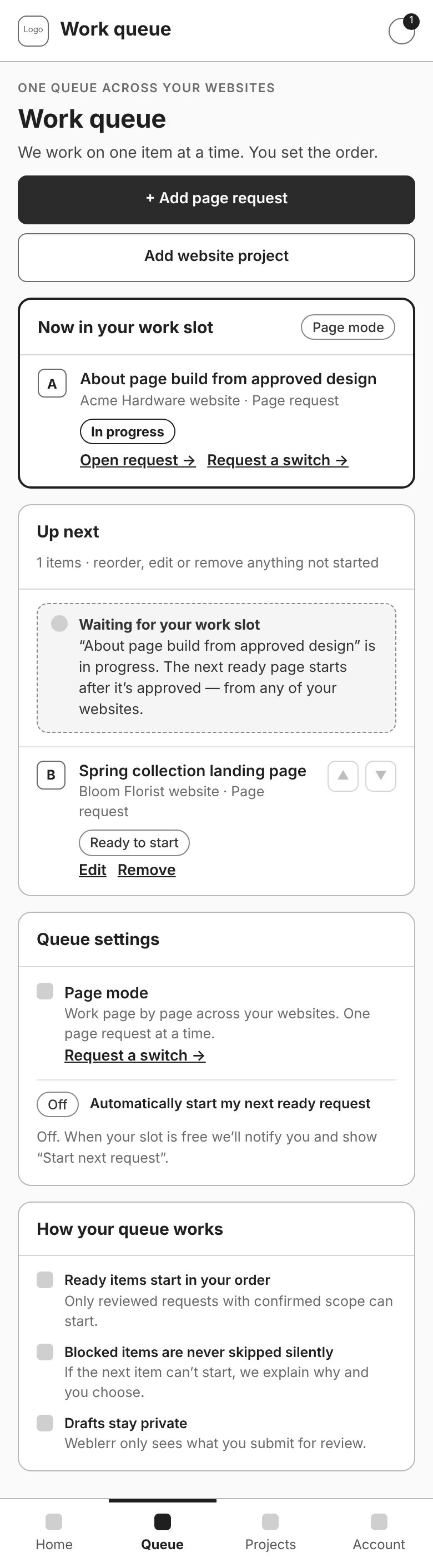
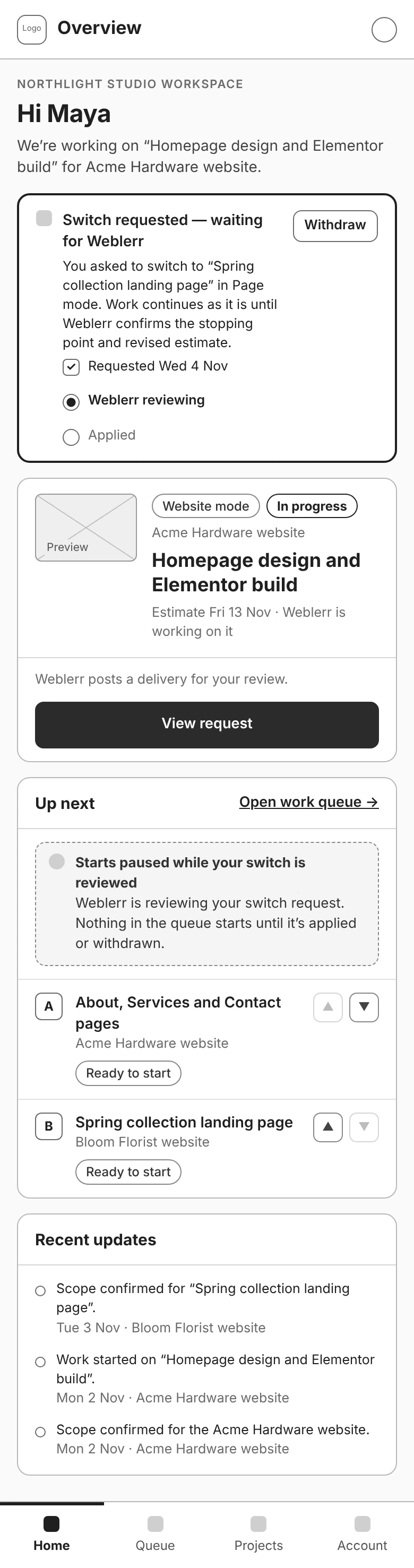
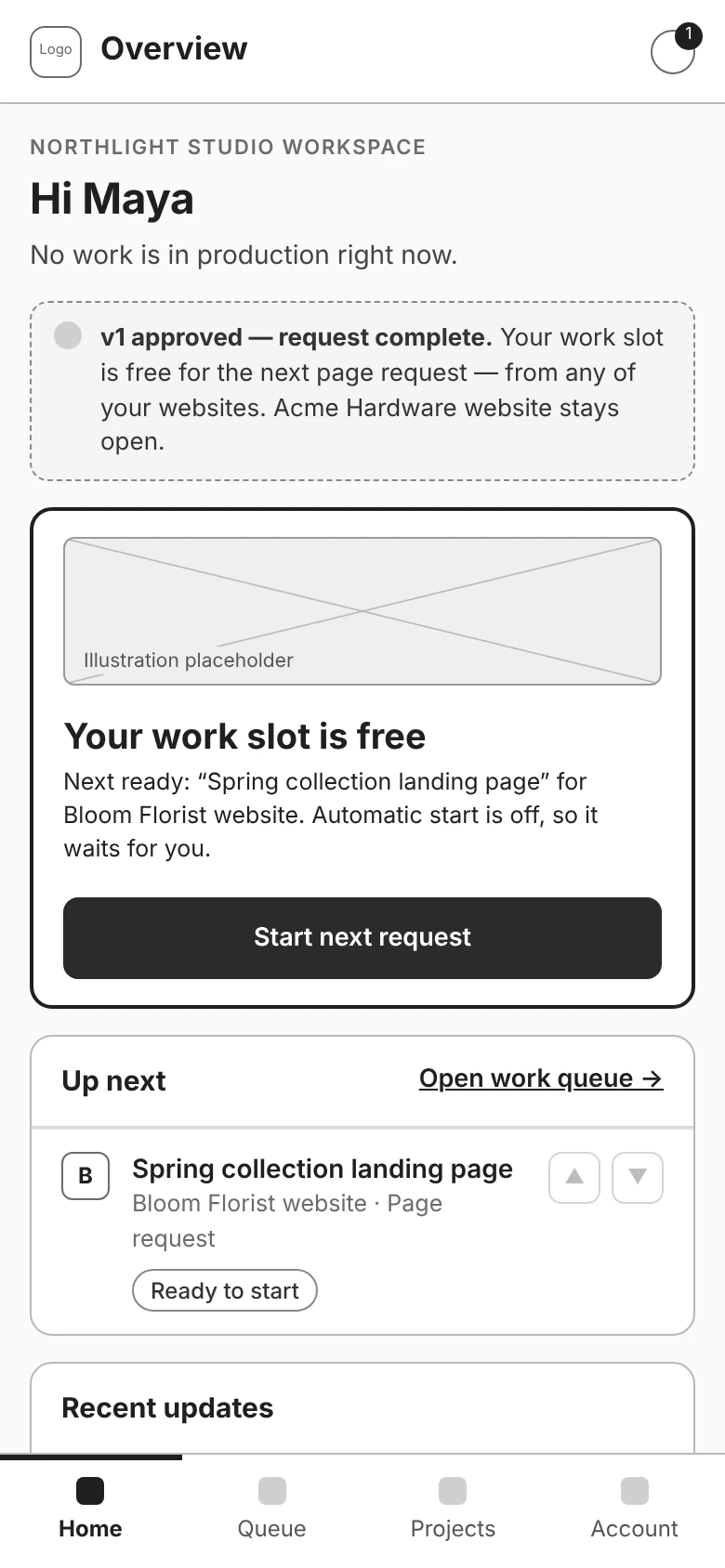
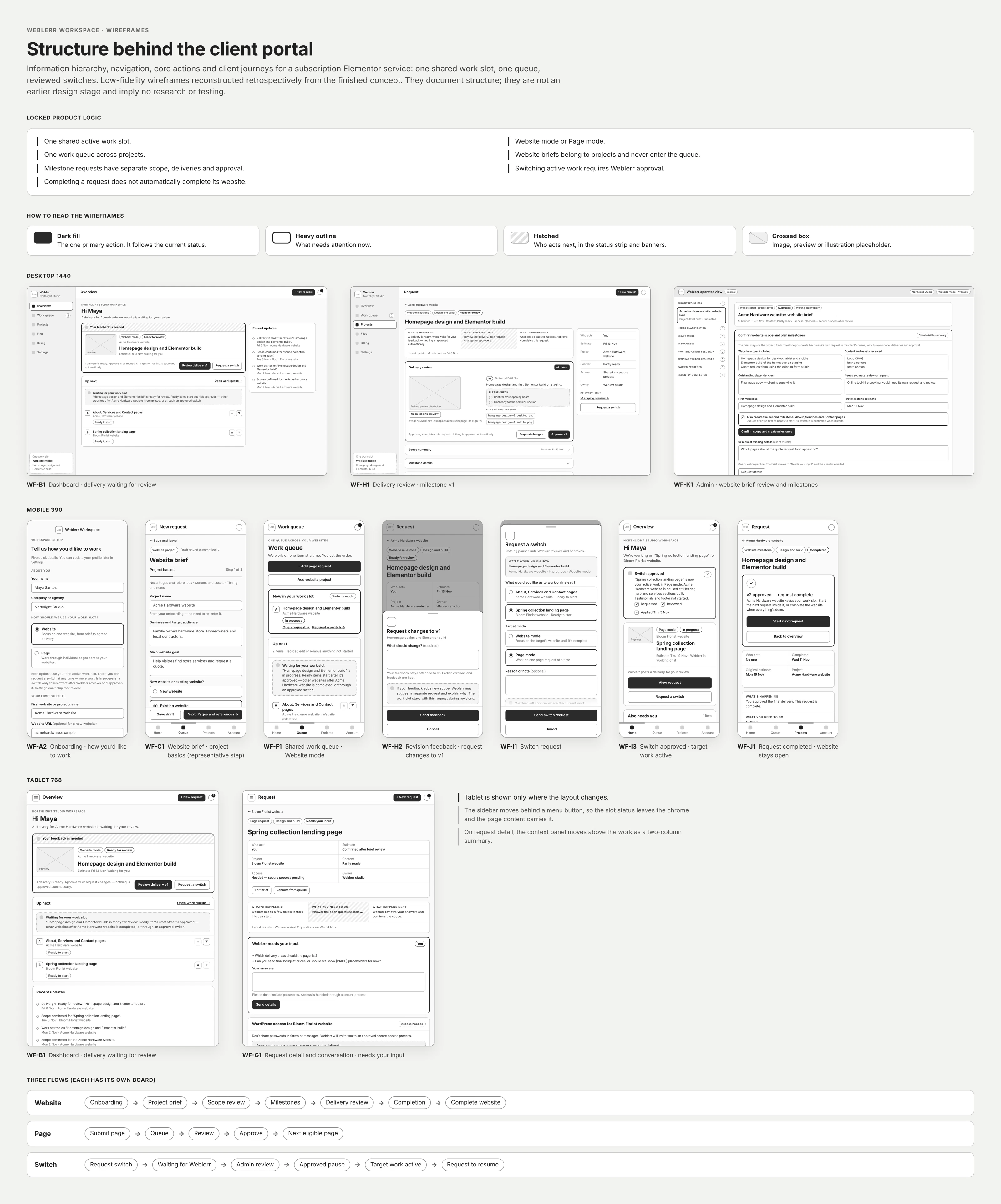
Clients can queue requests across different websites, but Weblerr works on one active item at a time. I put that work at the top of the dashboard, along with the project, its status, and the next action. If a delivery needs feedback, Review delivery becomes the main action.
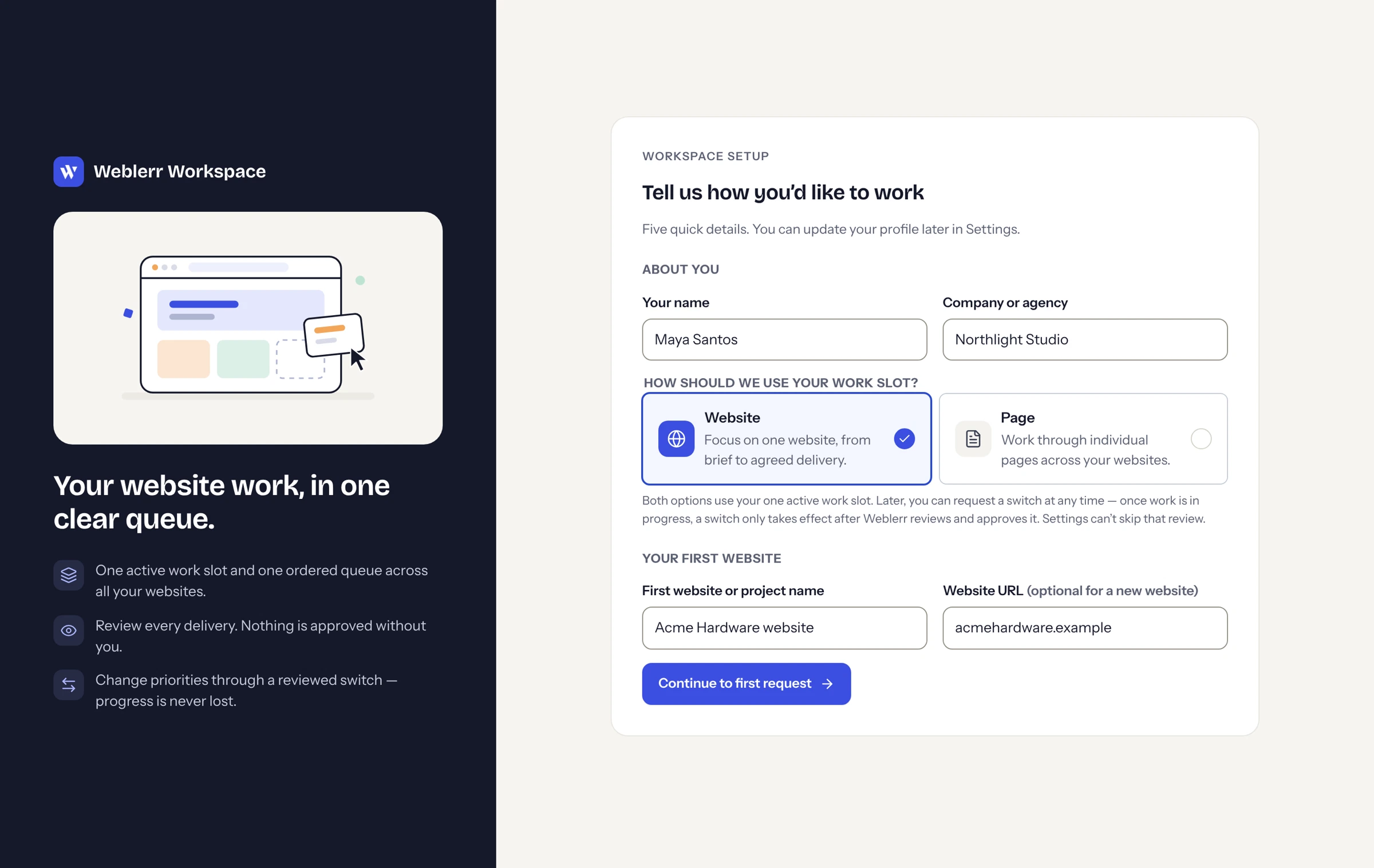
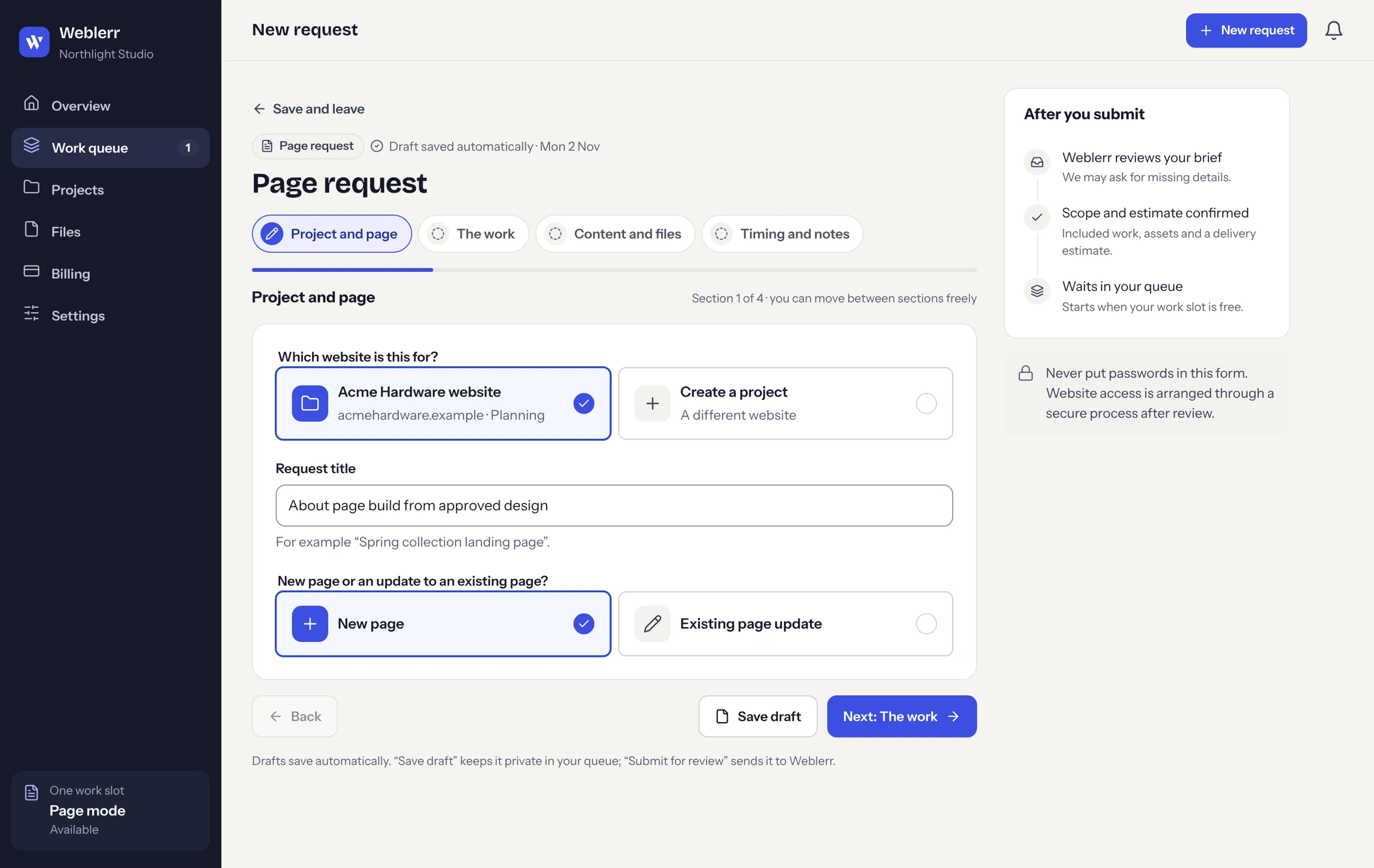
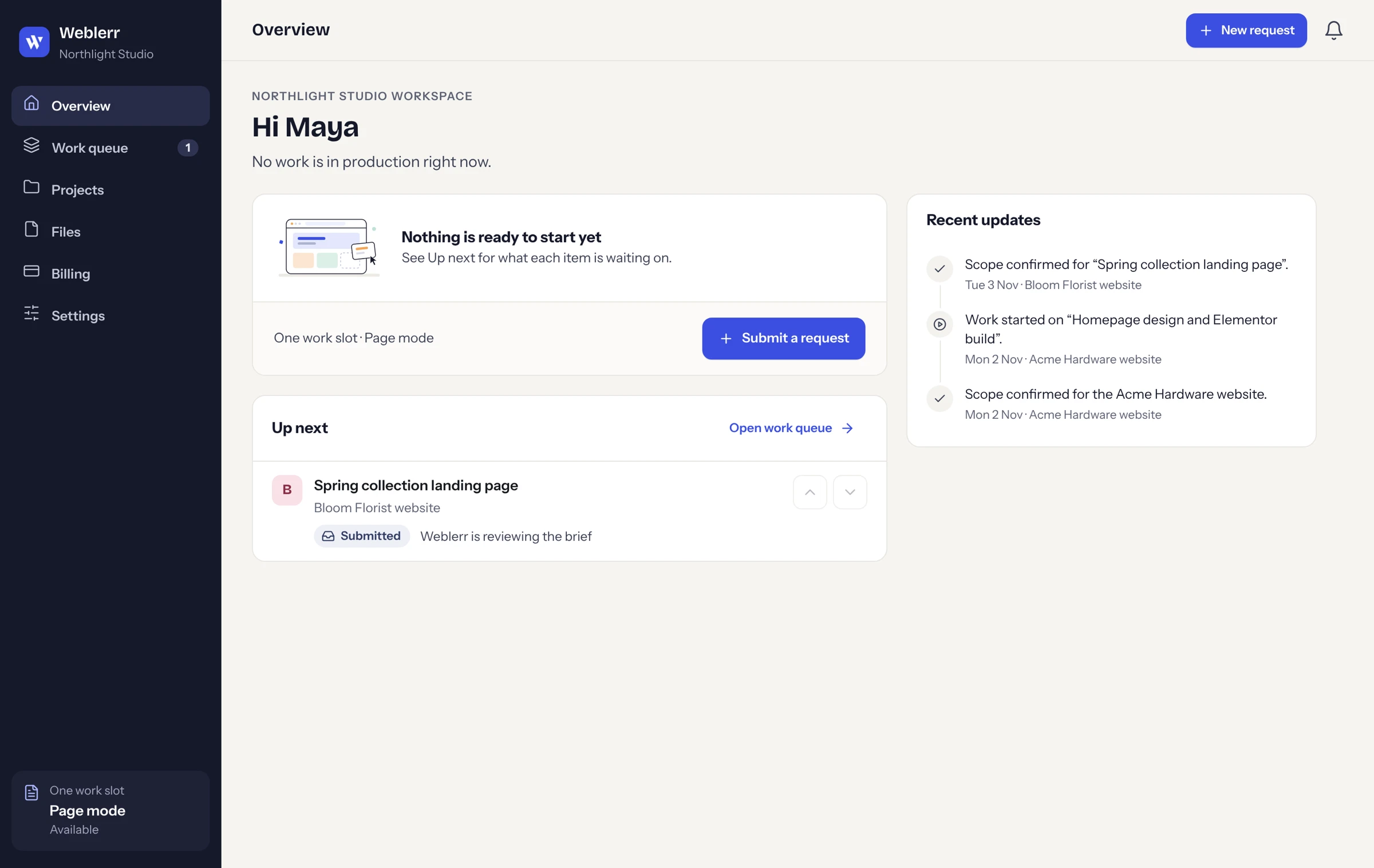
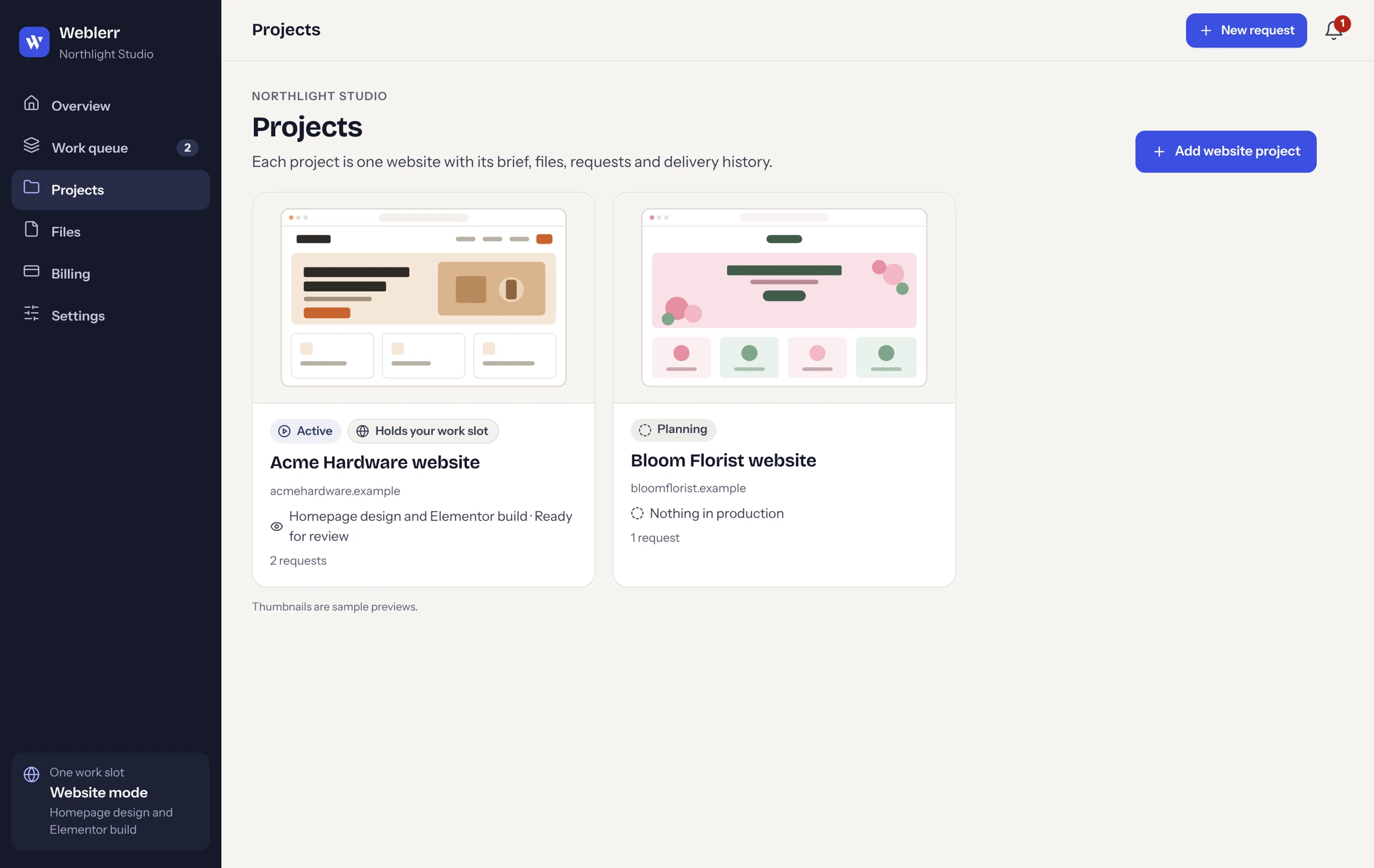
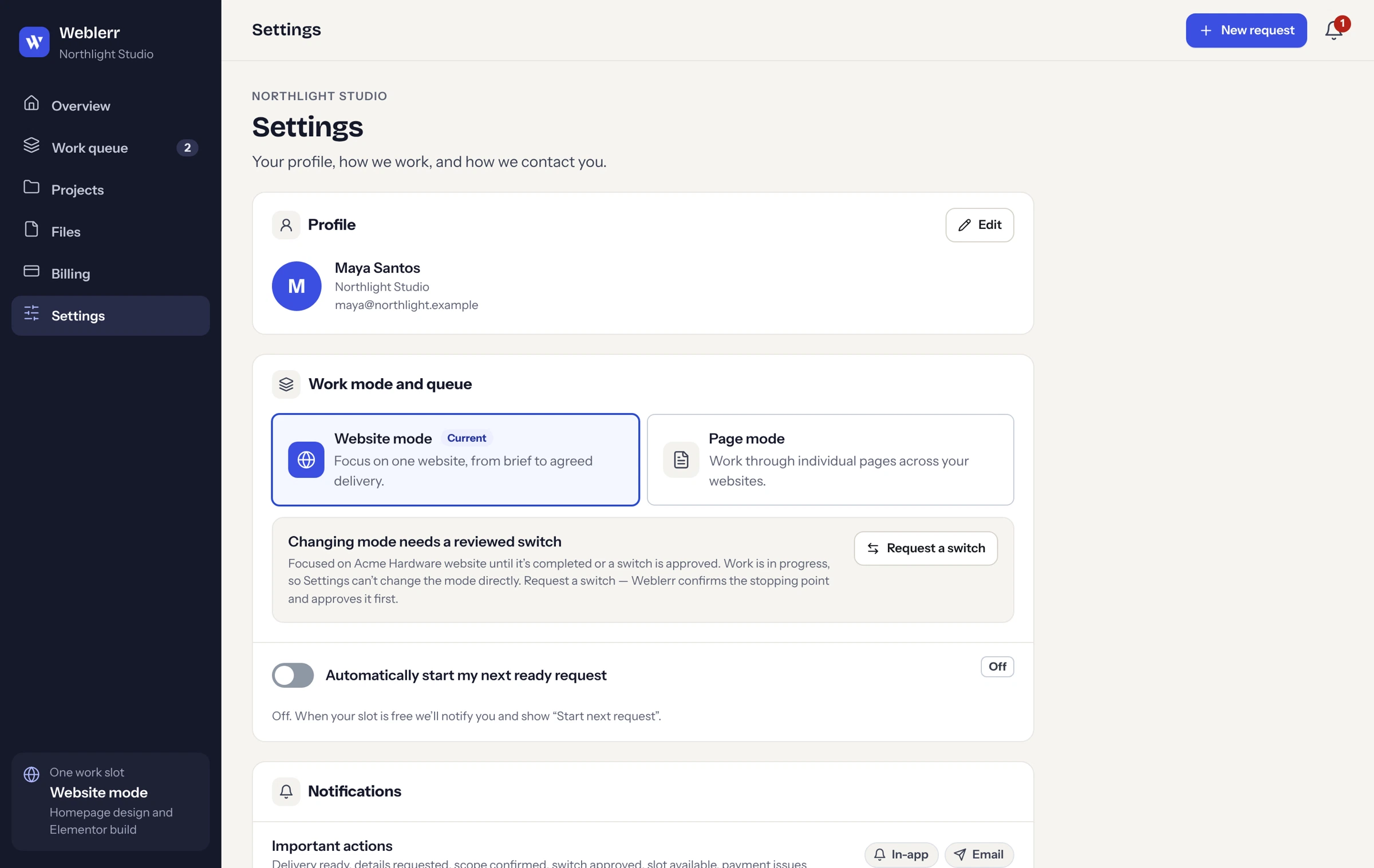
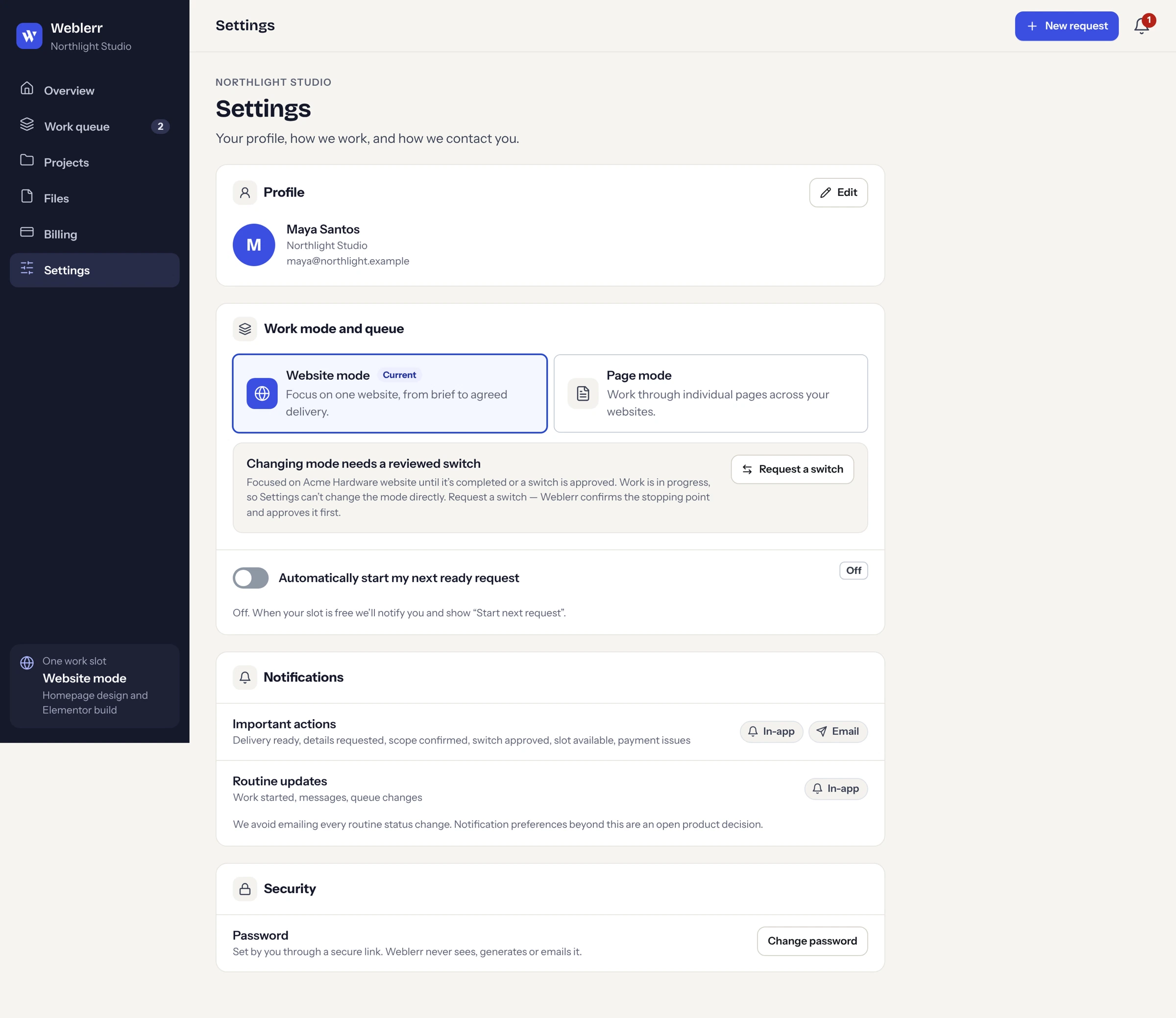
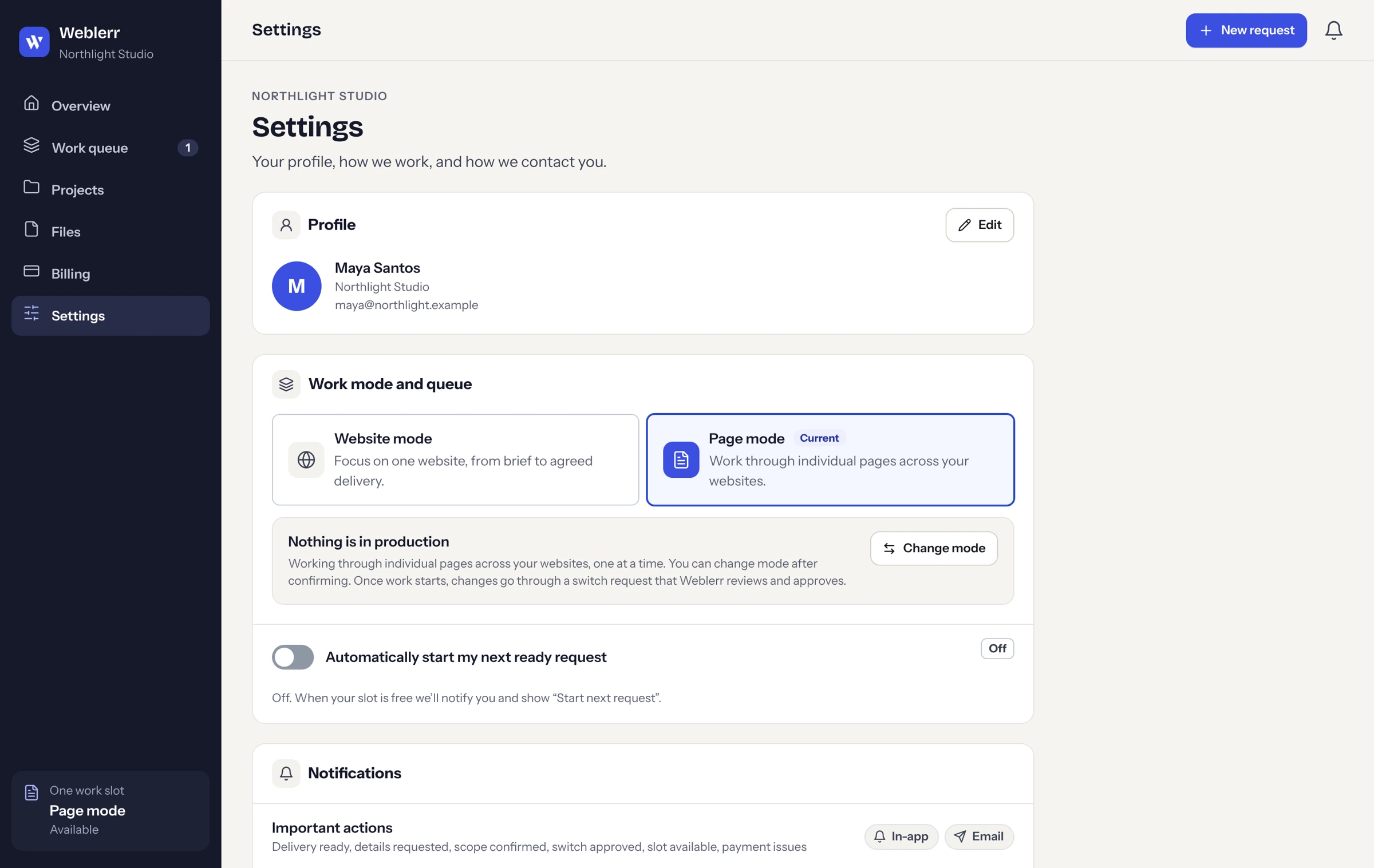
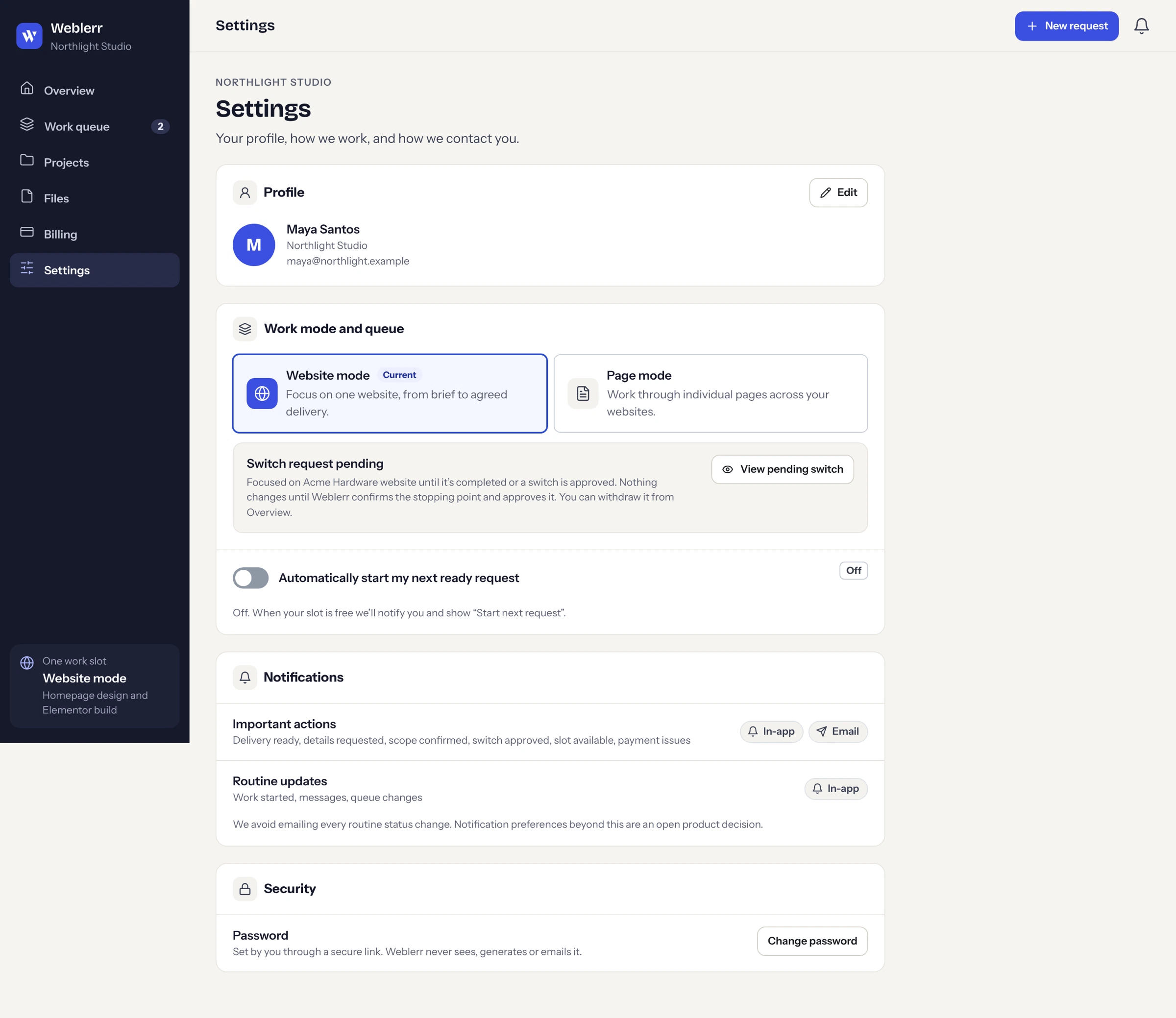
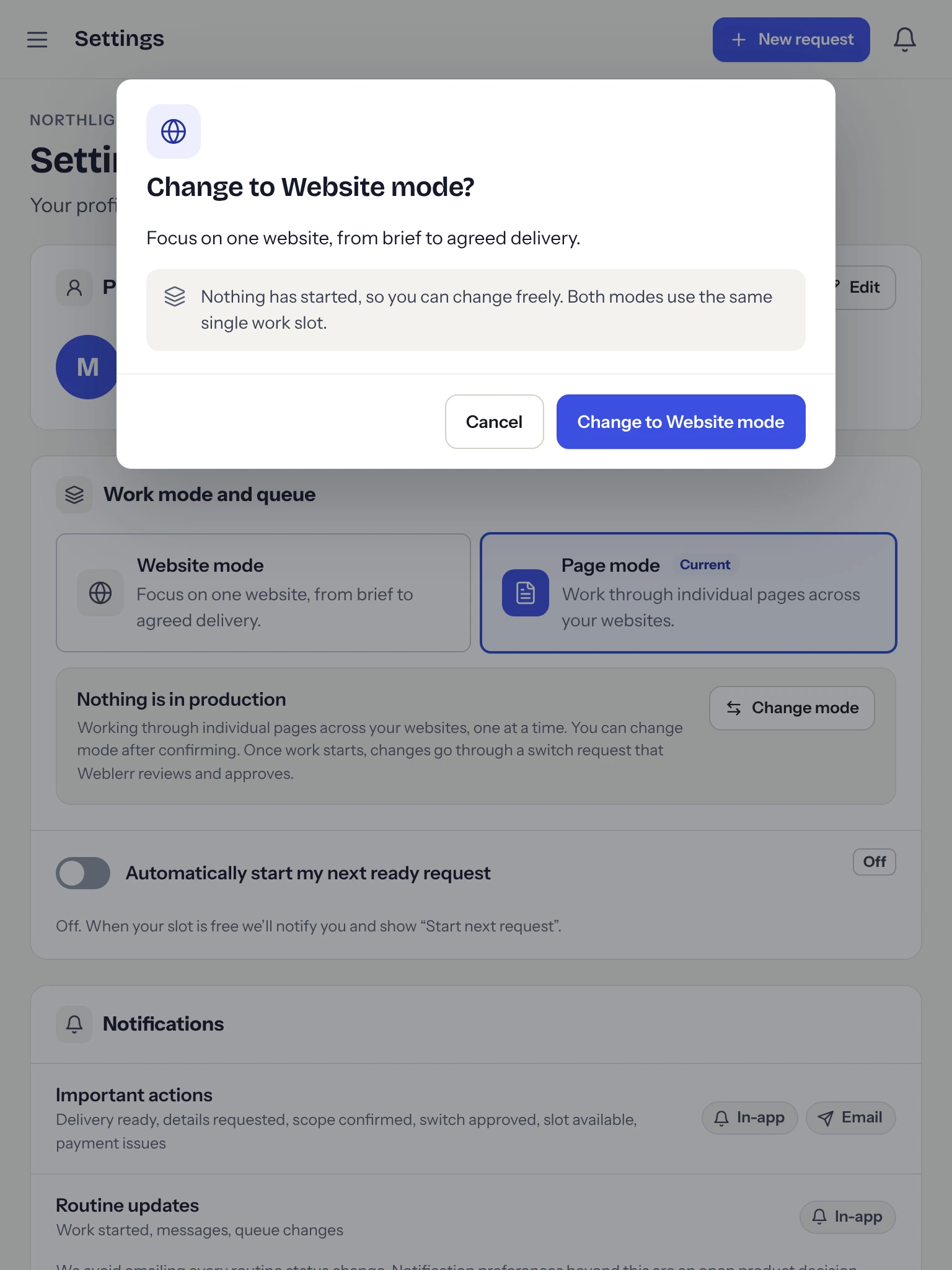
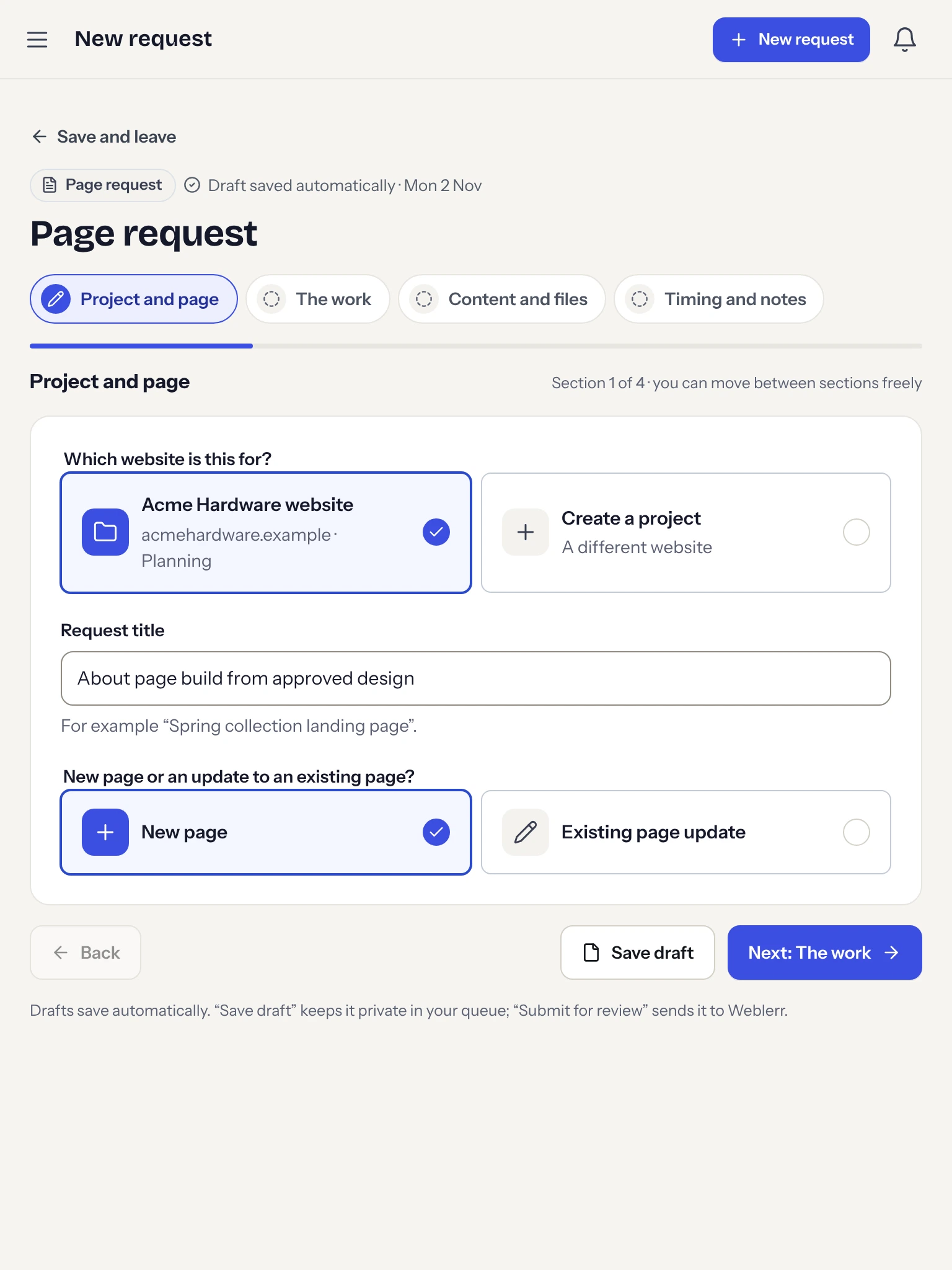
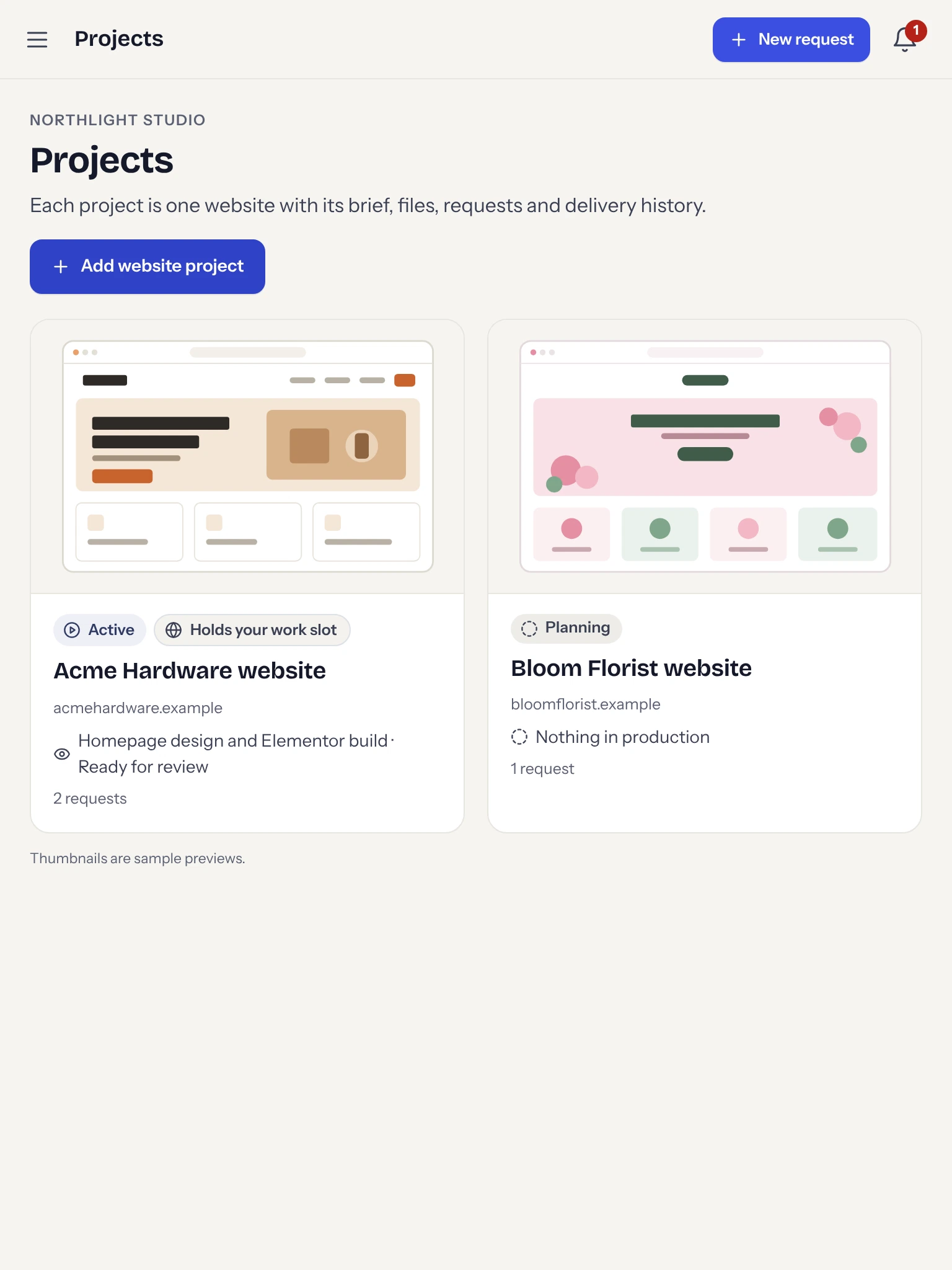
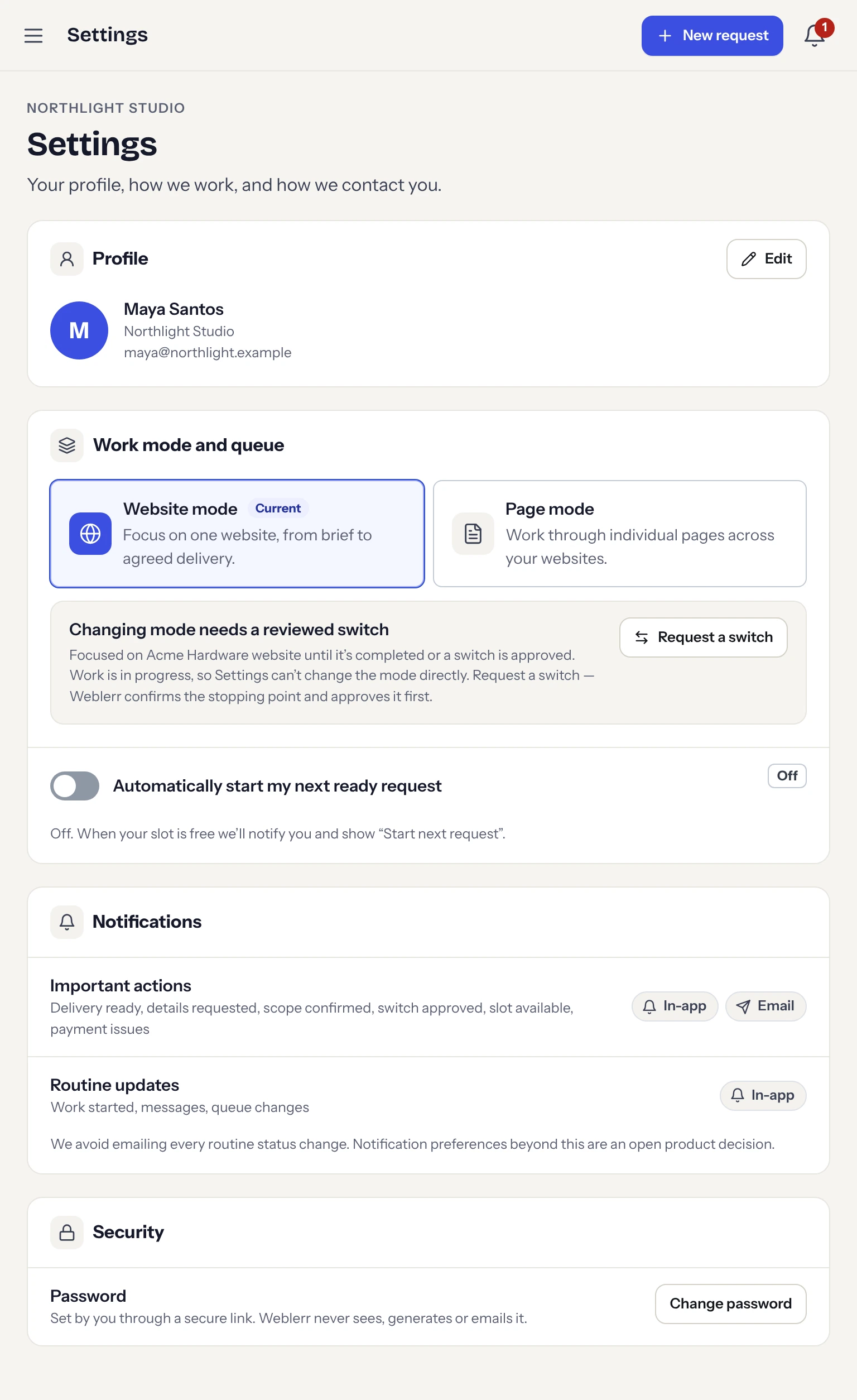
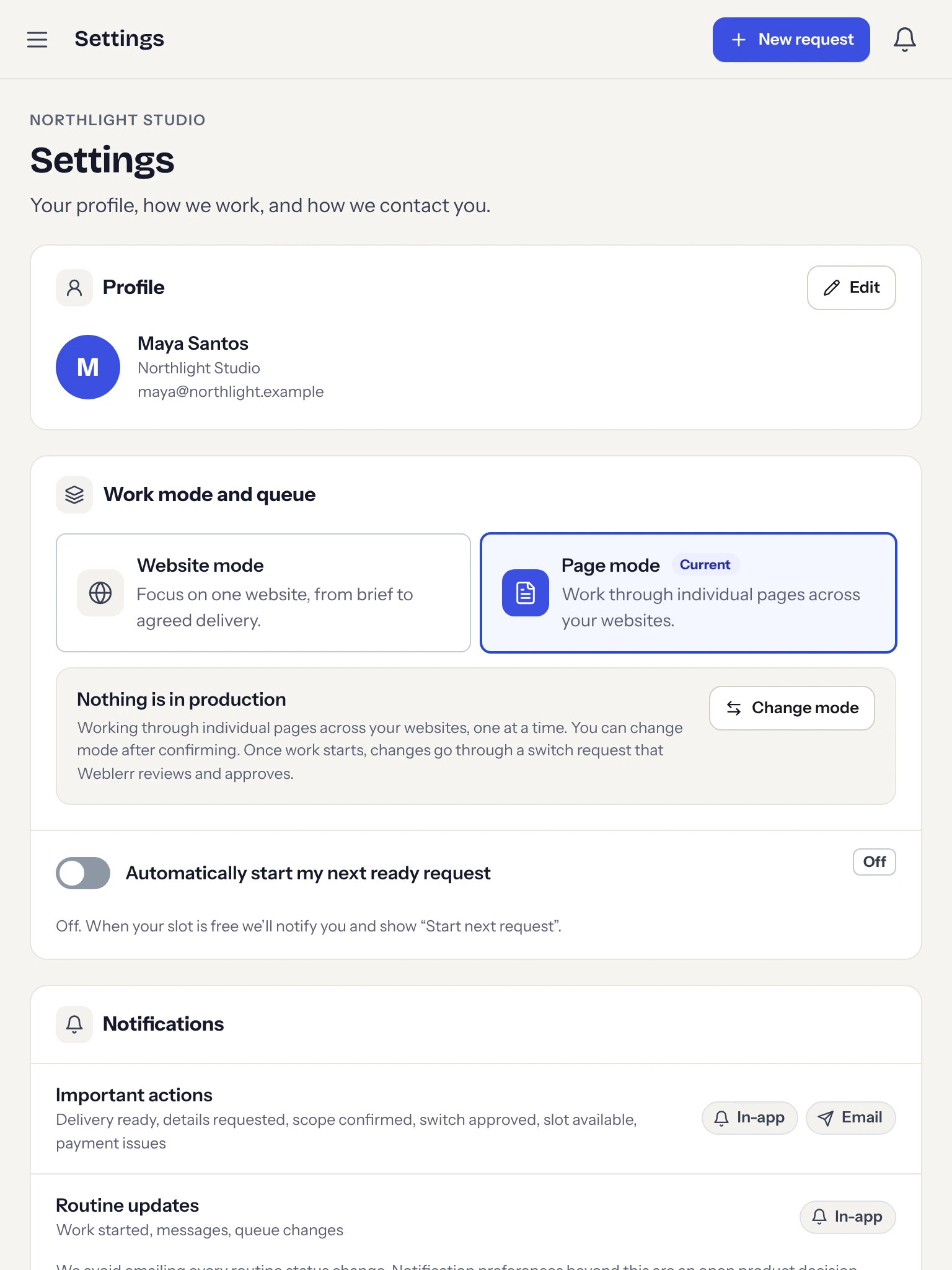
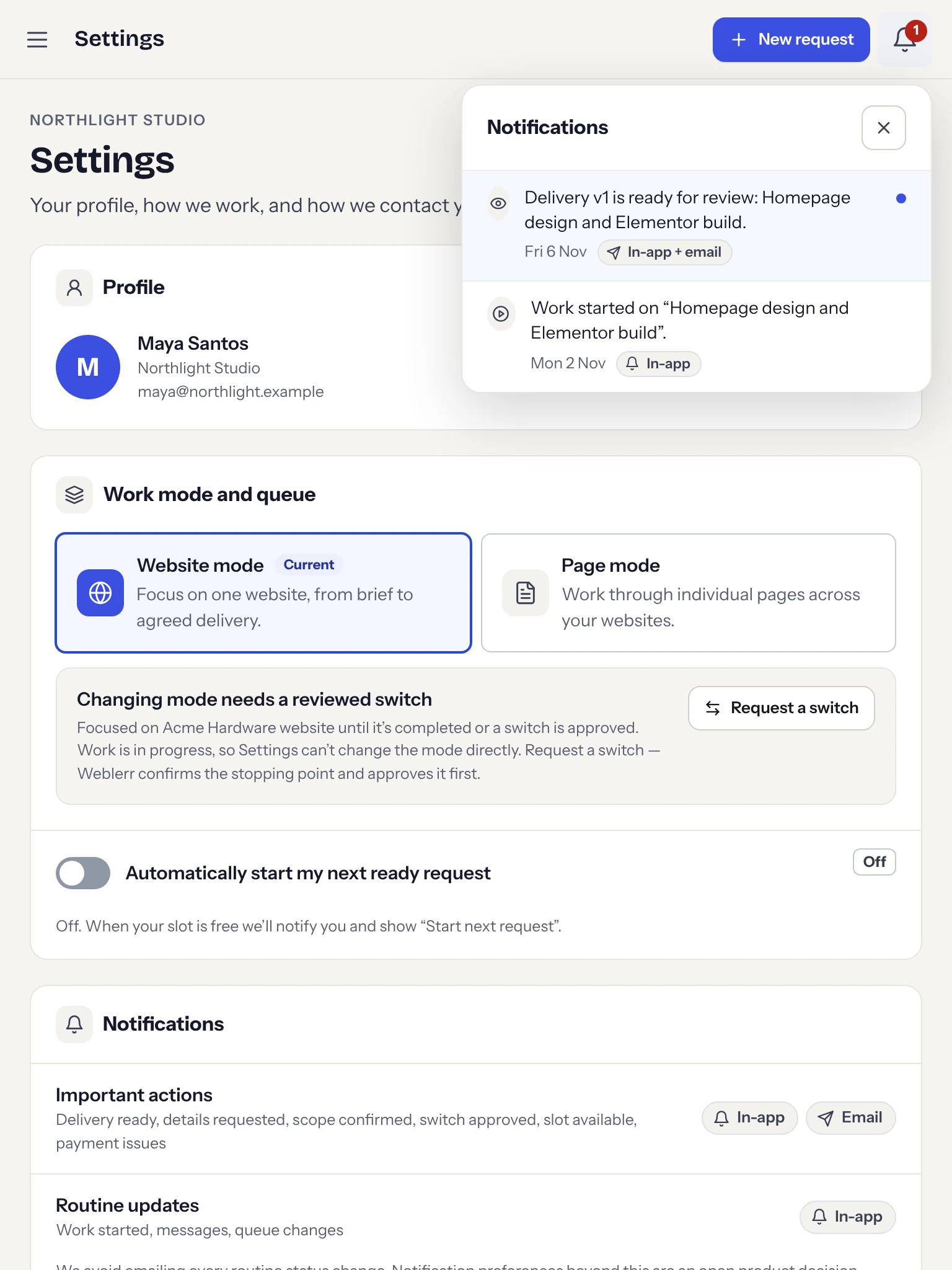
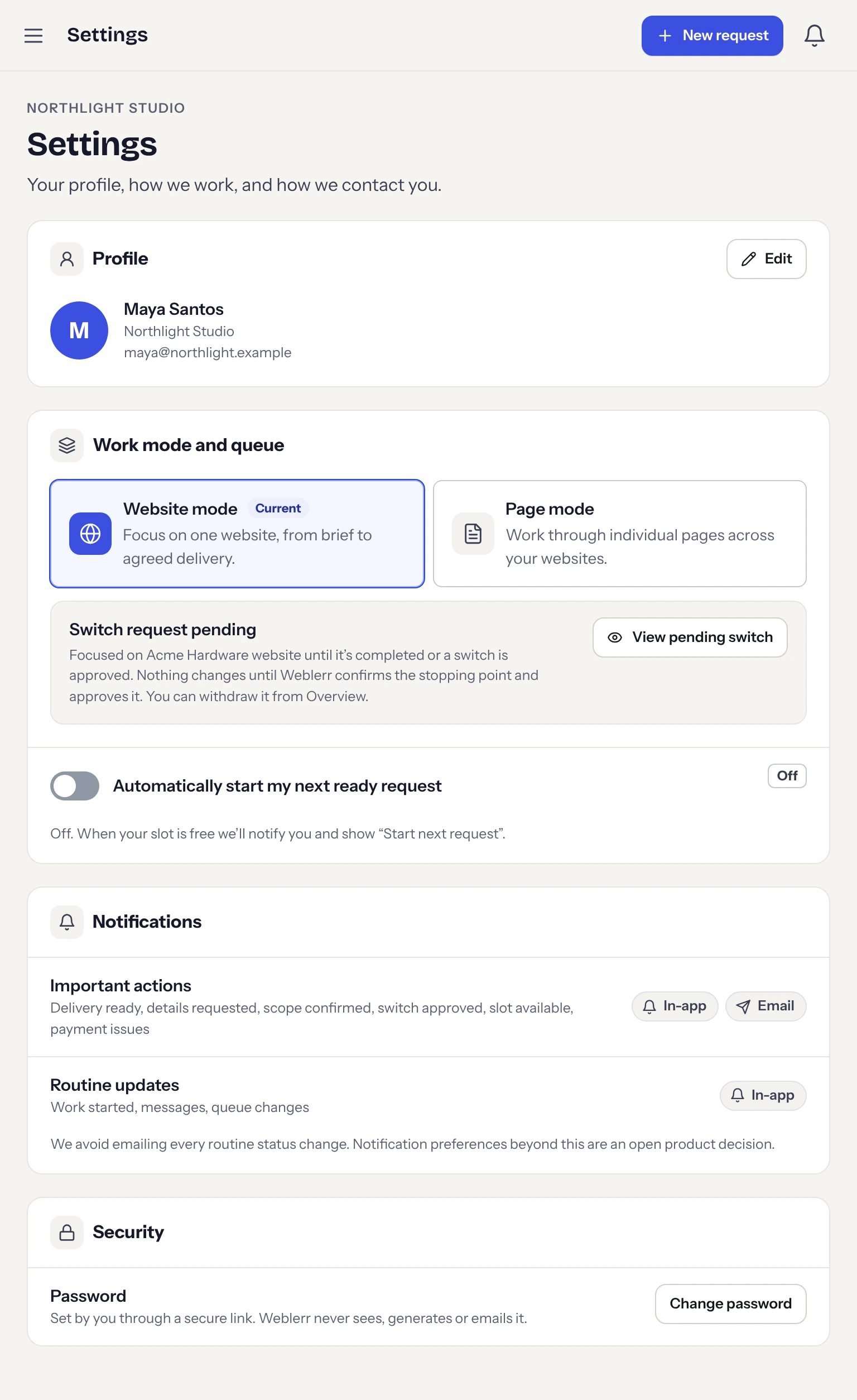
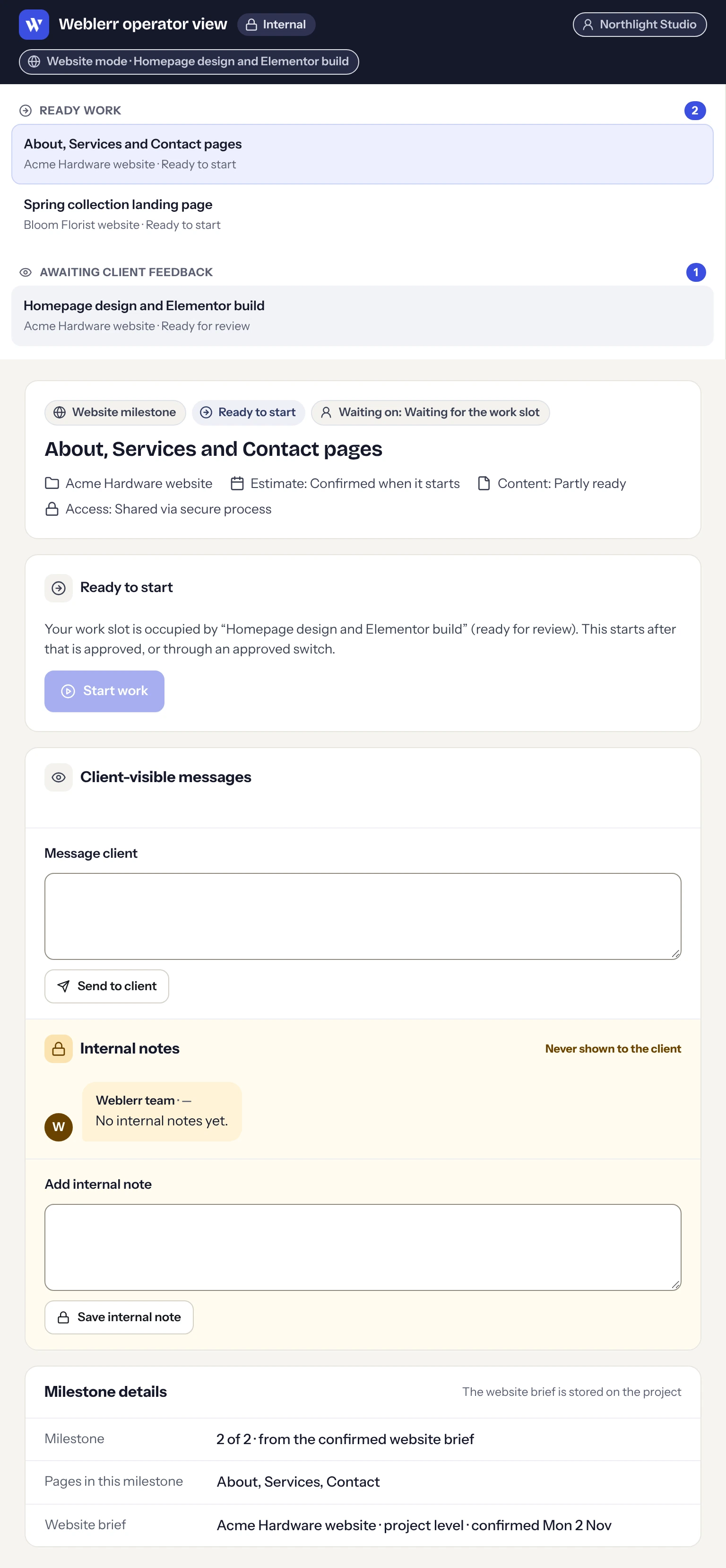
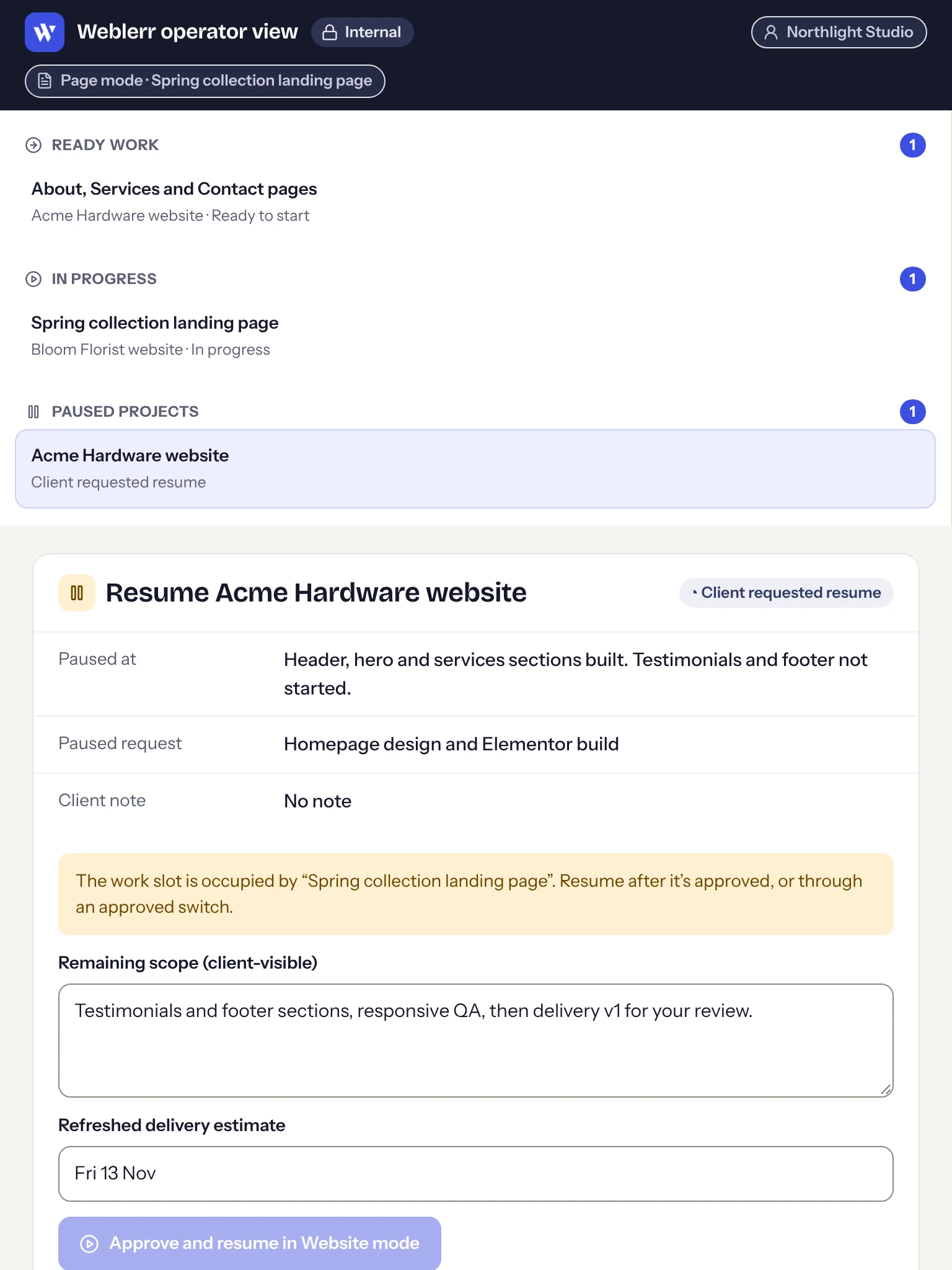
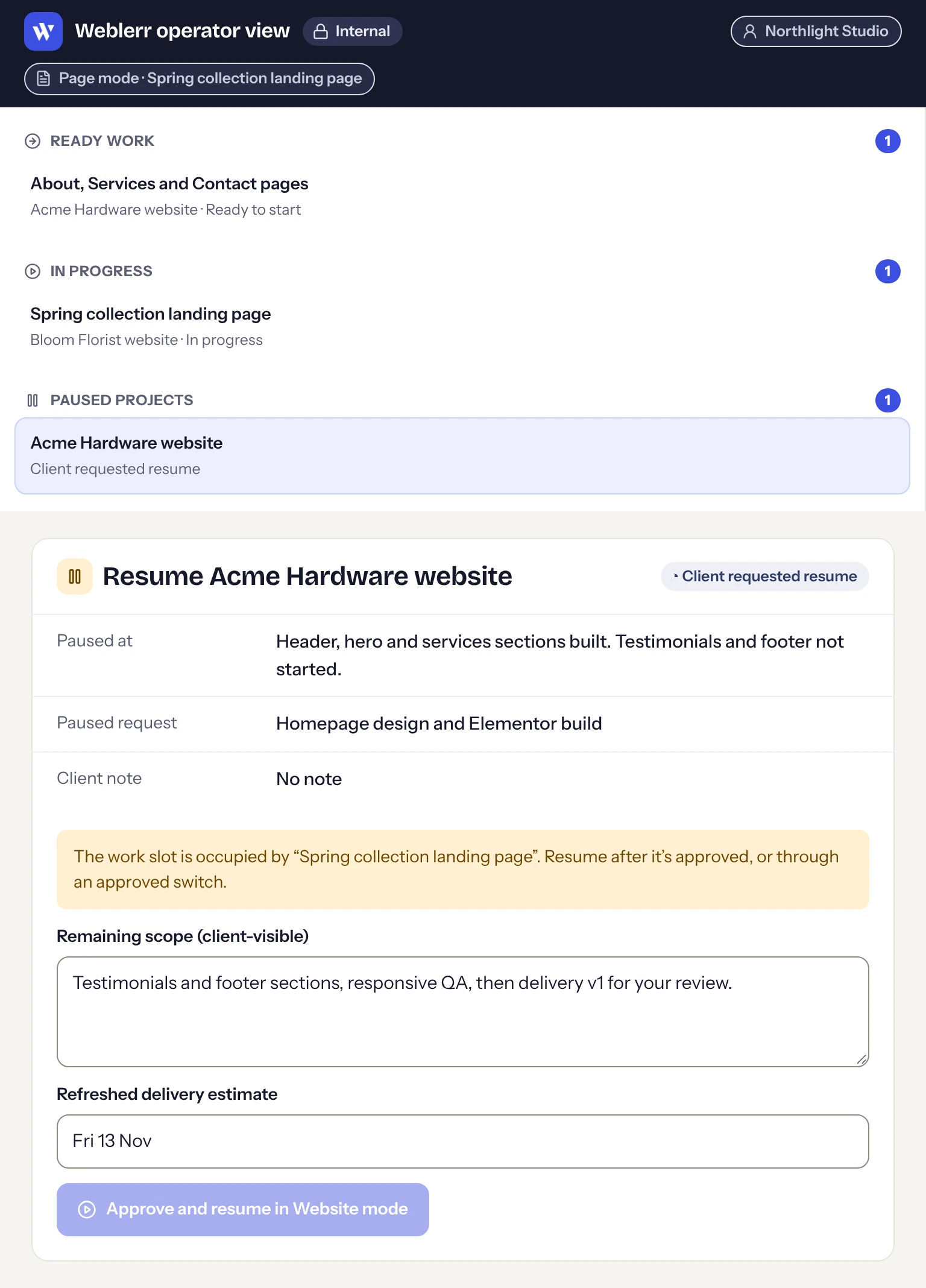
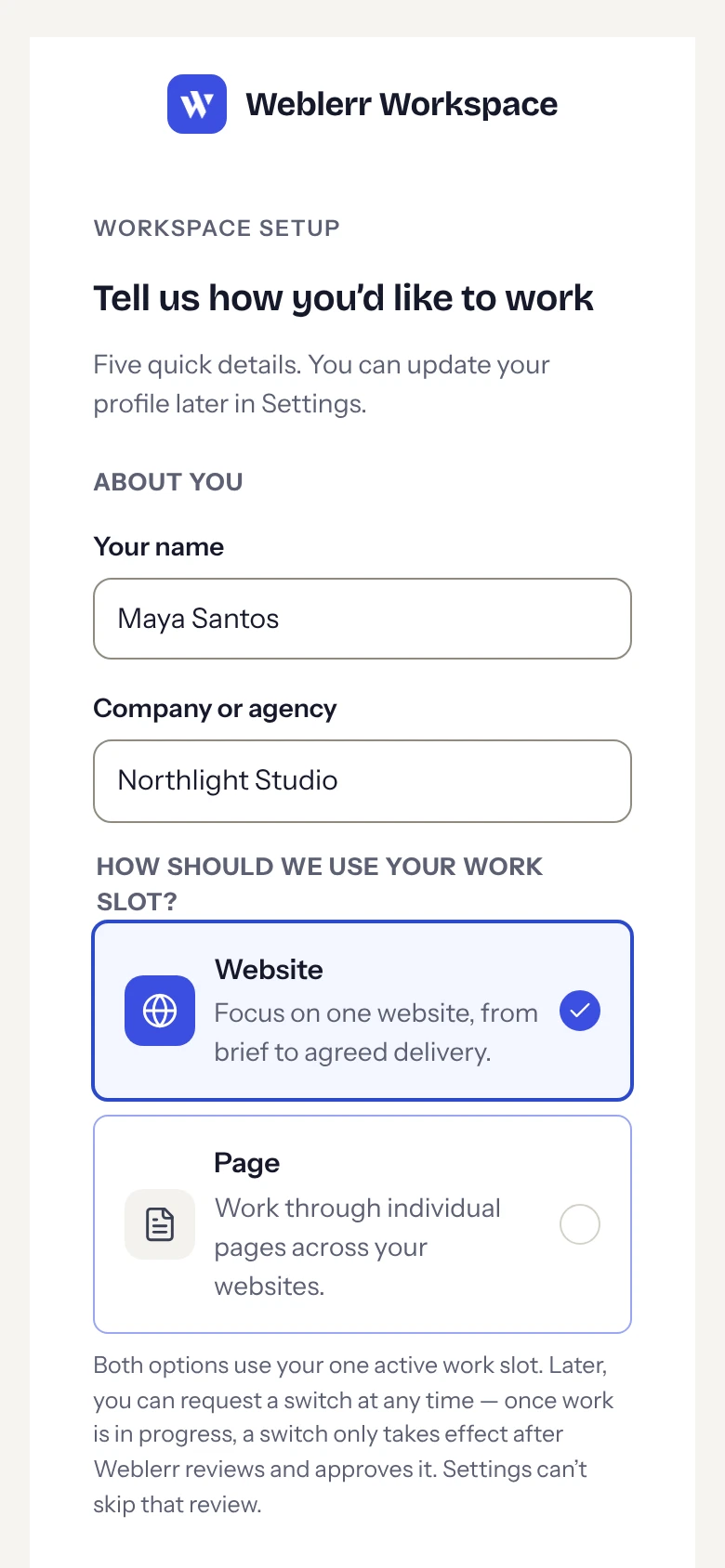
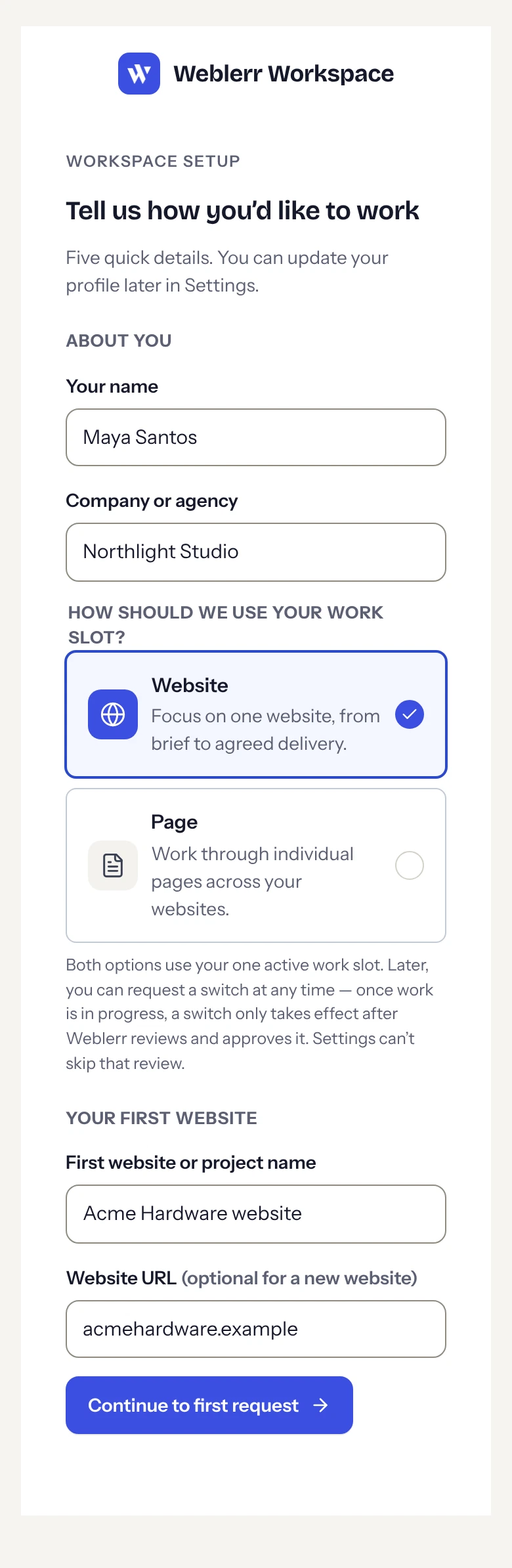
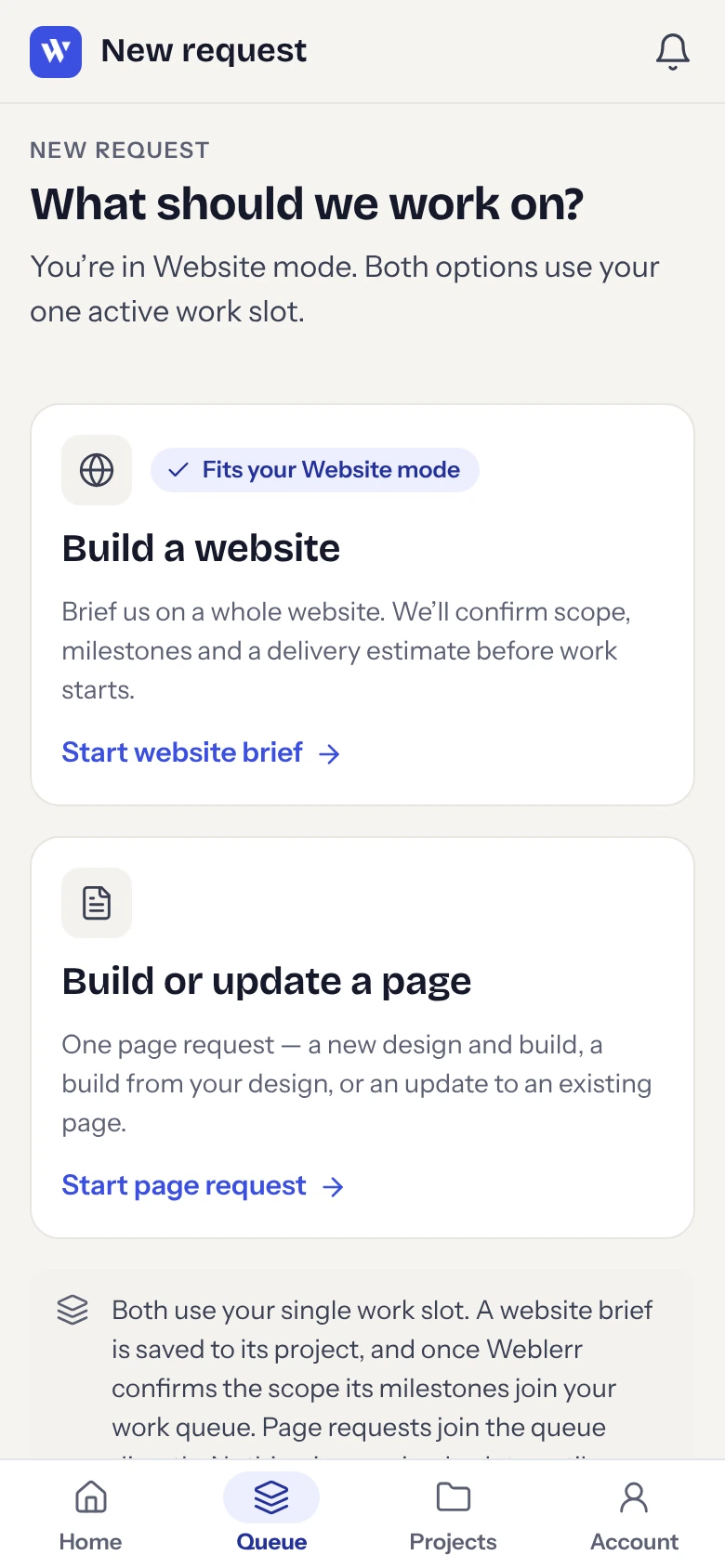
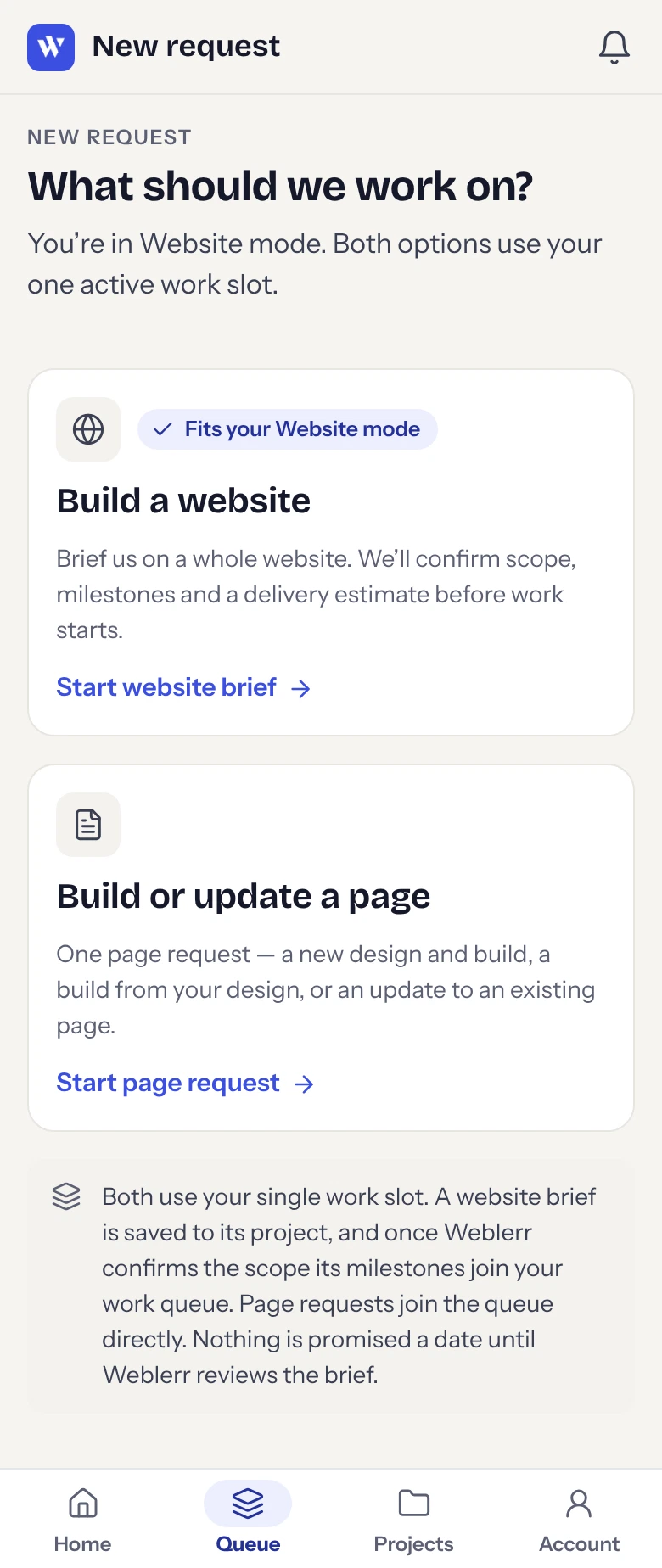
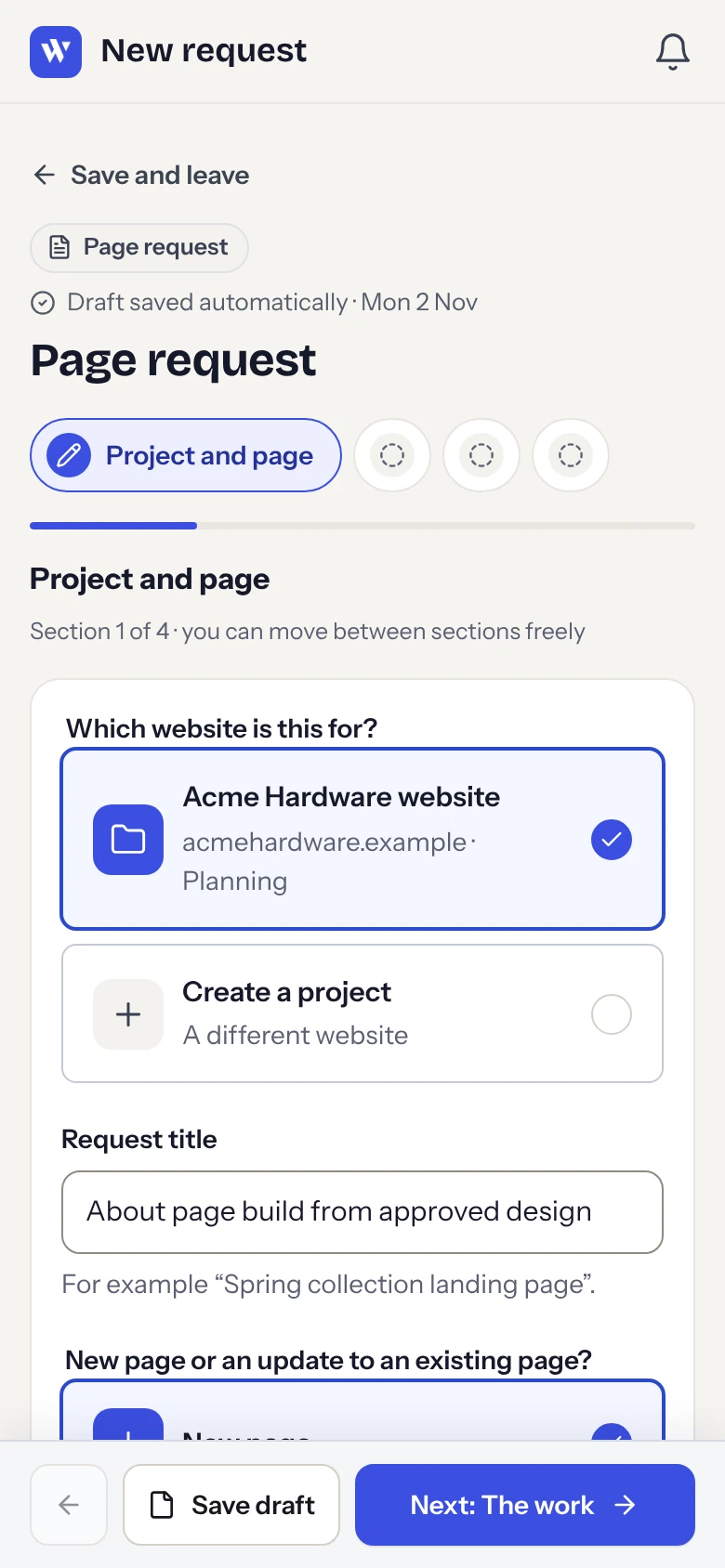
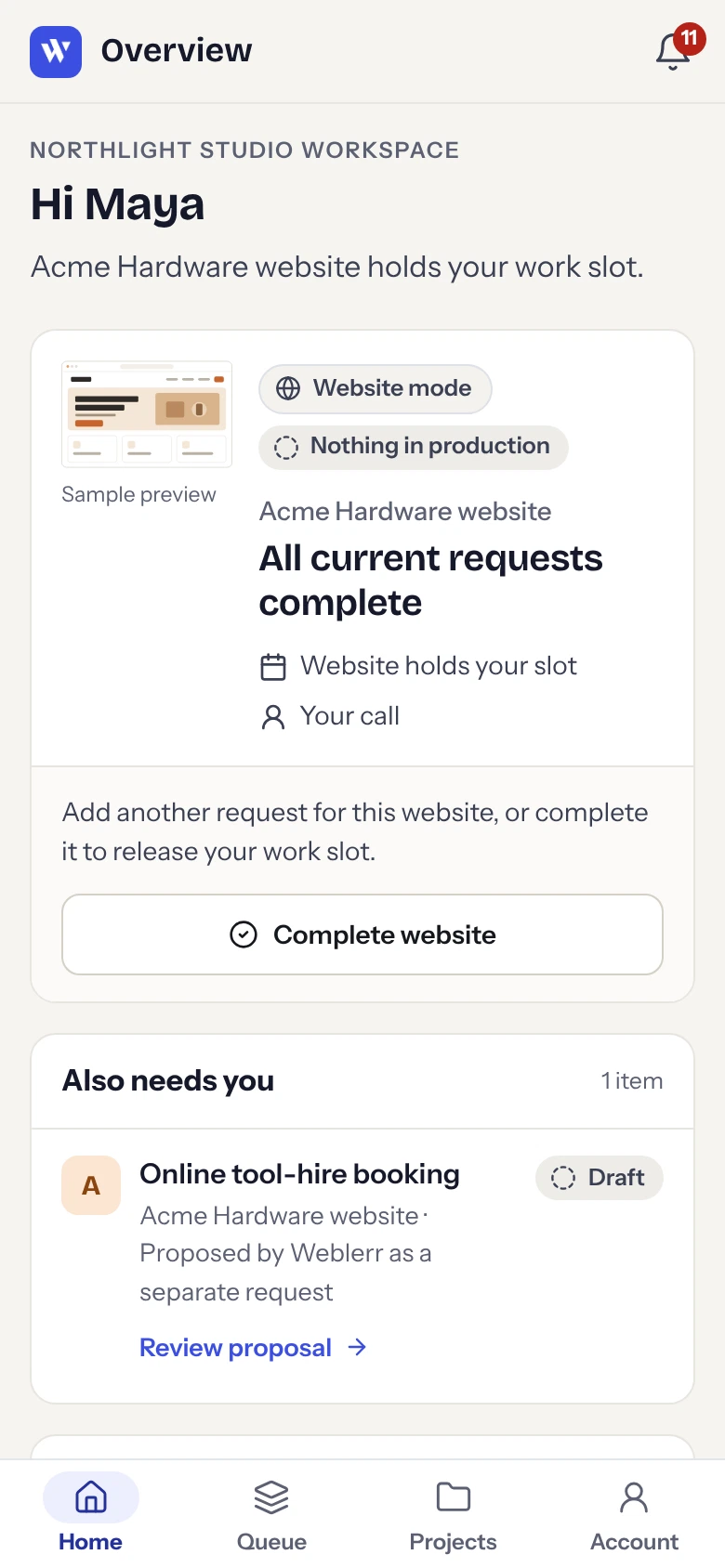
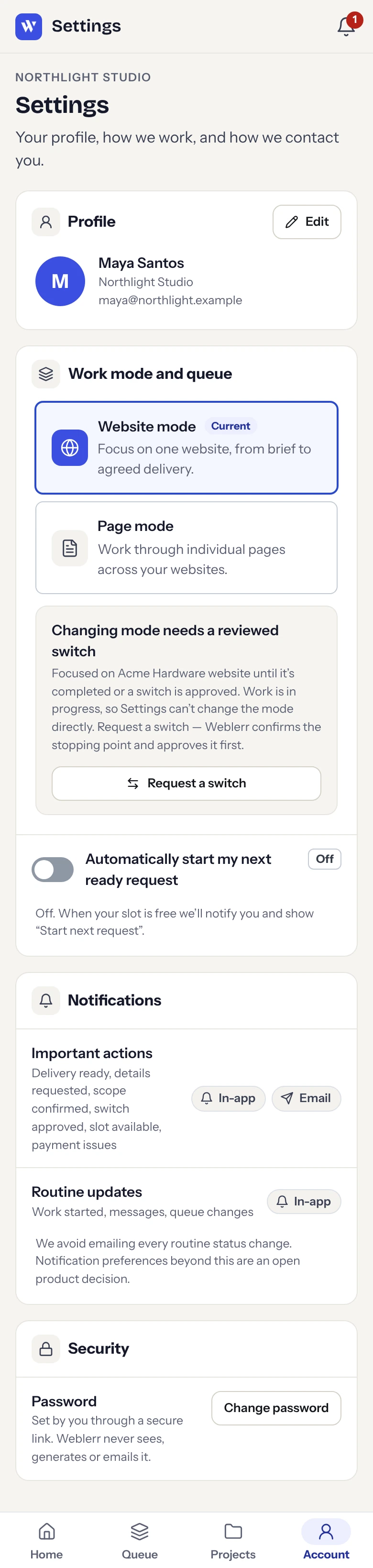
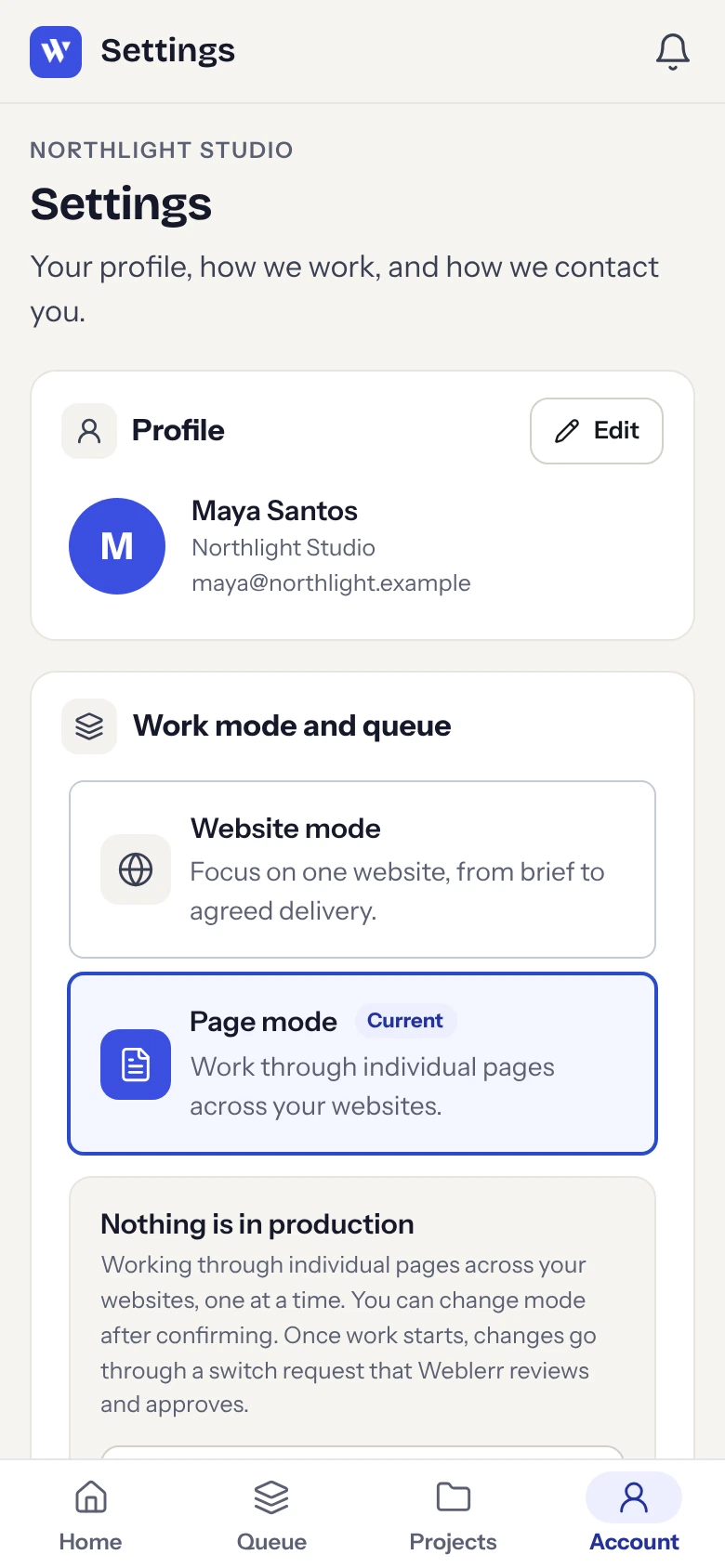
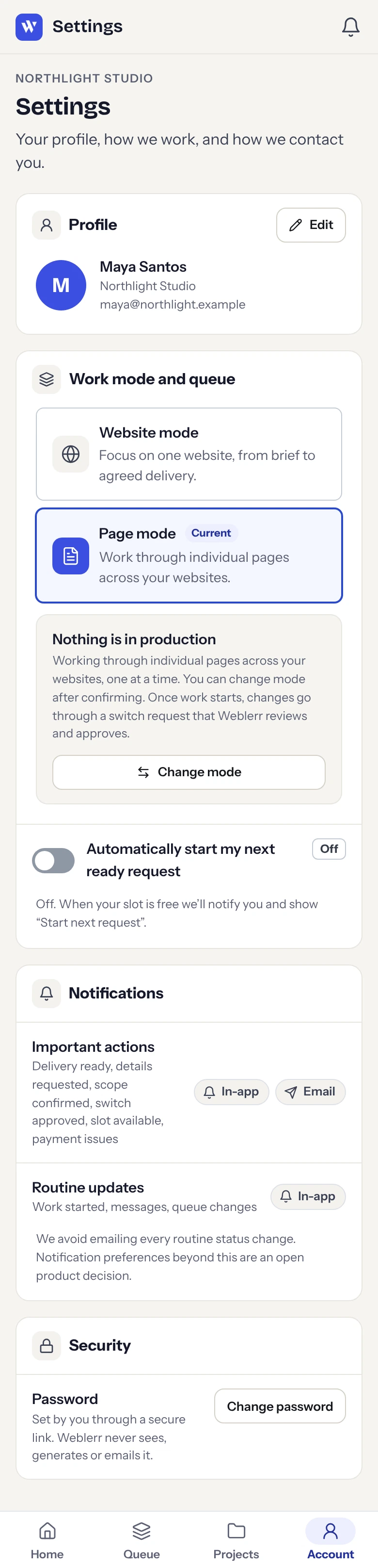
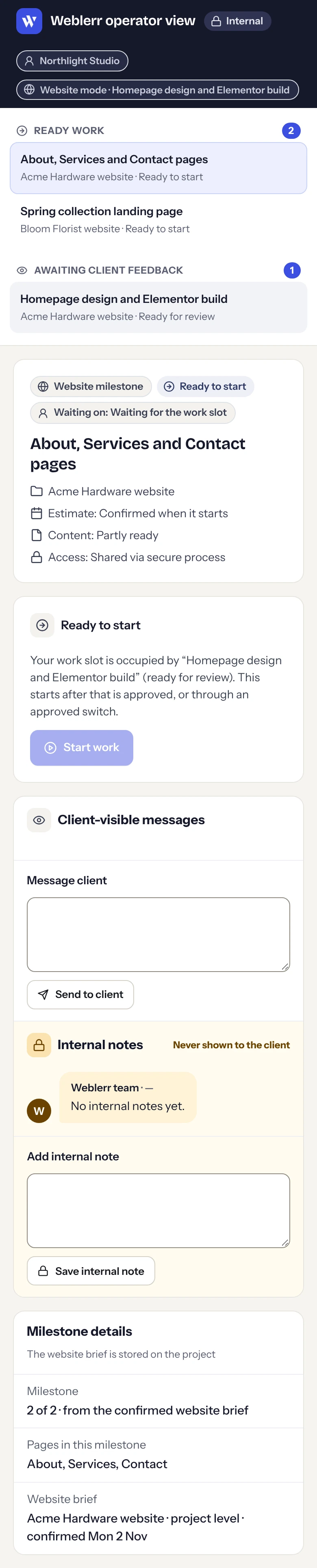
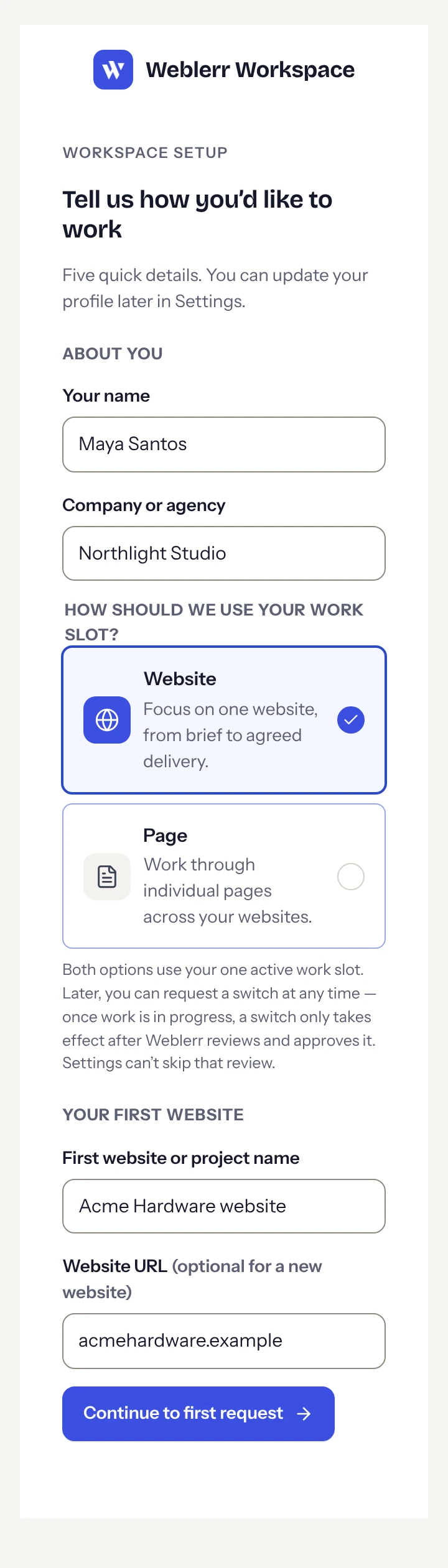
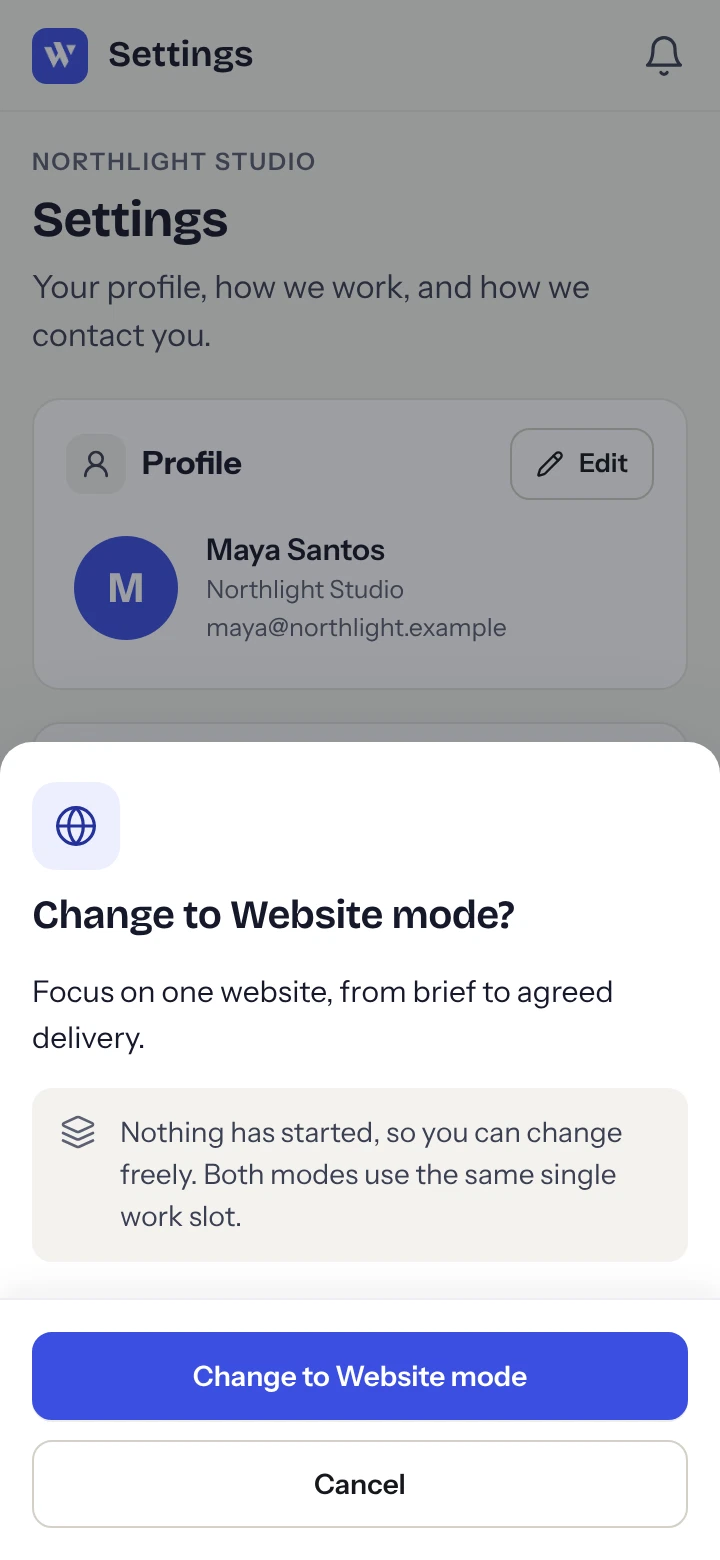
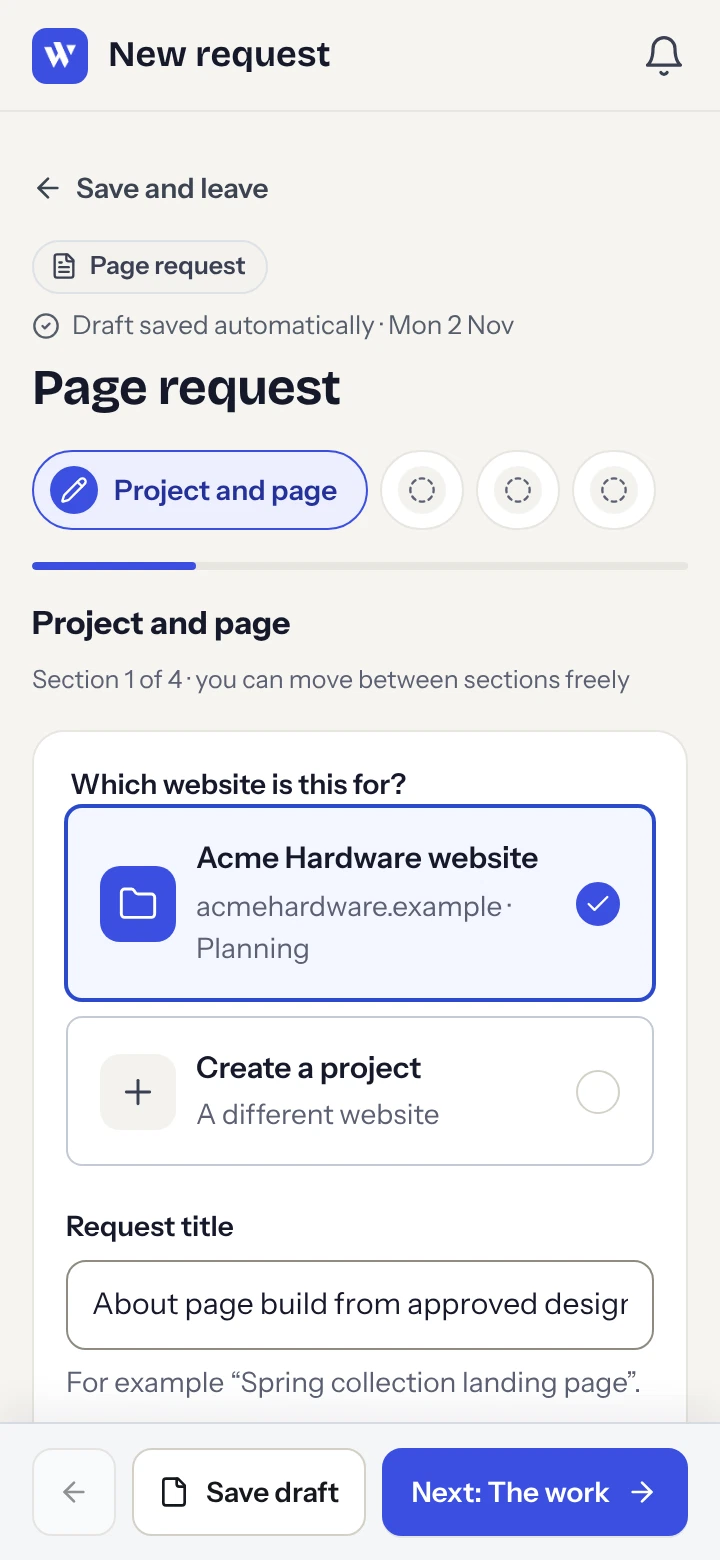
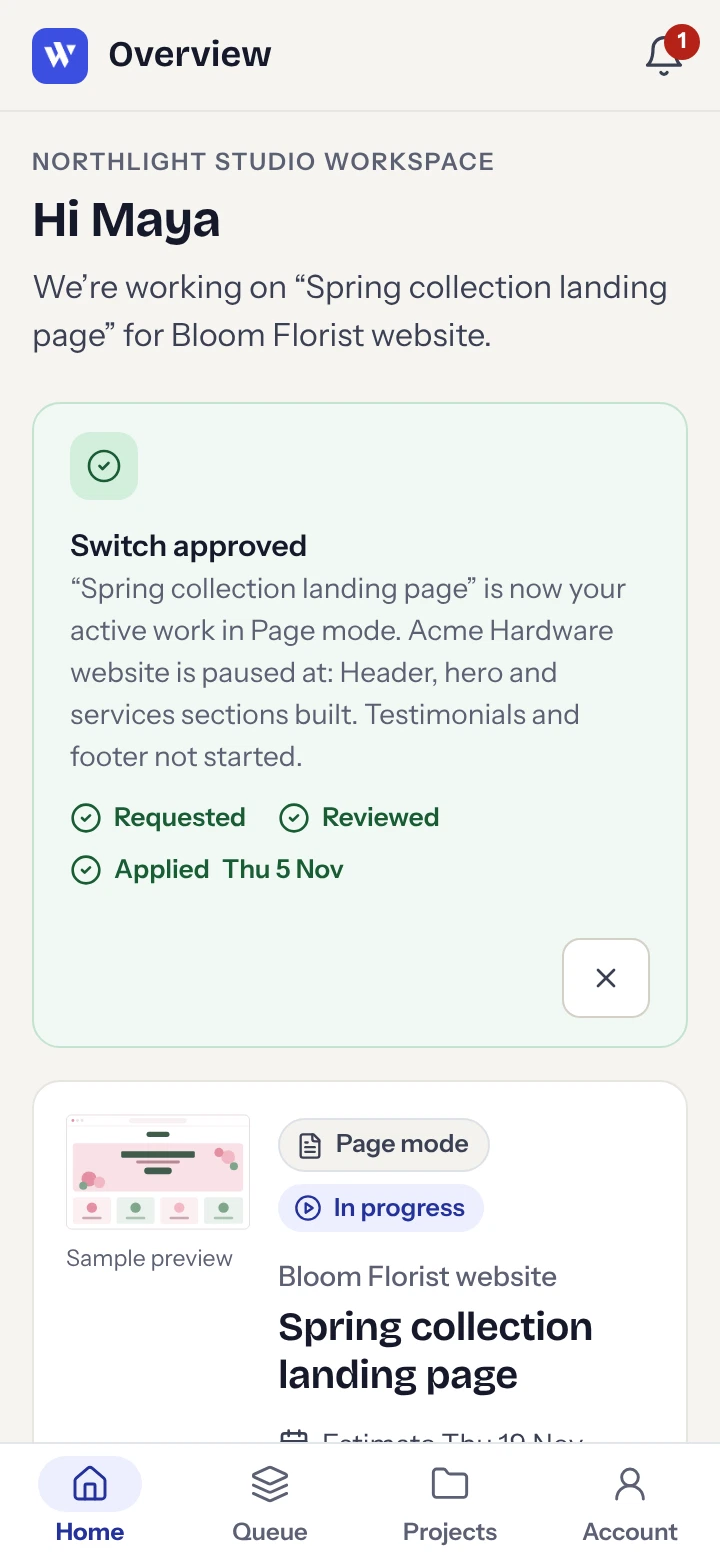
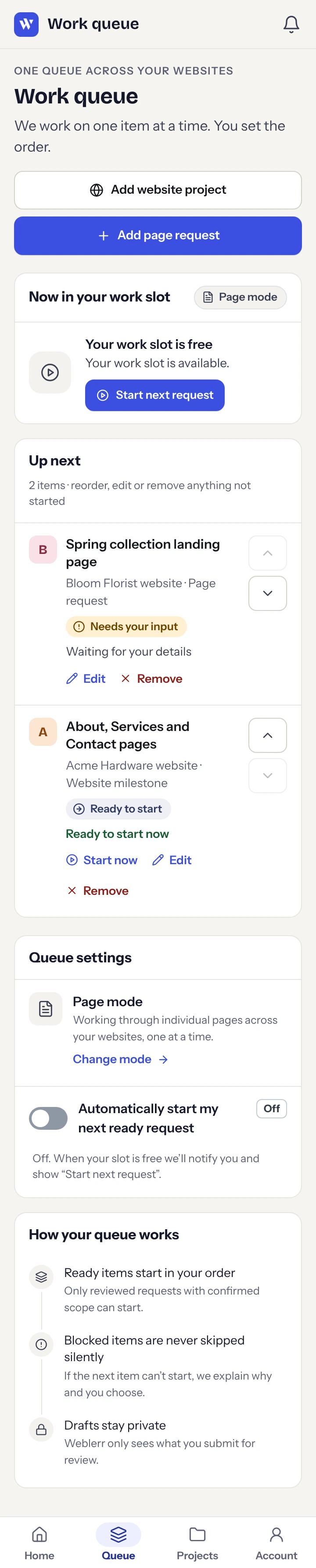
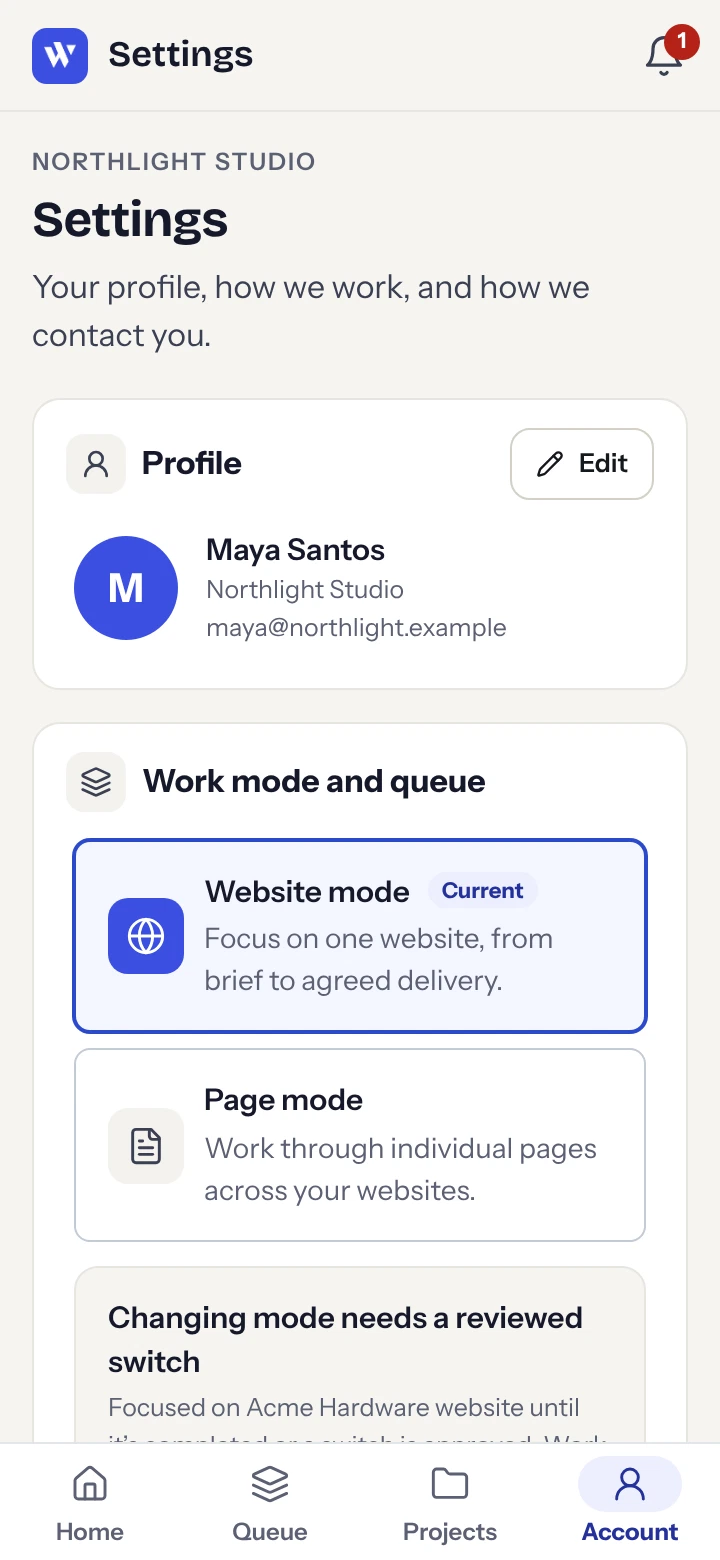
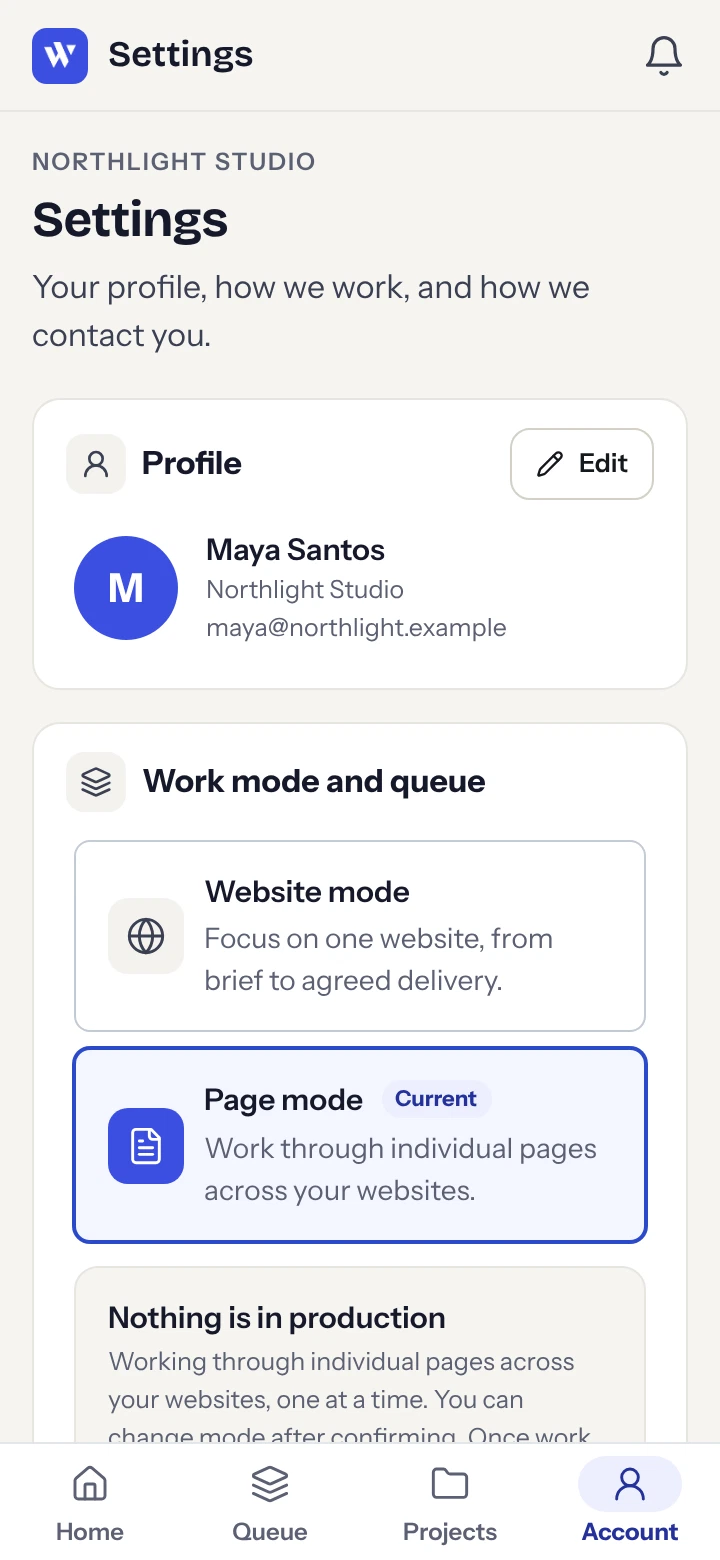
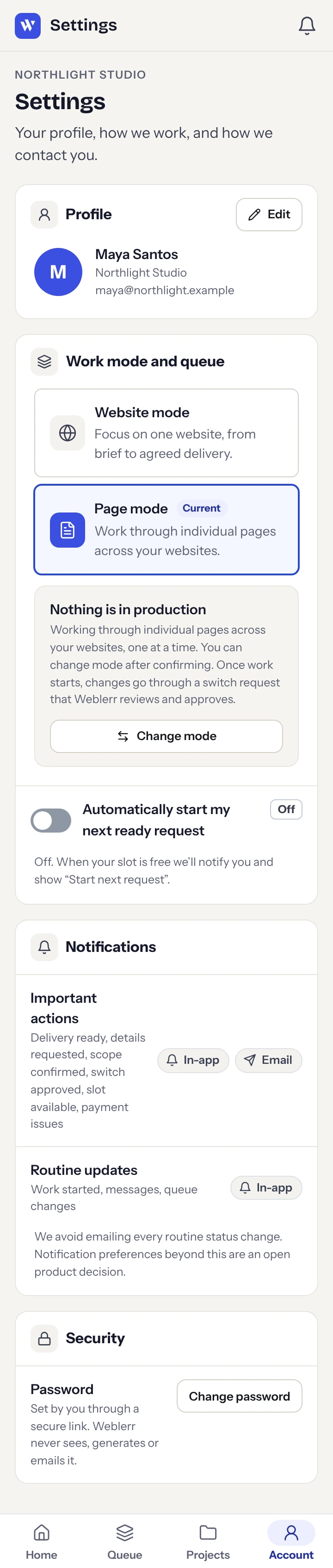
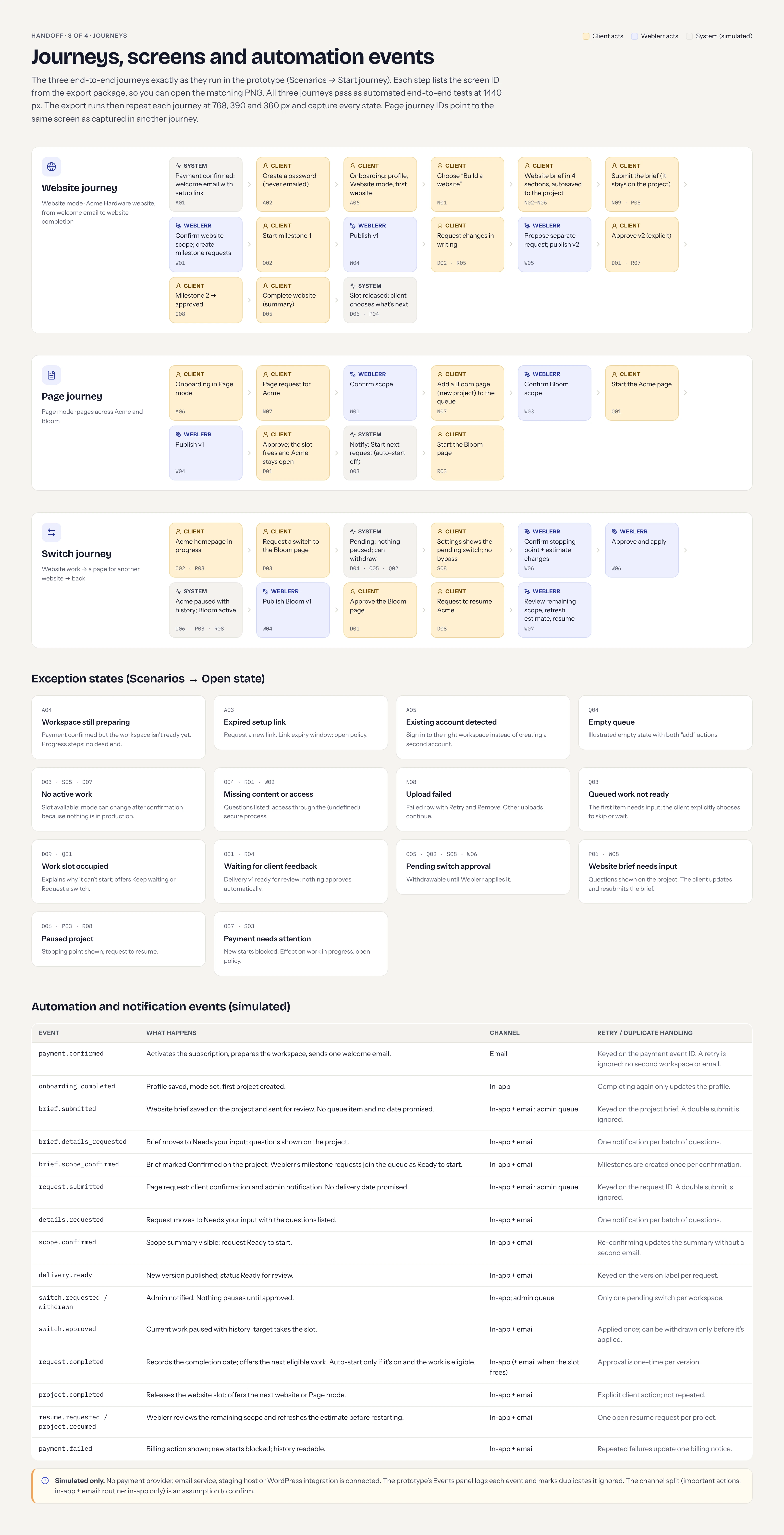
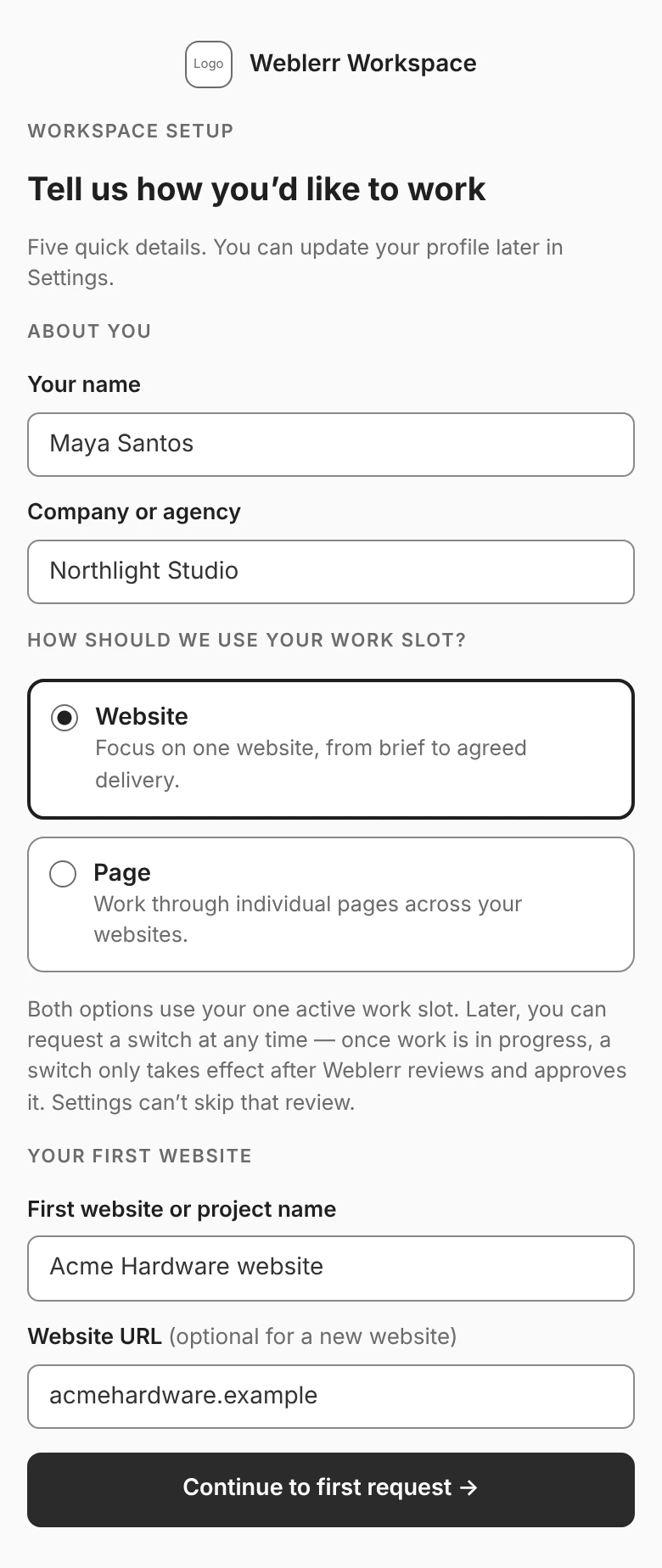
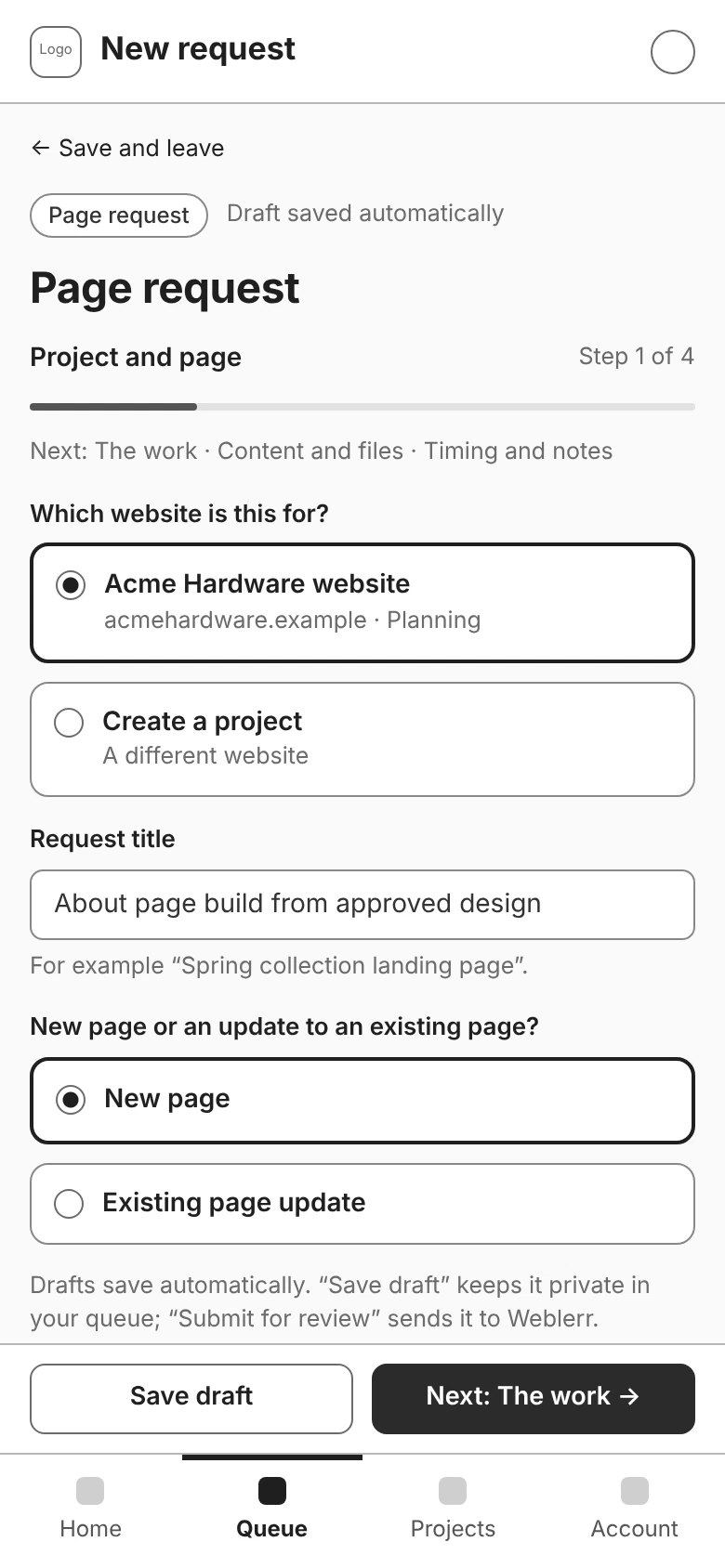
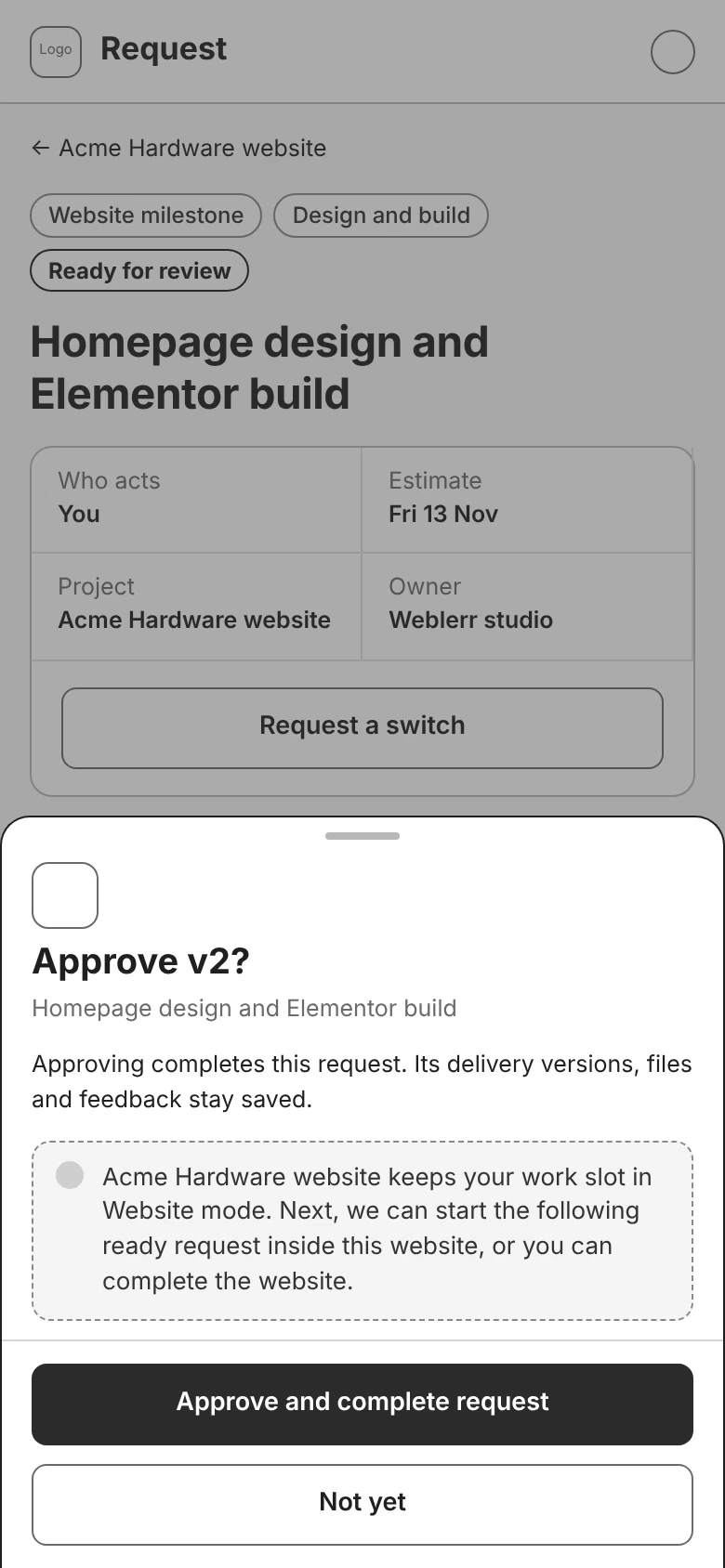
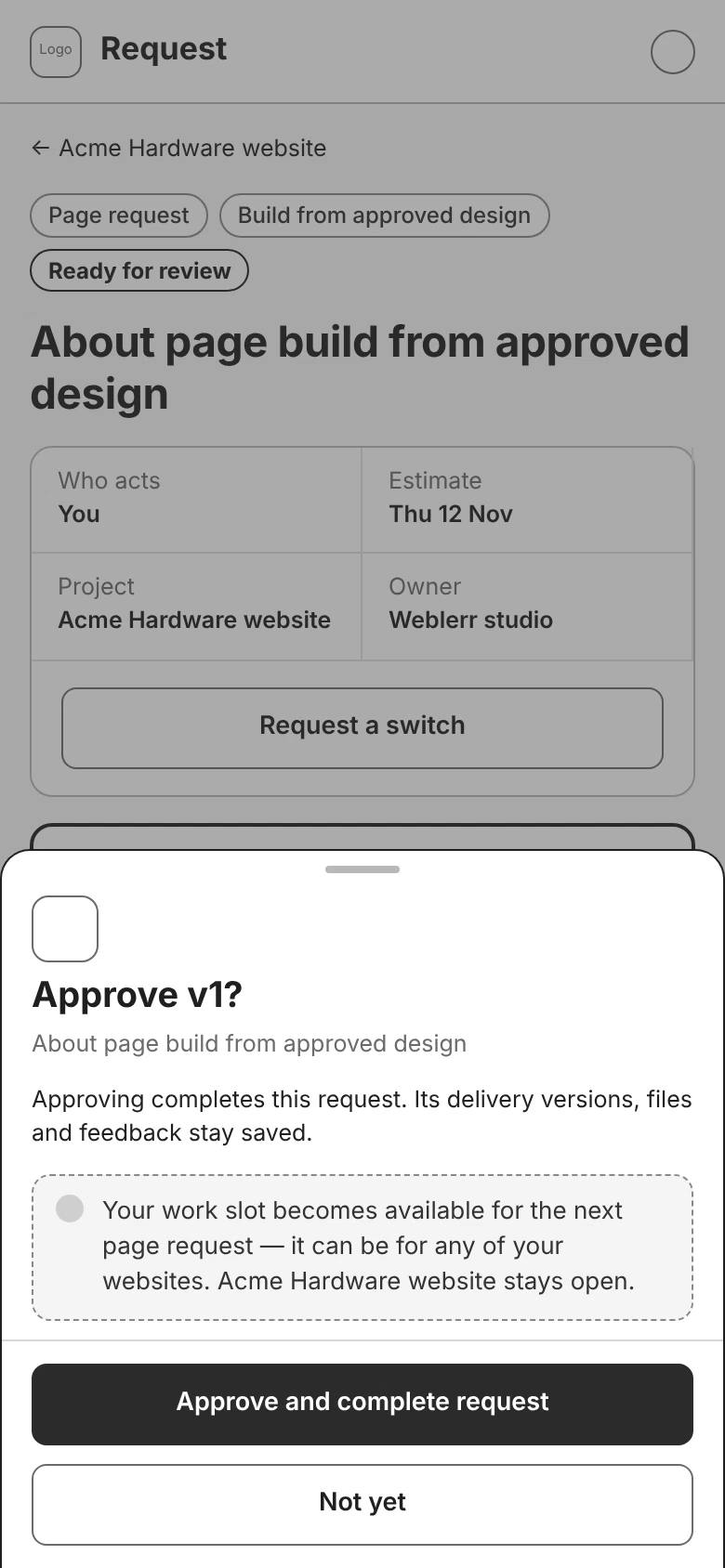
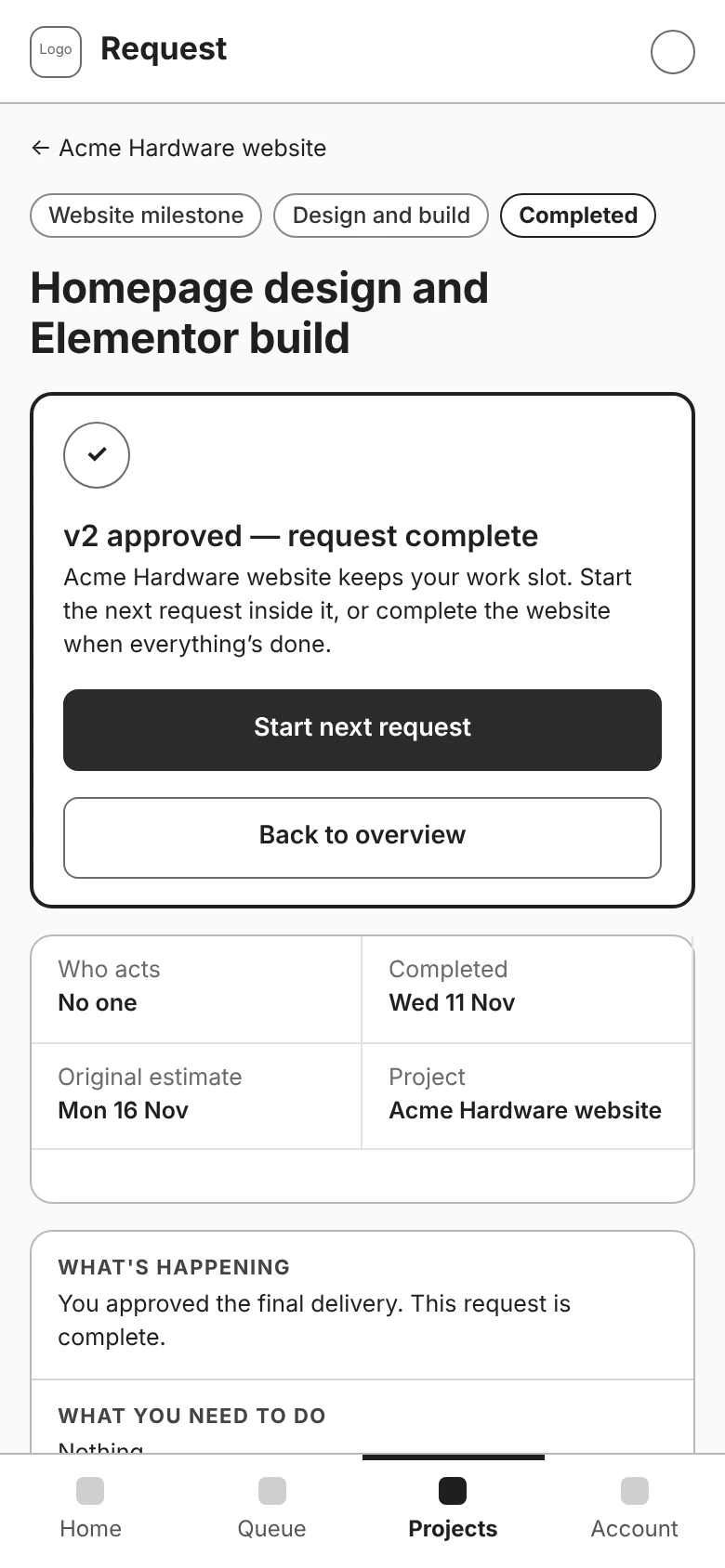
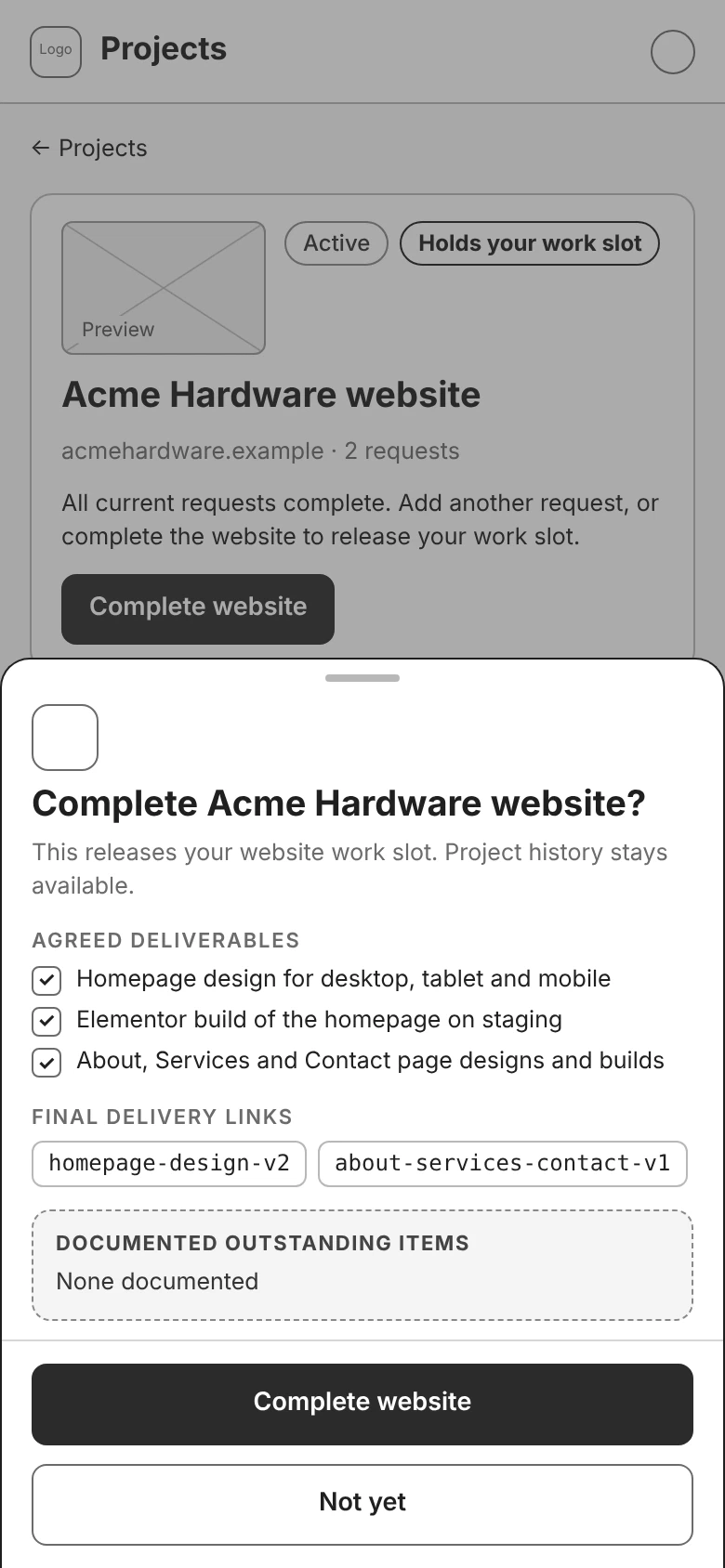
I designed two ways to use the same slot. In Website mode, work stays focused on one website while its agreed milestones are completed. In Page mode, approving an individual page frees the slot for the next eligible request, even if it belongs to another website.
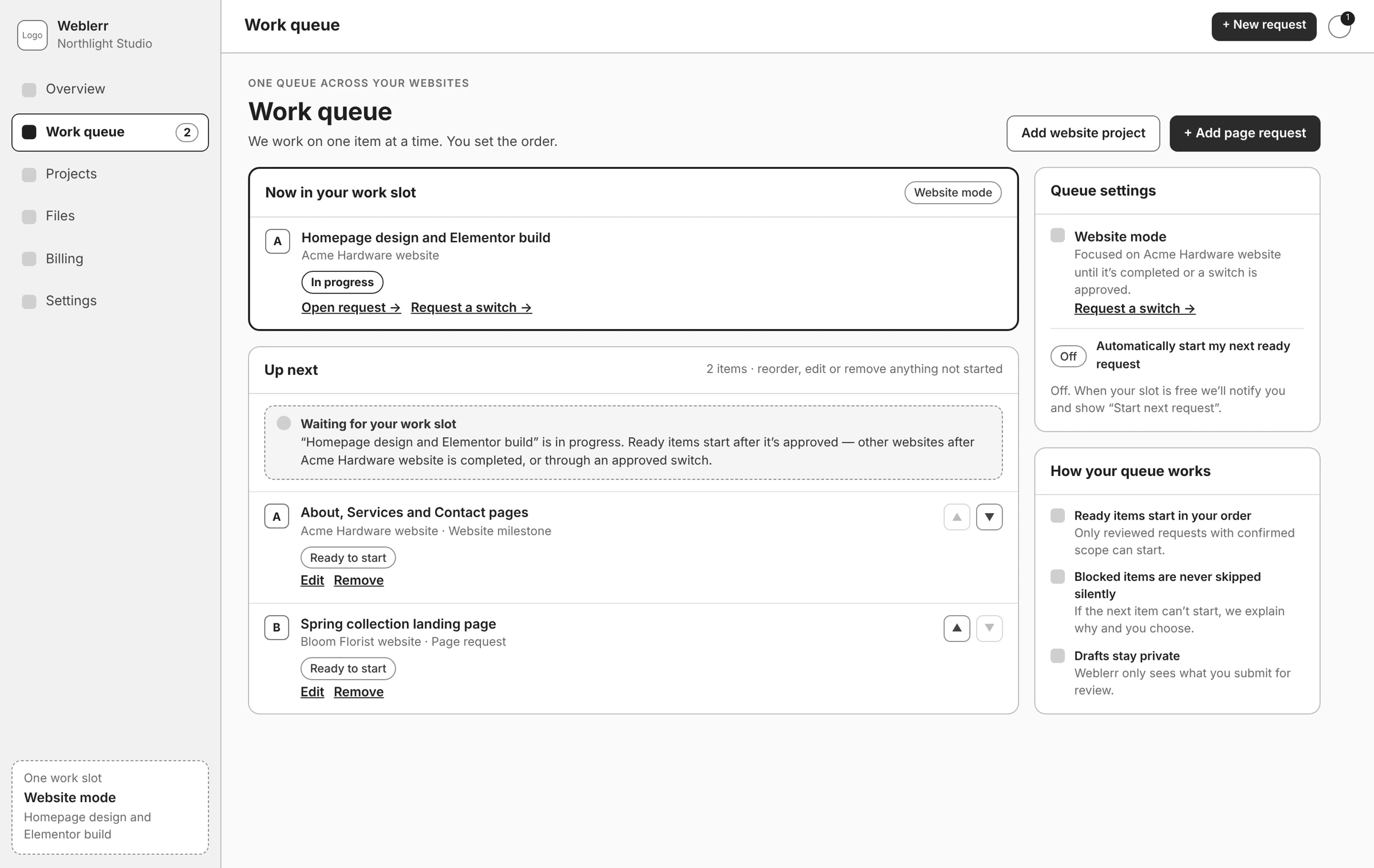
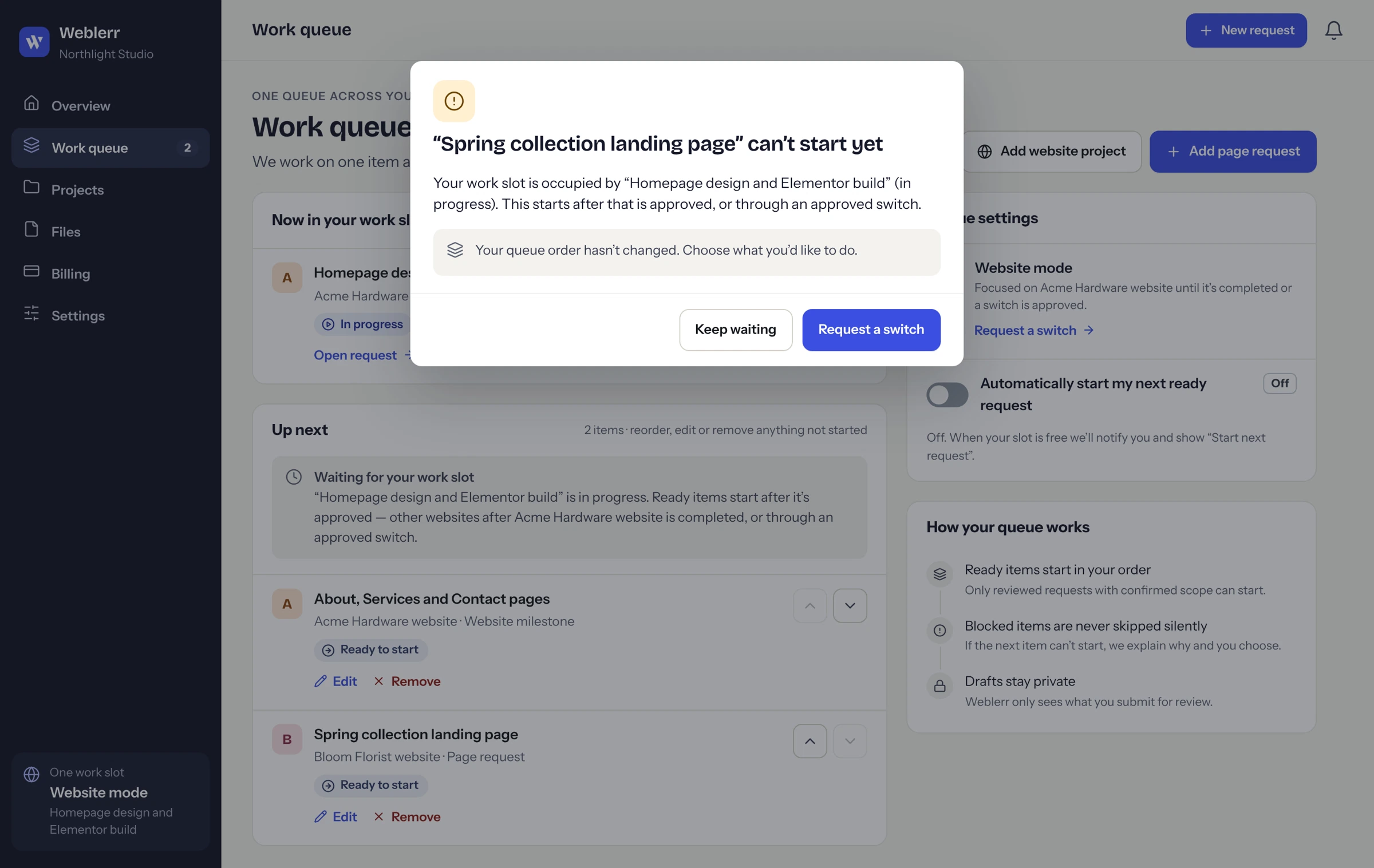
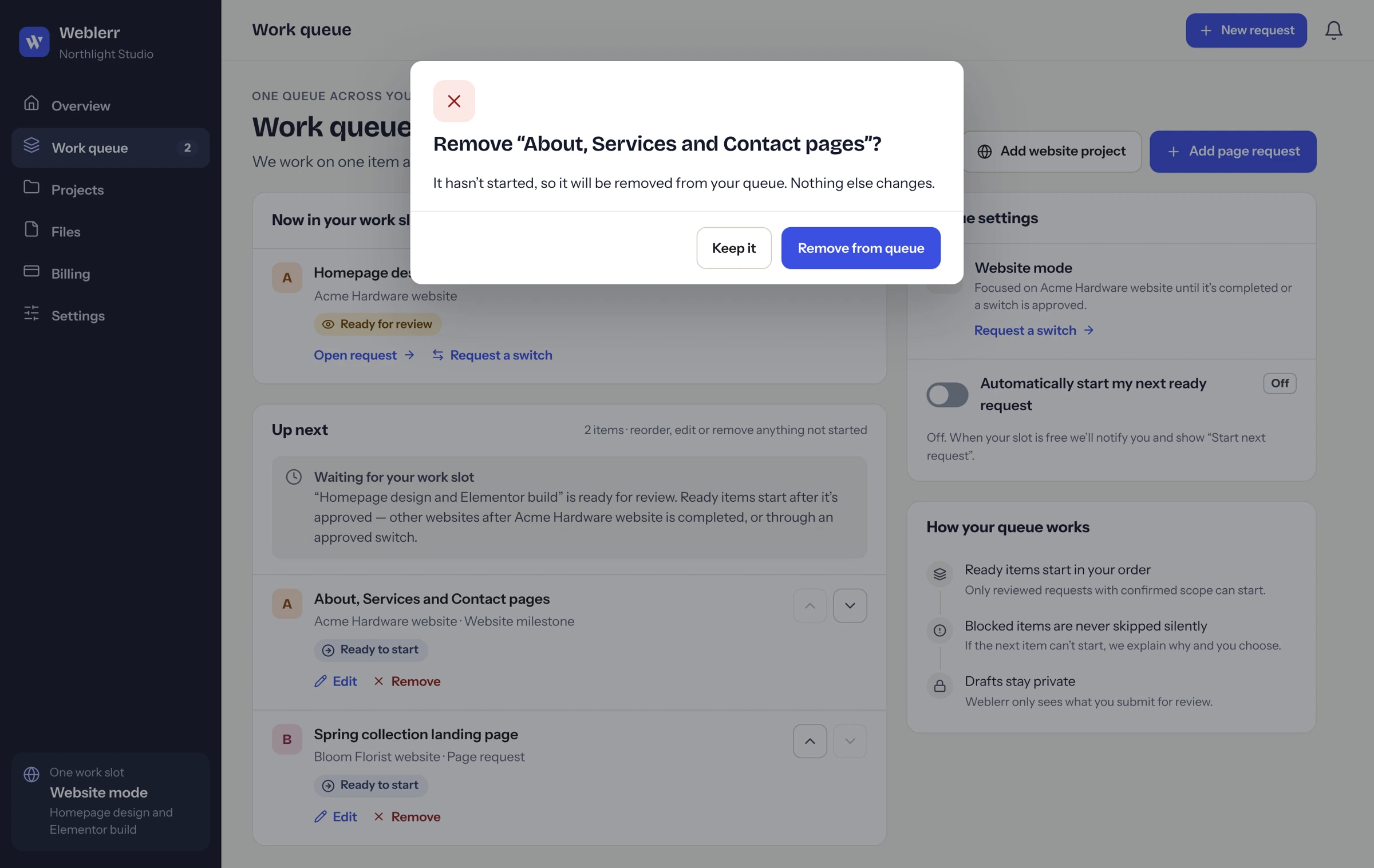
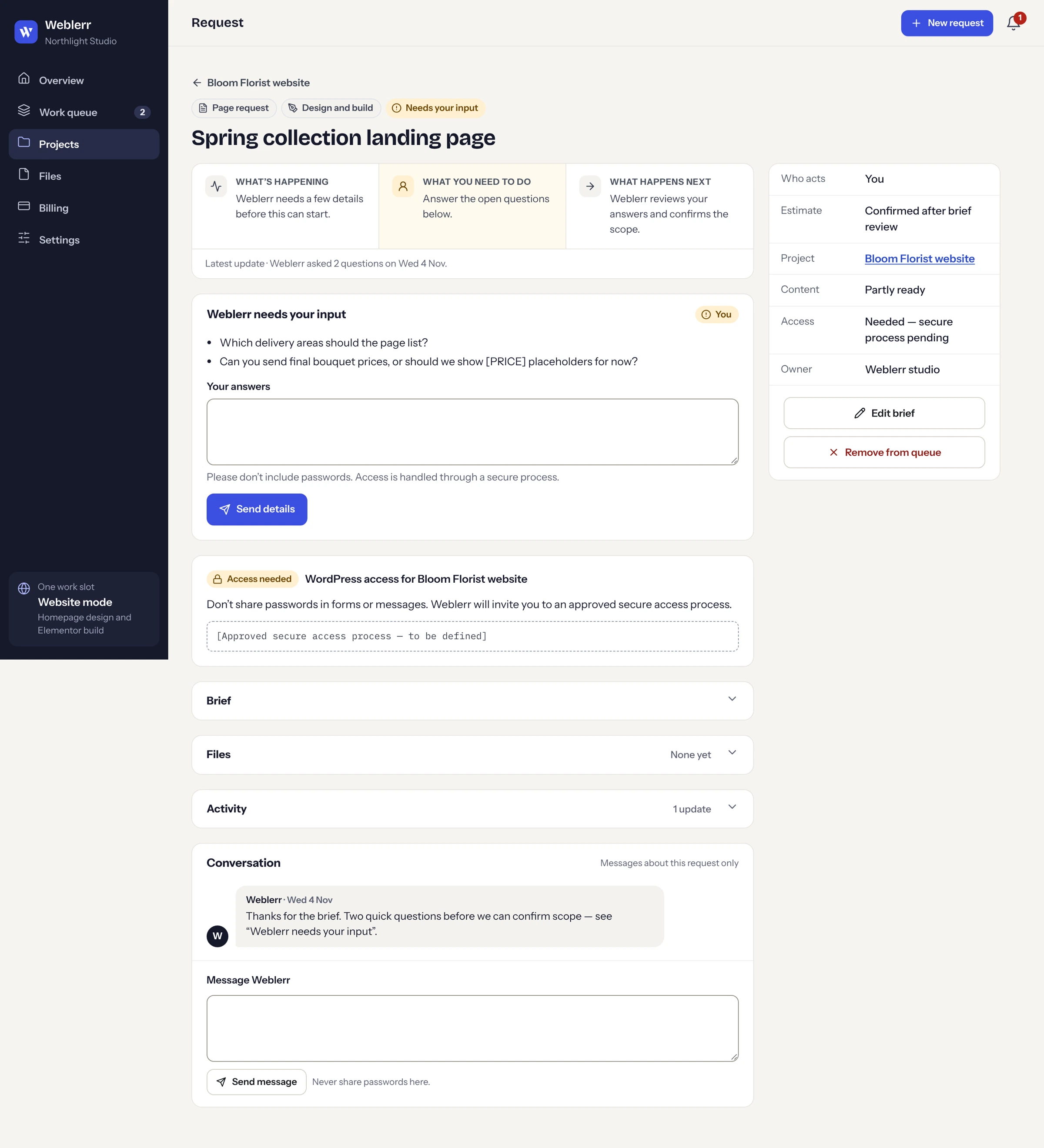
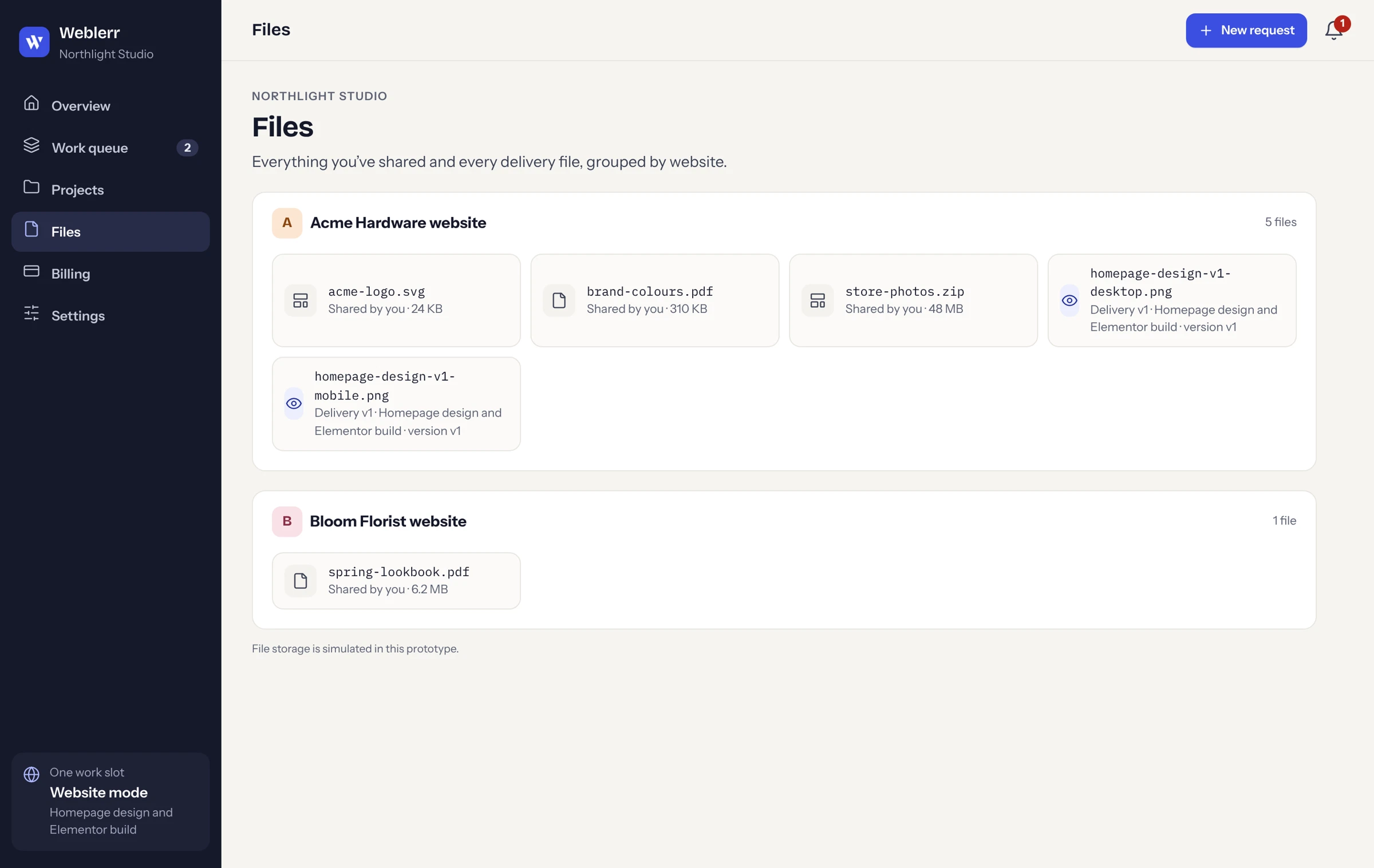
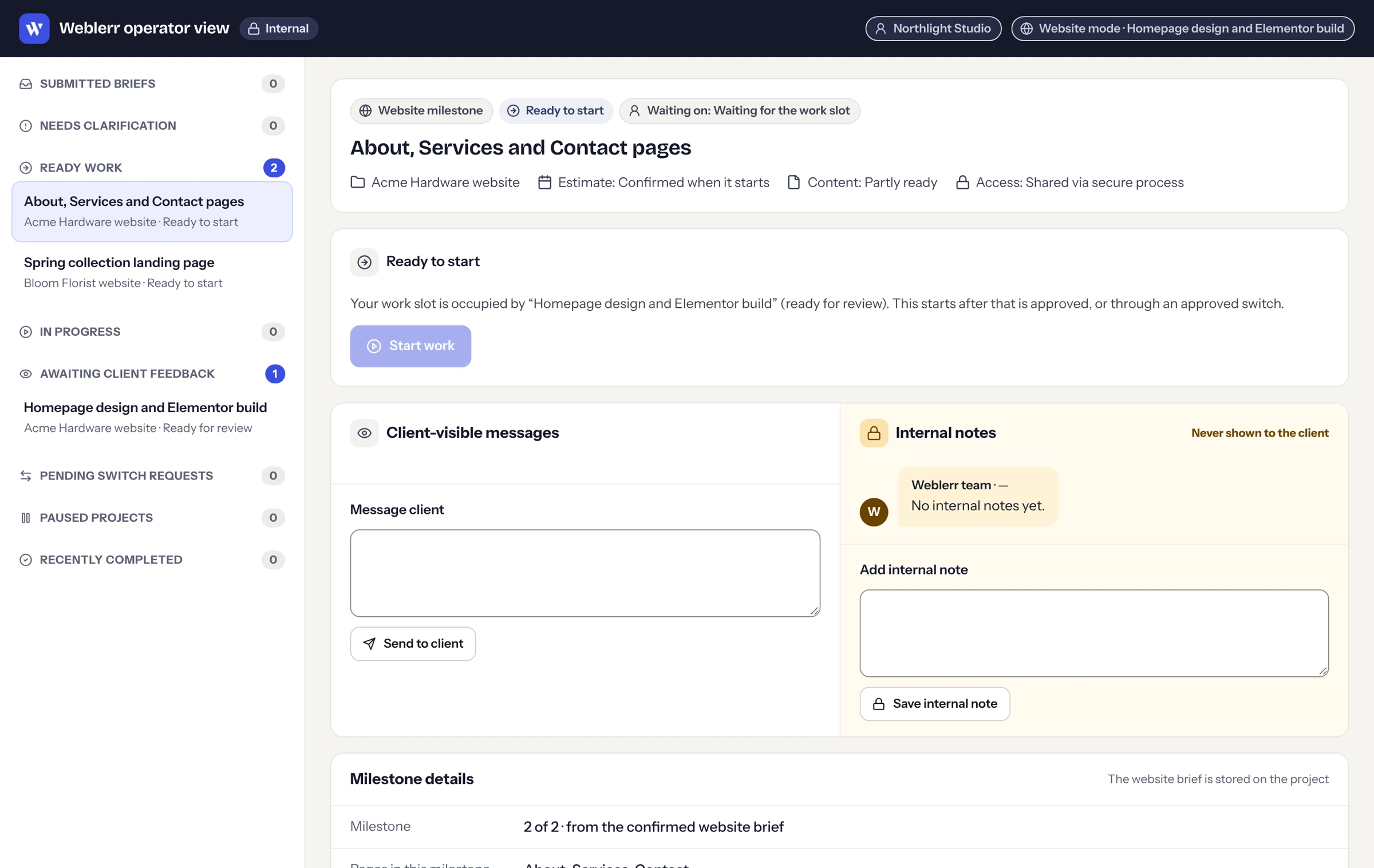
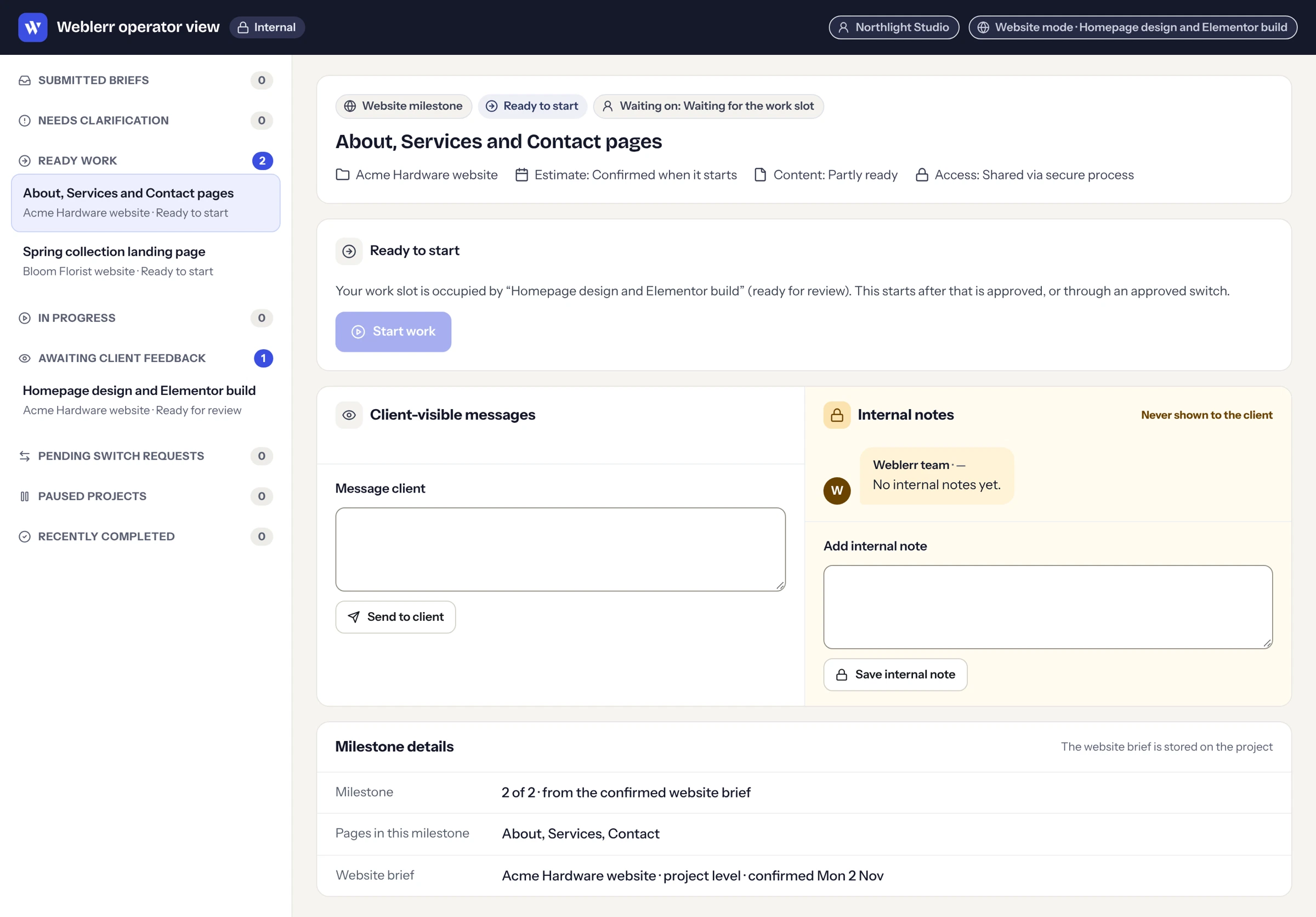
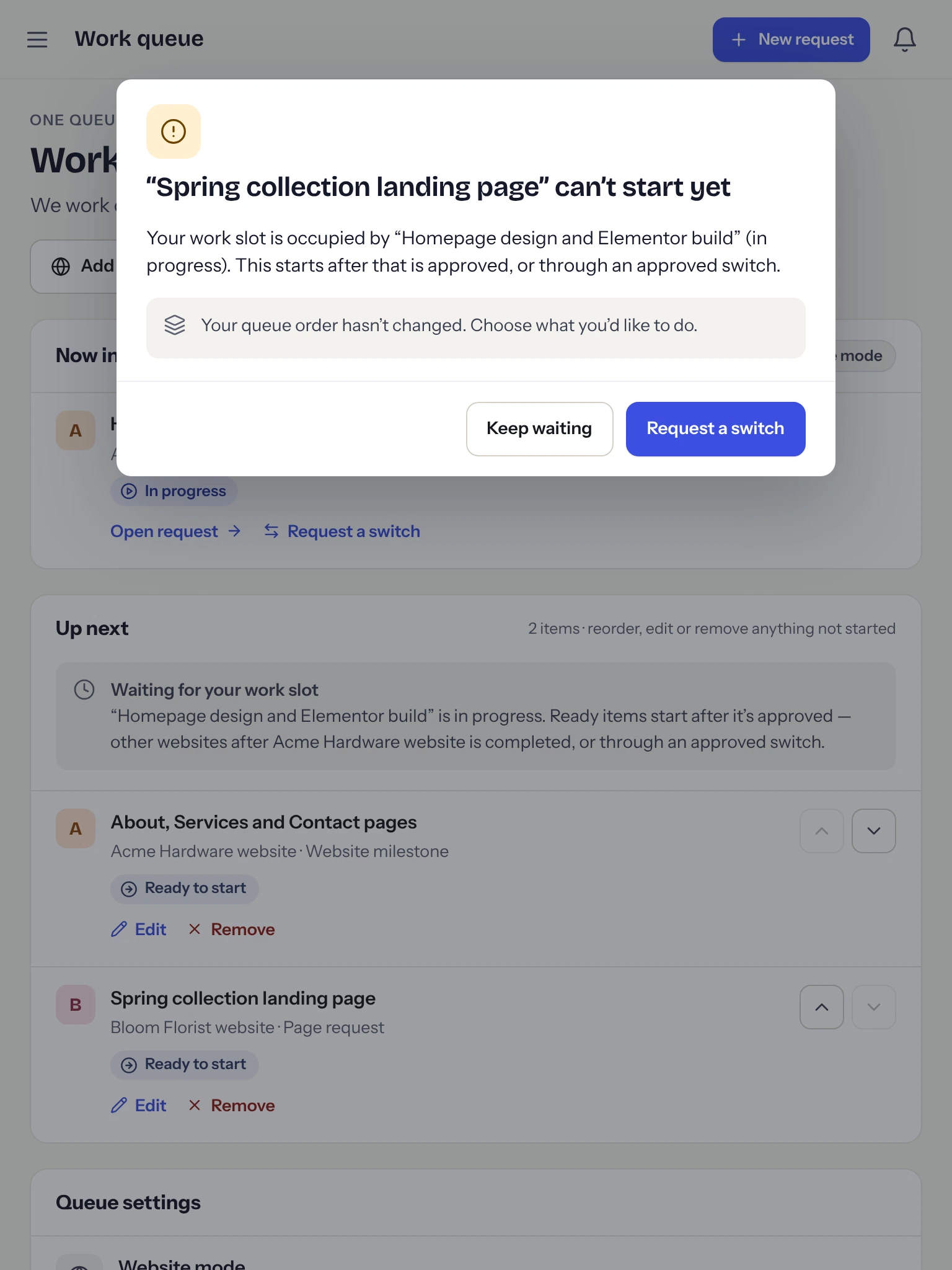
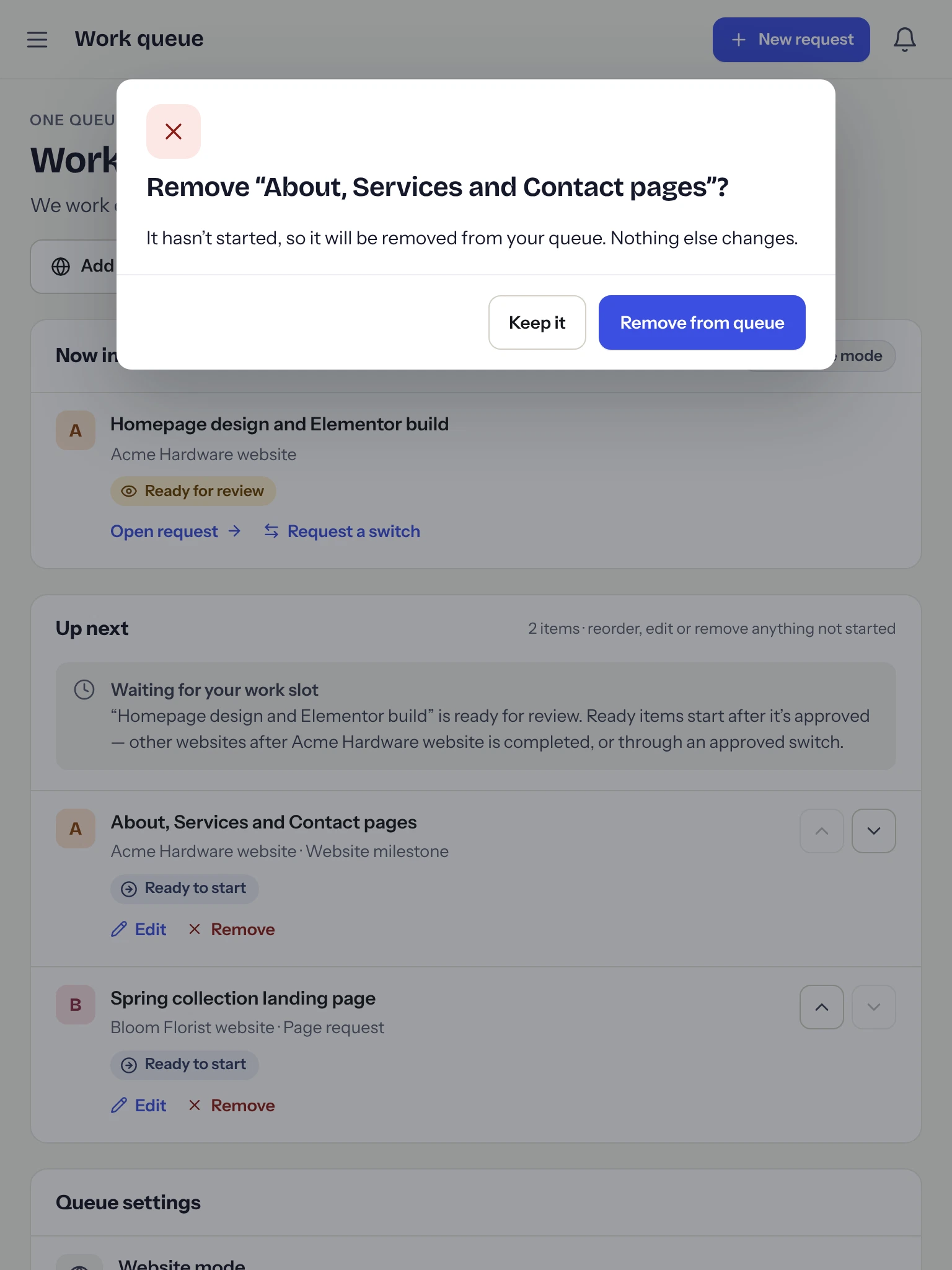
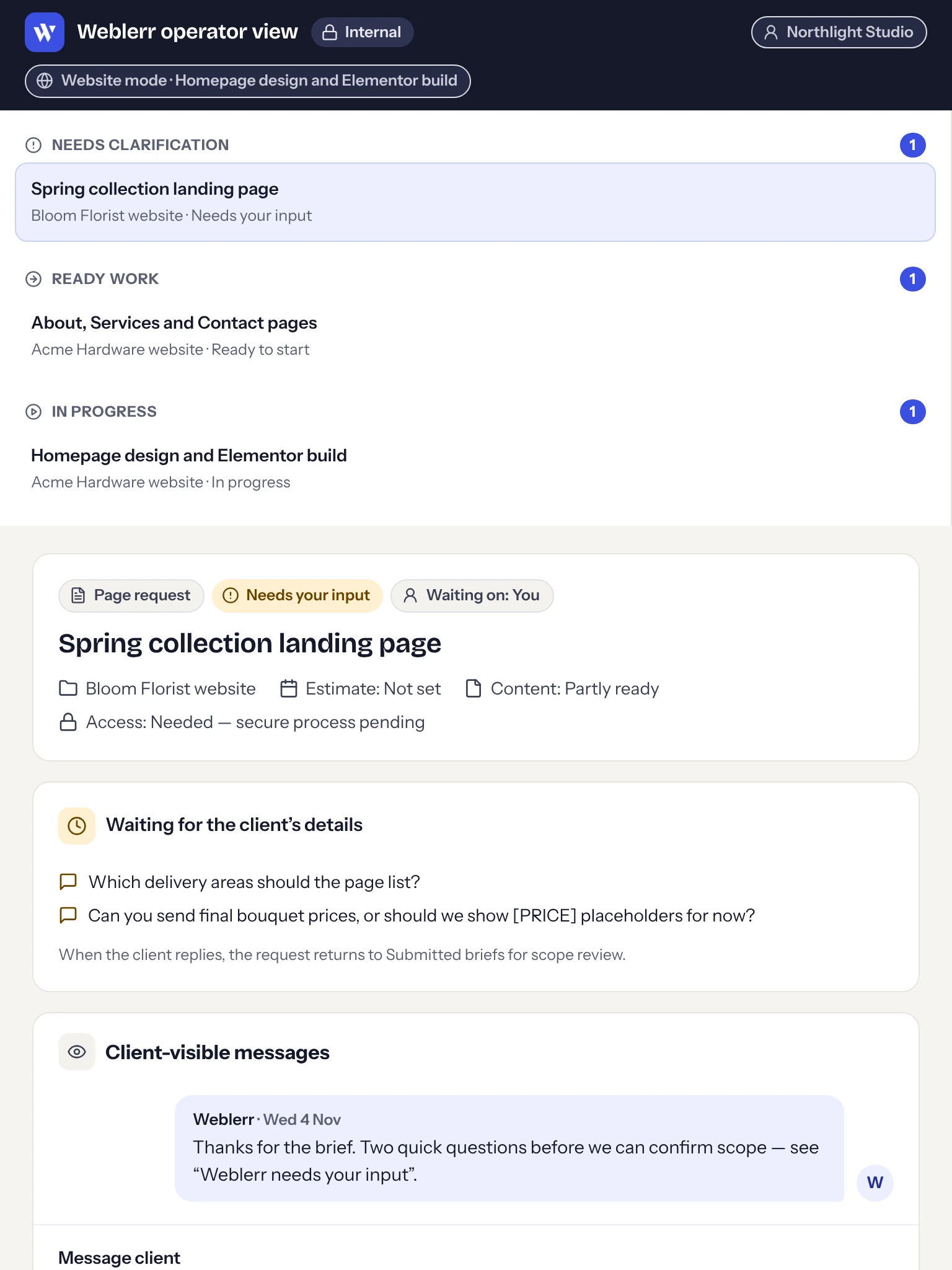
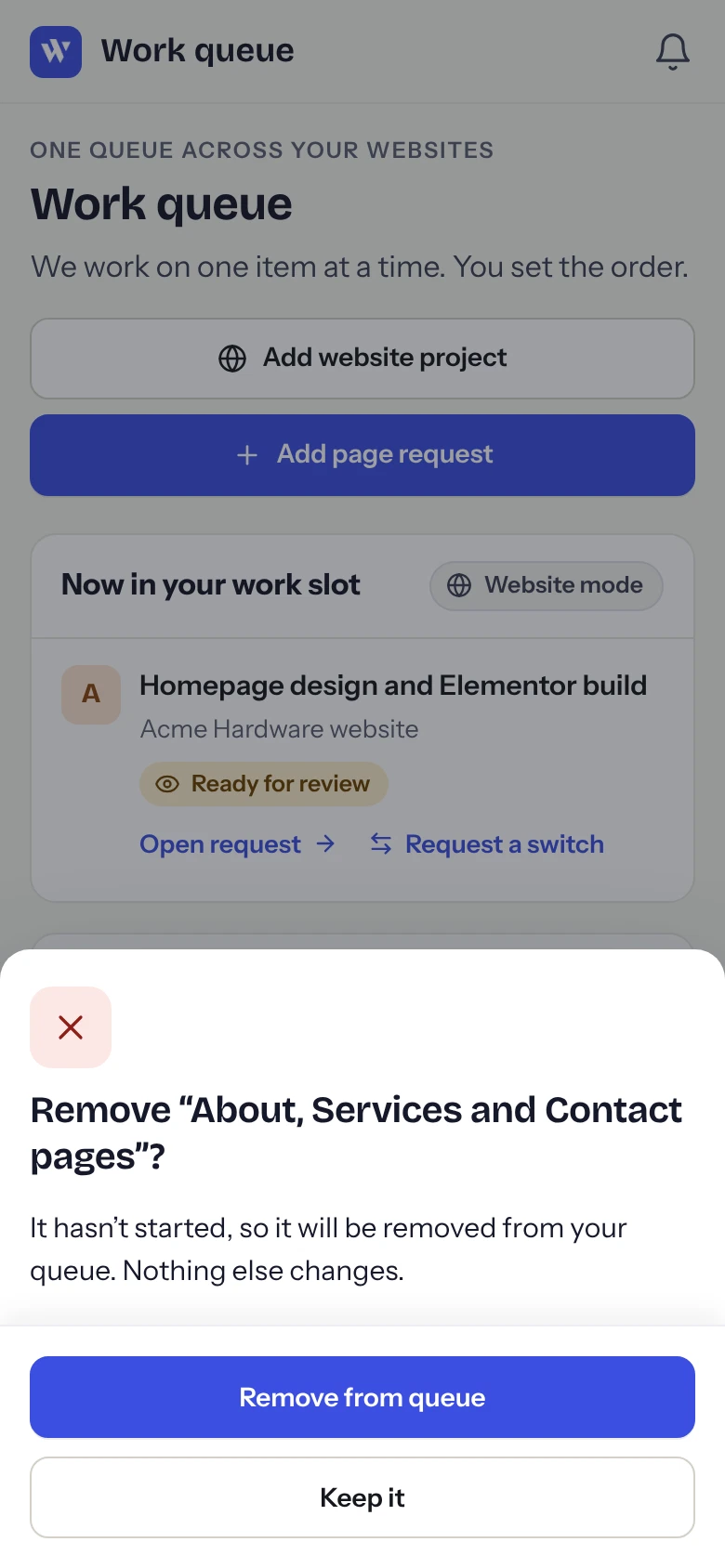
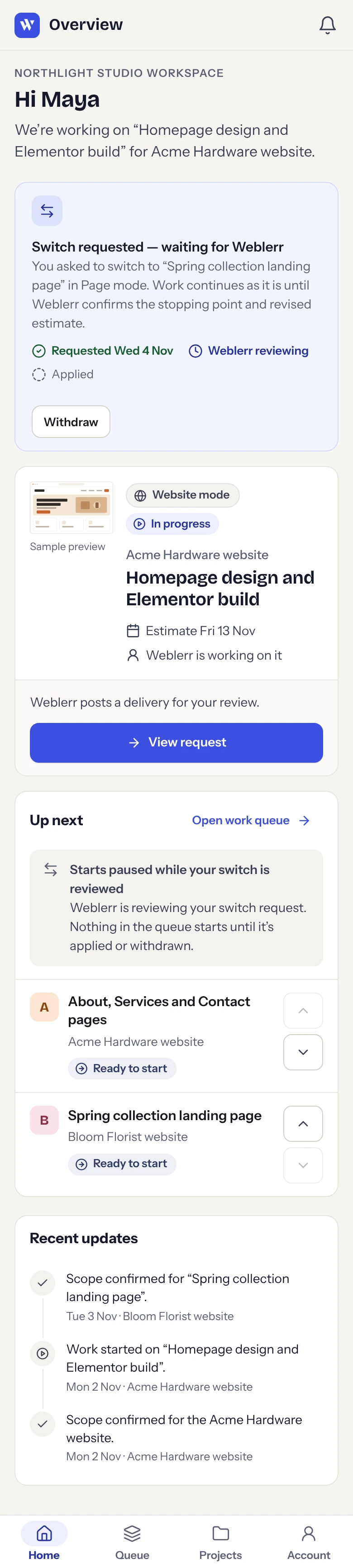
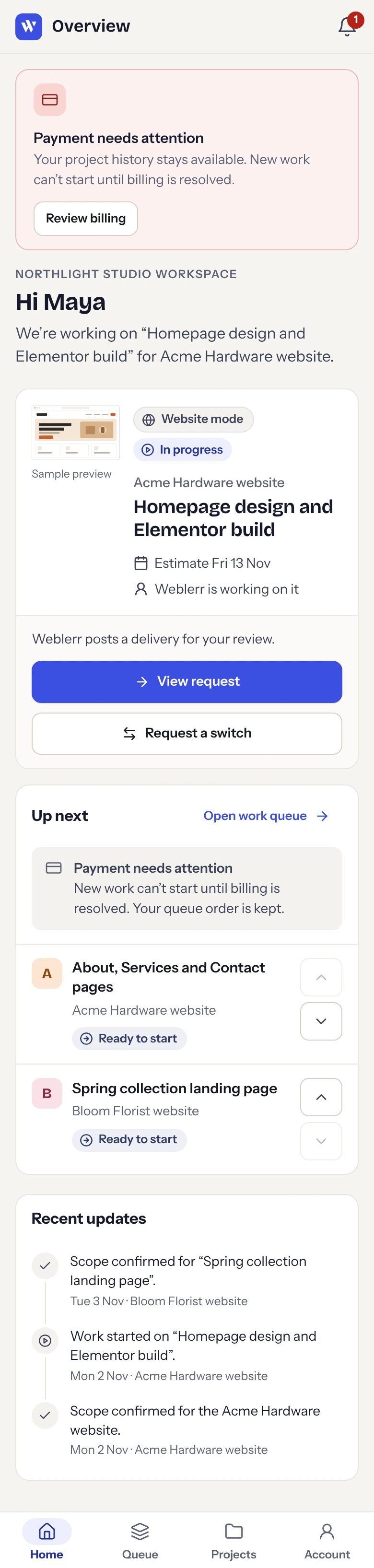
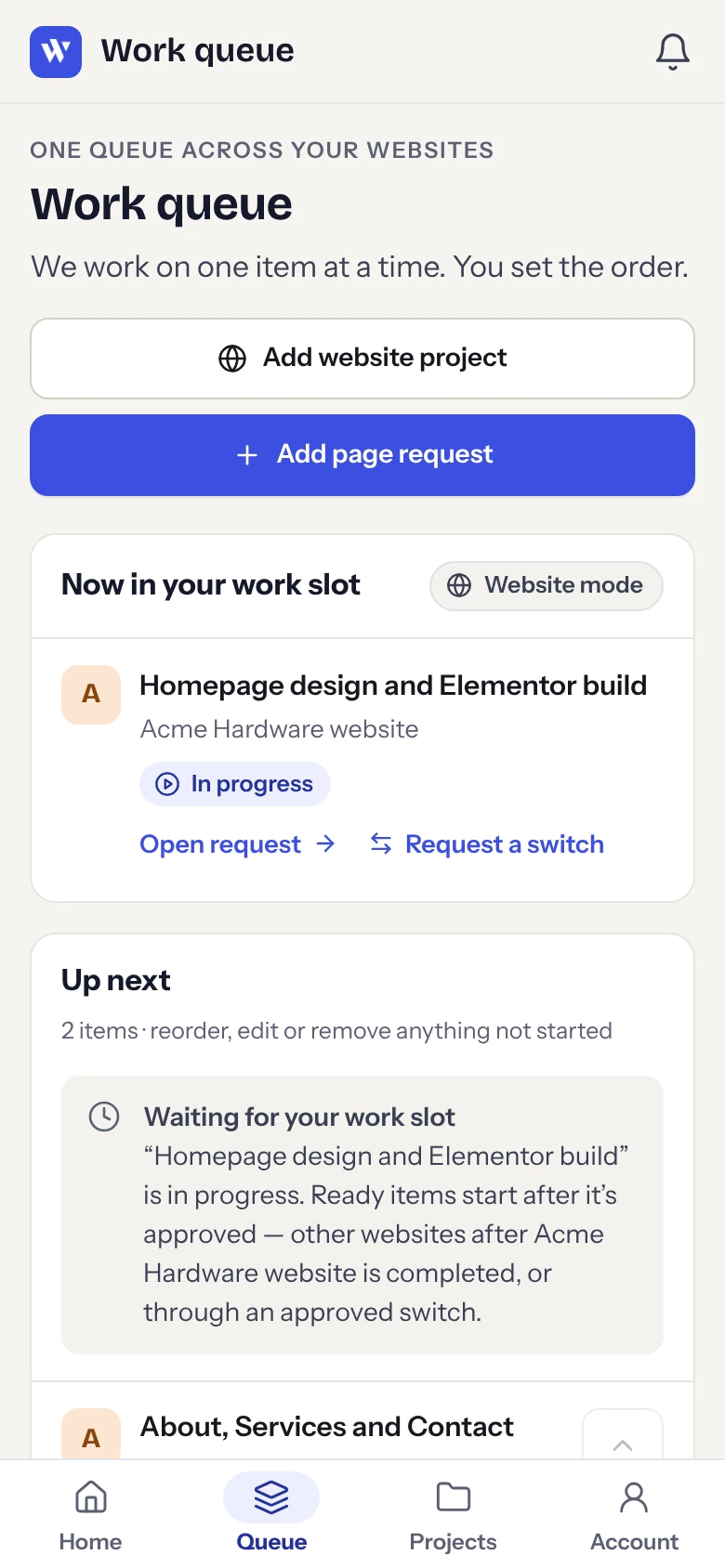
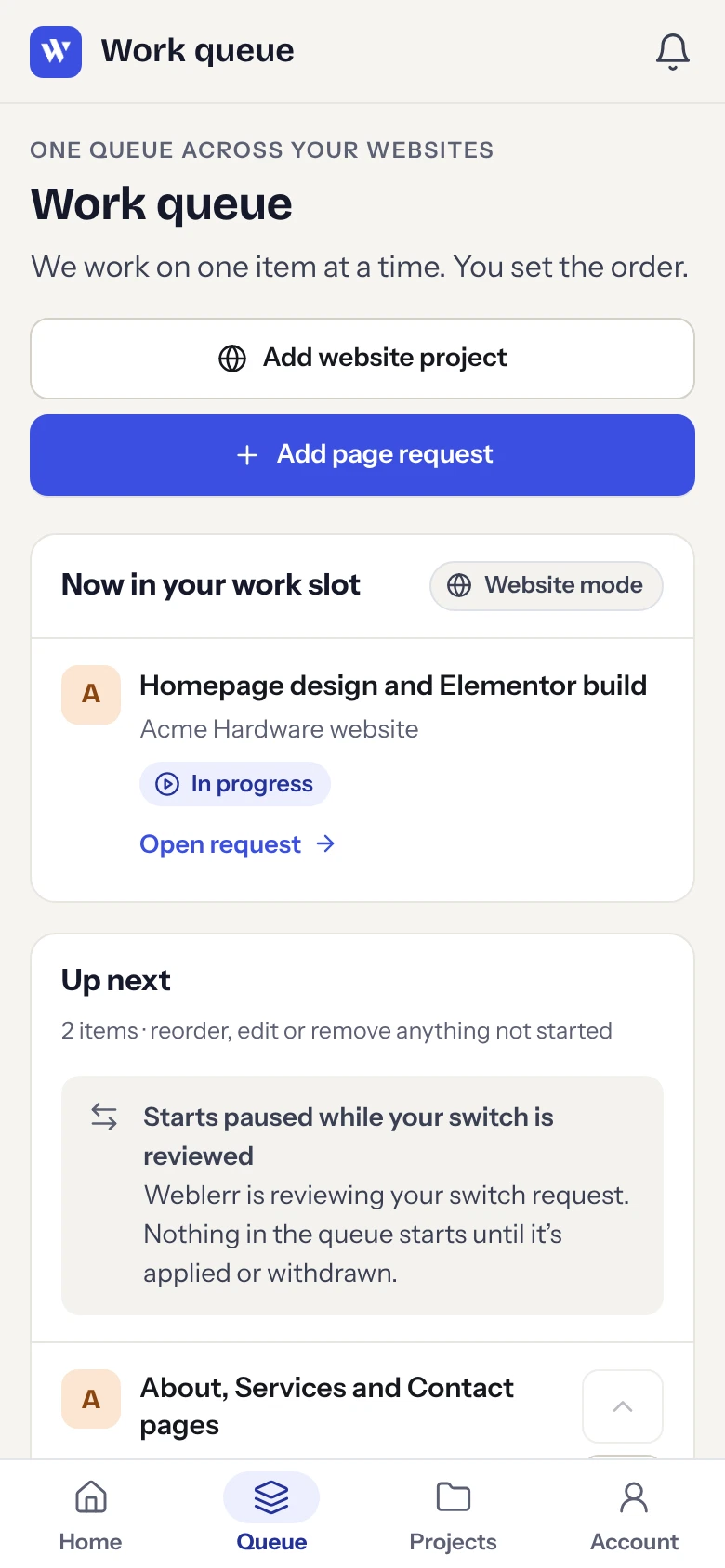
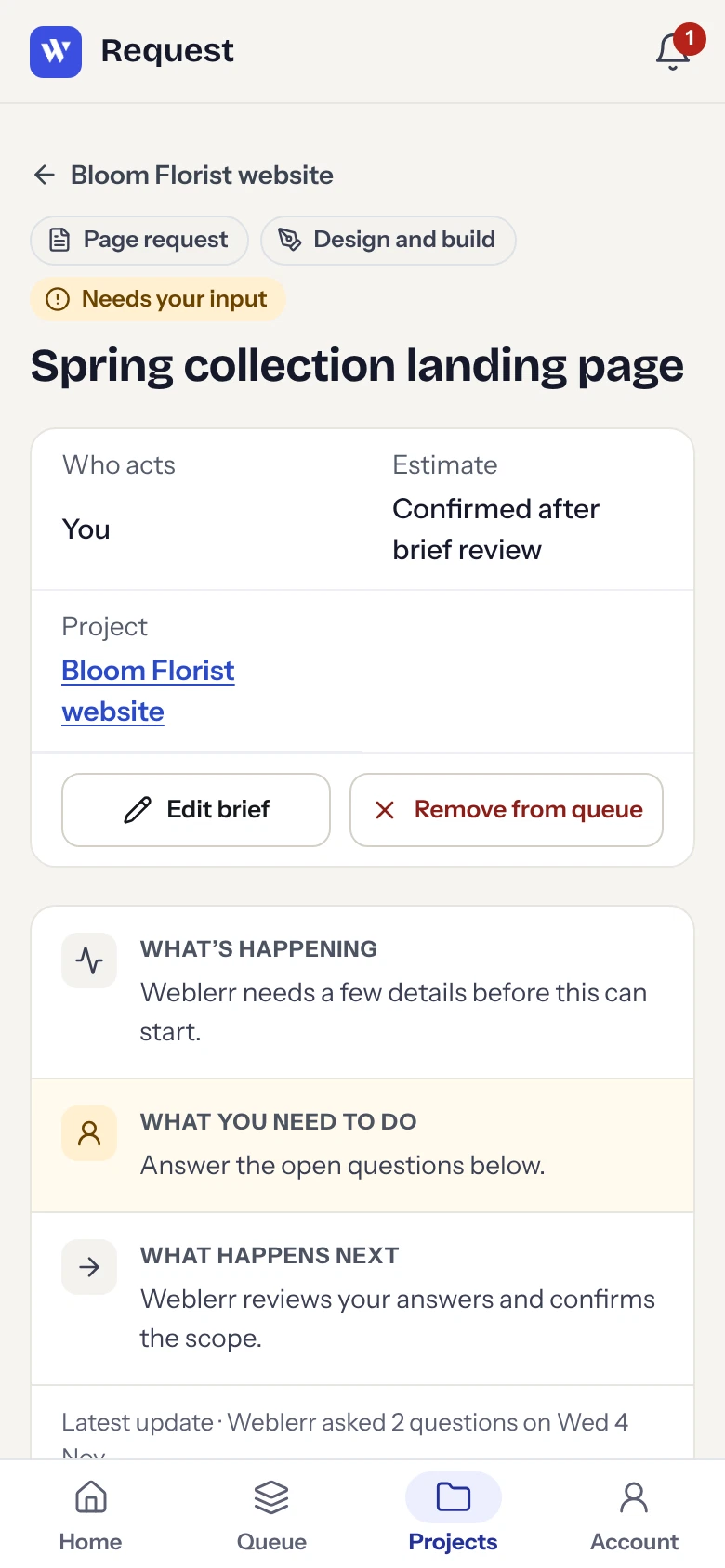
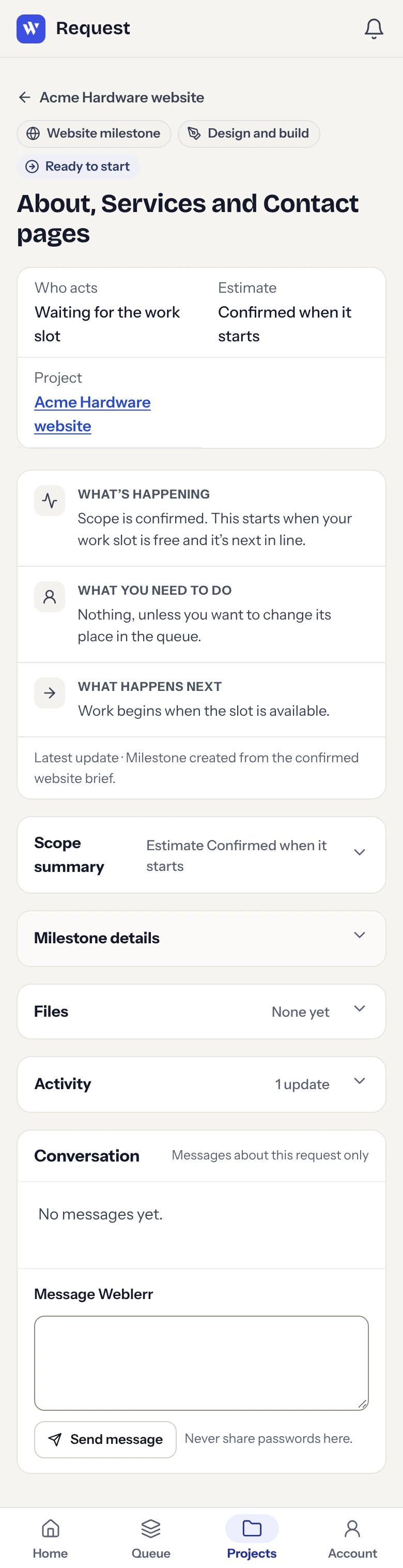
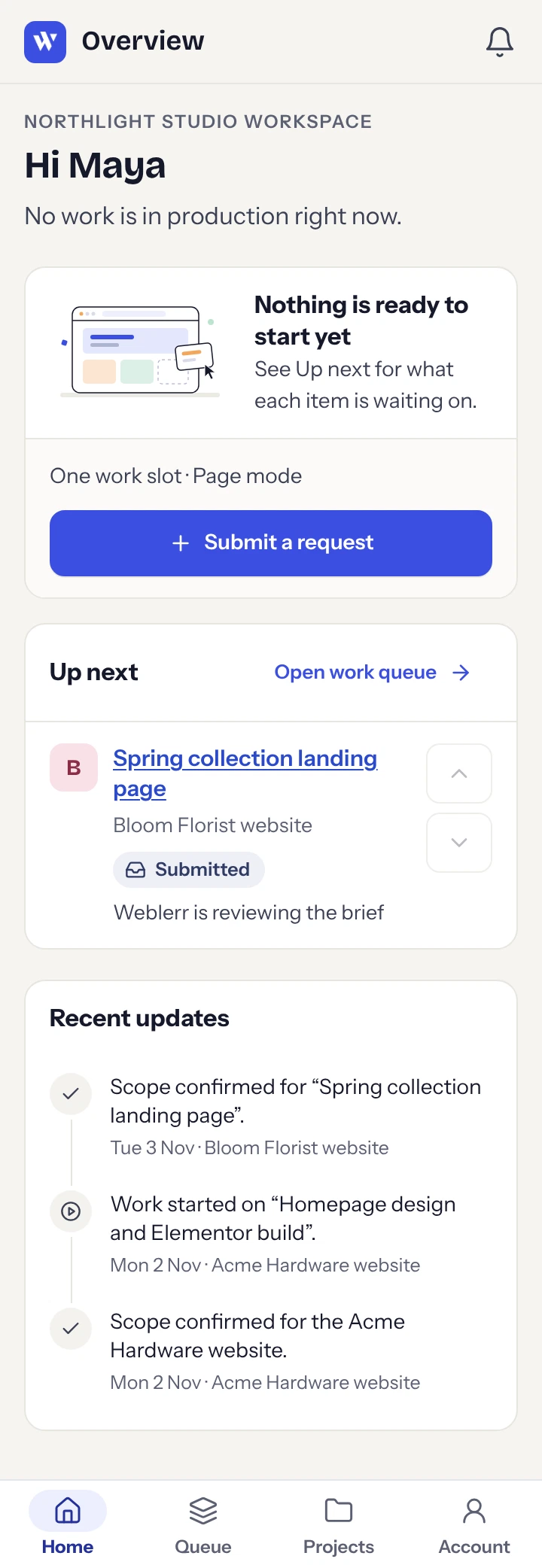
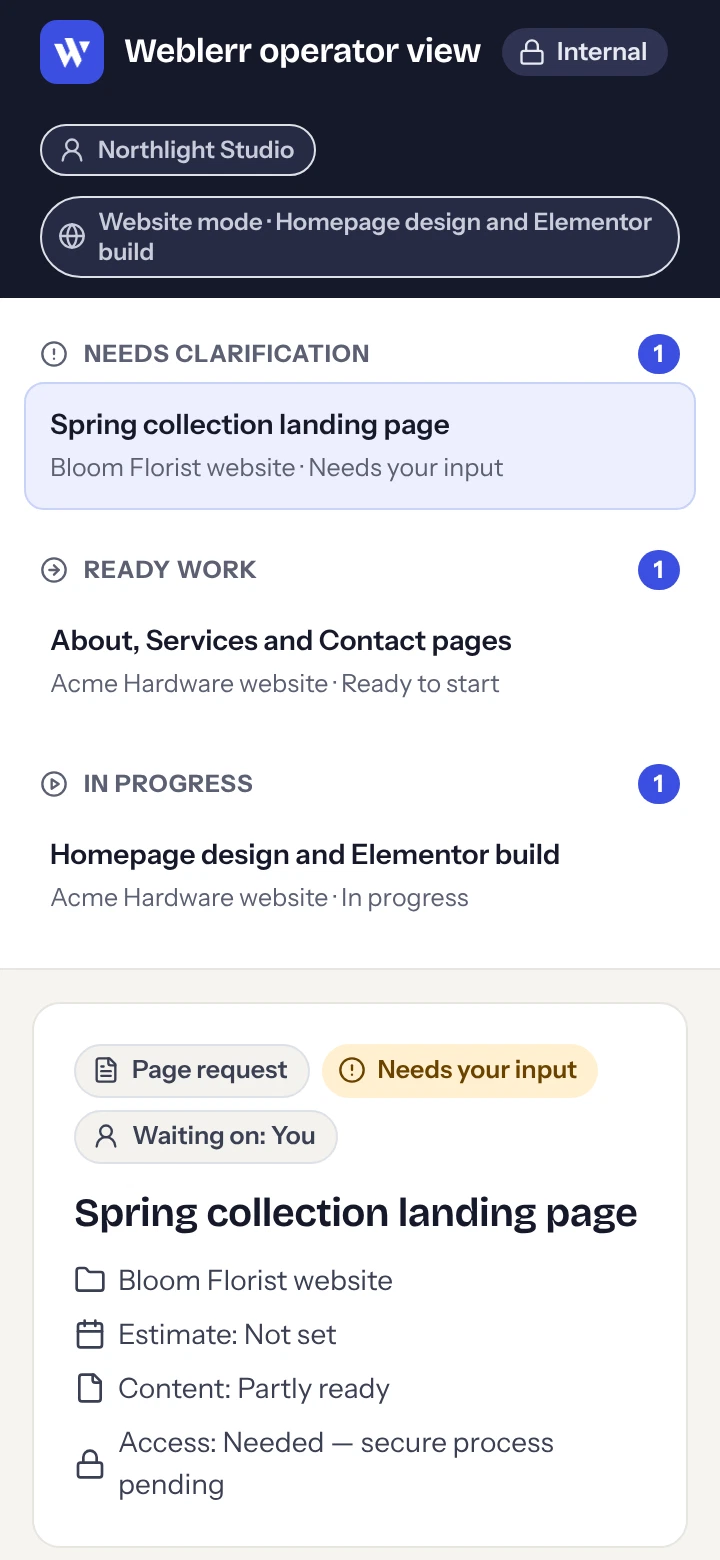
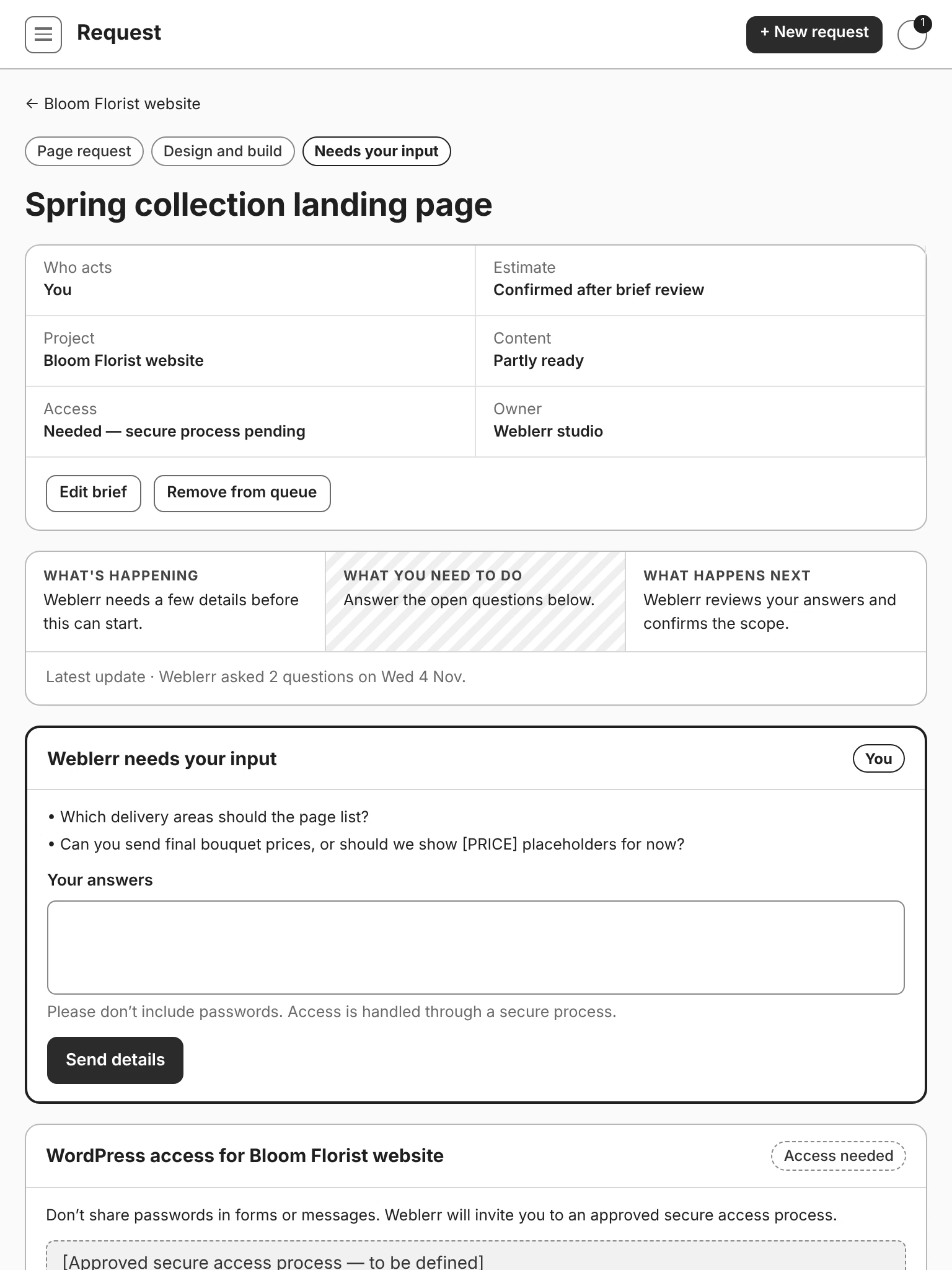
The queue shows why something is waiting. It might need content, be waiting on an approval, or belong to a different website while Website mode is active. I wanted clients to see the reason without having to message the team for an update.
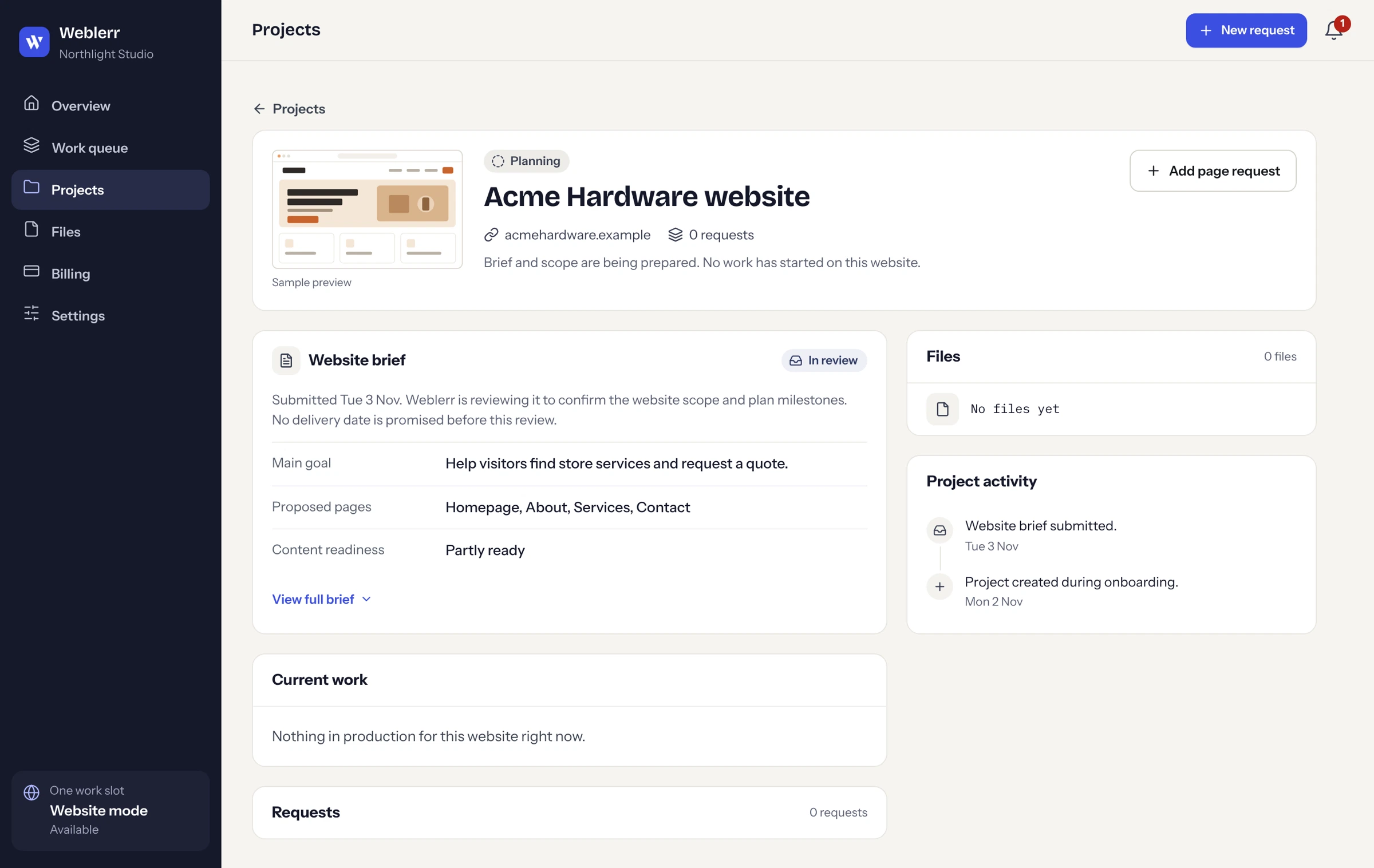
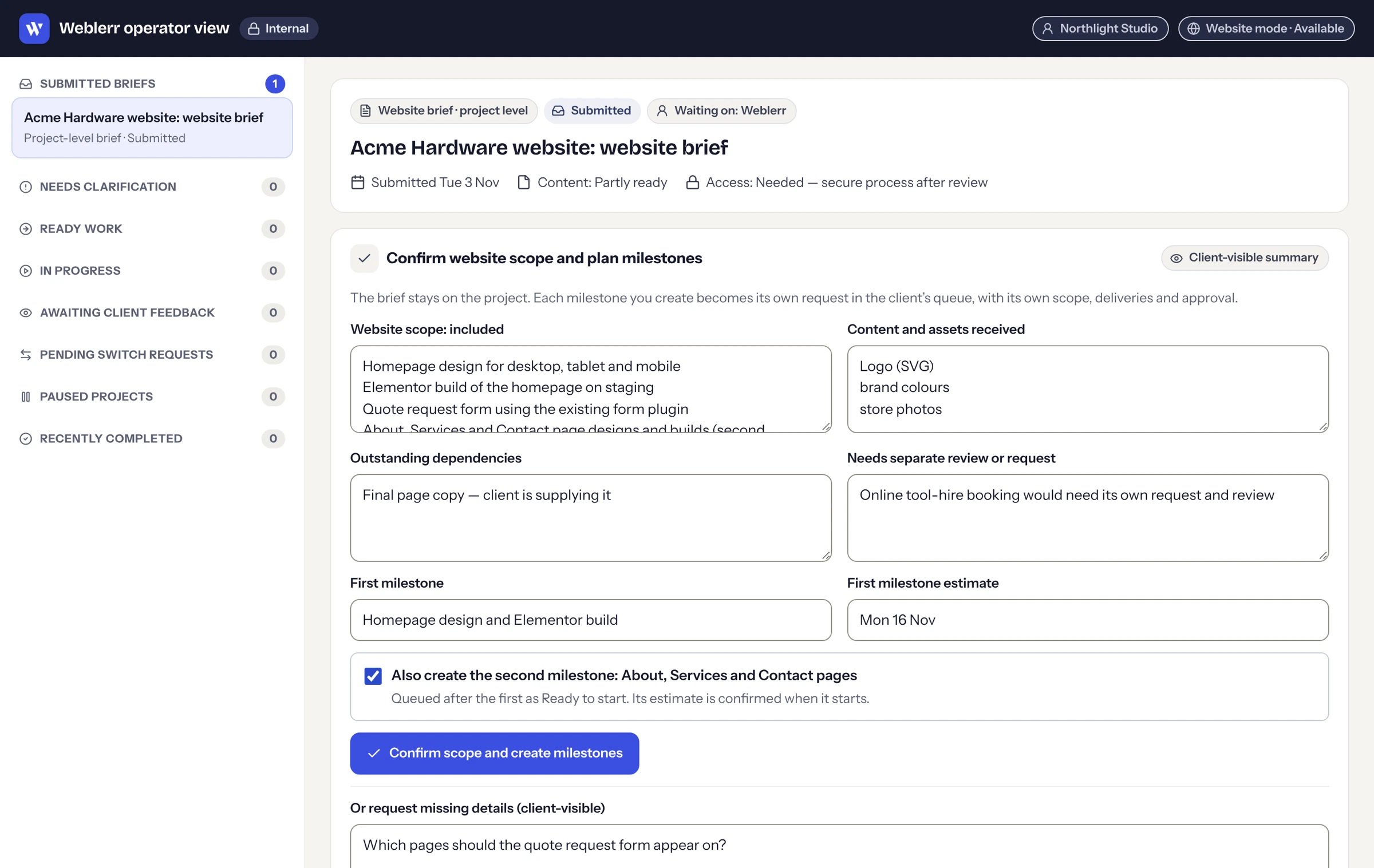
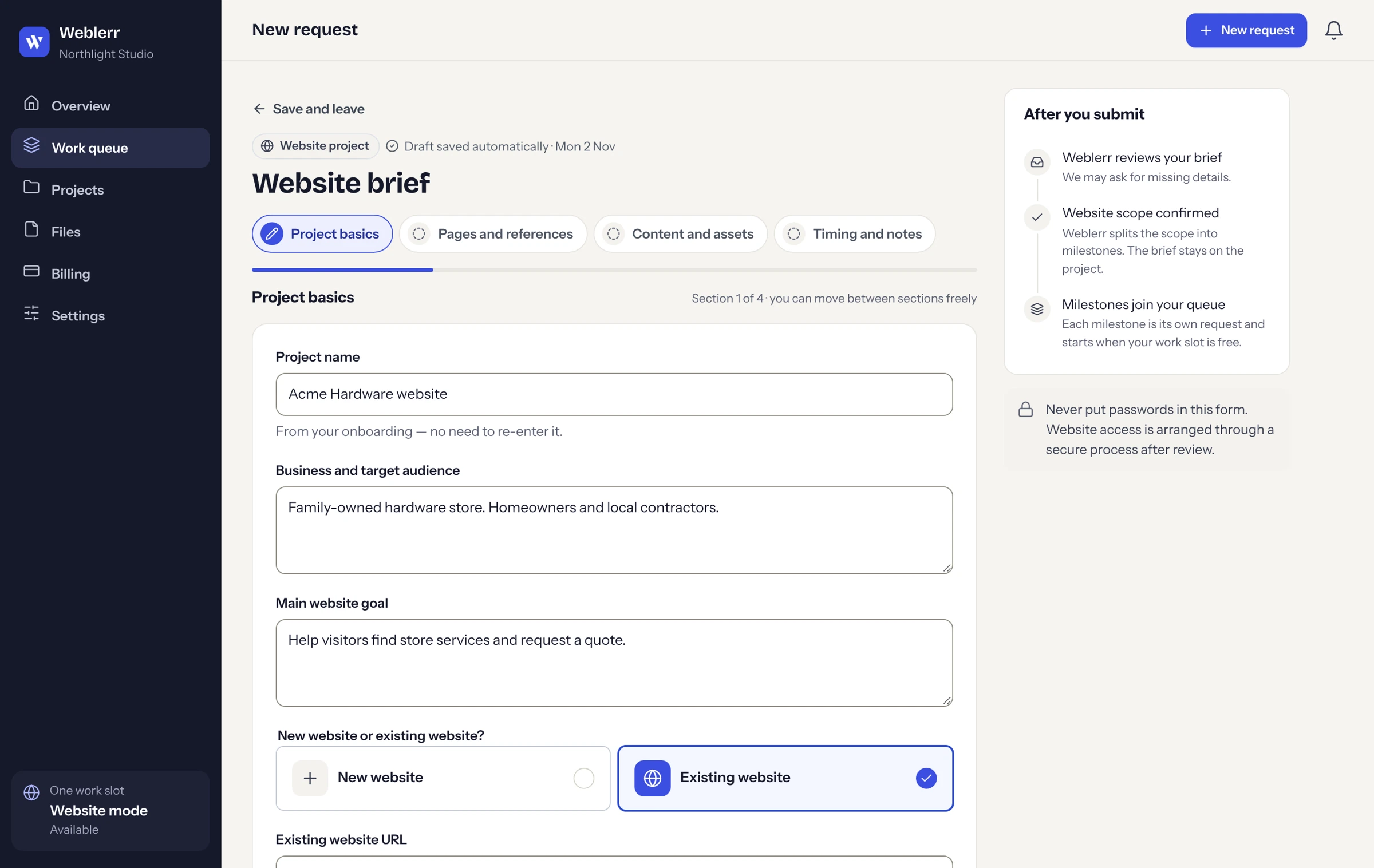
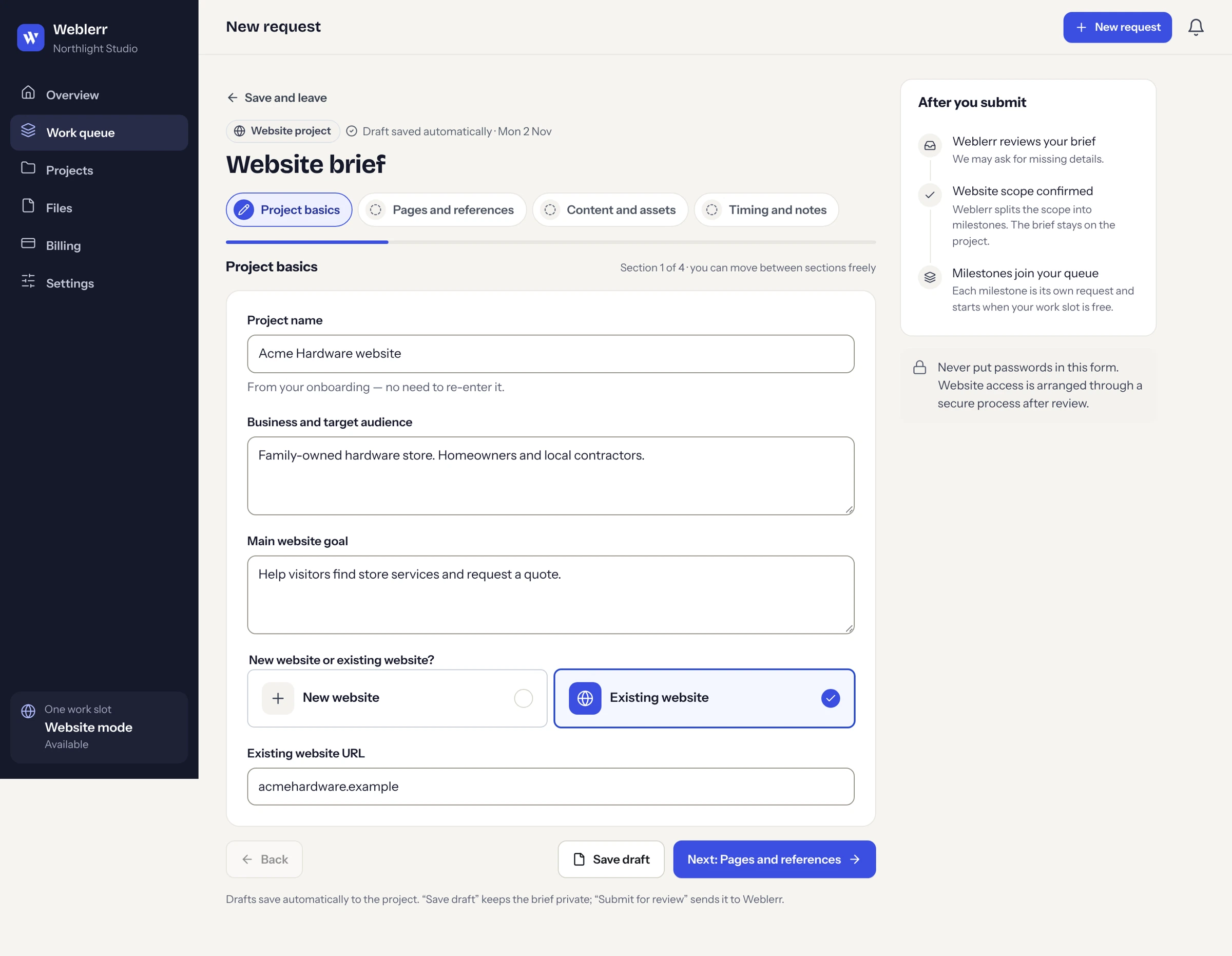
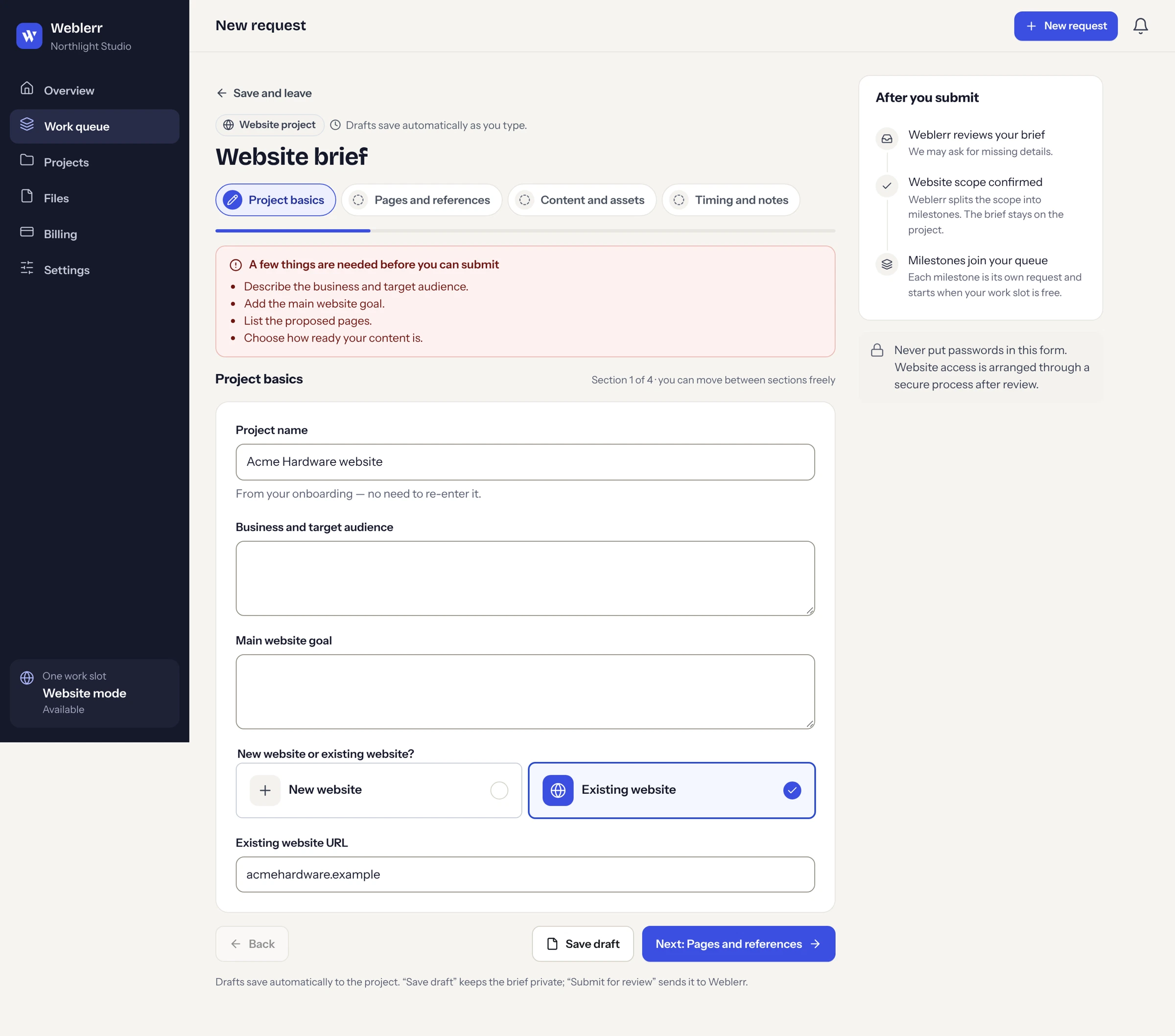
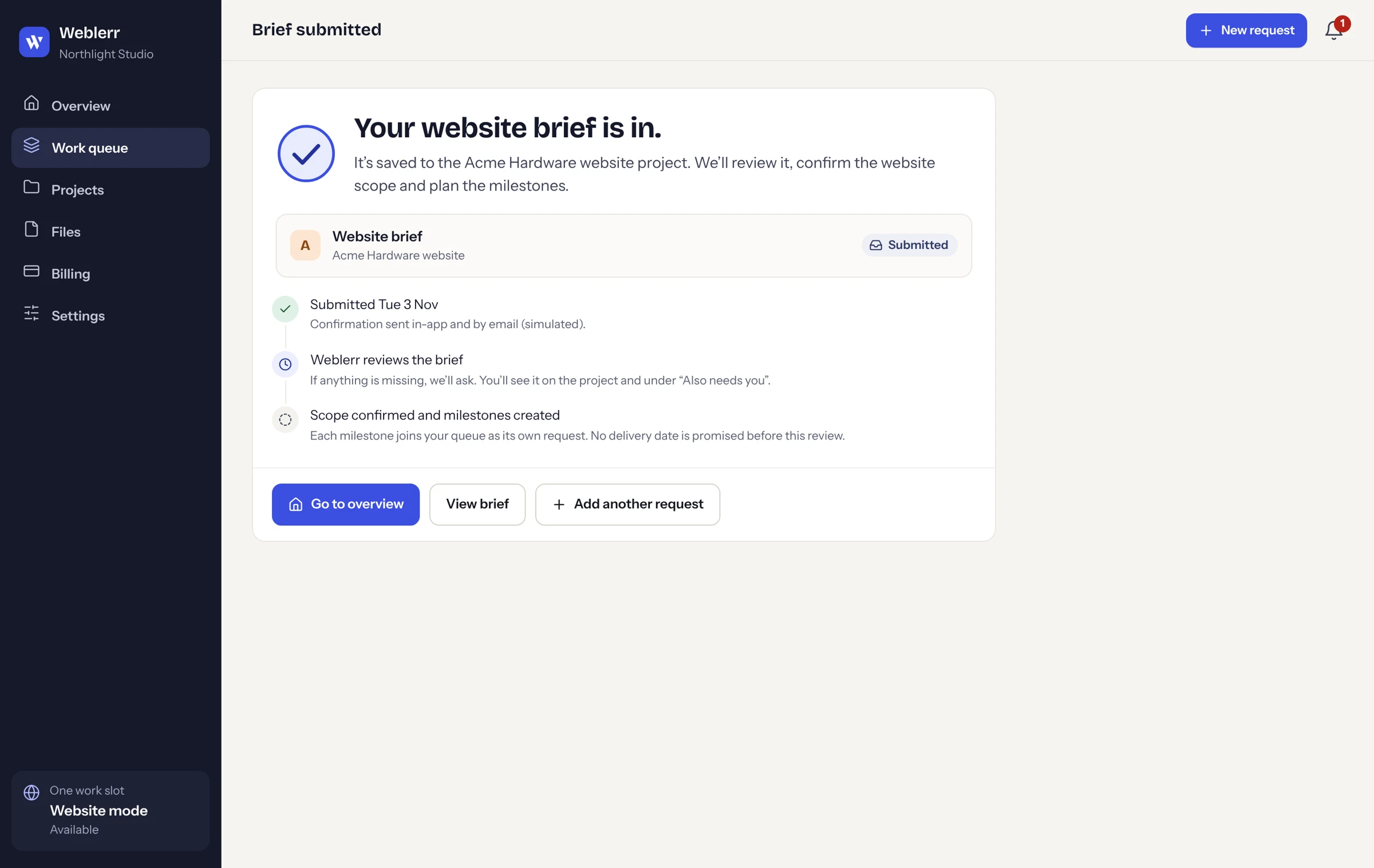
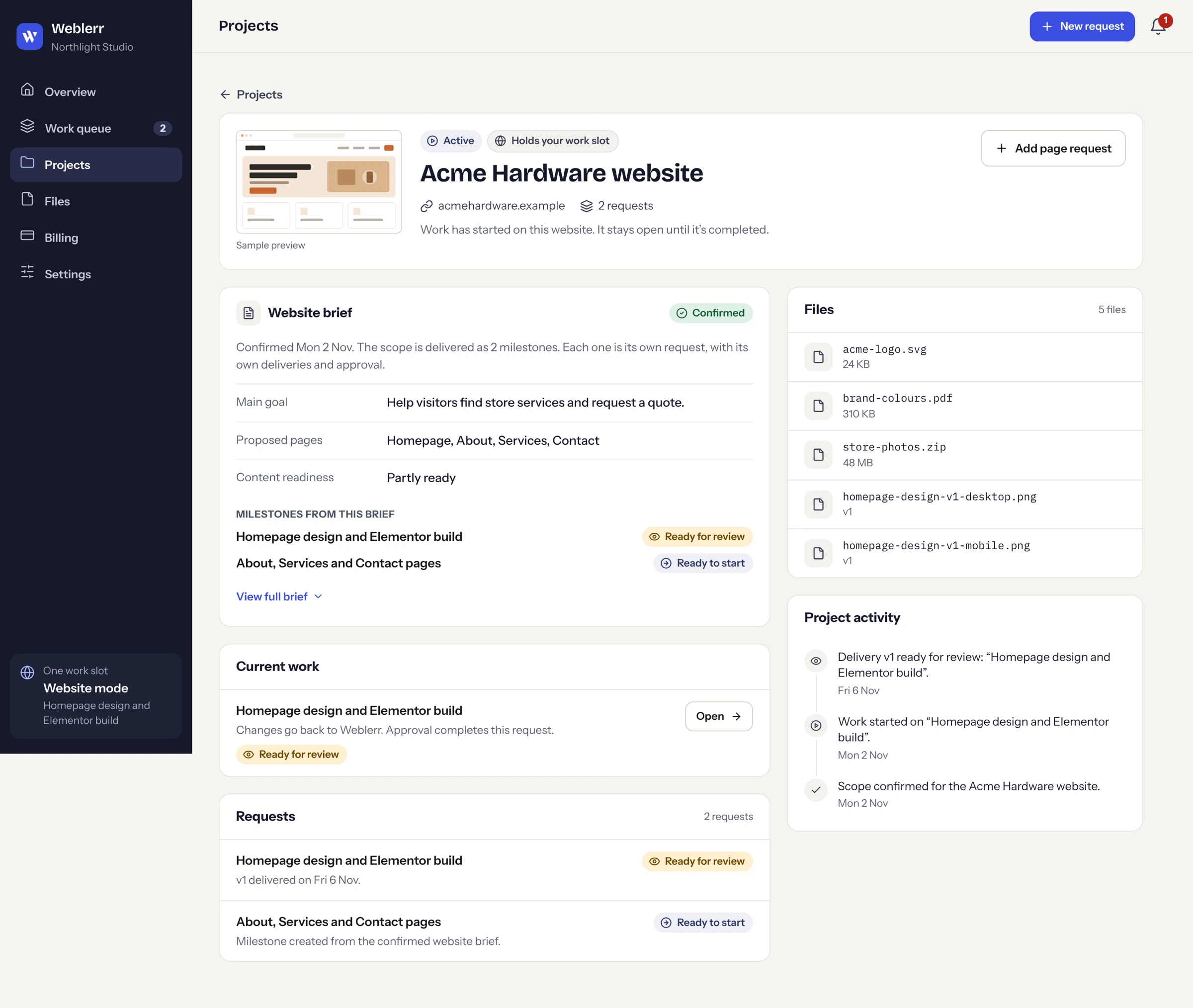
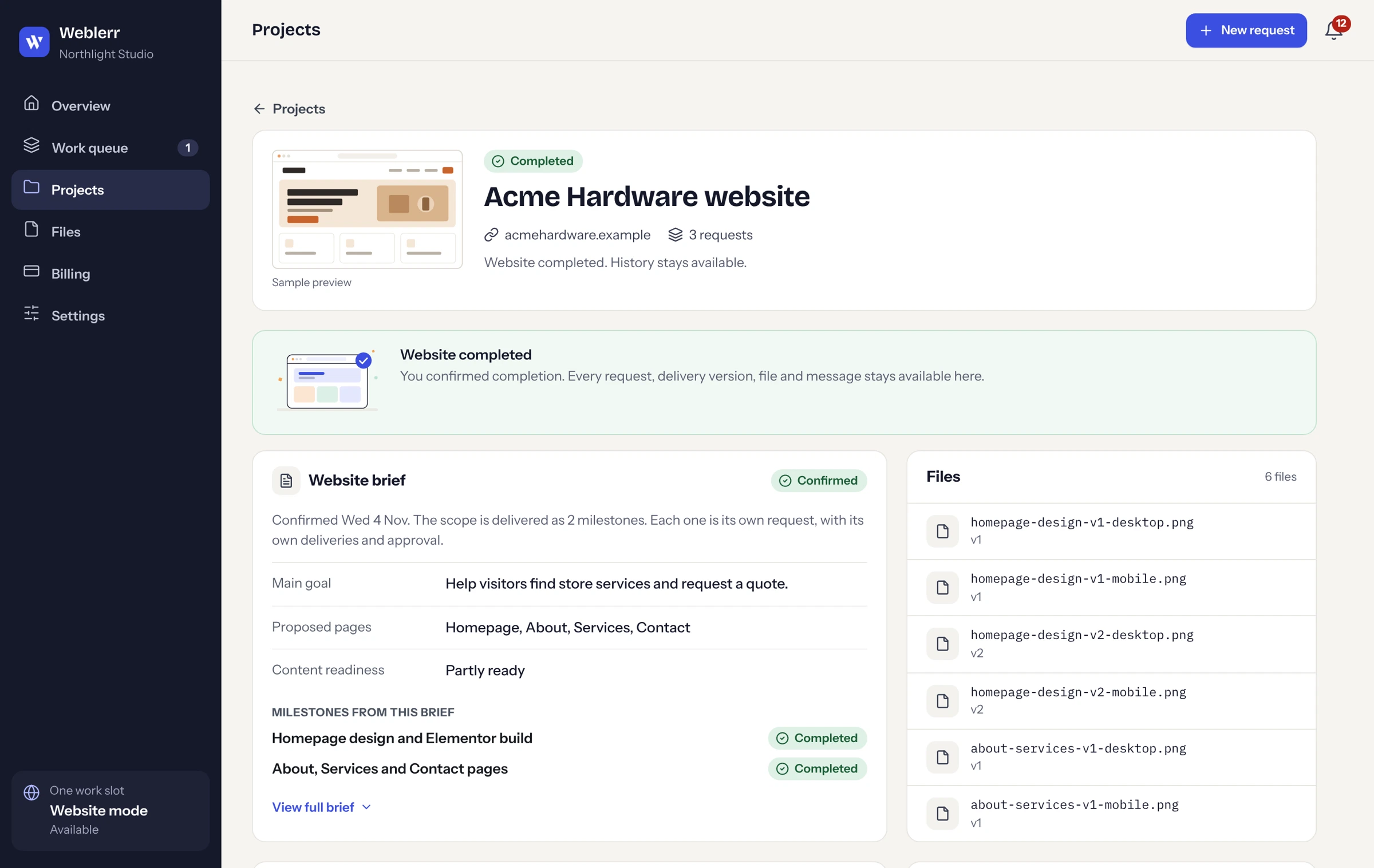
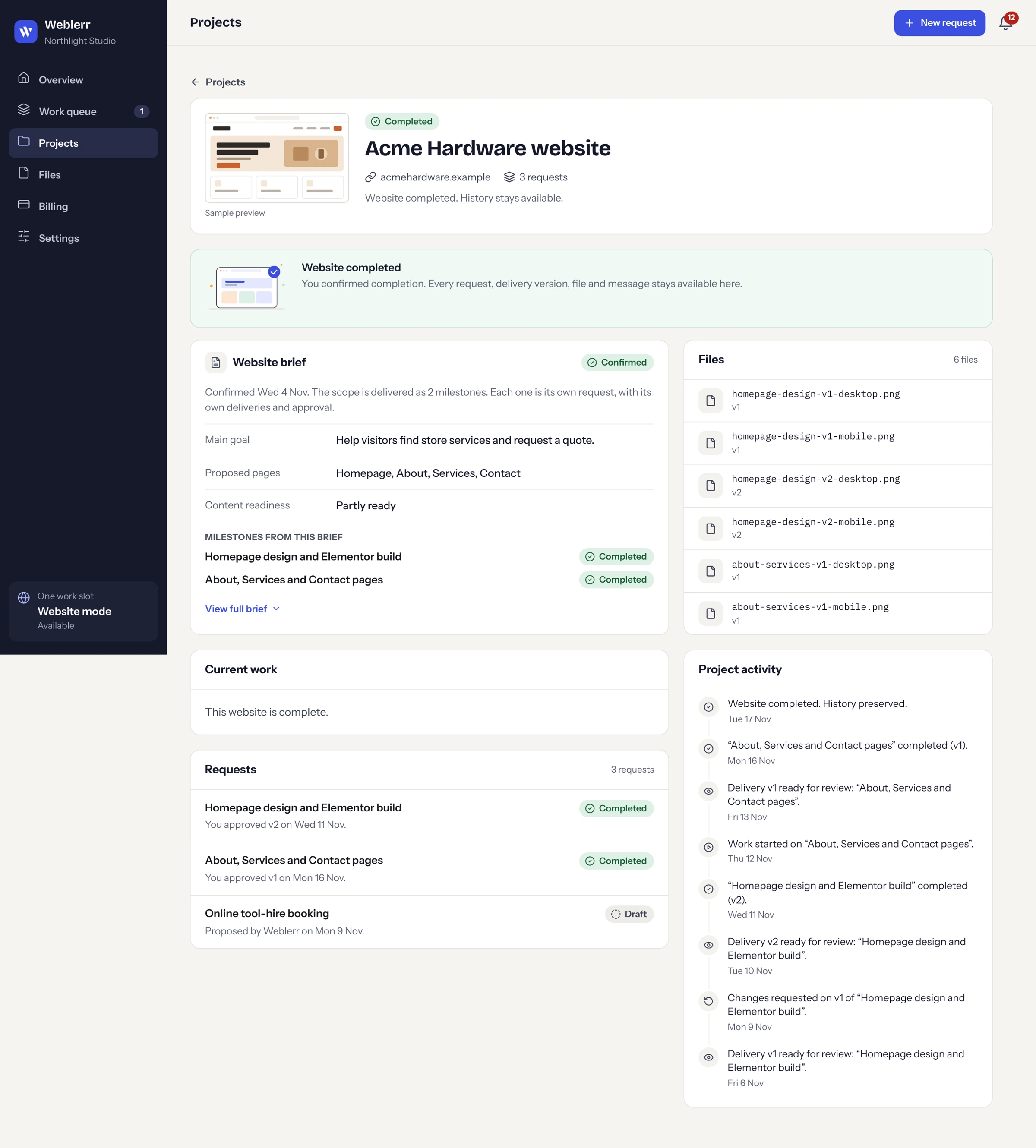
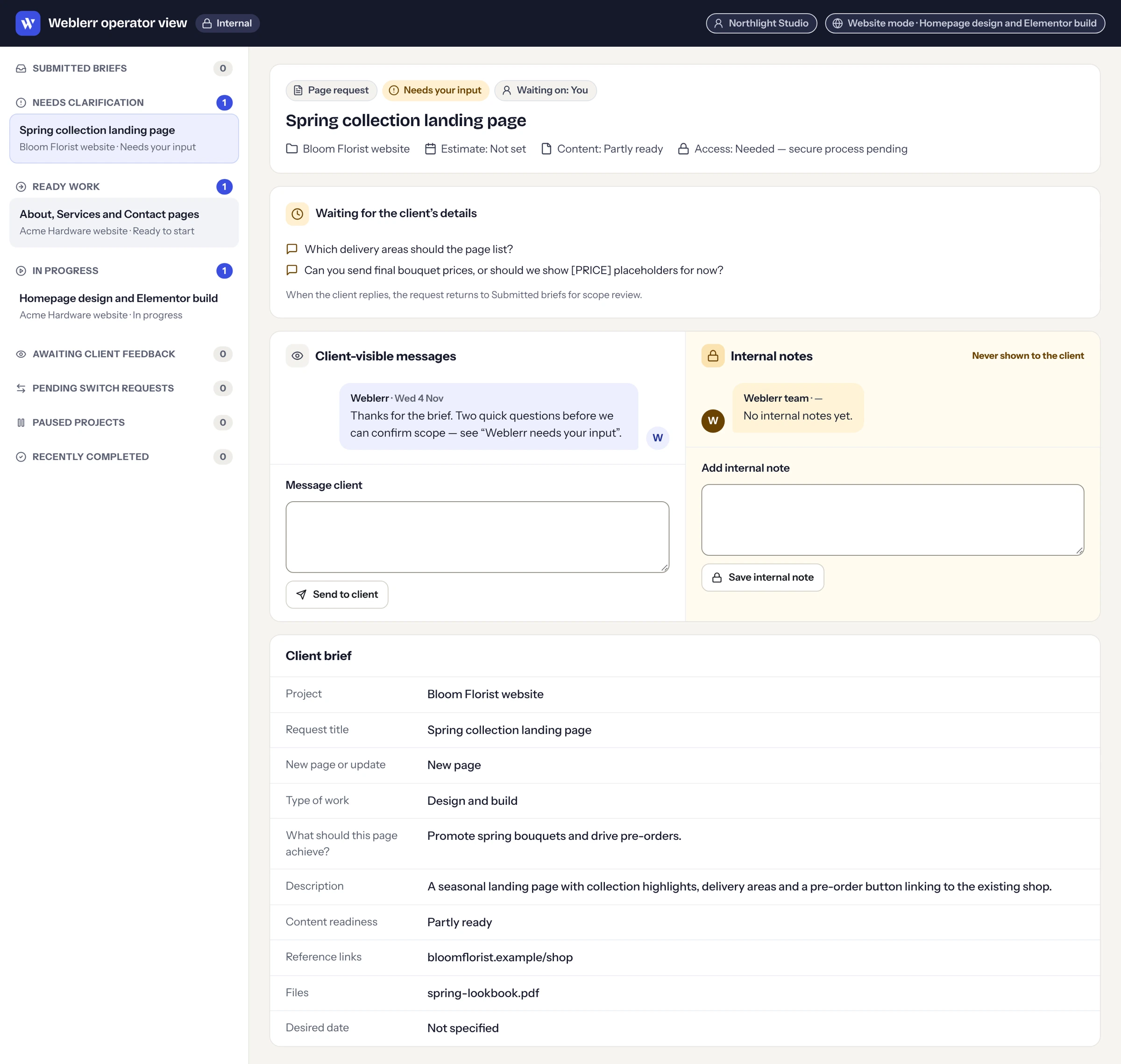
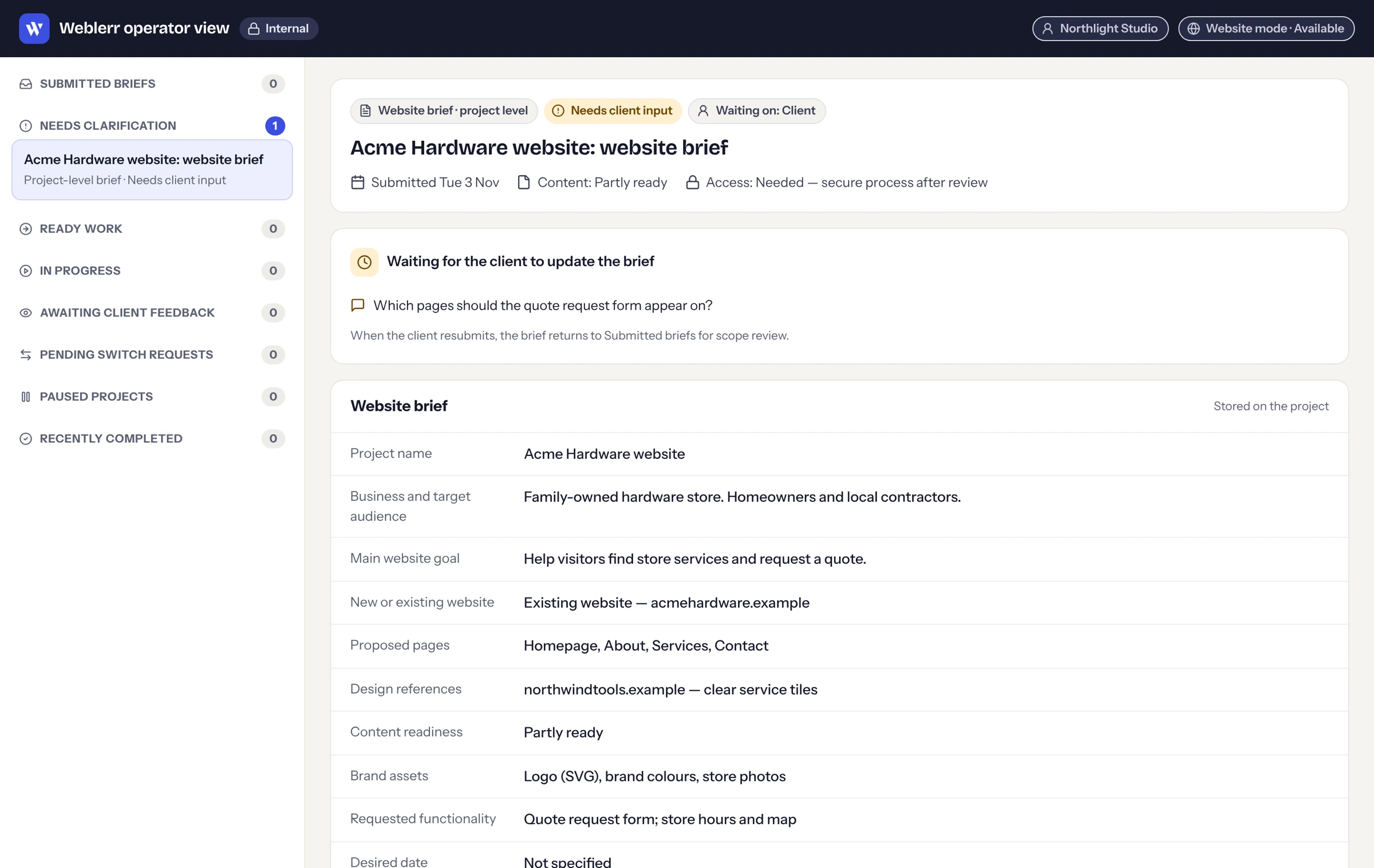
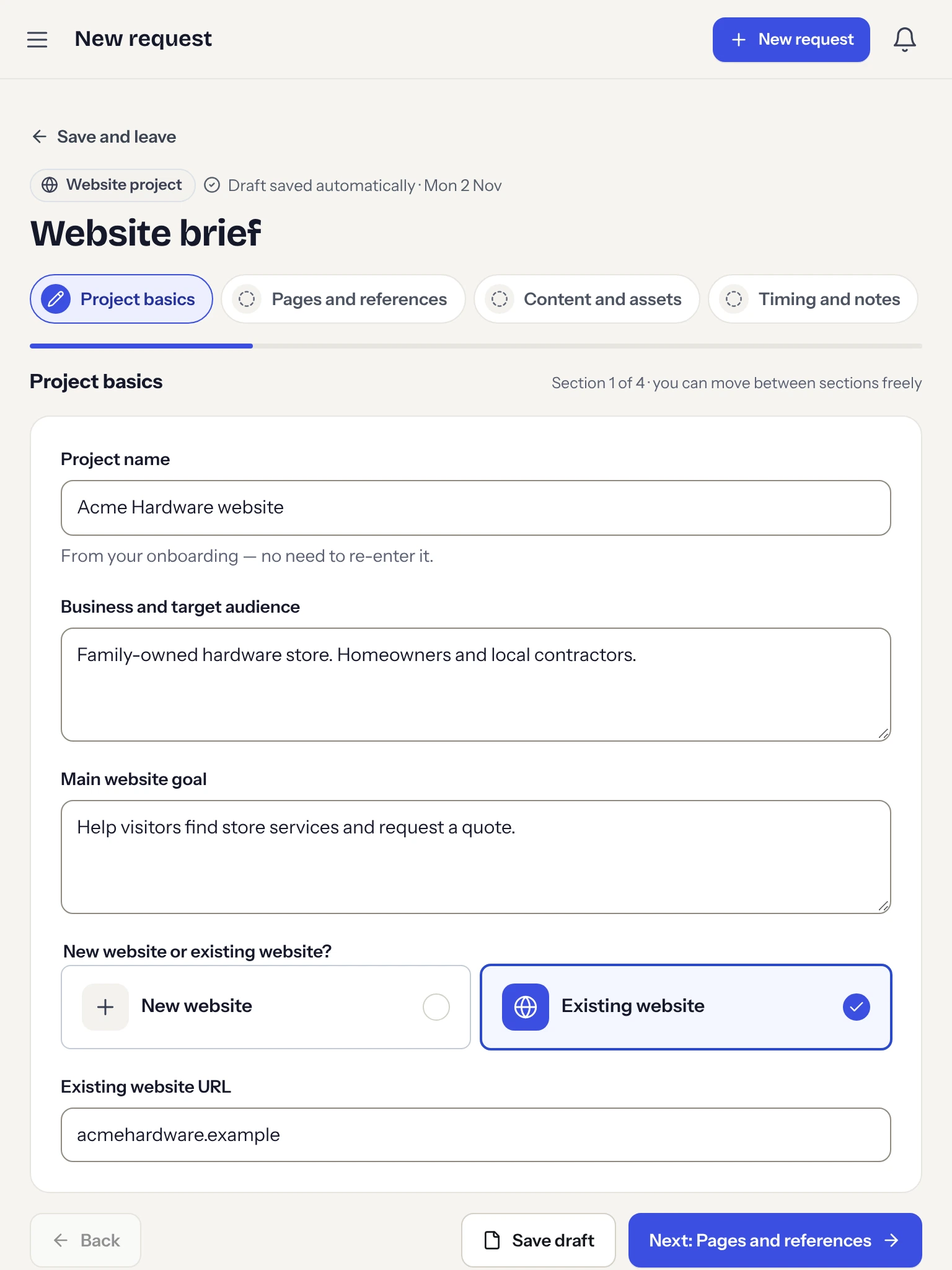
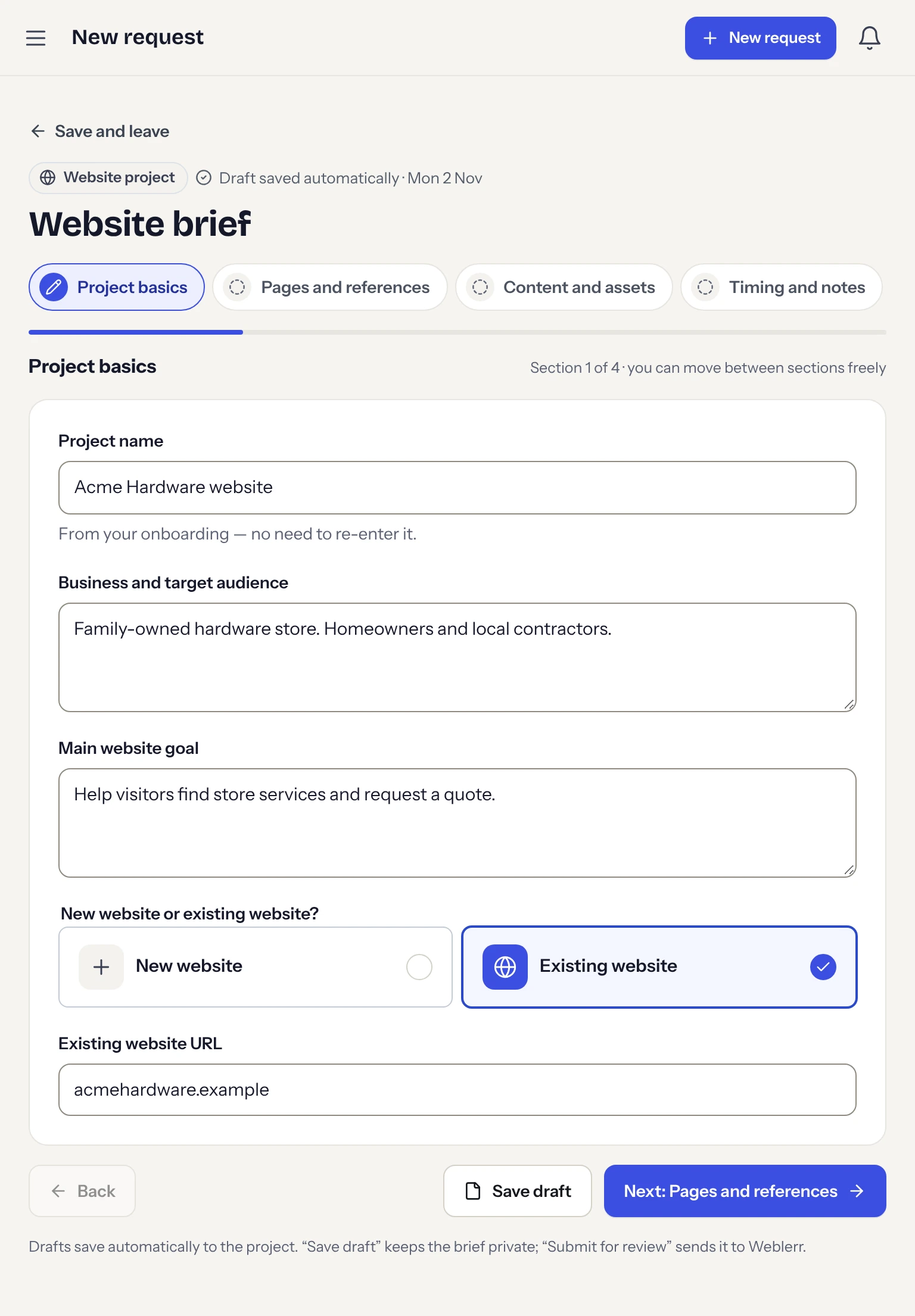
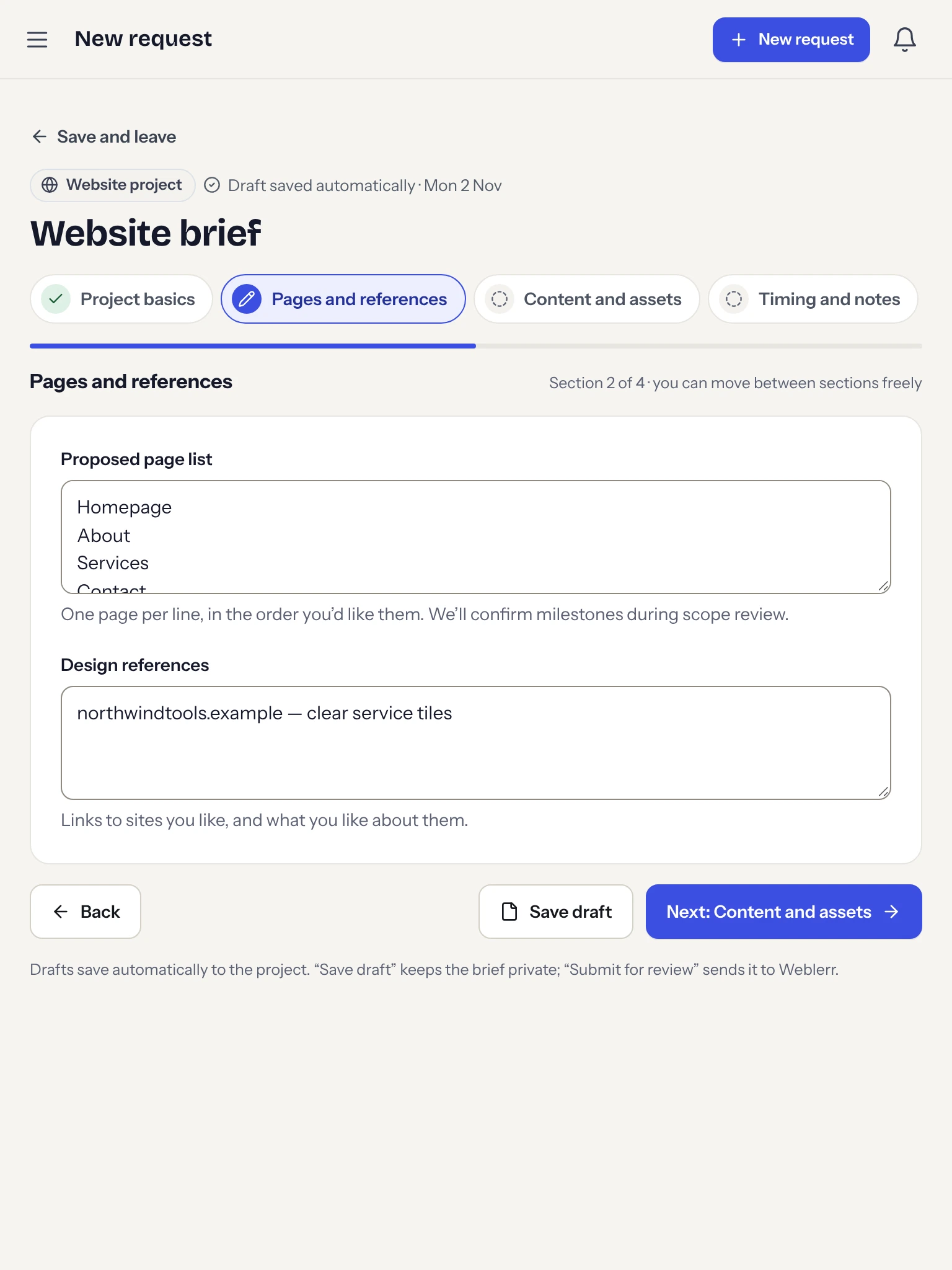
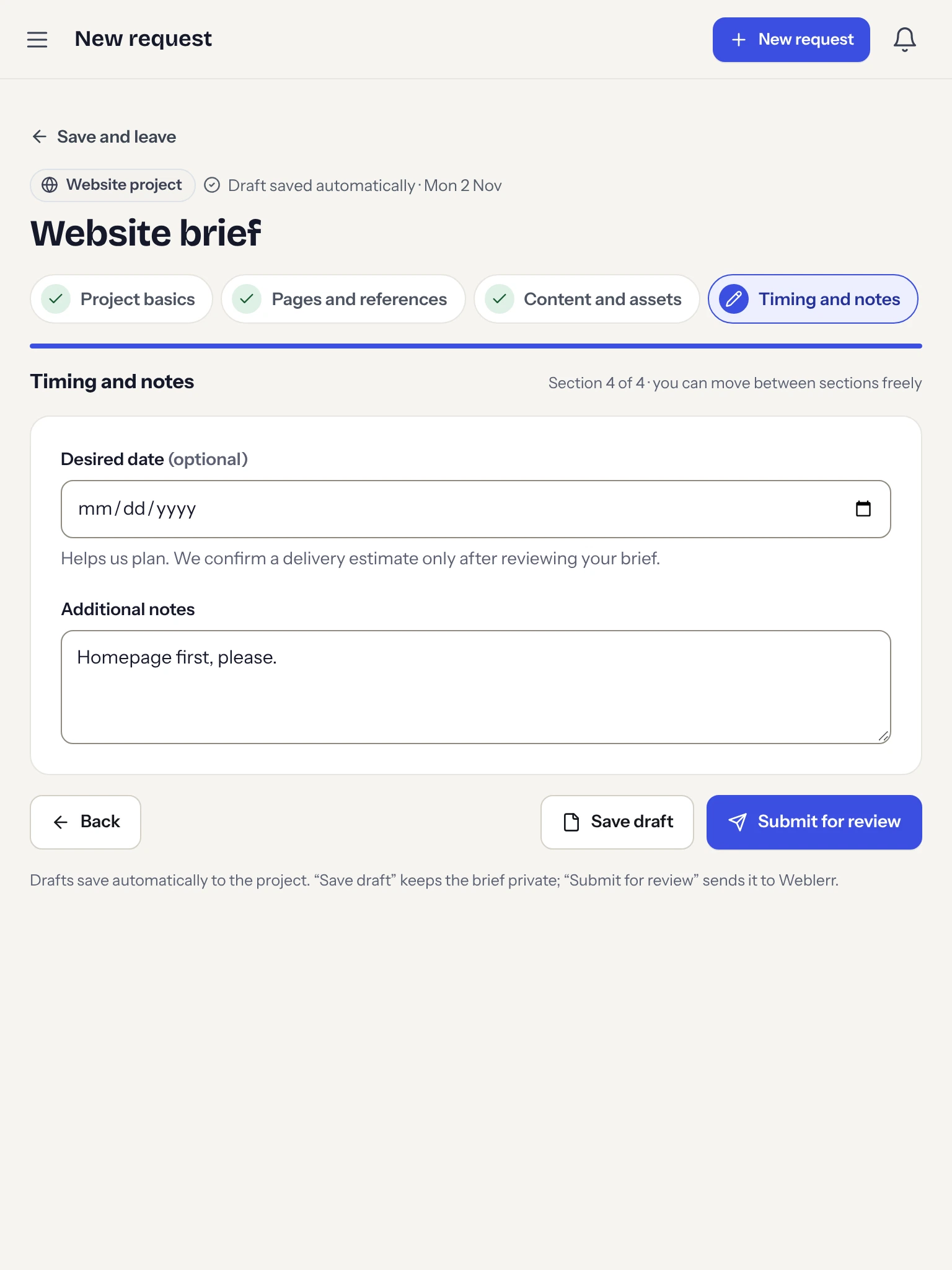
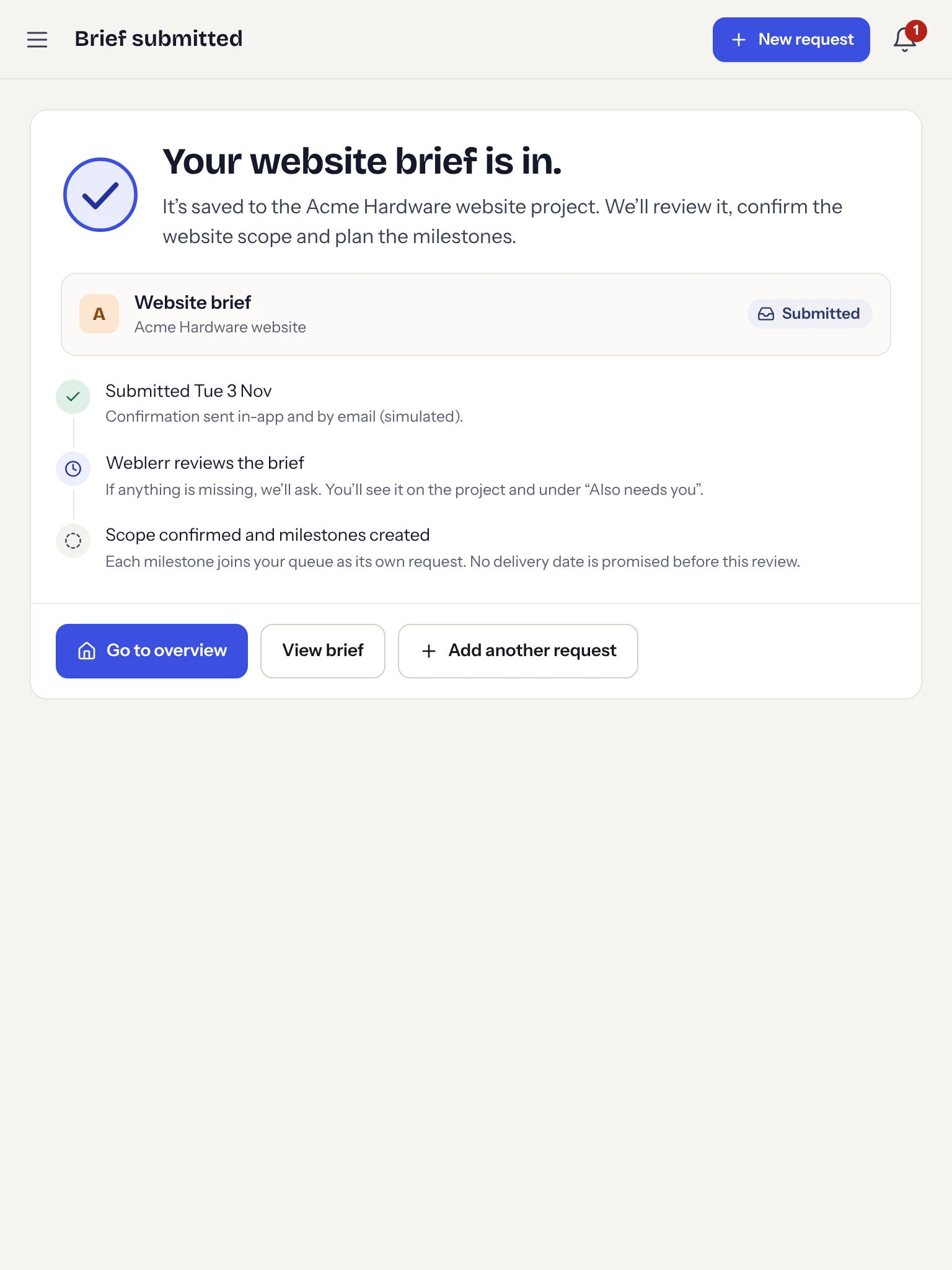
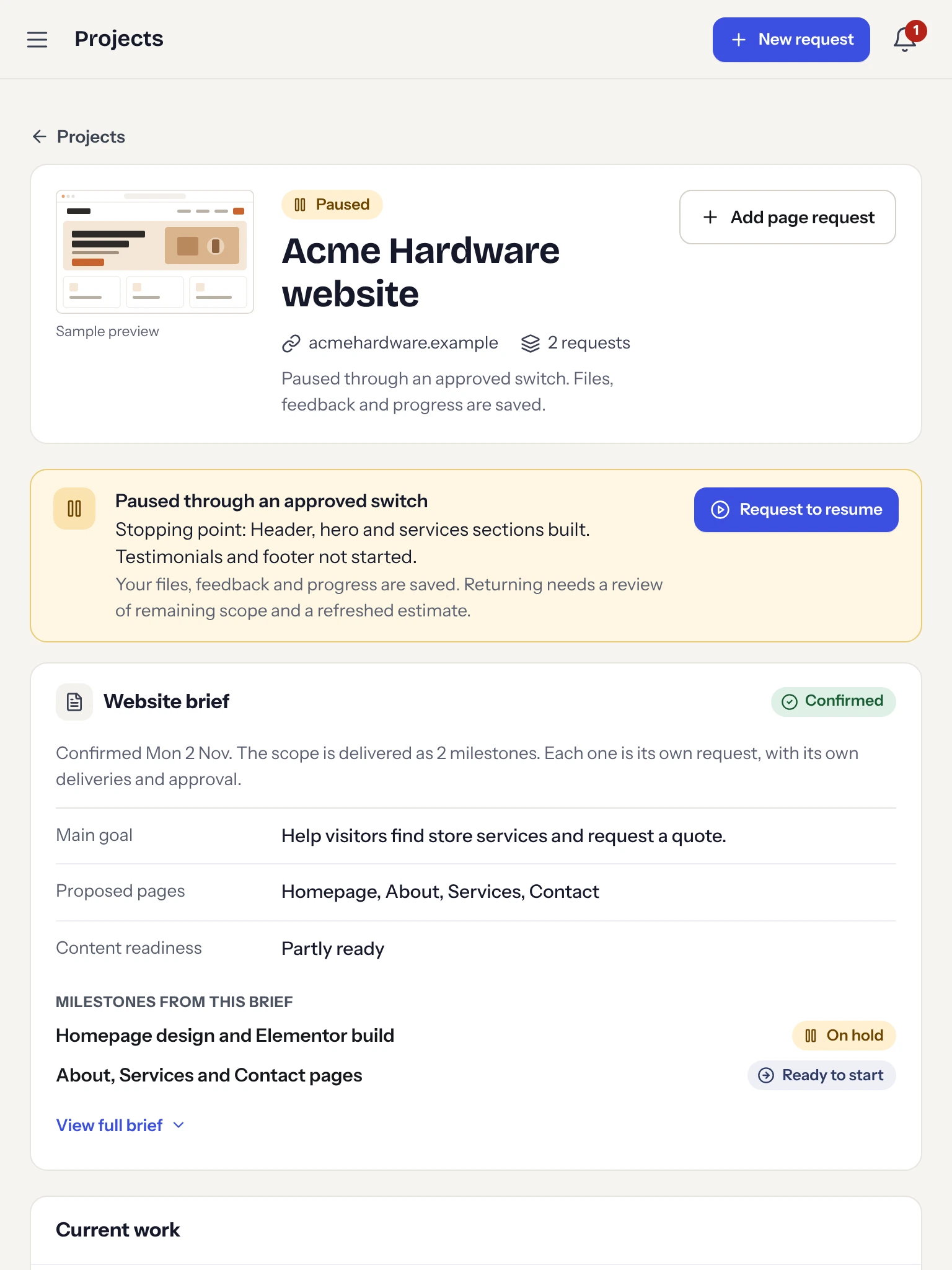
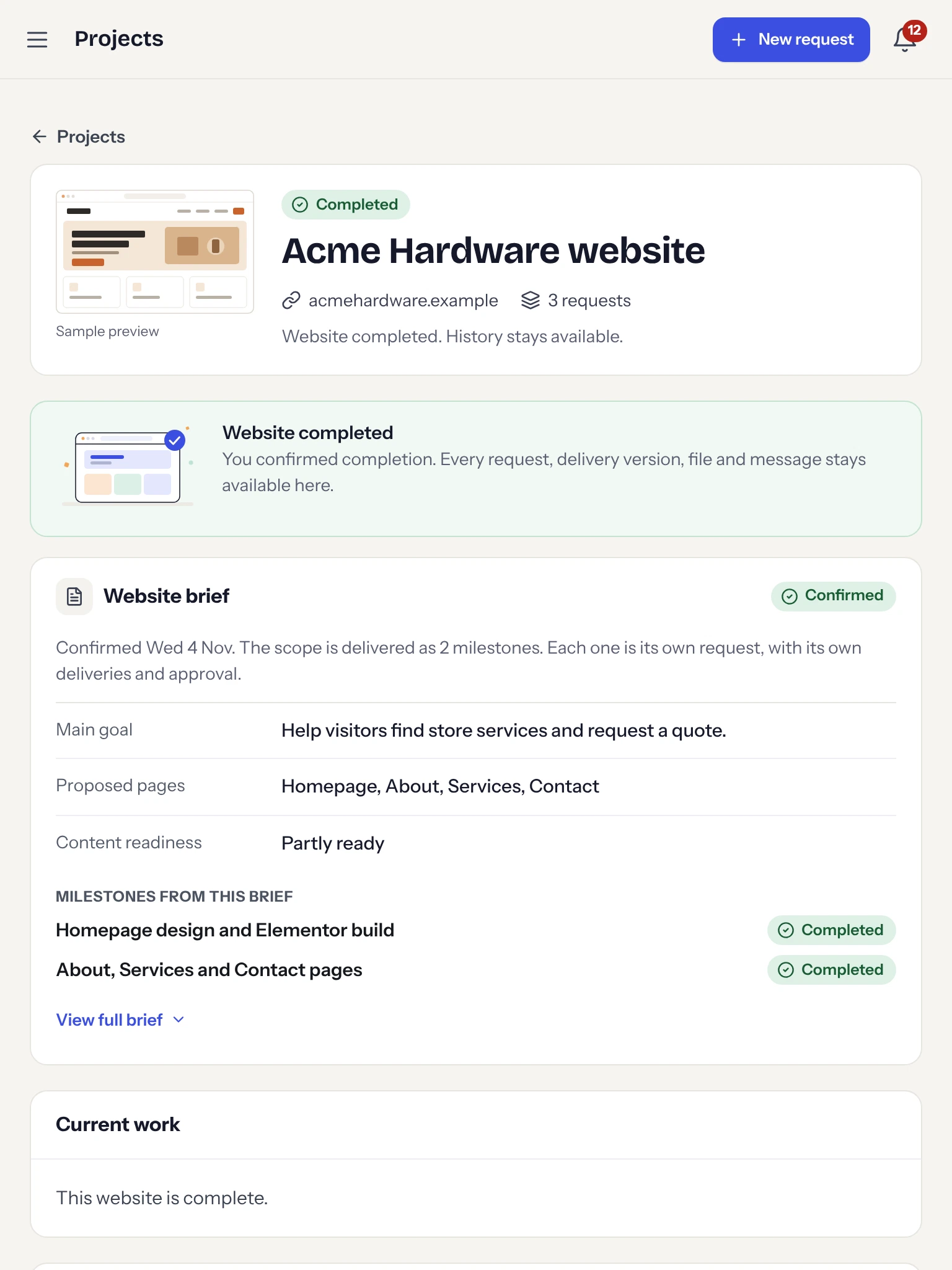
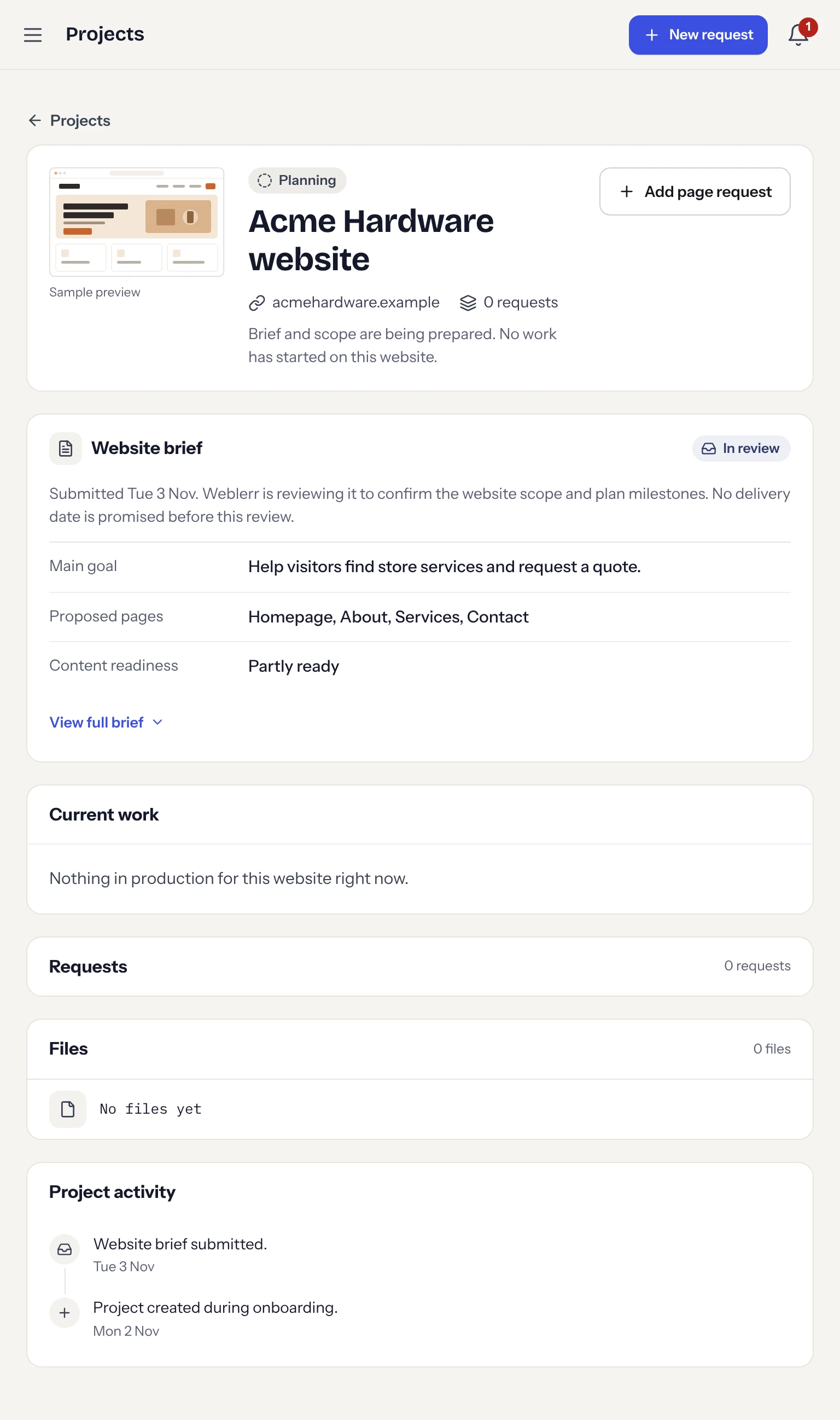
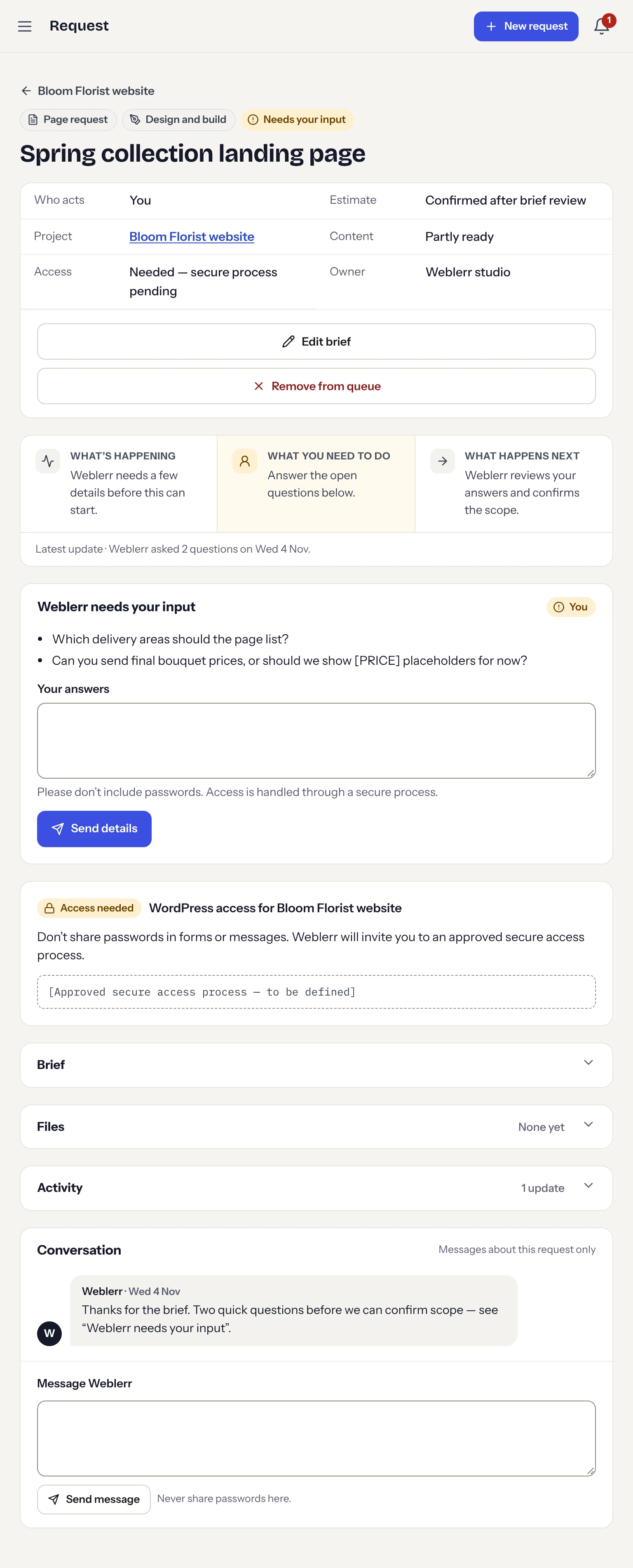
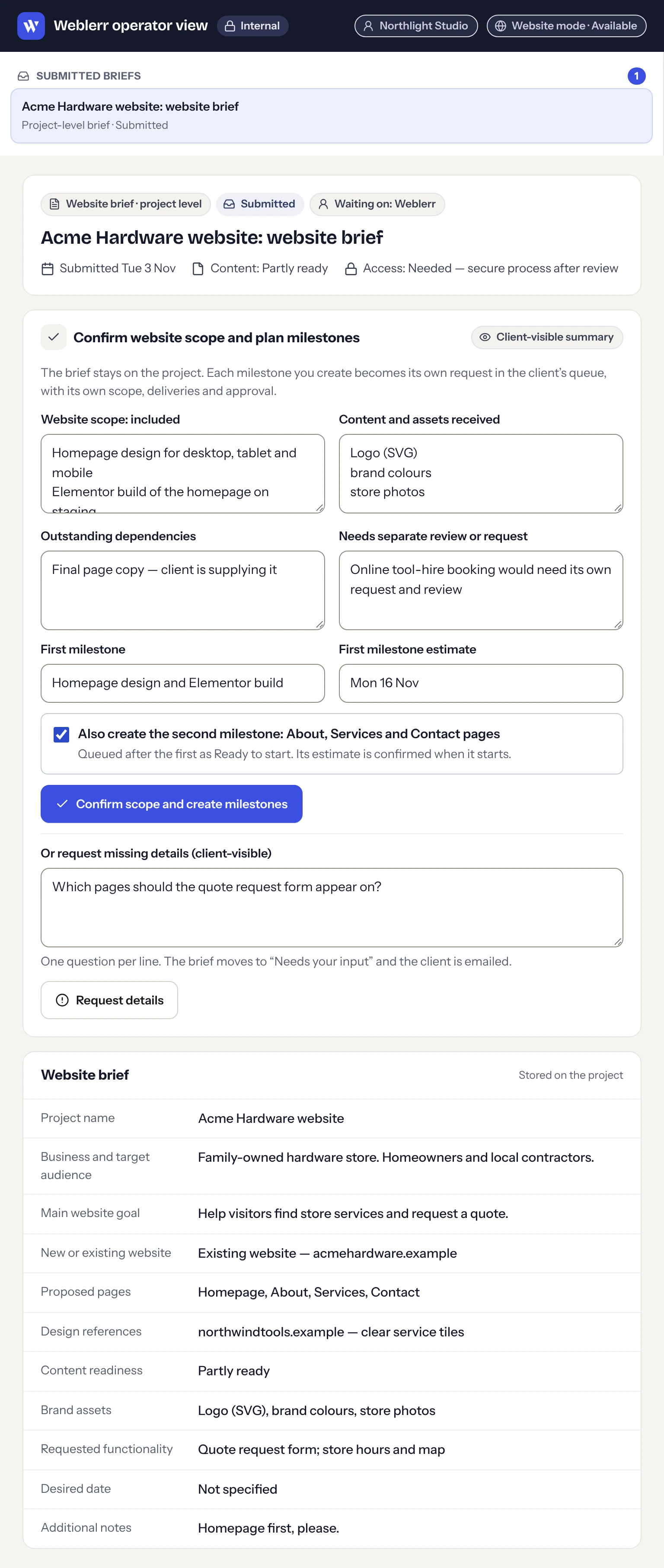
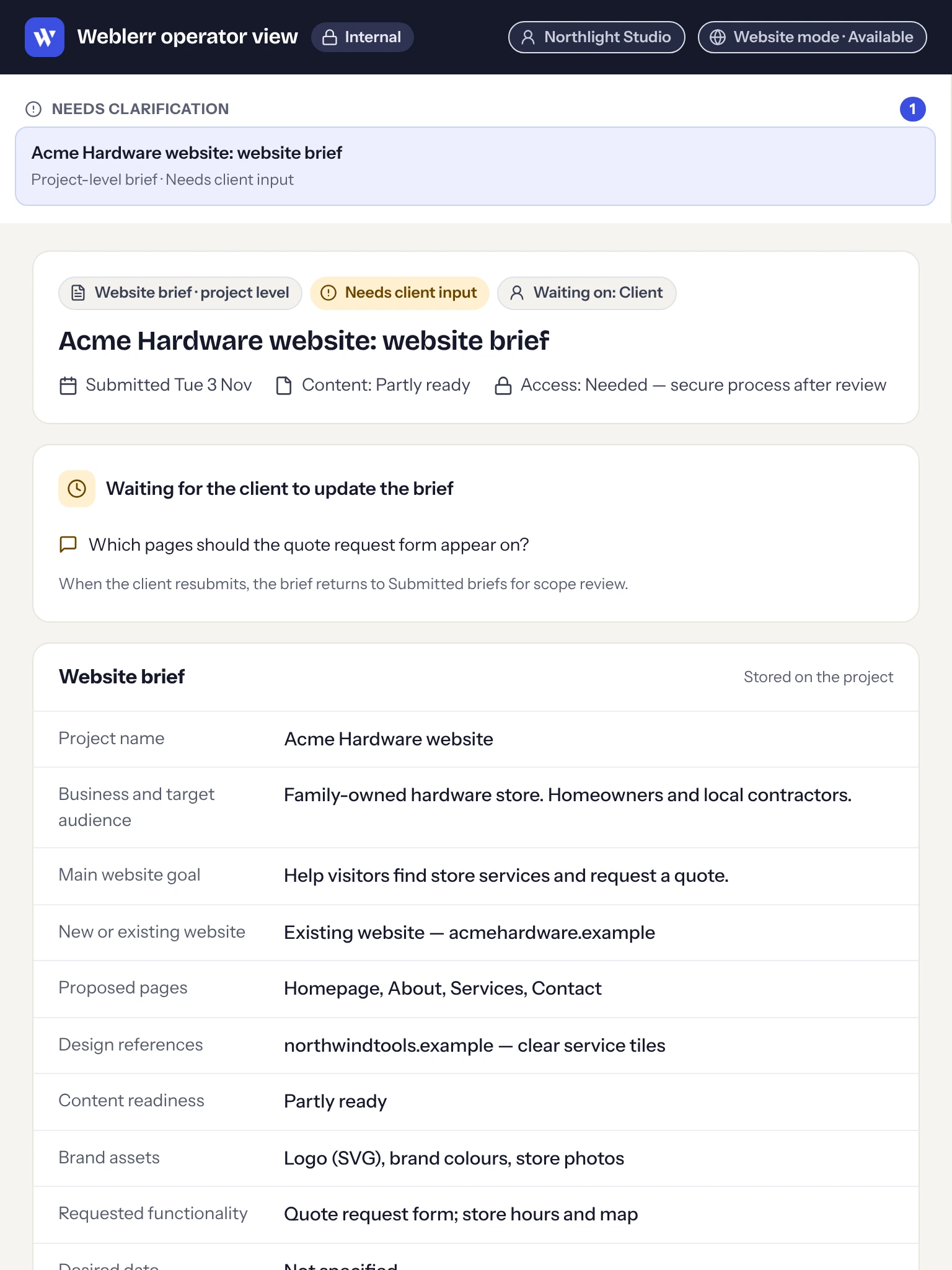
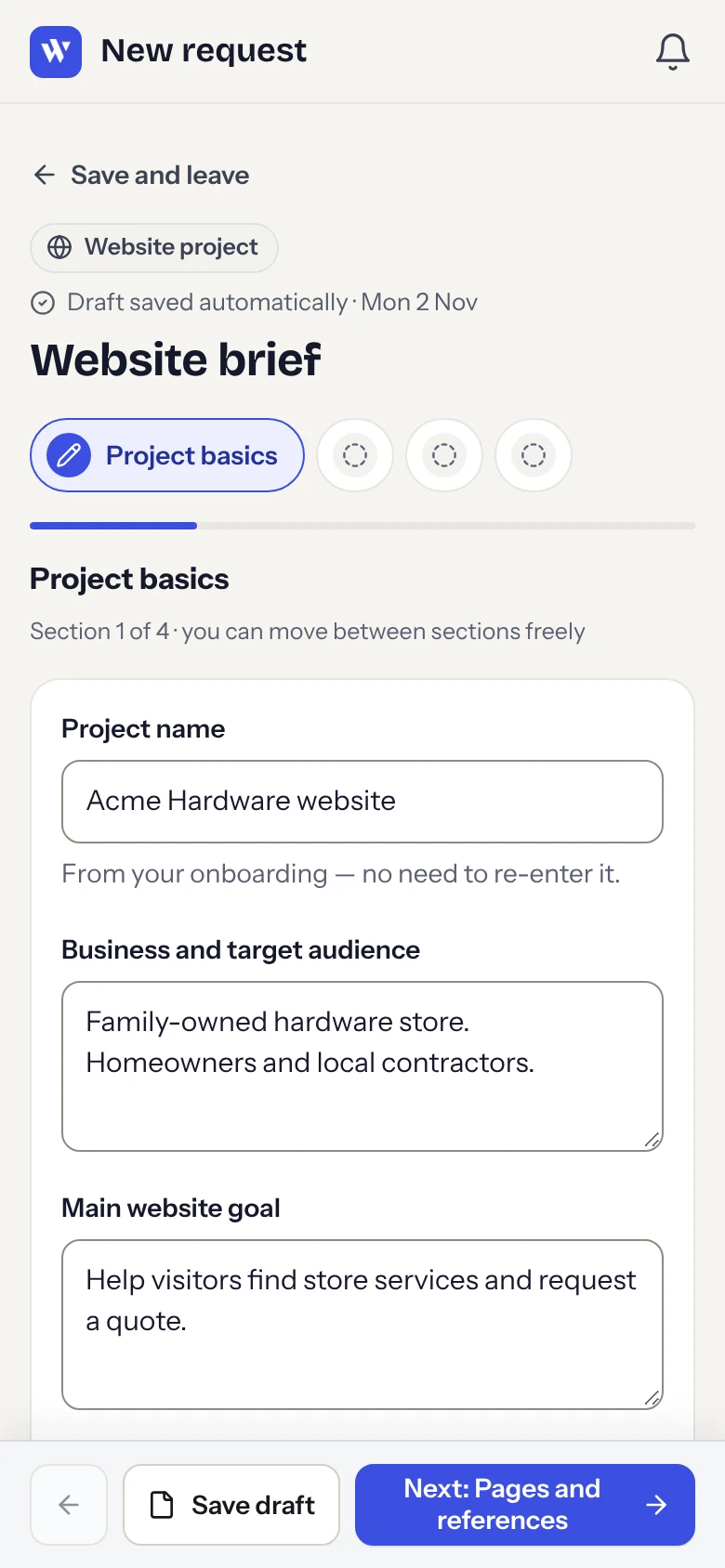
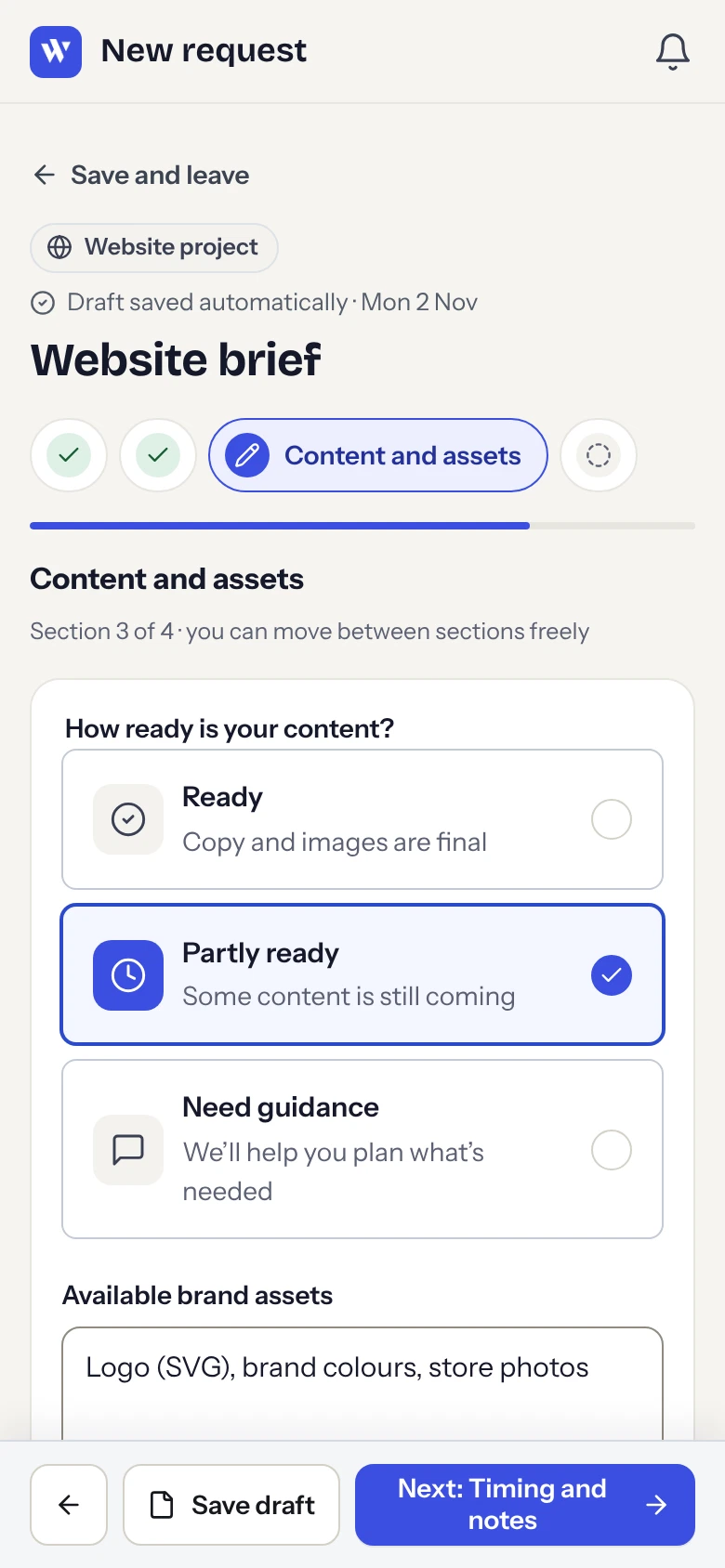
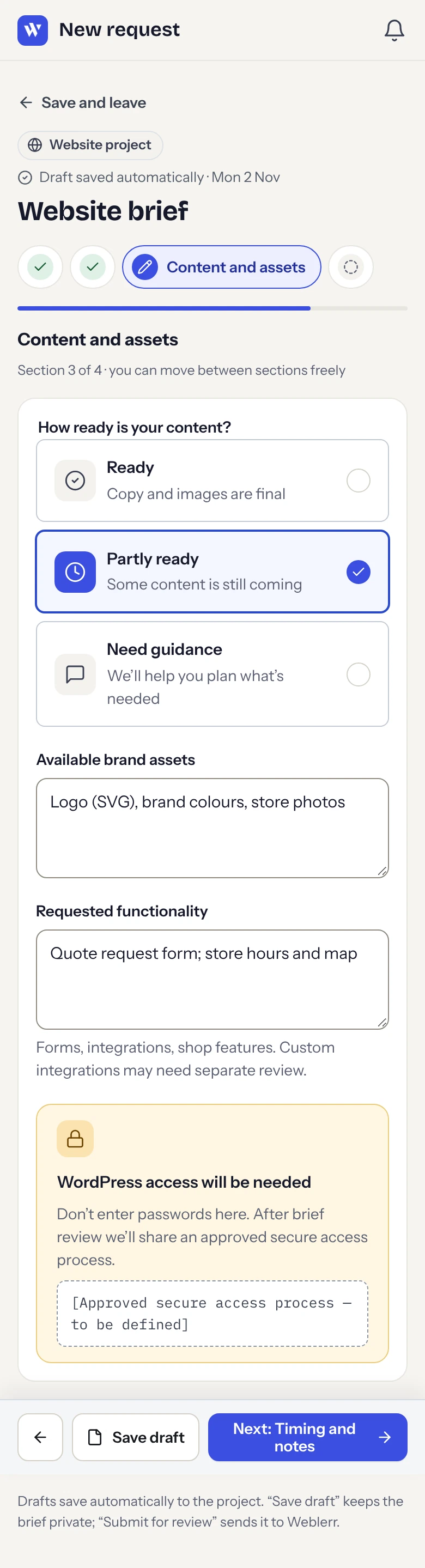
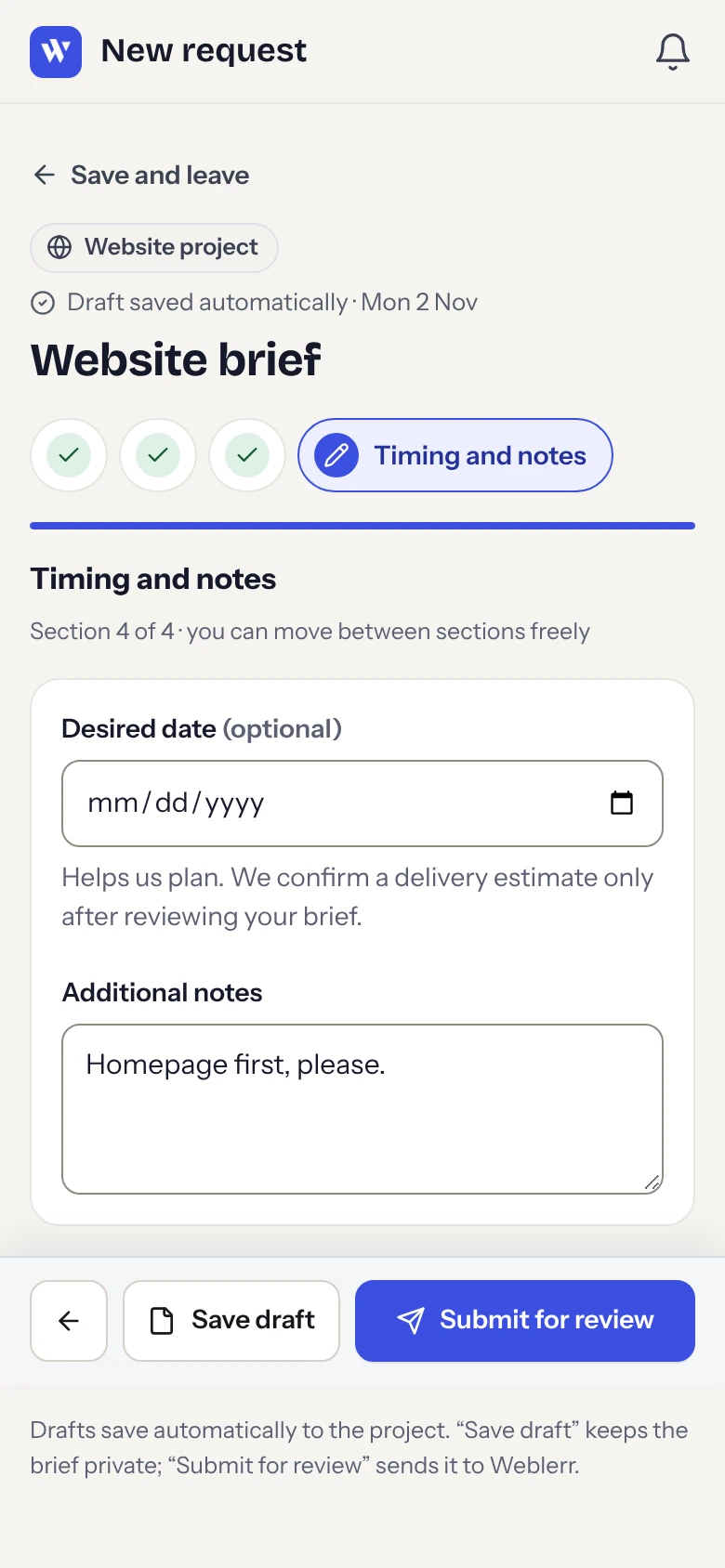
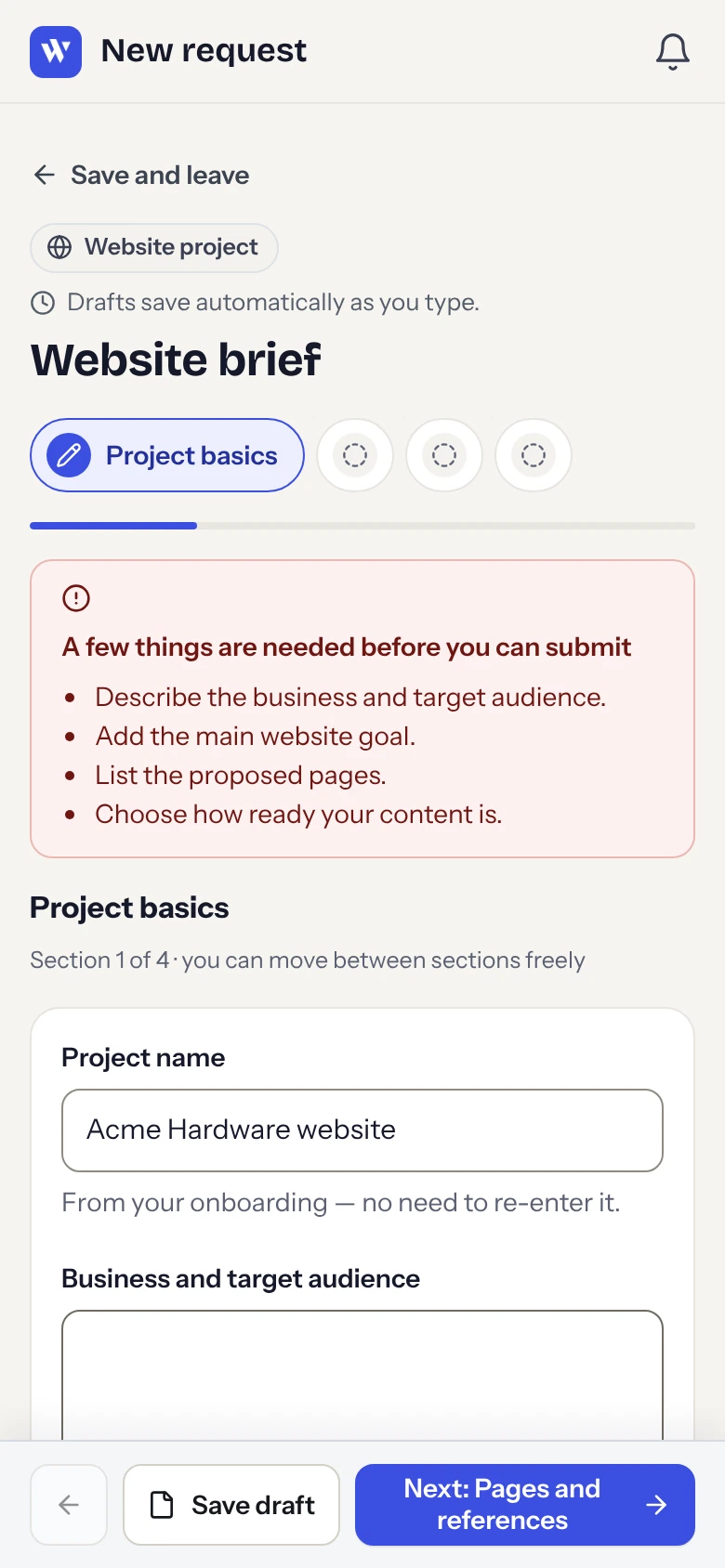
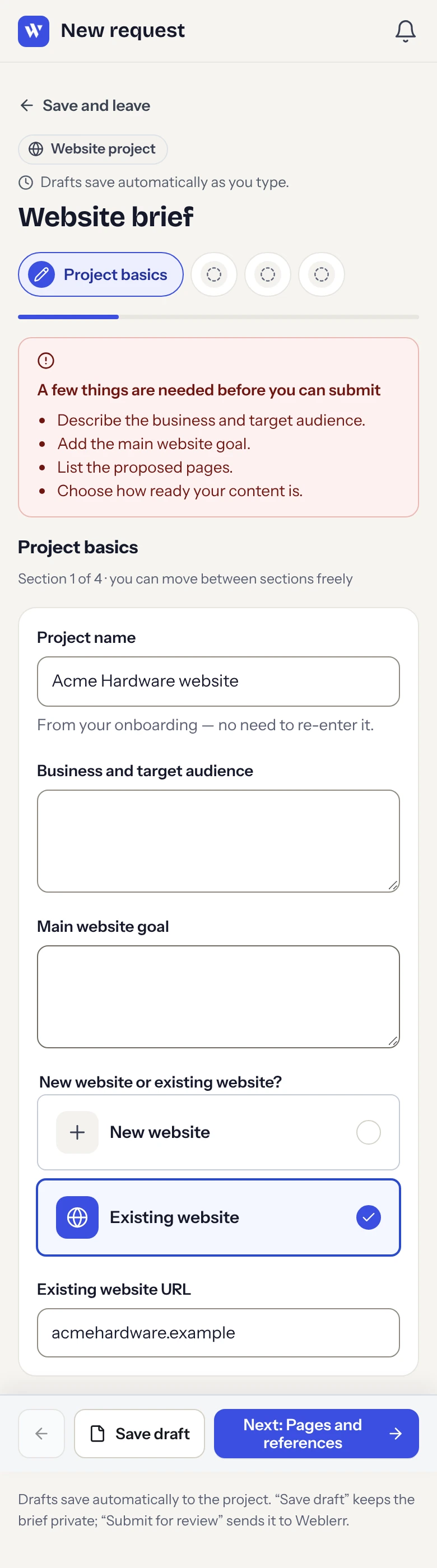
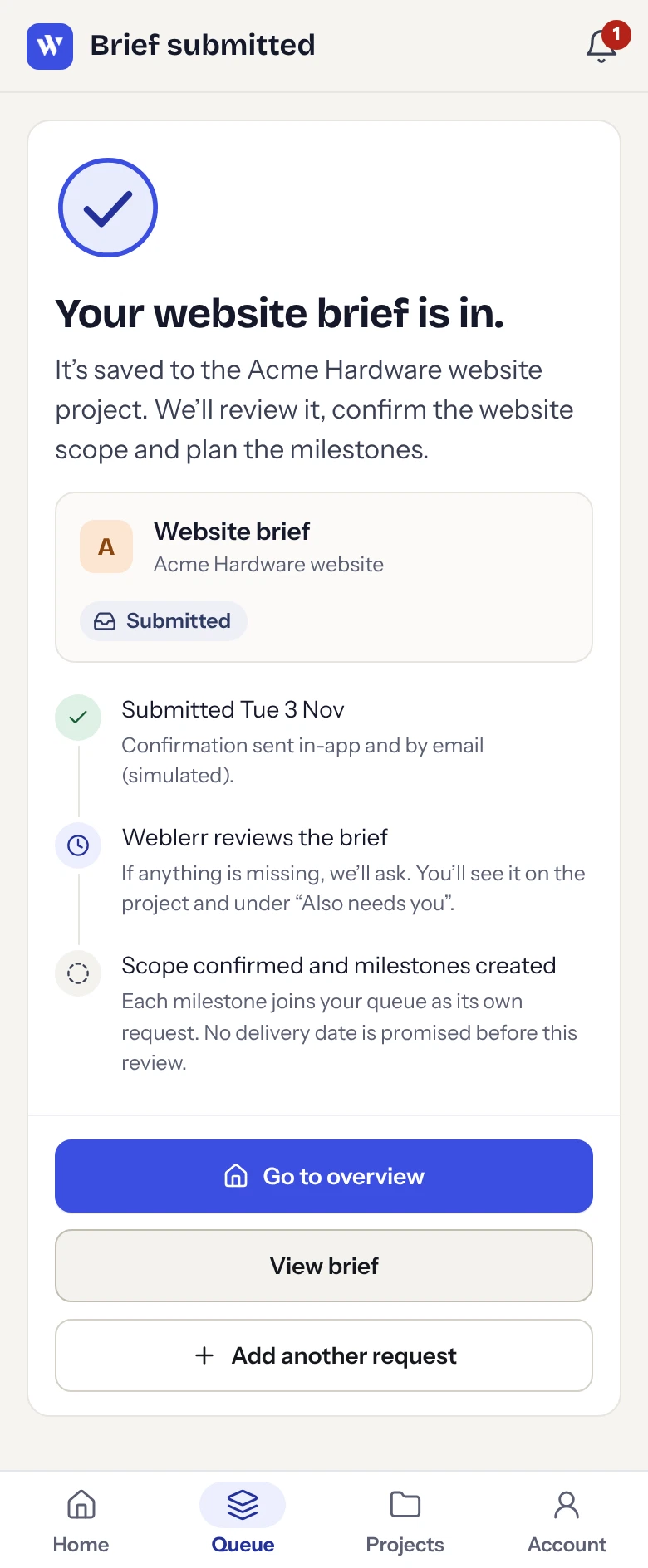
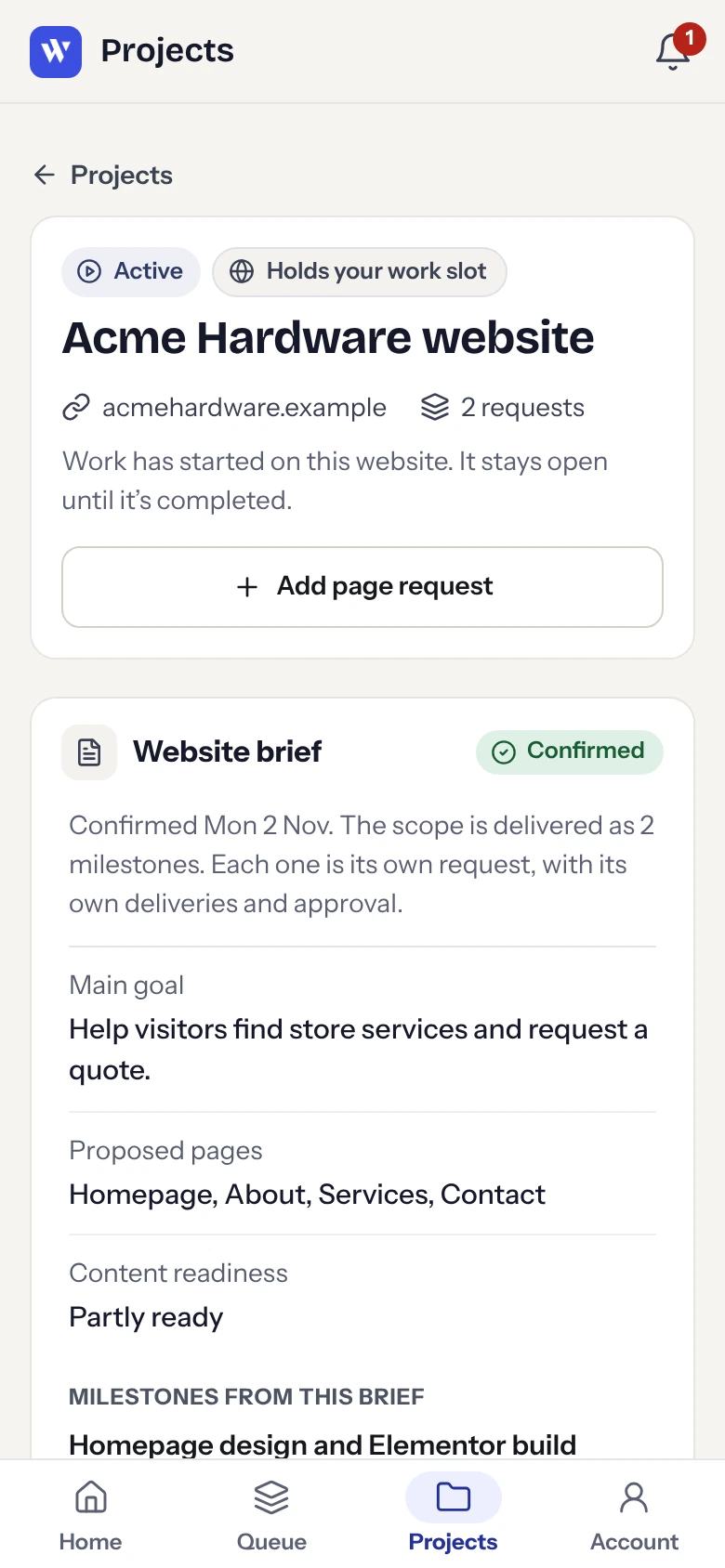
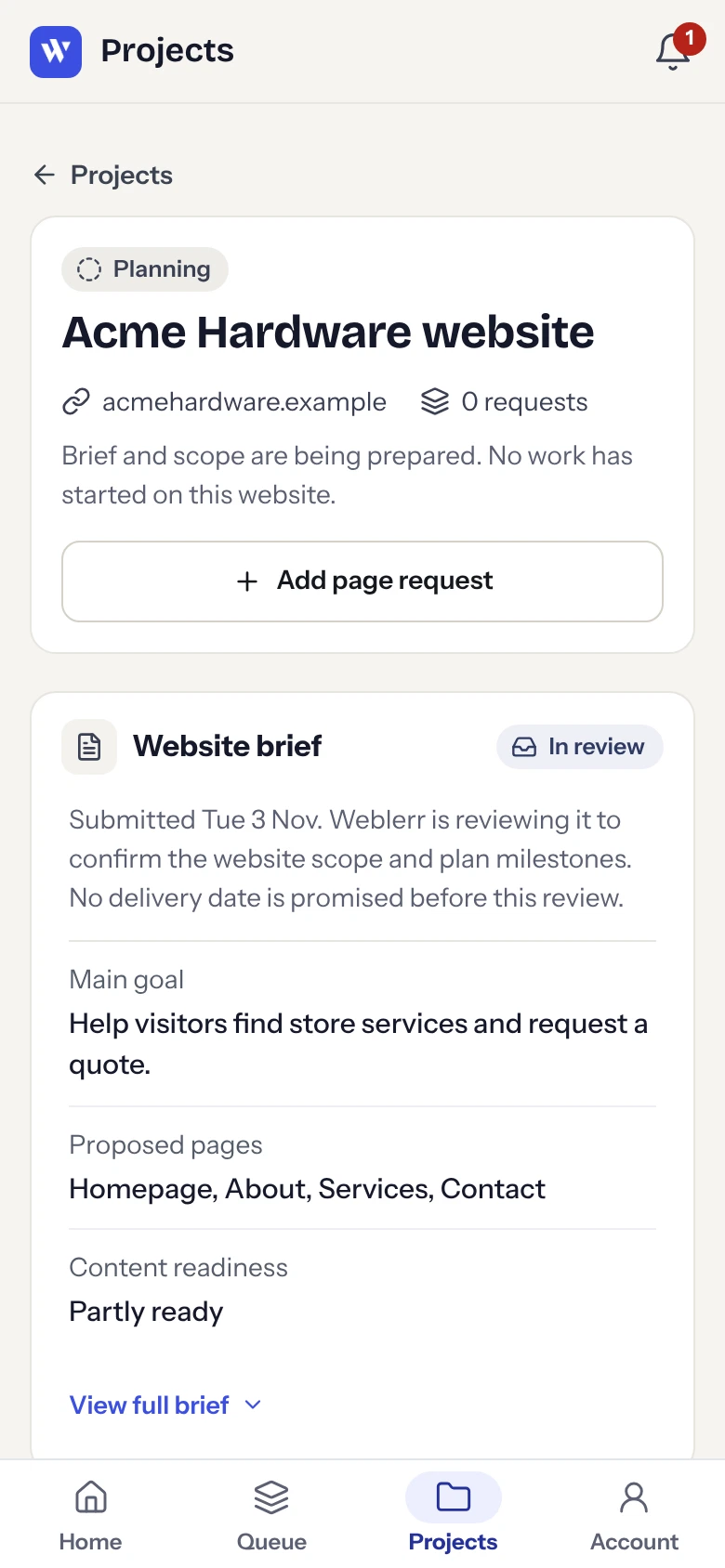
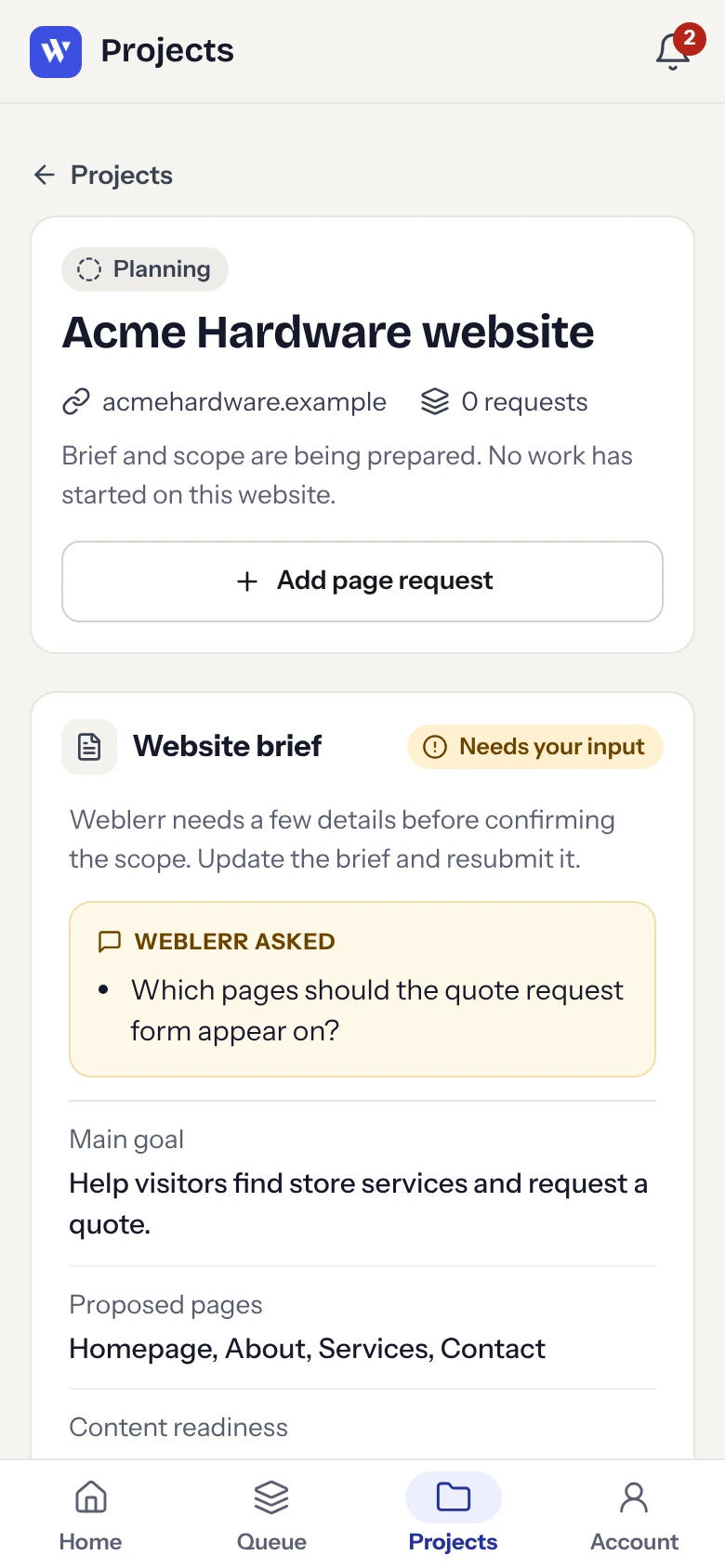
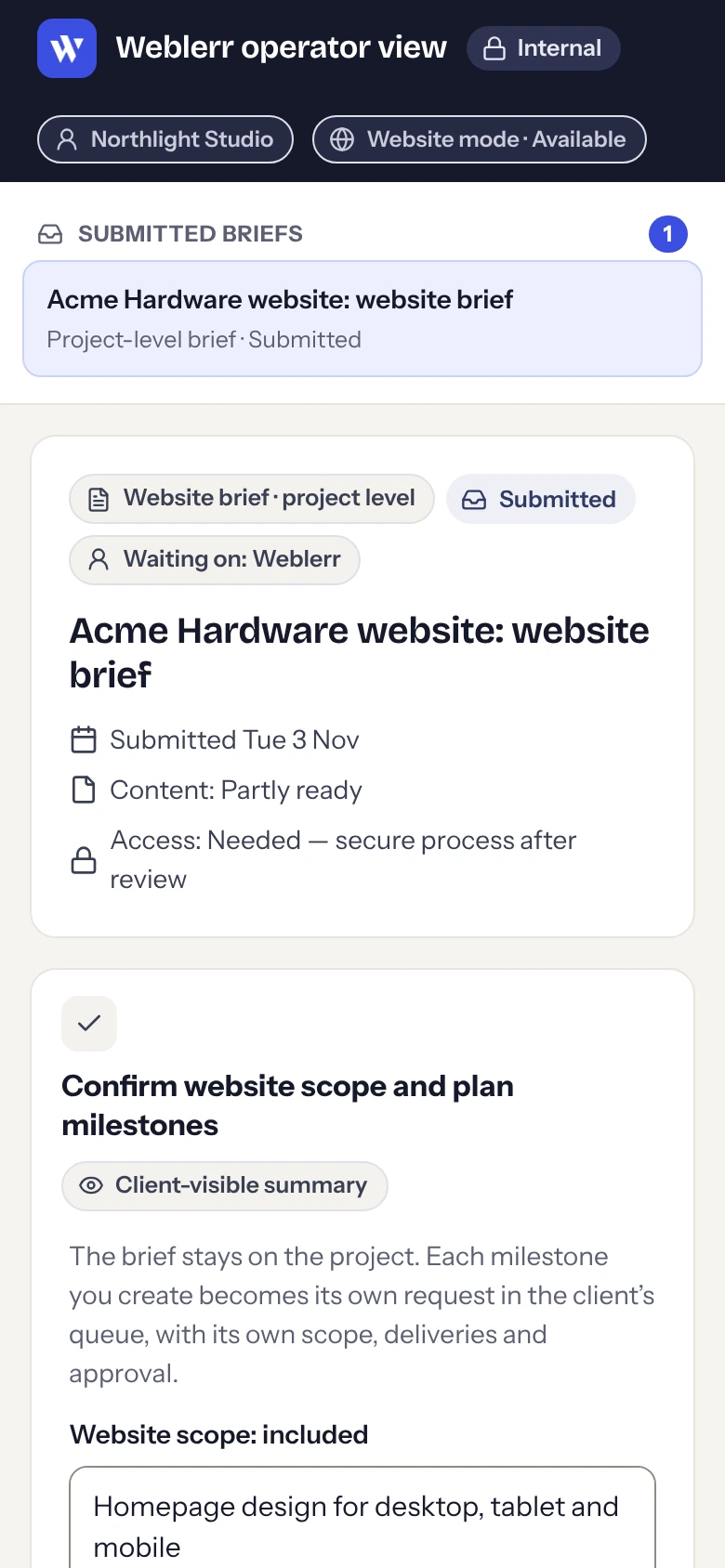
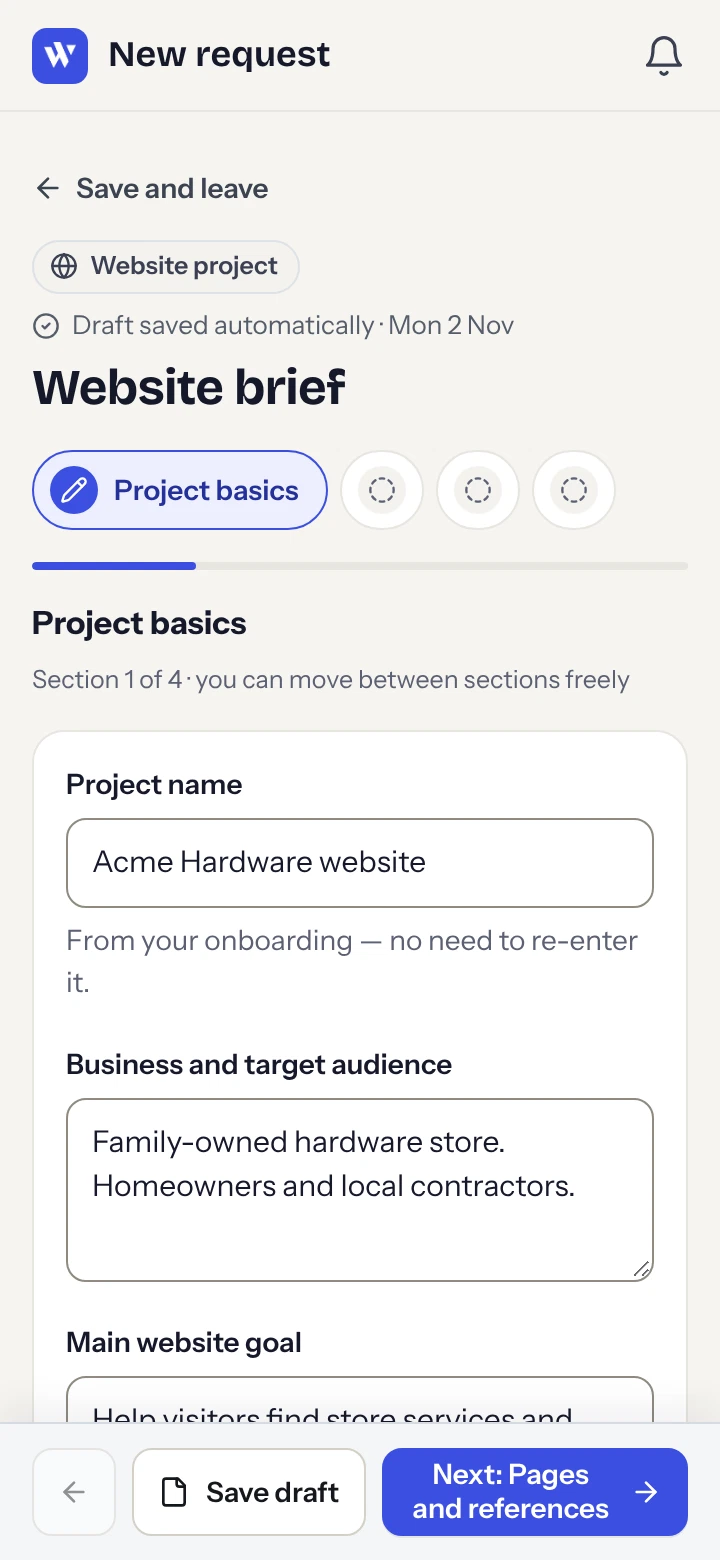
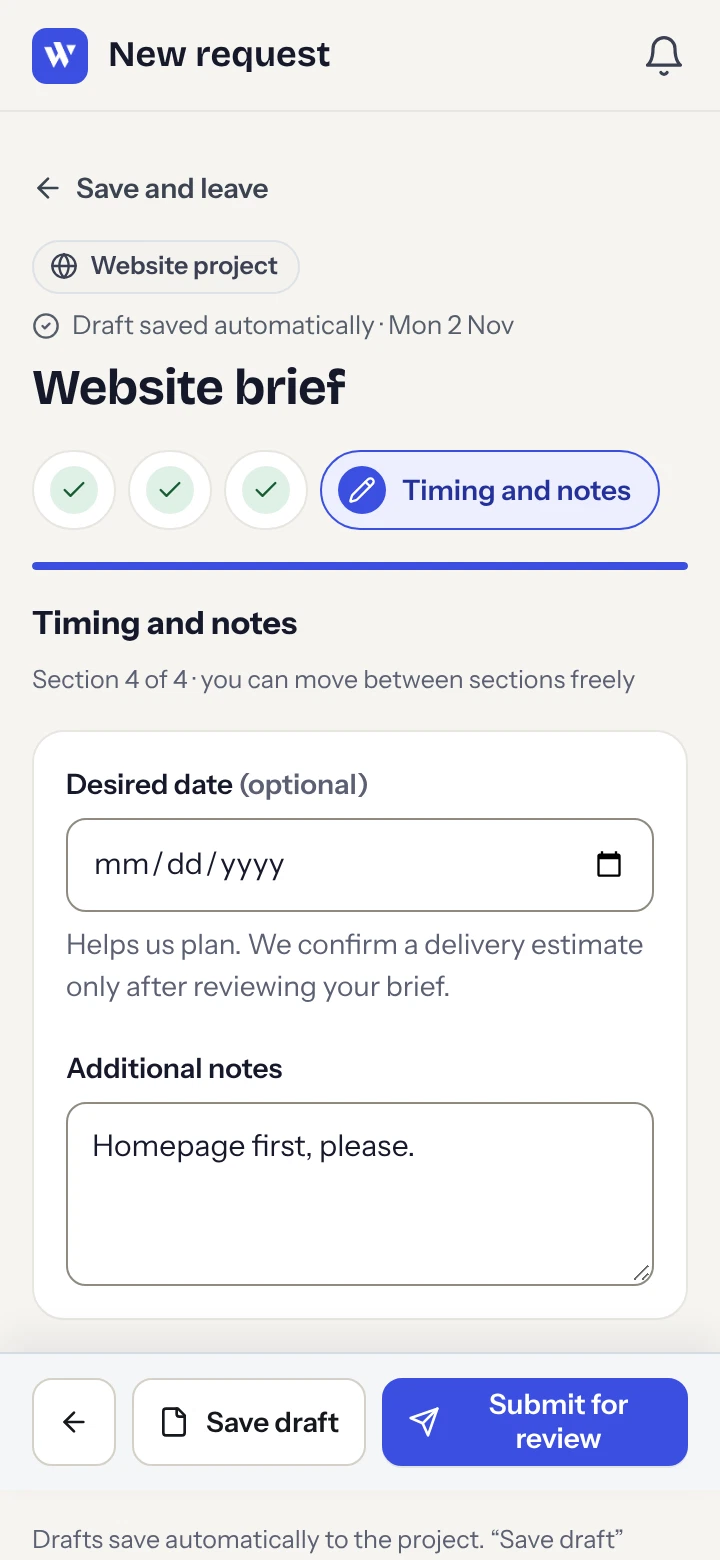
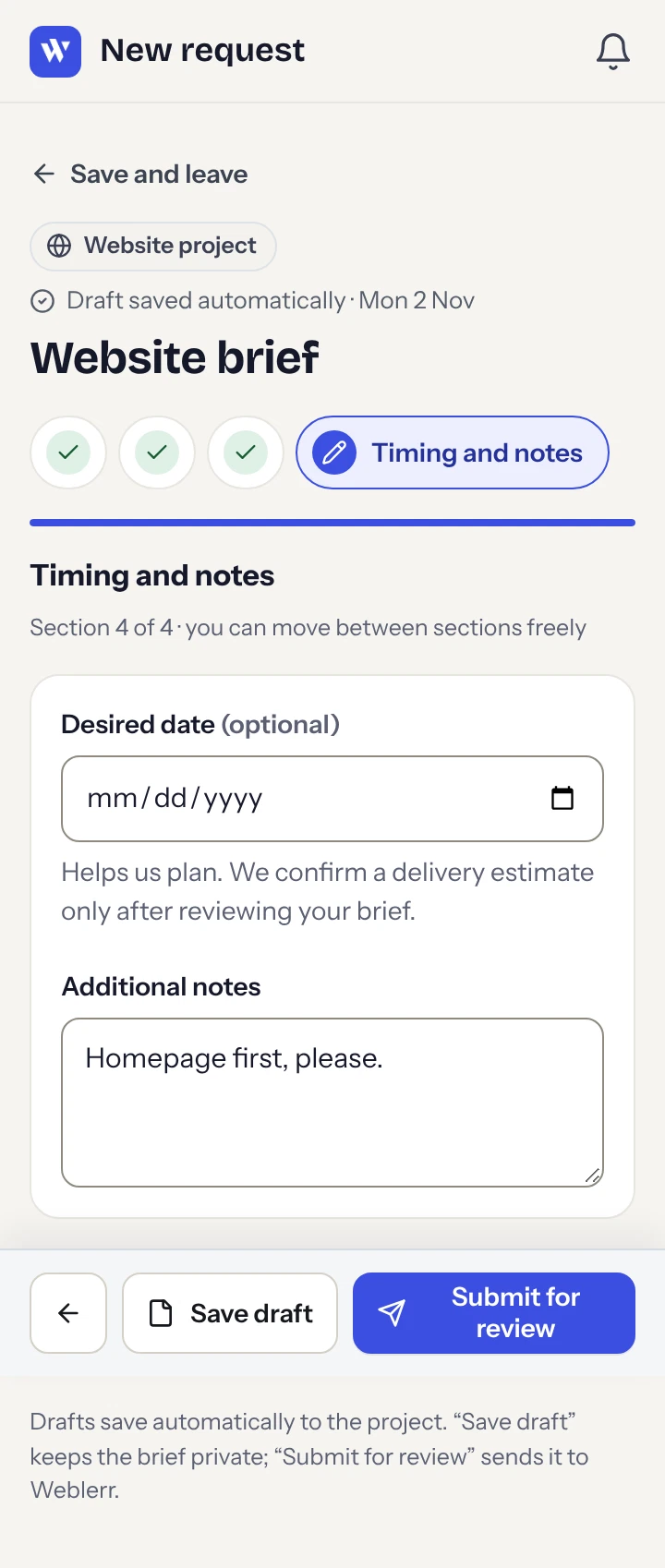
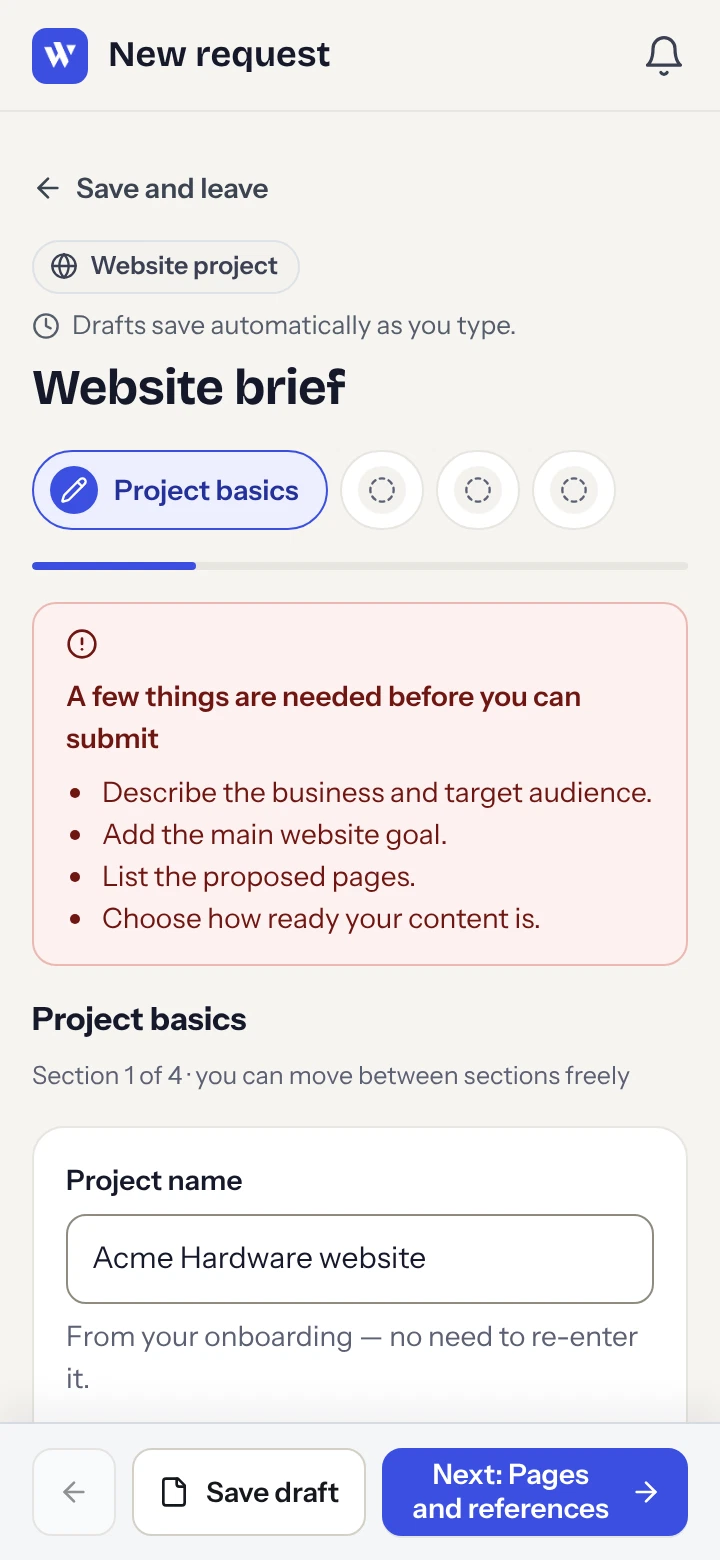
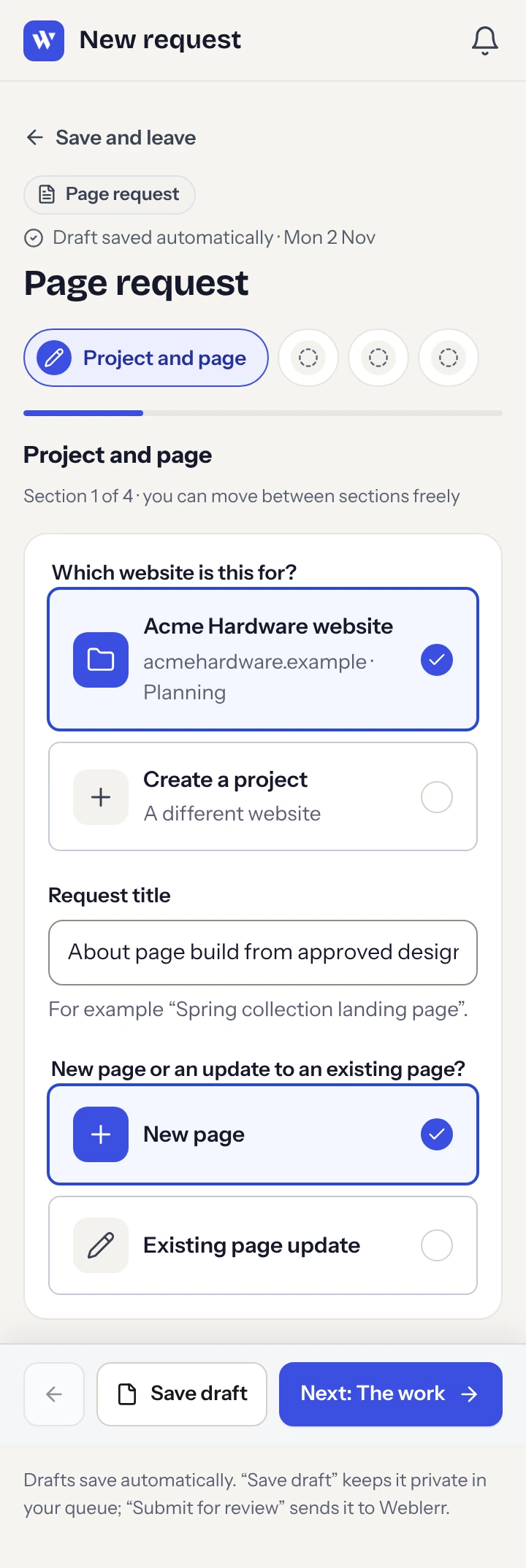
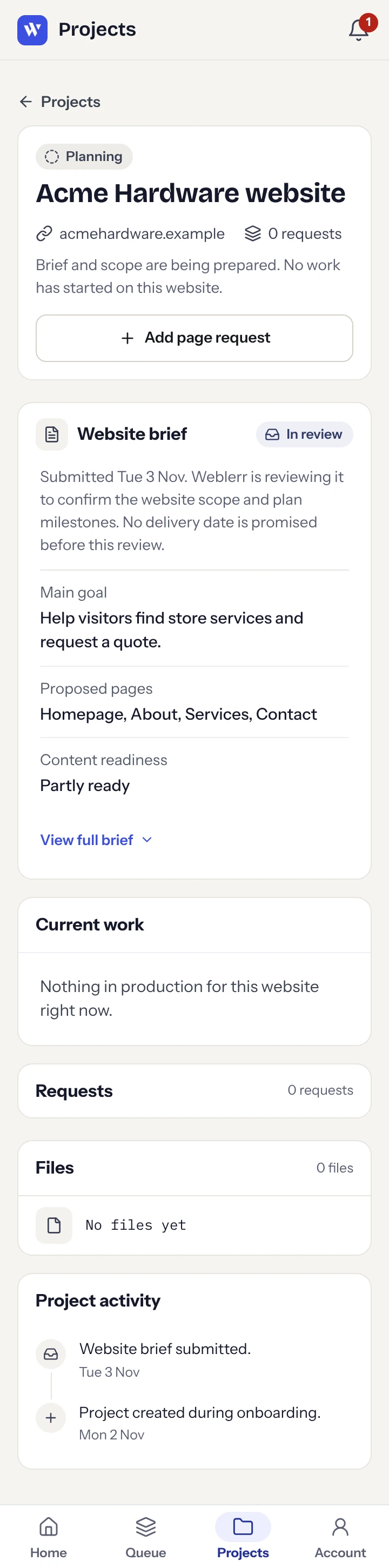
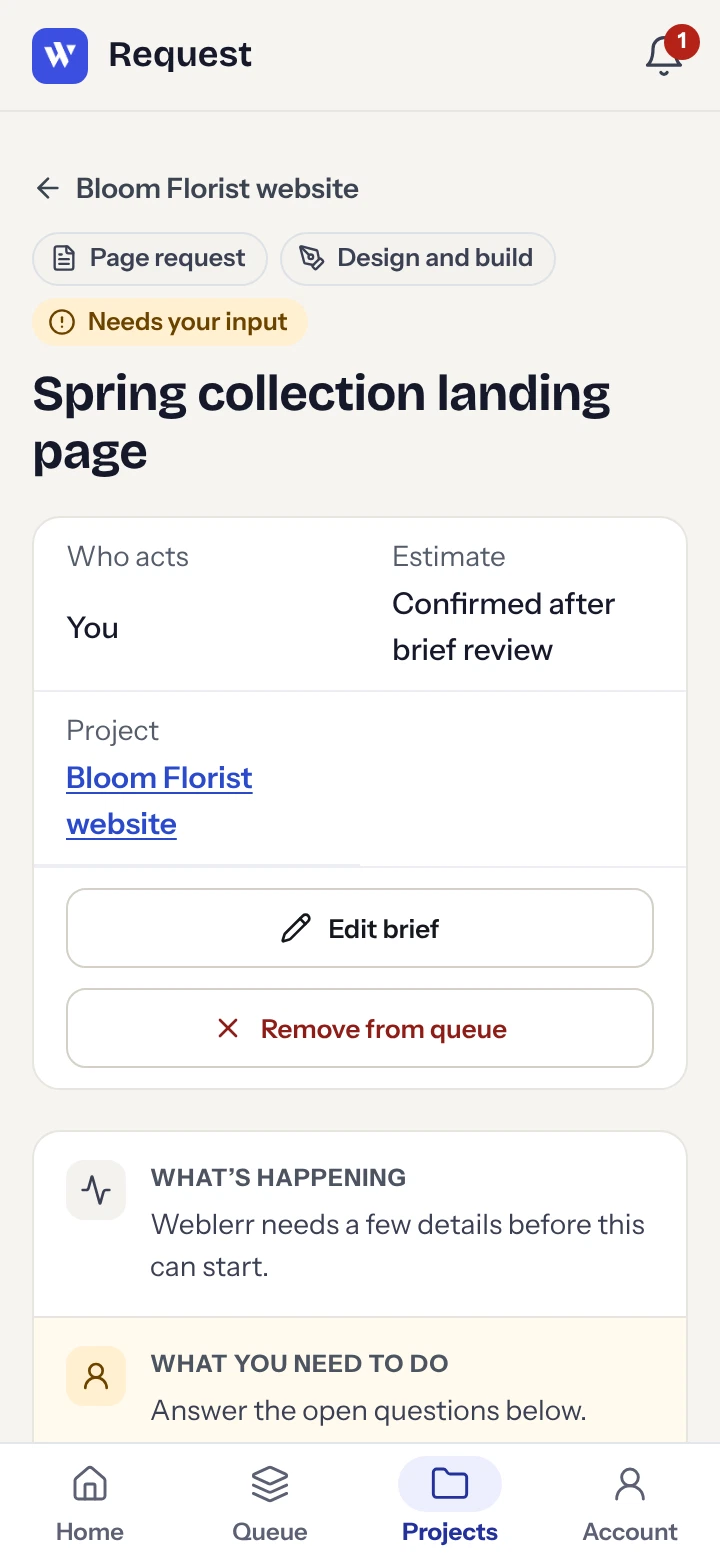
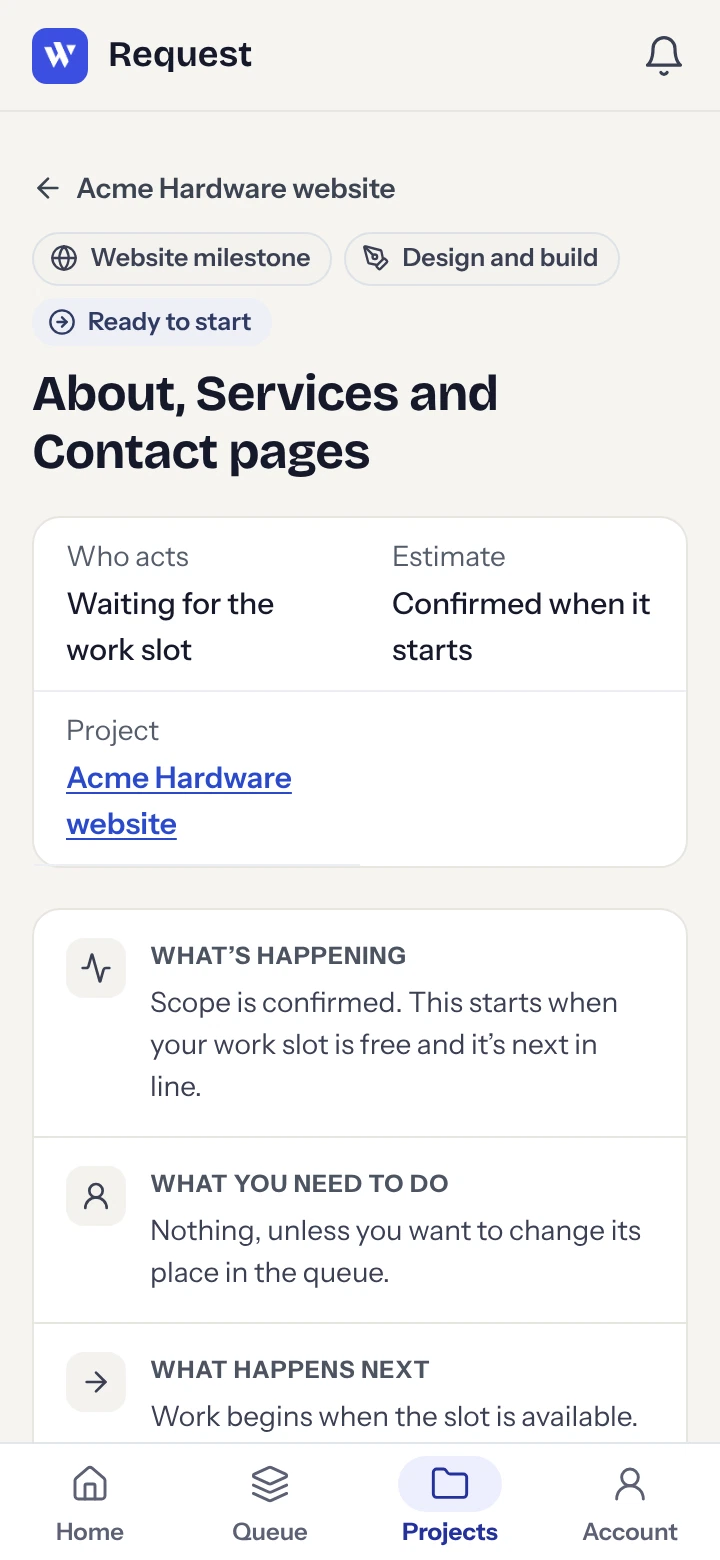
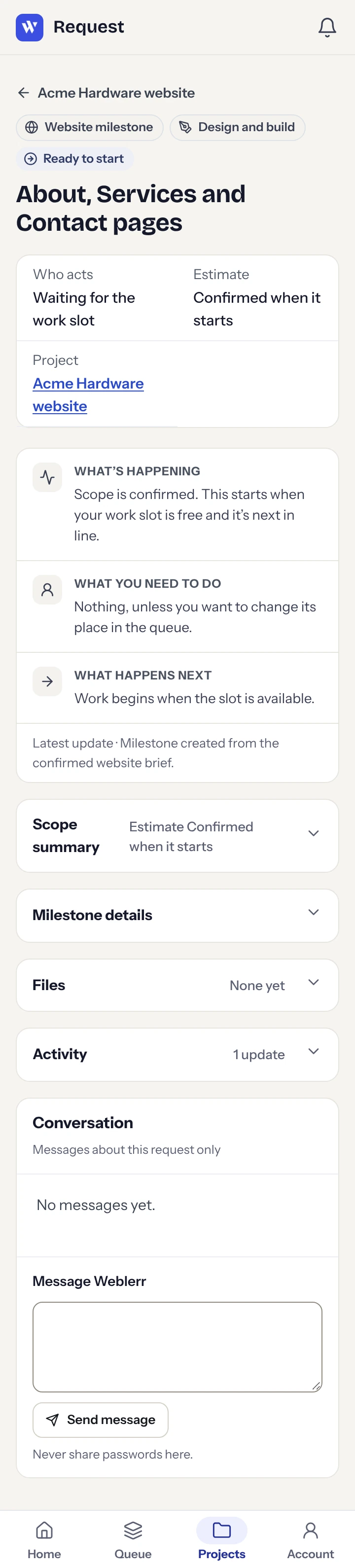
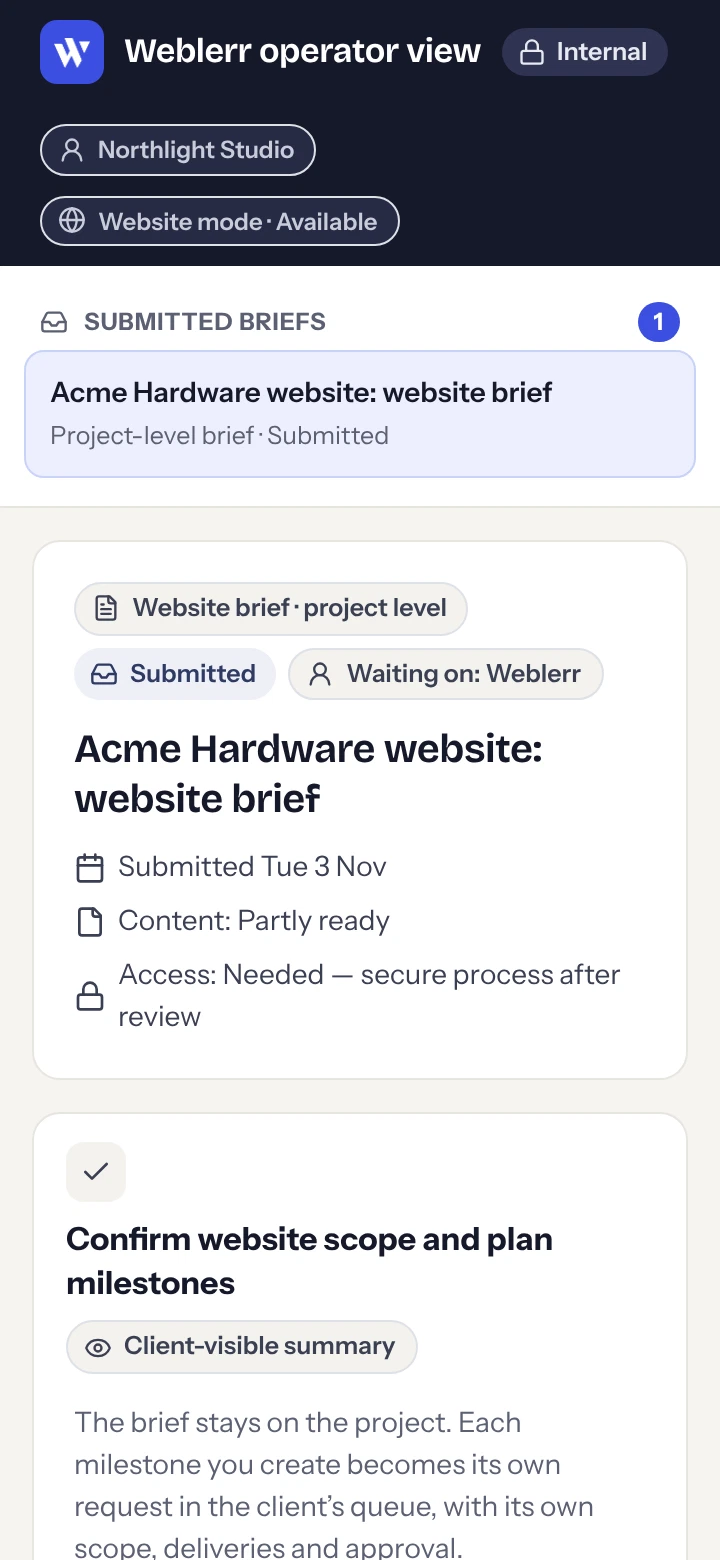
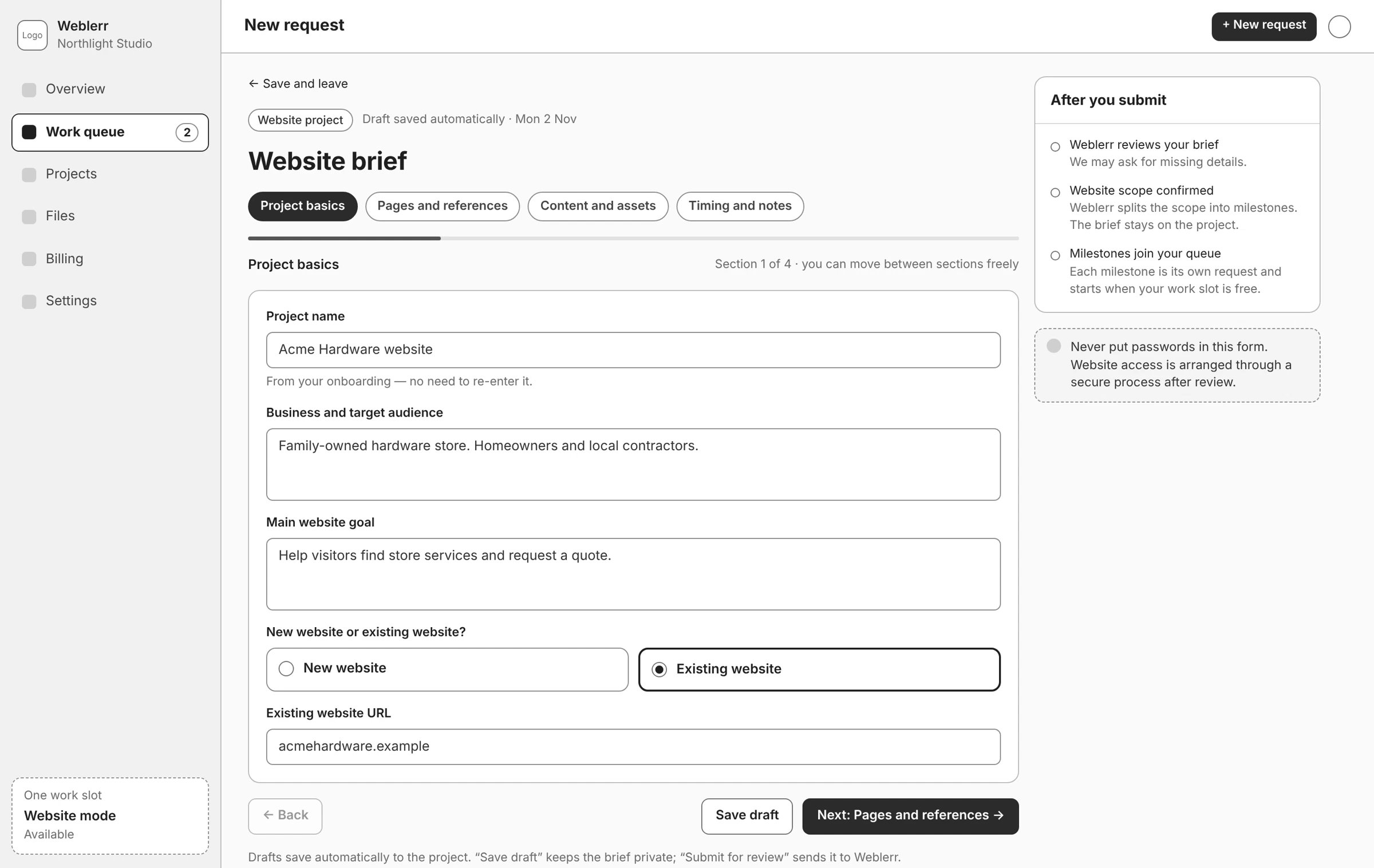
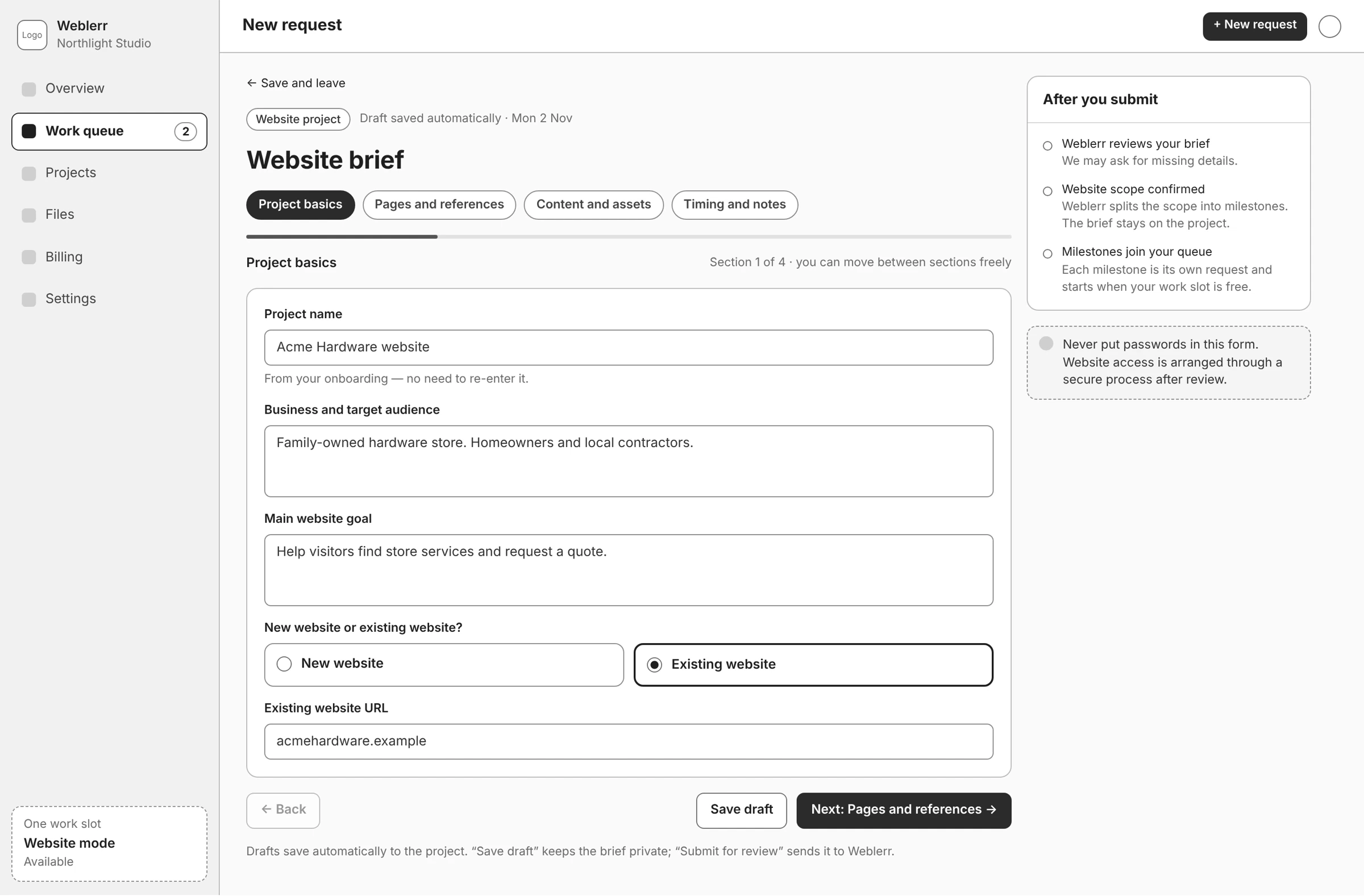
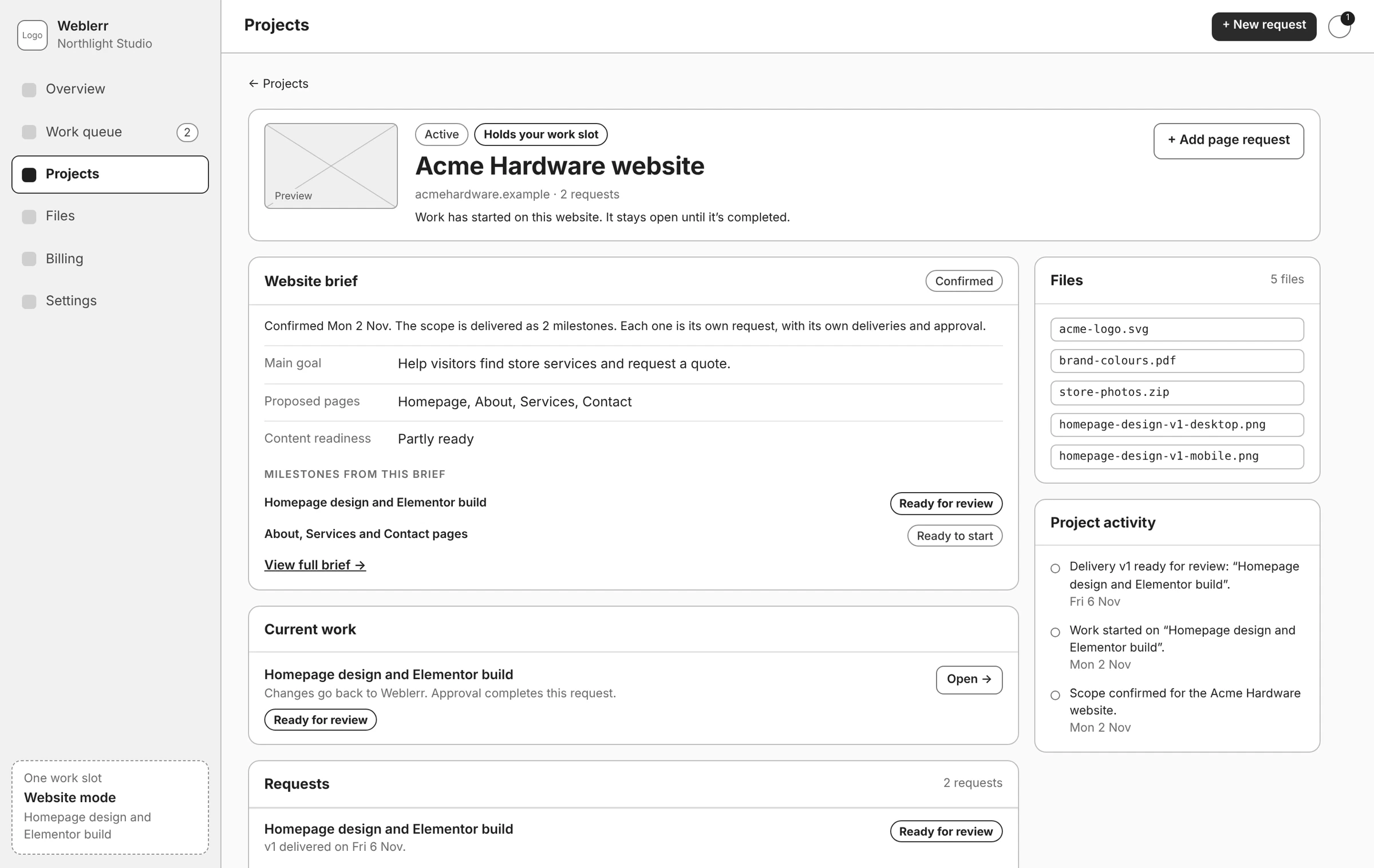
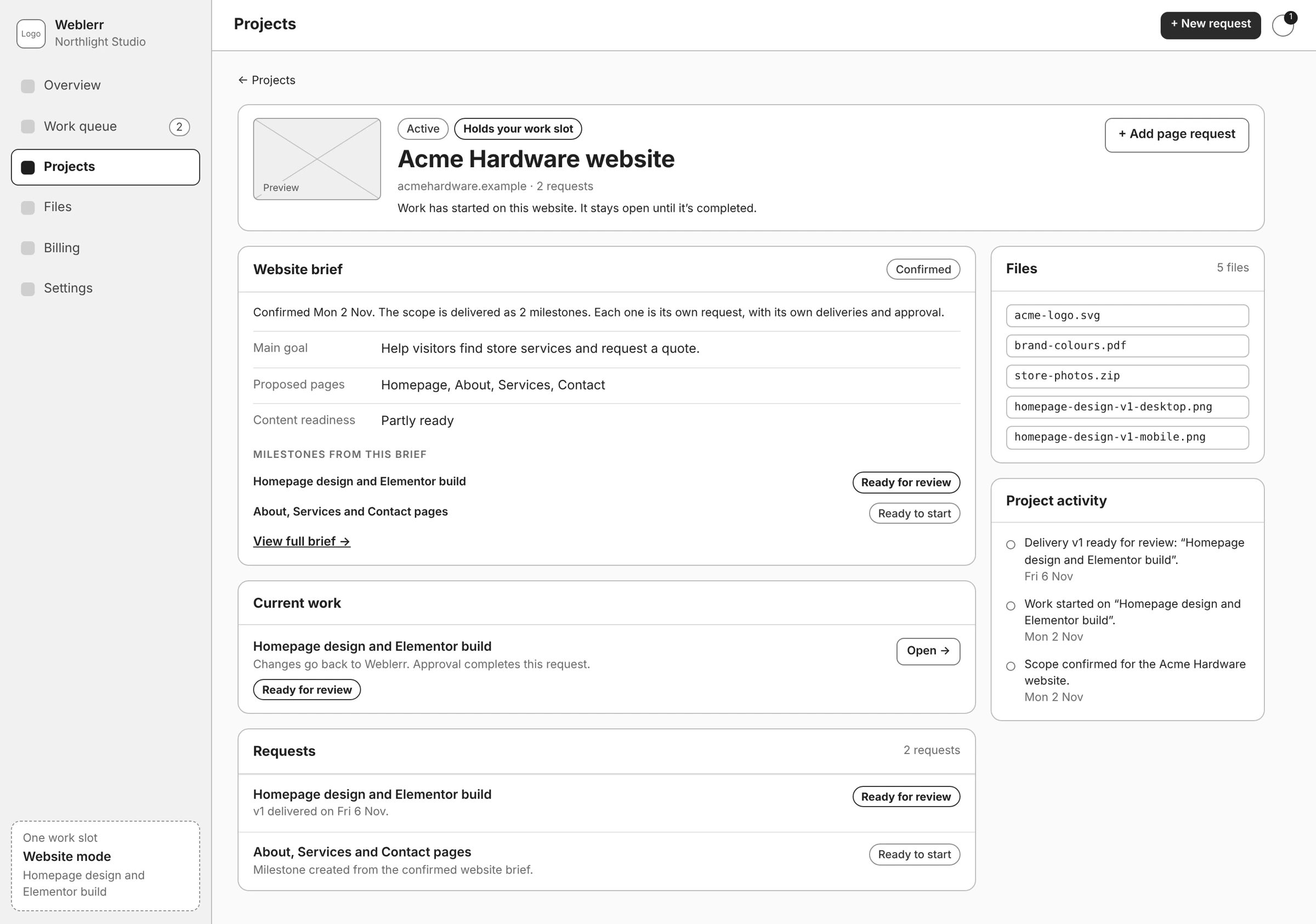
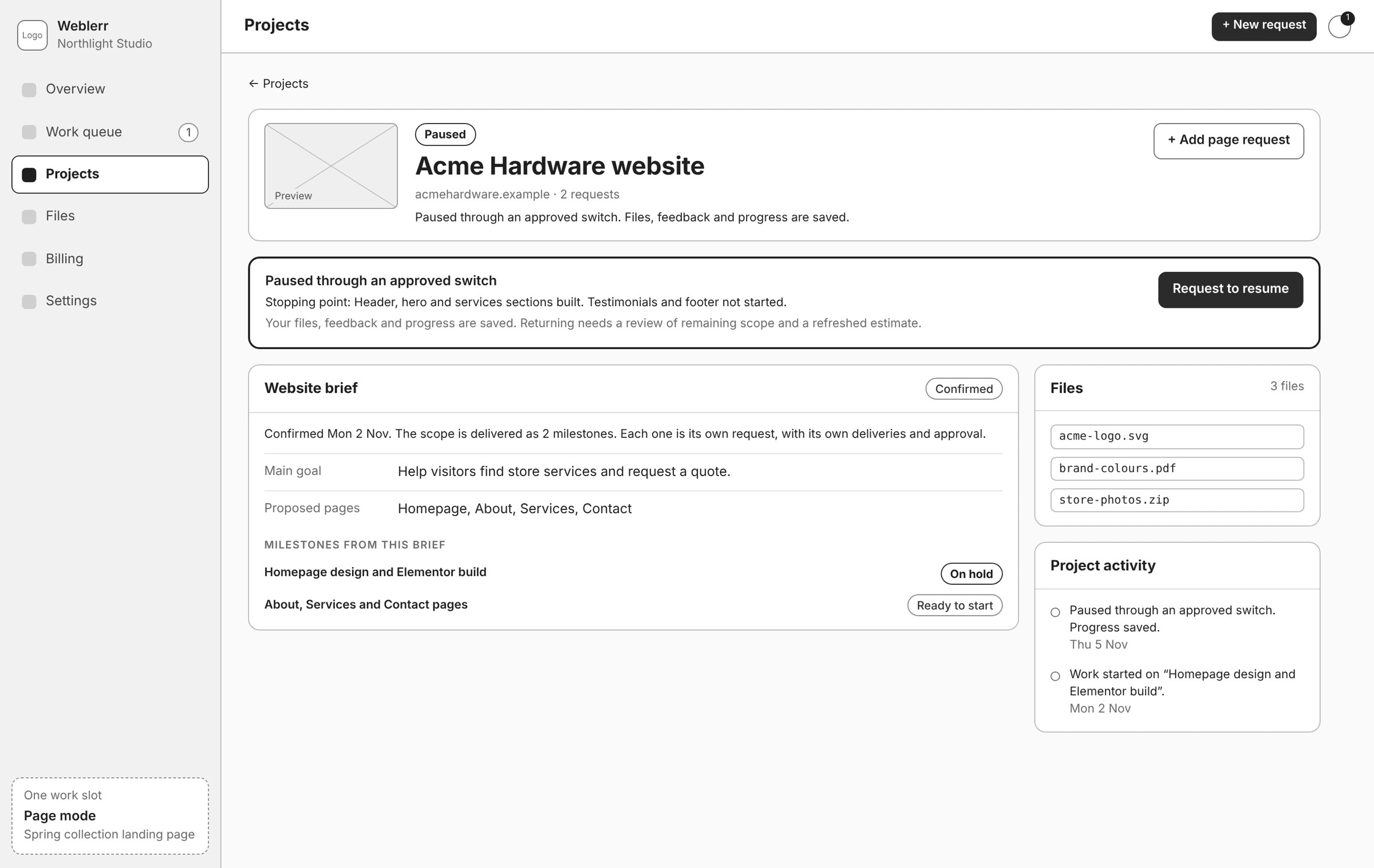
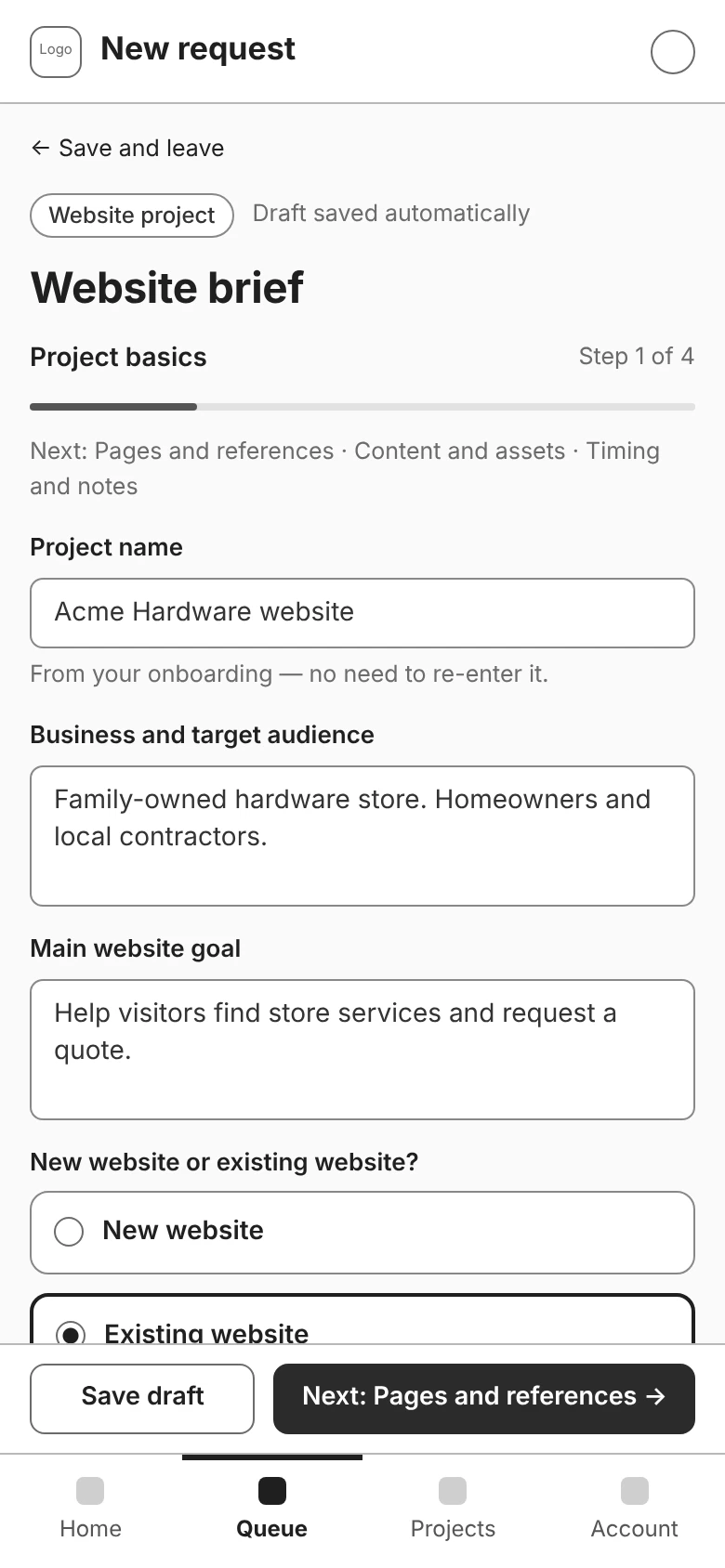
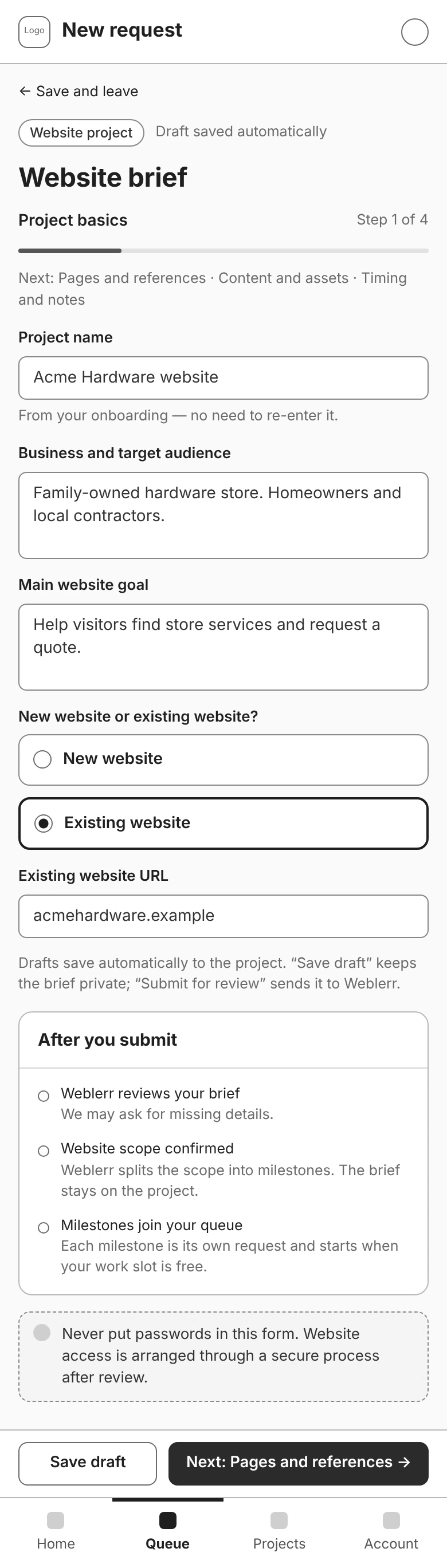
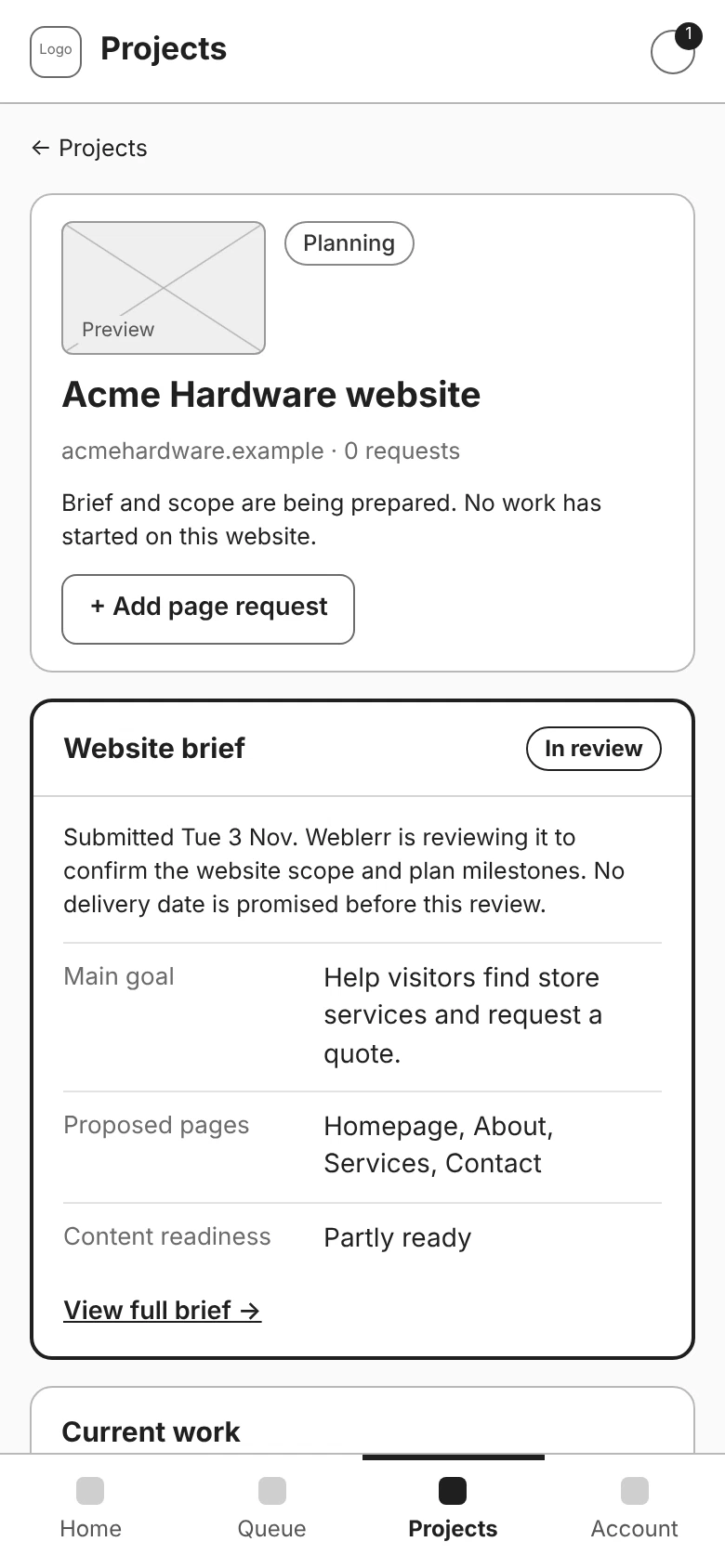
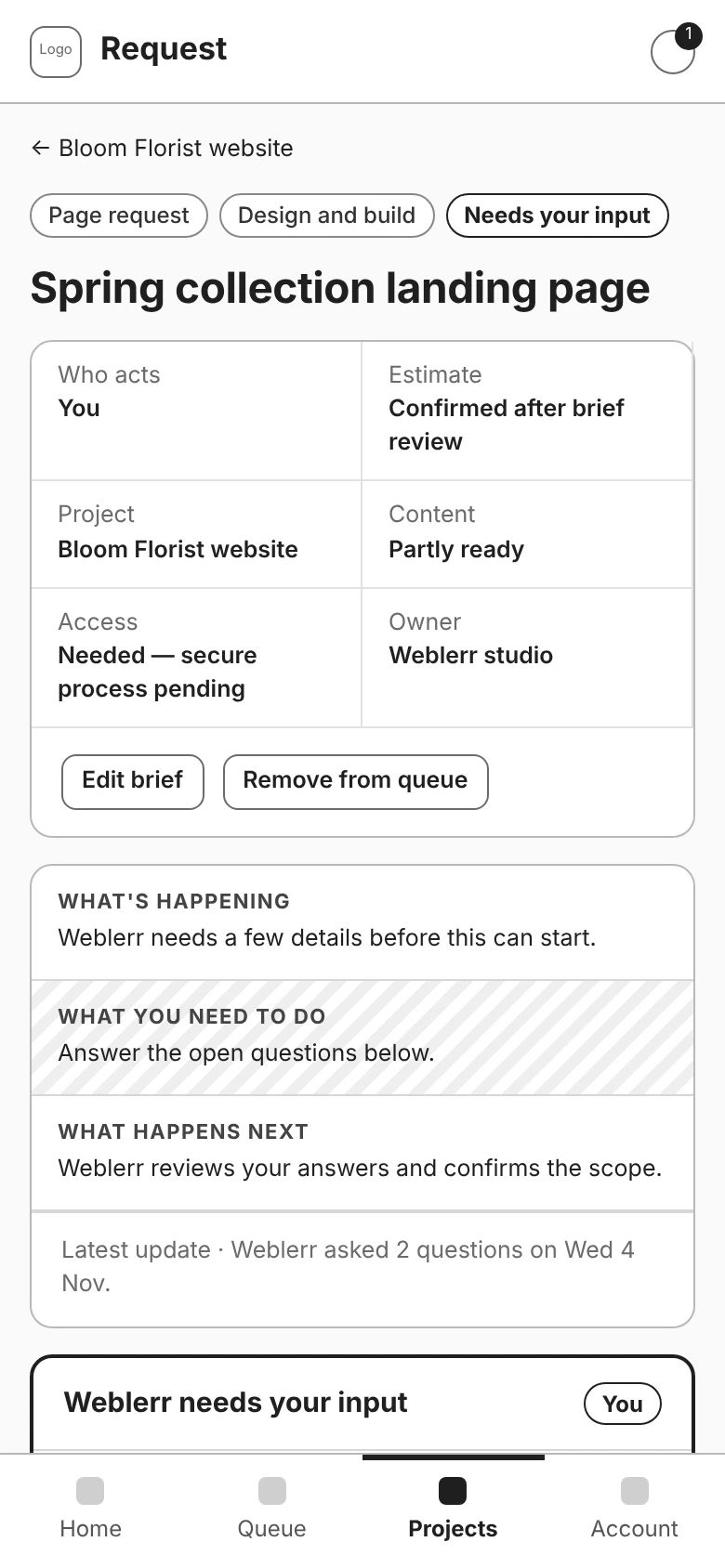
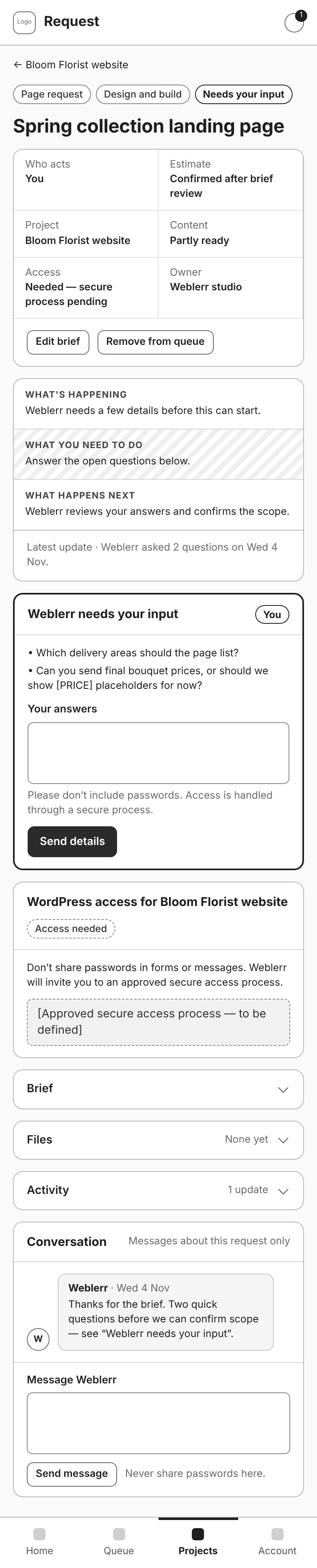
One change I made during refinement was moving the website brief out of the first milestone and onto the project itself.
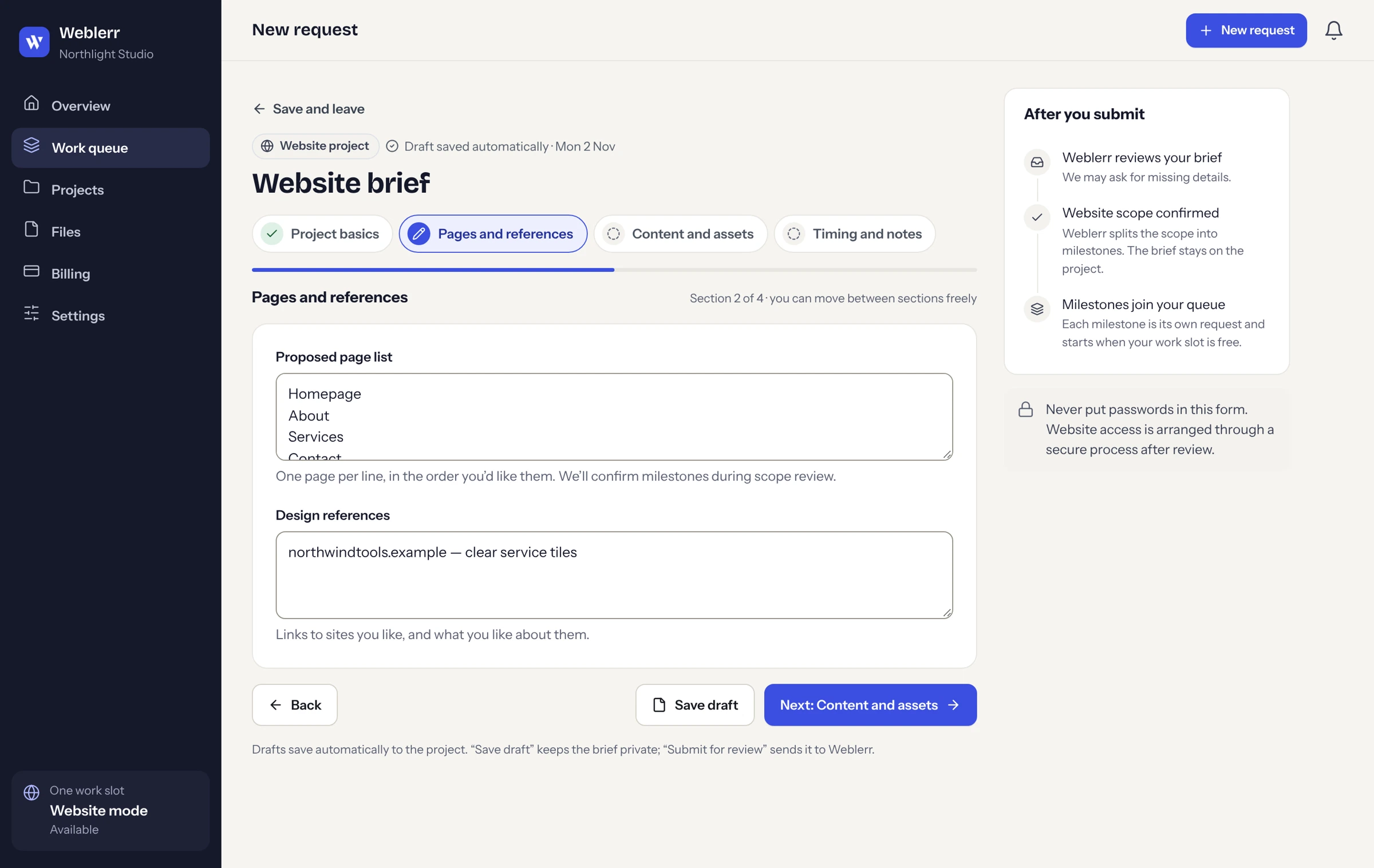
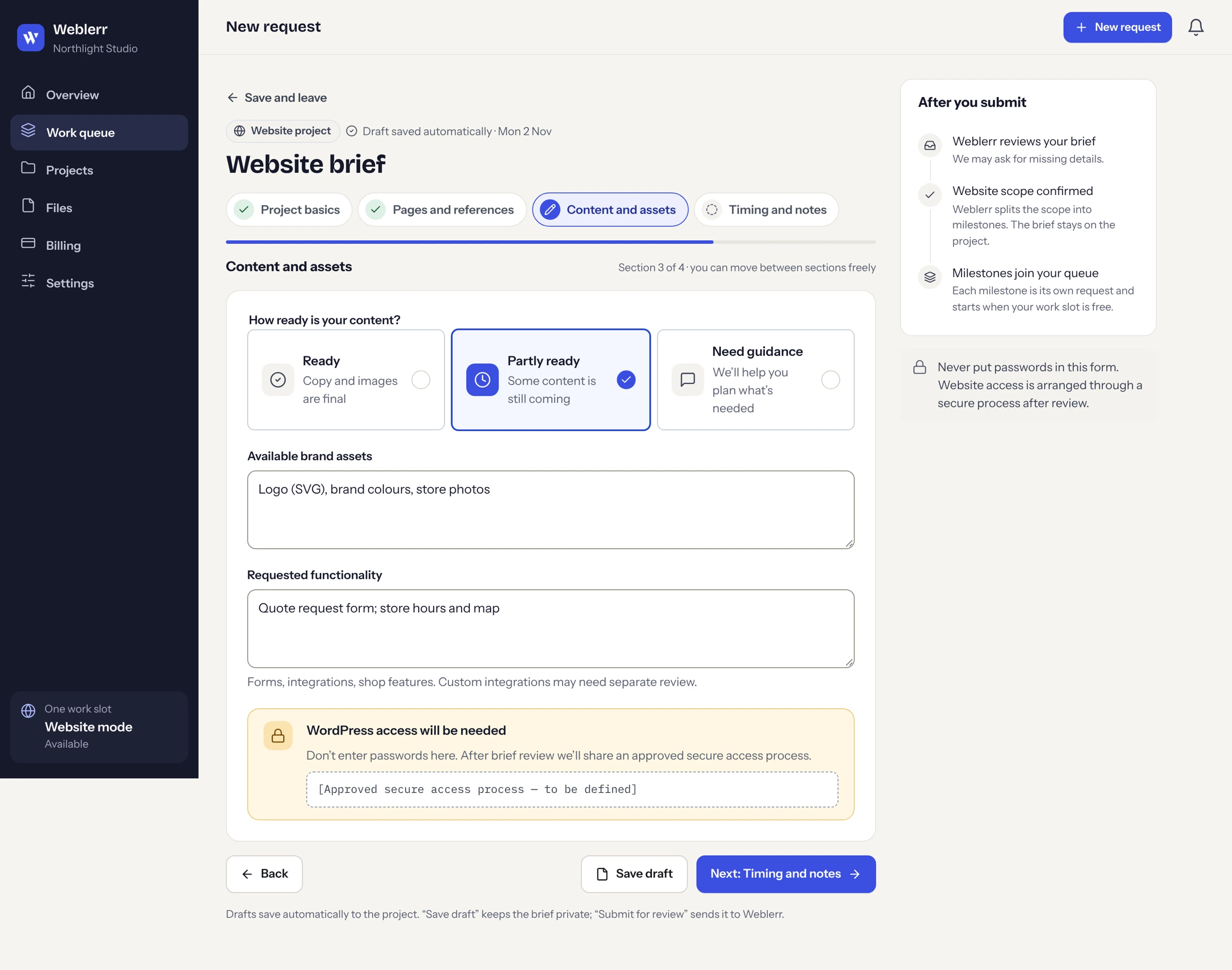
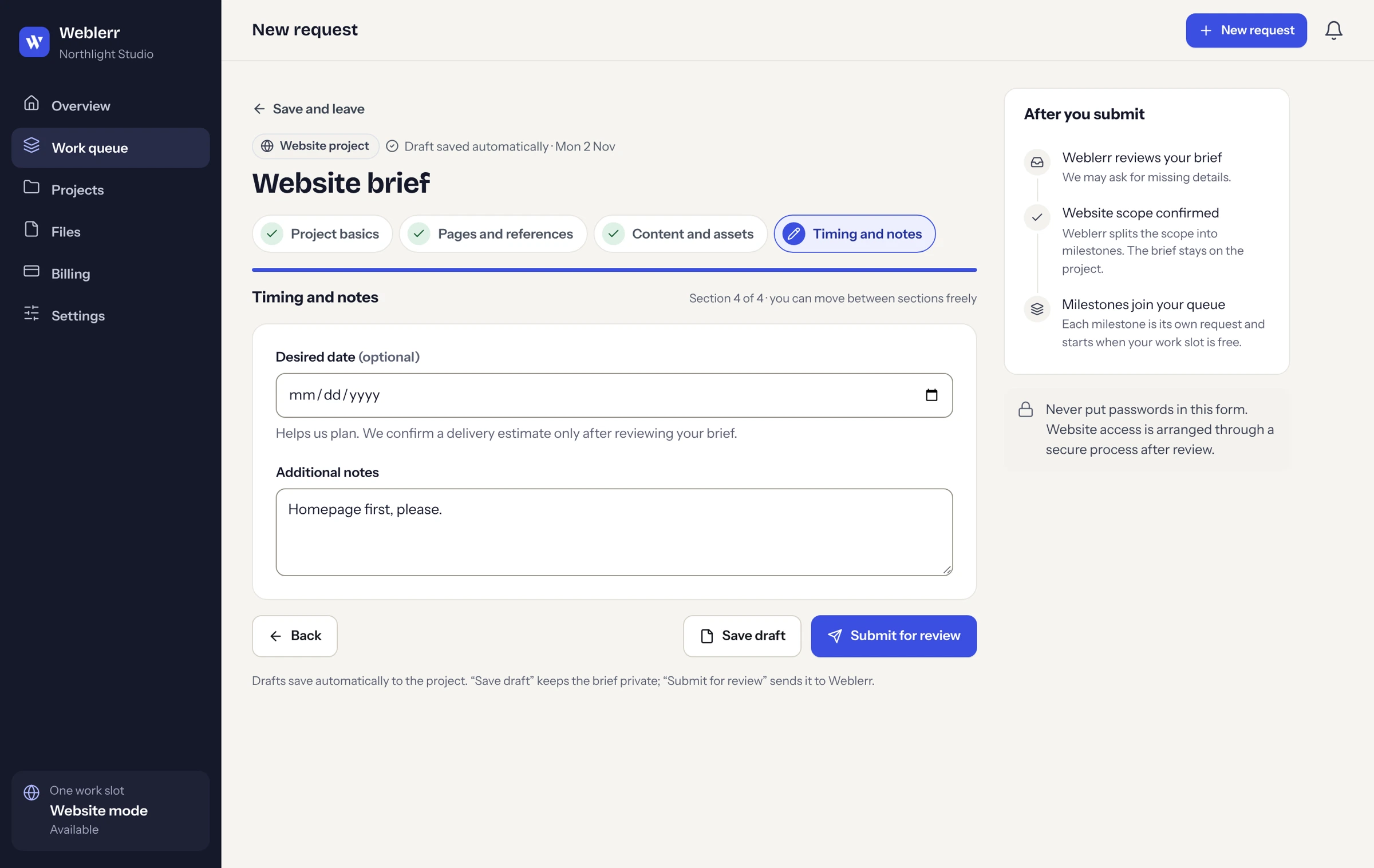
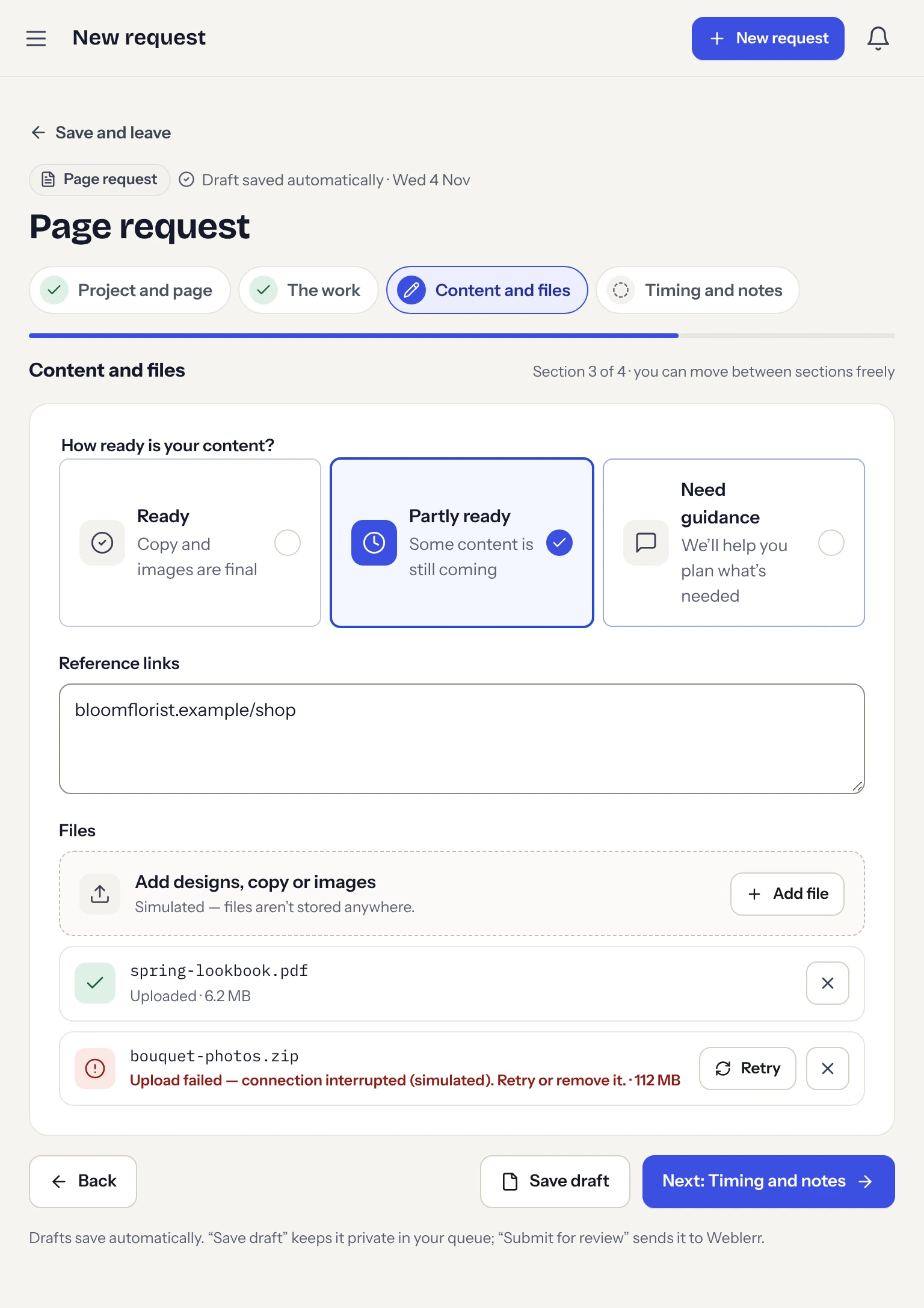
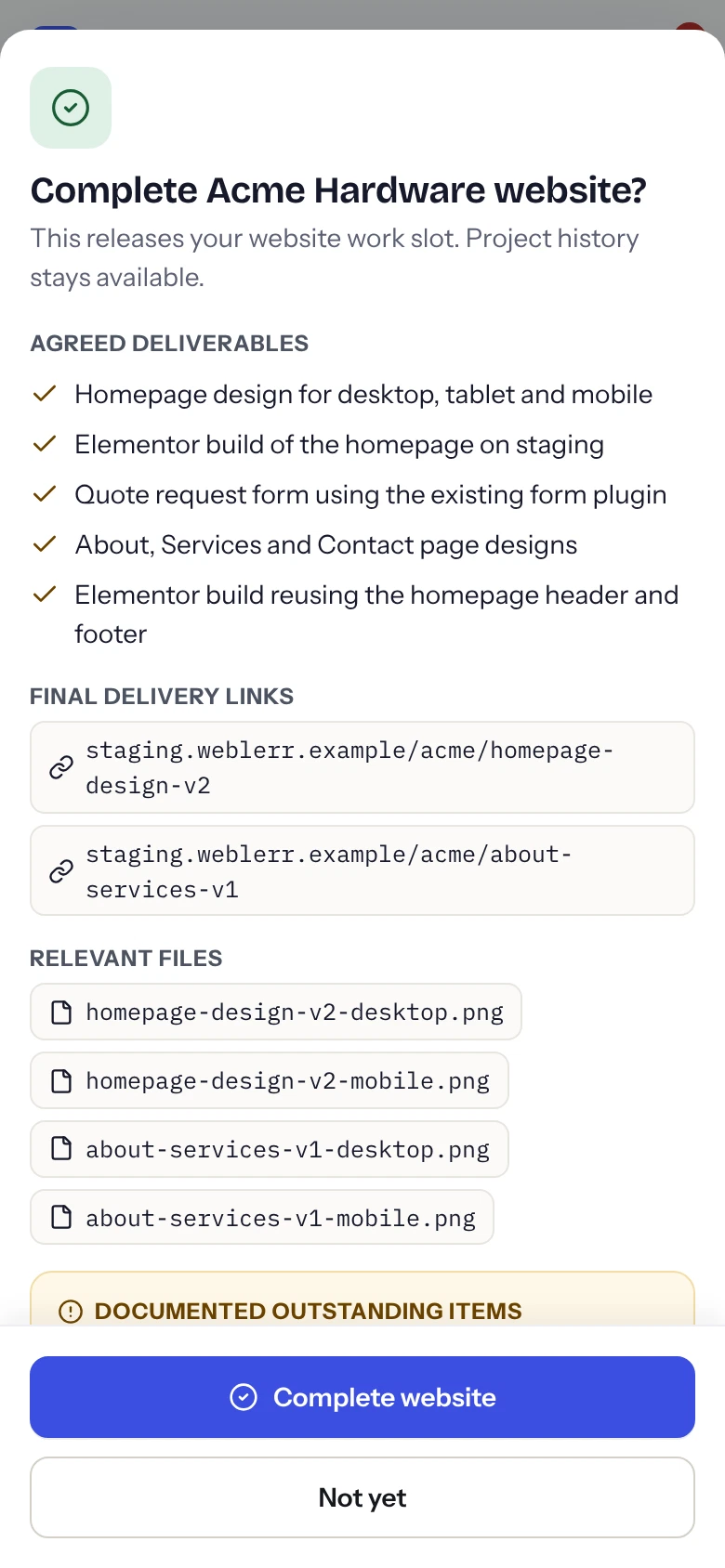
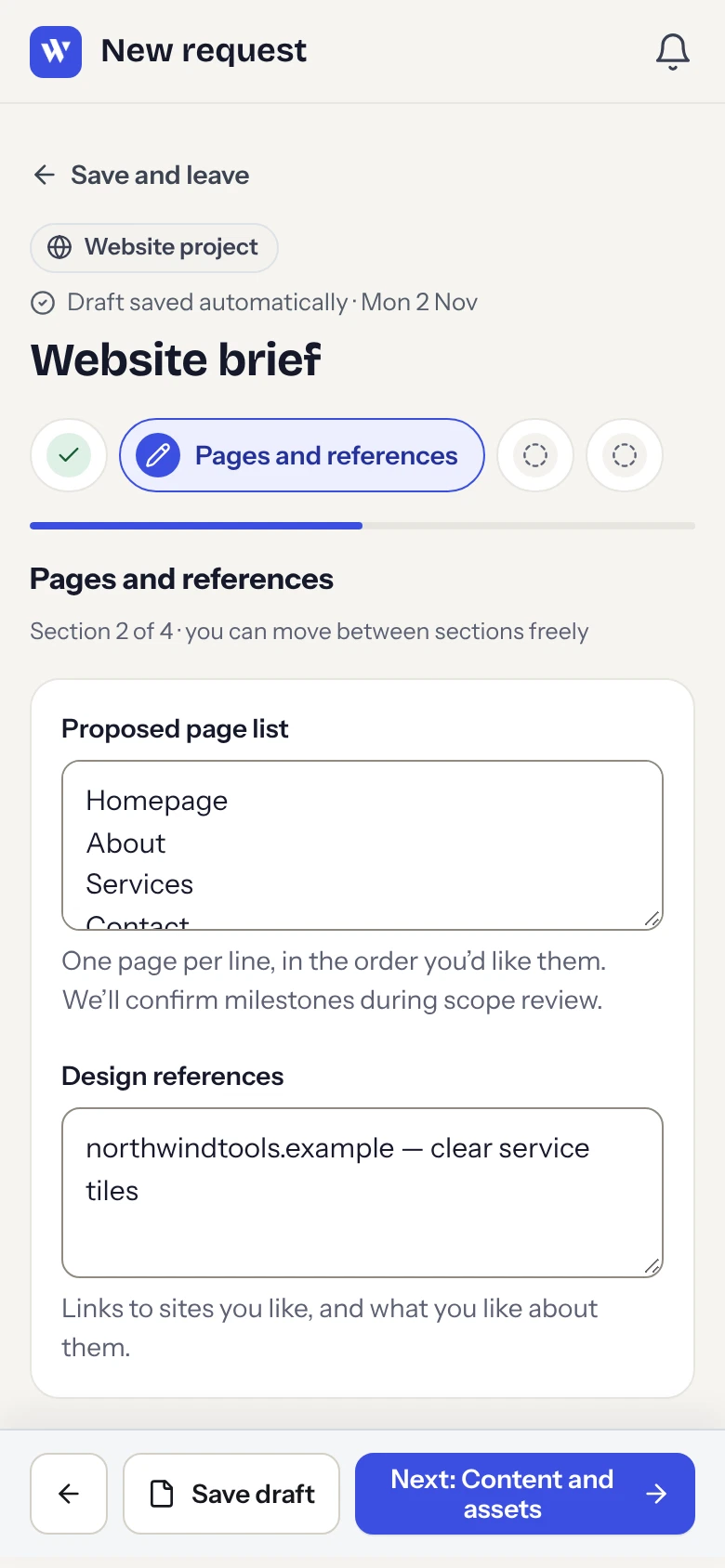
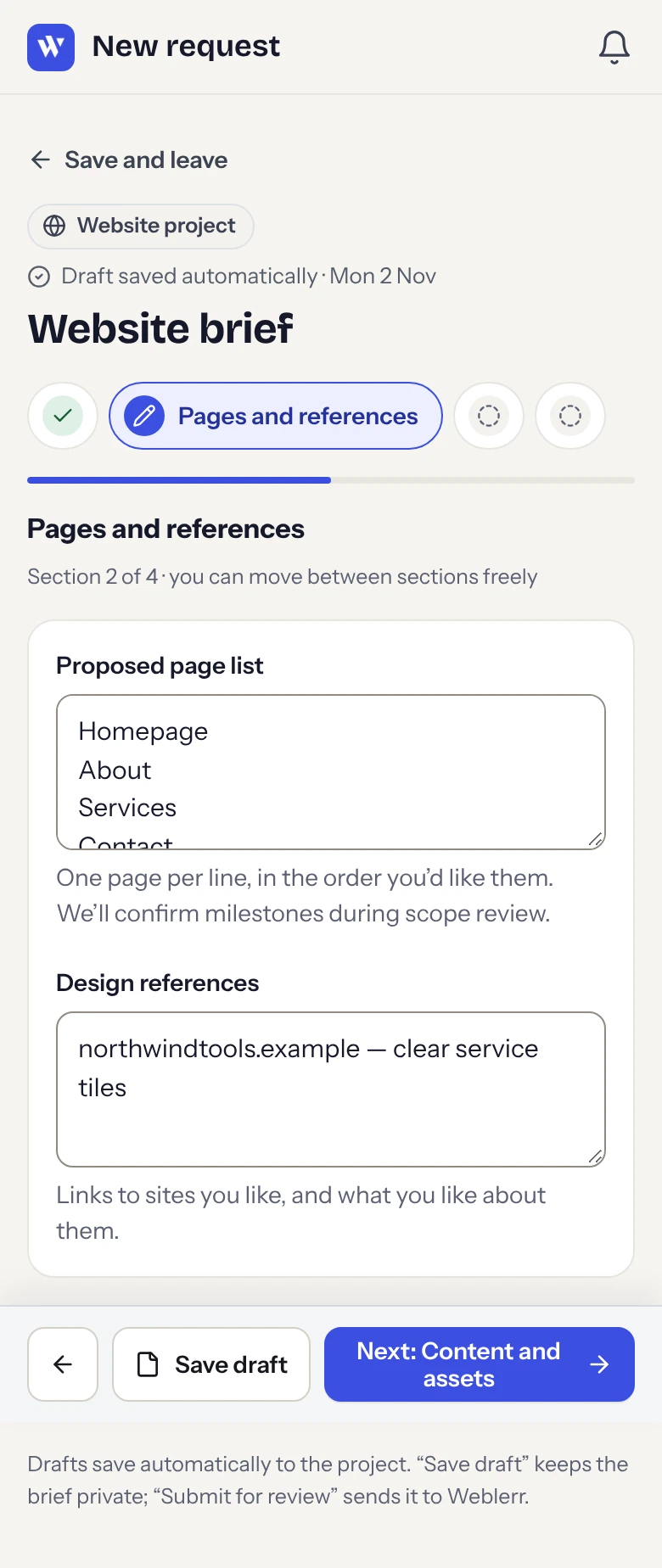
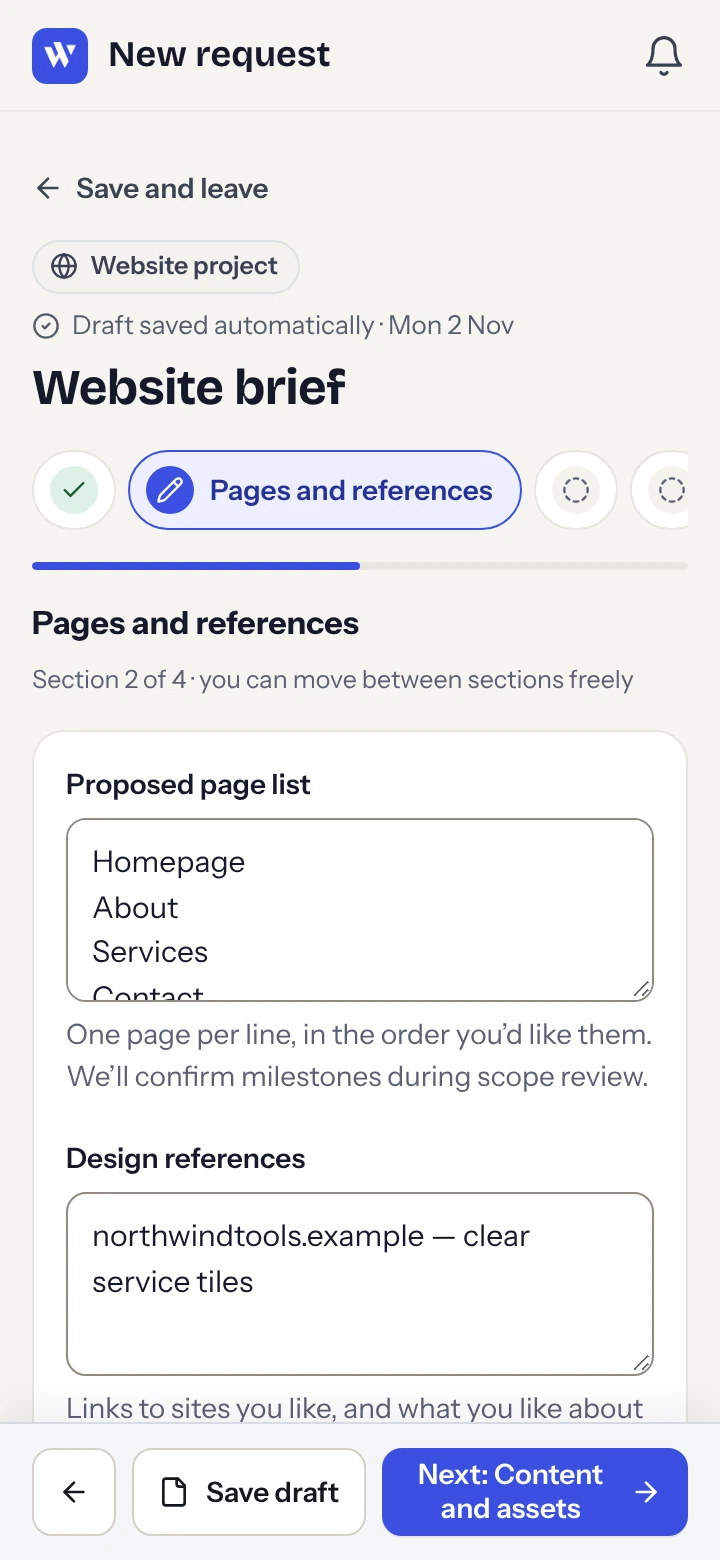
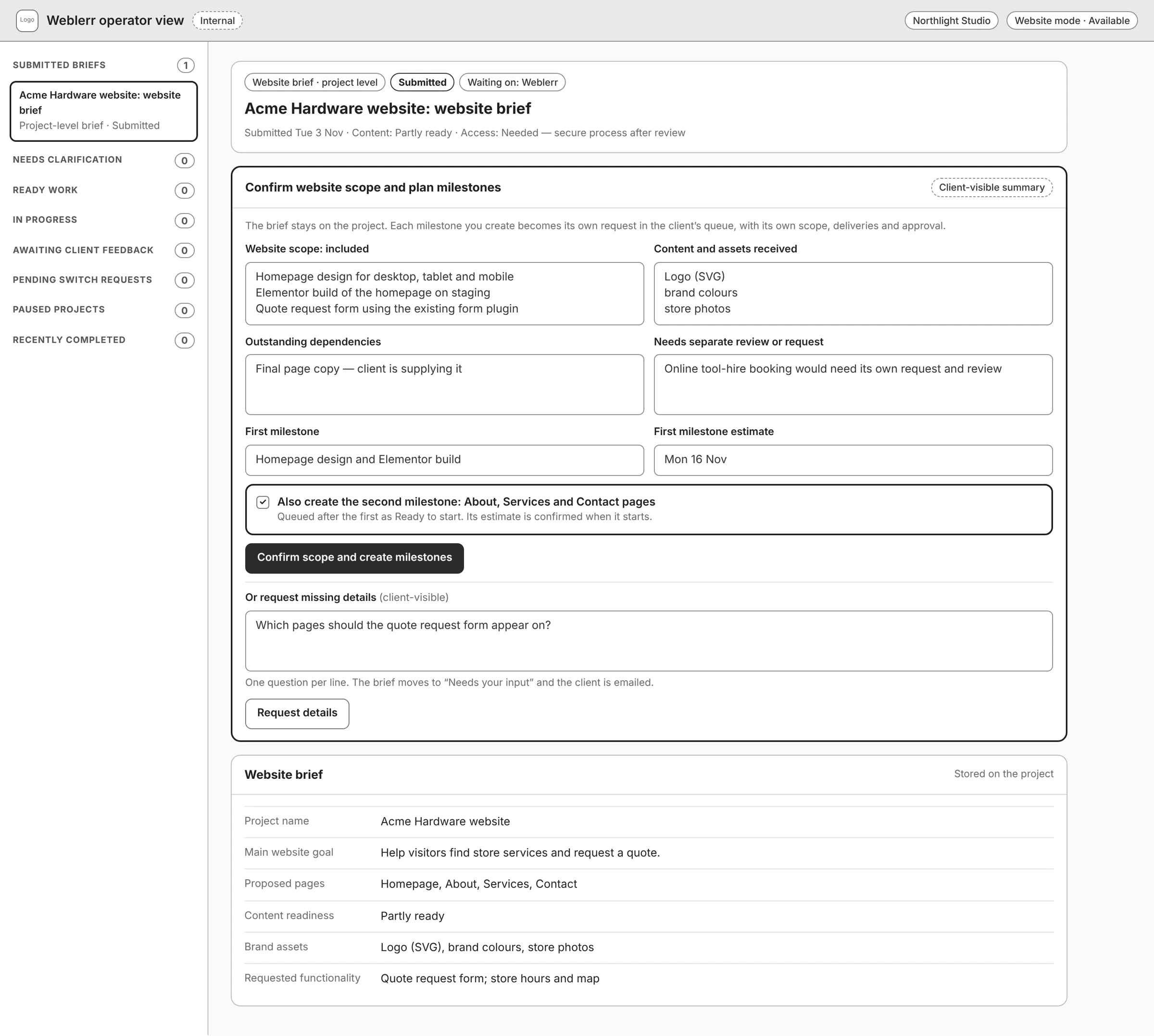
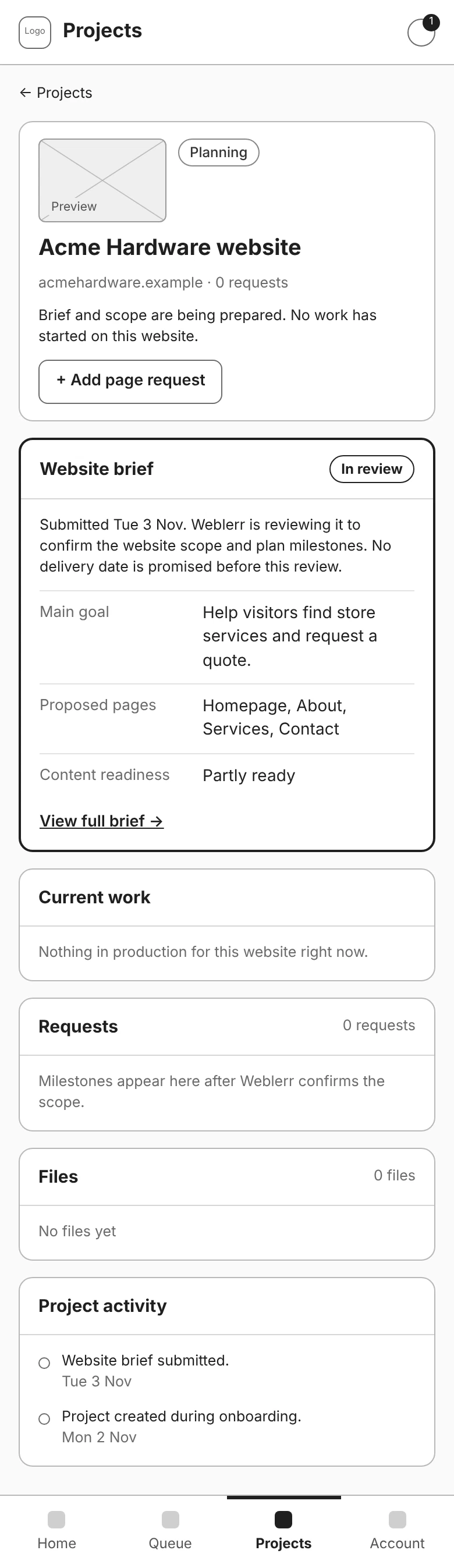
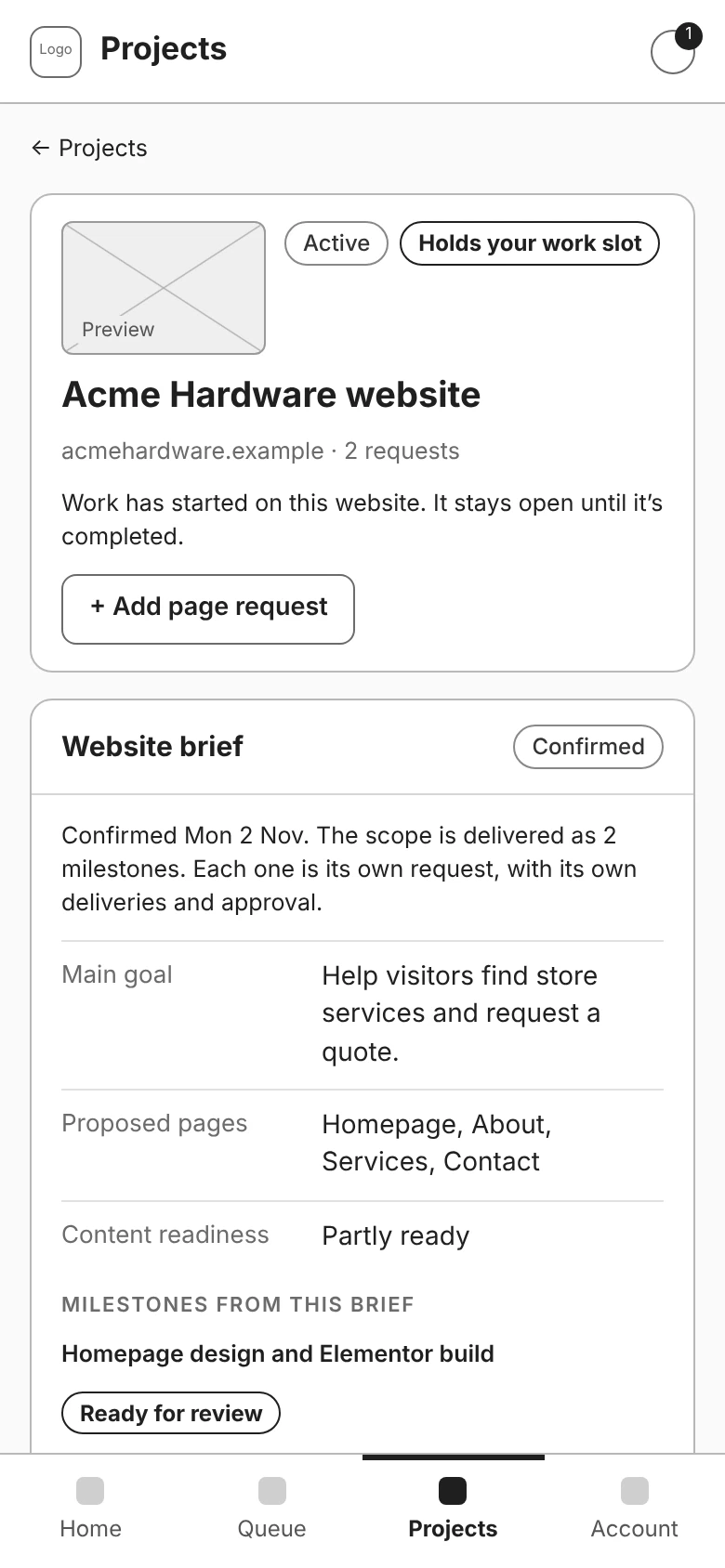
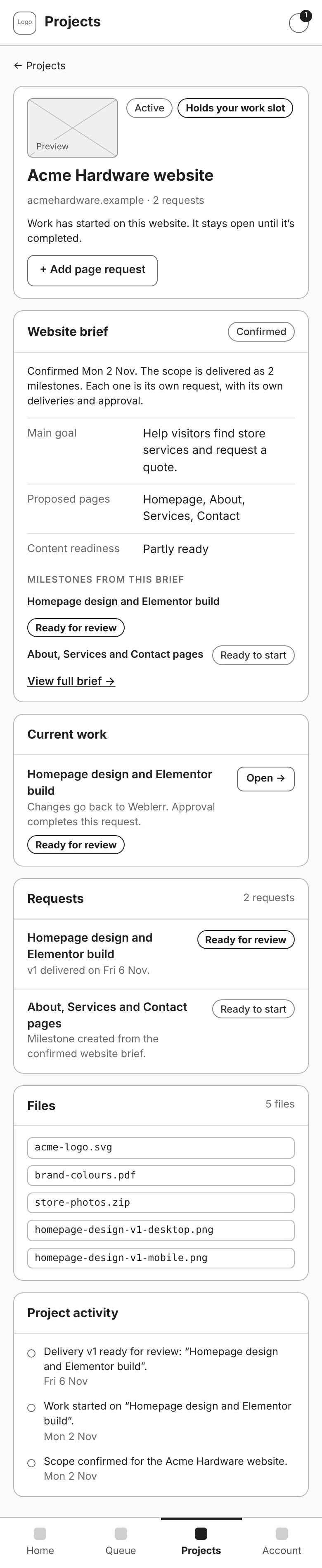
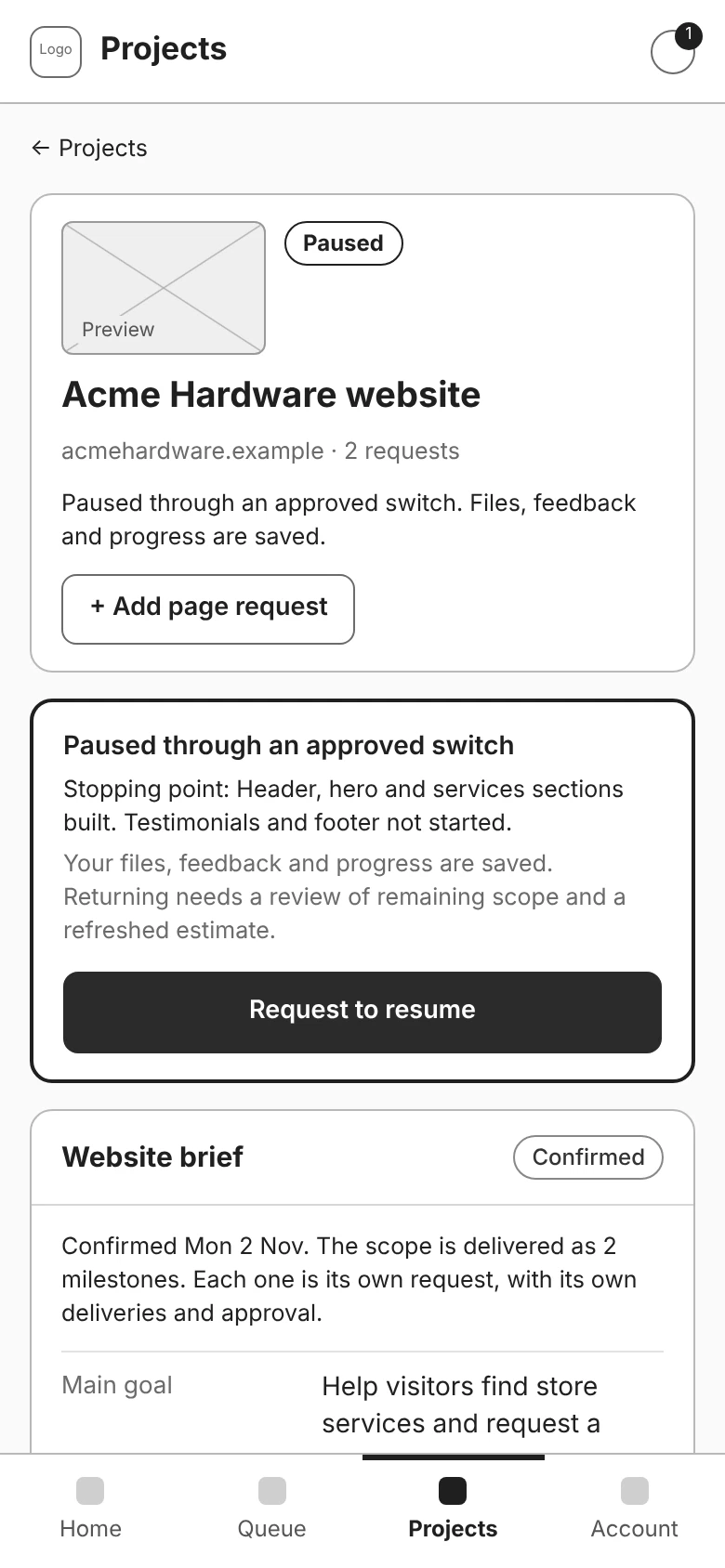
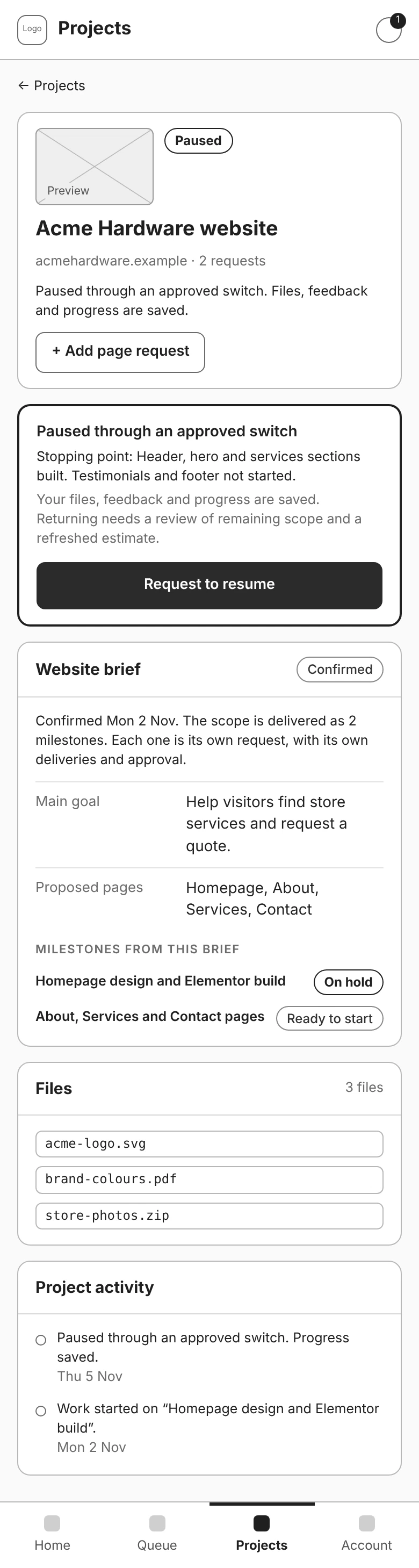
The brief explains what the whole site needs: its goals, proposed pages, available content, references, and functionality. Weblerr can review it, ask for missing details, and confirm the scope. Once the scope is confirmed, separate milestone requests carry the production work, delivery versions, and approvals.
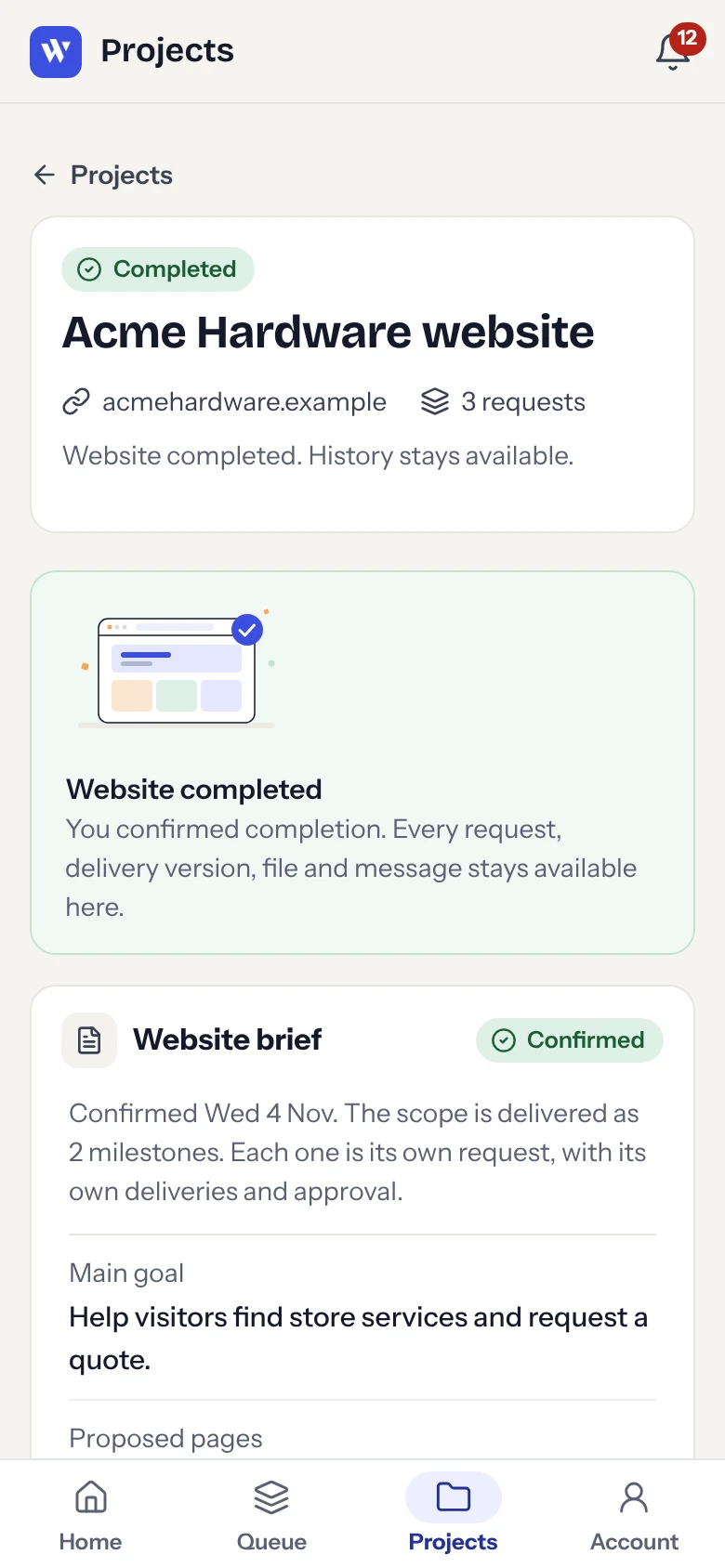
That gives clients one place to revisit what they agreed to, even after individual milestones are complete.
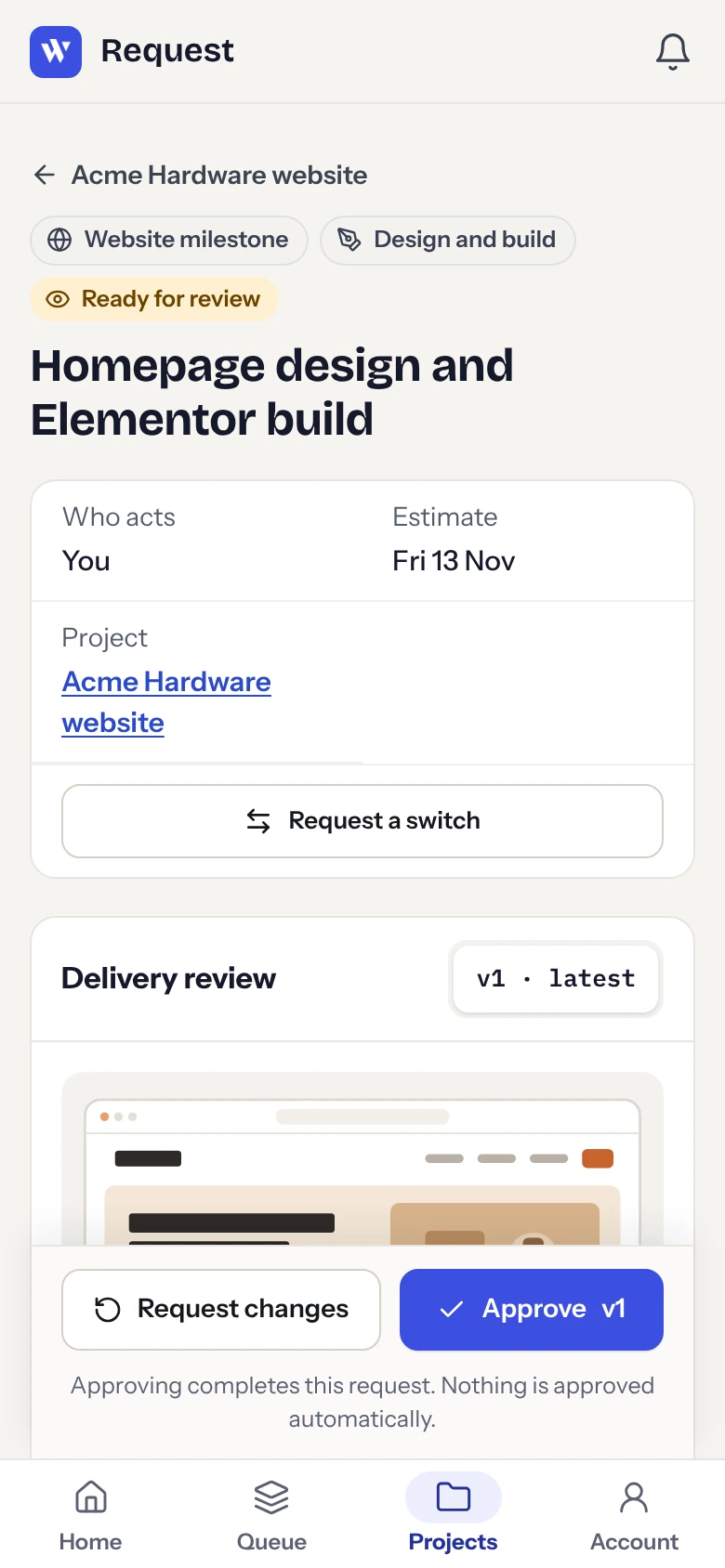
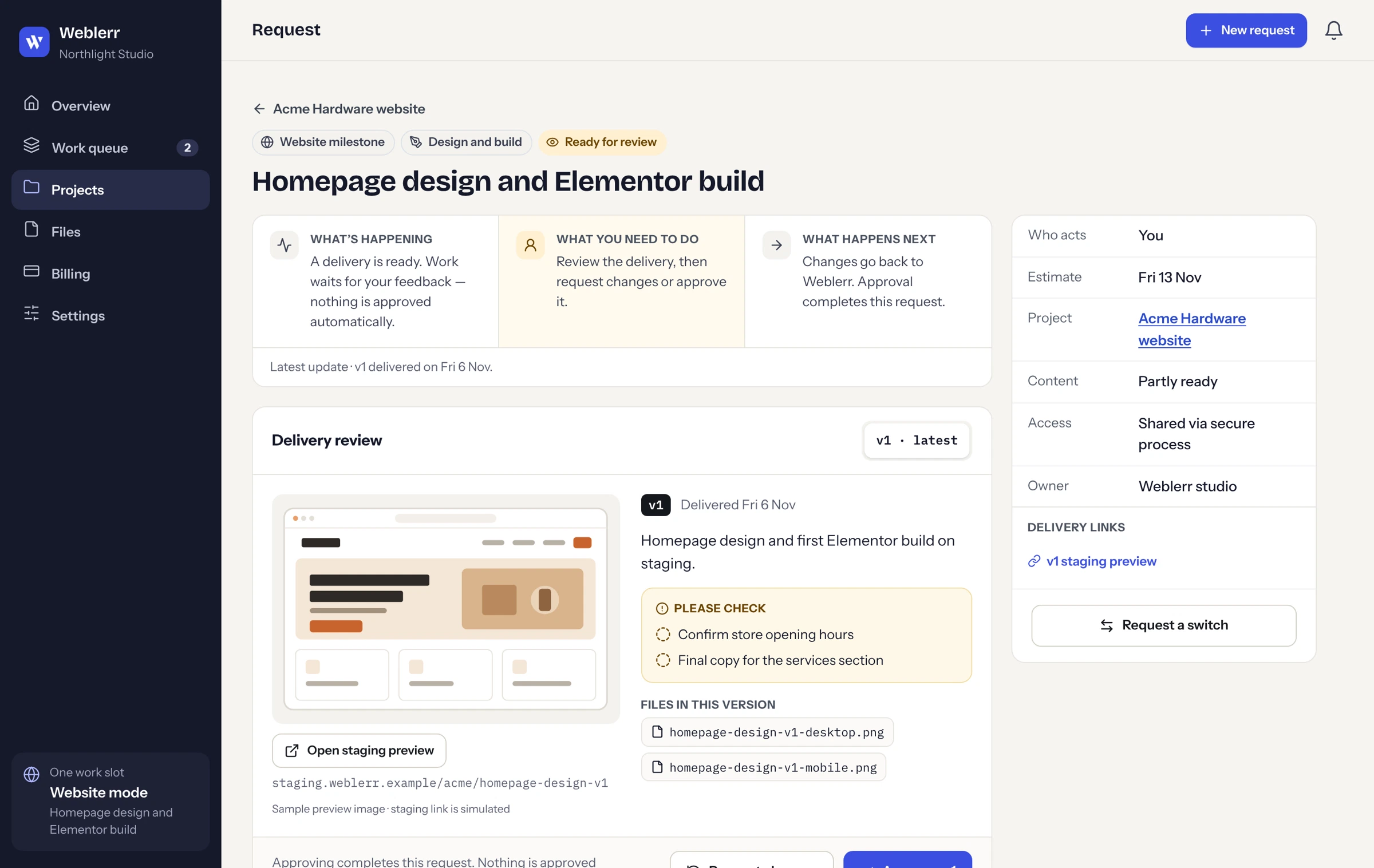
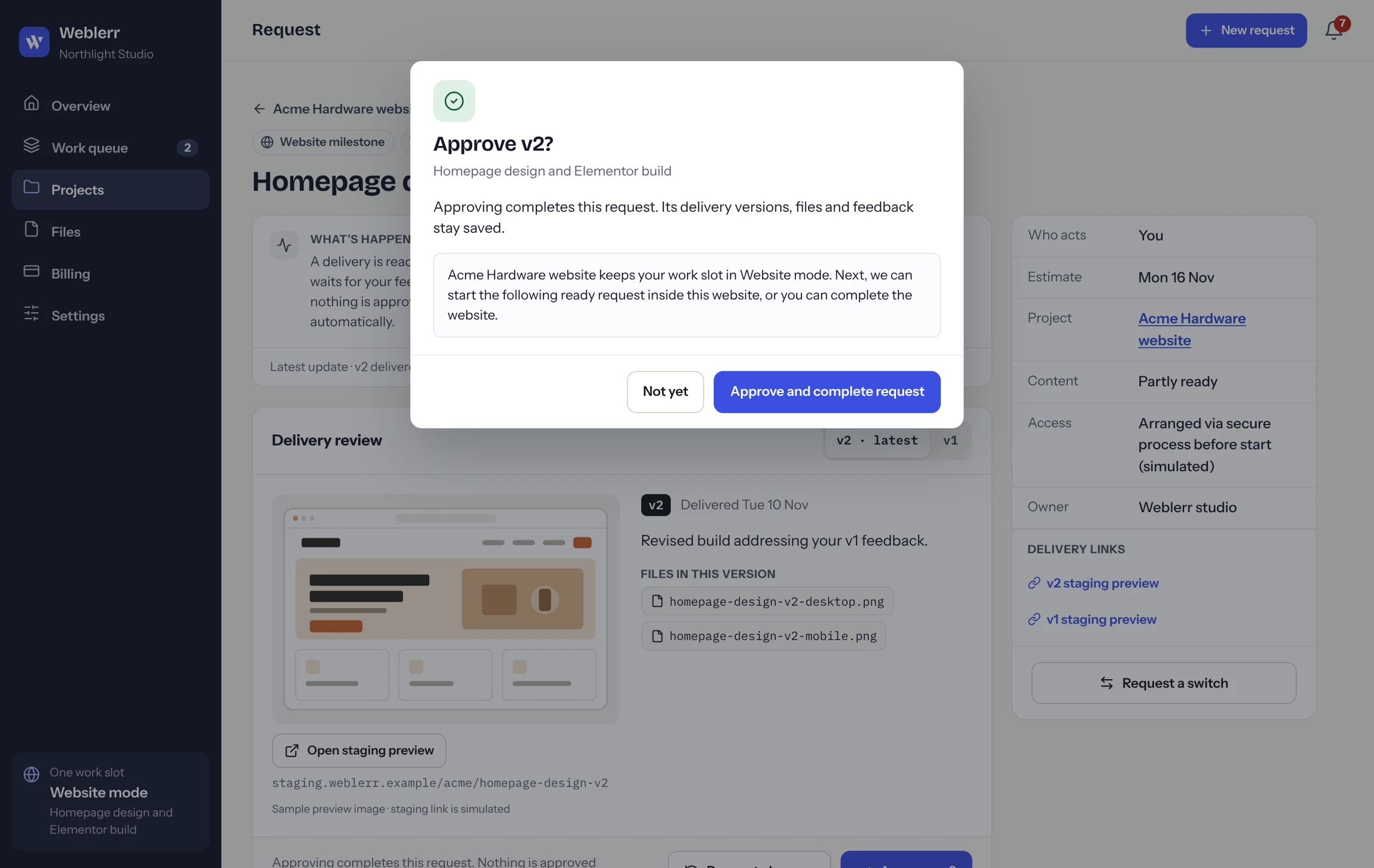
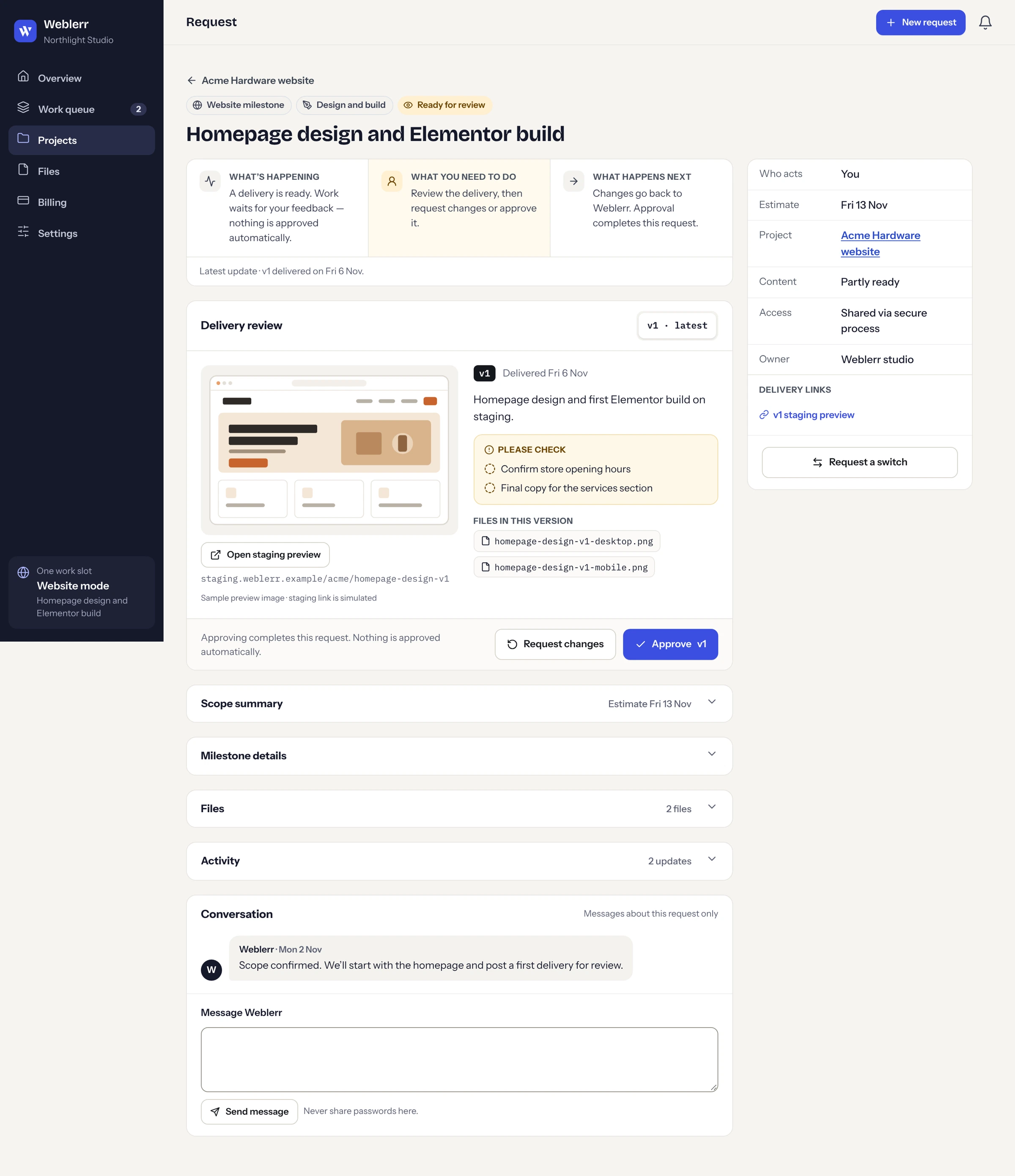
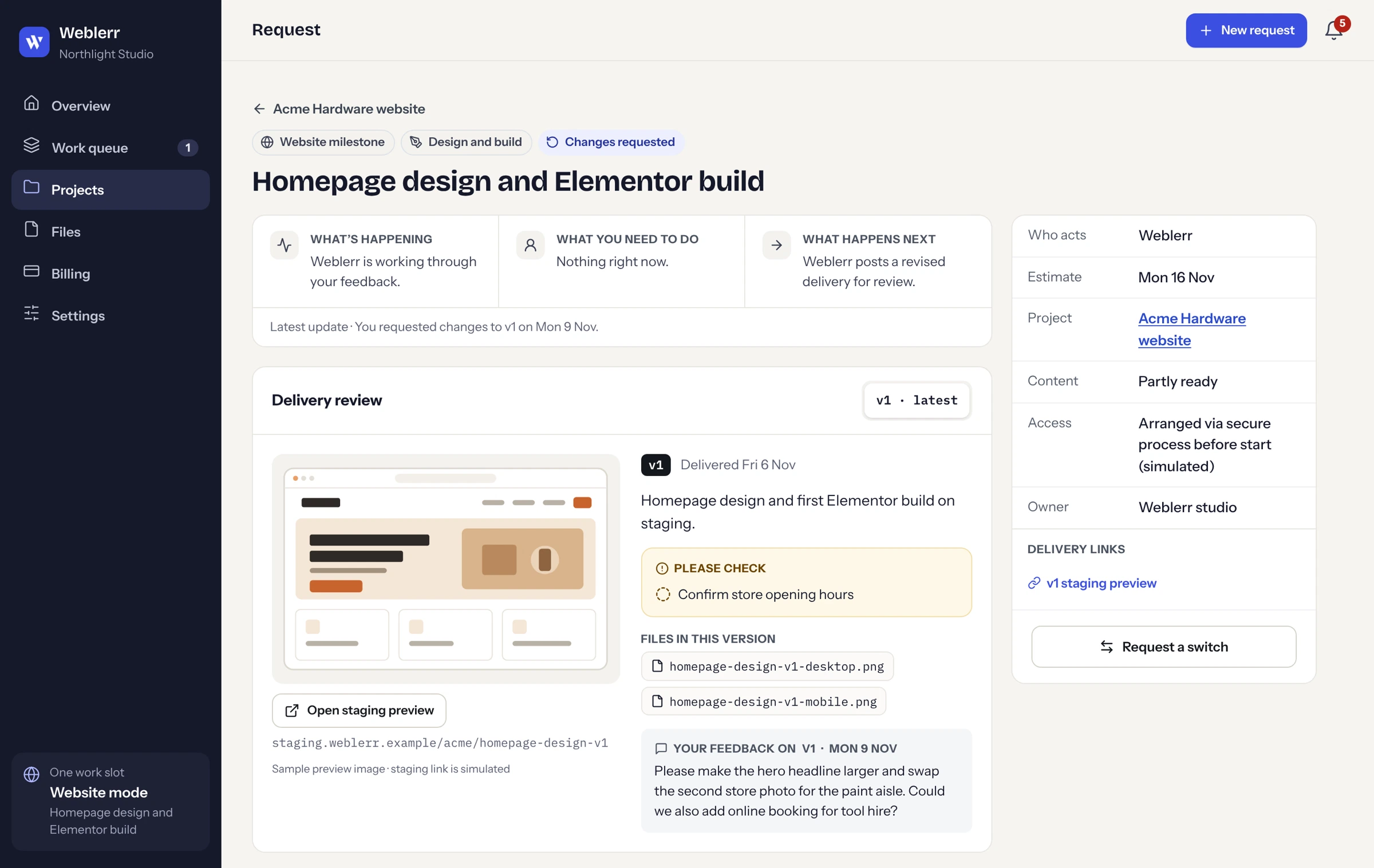
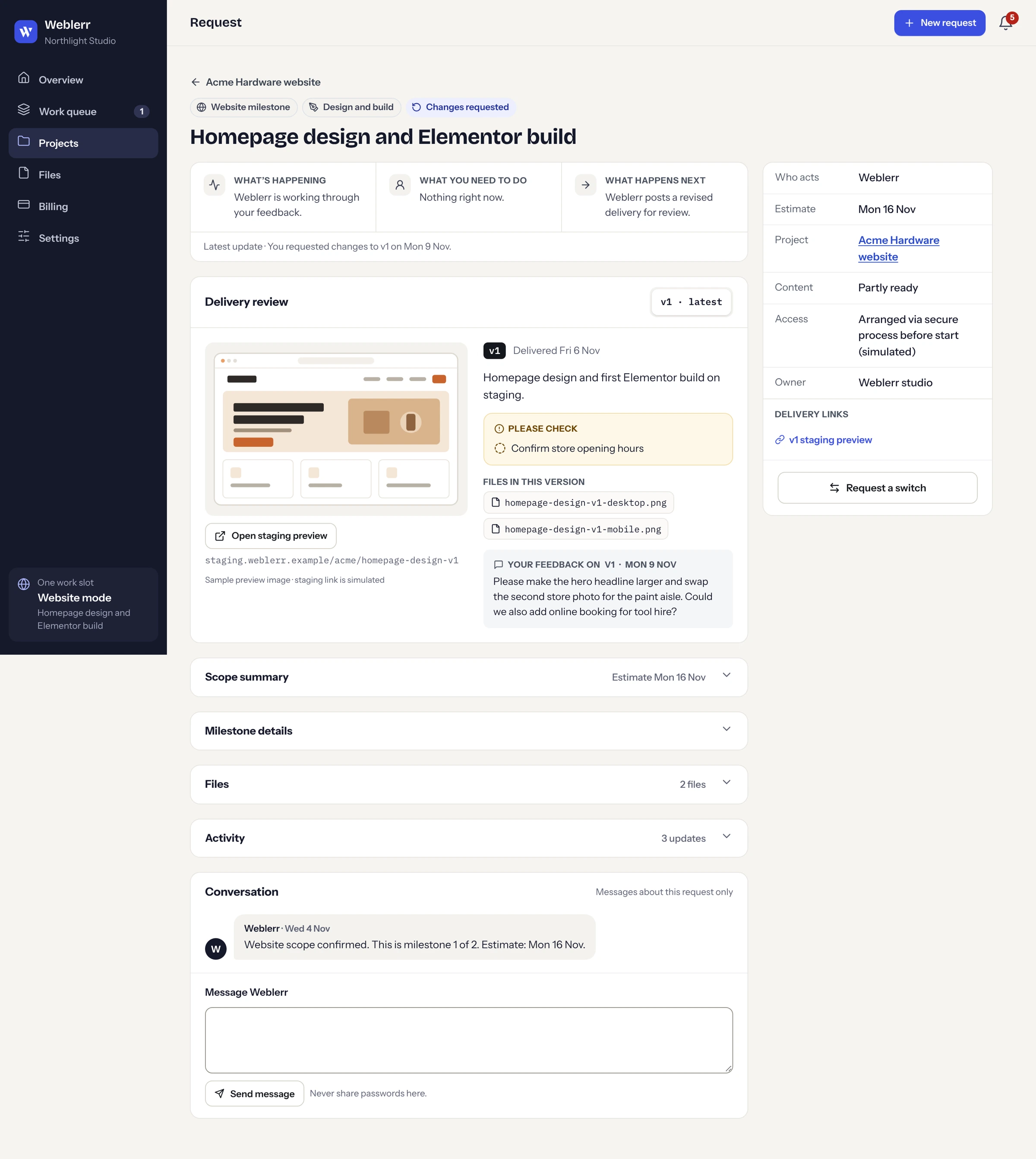
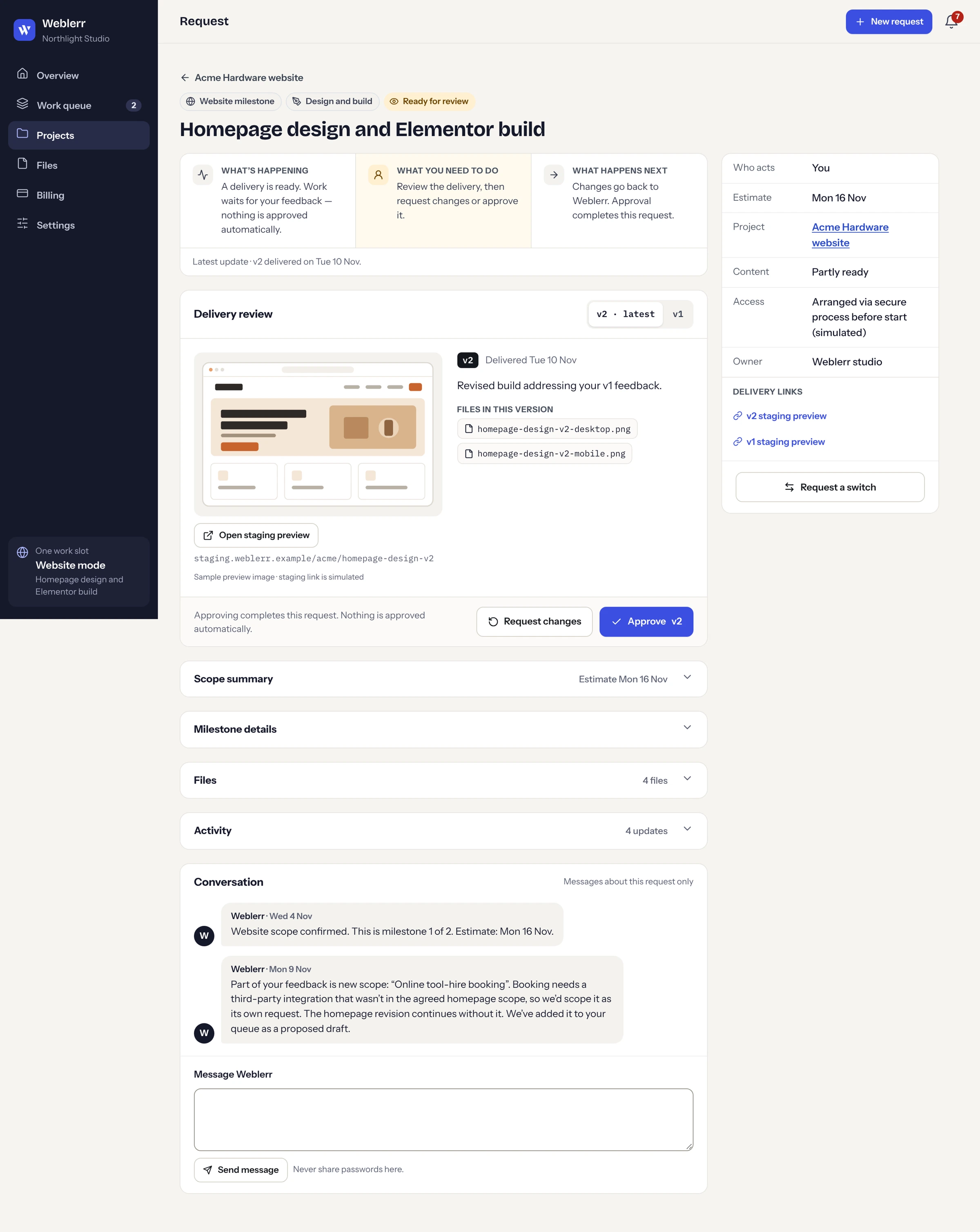
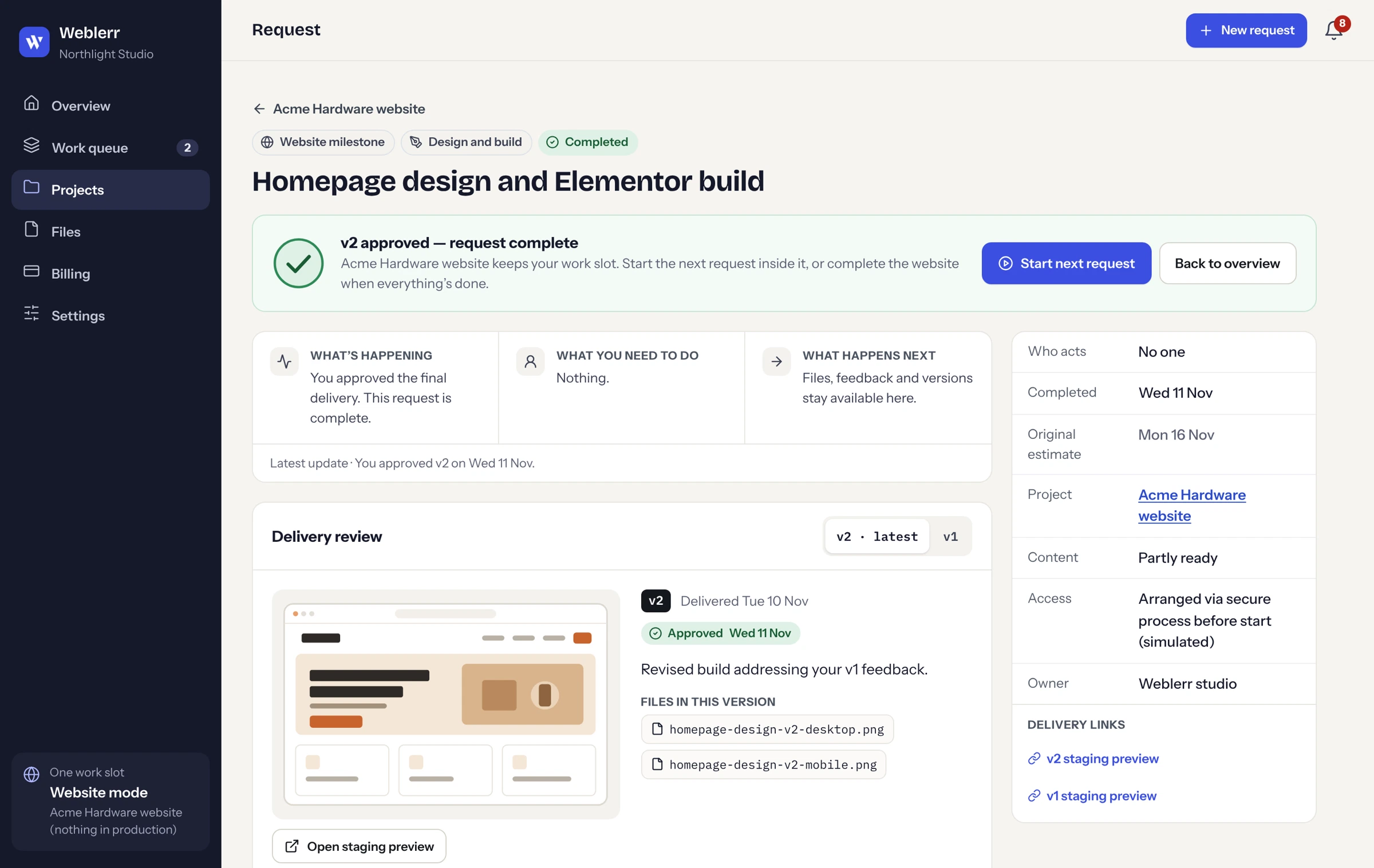
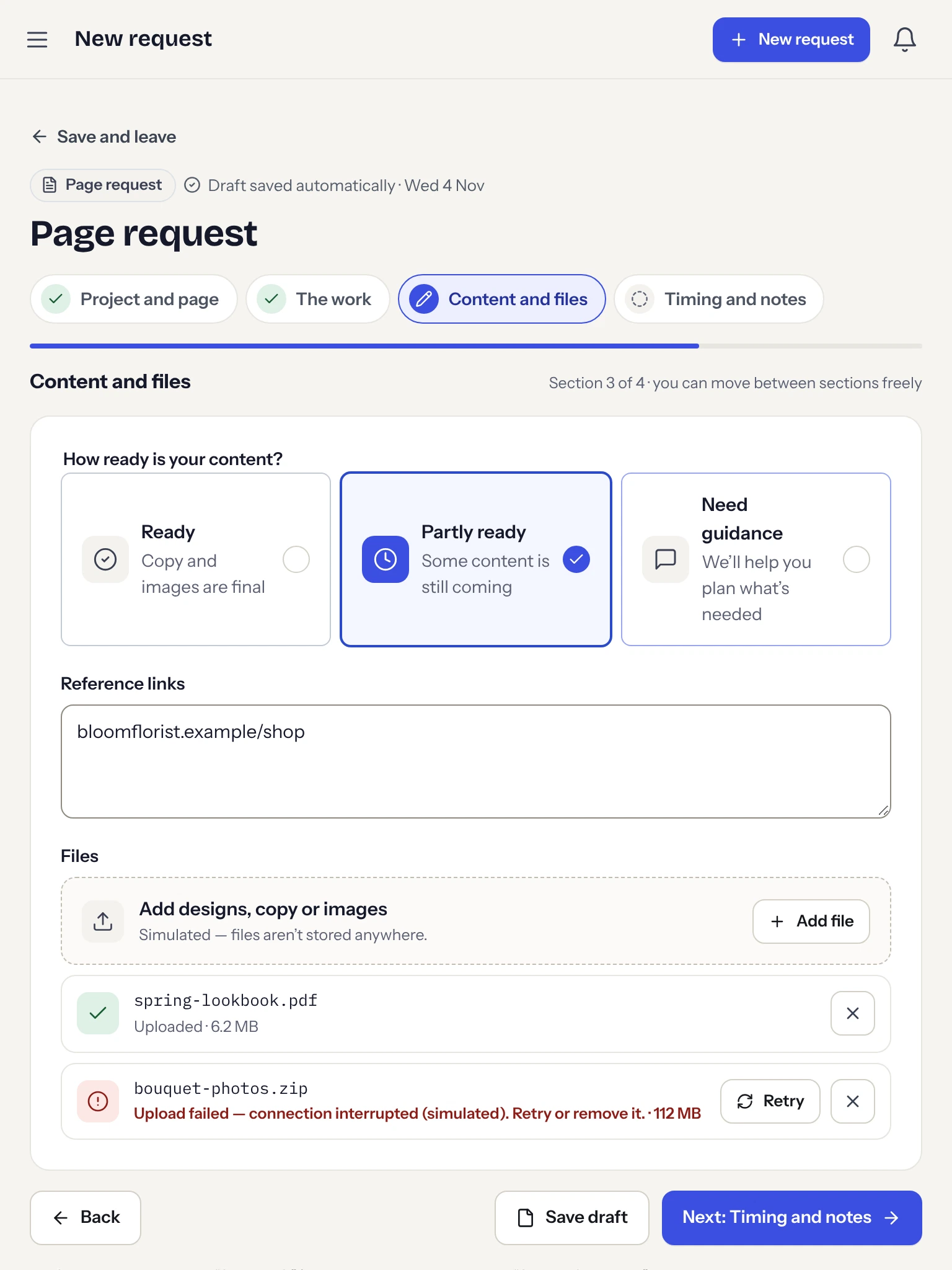
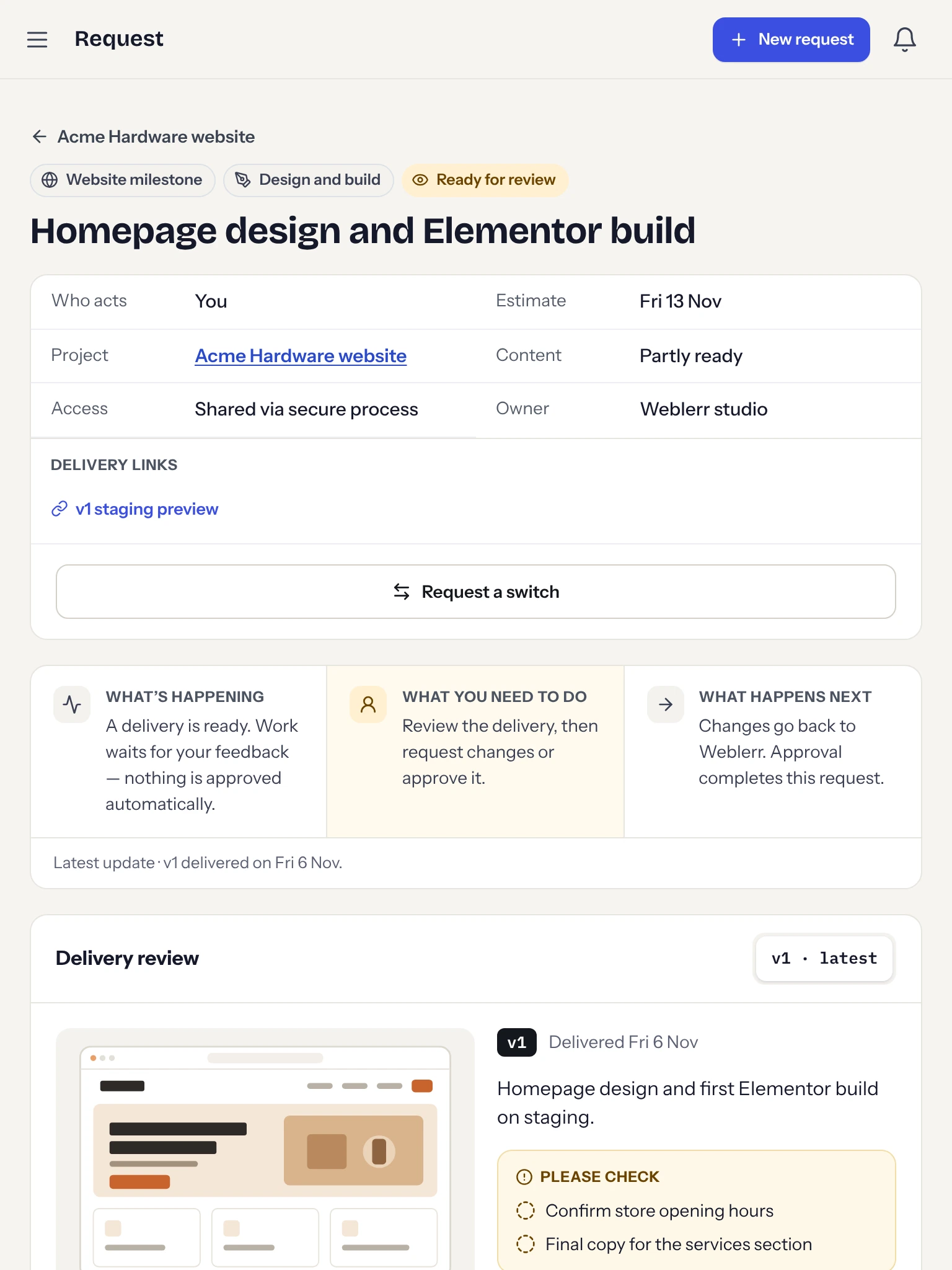
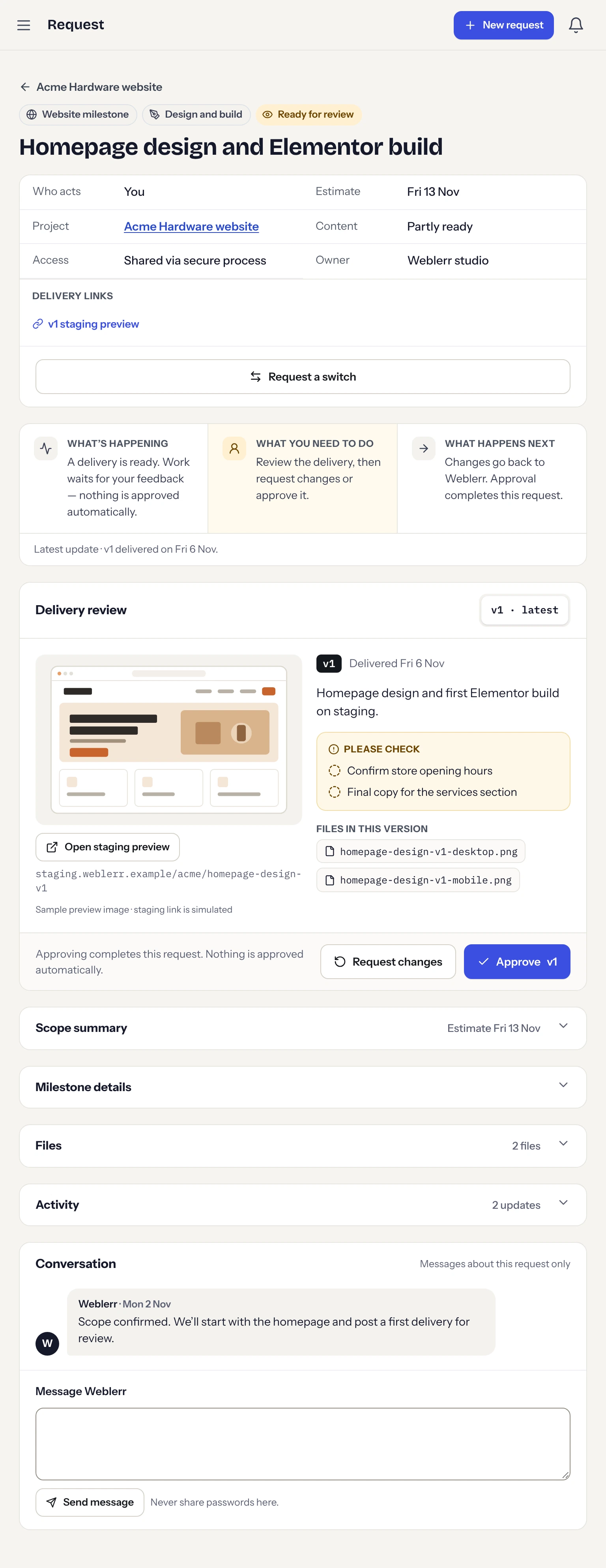
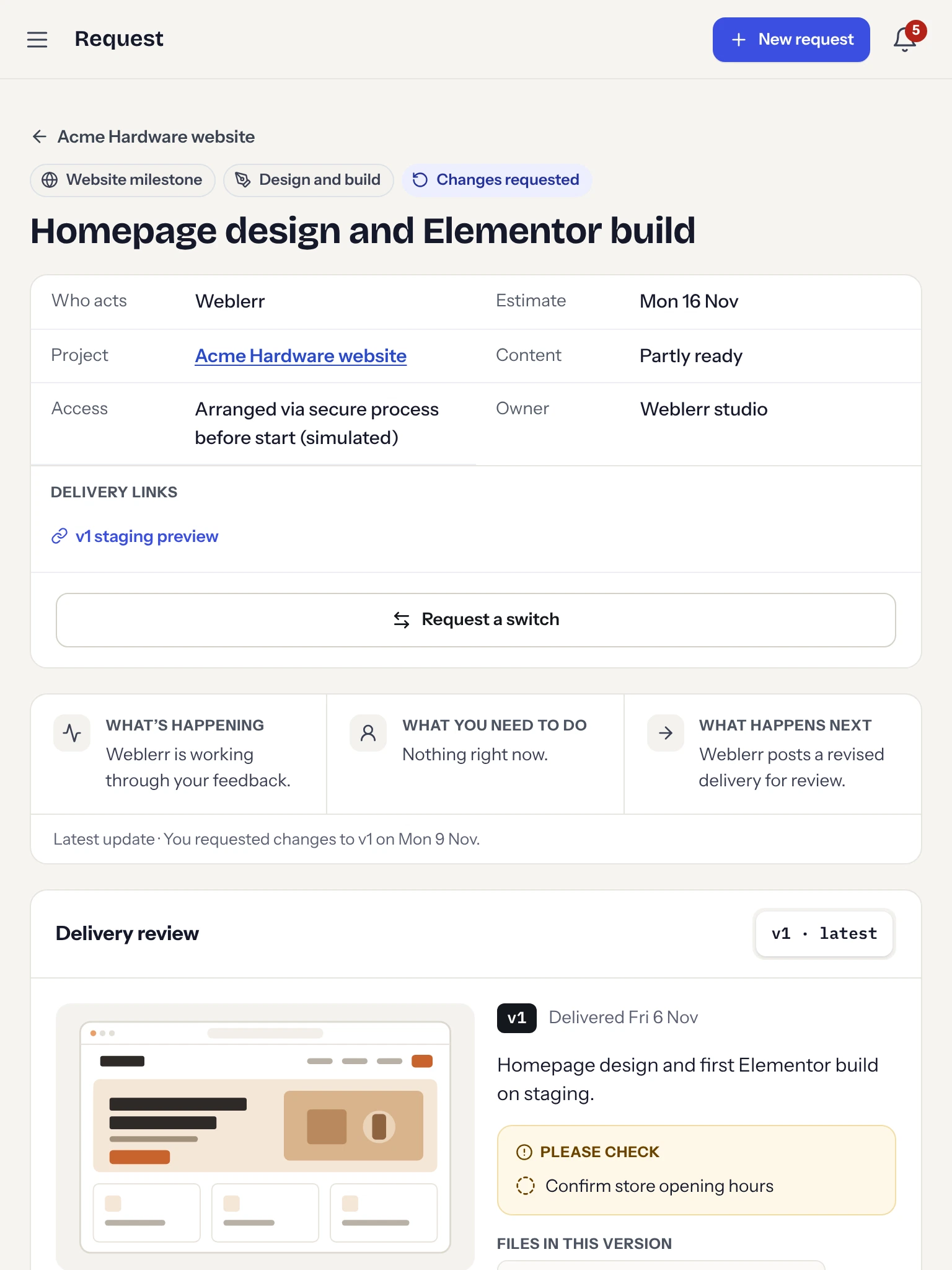
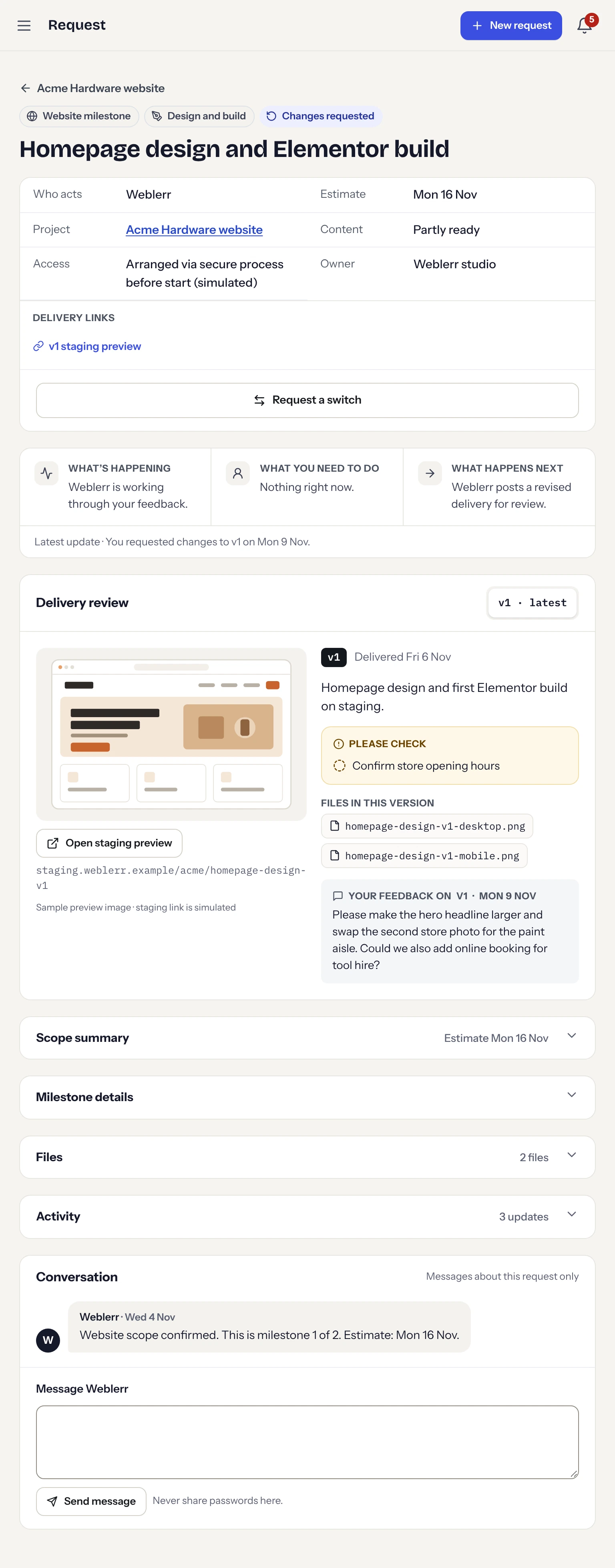
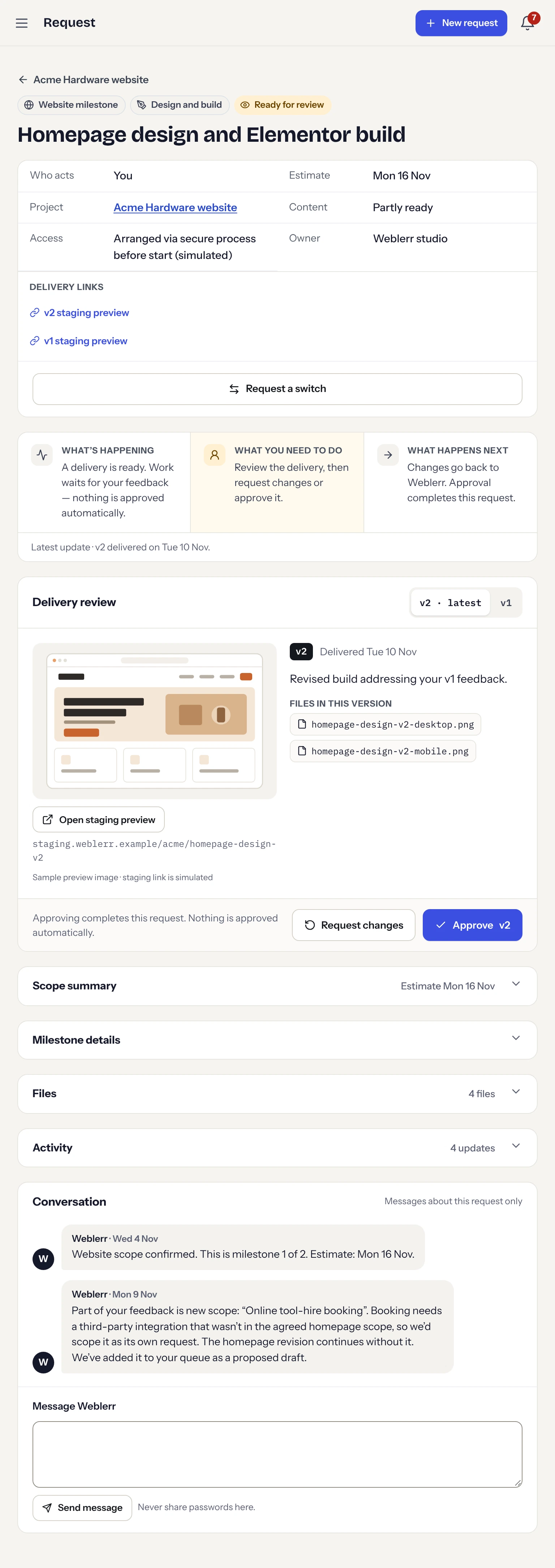
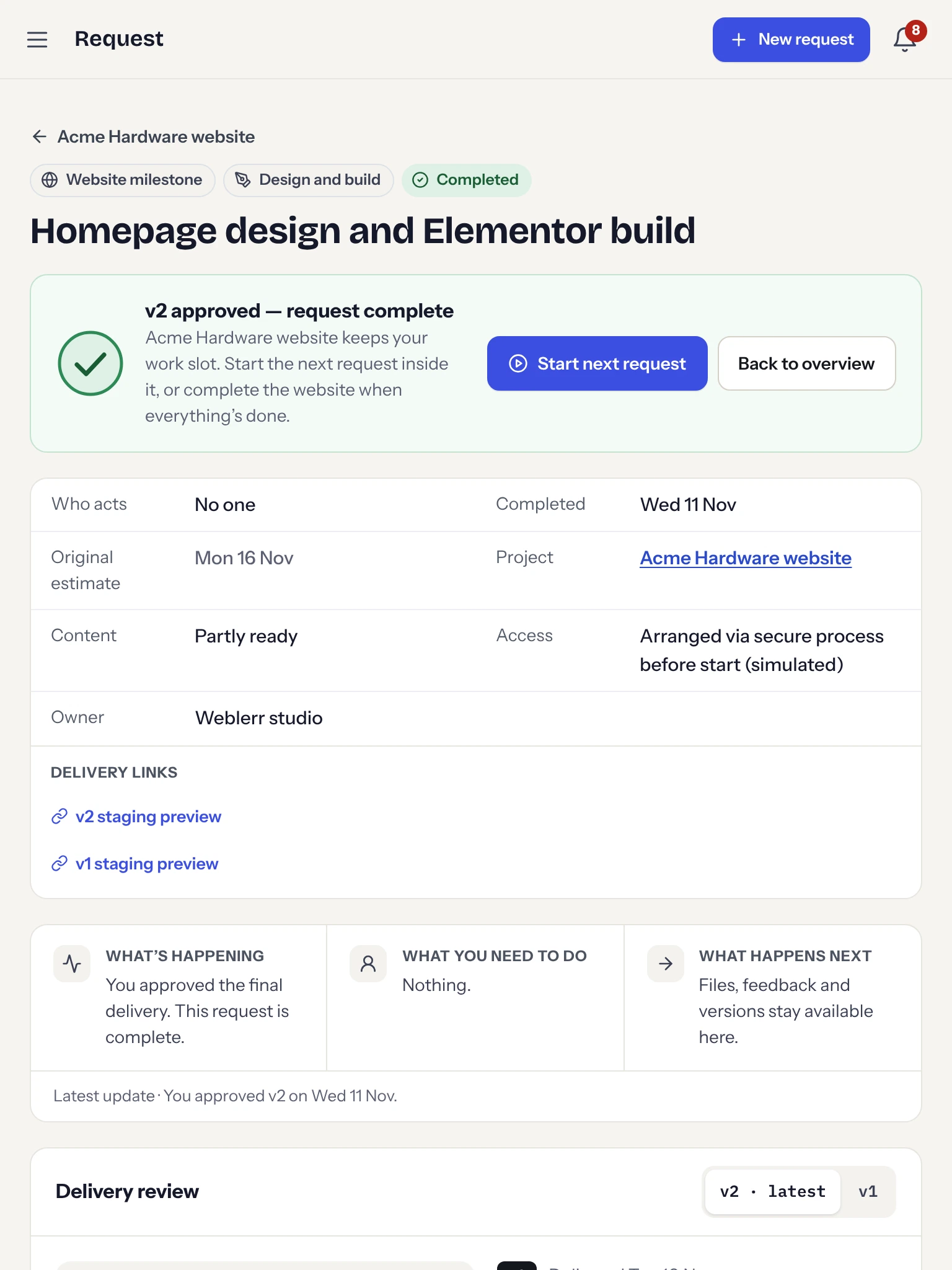
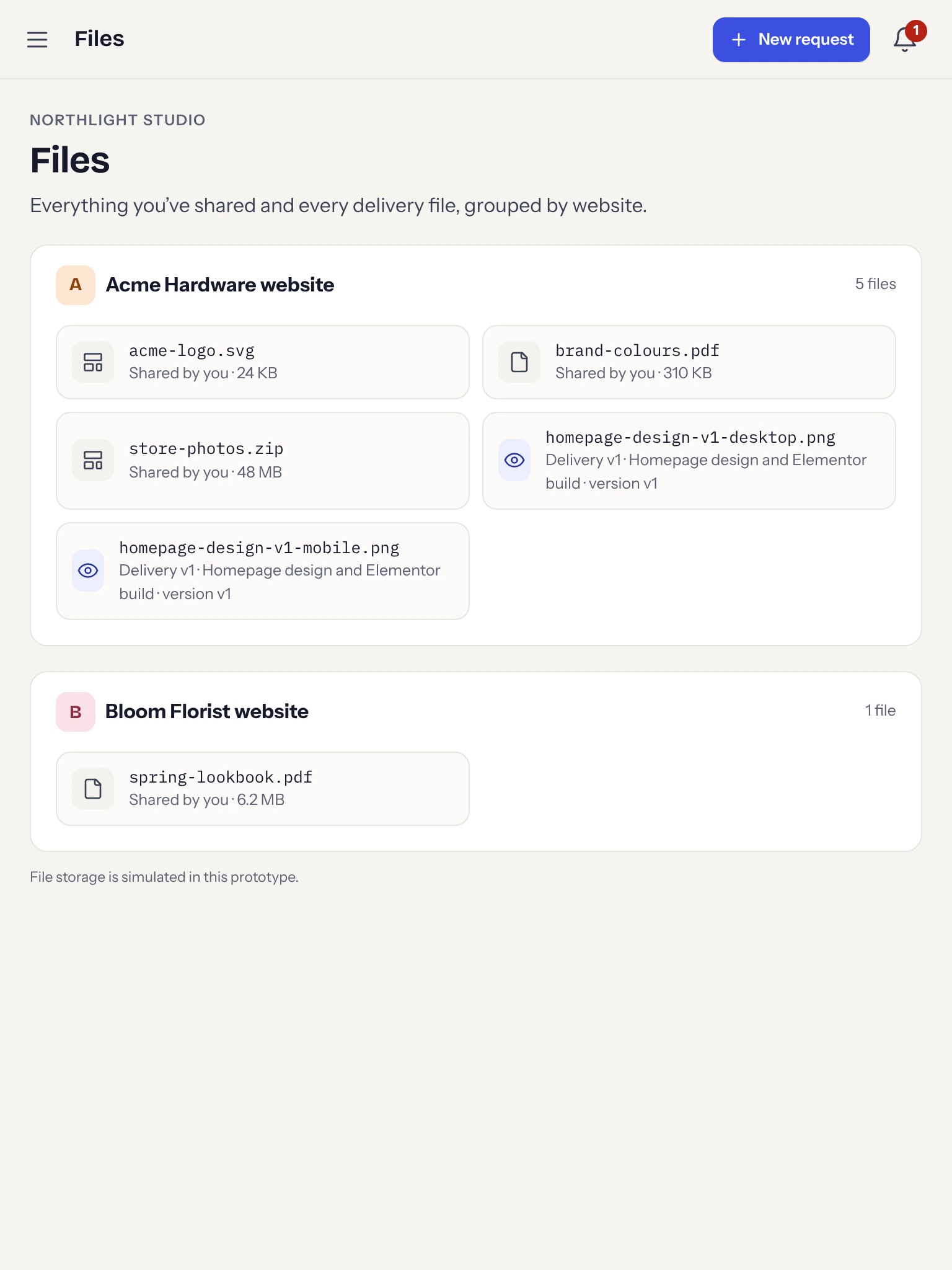
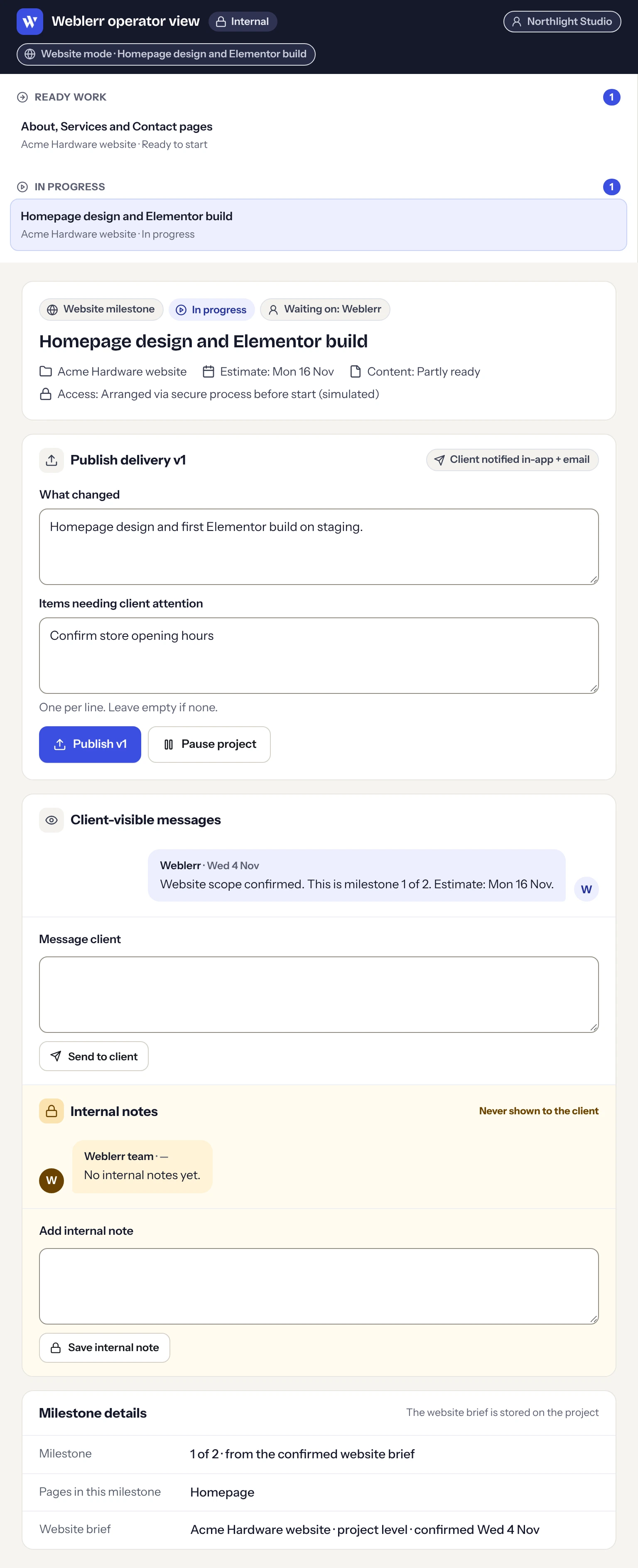
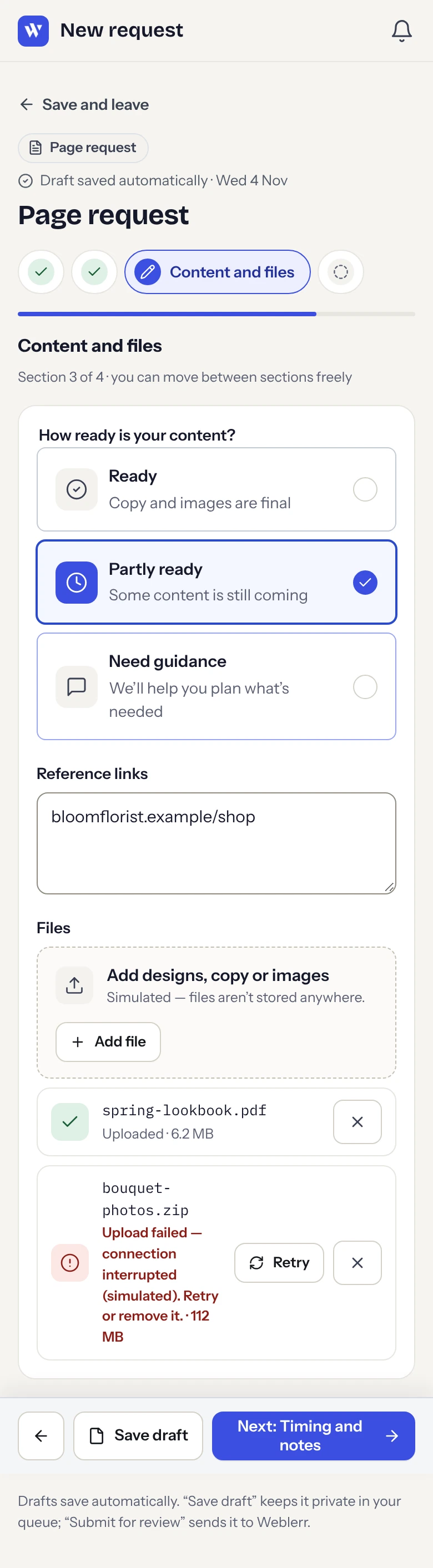
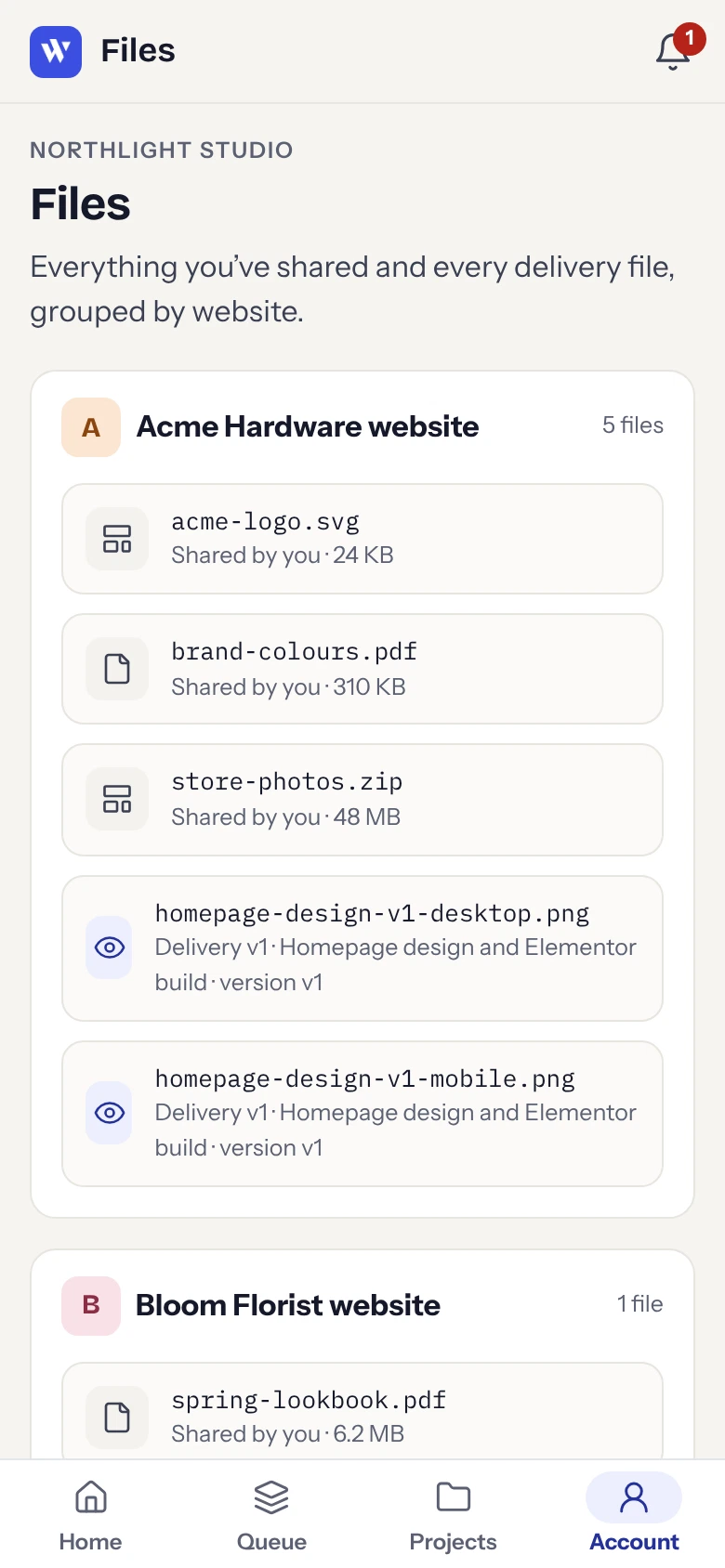
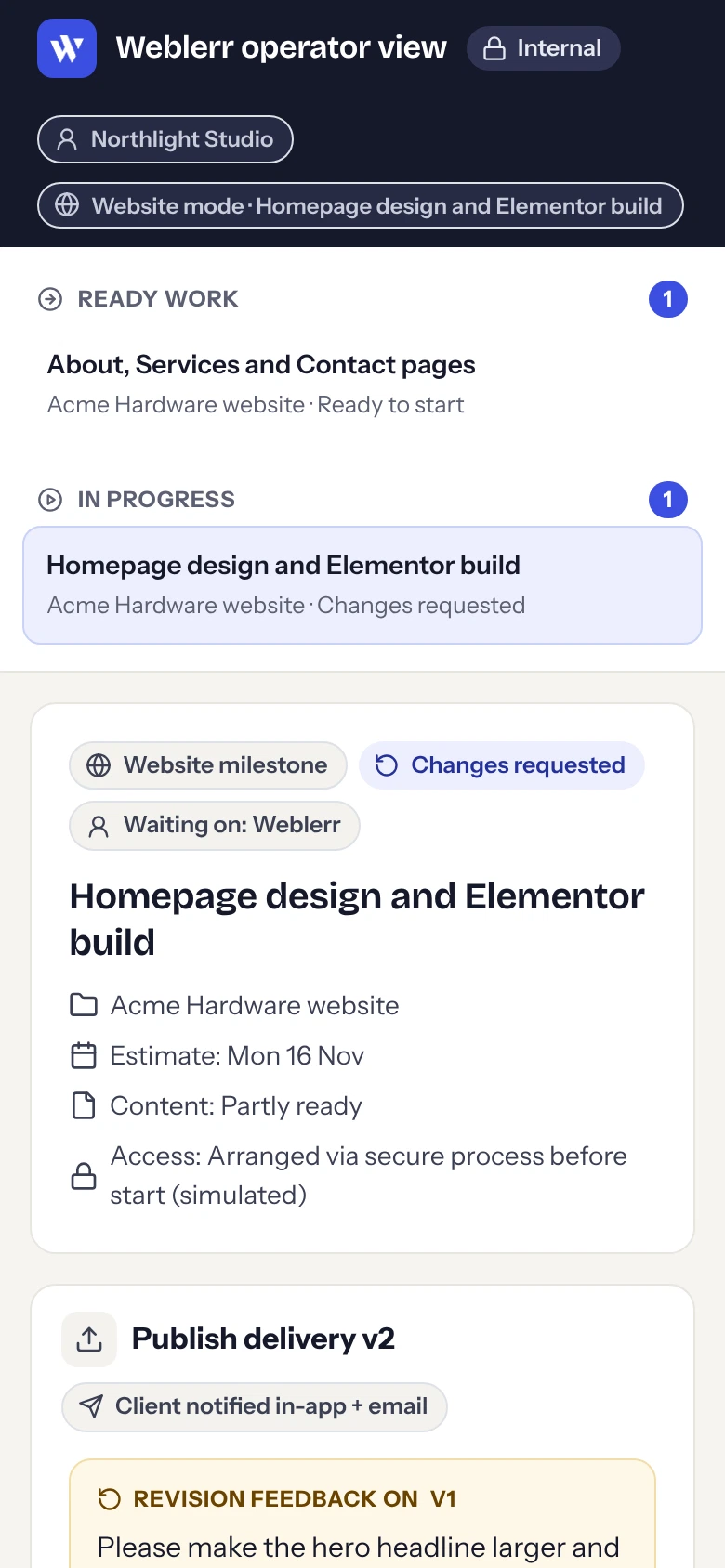
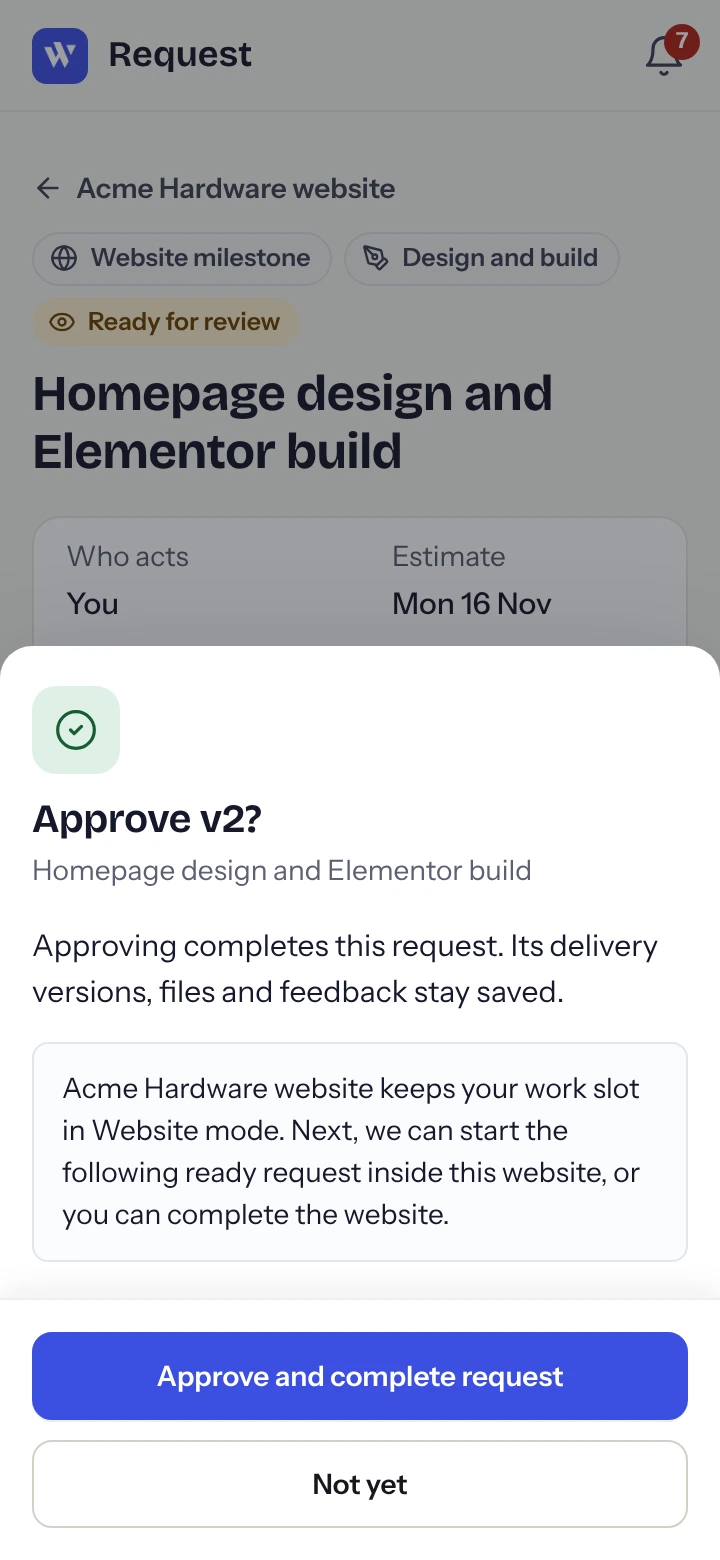
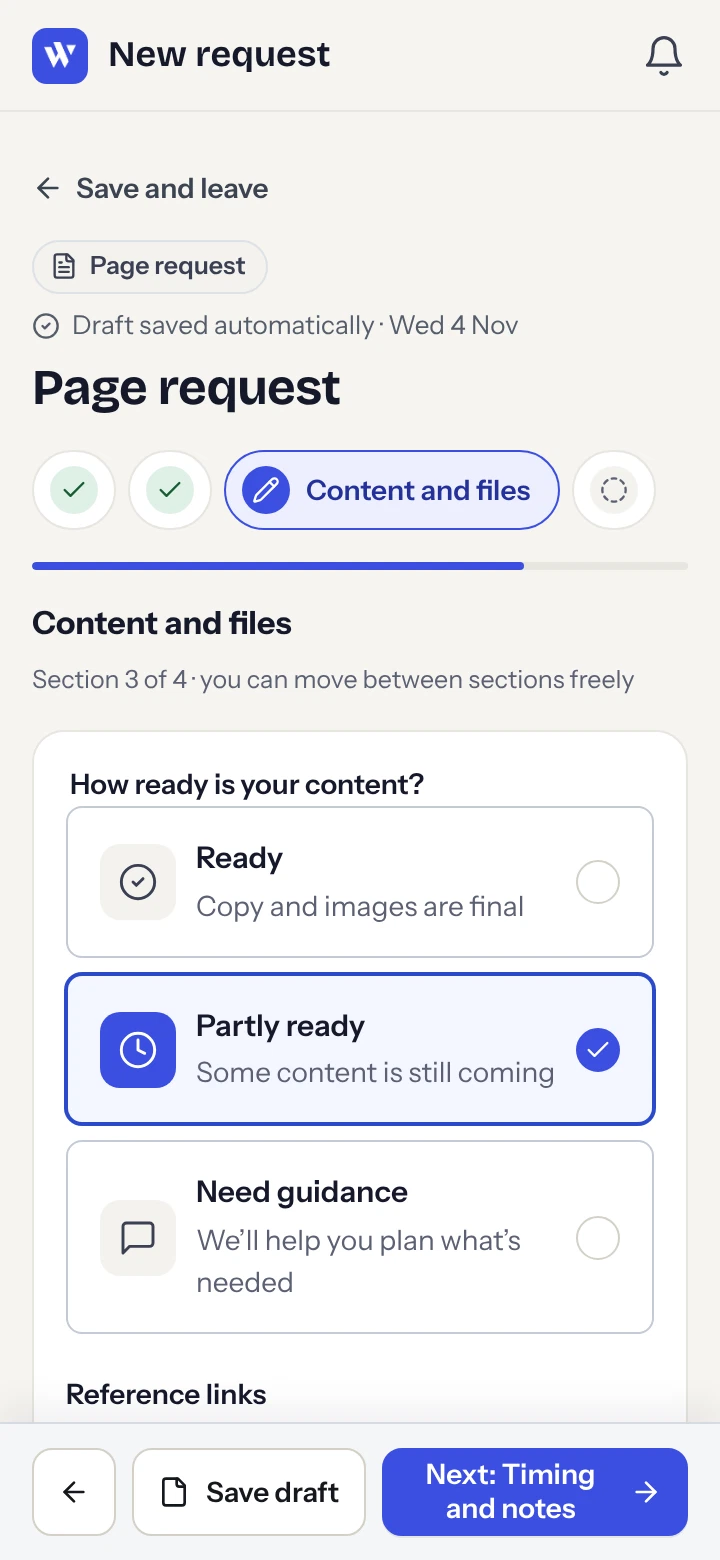
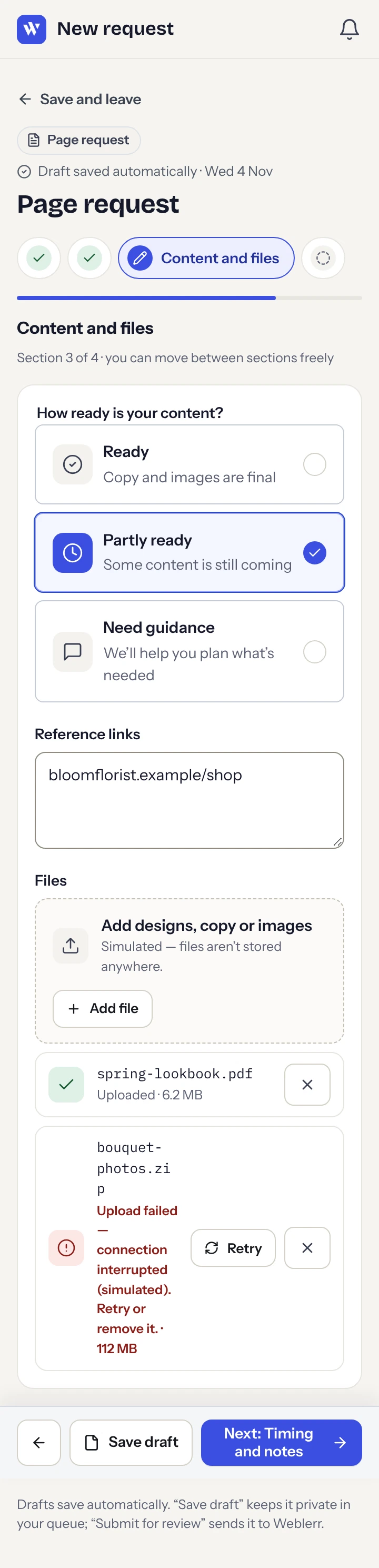
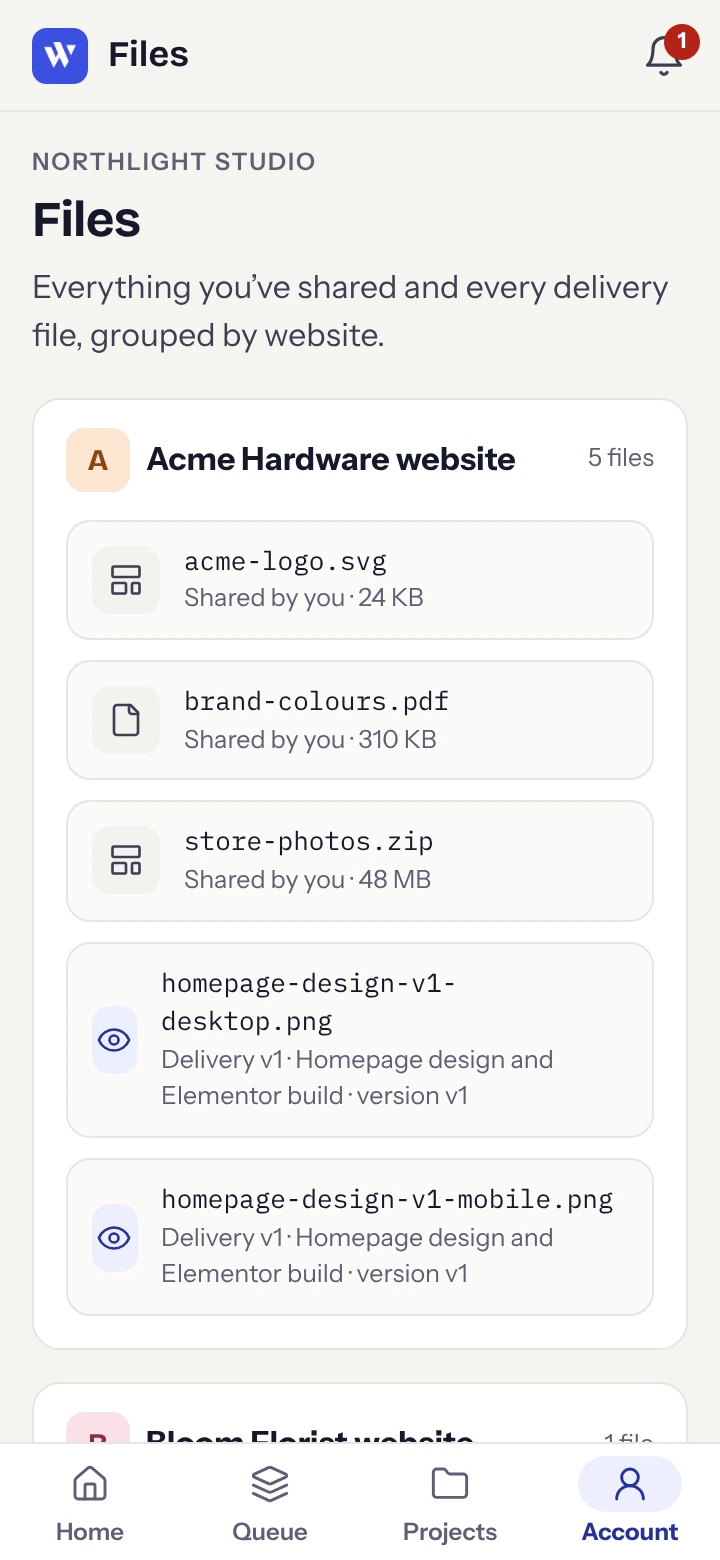
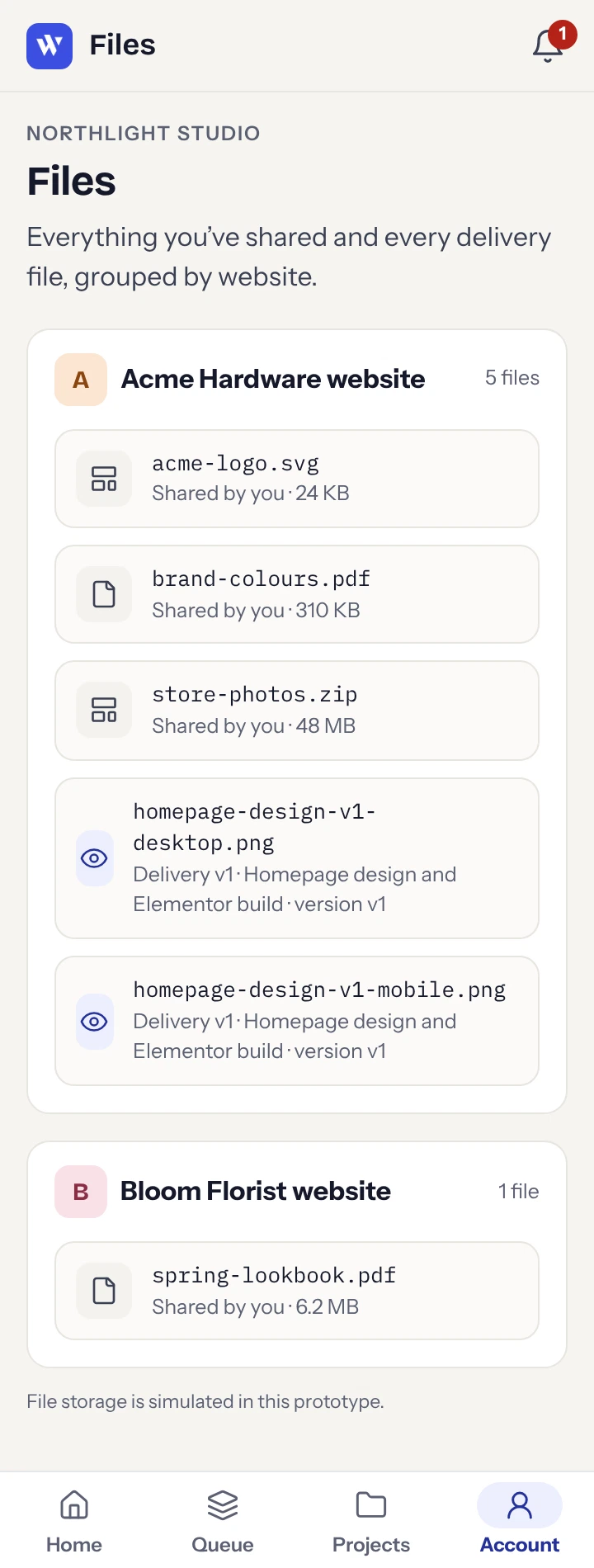
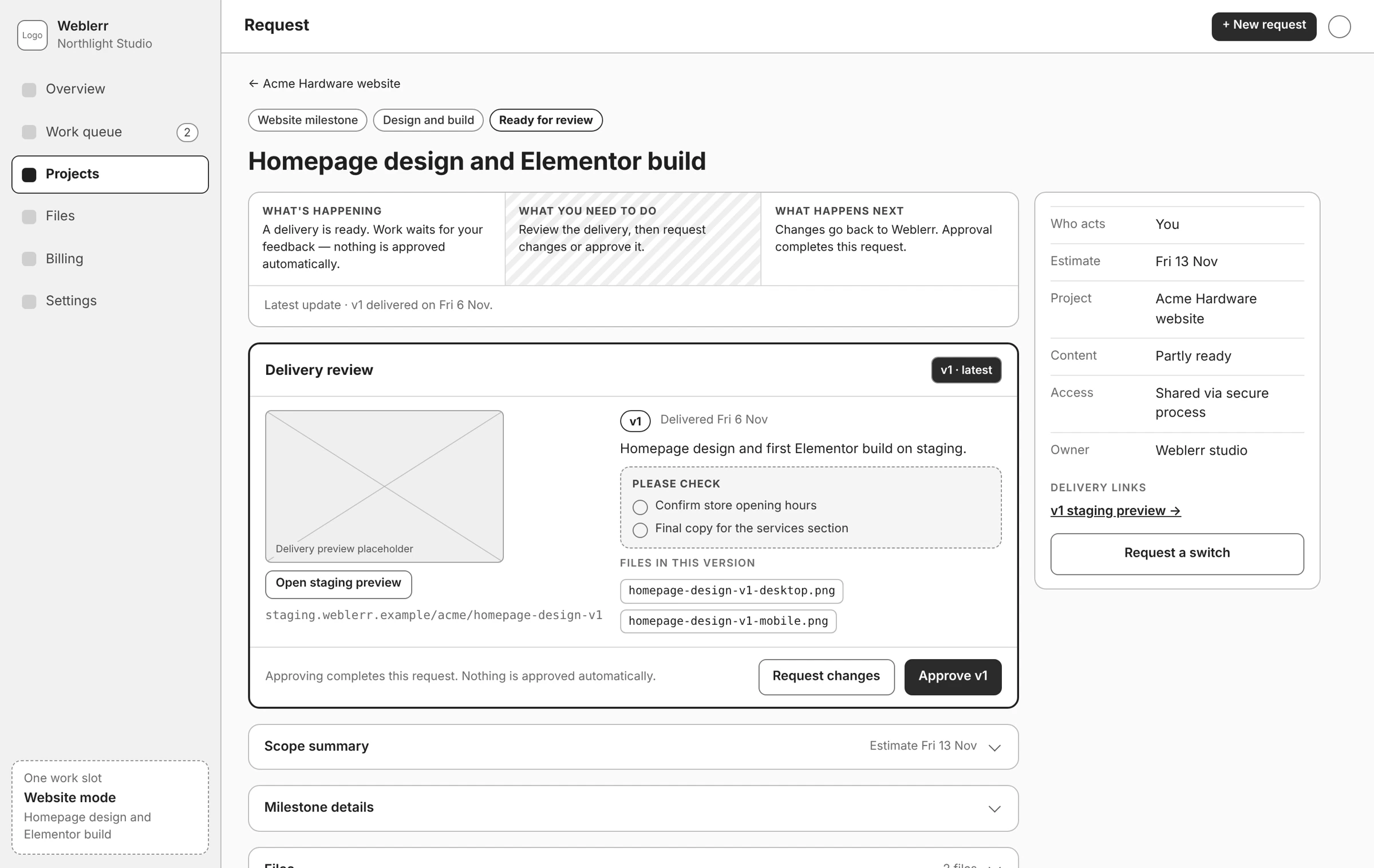
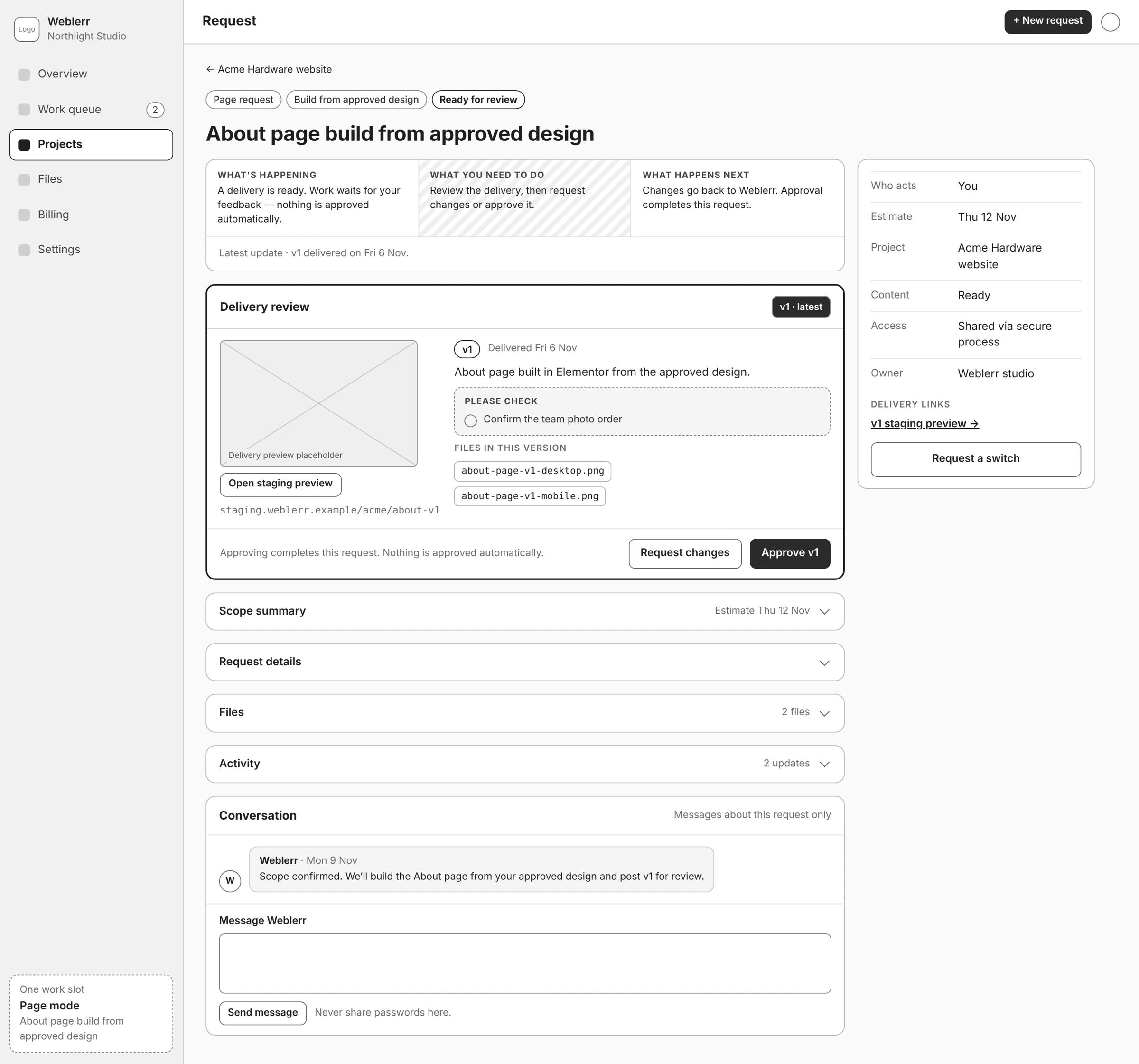
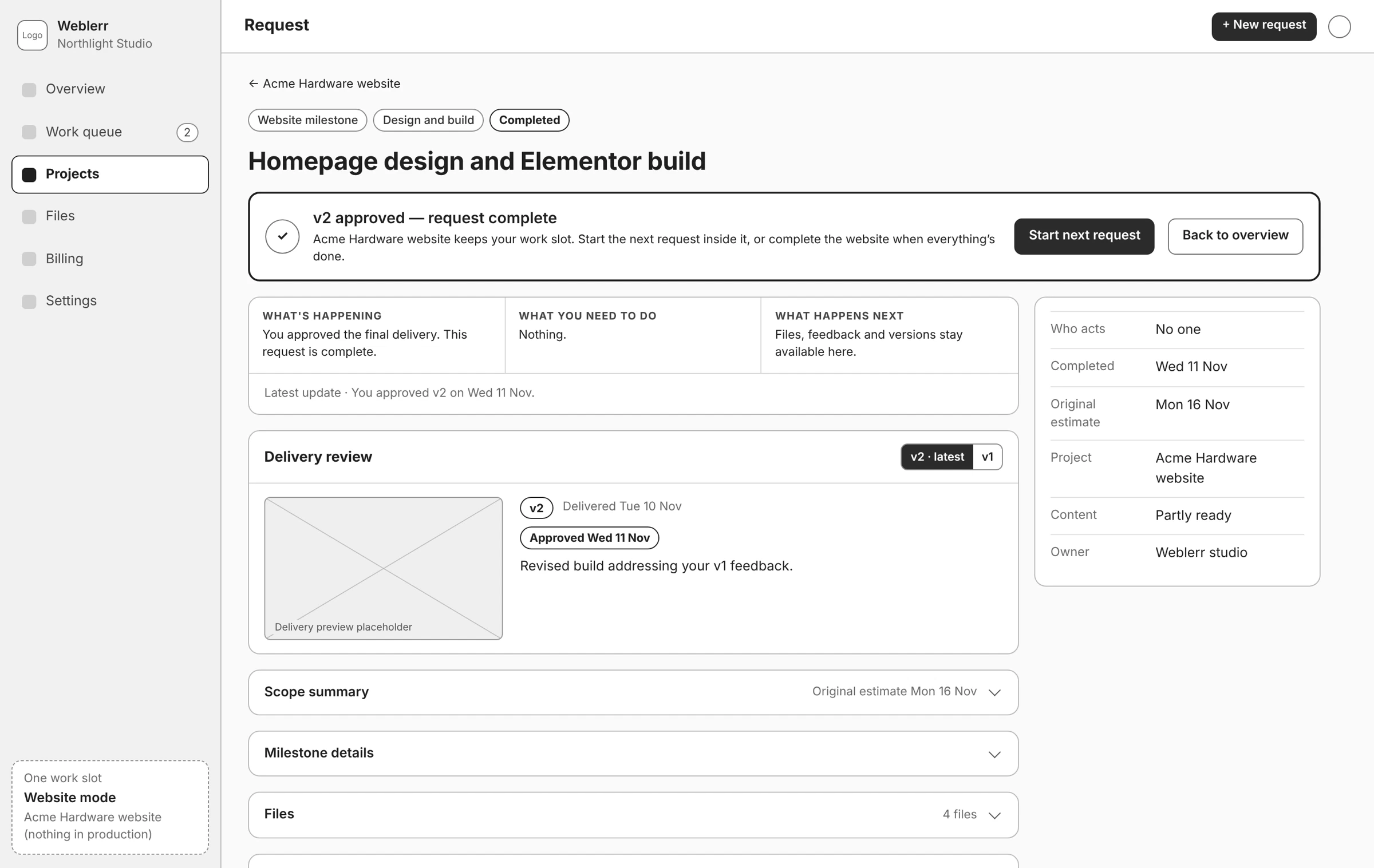
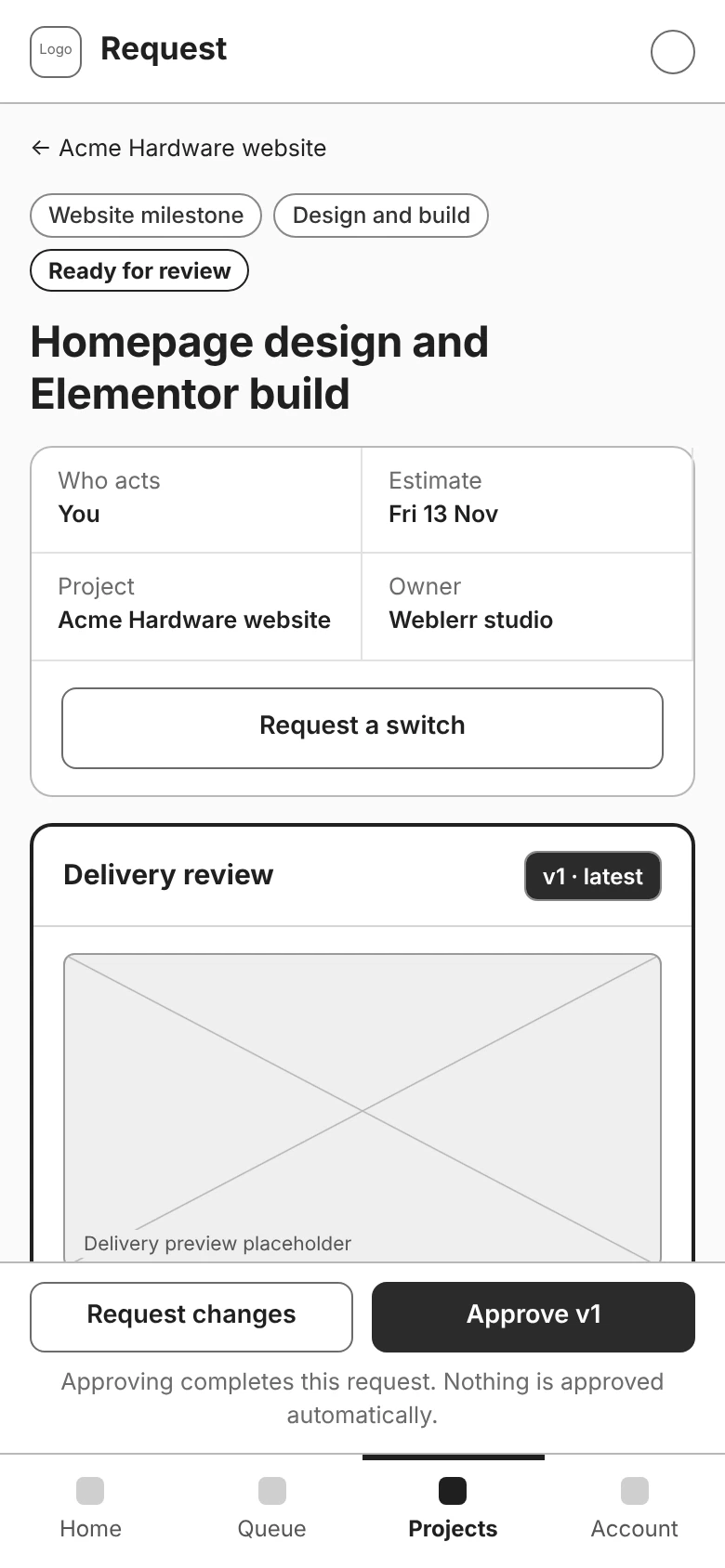
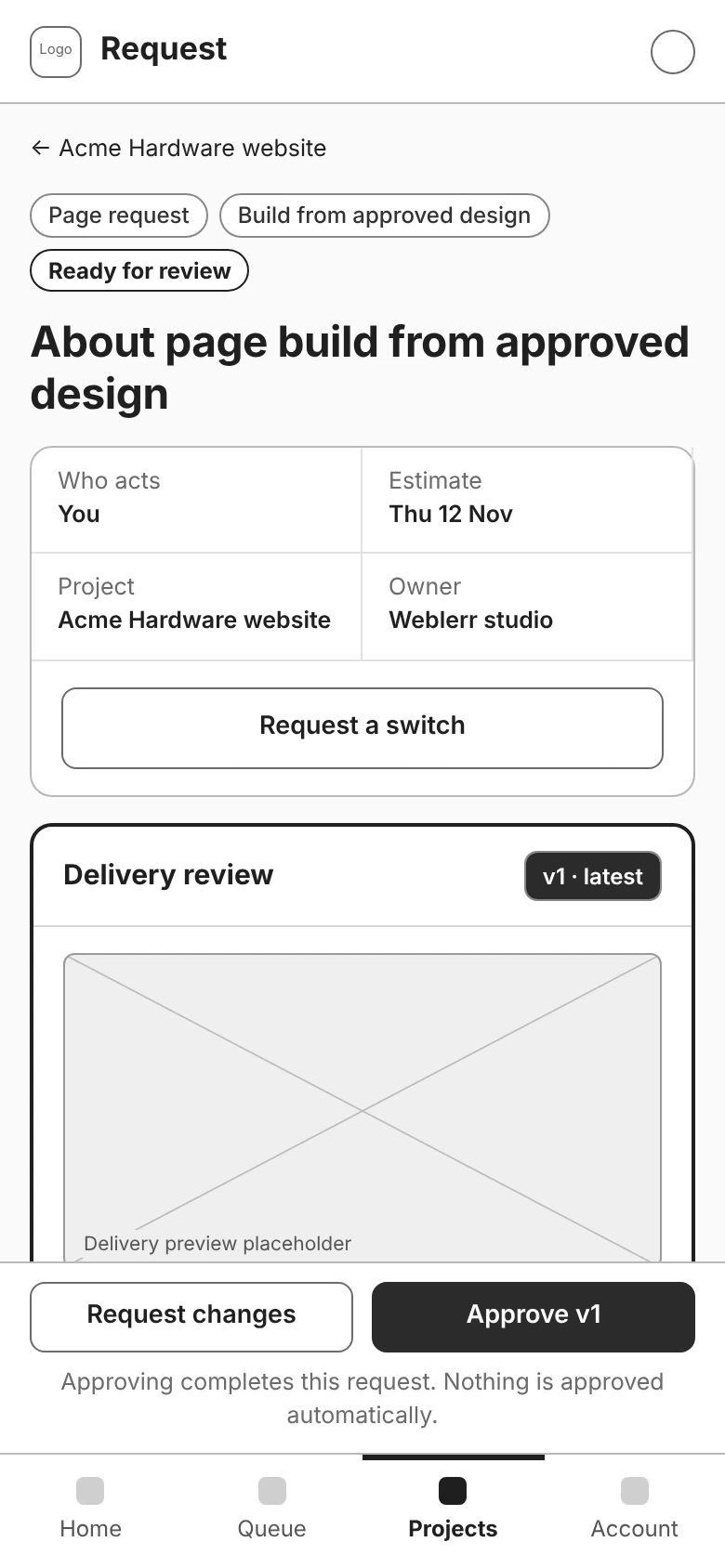
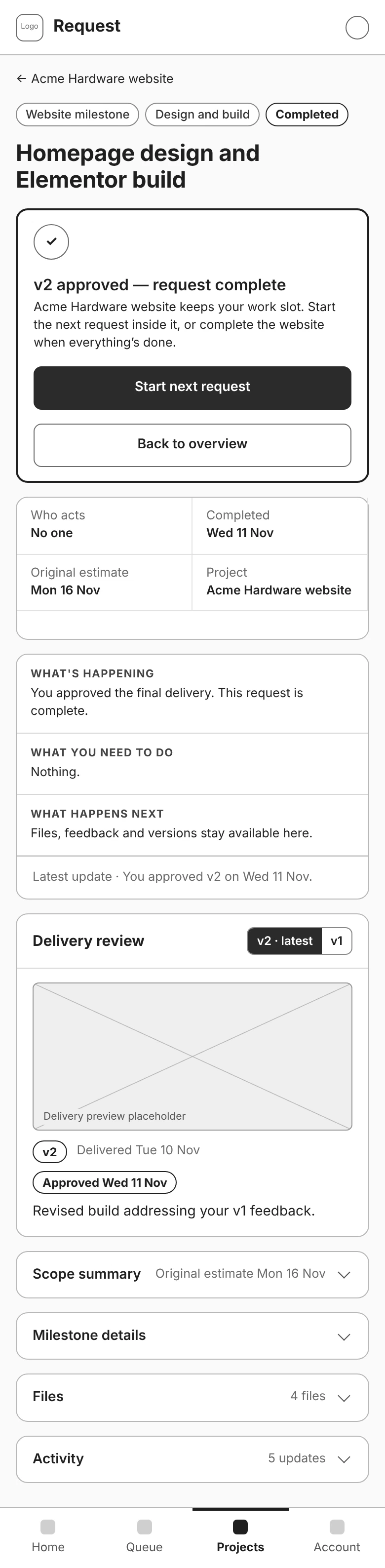
I brought the preview, files, and review checklist together so clients can look over the work before approving it or asking for changes.
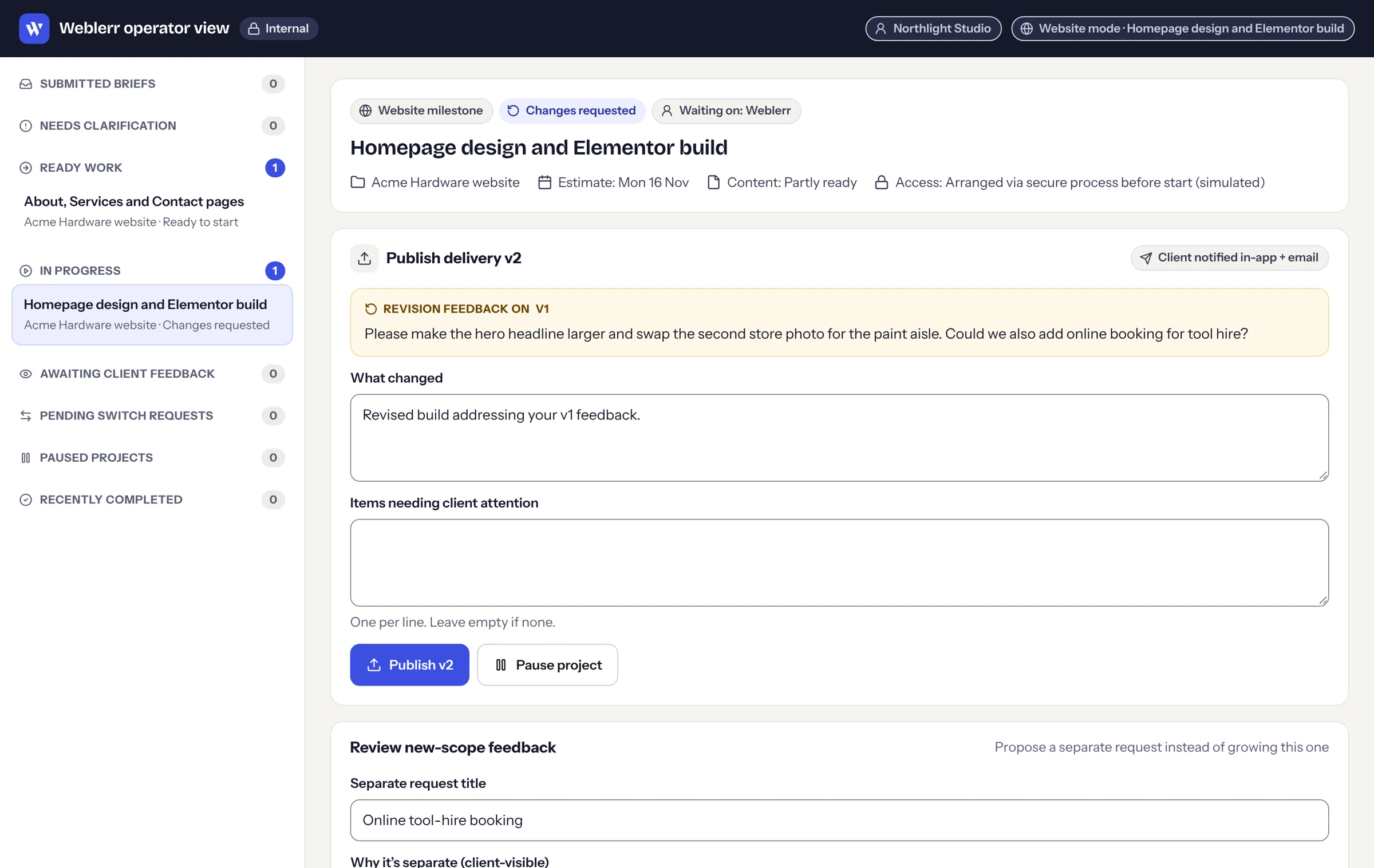
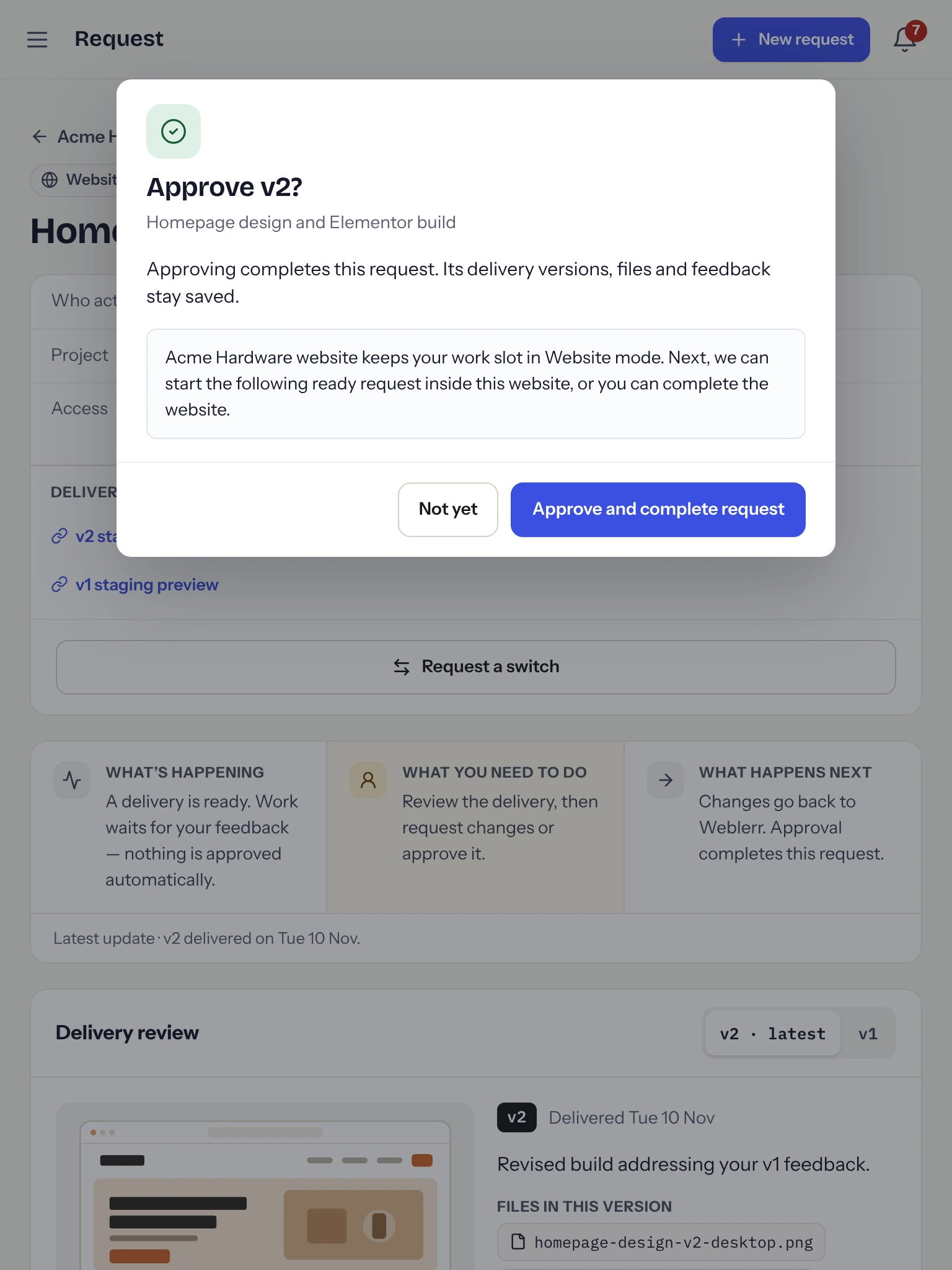
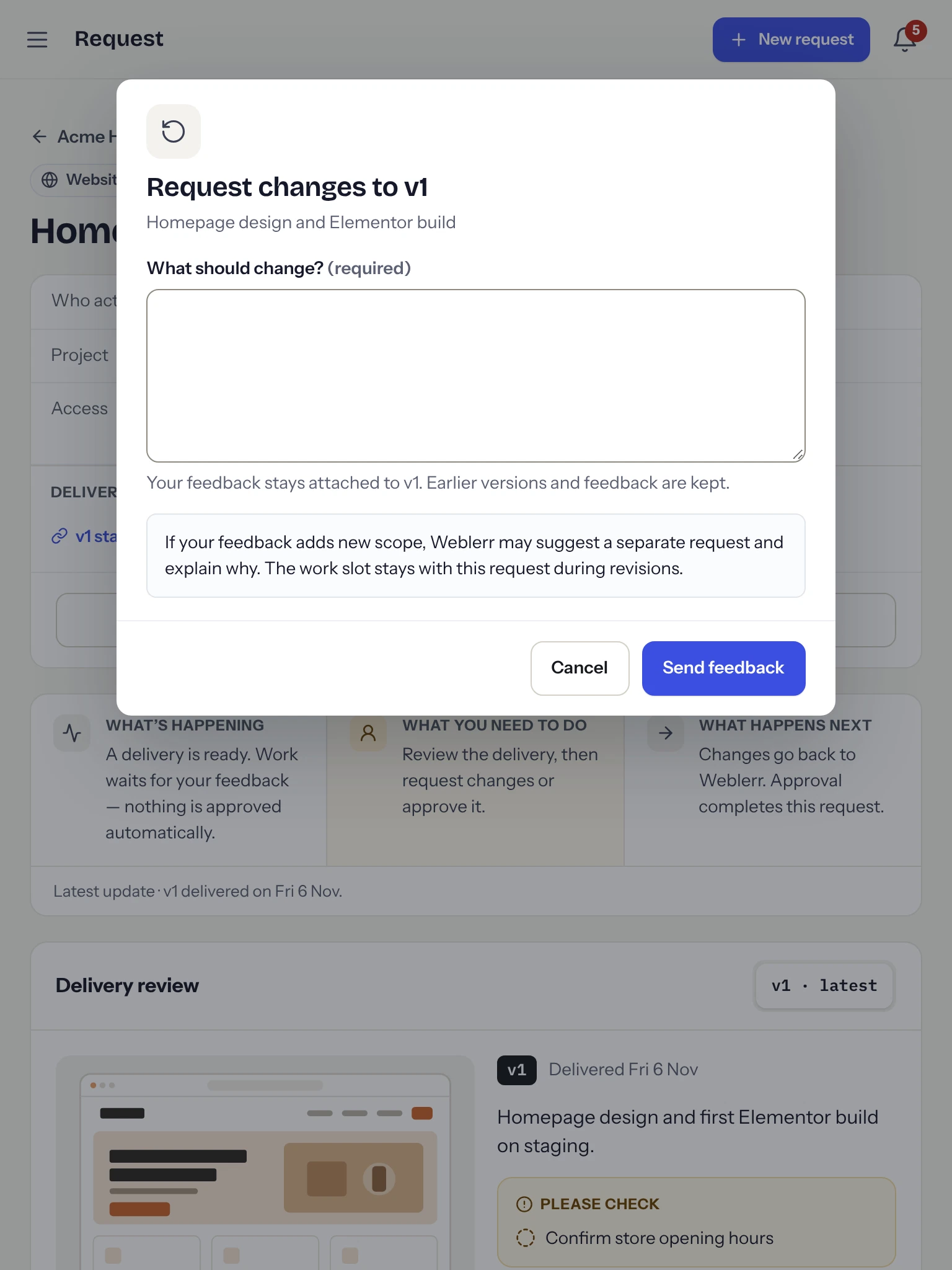
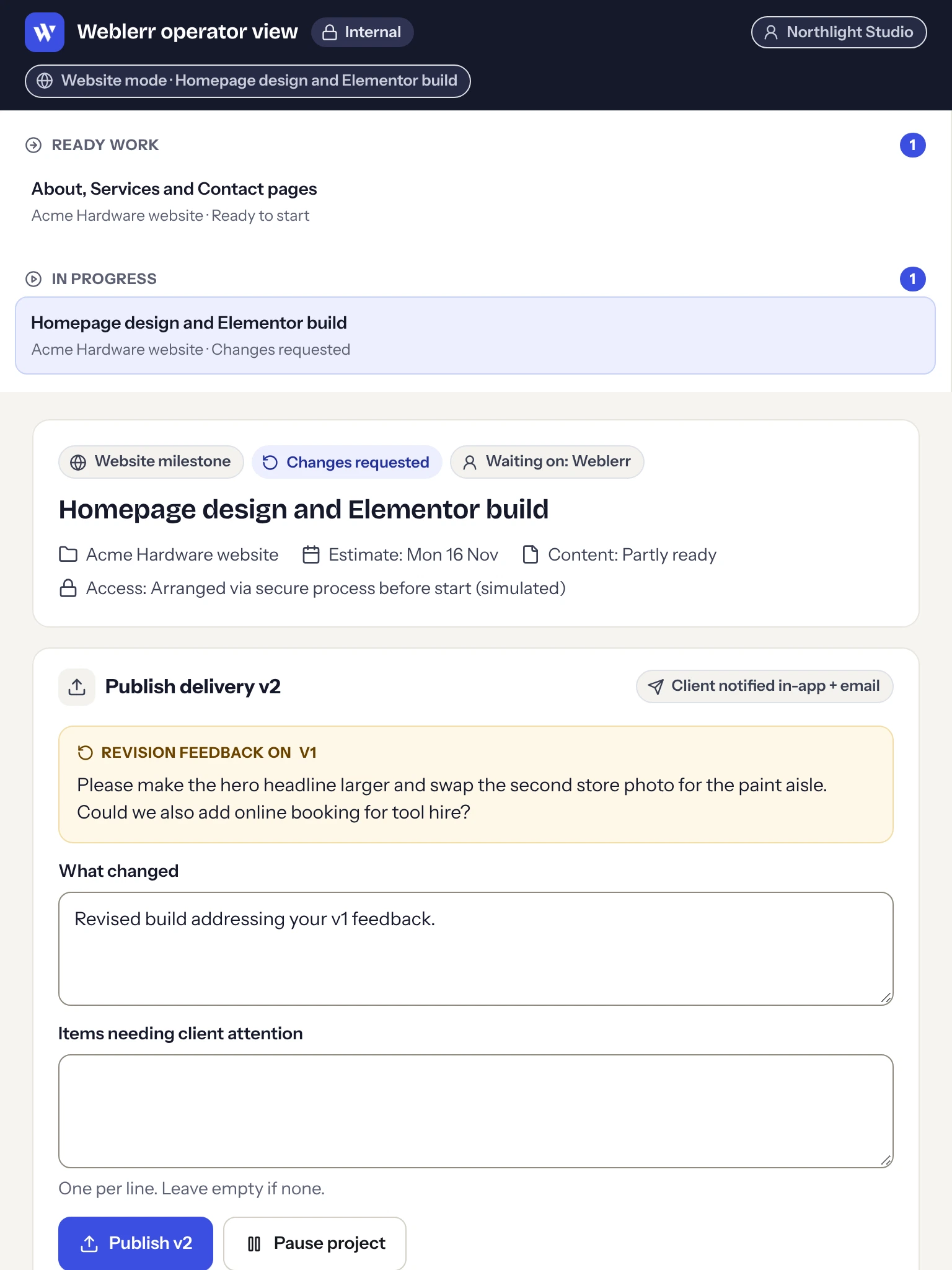
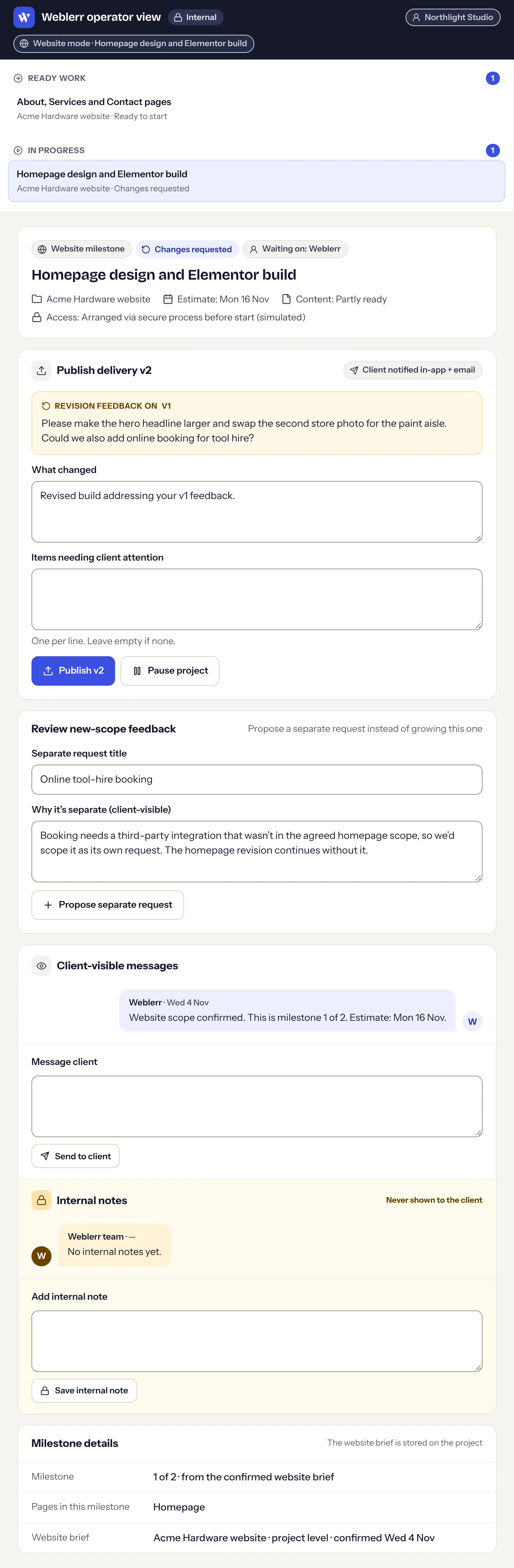
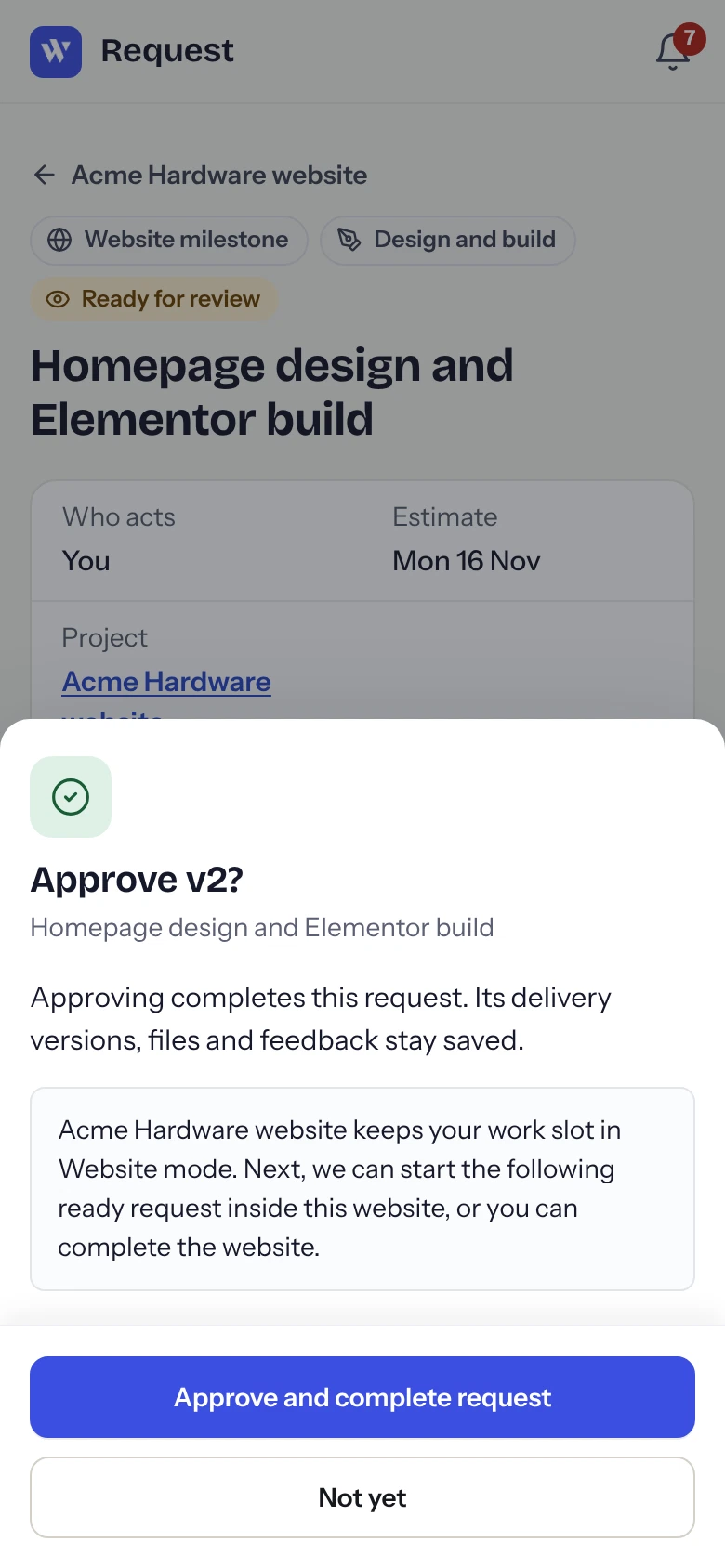
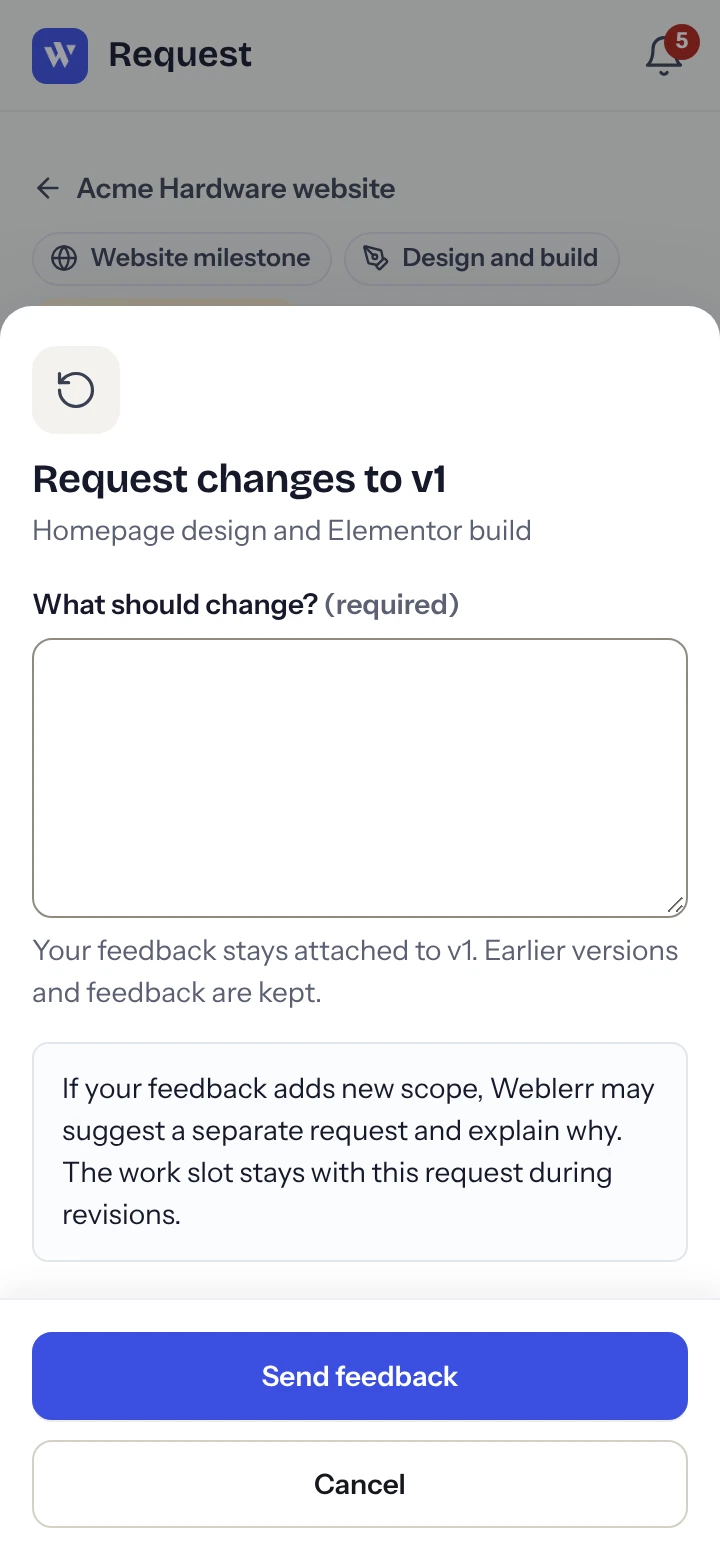
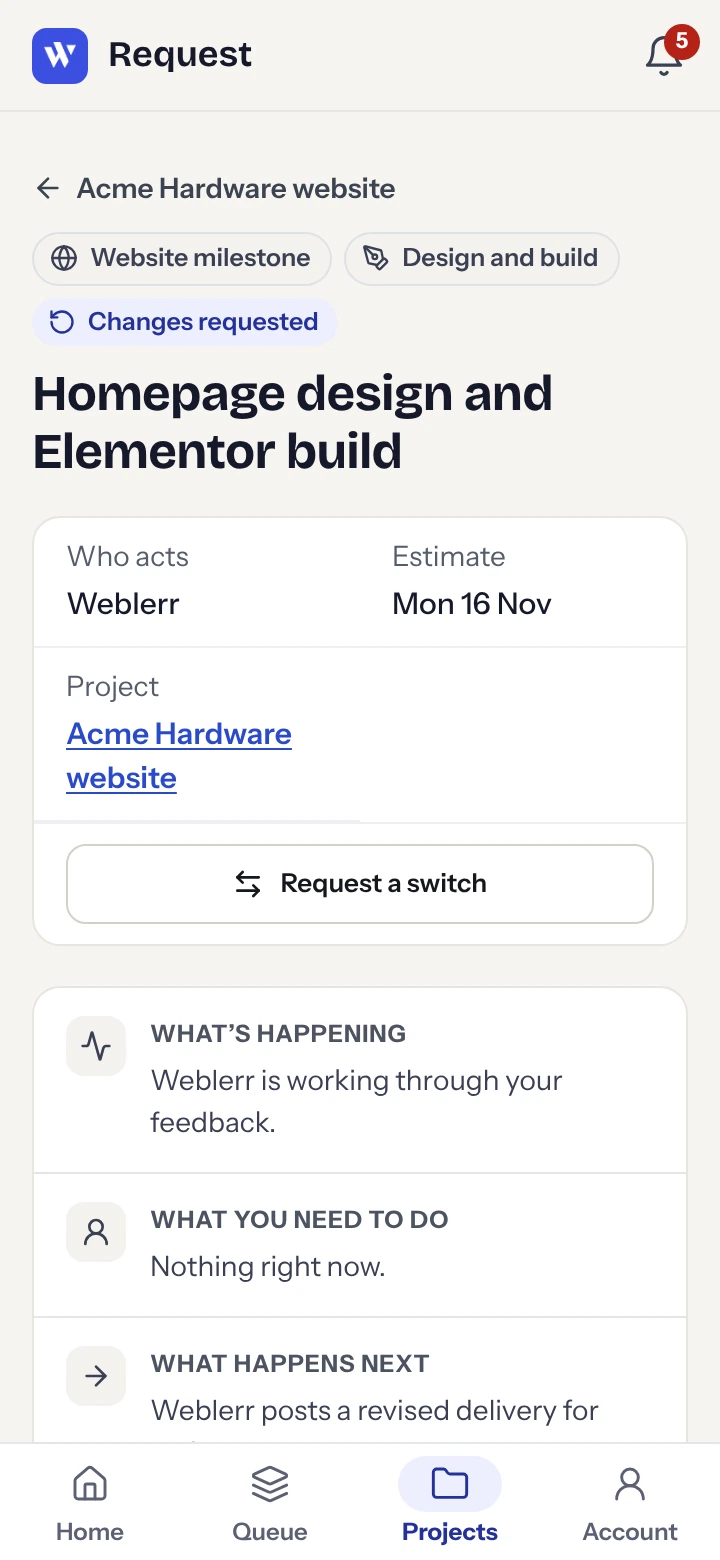
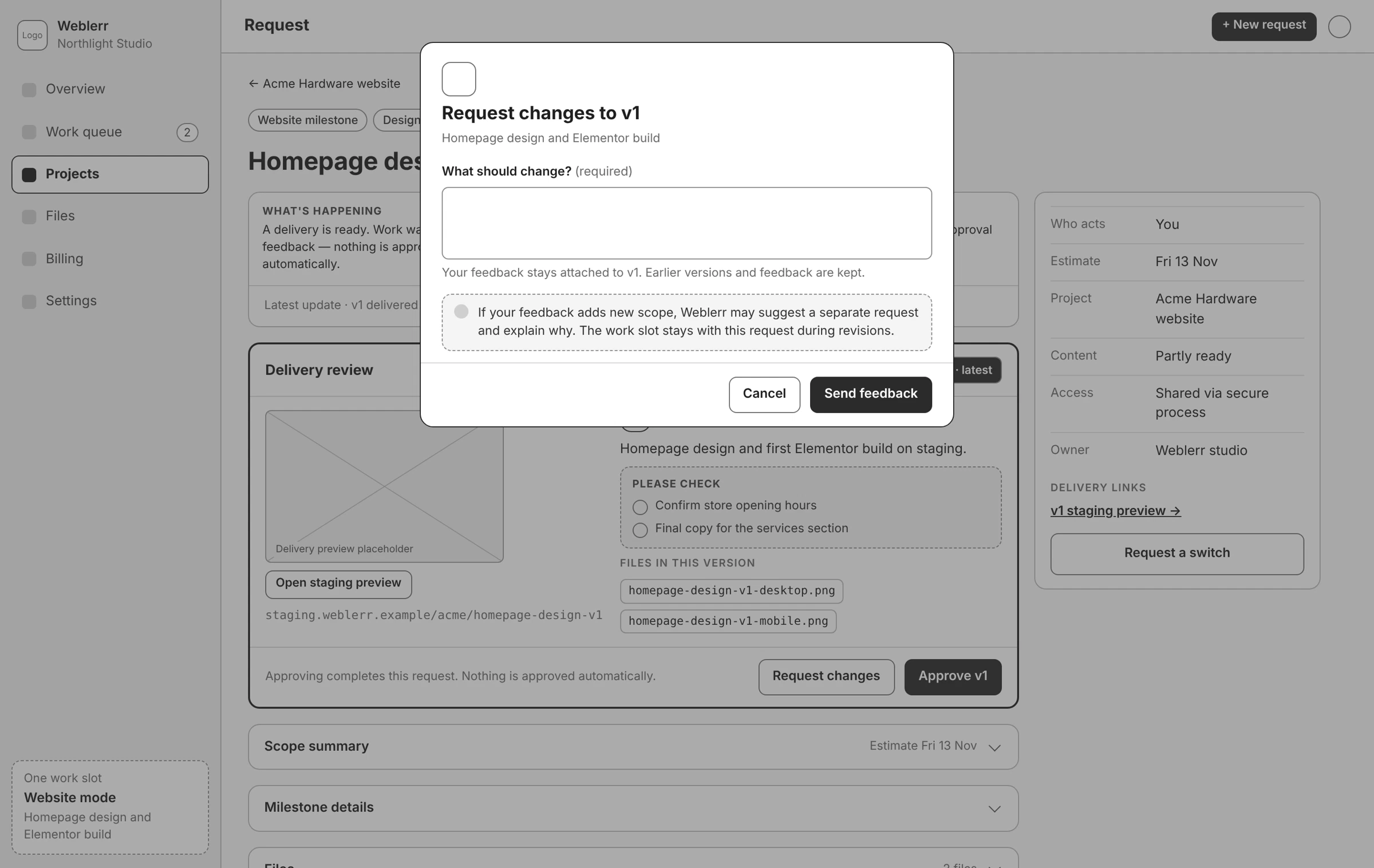
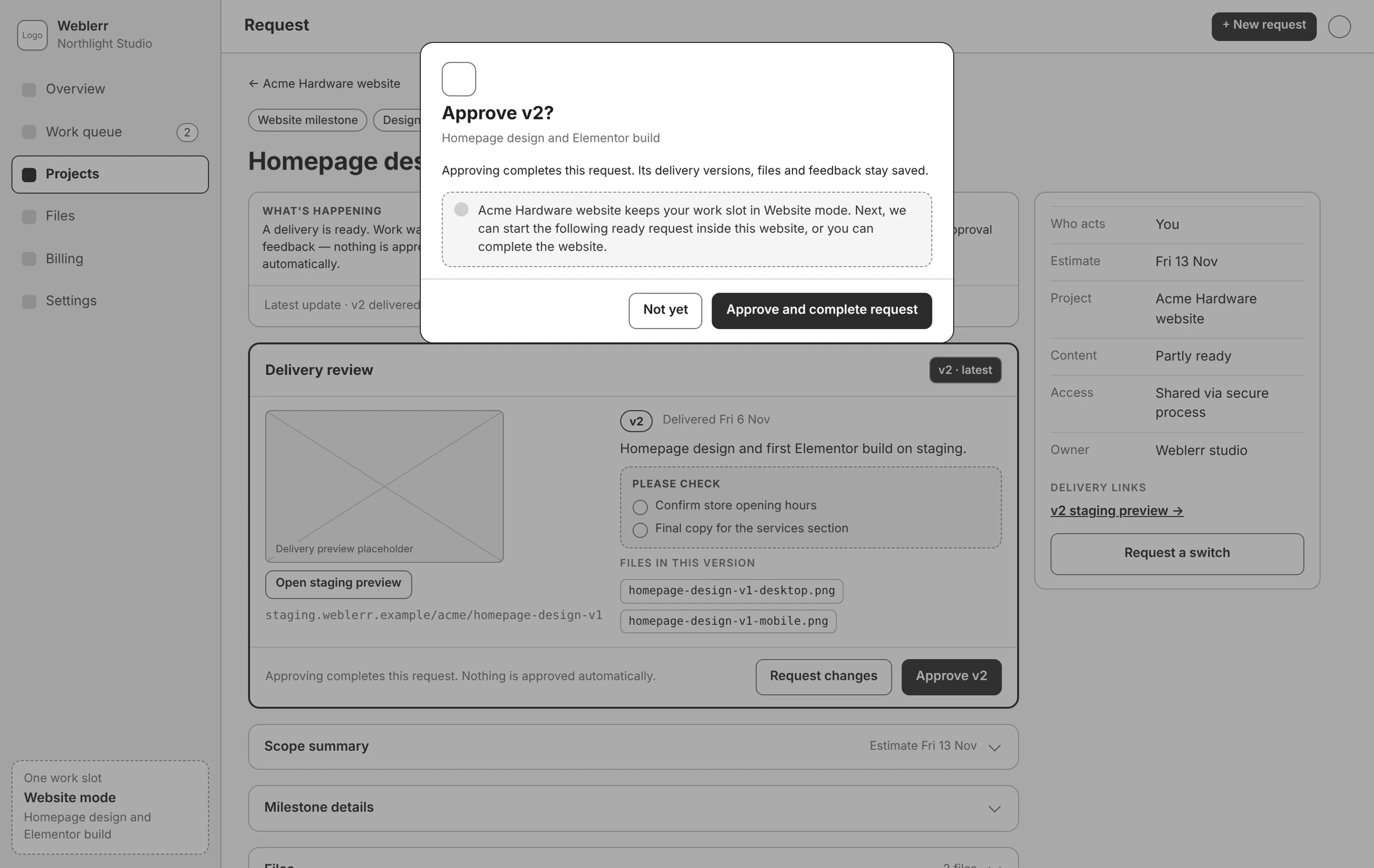
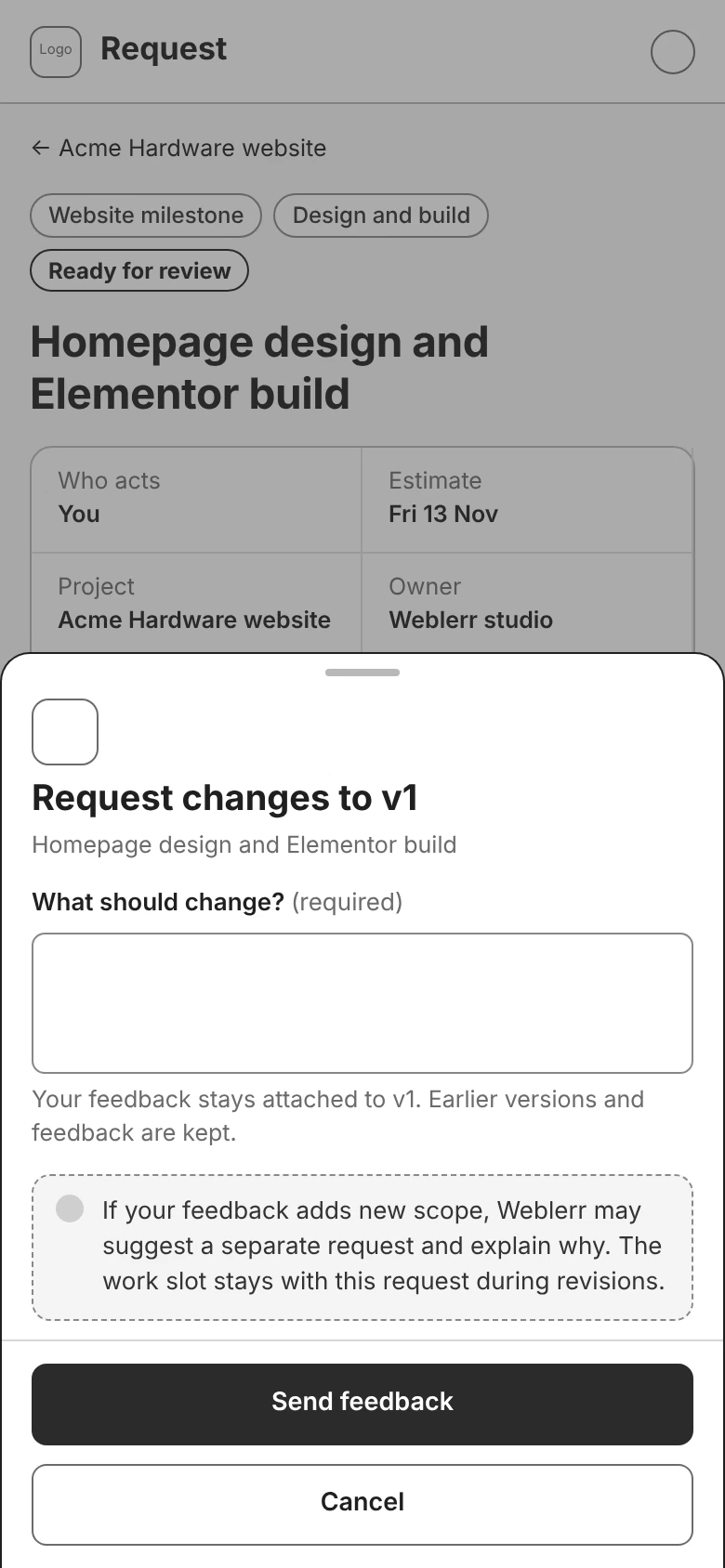
Feedback stays with the version it was written for. If a client asks for a change on the first delivery and receives a second version, they can still see what they commented on and why. Approving a milestone completes that request. The website project stays open while its other milestones are still in progress.

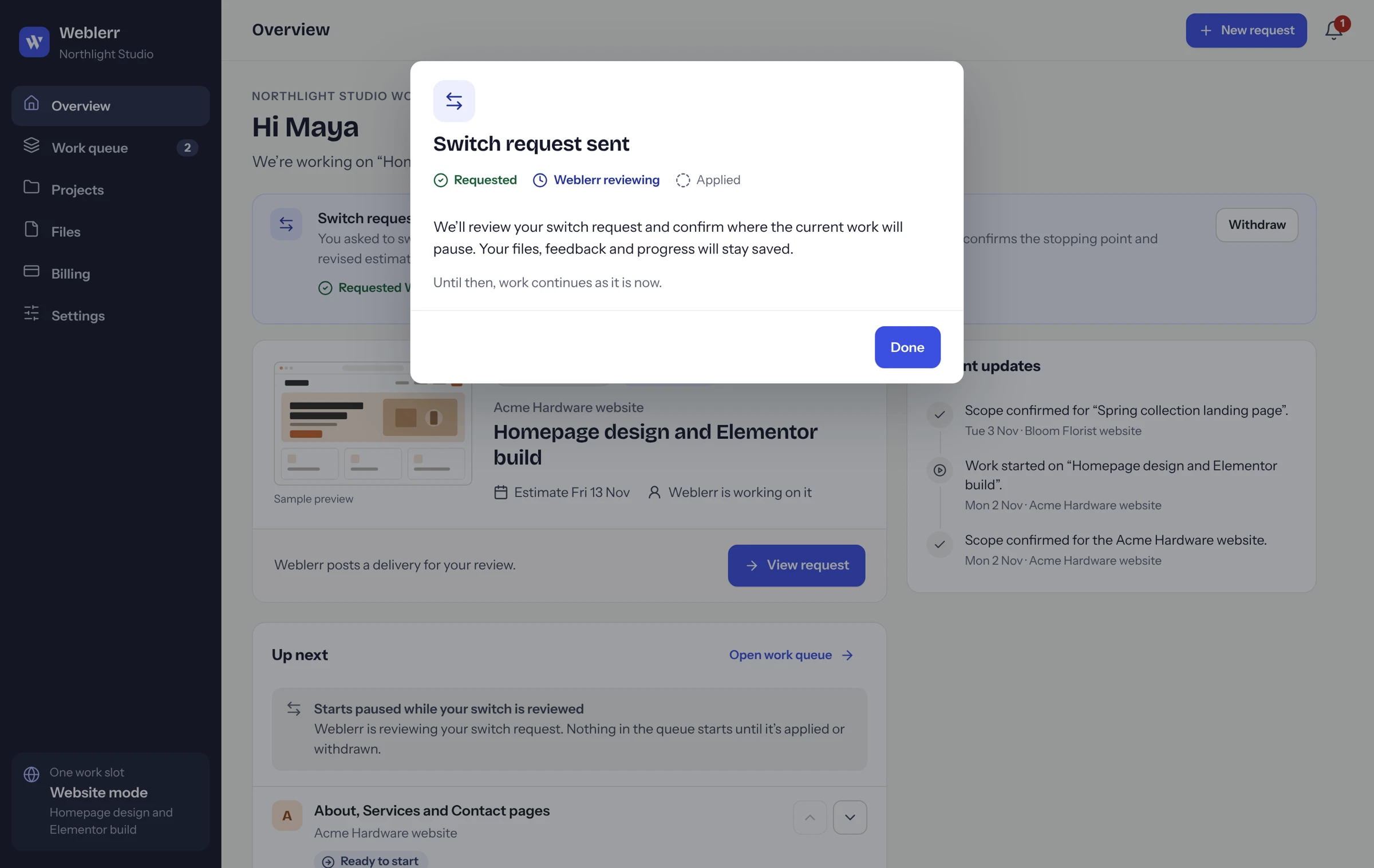
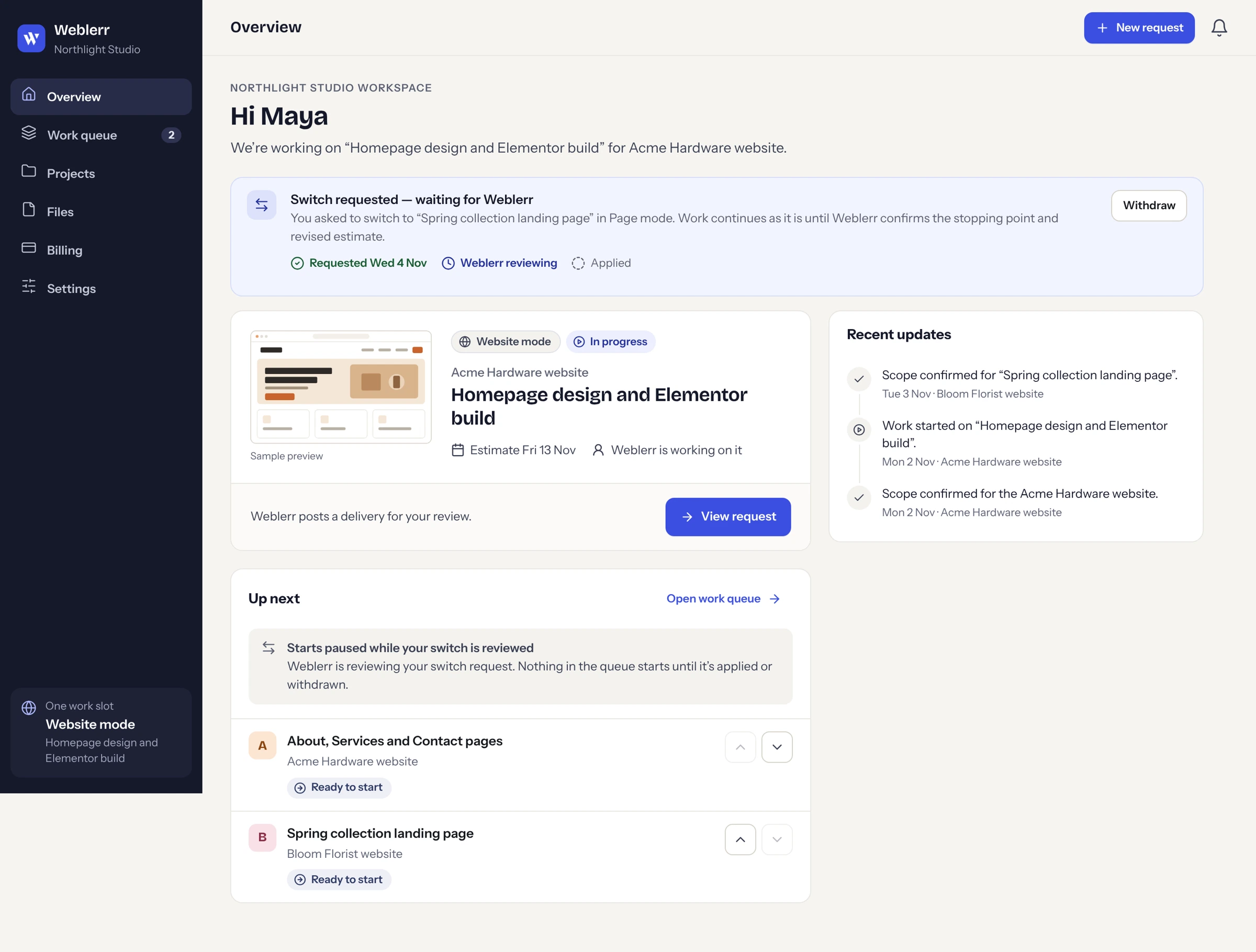
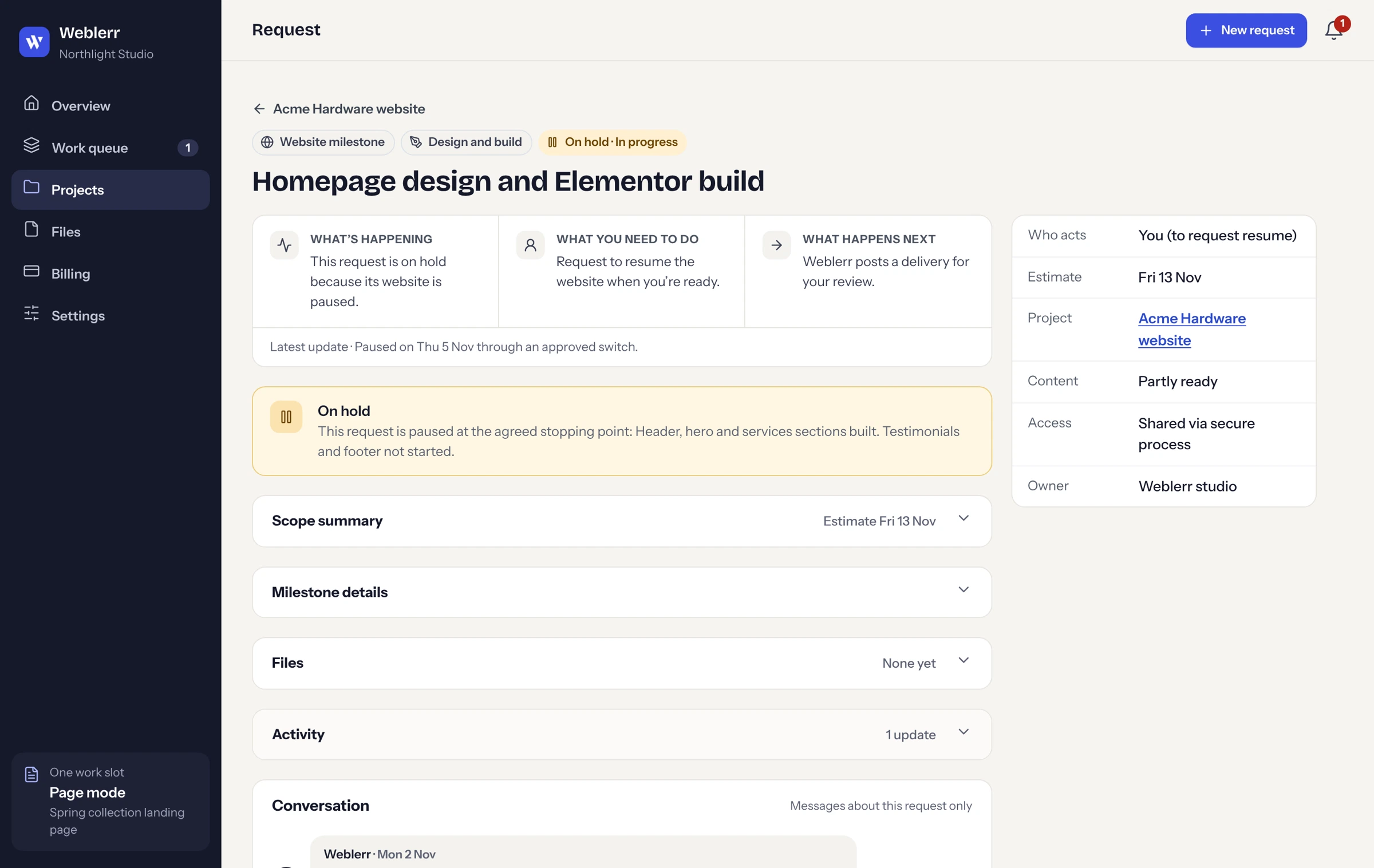
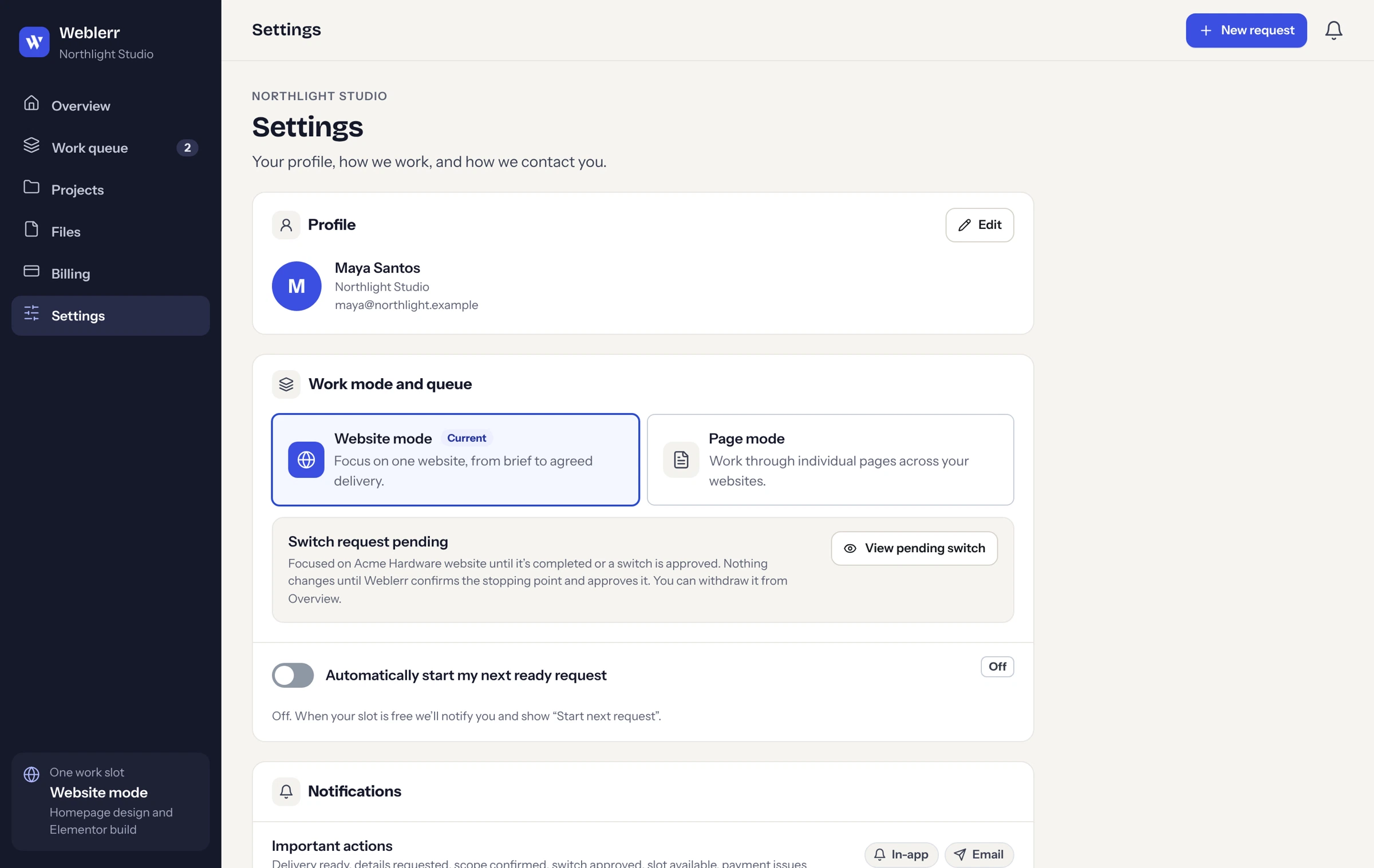
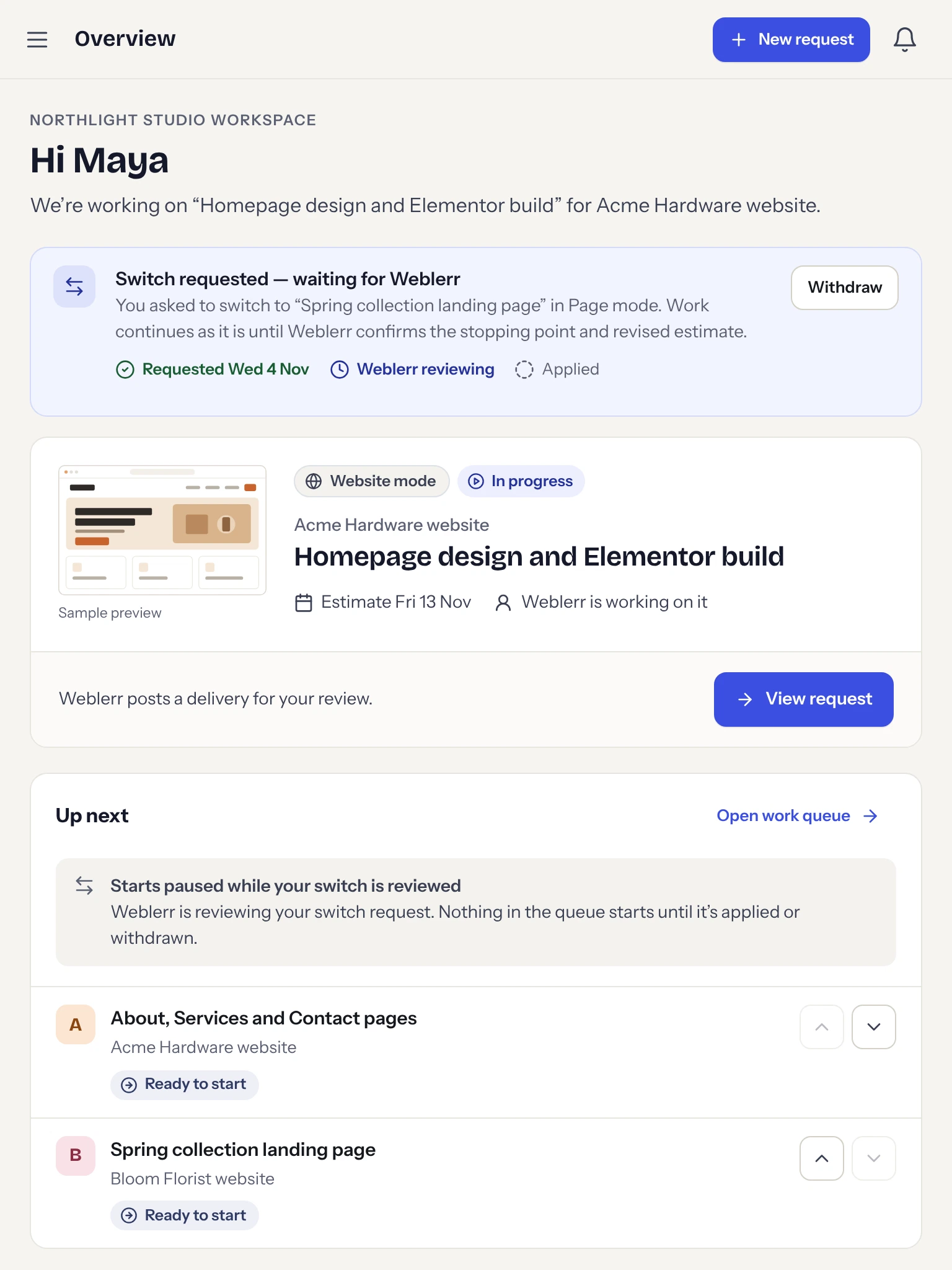
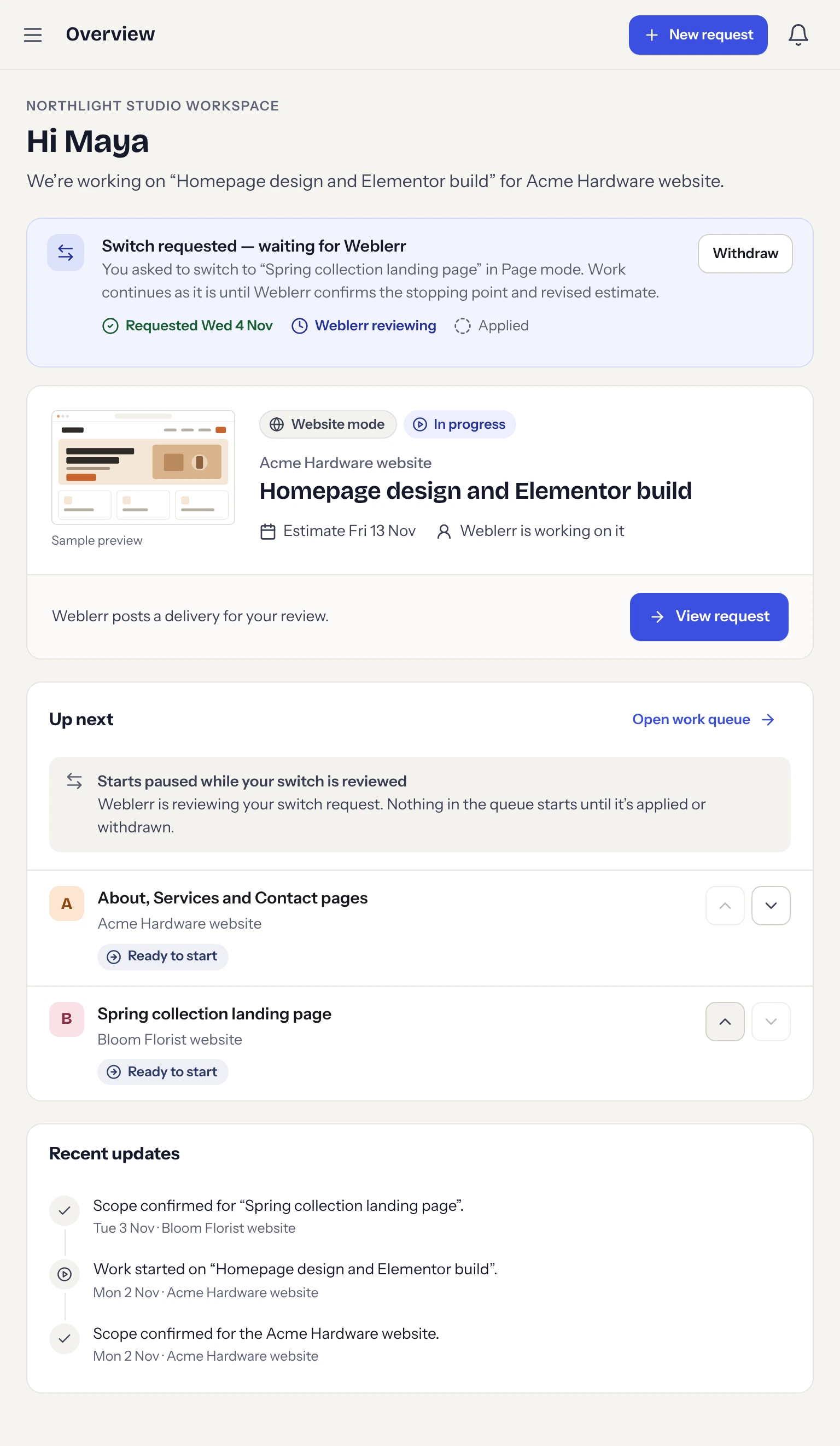
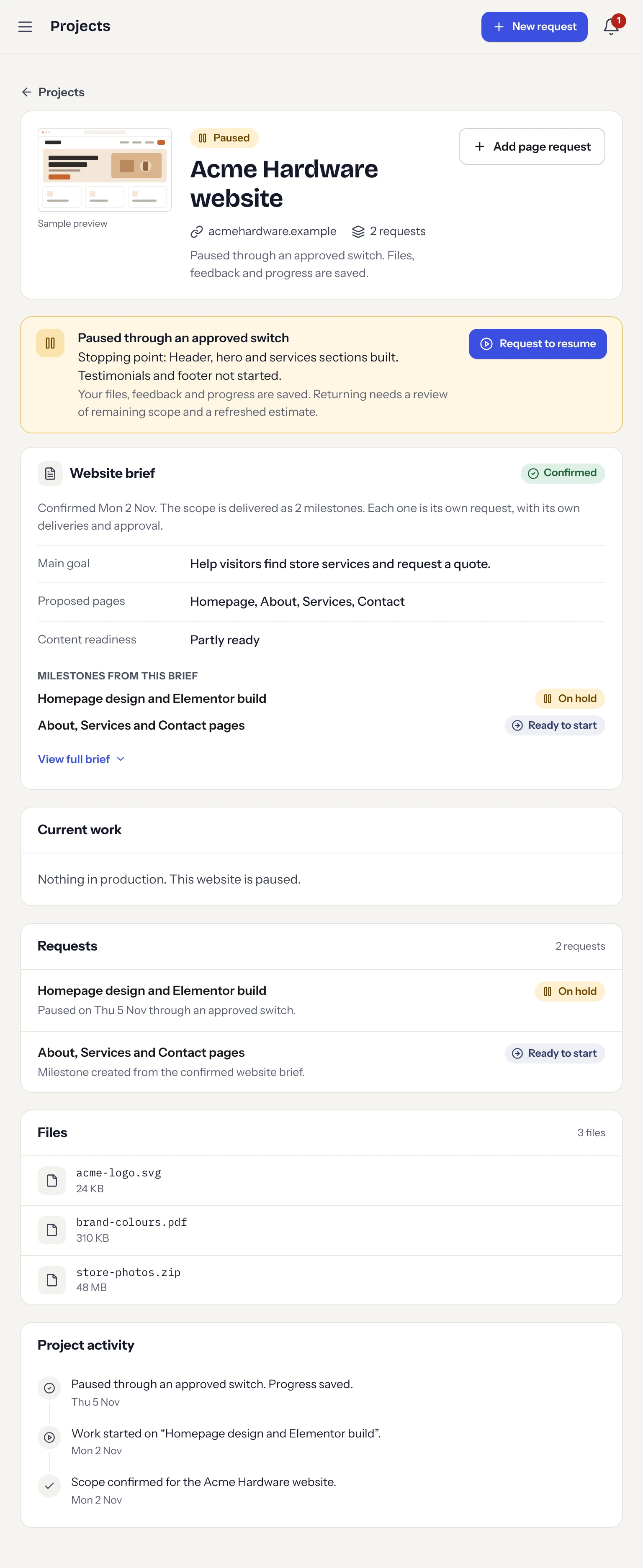
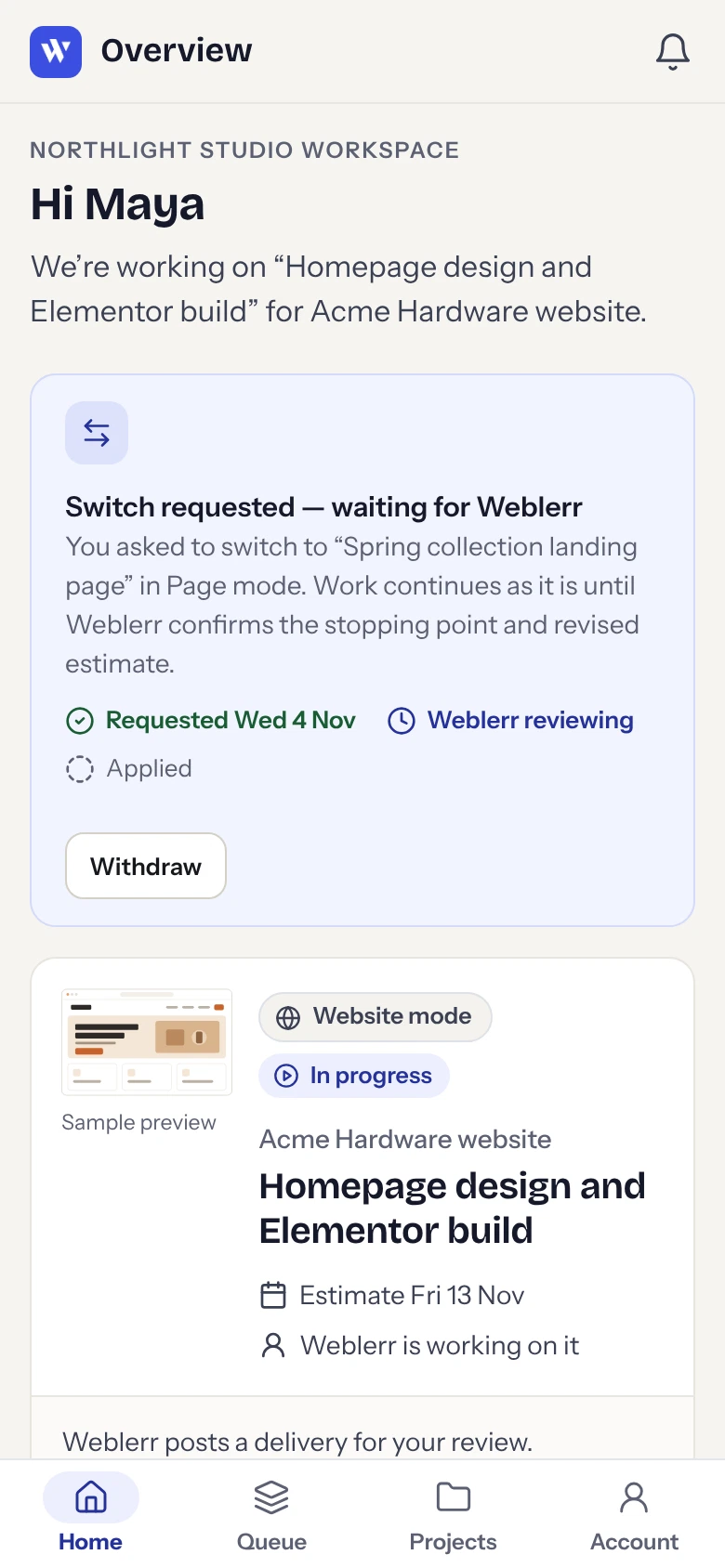
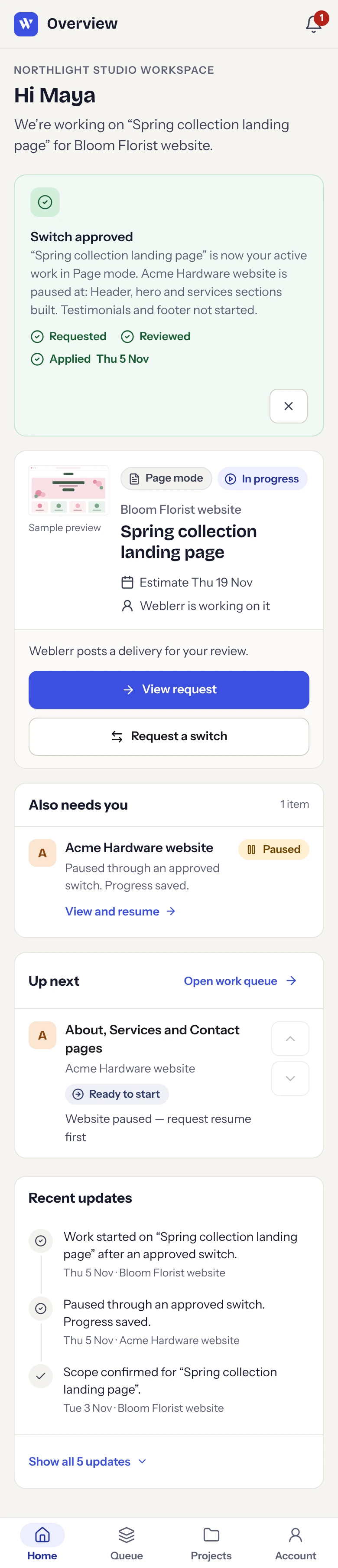
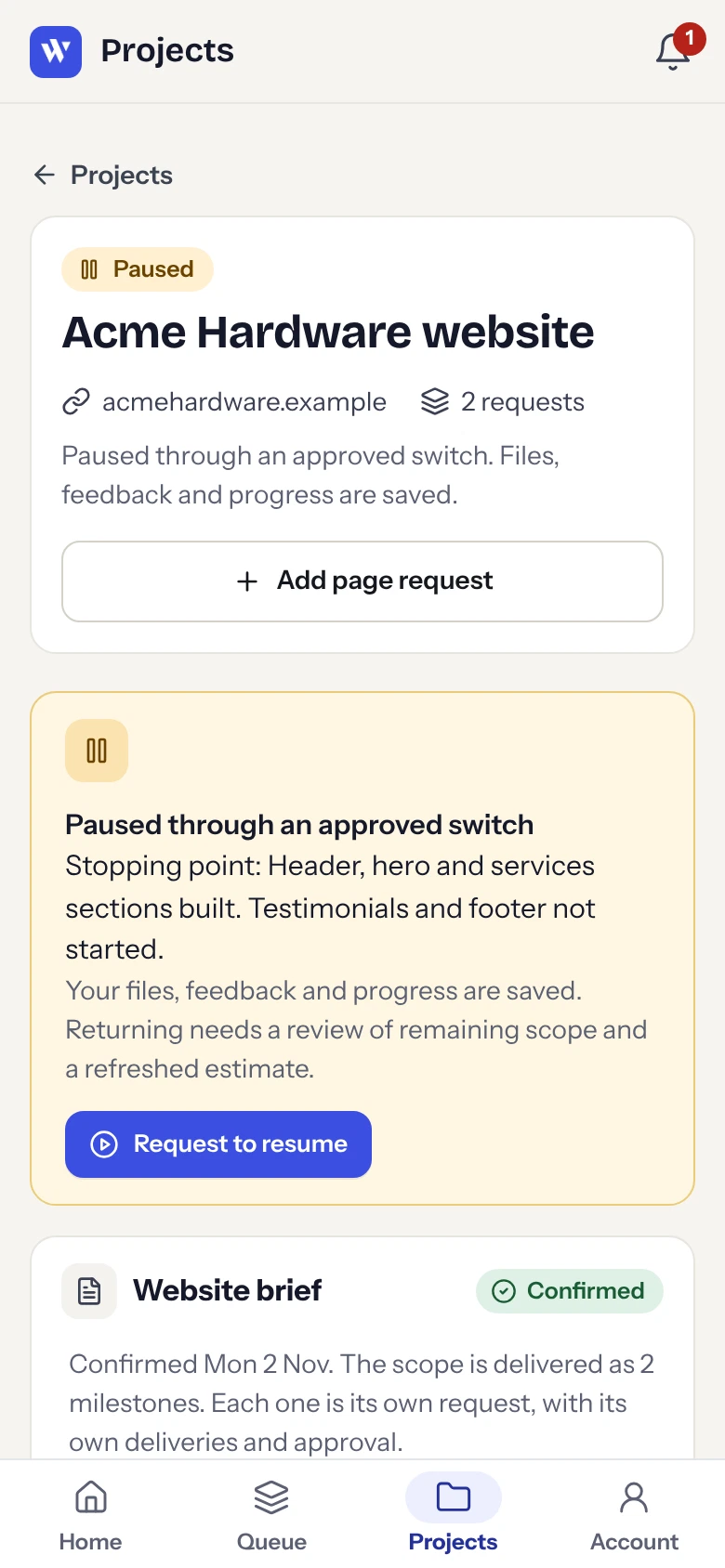
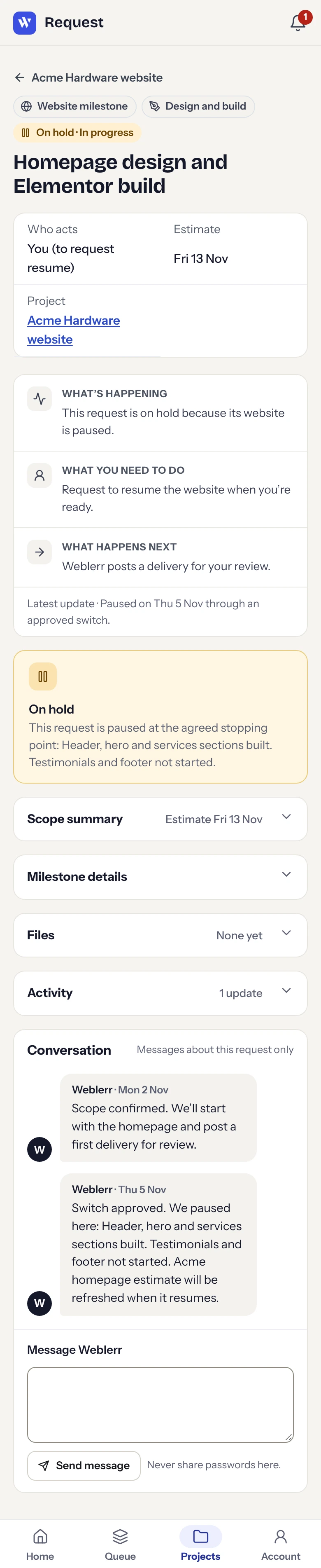
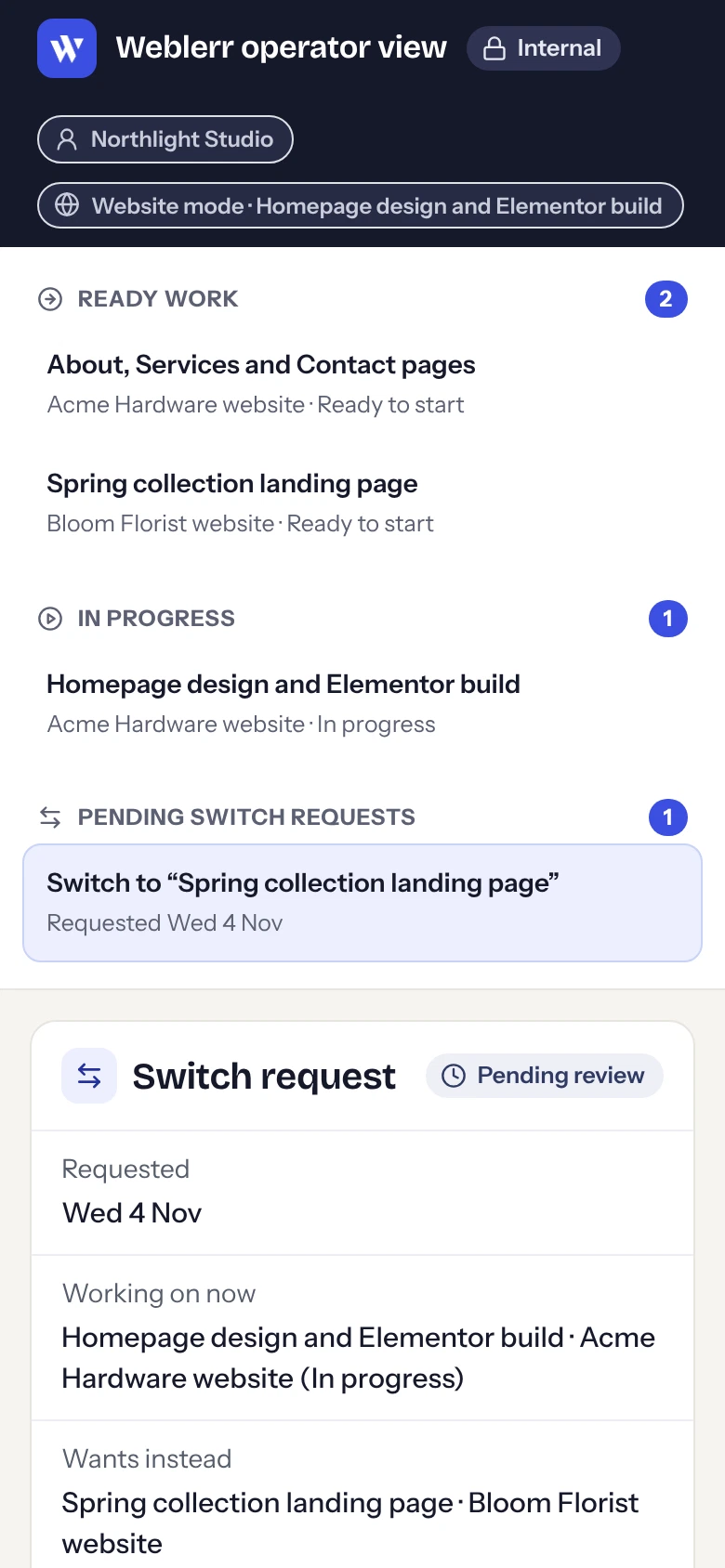
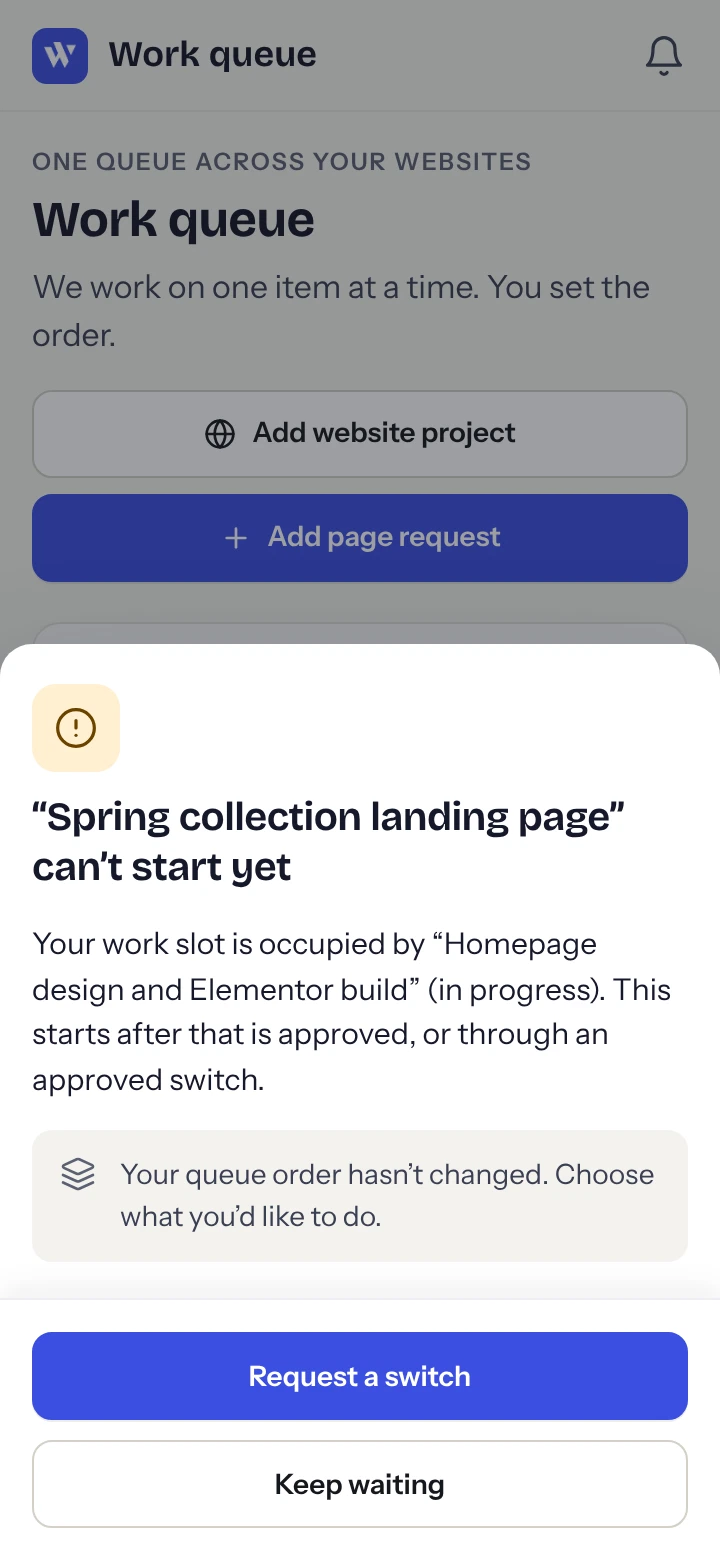
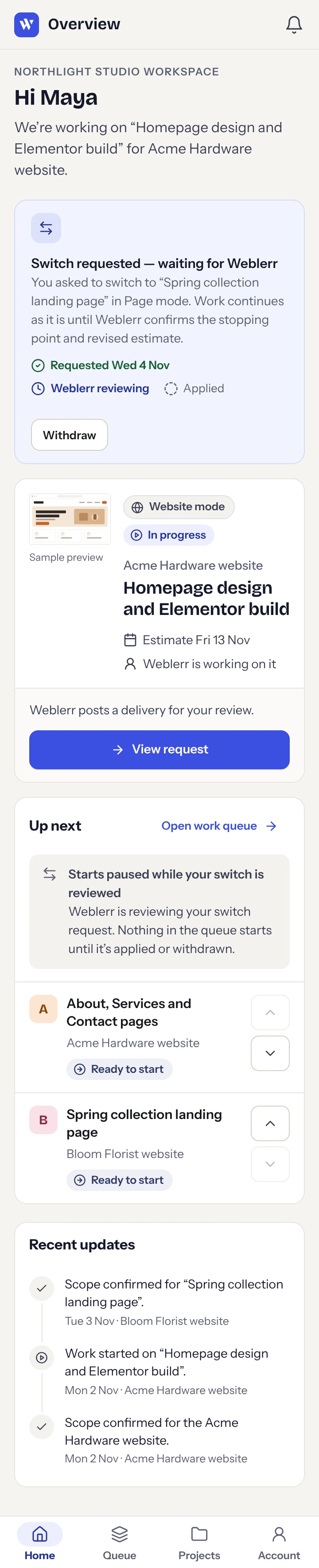
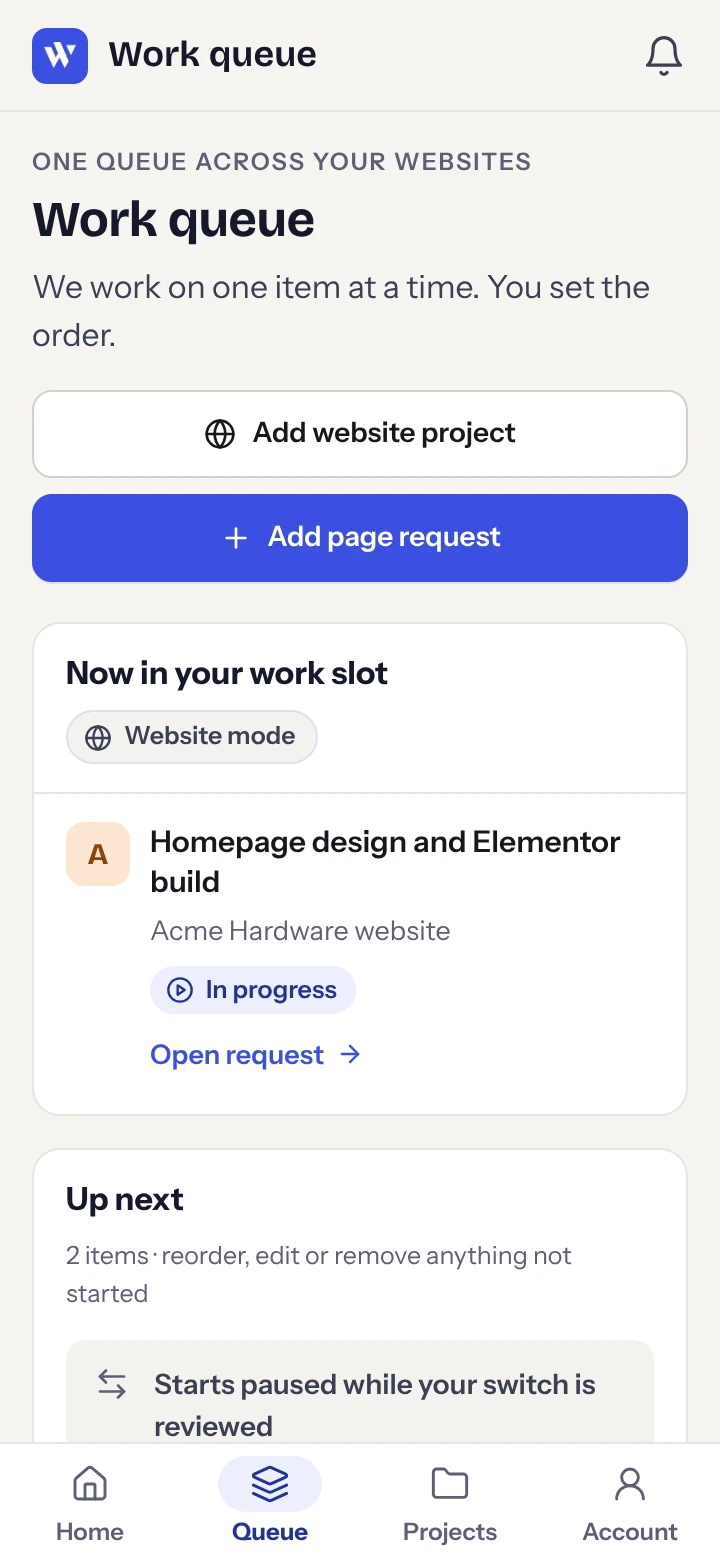
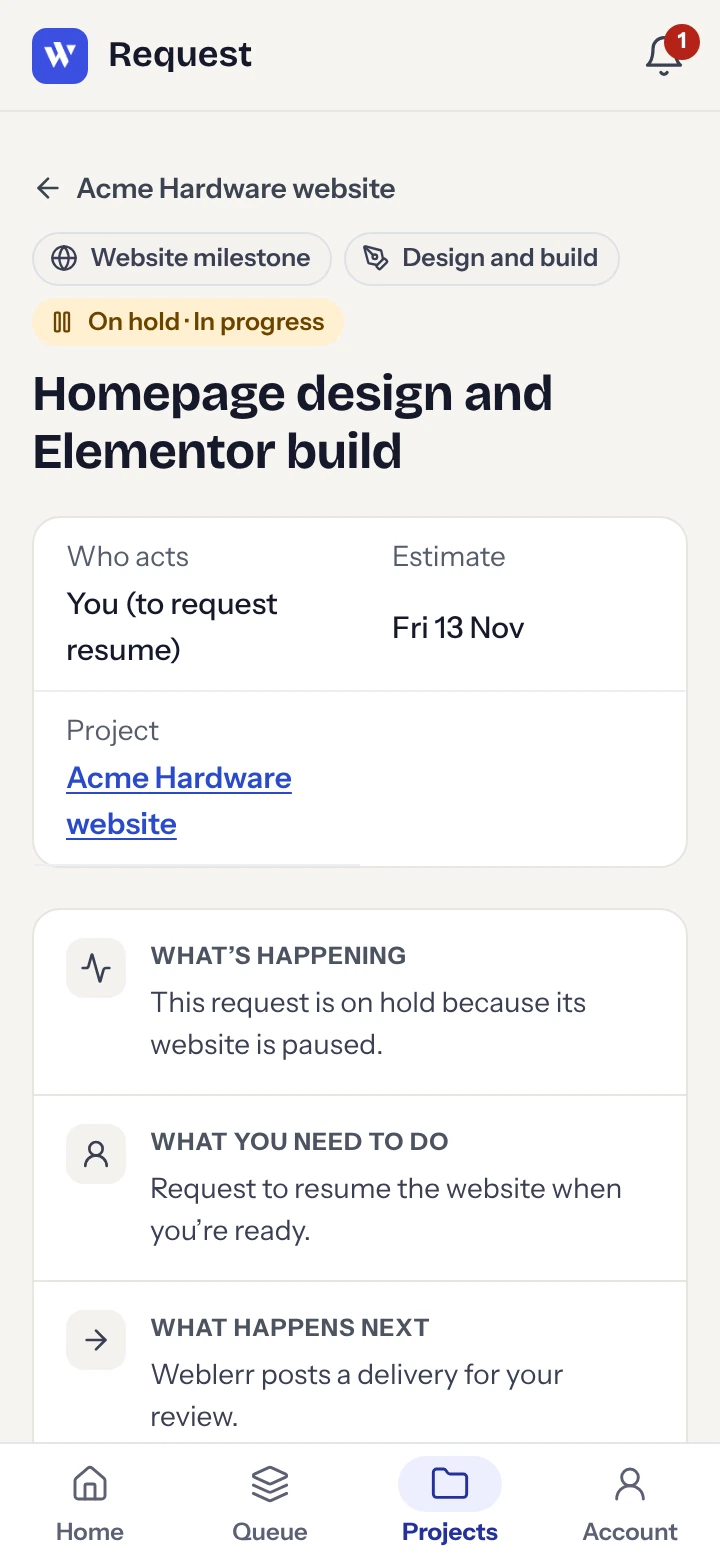
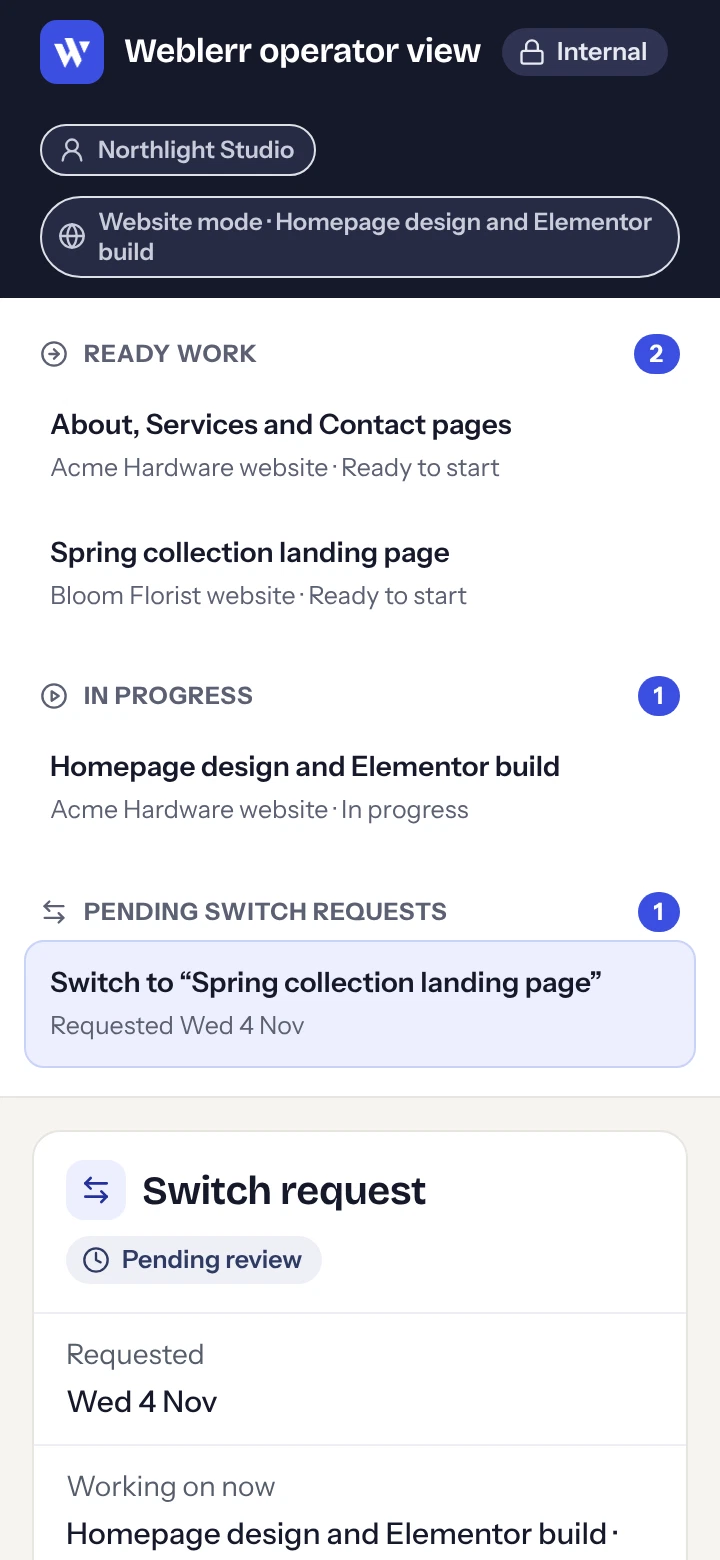
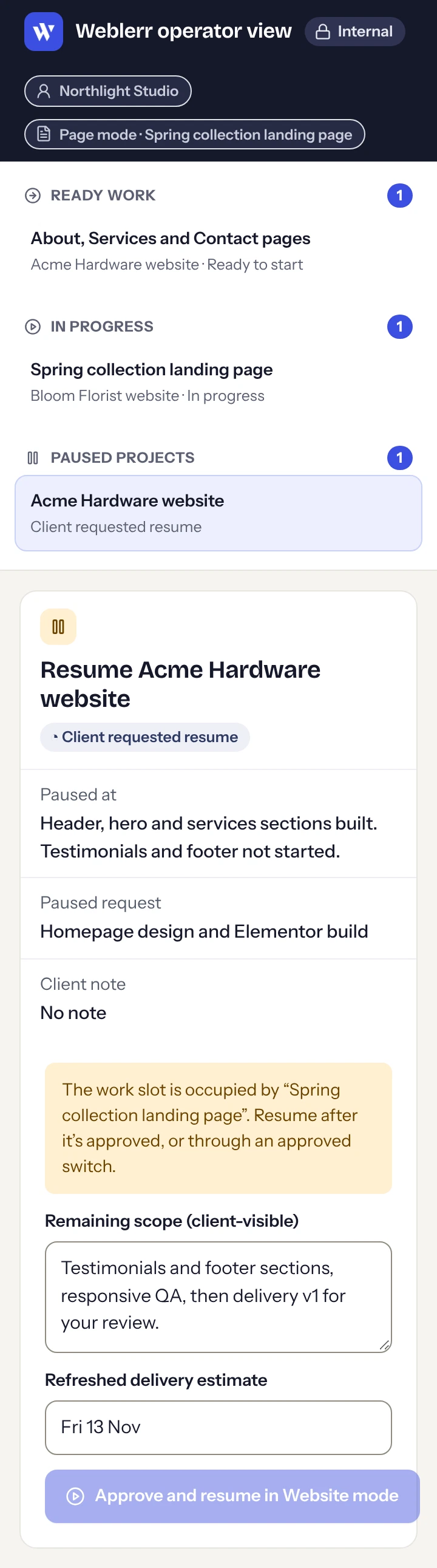
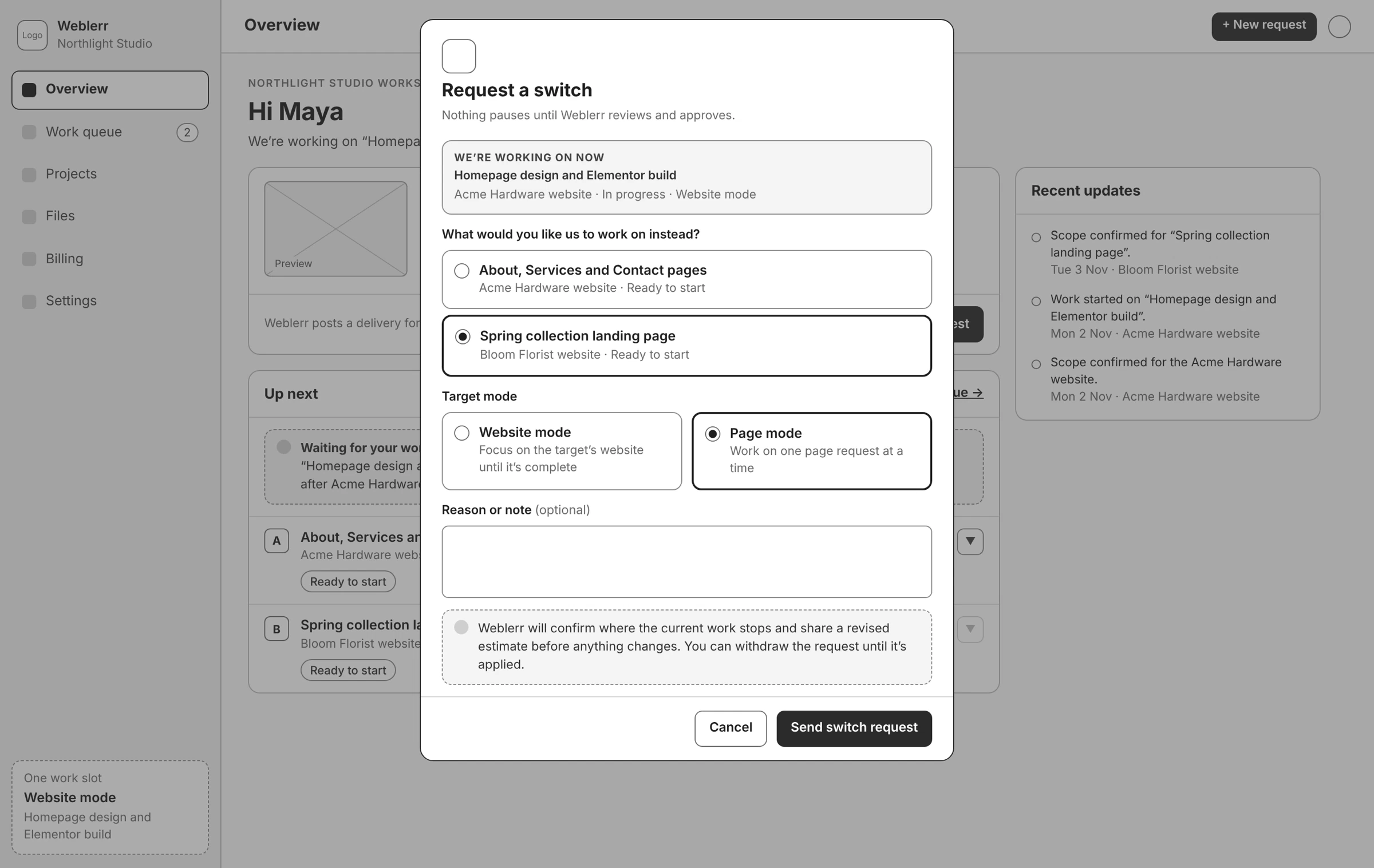
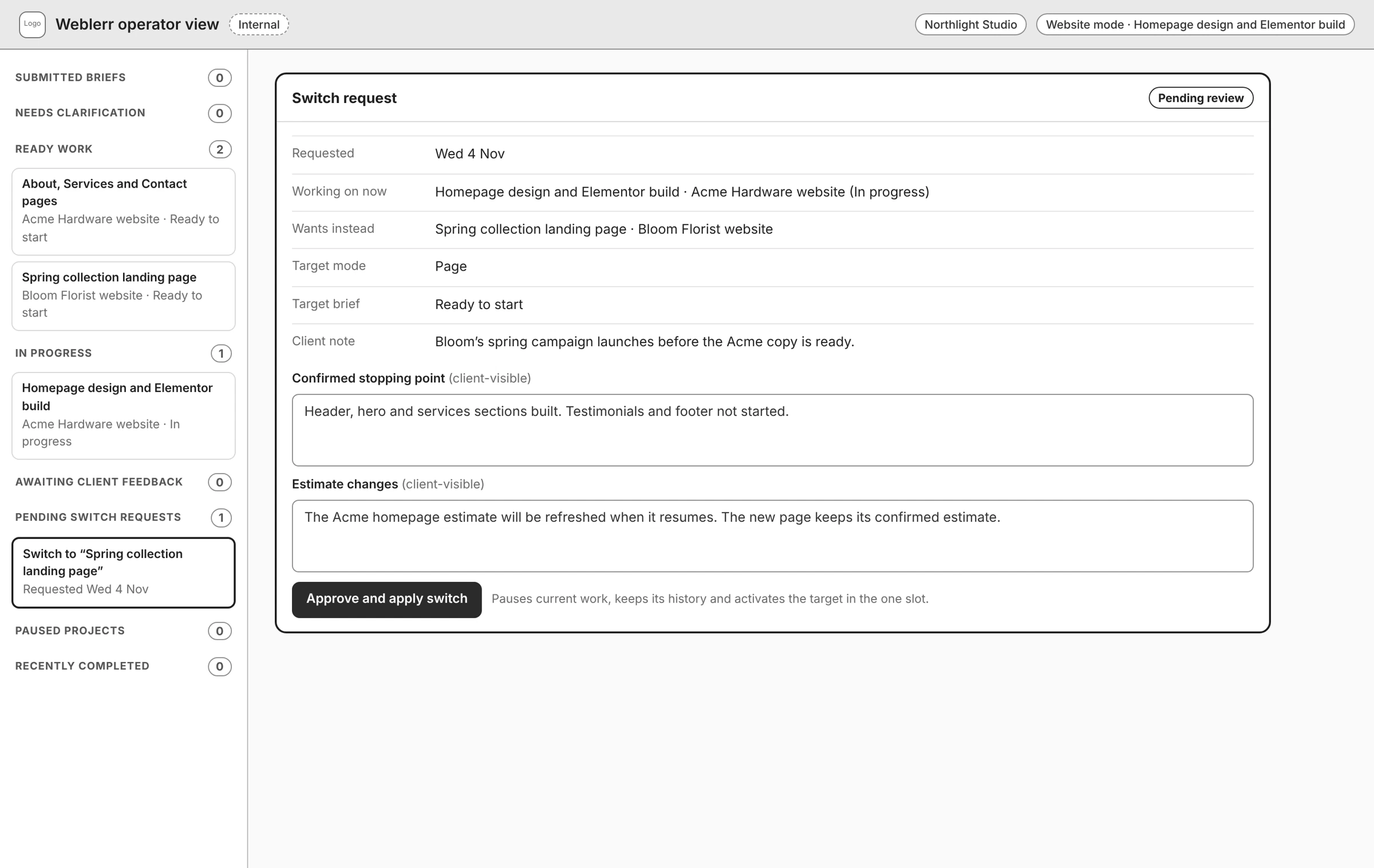
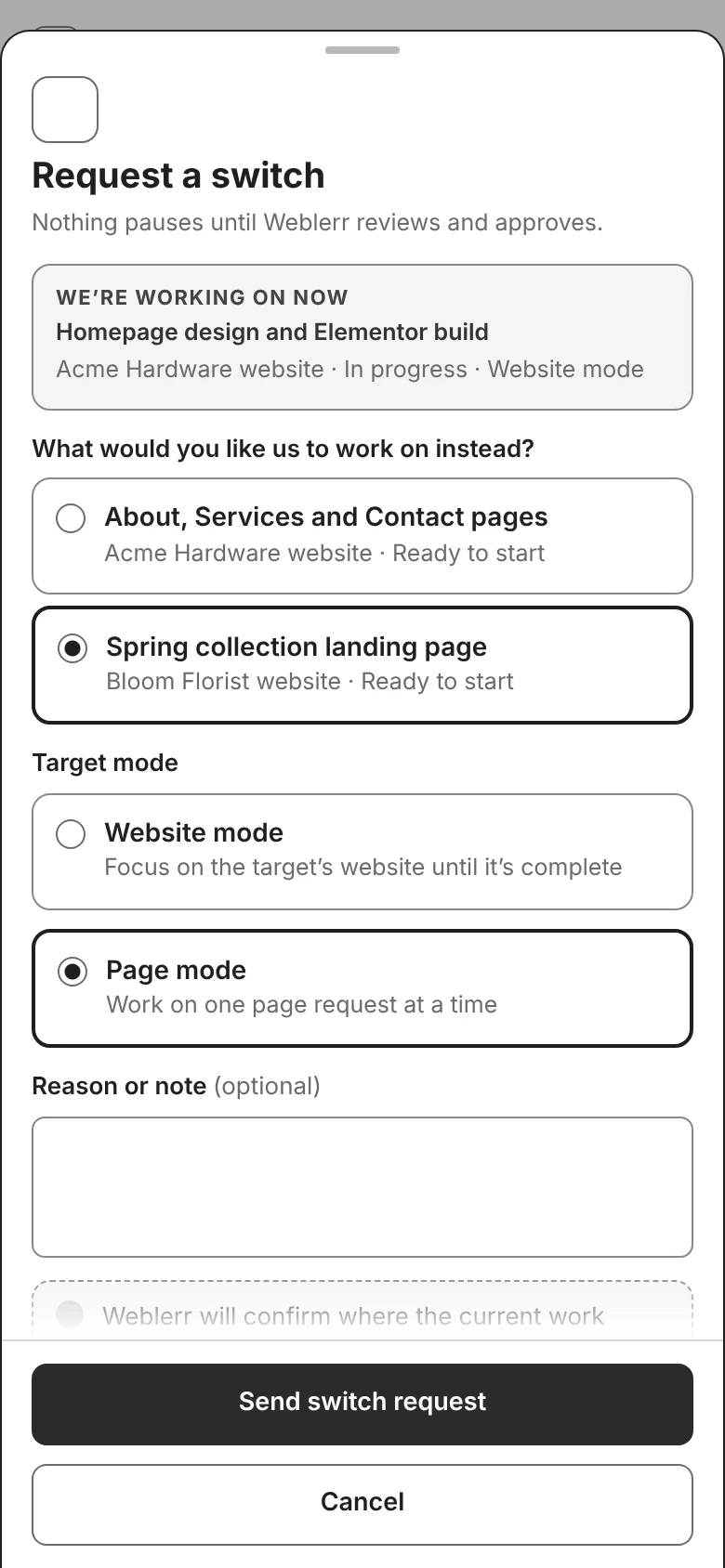
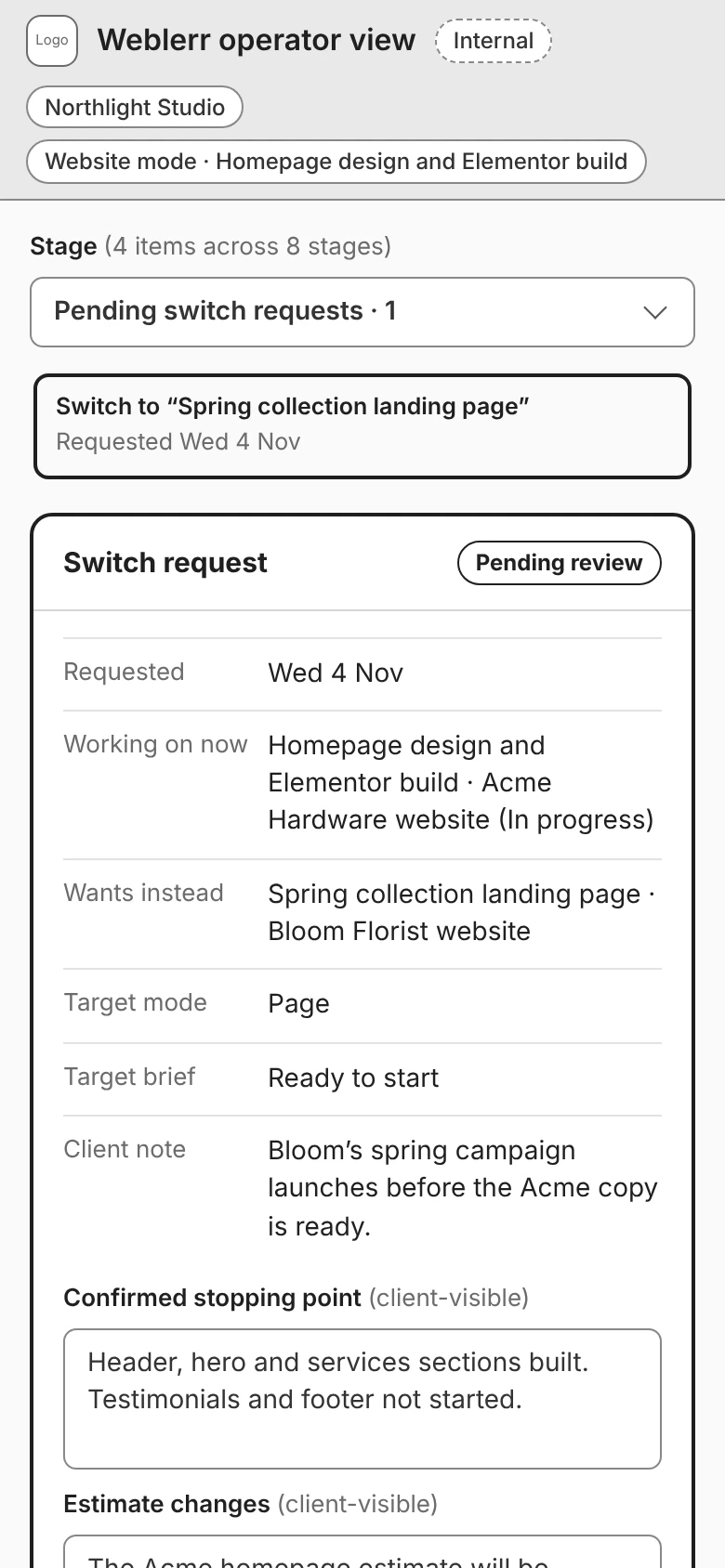
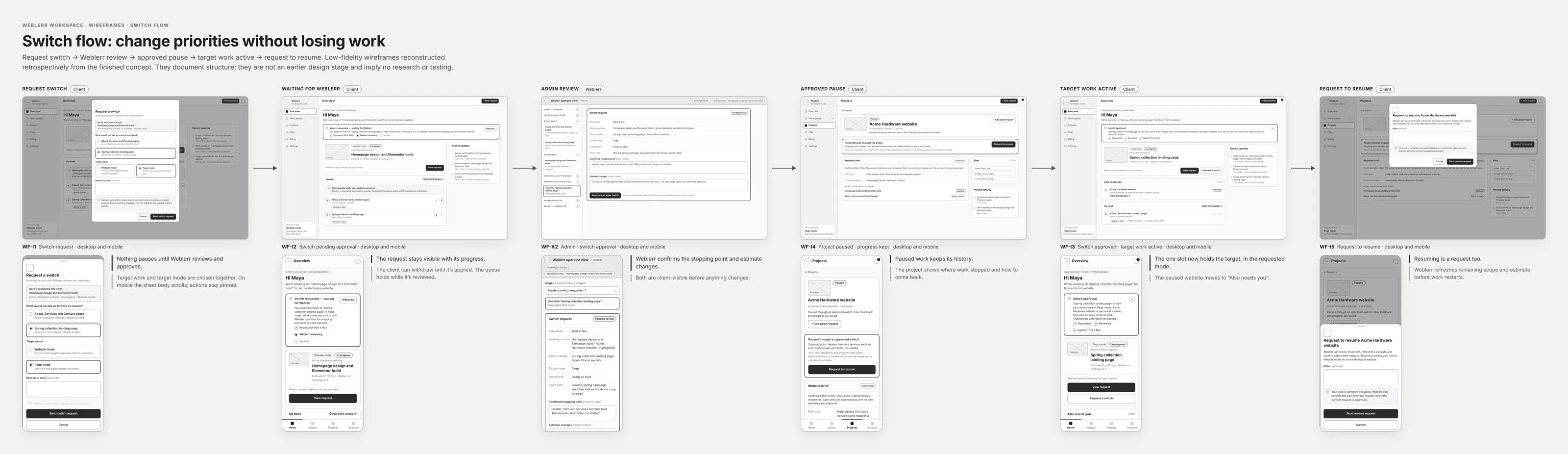
Sometimes the next request becomes more urgent than the one already in progress. I designed a switch flow that shows the current work, what the client wants to move to, and which work mode would apply.
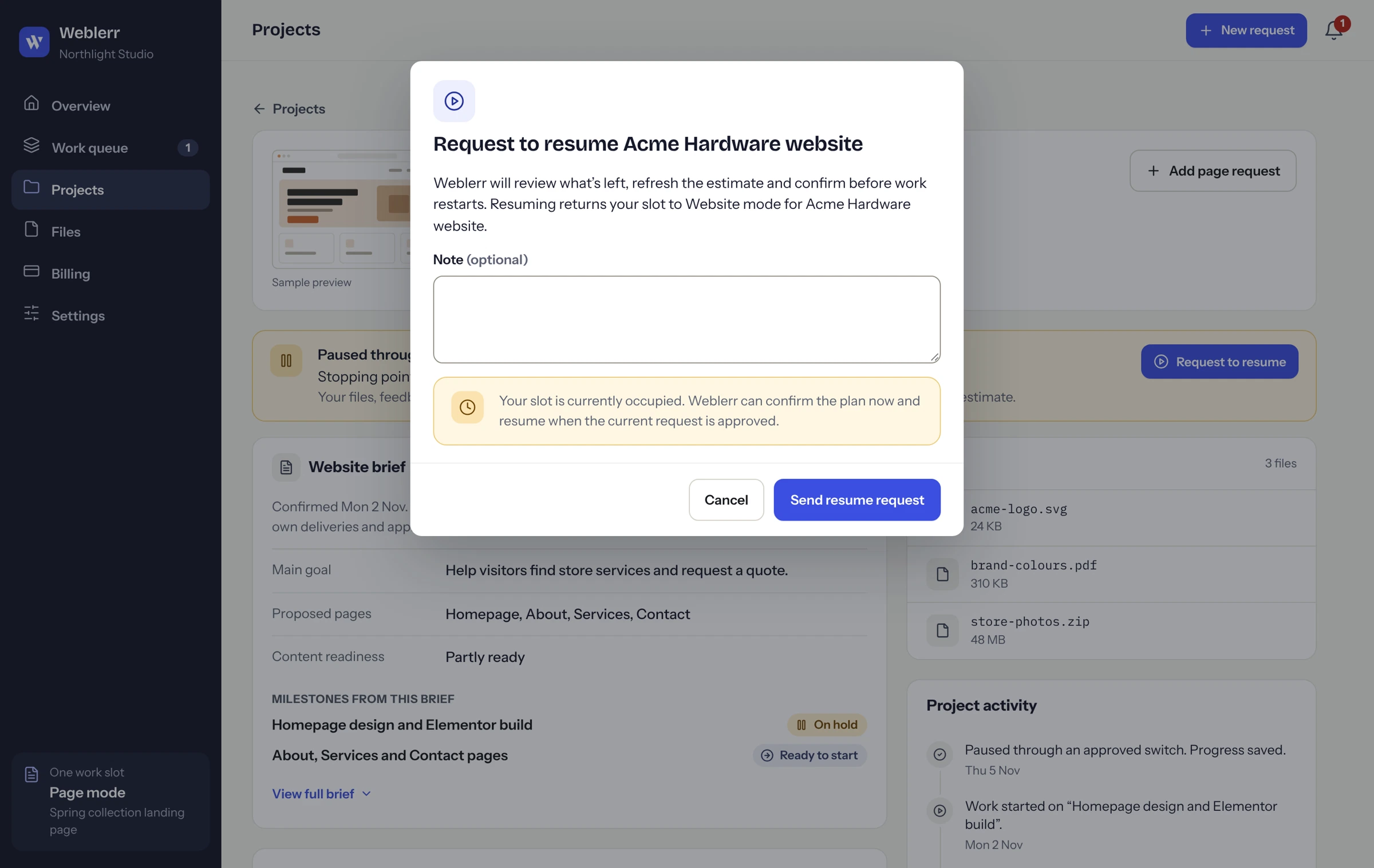
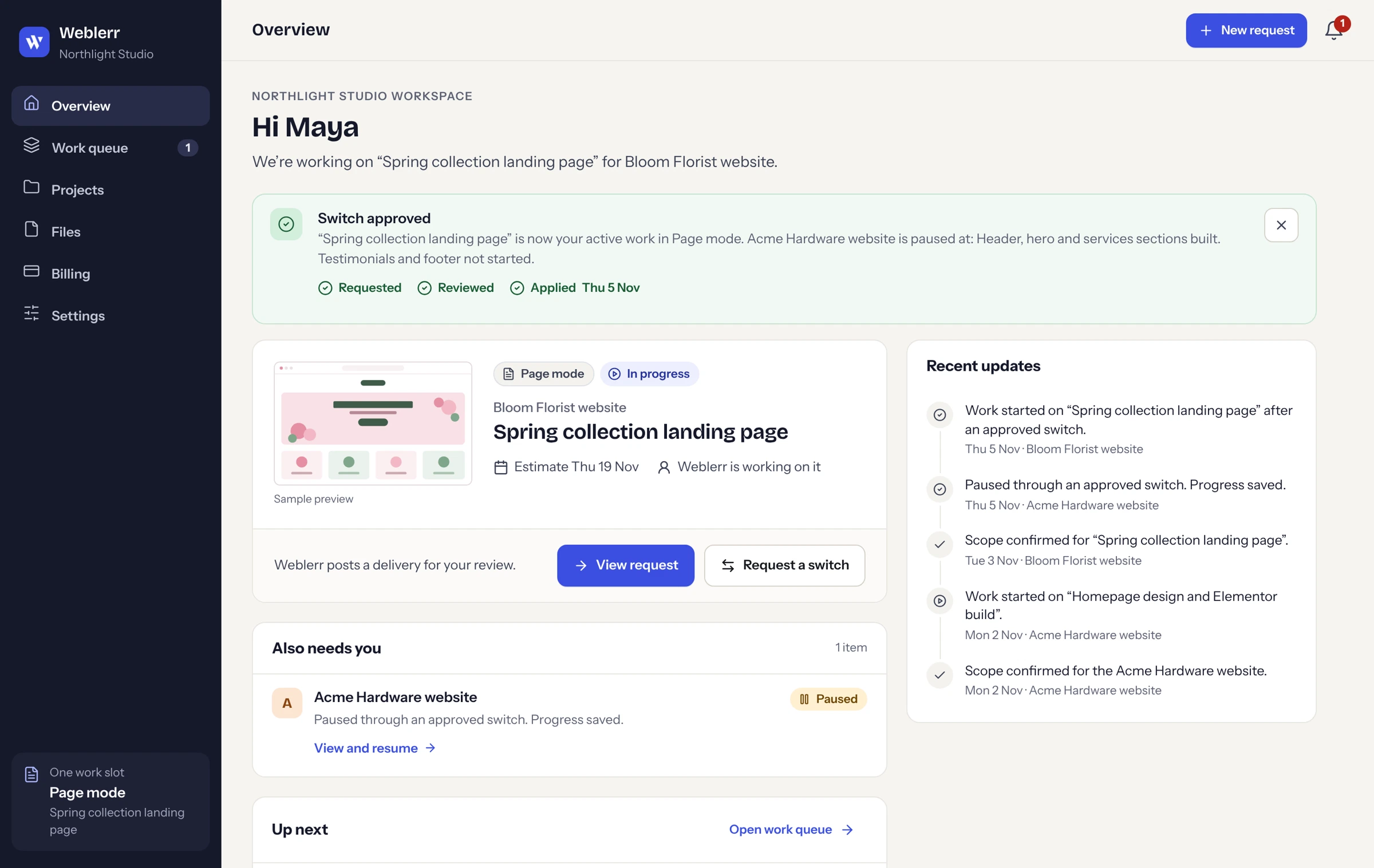
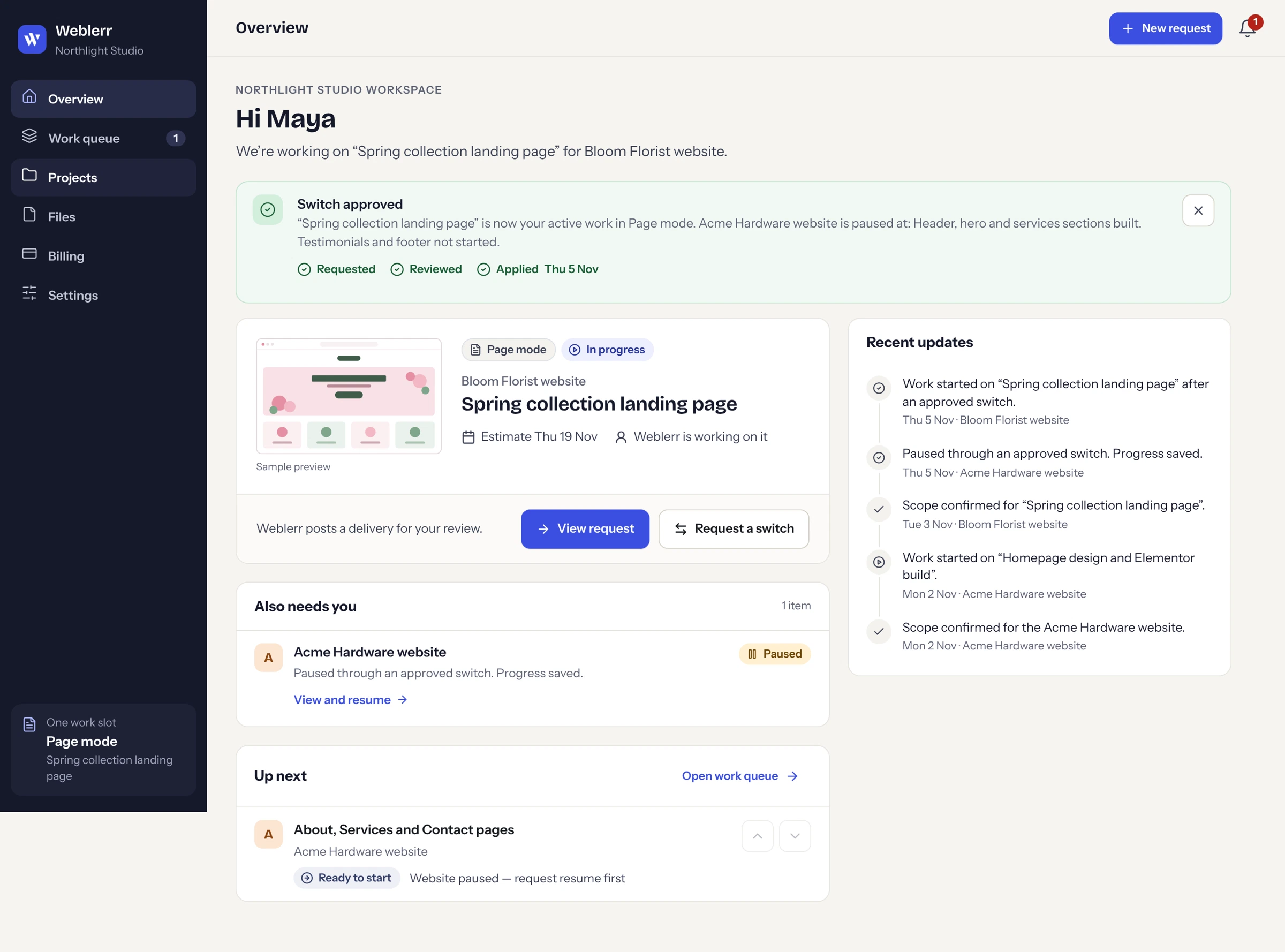
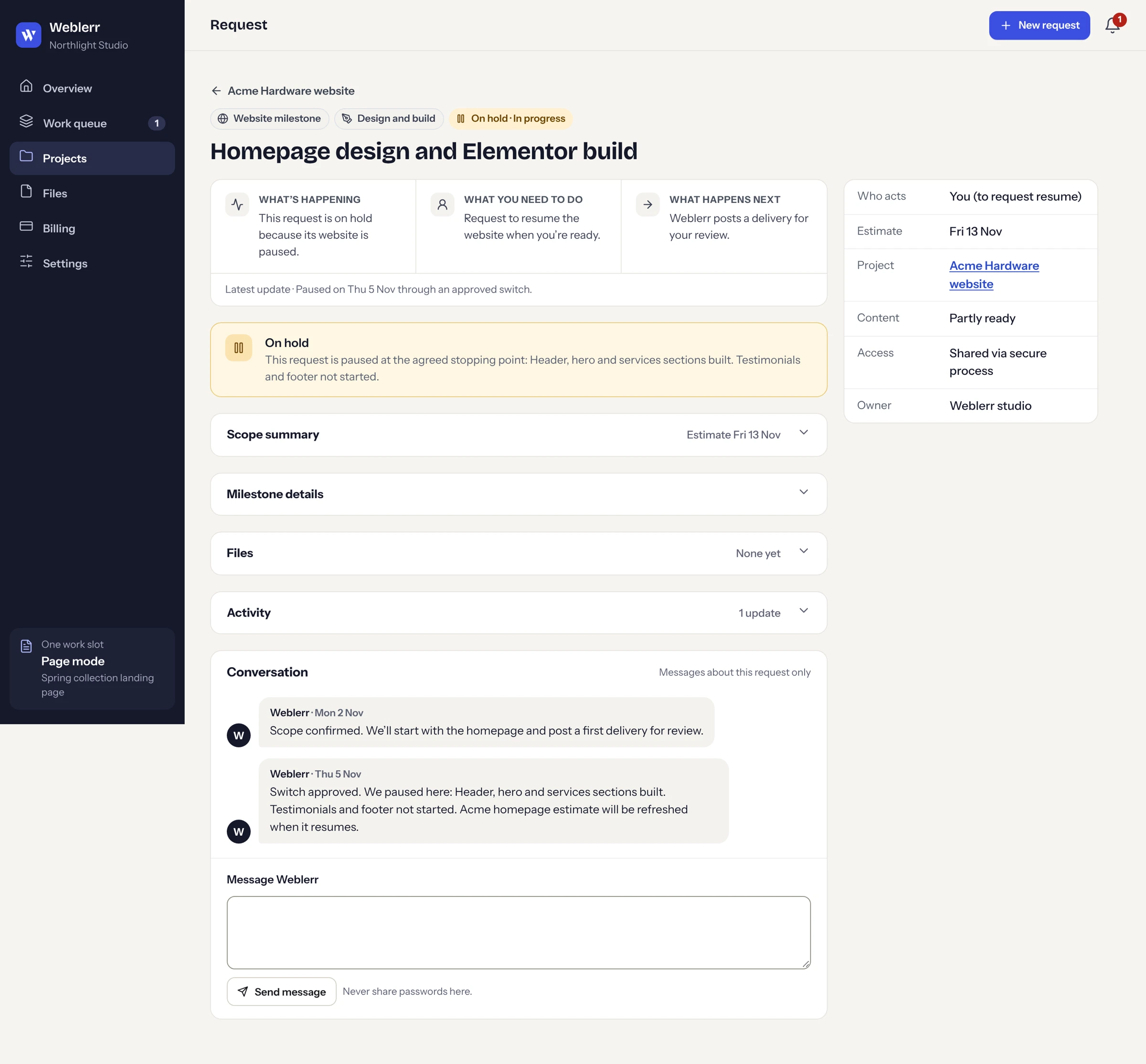
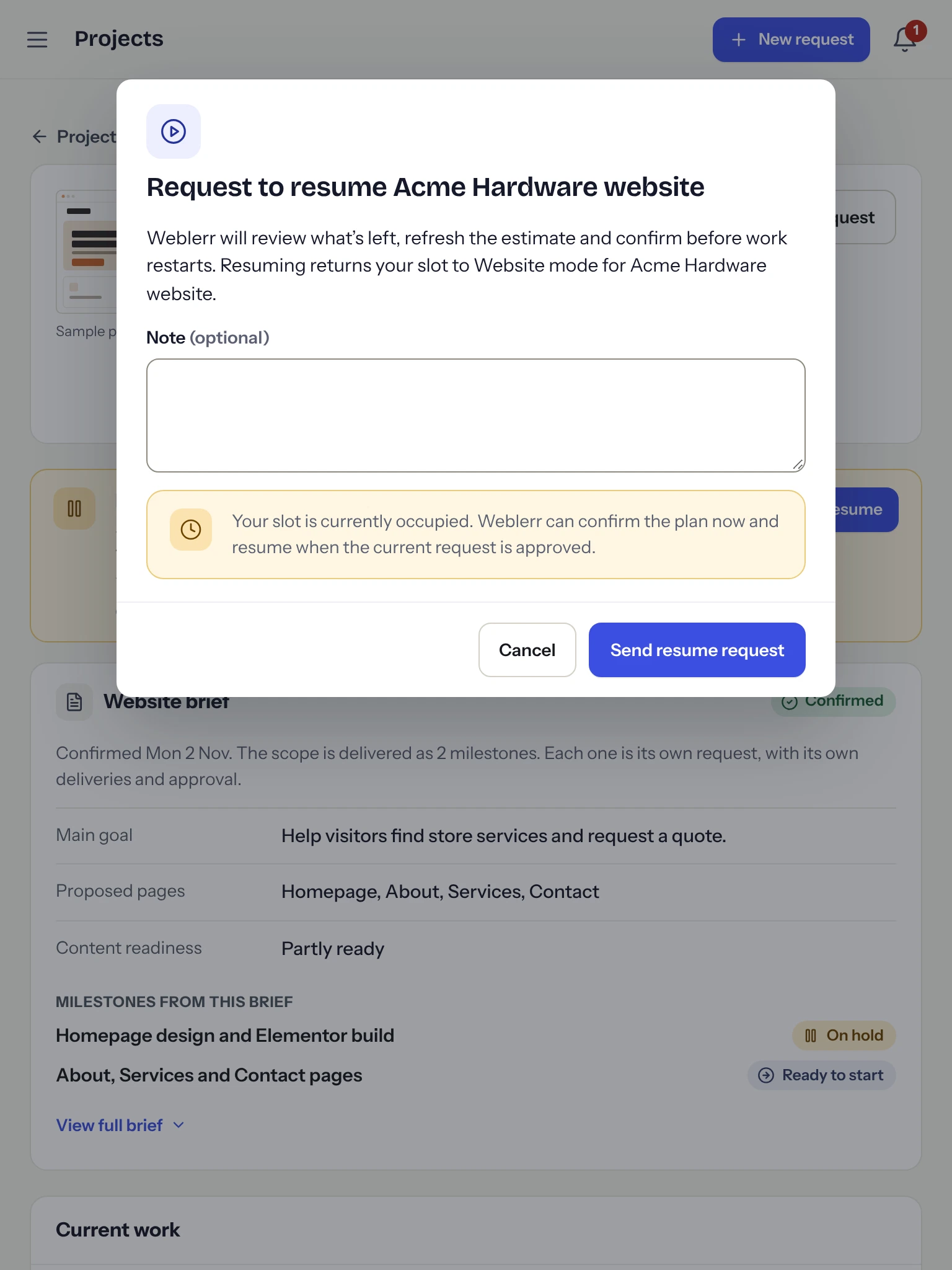
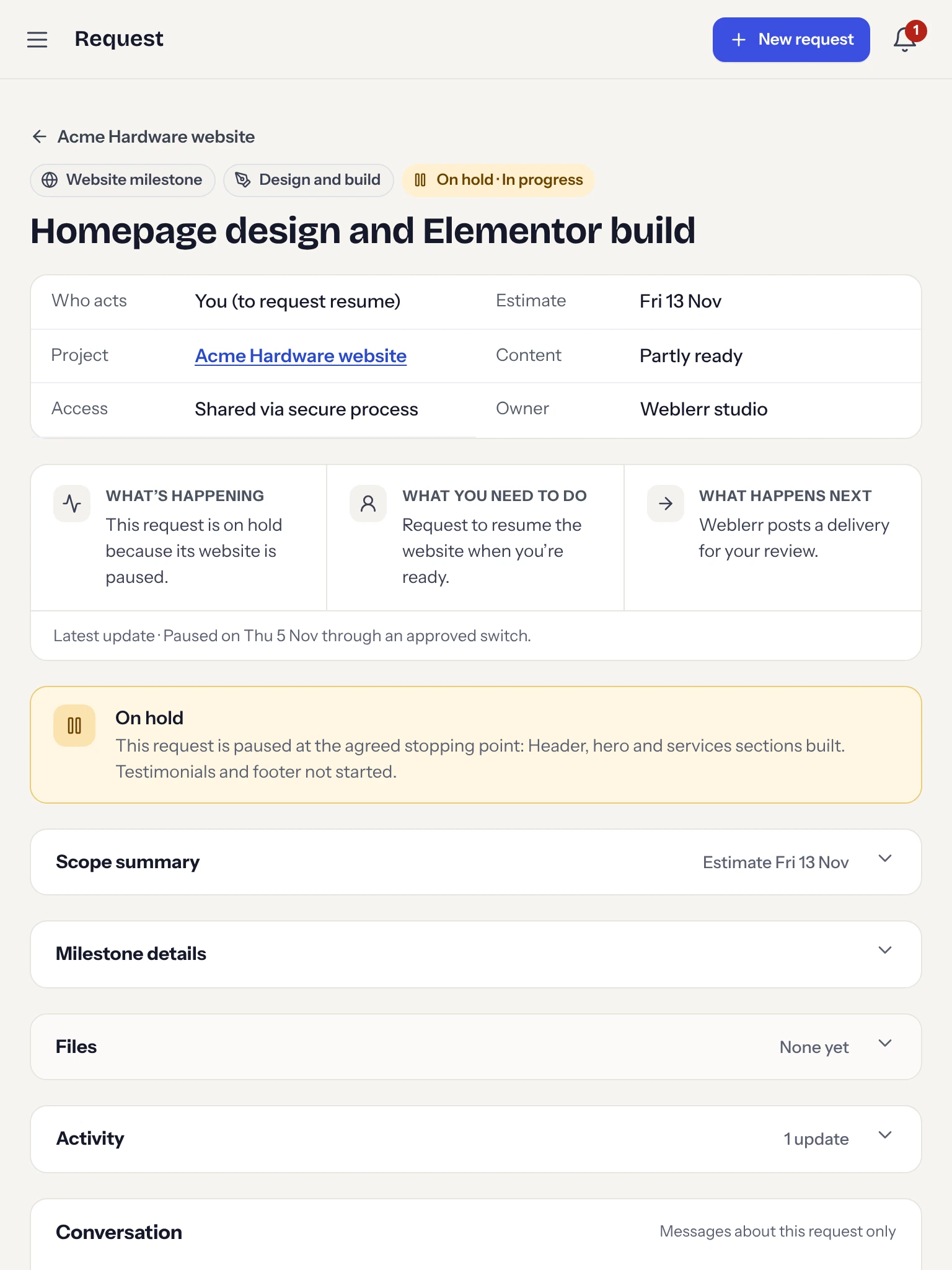
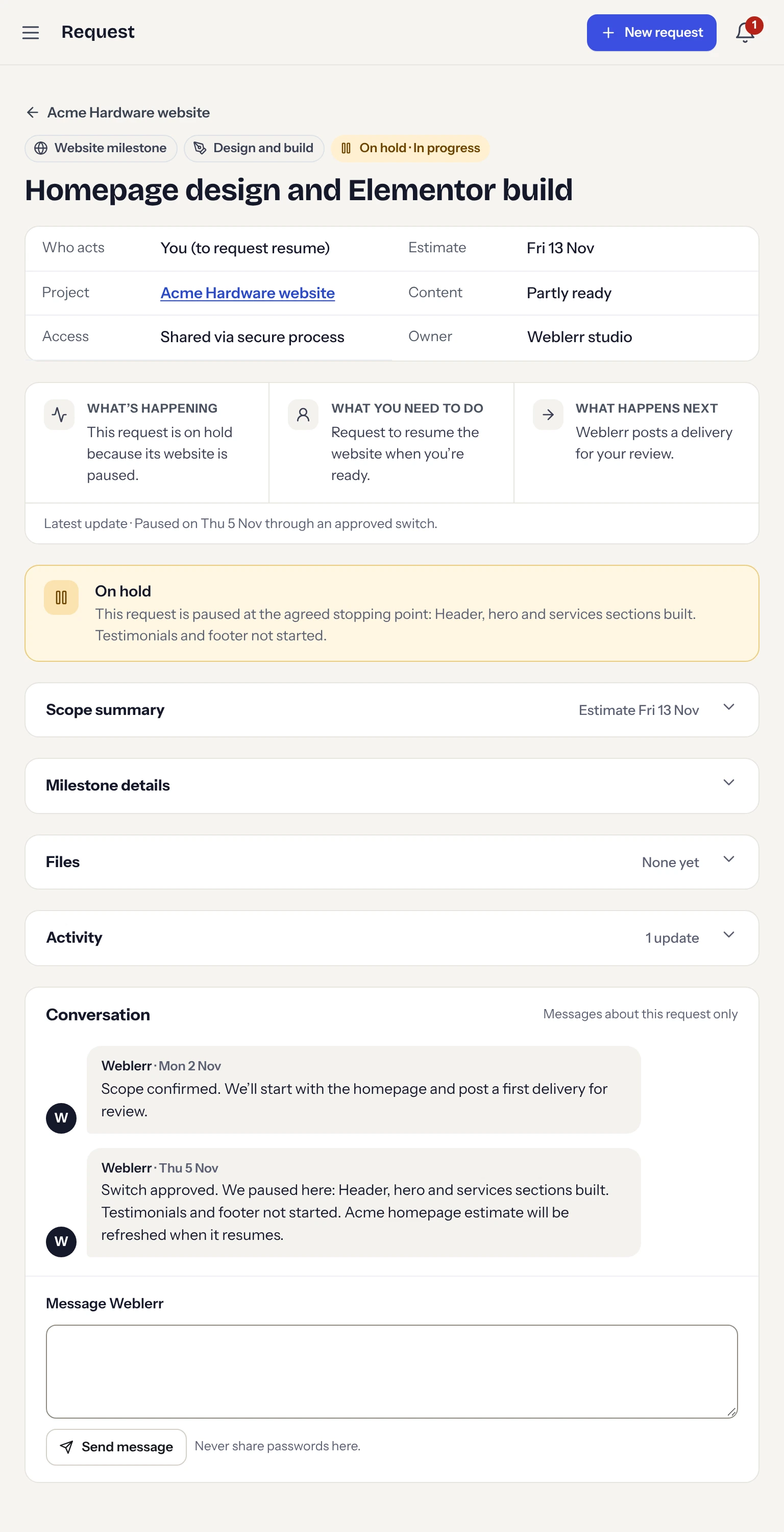
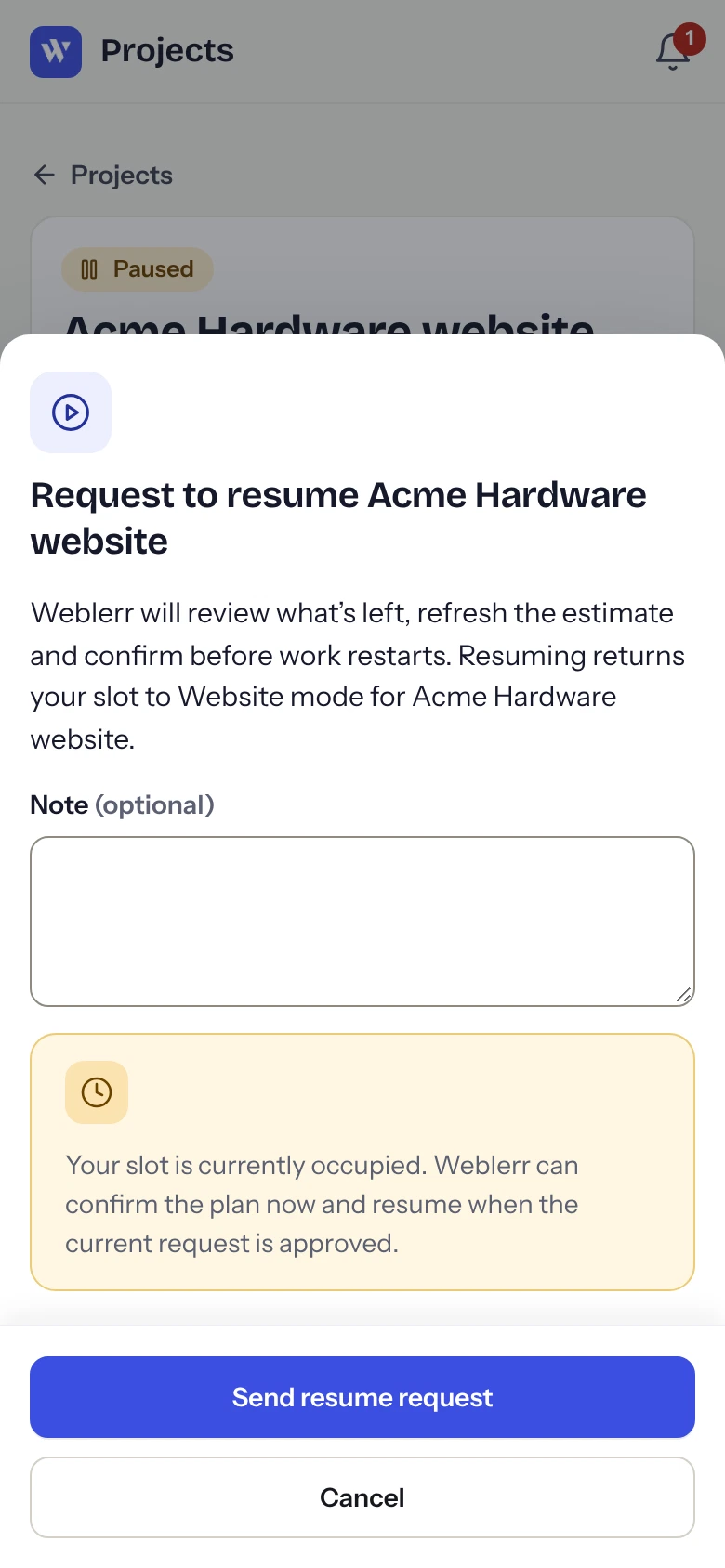
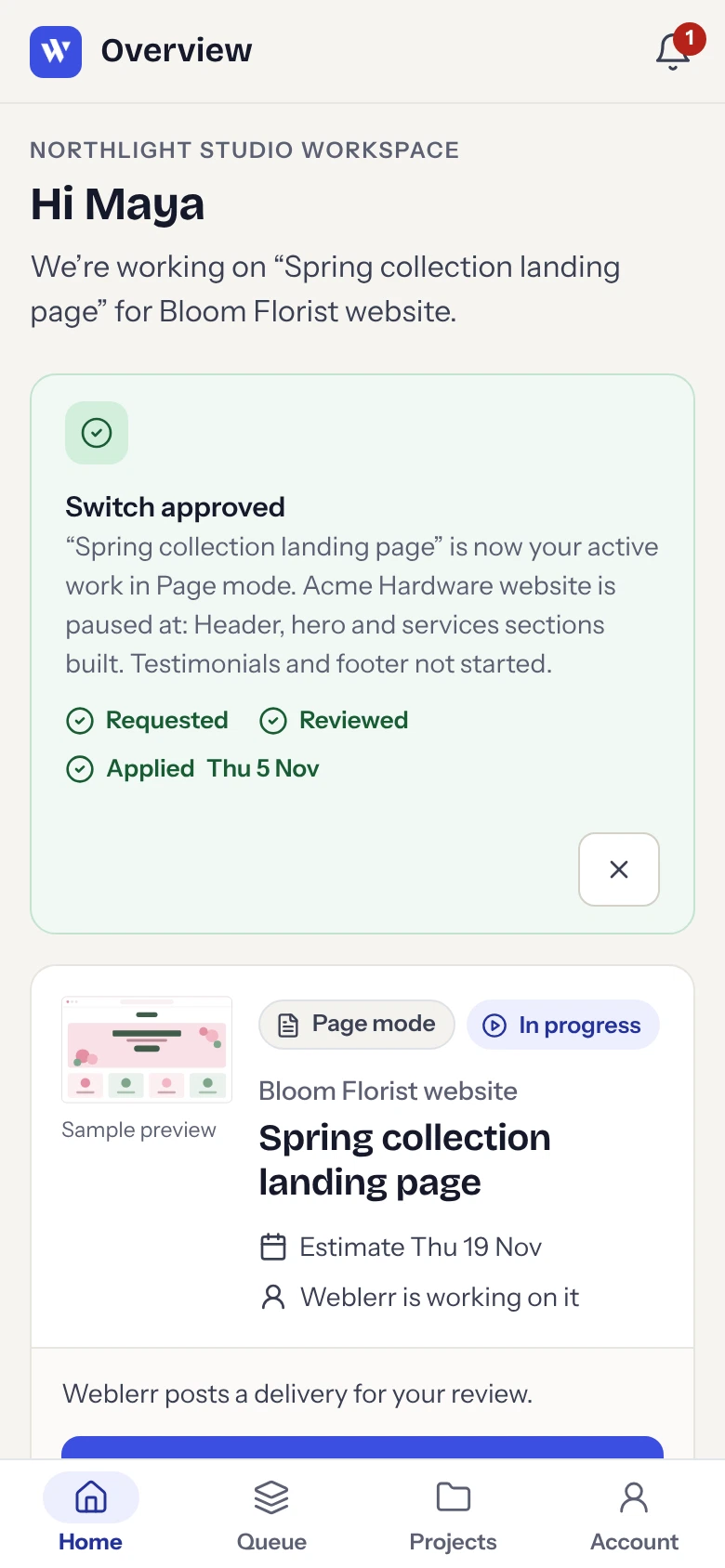
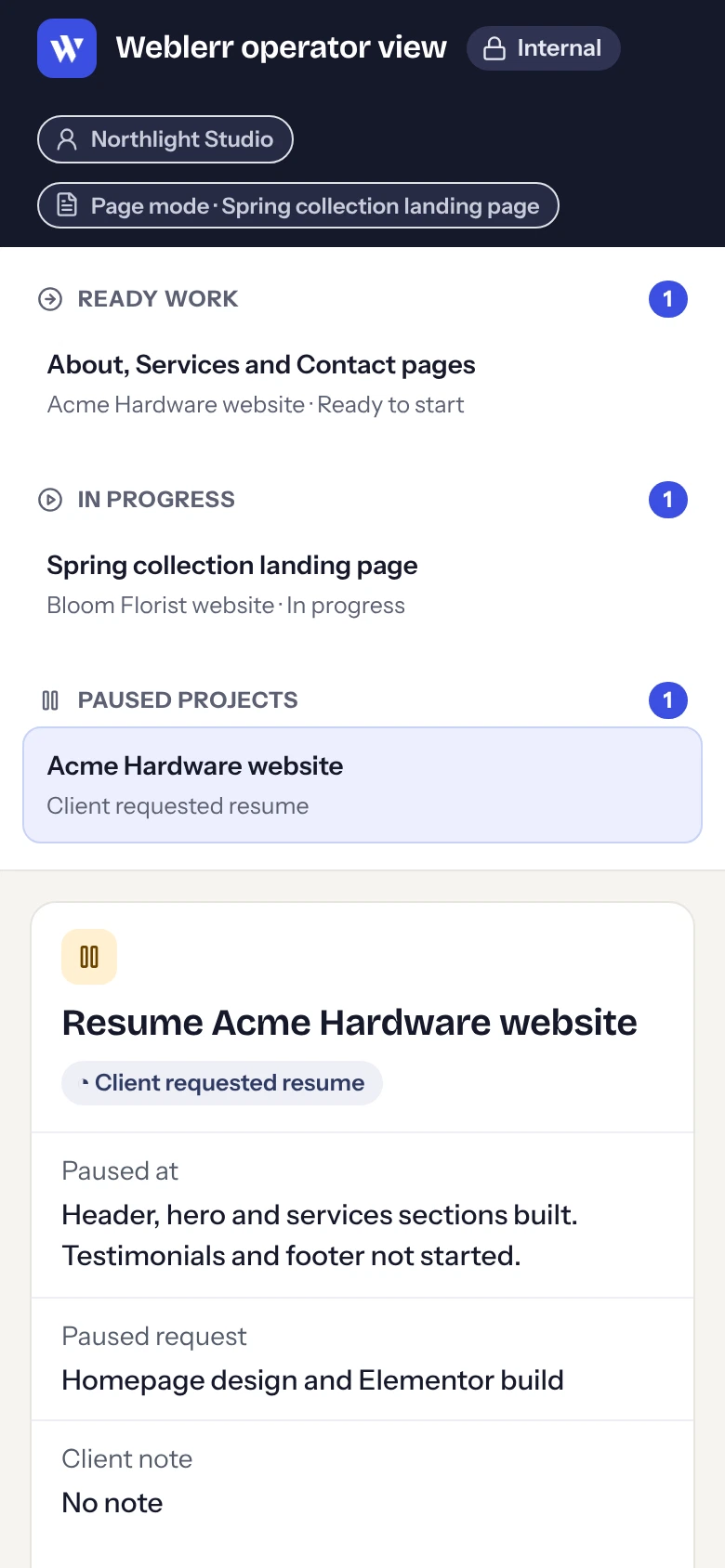
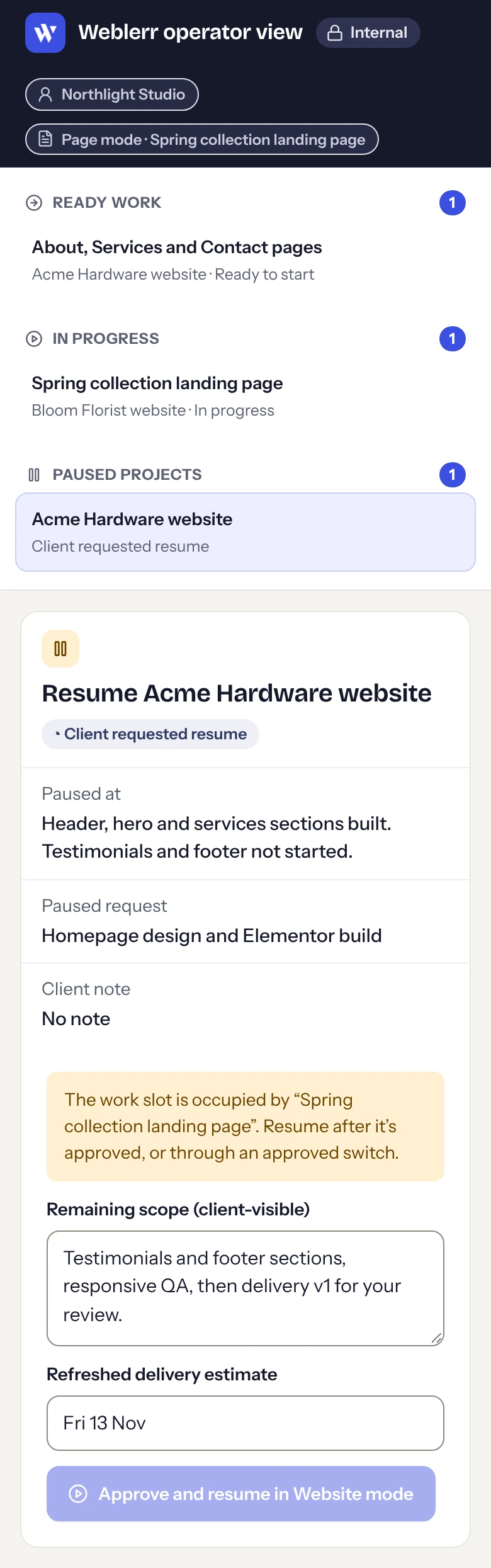
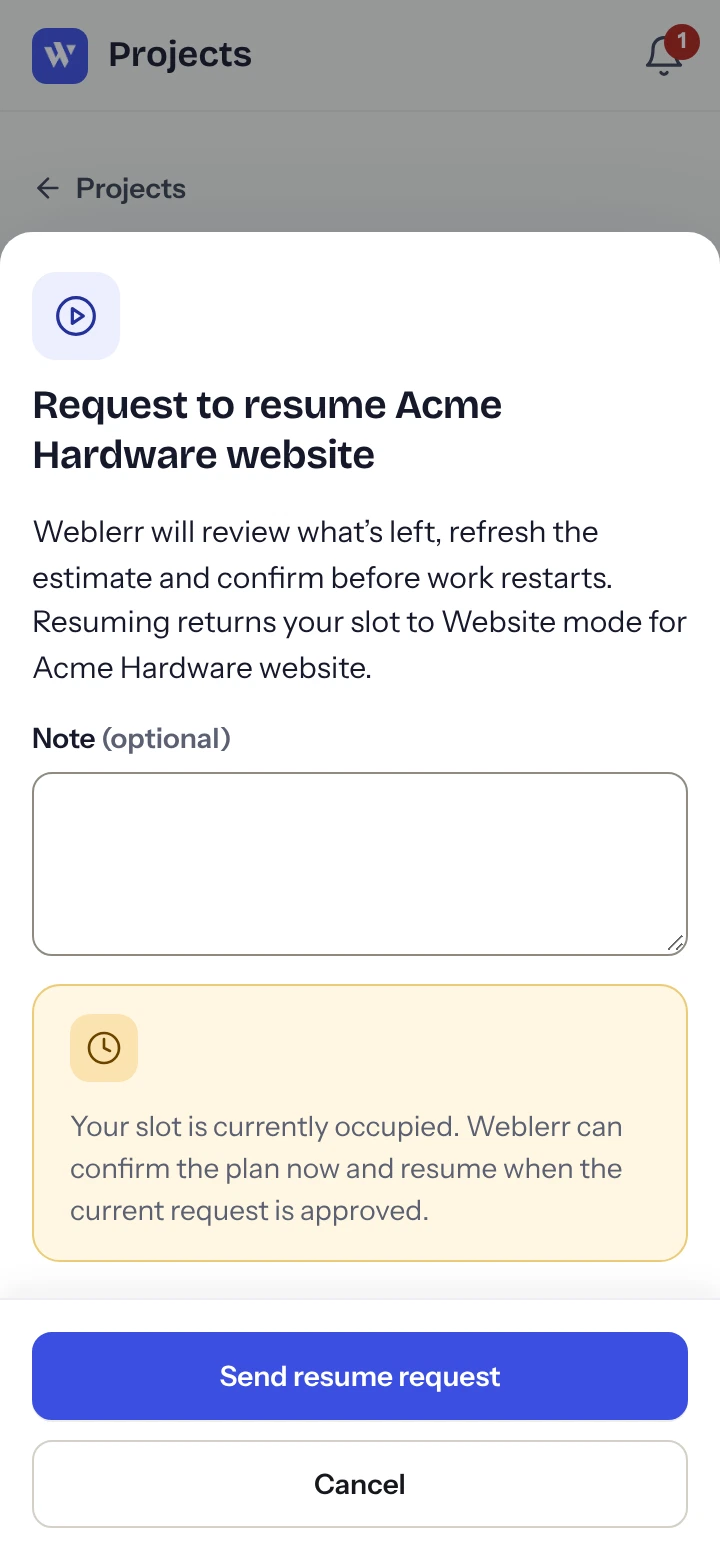
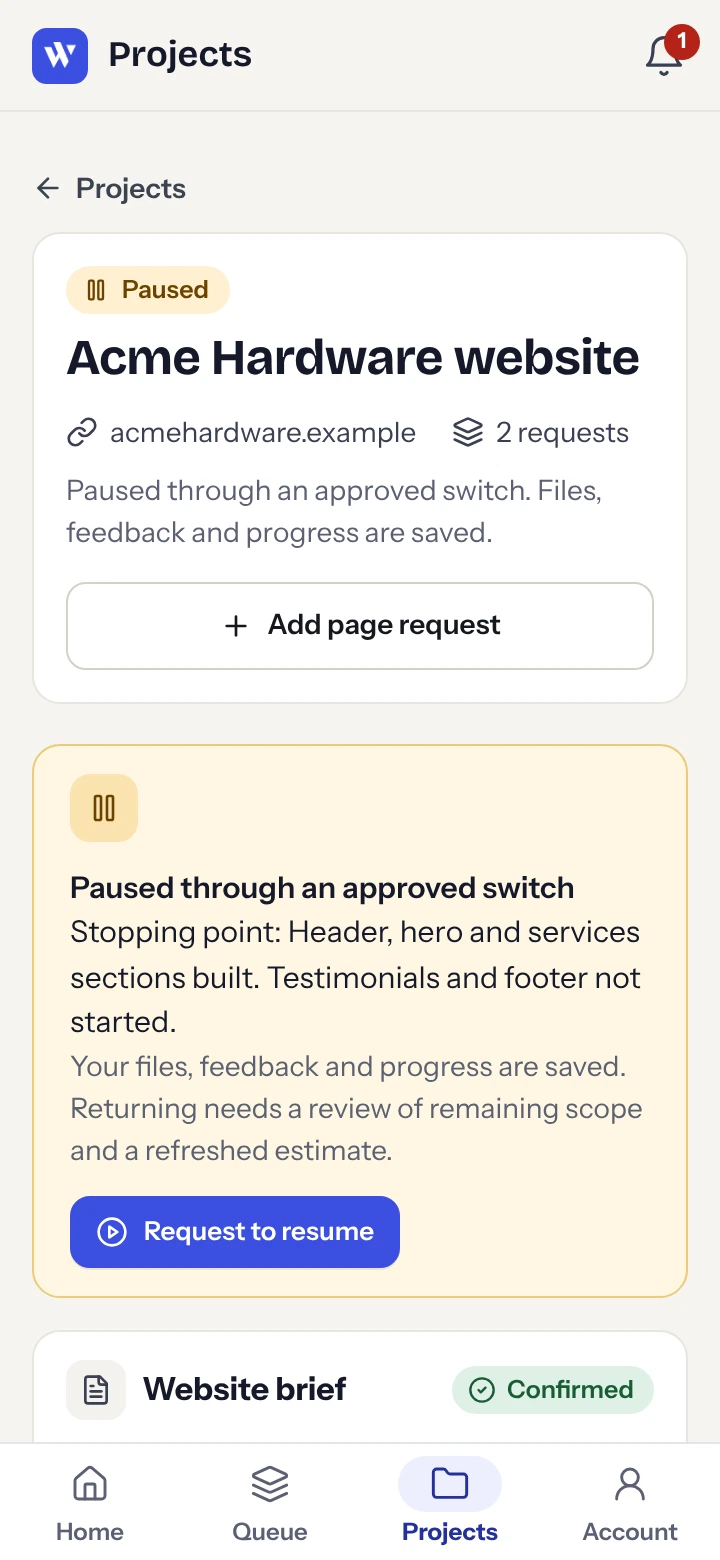
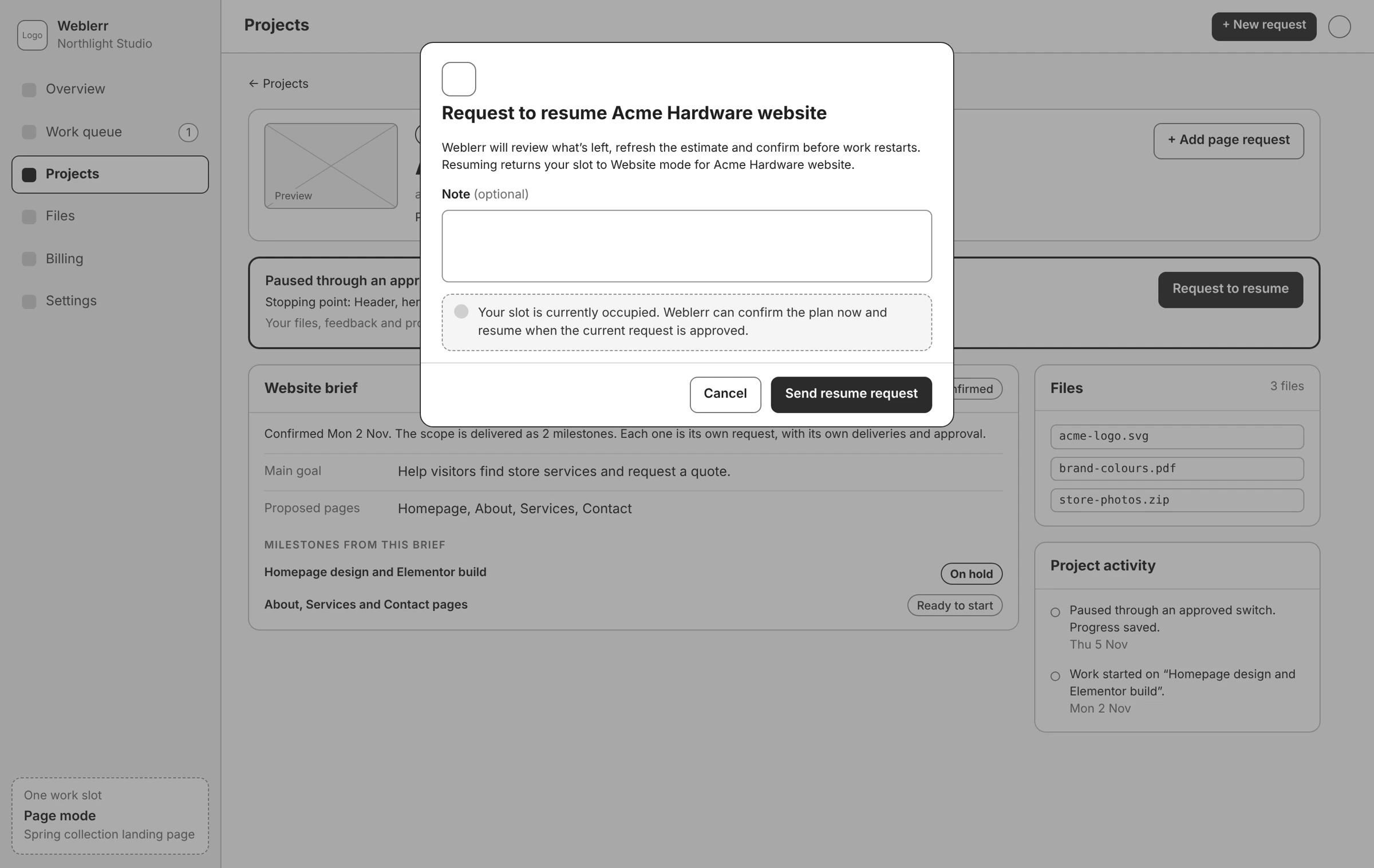
The client can withdraw the request while it’s waiting for review. Once Weblerr approves and applies the switch, the current work goes on hold with its history intact, and the new request becomes active. The client can request to resume the paused work later.
The client and admin views share the same prototype state, so each side can see when the switch is requested, approved, and applied.
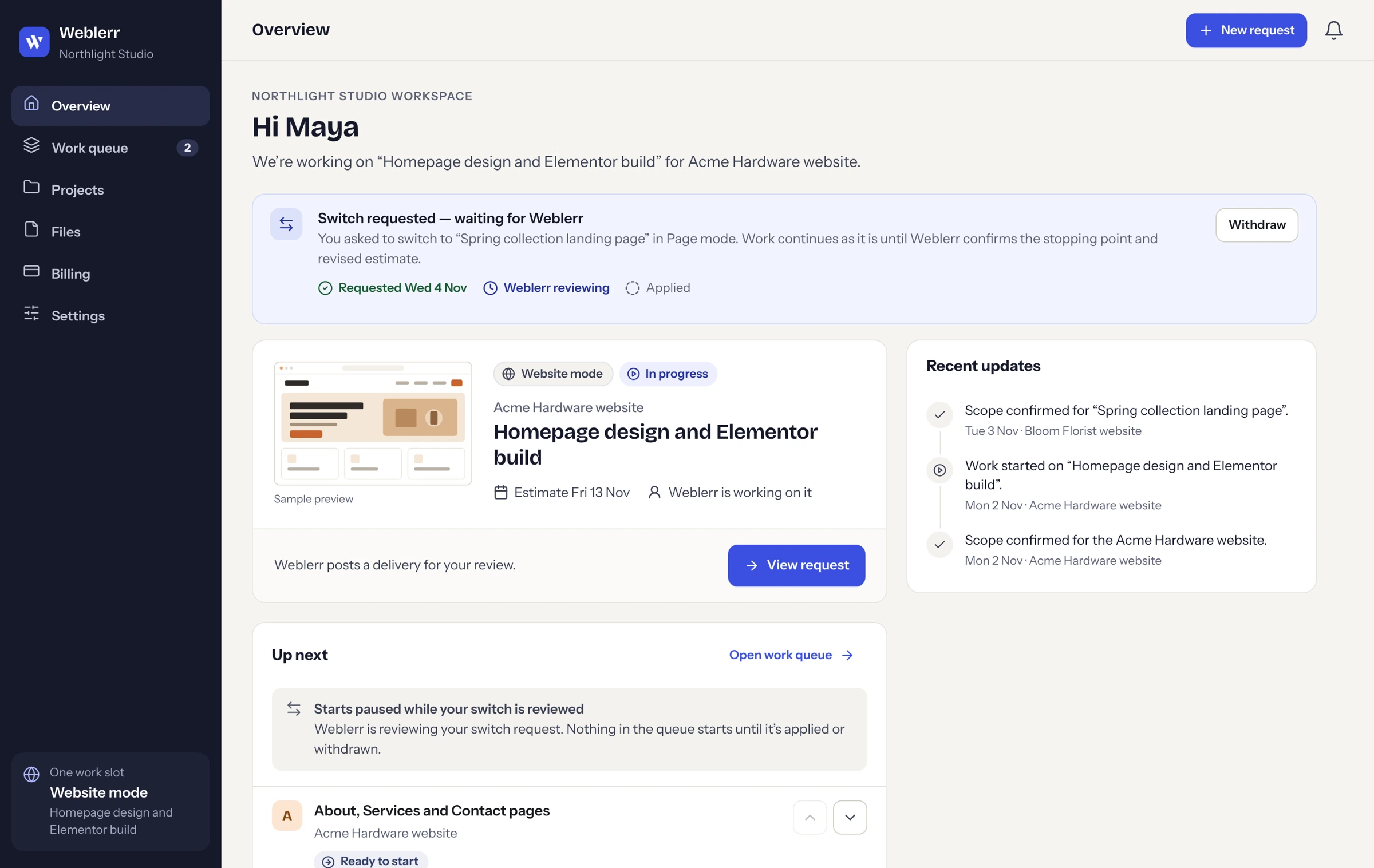

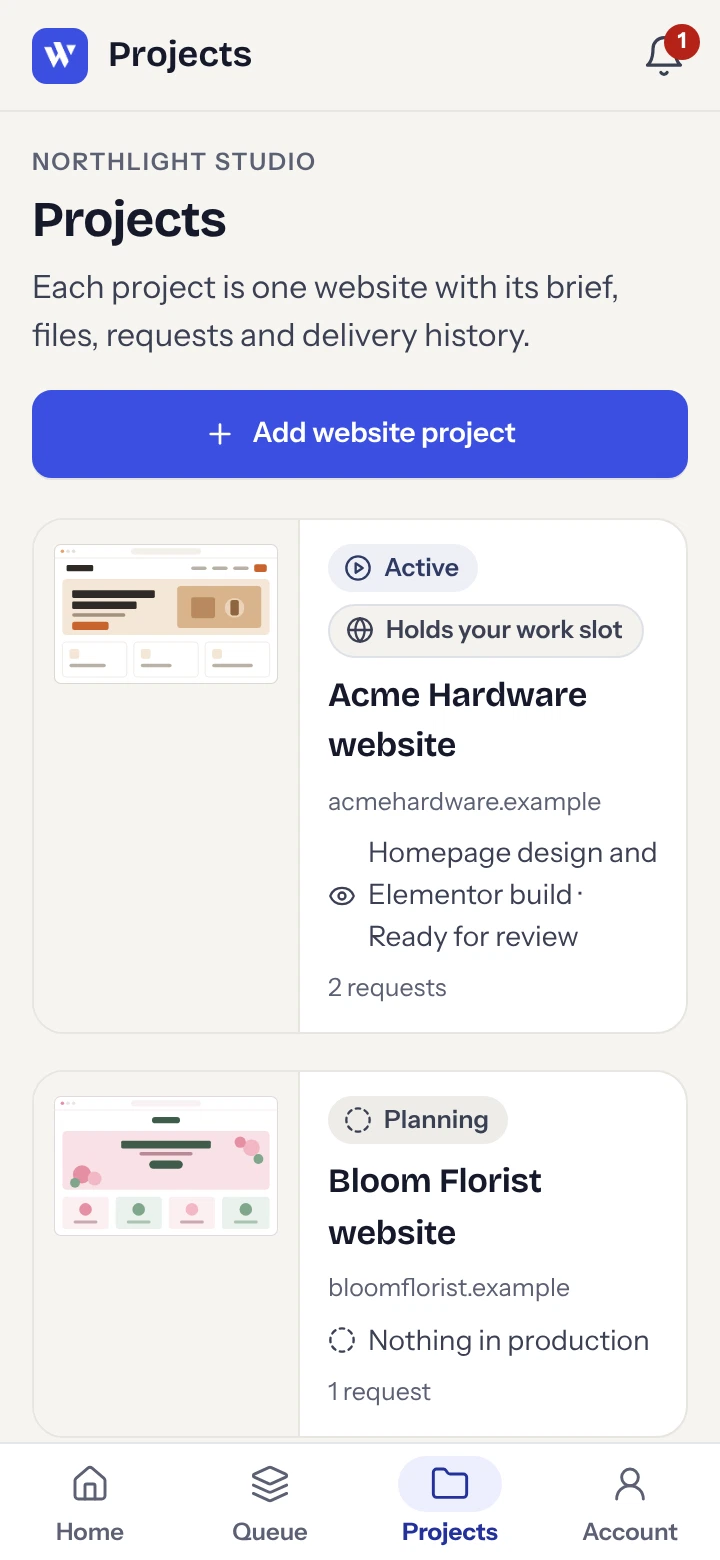
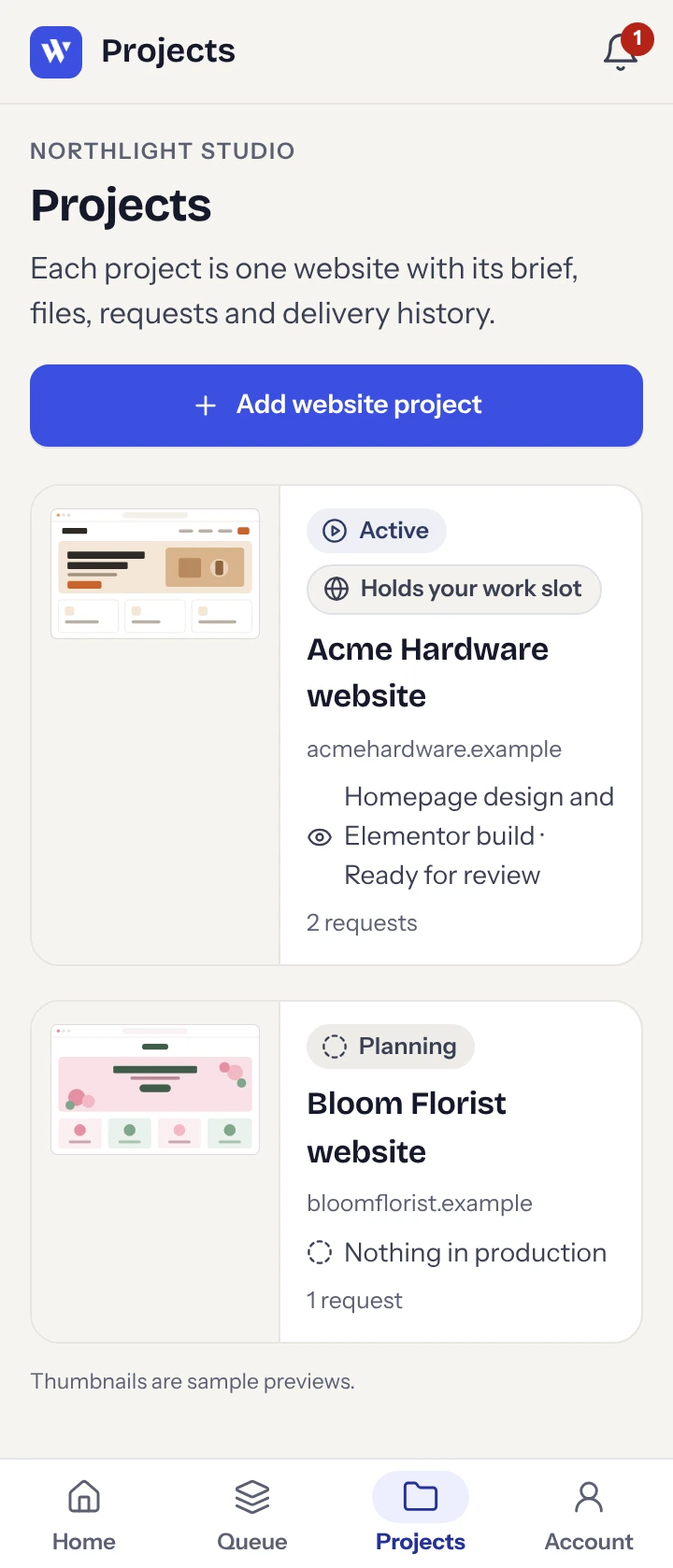
I used a dark sidebar, warm neutral backgrounds, and blue for primary actions. Website previews help clients recognize their projects, and consistent status labels carry across the client and admin views.
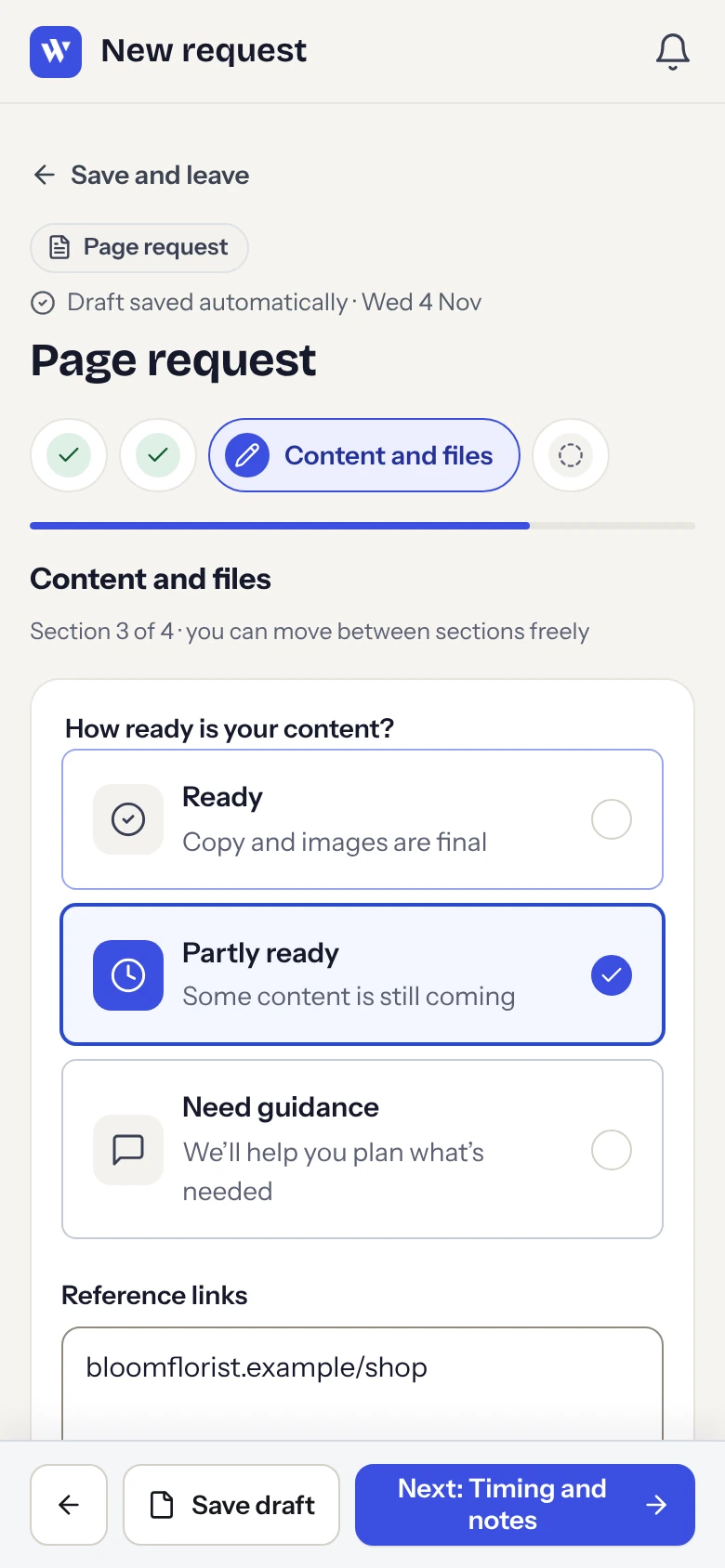
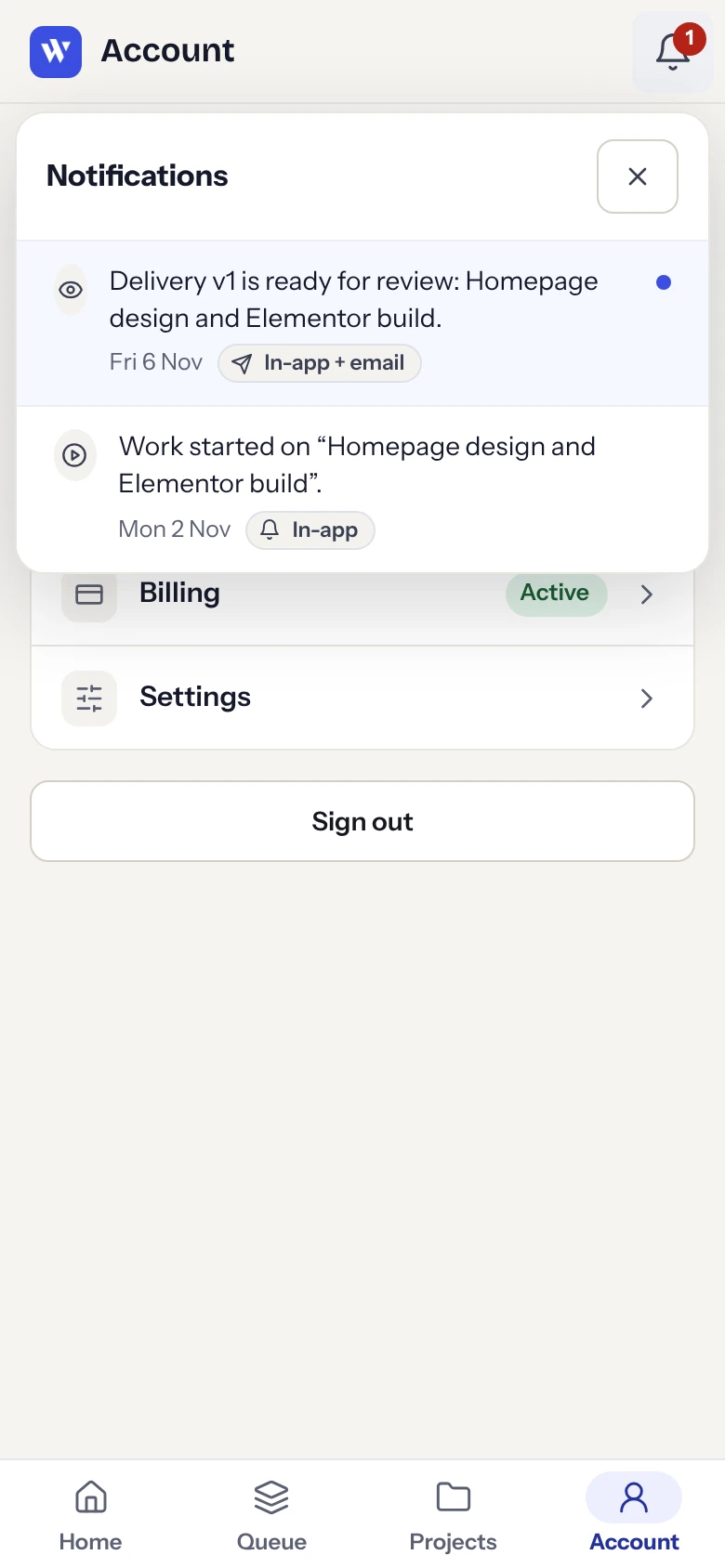
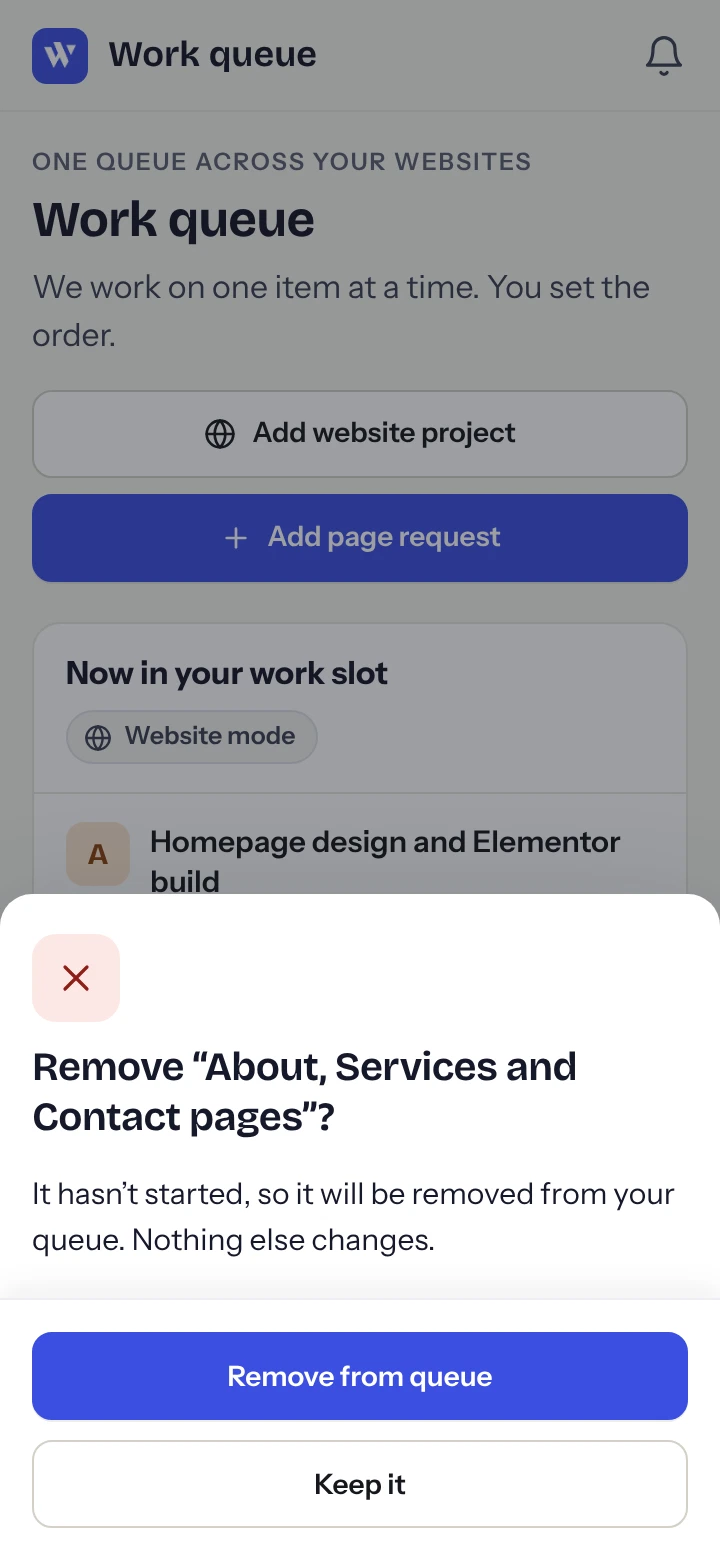
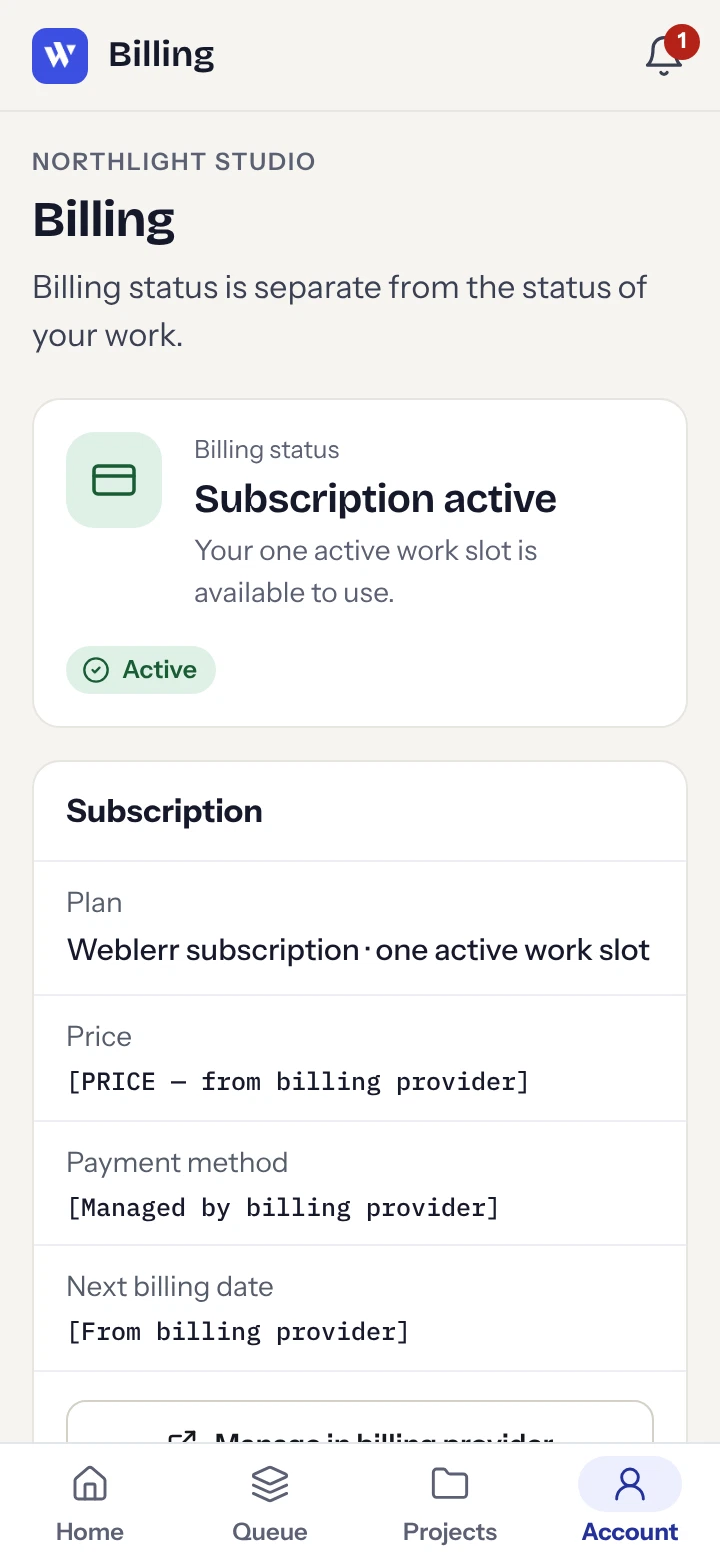
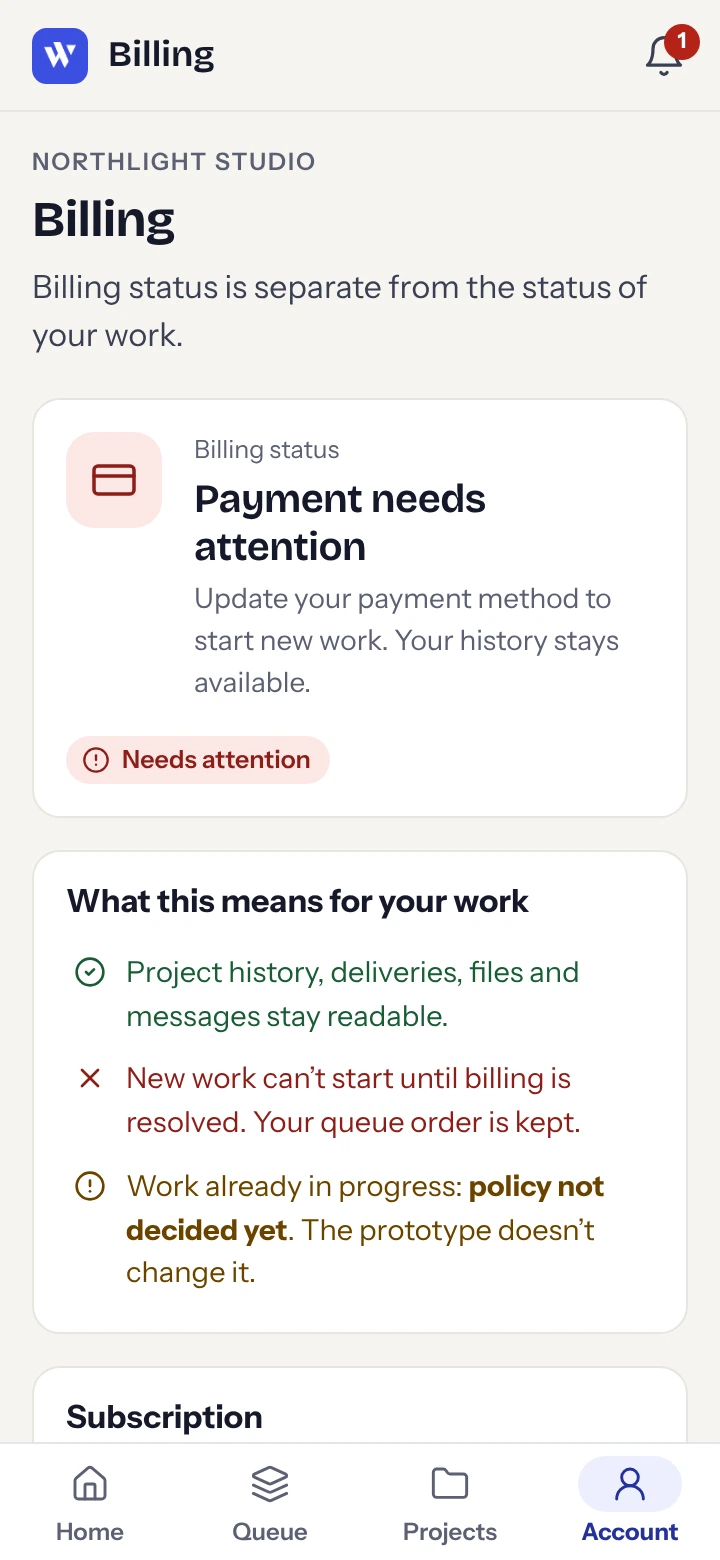
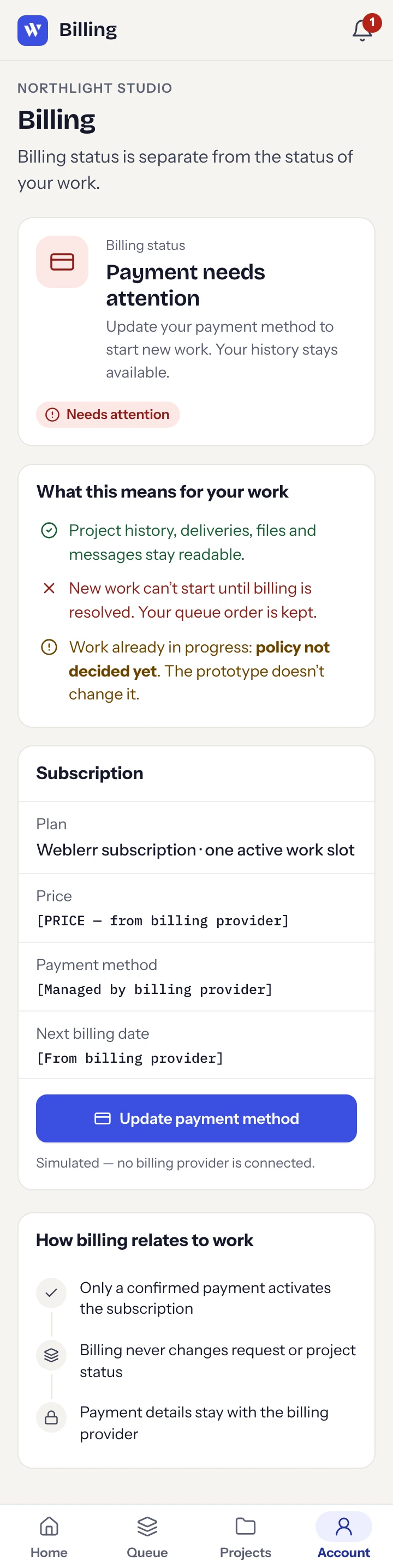
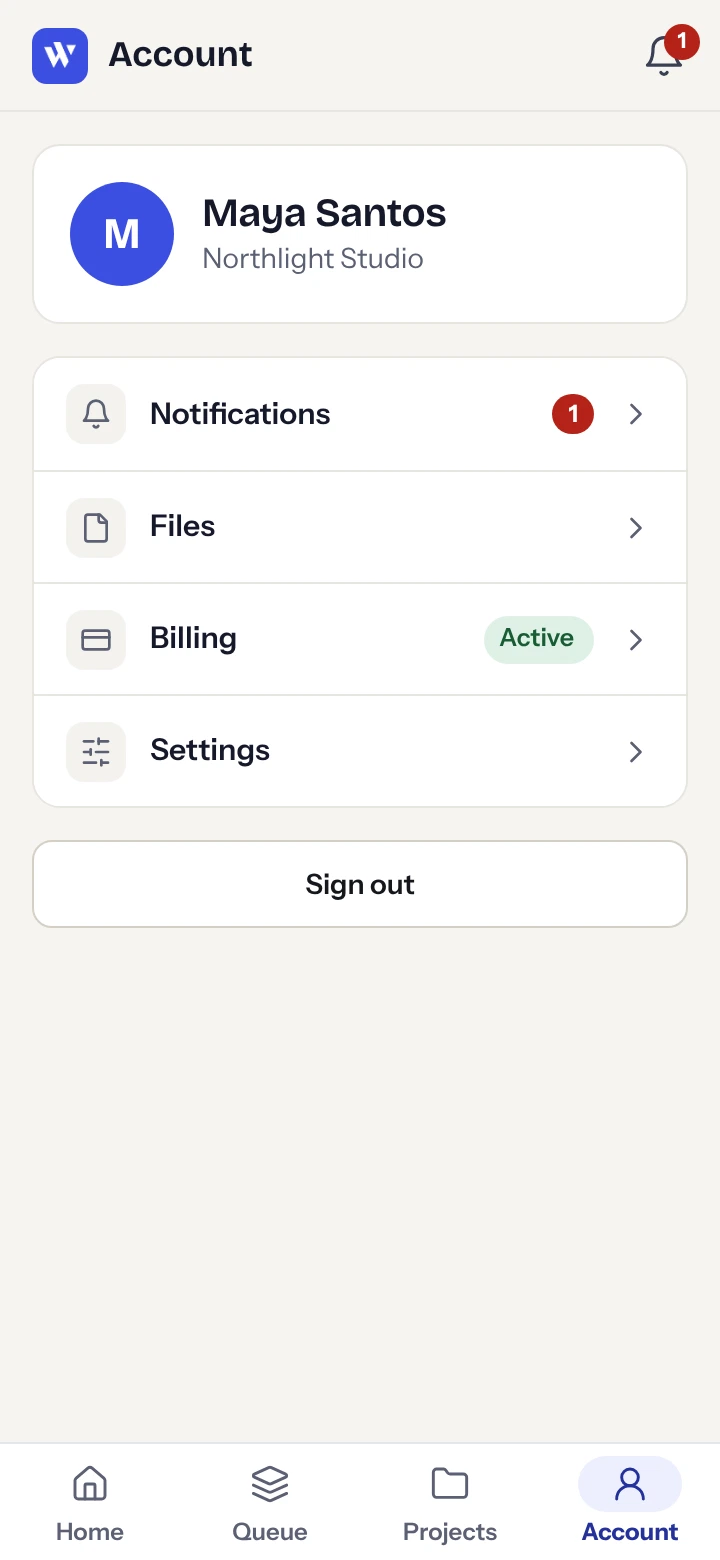
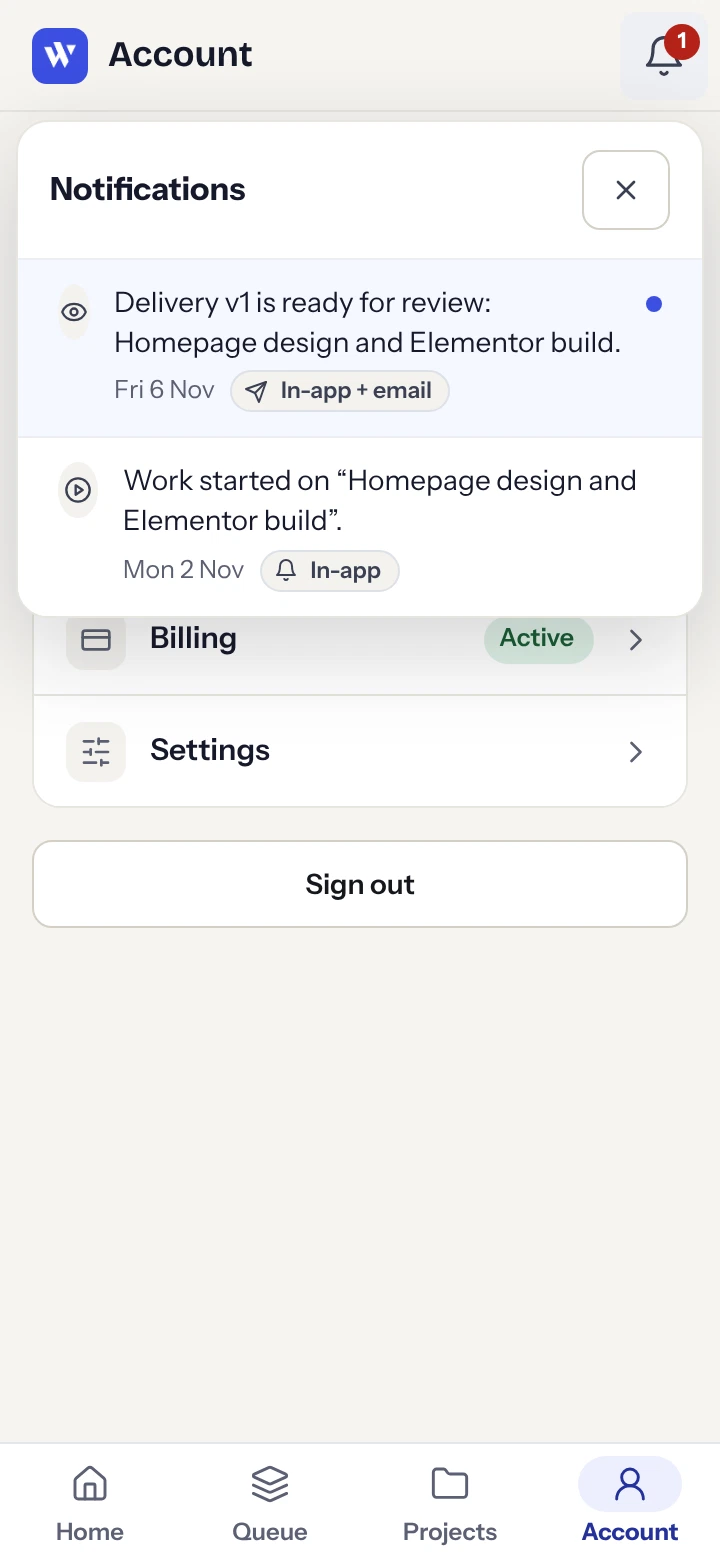
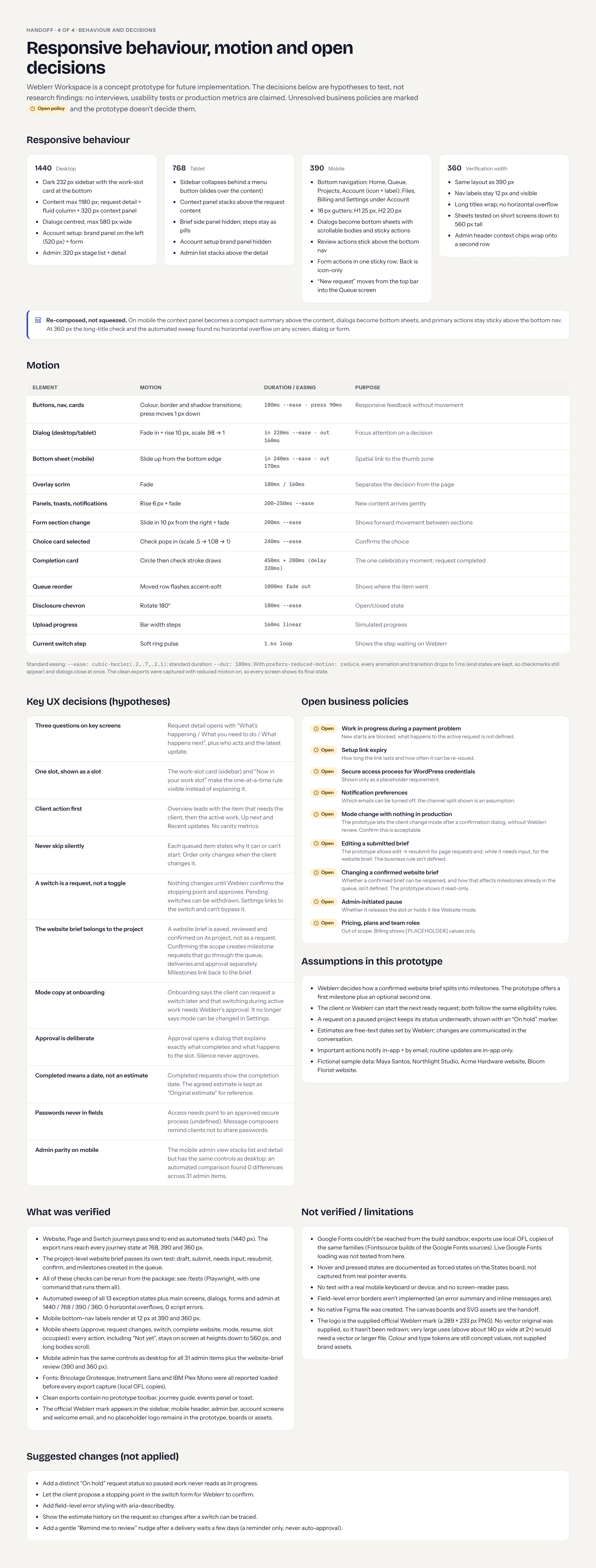
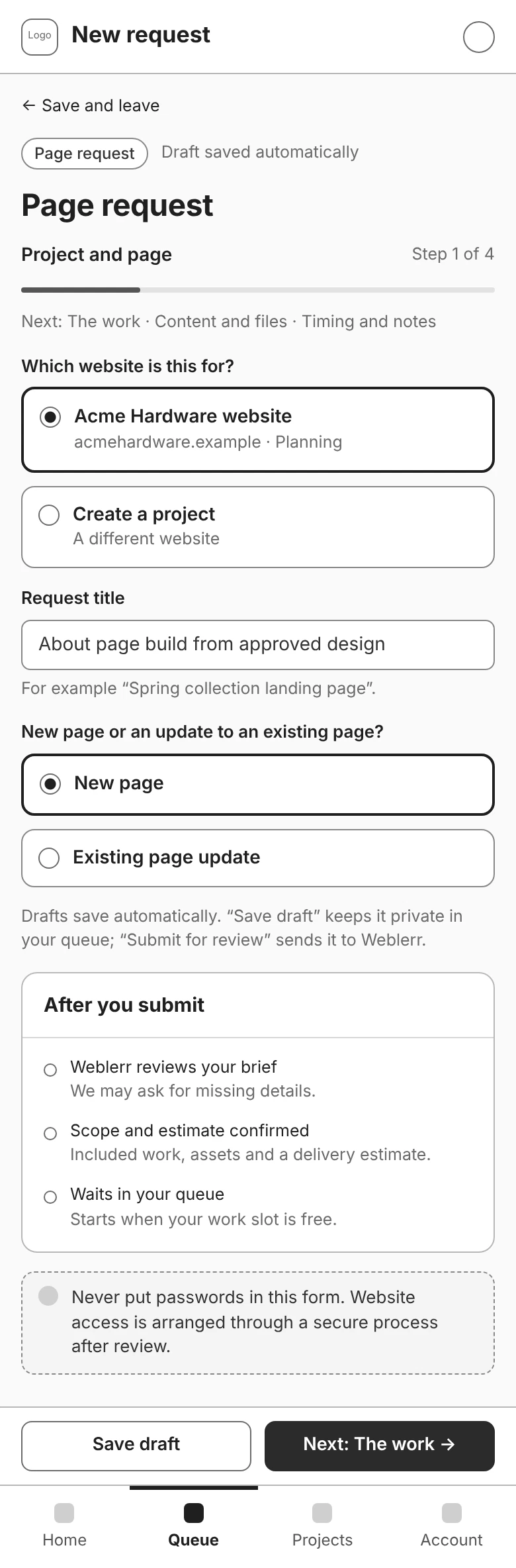
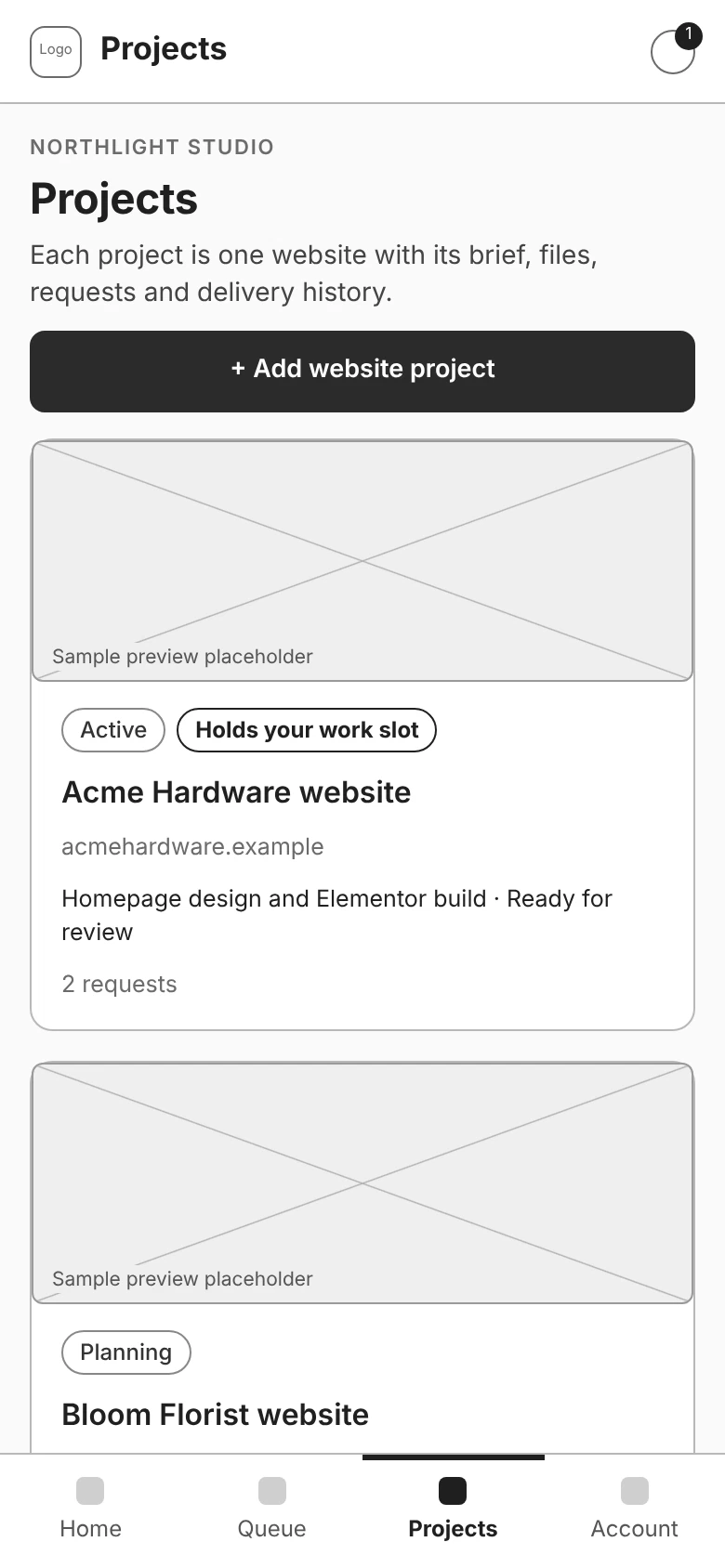
On mobile, I moved navigation to a labelled bottom bar, stacked the content, and turned dialogs into panels that open from the bottom. Delivery review actions sit above the navigation so clients can reach them while looking through the work. The prototype includes desktop, tablet, and mobile layouts, with additional browser checks at 360 px.
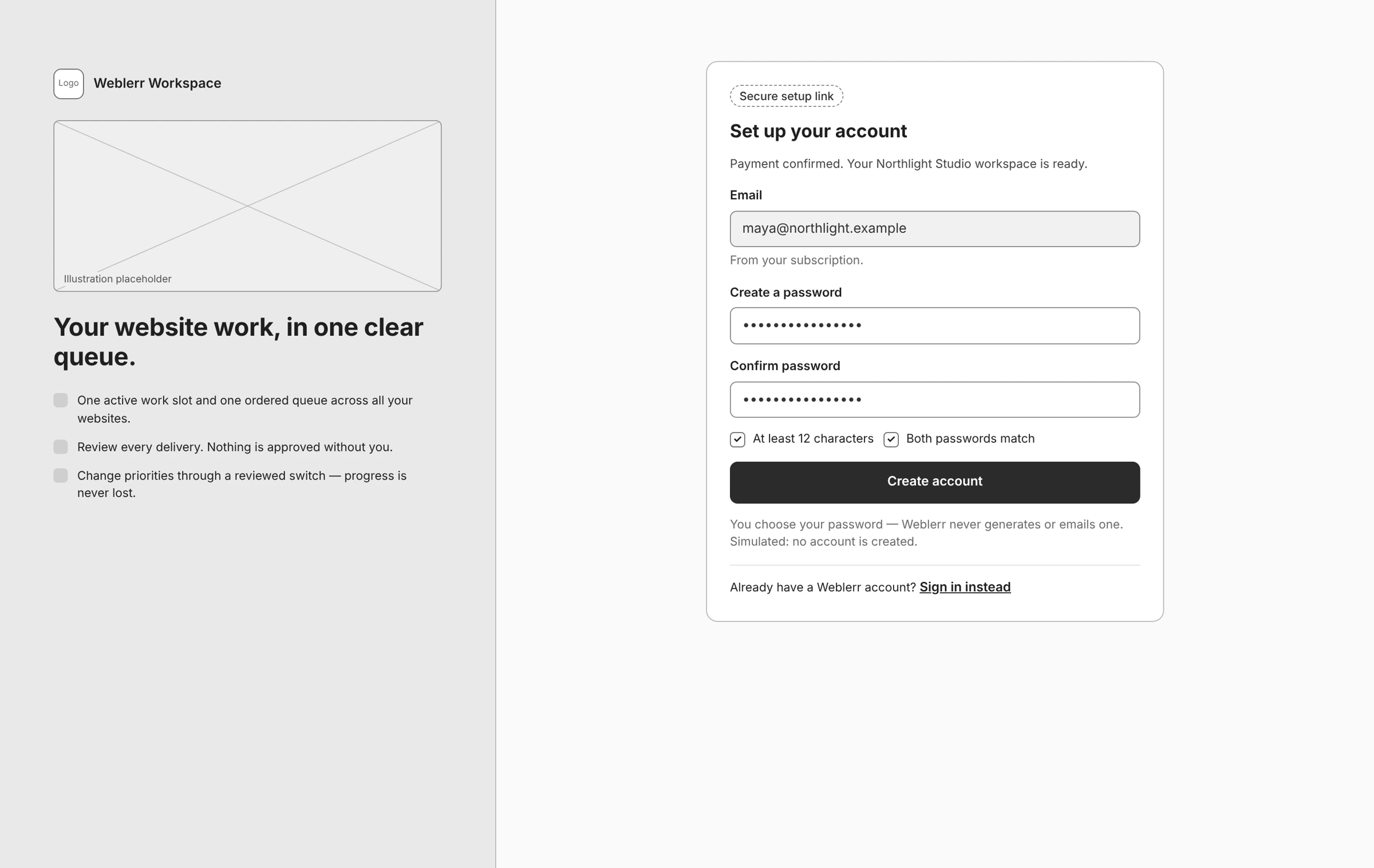
I also reconstructed low-fidelity wireframes from the completed interface to document the Website, Page, and Switch journeys. The dashboard and delivery review comparisons show the same screens before visual styling is applied to the wireframe view.
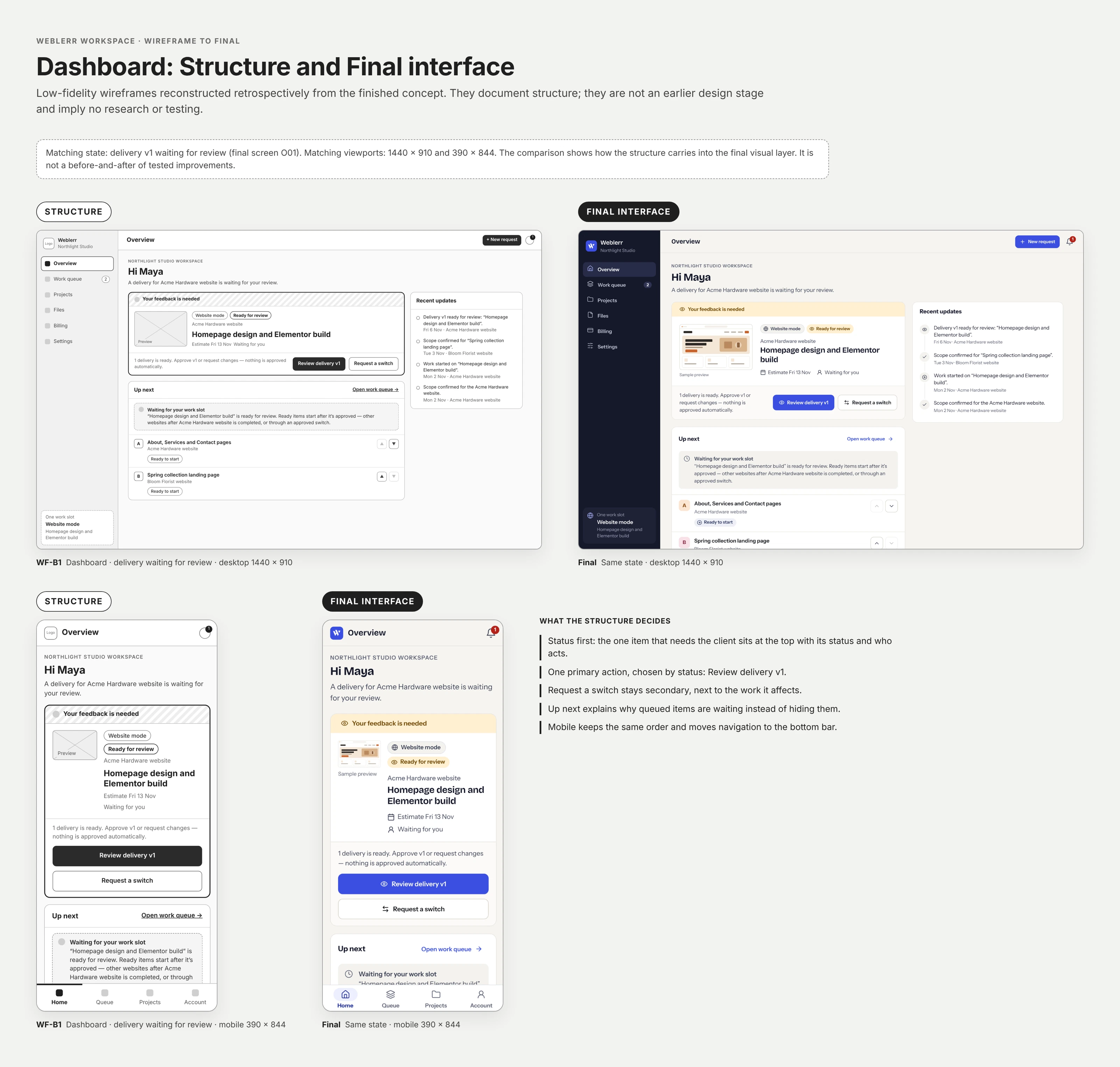
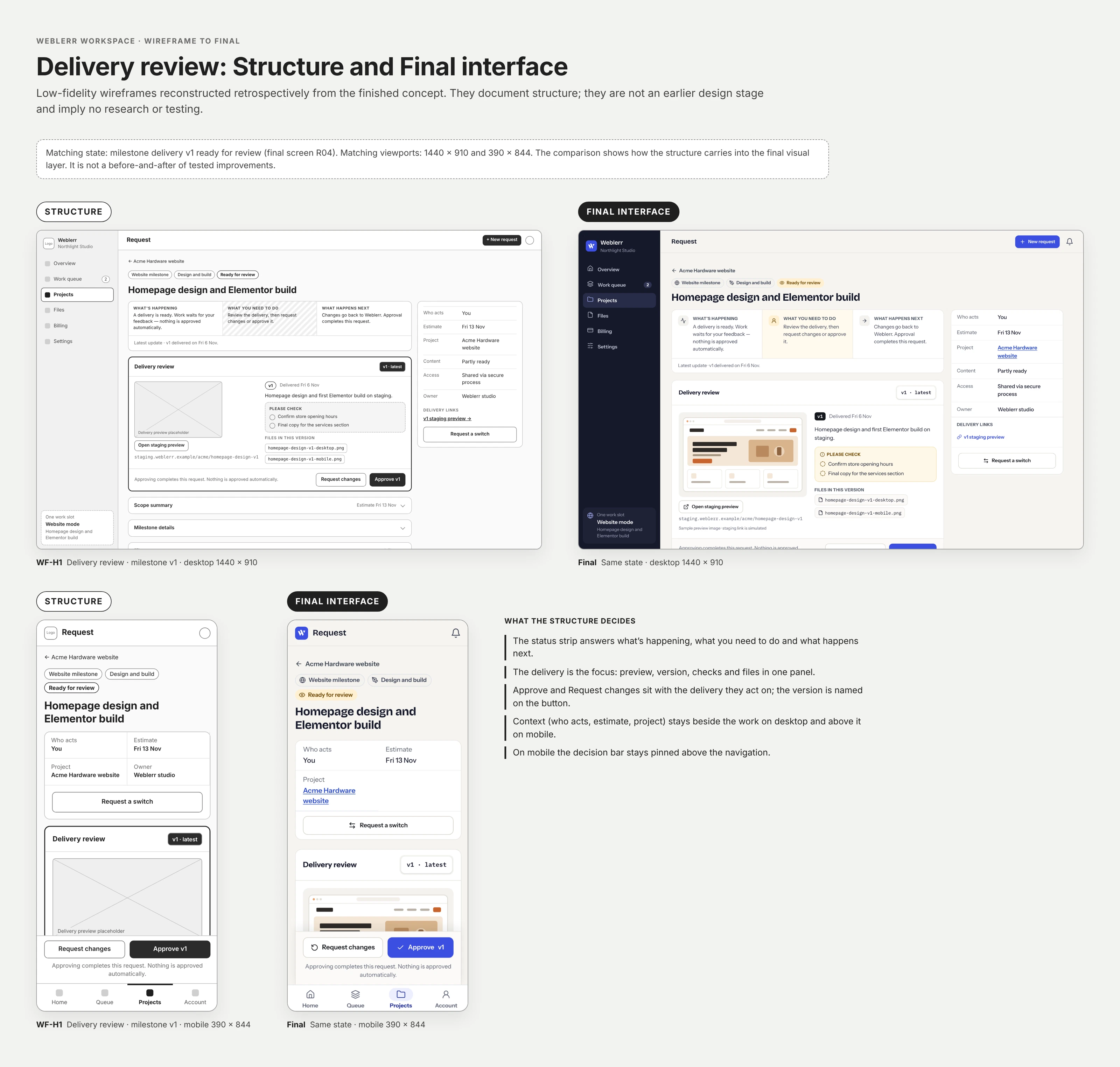
The finished prototype connects the Website, Page, and Switch journeys across the client and admin views. The handoff includes responsive screen exports, wireframes, reusable SVG assets, and notes on how the workspace behaves.
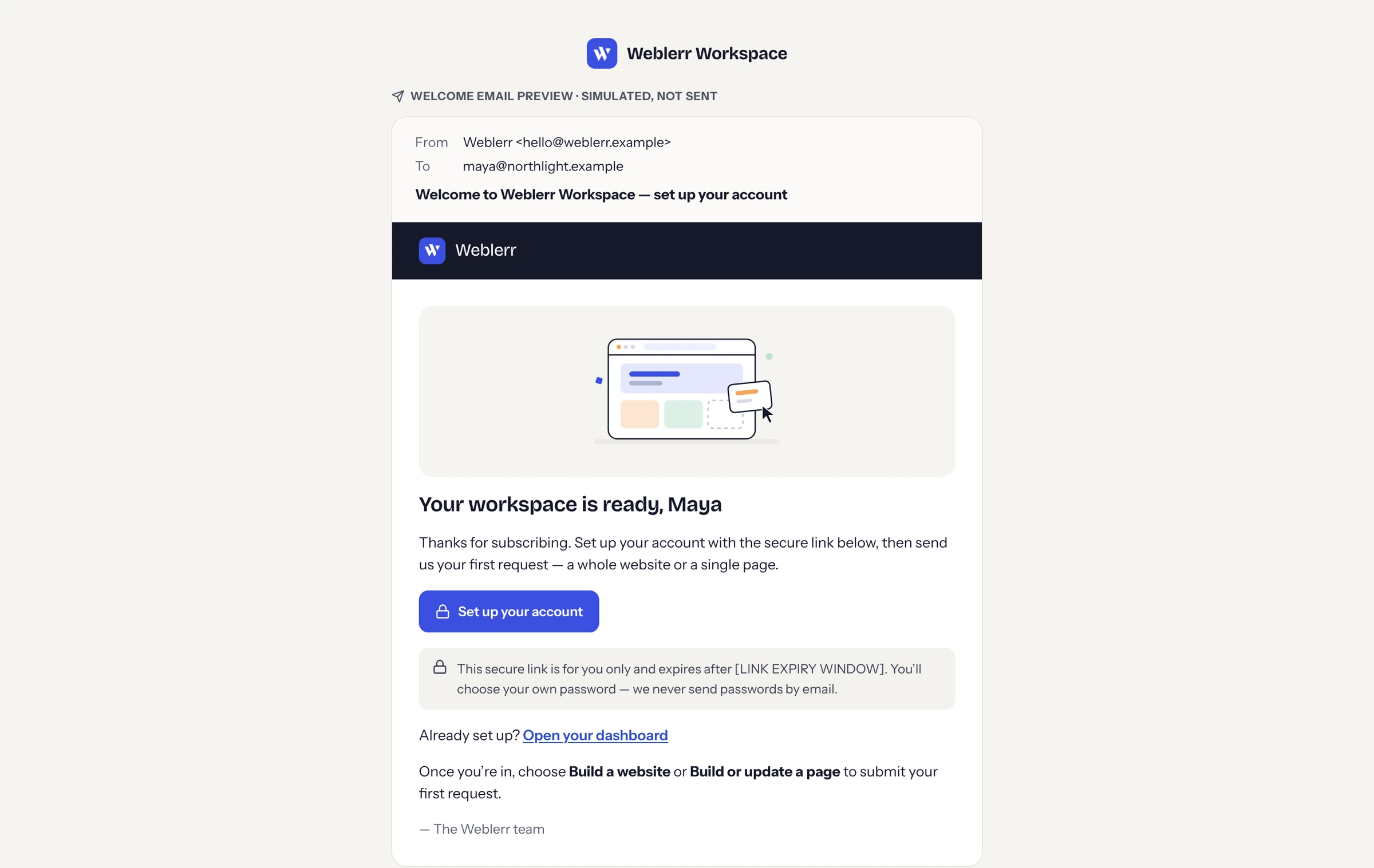
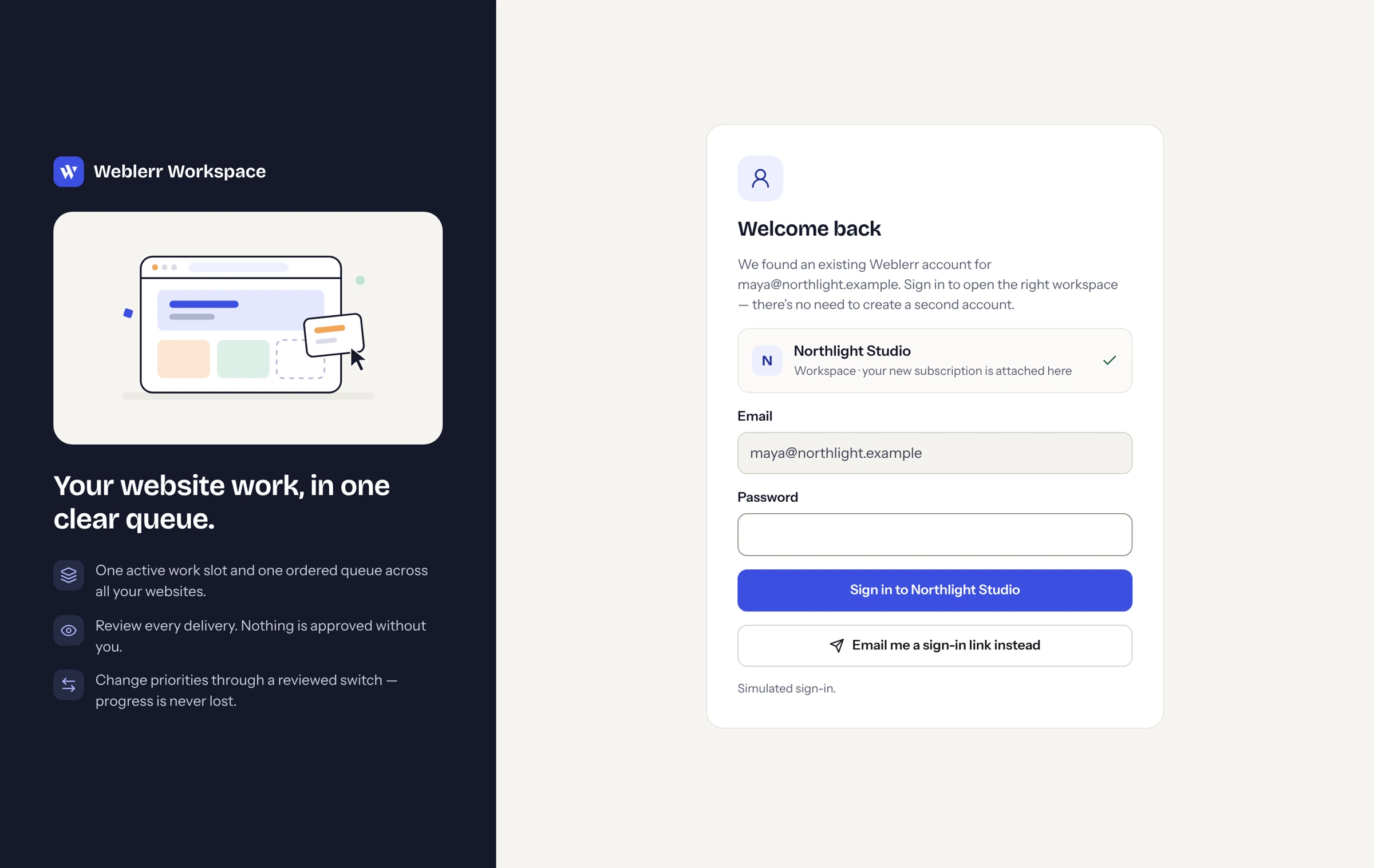
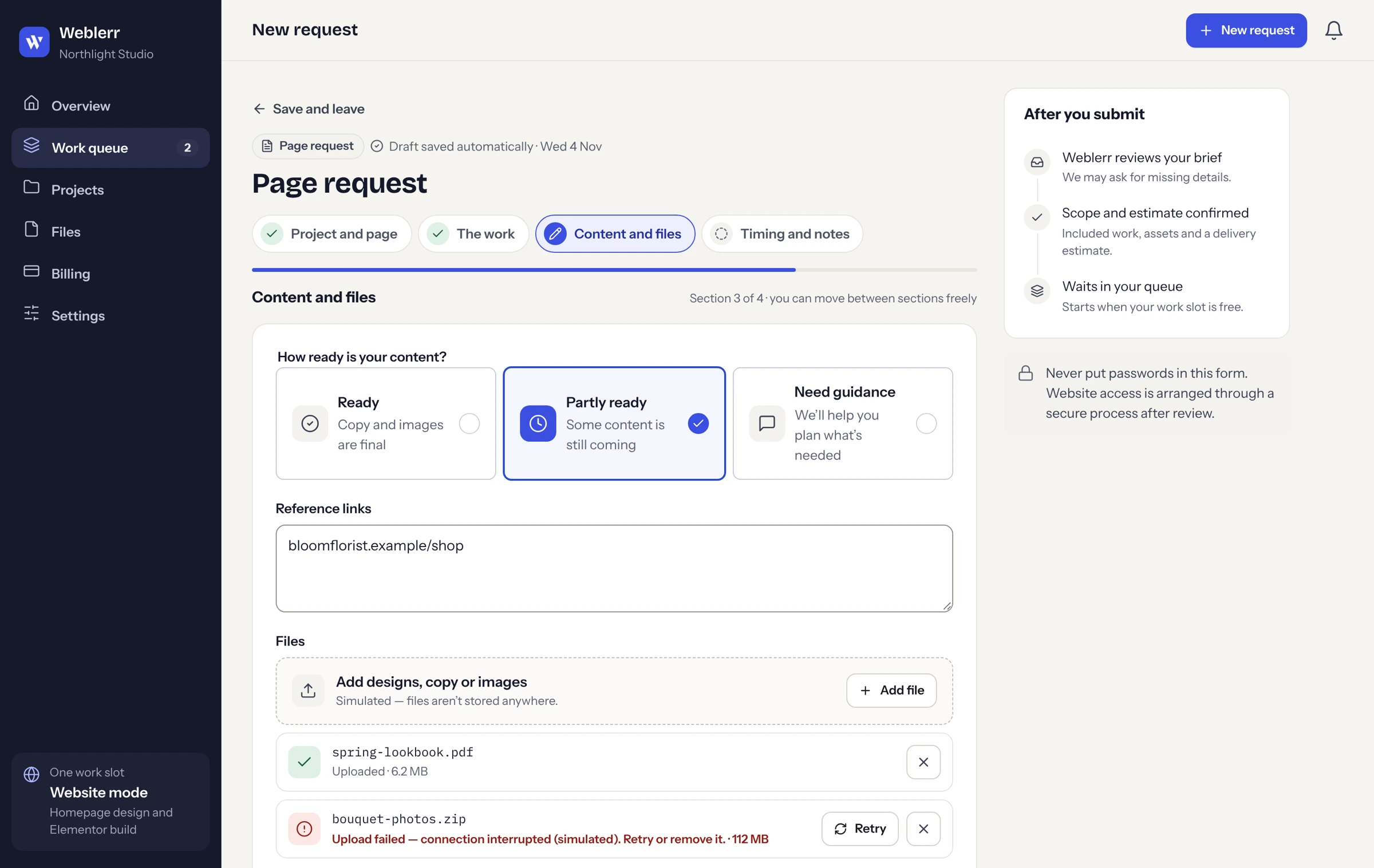
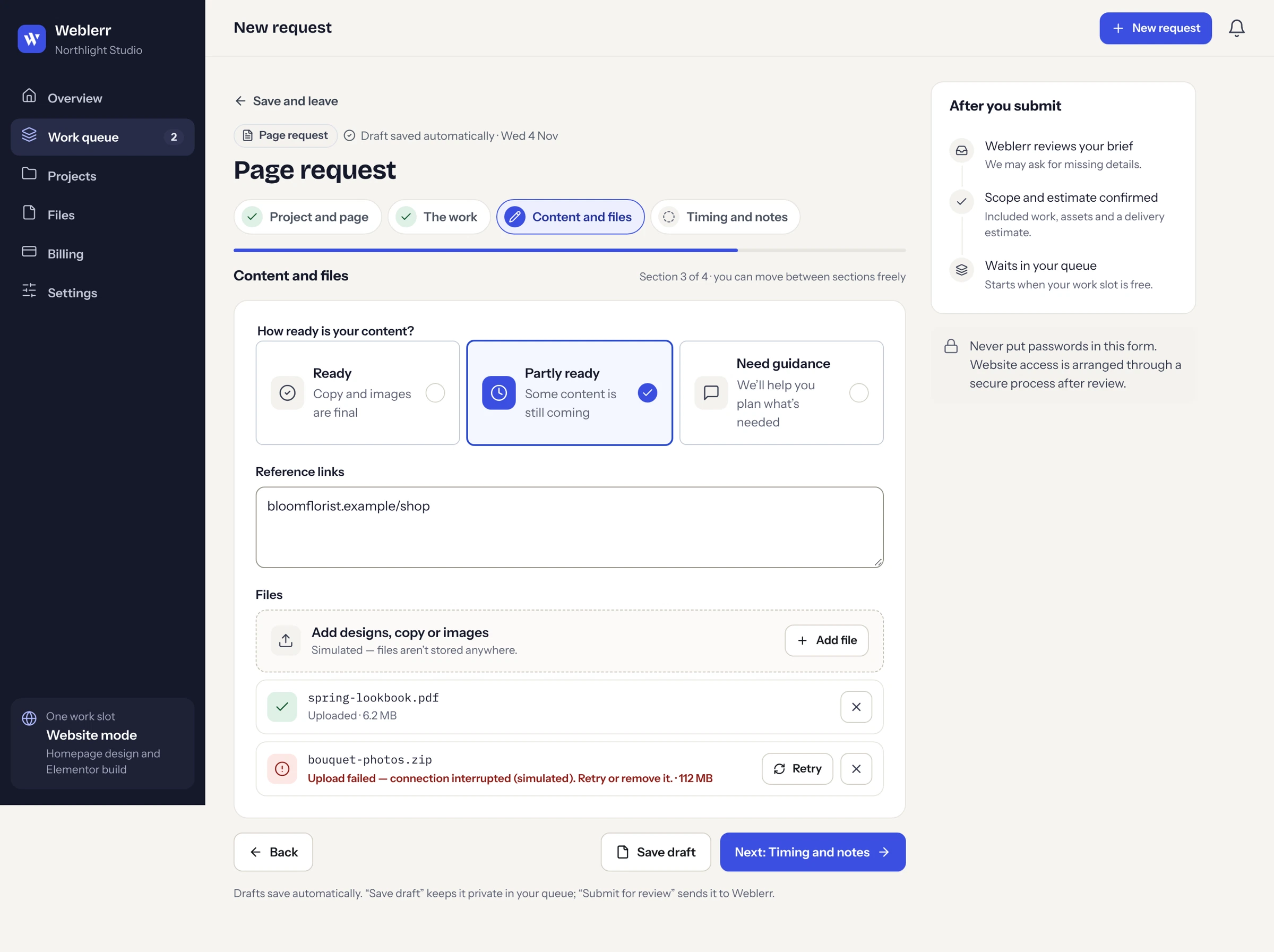
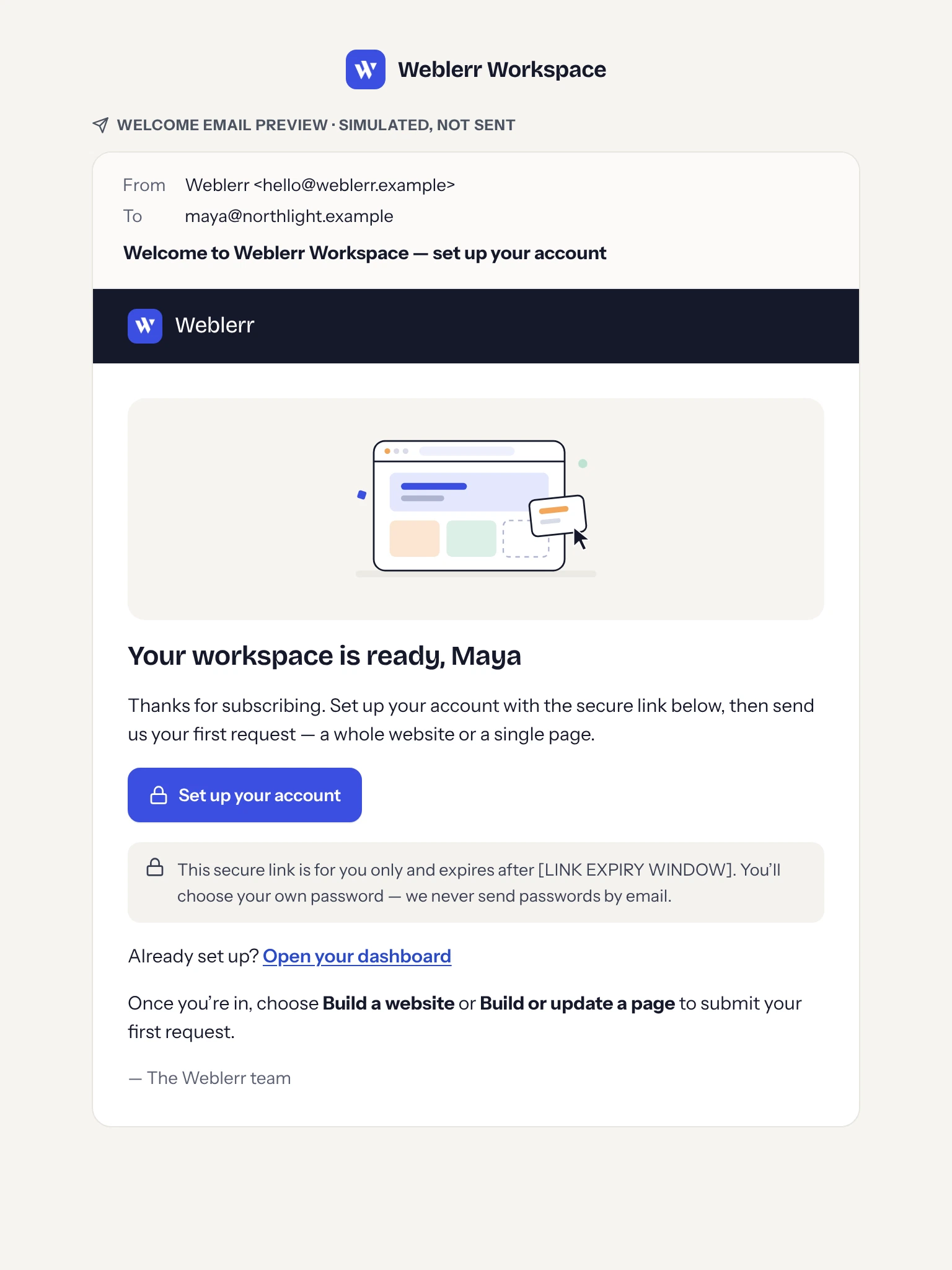
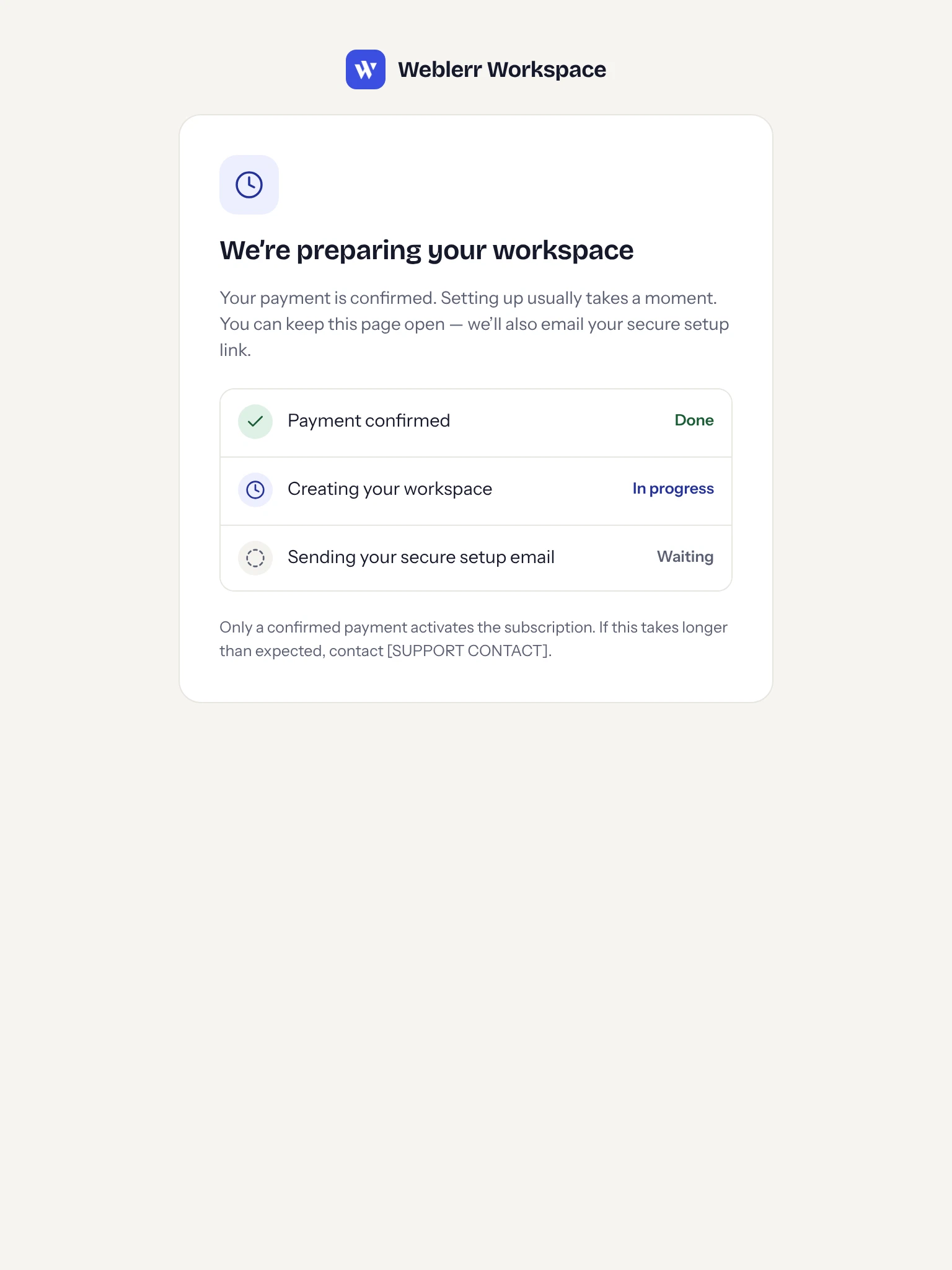
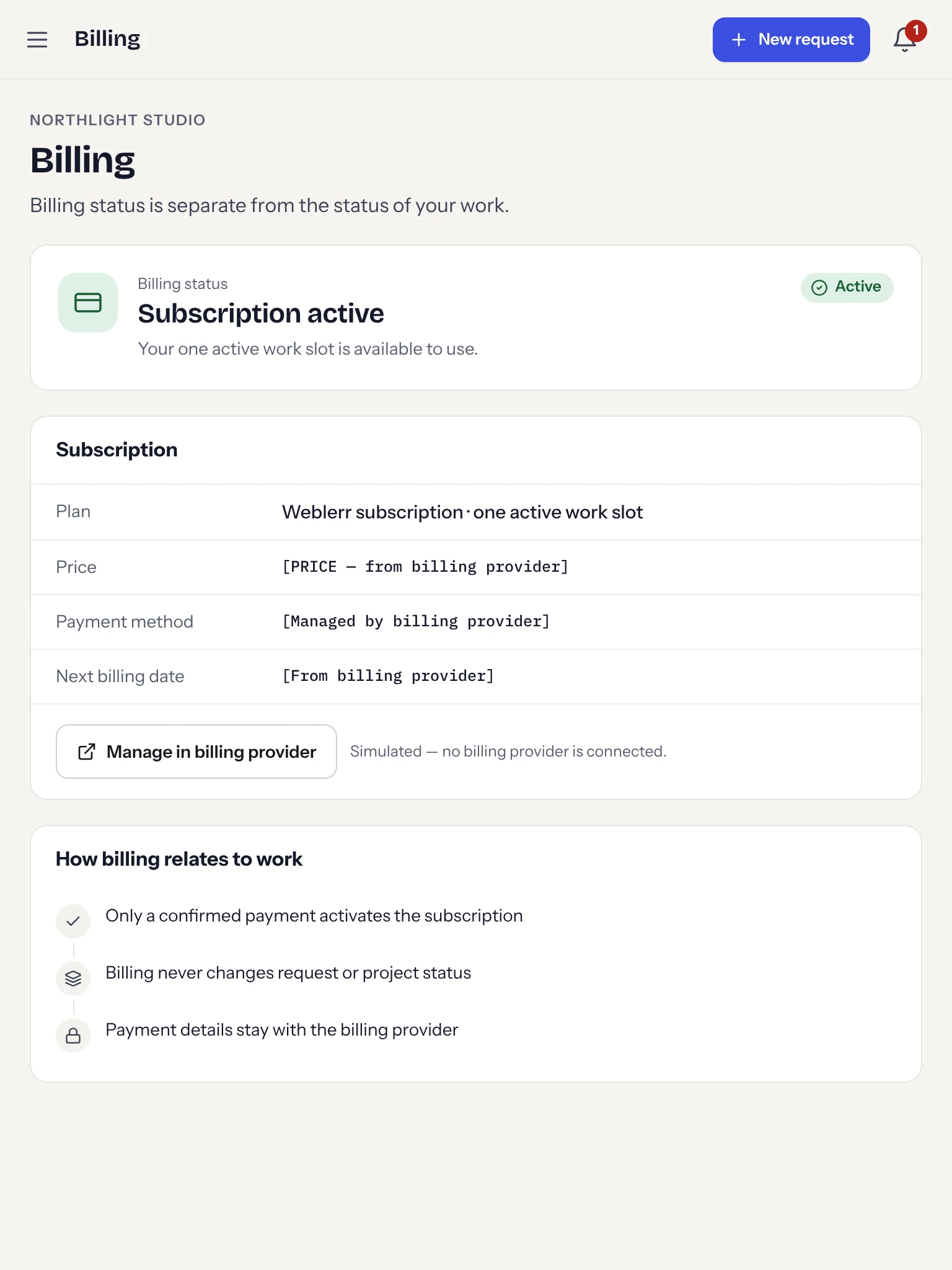
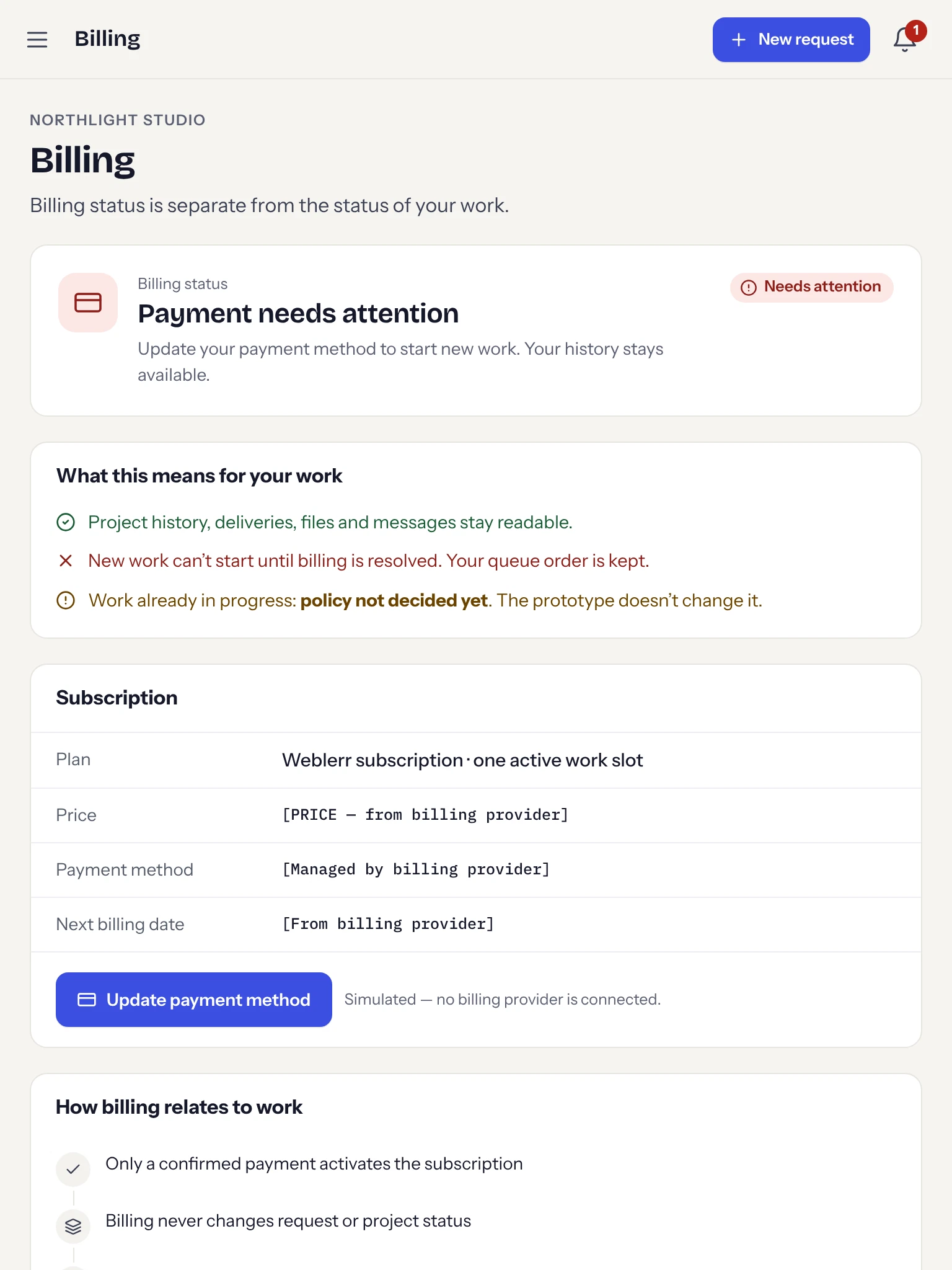
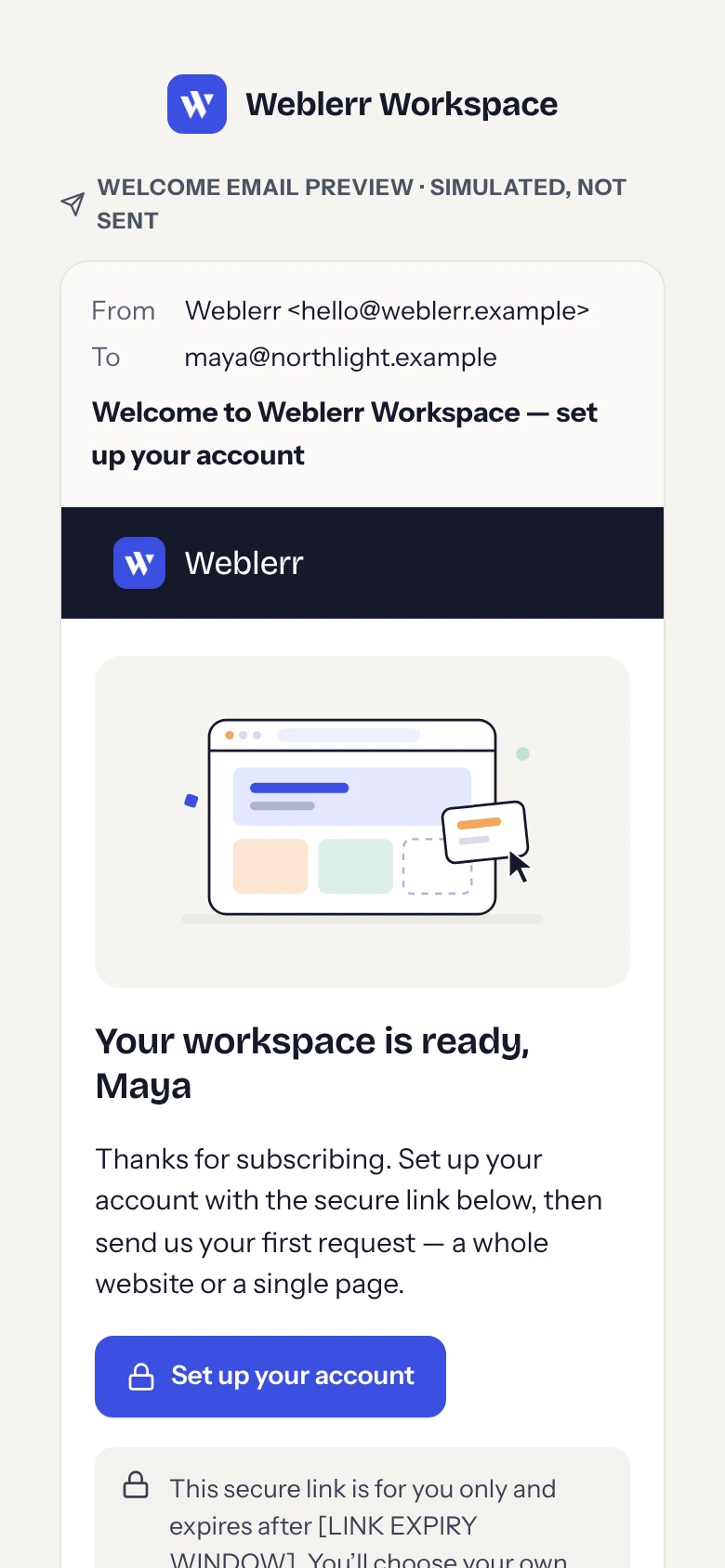
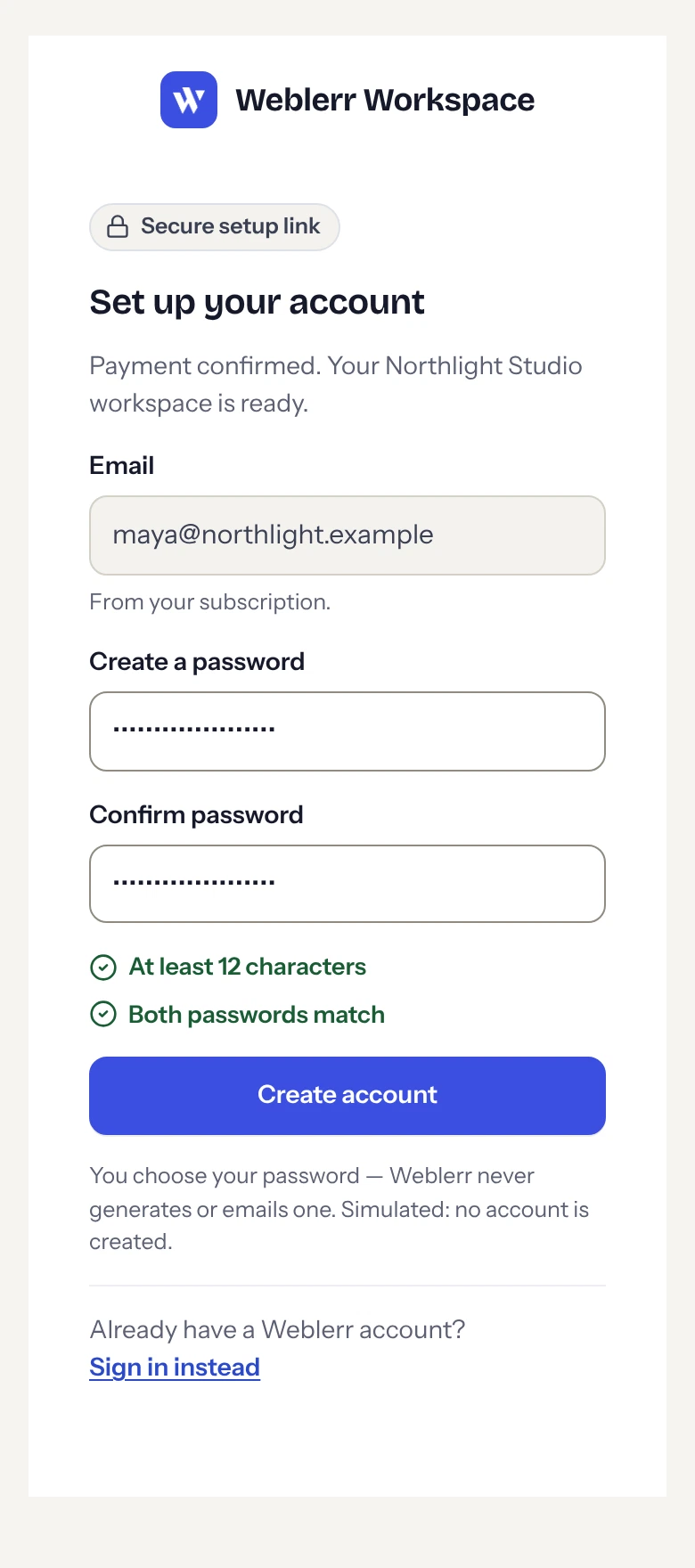
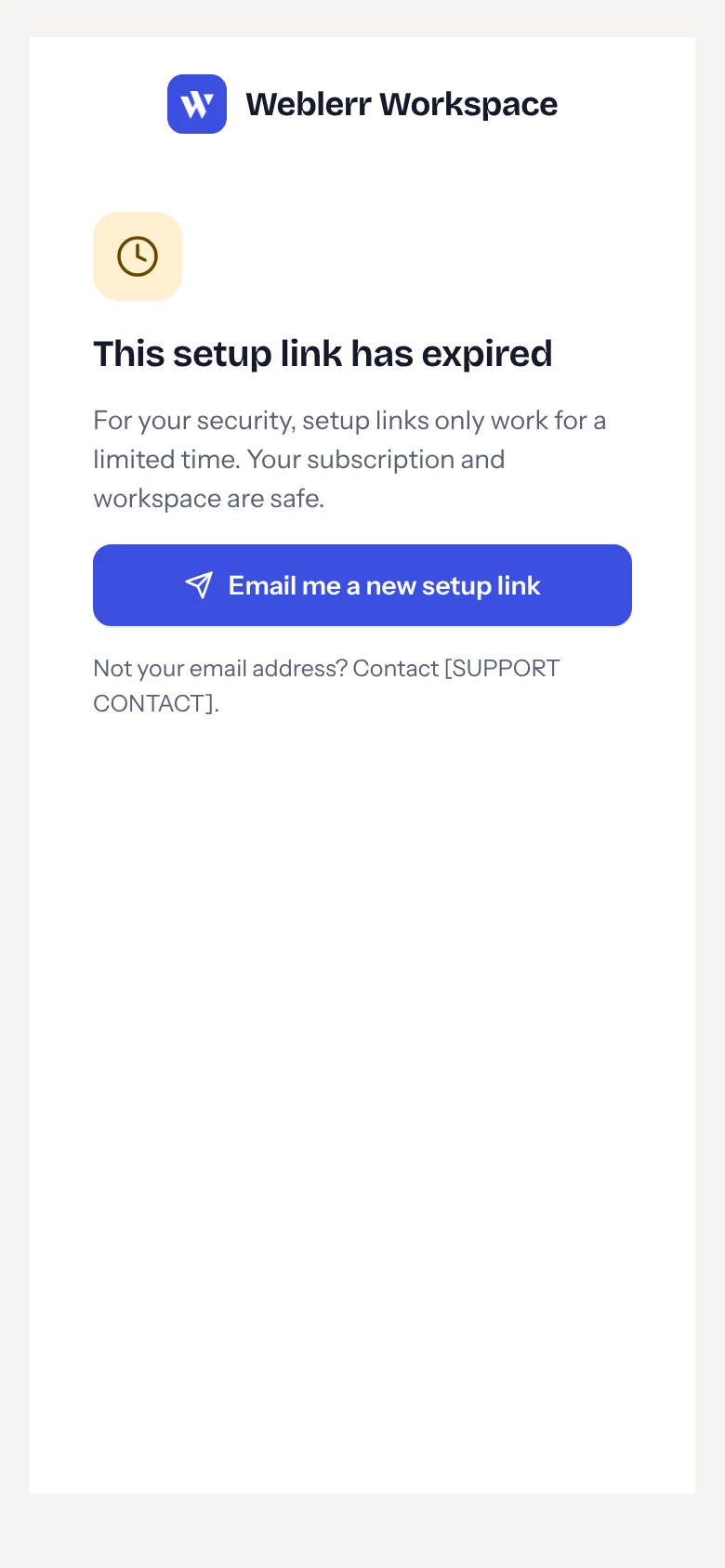
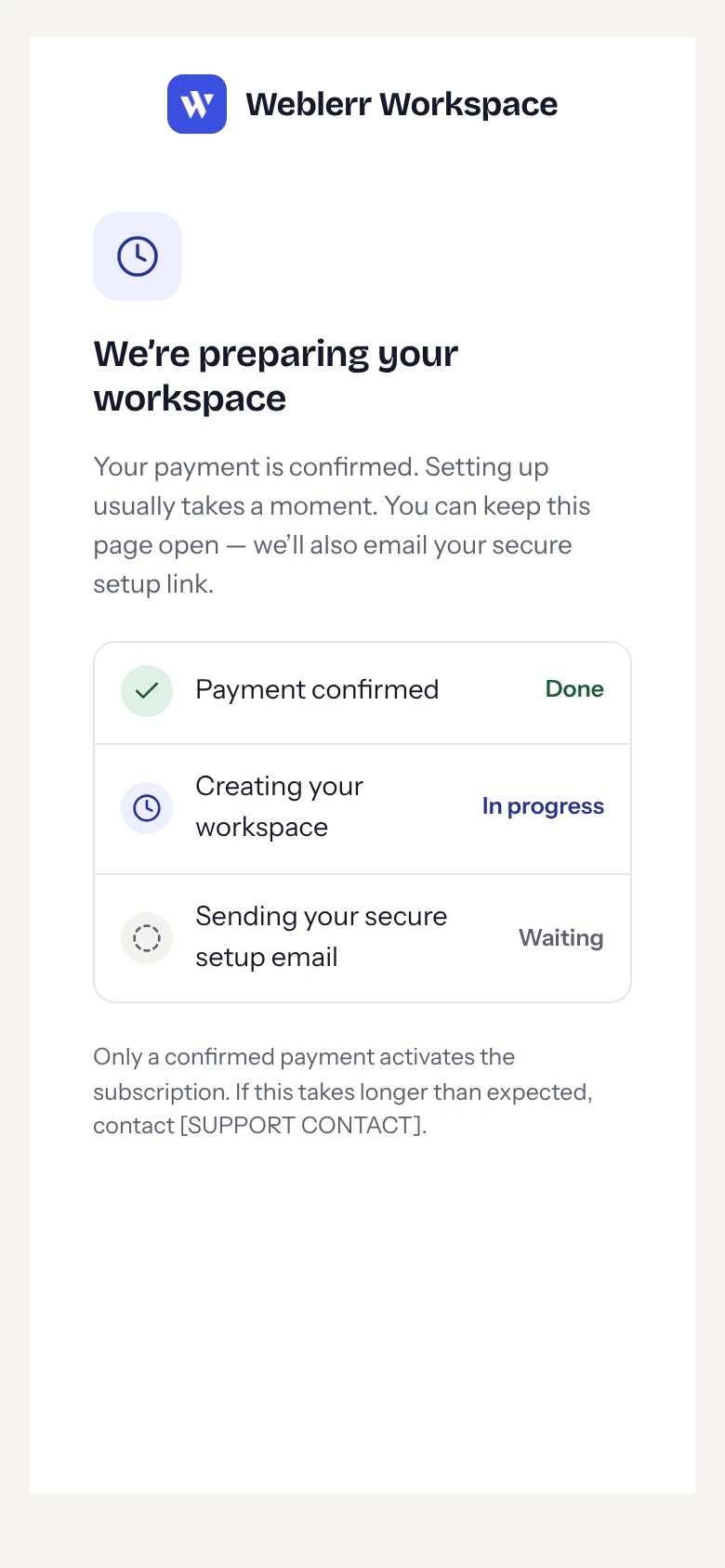
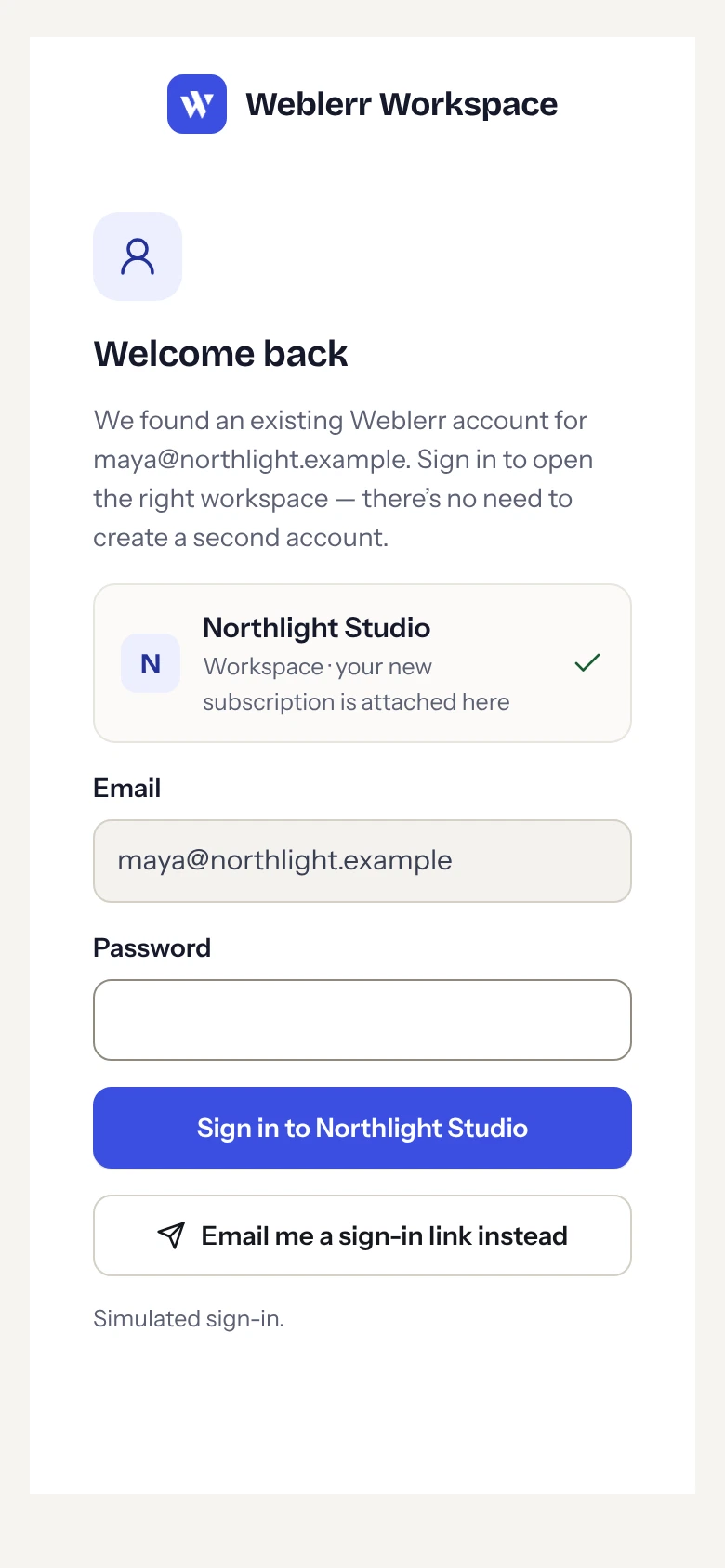
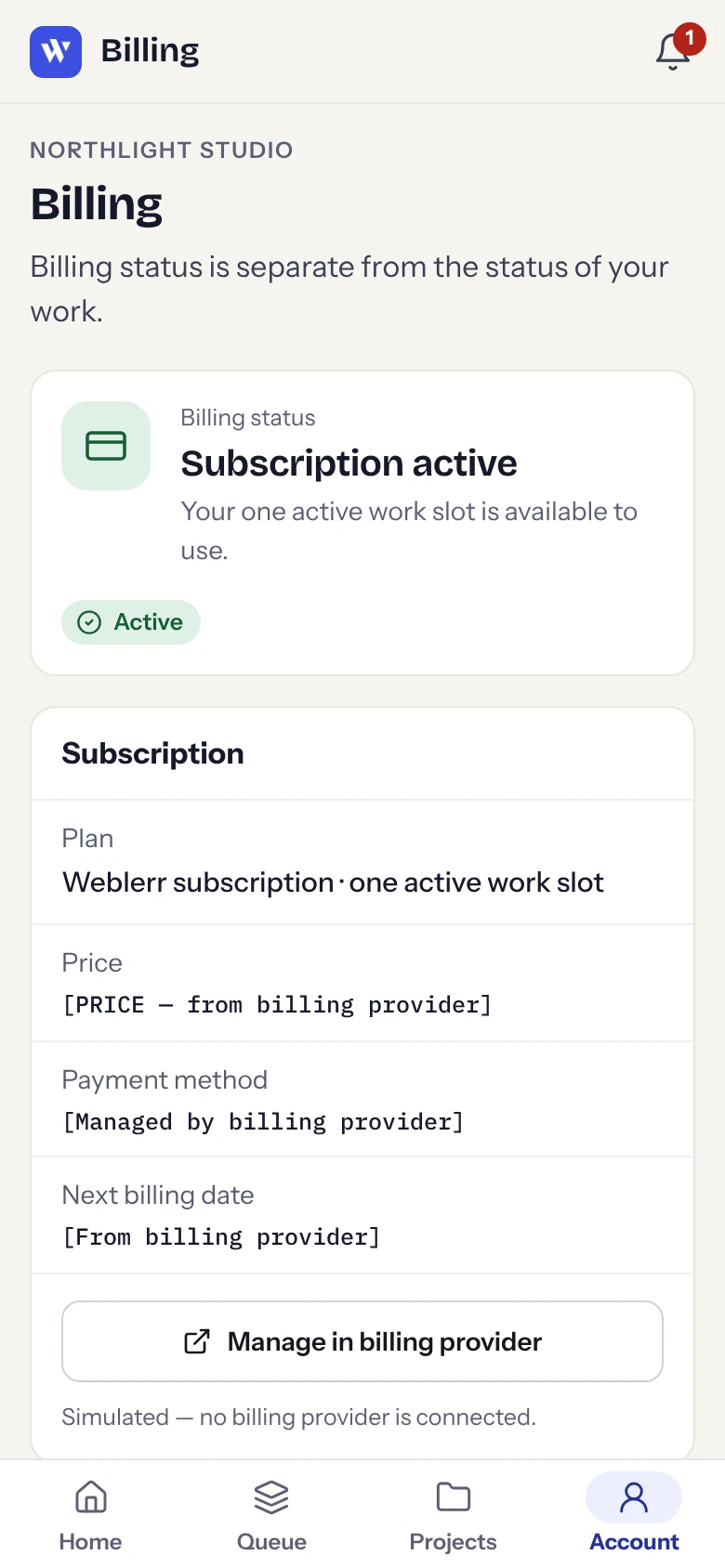
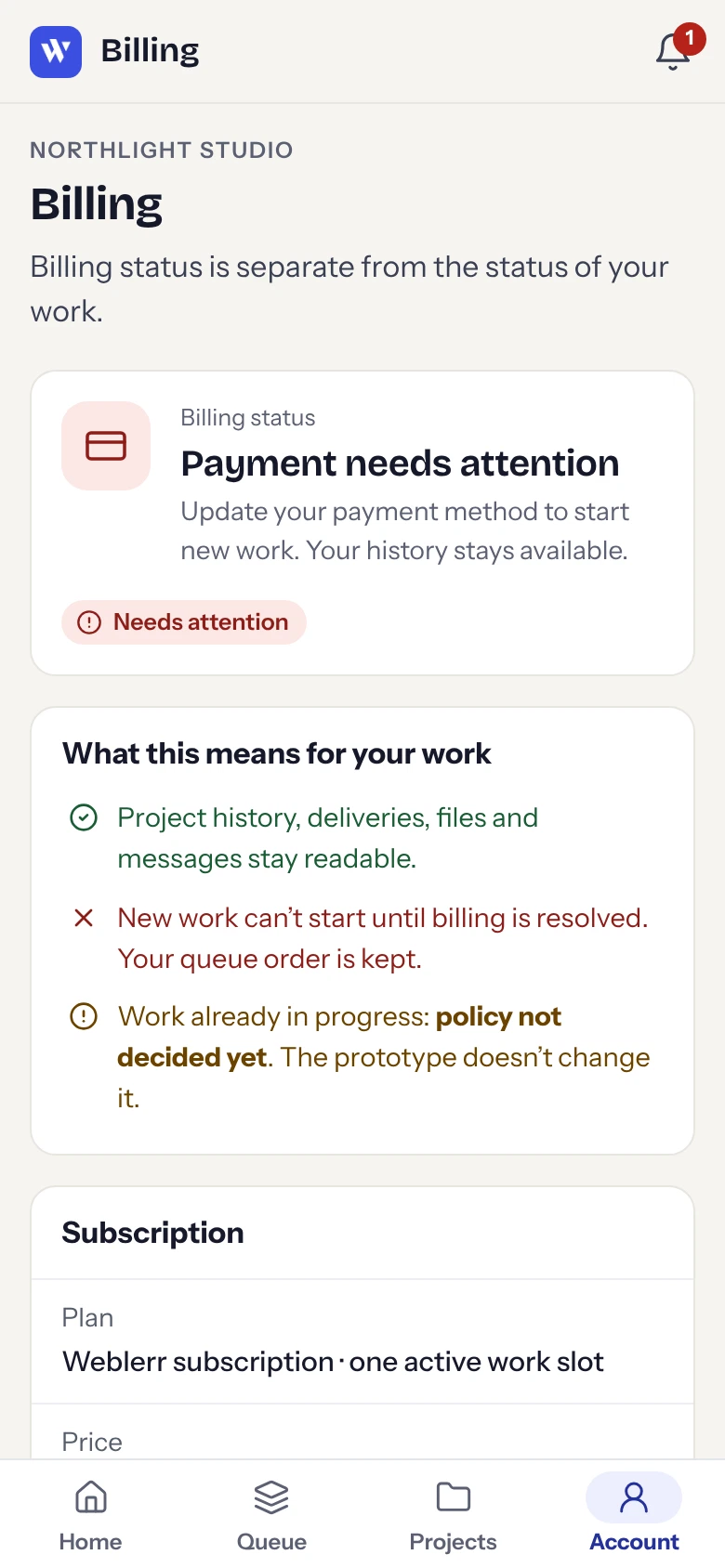
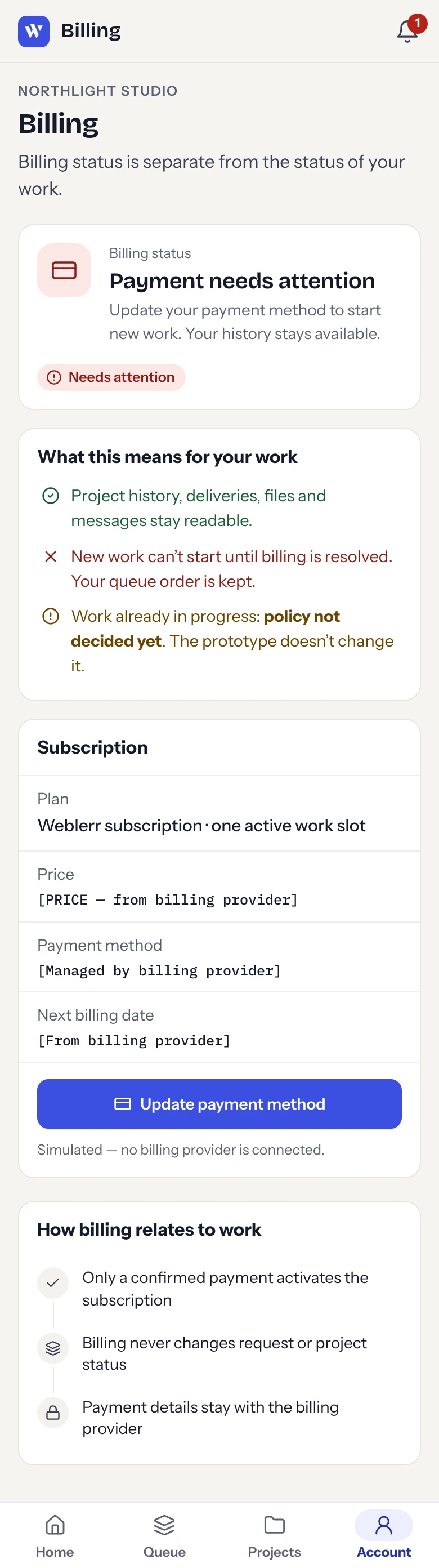
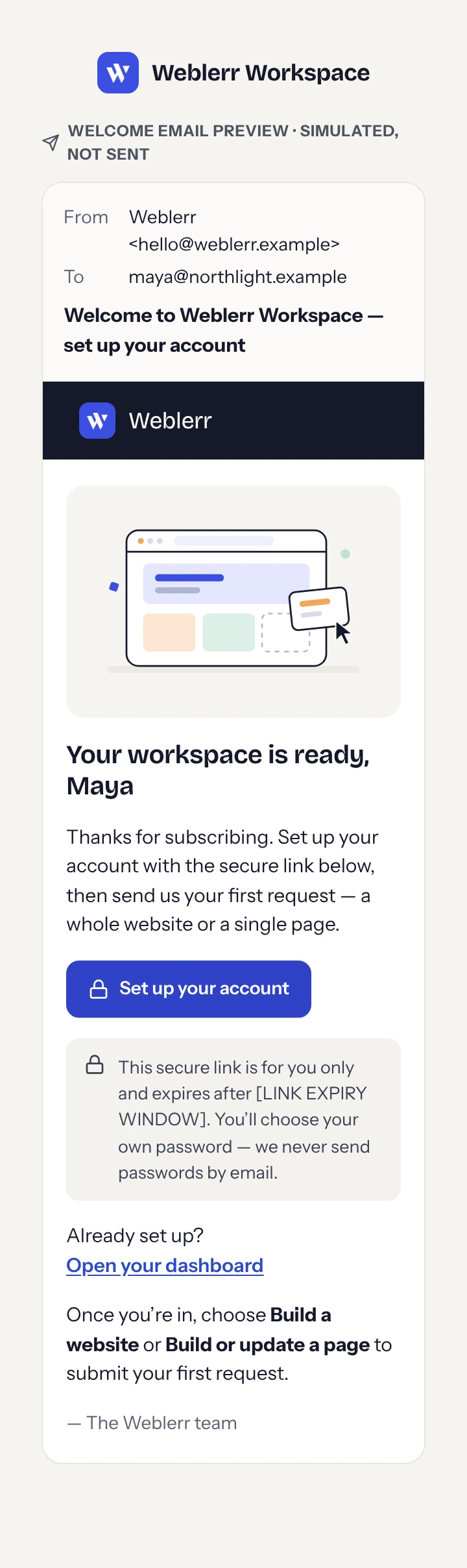
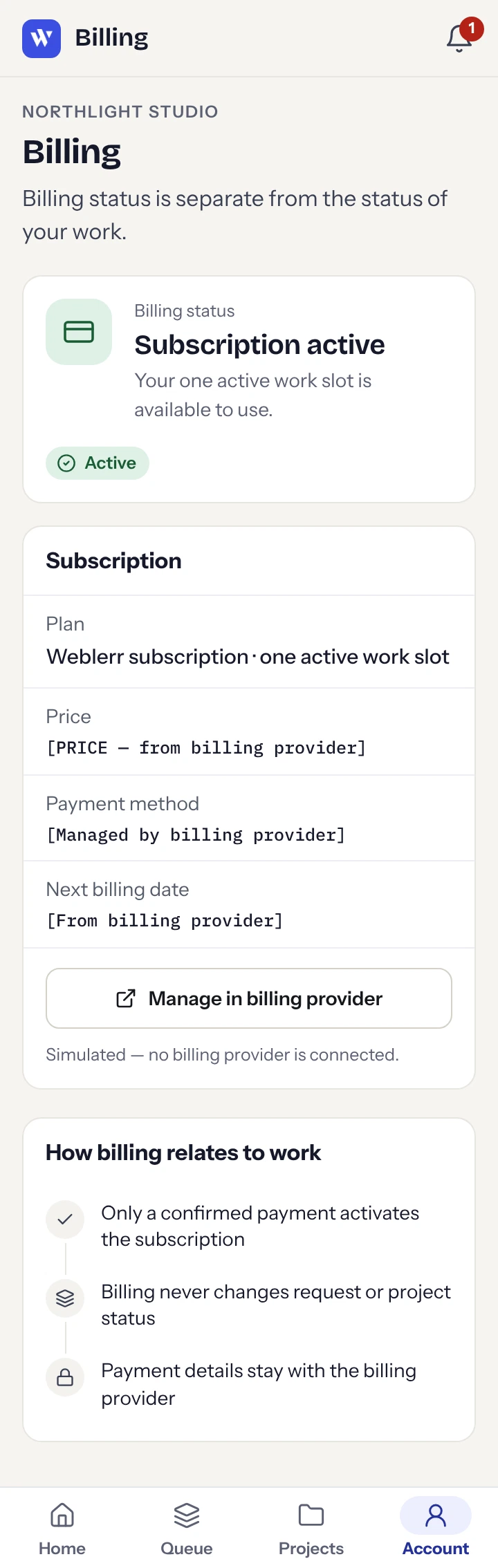
The project’s verification report recorded 11 passing automated browser checks, including checks for the brief, delivery, and switch flows. Sign-in, payments, emails, uploads, and staging links are simulated.
My next step would be to put the prototype in front of prospective clients. I’d ask them to choose a work mode, explain why a request is waiting, and show what they expect to happen after requesting a switch. Their answers would help me refine the labels and settle the remaining service rules as I continue building the live portal.
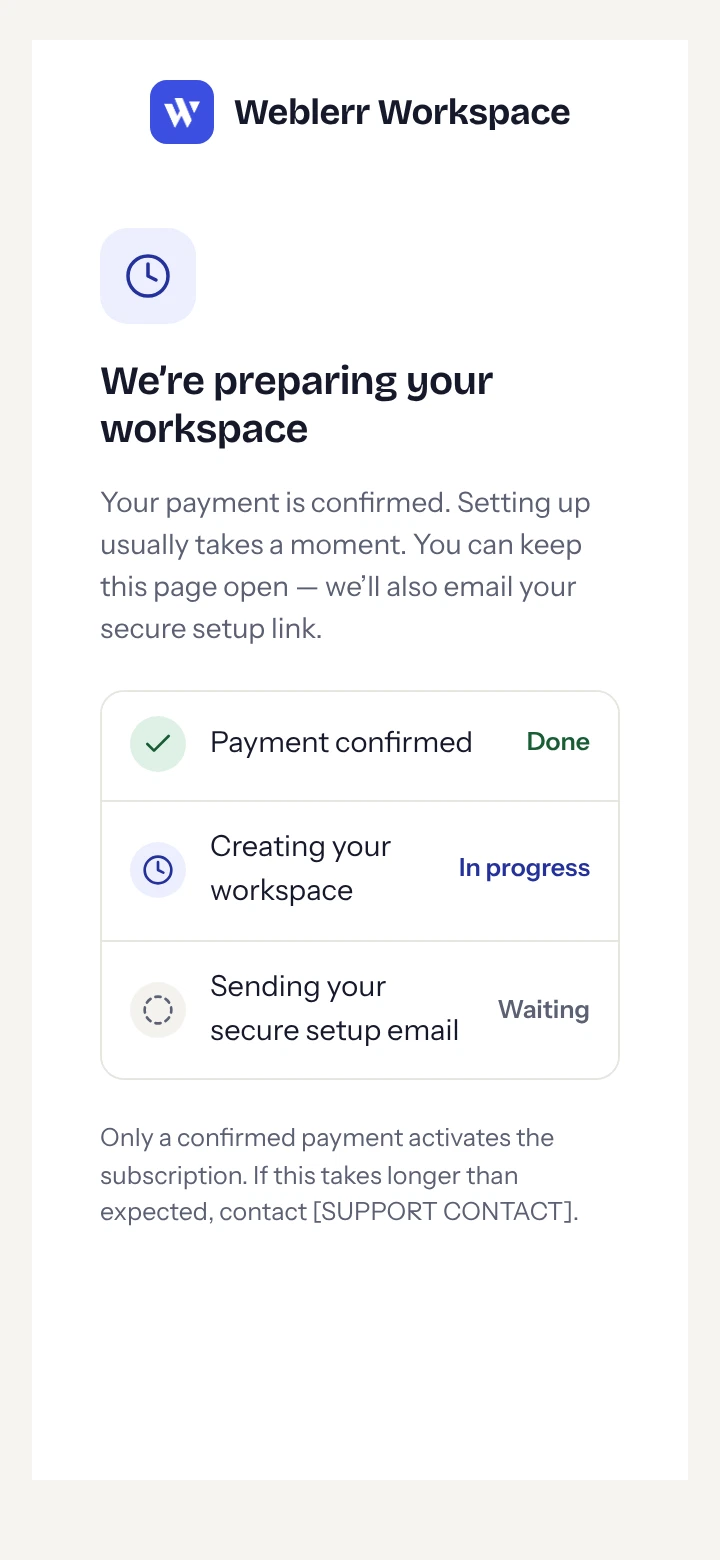
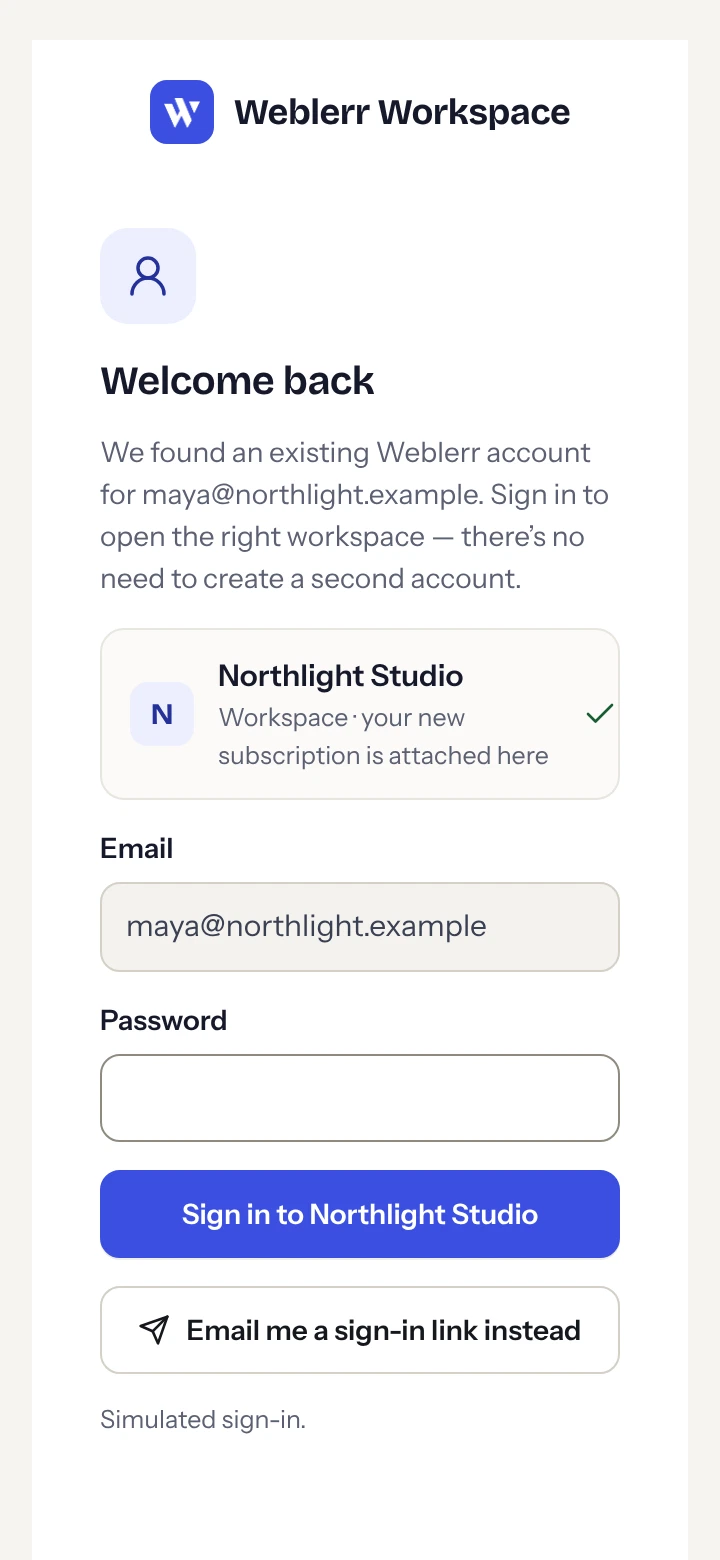
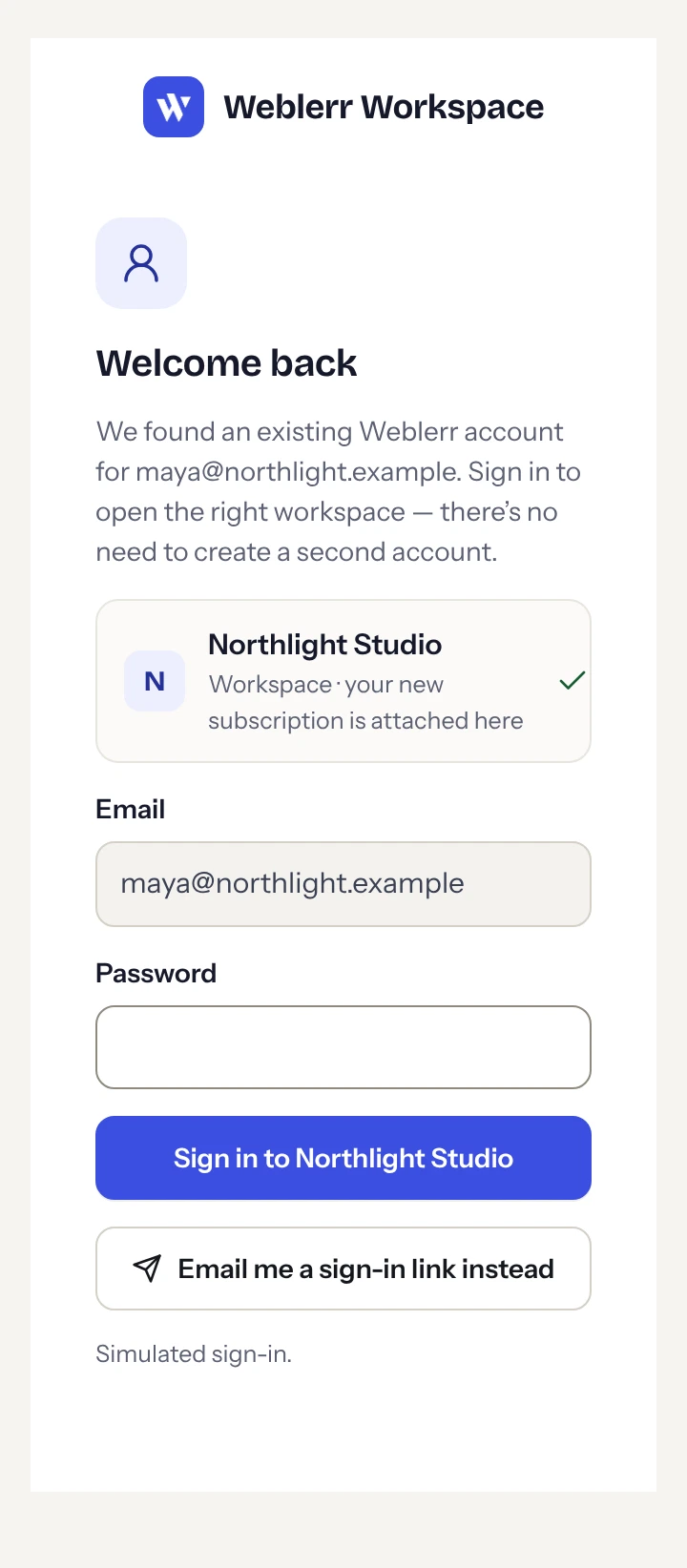
Every supplied screen export is included, from viewport captures to full-page views. Open a group to browse its images. Use “Open at full size” to read long screens in their own tab.
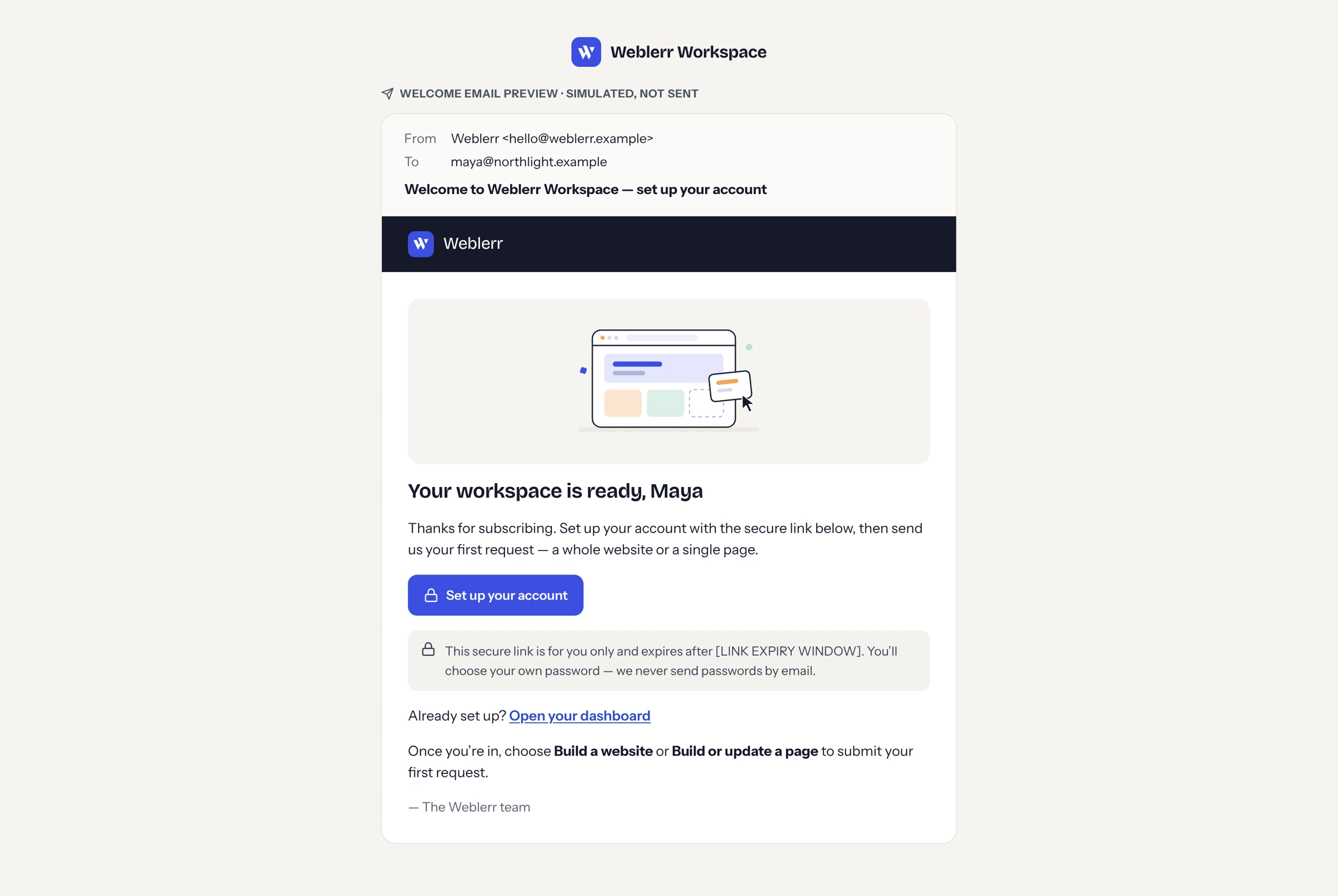
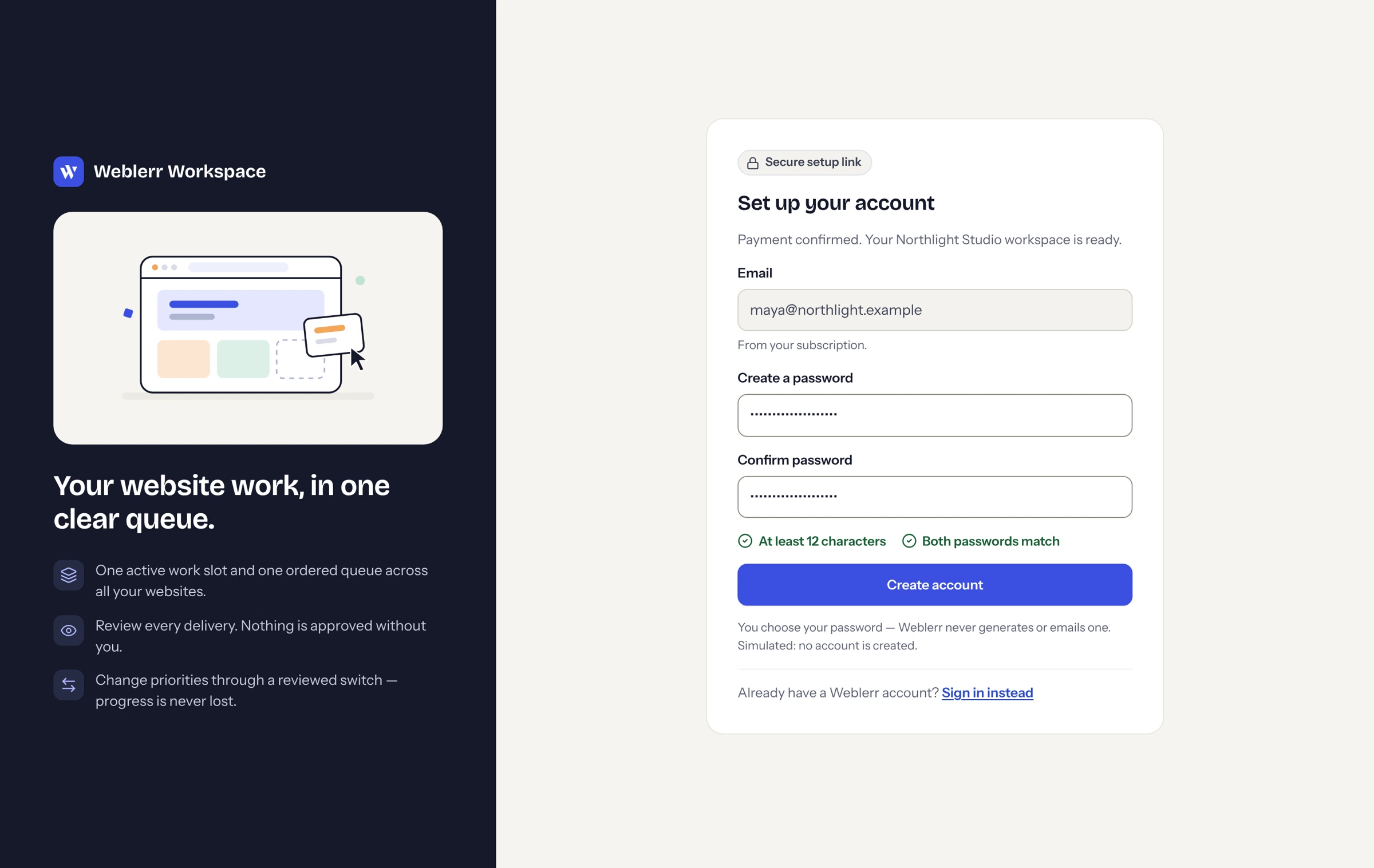
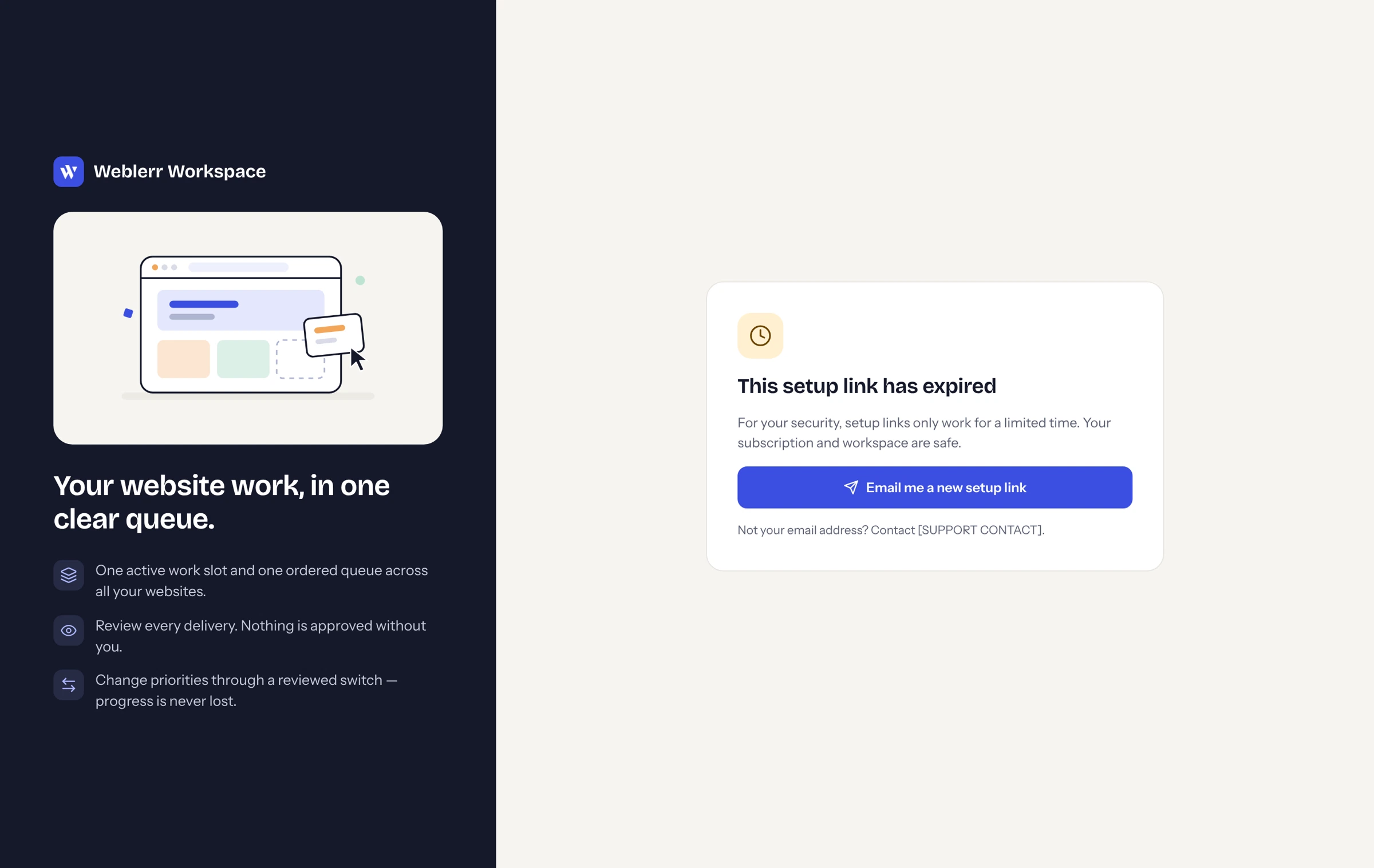
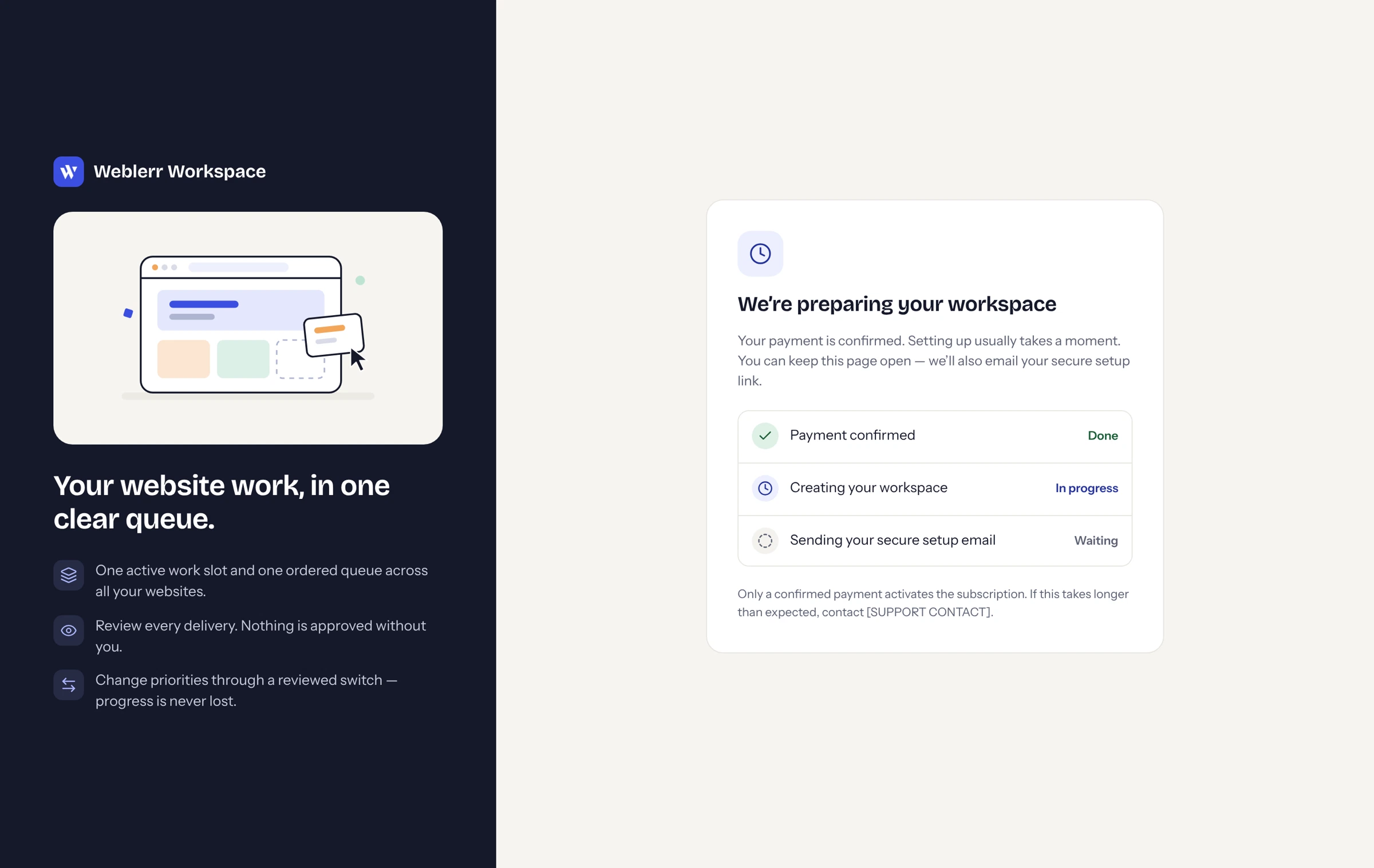



































































































































































































Explore the client and admin journeys using fictional sample data and simulated services.
Explore the prototype